


WordPilot
The intelligent document editor.
Write, review, and finish documents in a native Word-compatible editor with AI that understands your work.
WordPilot
Everything you need to finish a document, with intelligent AI.
A native Word editor
Open, edit, format, and export Word documents in a familiar editor built for real document work.
Dr. Word
Review drafts for inconsistencies, unclear writing, broken references, leftover placeholders, and document-level issues.
Writing help
Rewrite, summarize, translate, and improve your text without leaving the document.
Dr. Word
A second pair of eyes for the whole document.
Dr. Word reviews the document as a whole, helping you catch inconsistencies, broken references, mismatched details, unclear writing, and leftover placeholders before you share it.
Find inconsistencies across the document
Catch broken references and missing details
Review names, numbers, dates, and terms
Spot unclear or risky wording
Find placeholders and unfinished sections
Improve the document before sharing


Dr. Word is available in WordPilot on macOS. Availability on iPad and iPhone may vary as we continue expanding platform support.
WordPilot
NewThe intelligent document editor.
Write, review, and finish documents in a native Word-compatible editor. WordPilot combines professional editing tools with AI that helps you understand, improve, and complete your work.
- Open, edit, format, and export Word documents.
- Review drafts with Dr. Word.
- Rewrite, summarize, translate, and improve text.


PDF Max
The all-new v27 coming soon!The intelligent PDF editor.
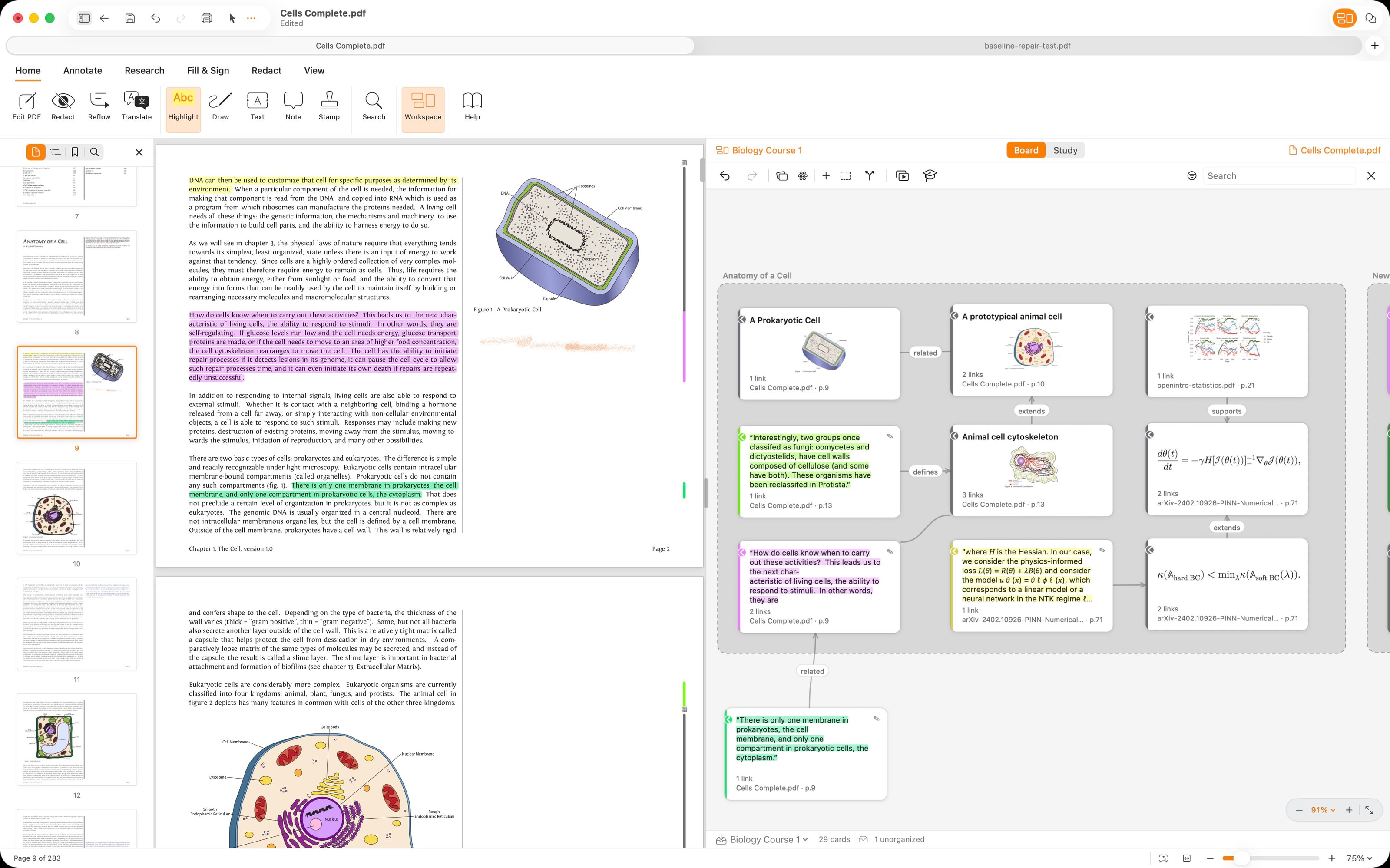
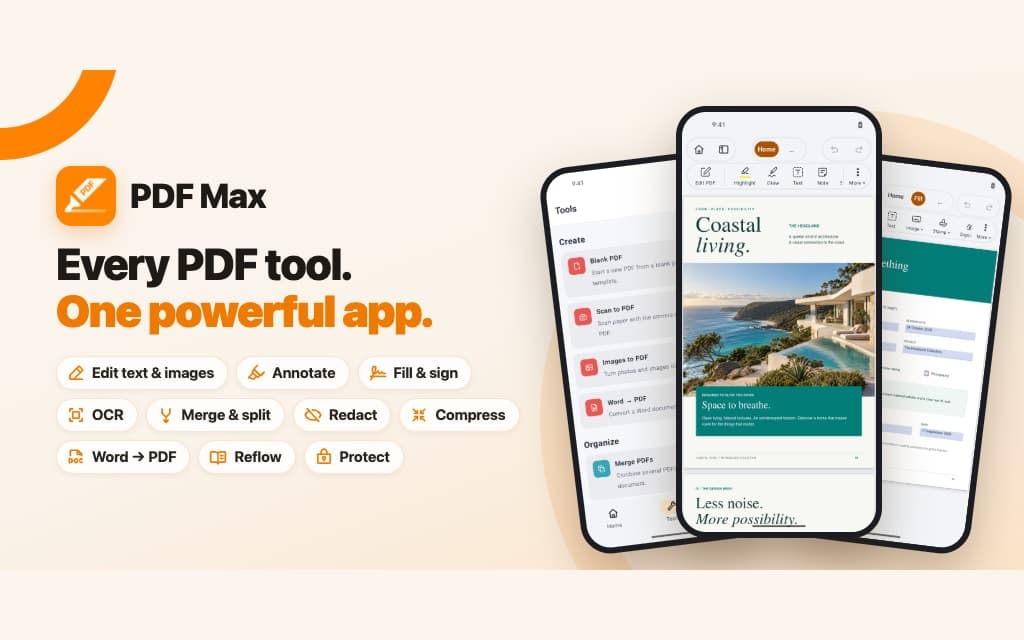
Read, annotate, summarize, and review PDFs with tools built for serious documents. PDF Max helps you understand long files, inspect important details, and work faster across reports, contracts, forms, and research.
Built on the original PDF Max app, launched in 2012 and downloaded more than 10M times, now superpowered by AI.
- Read and annotate PDFs with fast, focused tools.
- Summarize, inspect, and understand long documents.
- Edit, fill, sign, export, and share PDFs.
Document intelligence
AI built into the document workflow.
Built into the editor
AI works where documents happen
Review, rewrite, summarize, and improve your document without switching to a chatbot or copying text out of the editor.
Understands the document
More than sentence-by-sentence help
Dr. Word reviews the document as a whole, helping catch inconsistencies, broken references, mismatched details, unclear writing, and unfinished sections.
Private when it matters
Everyday help can run locally
Use Apple Intelligence where available, or a downloaded local model, for everyday writing, review, translation, and dictionary help.
Native apps
Native on Mac, iPad, and iPhone
Document tools built for Apple platforms, with fast navigation, Apple Pencil support, and workflows that feel at home on every screen.


Draw with Apple Pencil, shapes, and ink — built for touch.
Use cases
Made for the moment you're about to hit send.
Send a clean contract
Dr. Word checks references, defined terms, placeholders, dates, and totals before a draft leaves your hands.
Polish a report
Rewrite for tone, tighten wording, and turn dense paragraphs into bullets with intelligent writing help built in.
Review the whole draft
Use Dr. Word to check cross-references, placeholders, dates, numbering, and totals before sharing.
Finish on the move
Keep editing on iPad with an adaptive ribbon and auto-save back to the file.
Get intelligent document tools on your Mac, iPad, and iPhone.
Start with WordPilot, and explore more Mobeera apps built to help you write, review, and understand documents.