Page organization
Put pages in order, extract the pages you need, and prepare a numbered, correctly sized PDF.
Mobeera Blog
Clear, tested guides for reading, editing, signing, protecting, and finishing documents across Mac, iPad, and iPhone.
Browse product comparisonsPut pages in order, extract the pages you need, and prepare a numbered, correctly sized PDF.
Change real PDF text, recognize scans, and understand searchable text and reflow.
Remove sensitive content, understand flattening, and verify files before sharing.
Complete forms, preserve the working original, and create a stable delivery copy.
Work through papers, citations, equations, translation, and presentation.
Make scans usable, build source-linked Questions, and preserve visual context.
Understand what a PDF is, which format to work in, and how to fix everyday problems.
Showing 1–6 of 49

PDF Max and PDF Max Pro are now on Google Play. Read, annotate, fill, and sign PDFs on Android, with optional Premium tools for editing, OCR, and more.

Add PDF comments to selected passages, reply in a thread, and resolve feedback on Apple devices. Learn how to keep the discussion in your review copy.
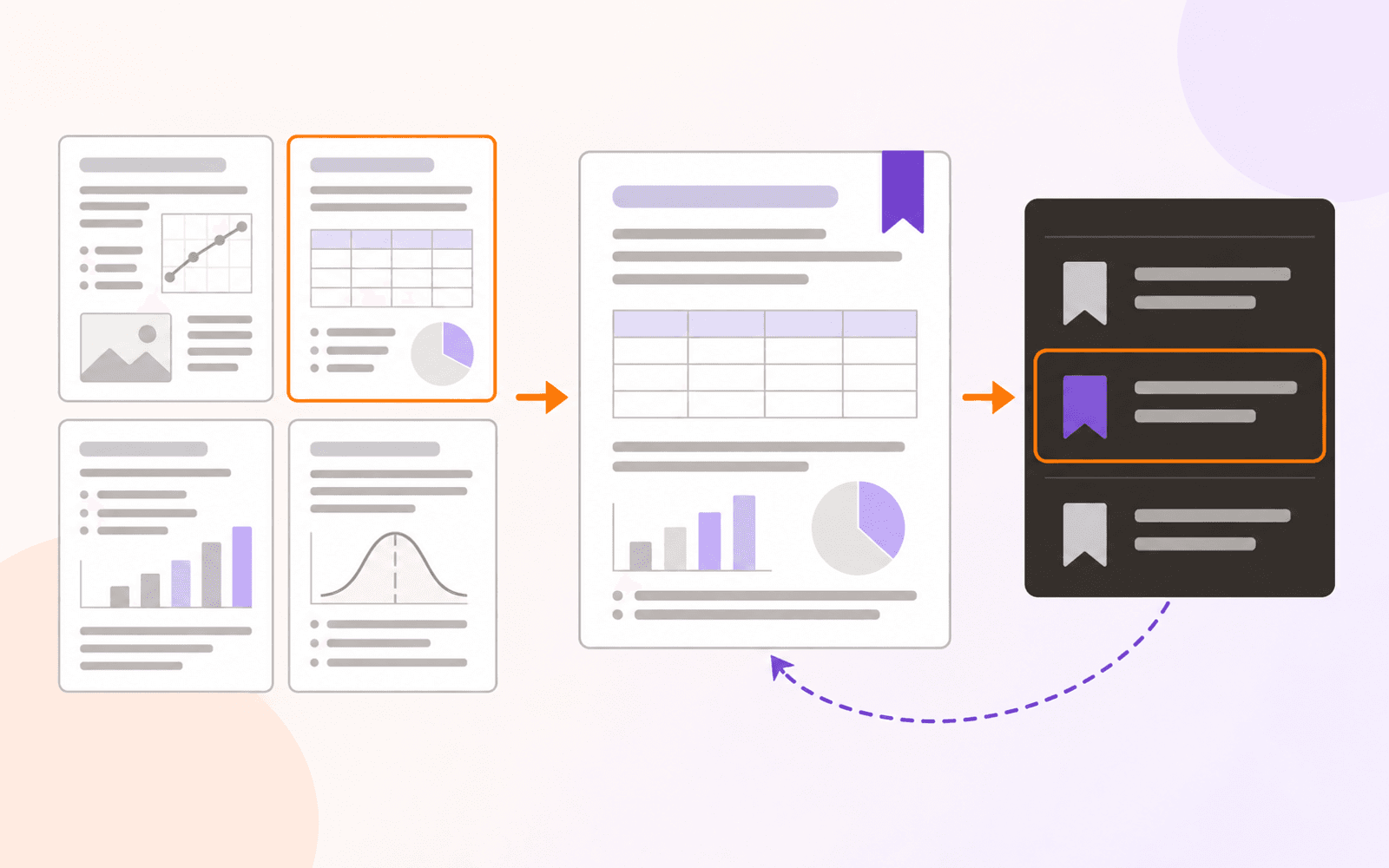
Save and name PDF page bookmarks on iPhone, iPad, and Mac. Learn how to return to key pages and when a shared PDF needs an embedded outline instead.
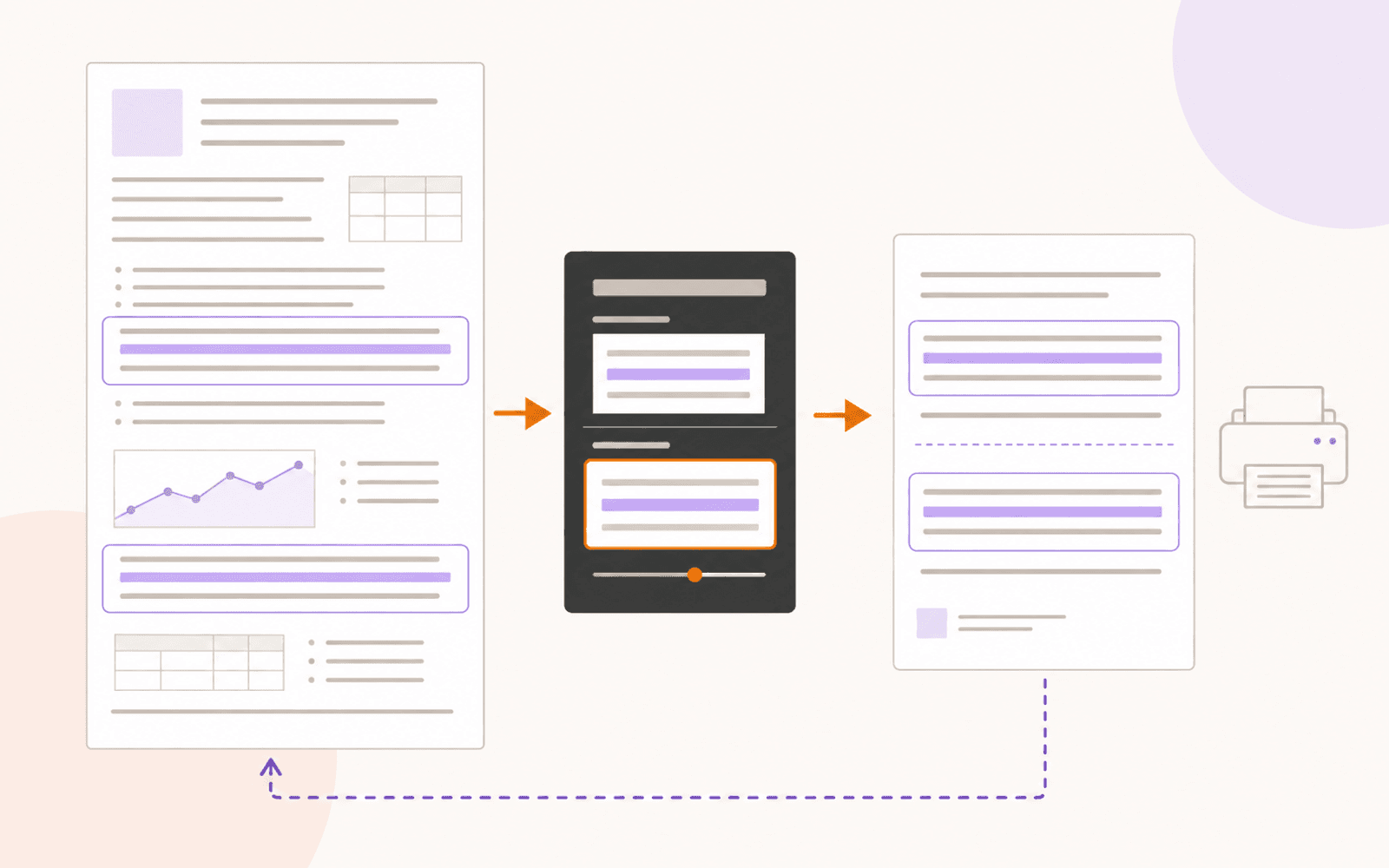
Turn PDF highlights into a compact review copy on iPhone, iPad, or Mac. Adjust context, print or save Focus View, and understand its export limits.
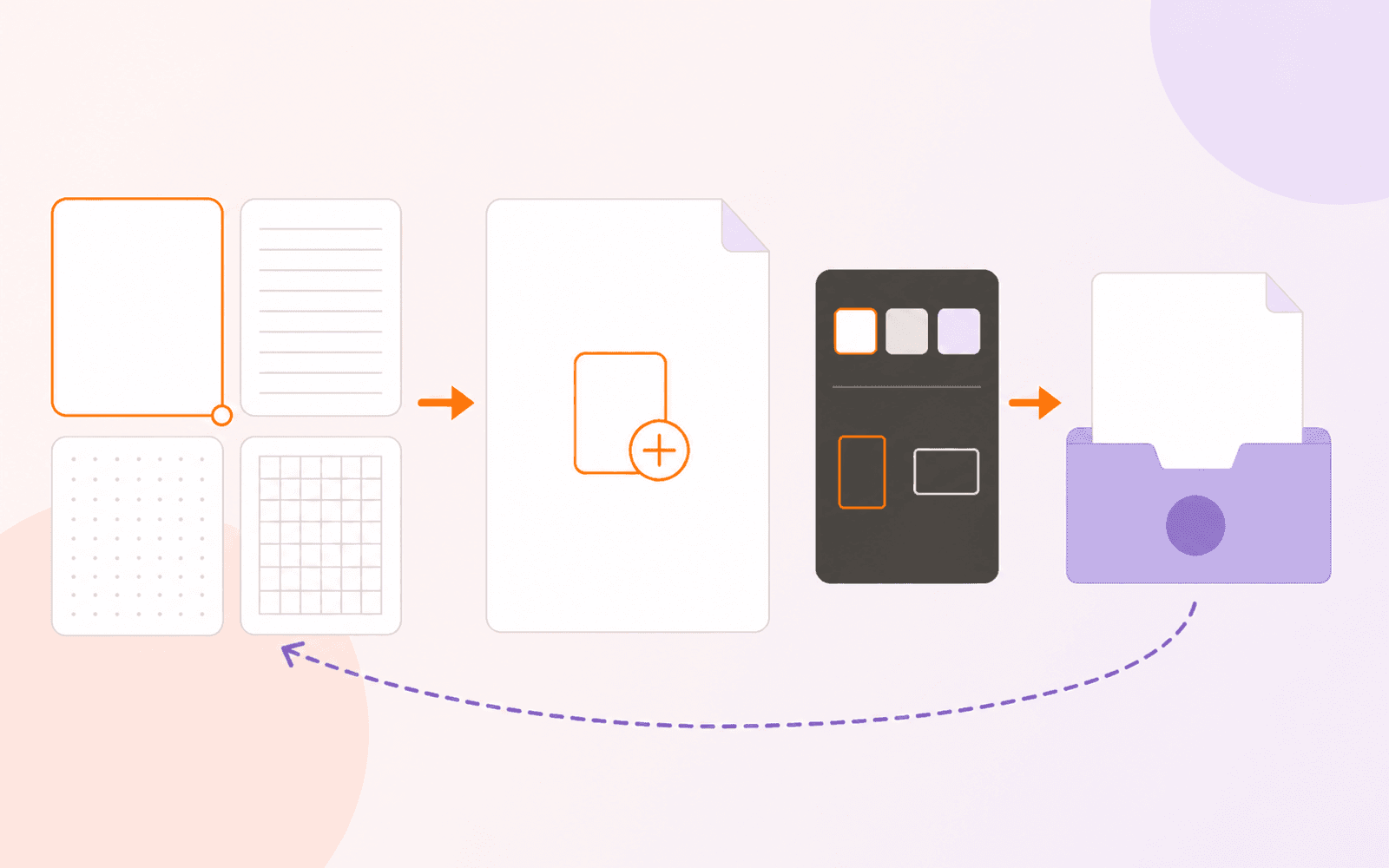
Create a blank PDF on iPhone, iPad, or Mac, choose its paper and size, save it in My Files, and distinguish creation from page insertion.
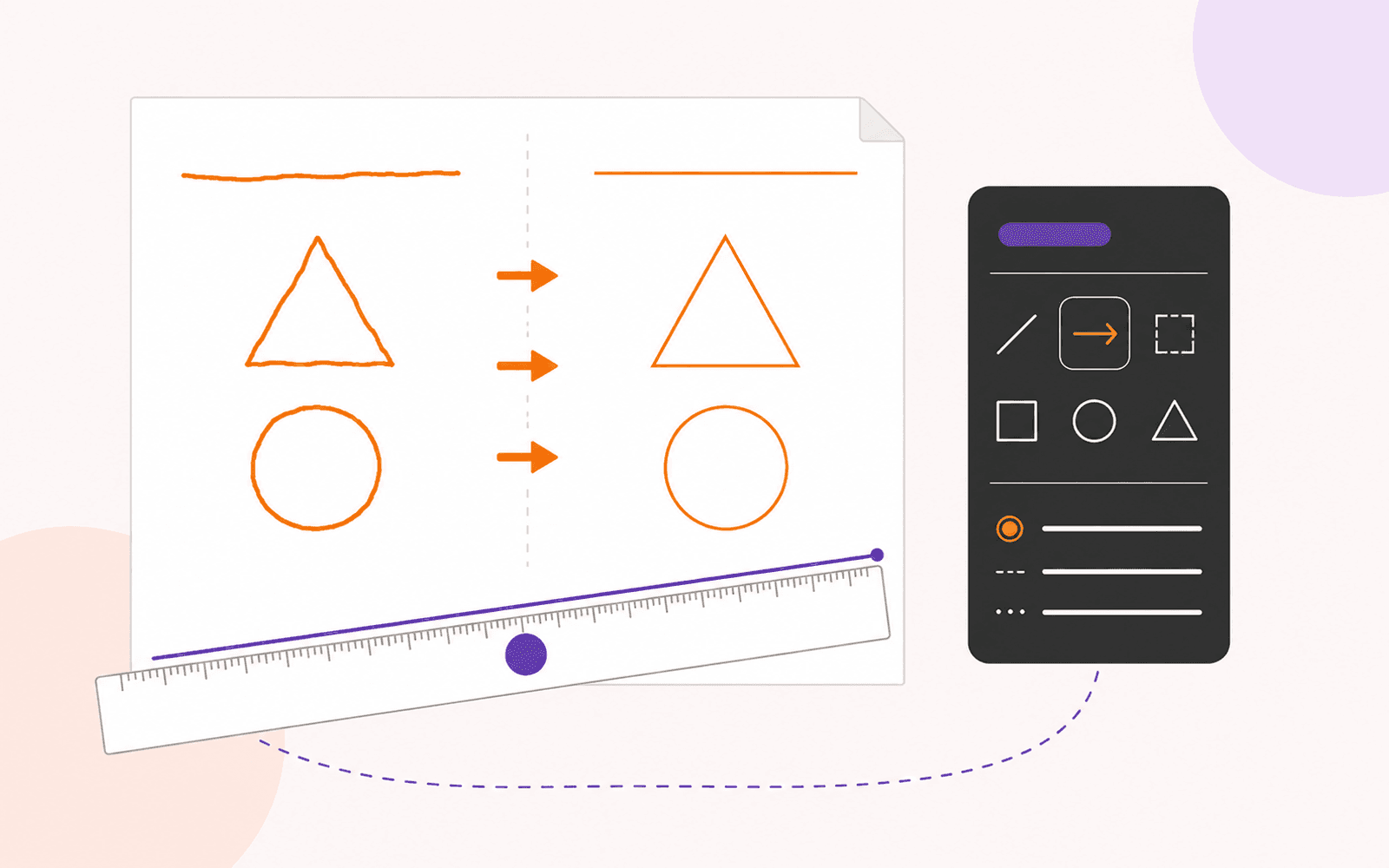
Draw straight lines and clean shapes on a PDF with Snap Shapes, a movable ruler, or precise shape placement on iPhone, iPad, and Mac.
Every published guide, newest first.
Product news
PDF review
PDF navigation
PDF review
PDF creation
PDF annotation
Study tools
PDF search
PDF annotation
PDF organization
PDF editing
PDF organization
PDF organization
PDF protection
PDF reading
PDF organization
Study tools
PDF protection
Study tools
Engineering
PDF forms
Study tools
Study tools
Study tools
Study tools
Study tools
Product news
Study tools
Study tools
Study tools
Buying guides
PDF delivery
PDF reading
PDF security
Student presentations
Study tools
Student research
Student research
Student workflows
PDF fundamentals
PDF fundamentals
PDF protection
PDF fundamentals
PDF protection
PDF translation
PDF forms
PDF OCR
PDF editing
Document review