


Researchers and academics
Build a synthesis you can trace.
Compare papers, preserve passages, tables, figures, and formulas, and return to the exact page before you cite or conclude.
A complete PDF editor and document workspace. Edit, sign, and organize PDFs, turn what you read into connected knowledge, and deliver trusted work without losing the source behind it.
Now on Google Play
Your PDFs, ready for the next step. Read, annotate, fill, and sign on your Android phone or tablet. Go further with editing, OCR, Reflow, and more through optional Premium tools.
Android 11 or later. Research Workspace and Study are available on Mac, iPad, and iPhone.
Meet PDF Max for Android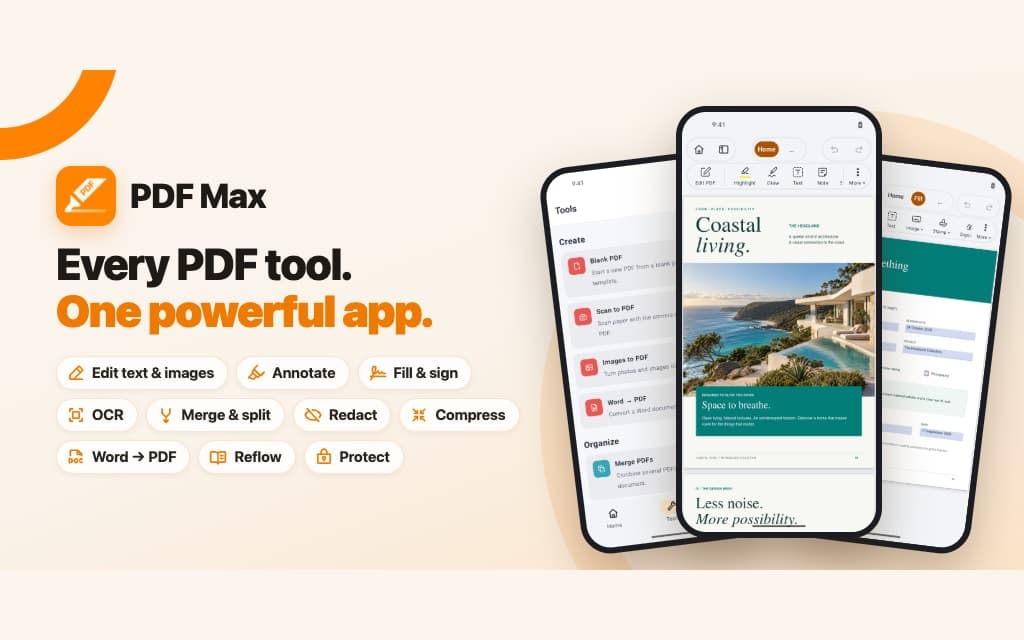
Version 27.5.0 · macOS, iOS, iPadOS
Available on Android · Android 11 or later
Apple App Store US pricing: Free $0 · Pro $9.99 one-time · Premium $49.99/year
Direct answer
PDF Max is the durably source-grounded pdf workspace for serious professional work and learning. Every passage you keep stays connected to the page it came from, so a conclusion, a presentation, or a deliverable can still be checked against its evidence months later. It also contains the complete PDF toolset required to finish the job—creation, editing, annotation, forms, OCR, conversion, organization, redaction, protection, presentation, and delivery.
One durable workflow
Move from source material to connected knowledge, then use that same evidence to study, present, export, or deliver a finished document.
Create, edit, read, annotate, OCR, fill, protect, and organize the source itself.
Turn exact passages and regions into connected, source-linked knowledge.
Practice what you need to remember or shape Frames into a live explanation.
Export, present, save, or share work that still has a path back to its evidence.
The Workspace advantage
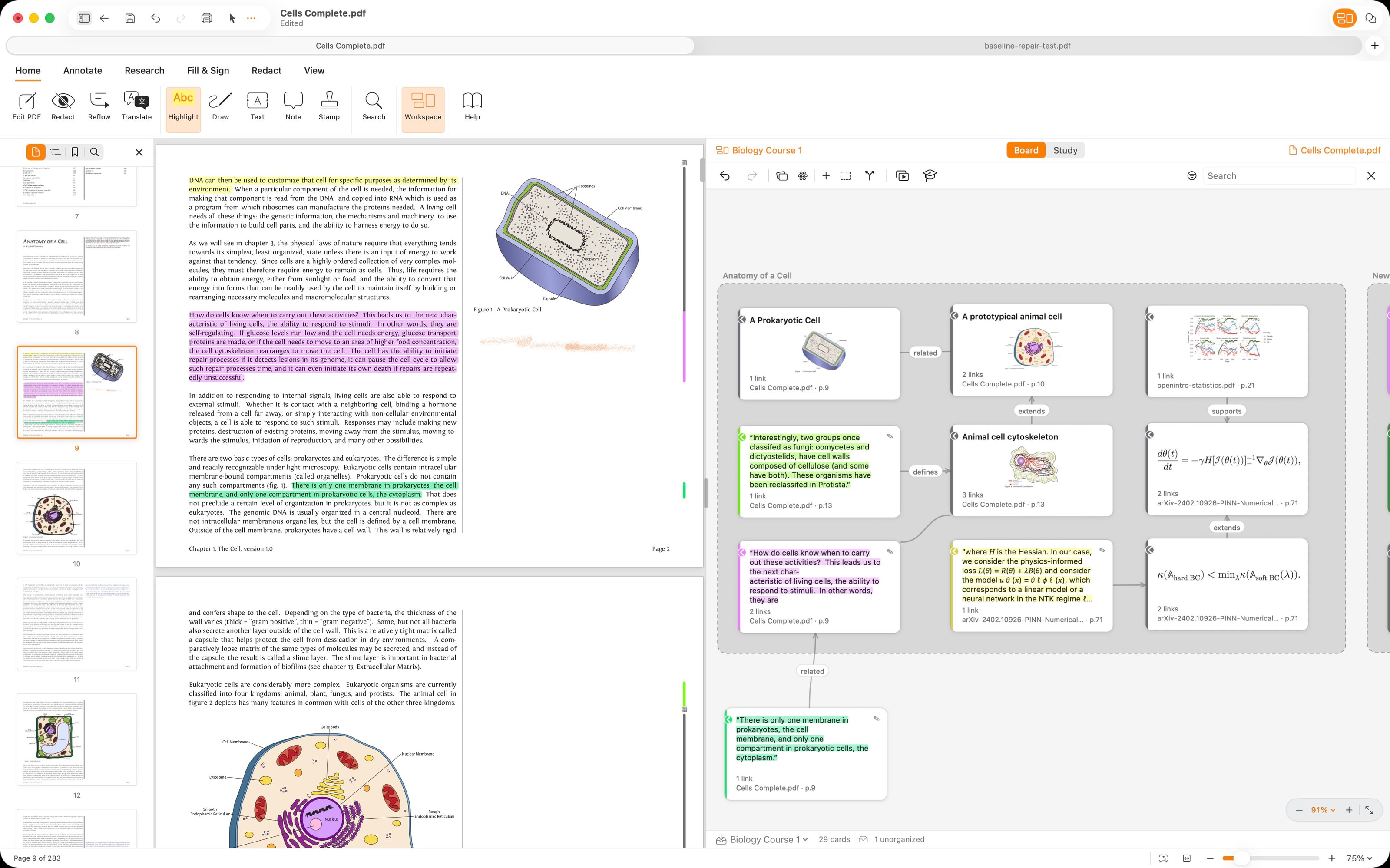
Capture passages, markup, comments, images, tables, formulas, and notes as Cards. Every Card retains a route to its exact page source while you search, tag, filter, connect, arrange, and gather ideas into Frames.
Professional workflows
PDF Max adapts to the work around the document. These are workflows over the same product—not separate editions or disconnected vertical tools.
Researchers and academics
Compare papers, preserve passages, tables, figures, and formulas, and return to the exact page before you cite or conclude.
Legal, policy, and compliance reviewers
Map supporting and conflicting material, review requirements and clauses, then redact or protect the copy you deliver.
Consultants and analysts
Organize multi-document evidence into Frames, explain the reasoning live, and export the same accepted knowledge.
Students and educators
Create Questions from source-linked Cards, practice on a schedule, inspect Progress, and revisit the original explanation.
Individuals and operations teams
Scan, complete forms, edit content, organize pages, sign, optimize, protect, and send the finished PDF.
Study included with Free
Turn source-linked Cards into reviewable Questions, practice on a schedule, inspect Progress, and return to the original evidence whenever an answer needs context.
38 tools. One app.
Start with the outcome you need, then explore every tool for reading, editing, creating, reviewing, presenting, protecting, researching, and studying your PDFs.
Read and understand
Reformat pages, recognize scanned text, listen, translate, and keep your place.
See how it gets done
Turn fixed pages into one reading column.
Read any PDF like a web page.
Research and evidence
A Workspace organizes source-linked Cards beside the PDFs they came from.
See how it gets done
A Workspace keeps your evidence beside its PDF.
Organize source-linked Cards visually.
Free includes one complete Workspace with multiple PDFs, tags, filters, advanced layouts, and synthesis views.
Study and remember
Create Questions from source-linked Cards, study them on a schedule, and check the original evidence.
See how it gets done
Rate each answer to choose when it returns.
Answer Questions and schedule reviews.
Review and decide
Keep markup, comments, drawings, and voice notes beside the page they discuss.
See how it gets done
Add markup and keep comments with it.
Highlight, comment, and resolve.
Present and explain
Present a PDF without editor controls and keep presenter tools available when you need them.
See how it gets done
Present the PDF without editor controls on screen.
Feature proof
Show your PDF full screen.
Forms and signatures
Complete existing fields, reuse saved answers, or add fields to a flat PDF.
See how it gets done
Fill fields, add a signature, and review the result.
Complete and sign an existing form.
Edit and assemble
Edit the existing PDF instead of recreating it in another app.
See how it gets done
Correct existing text or add a new text box.
Retype words right on the page.
Create and optimize
Scan paper, convert files, combine documents, reduce file size, and standardize page dimensions.
See how it gets done
Capture, clean up, and combine pages into a PDF.
Scan paper with your camera.
Free and Pro allow 2 pages; Premium removes the limit and adds searchable text.
Protect and deliver
Permanently redact content, control access with a password, or save a fixed sharing copy.
See how it gets done
Delete private content instead of covering it.
Remove sensitive content for good.
Applying redactions cannot be undone once the file is saved.
Local control. Verifiable sources.
Your documents and accepted knowledge remain usable without cloud AI. Core document processing, accepted Workspace knowledge, and Study history stay under your control on supported devices.
Move from a Card or Question back to the exact supporting page and passage.
Core OCR, translation, scanning, compression, conversion, and protection workflows run locally.
AI-assisted Question drafts are reviewed before saving and never replace manual authoring.
Create, edit, connect, practice, present, and deliver without a required cloud AI workflow.
Free, Pro, and Premium
The documents you open and edit carry no page, document, time, or per-action quotas on any plan, and nothing is watermarked. Building a new document from camera captures or images is the one capped workflow: Free and Pro make documents of up to 2 pages.
Included with PDF Max
$0 No charge
Complete everyday PDF work, including one full multi-PDF Workspace and the complete Study workflow, without a paywall when you save.
Included with the PDF Max Pro app
$9.99 One-time purchase
Save and reuse signatures, reorganize pages, and export Workspace research to Markdown.
Subscription in PDF Max or PDF Max Pro
$49.99 Per year
Multiple editable Workspaces, rich research export, content editing, document understanding, authoring, conversion, OCR, optimization, and protection.
Practical guides
Find direct guidance for editing and OCR, privacy and protection, forms and delivery, and evidence-backed research and learning.
Change real PDF text, identify scans, and verify the edited copy before sharing.
Topic clusterChoose permanent redaction instead of a visual cover, then verify the released copy.
Topic clusterComplete an existing form, add a one-time signature, and verify a stable delivery copy.
Topic clusterRead complex papers, organize sources, create Questions, and return to the evidence.
PDF Max across your devices
Read, edit, and finish PDFs on Mac, iPad, iPhone, and Android. Explore Research Workspace and Study on Apple devices.