PDF Max for Android is here
PDF Max and PDF Max Pro are now on Google Play. Read, annotate, fill, and sign PDFs on Android, with optional Premium tools for editing, OCR, and more.
Direct answer
Is PDF Max available for Android?
Yes. PDF Max and PDF Max Pro are now available on Google Play for phones and tablets running Android 11 or later. Read, annotate, fill, and sign PDFs, then save or share your work. Pro includes page organization and reusable signatures; advanced tools such as editing, OCR, and Reflow require an optional Premium subscription in either edition.
PDF Max and PDF Max Pro are now available on Google Play. We’re bringing our PDF reader and editor to Android phones and tablets, with tools for the documents you read, review, complete, and send every day.
Open a report on your phone, highlight the passages you need to revisit, or fill in a form on your tablet. When a document needs more work, optional Premium tools take you into editing, OCR, conversion, and protection. The aim is straightforward: keep the steps from opening a PDF to sharing the finished file together in one app.
Read, mark up, and keep your place
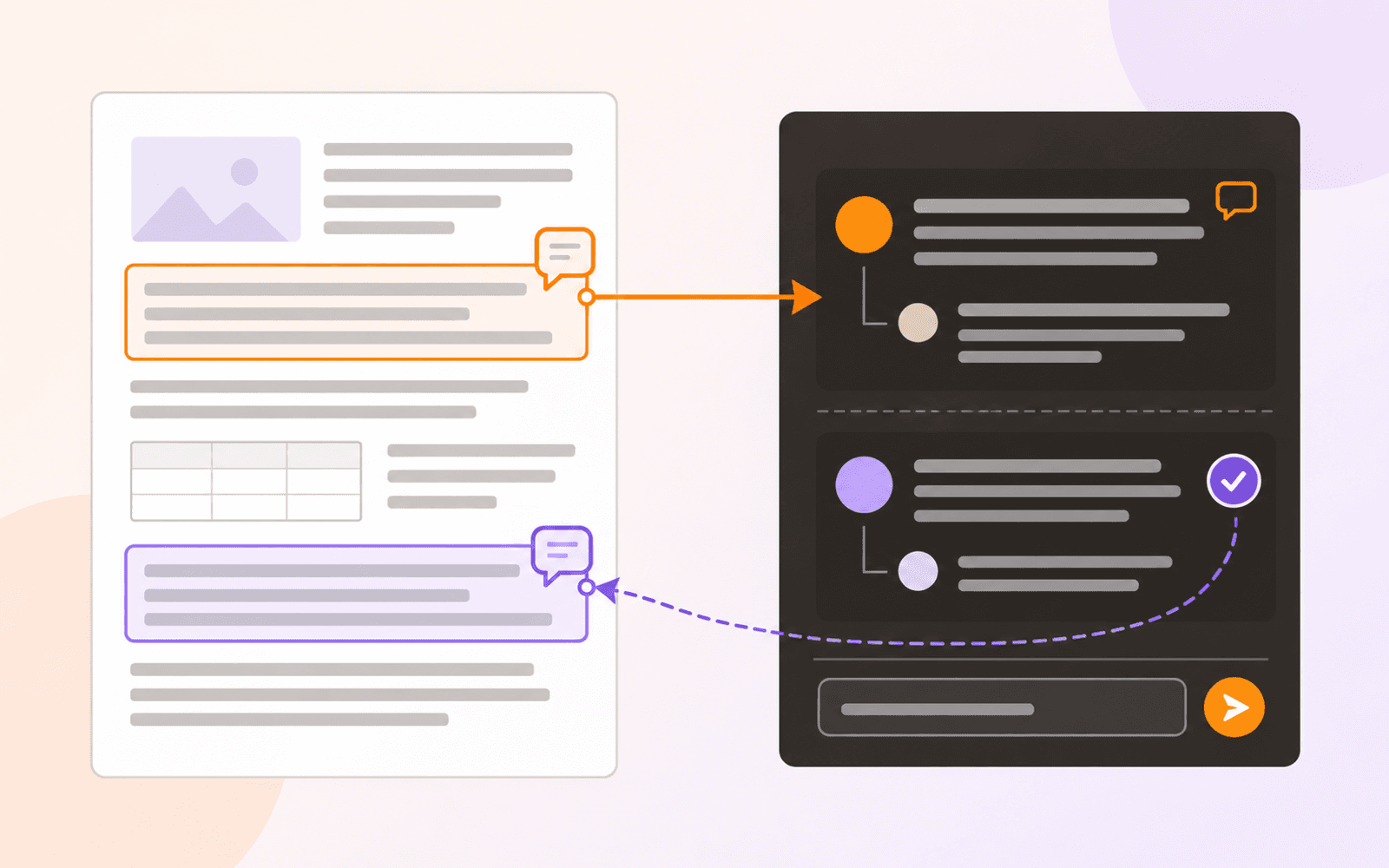
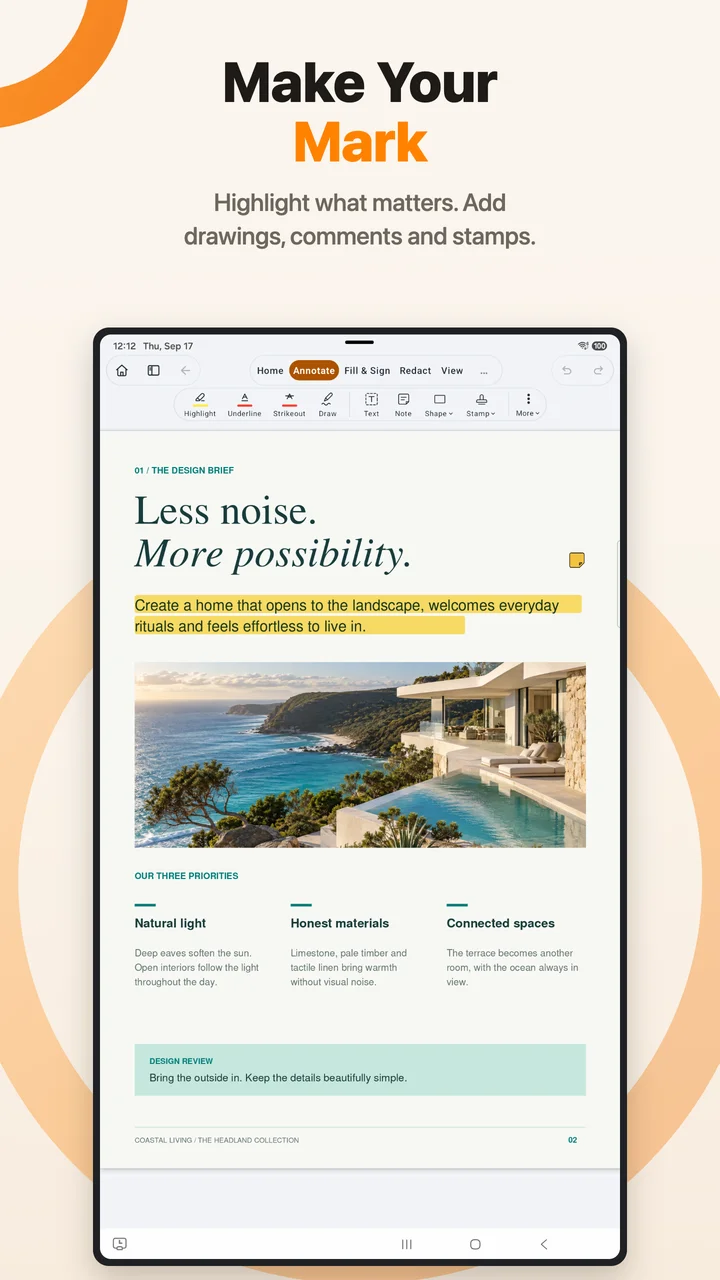
A useful PDF reader helps you return to the details that matter. Search for a phrase, navigate bookmarks, and move through your document. Highlight a passage, underline text, draw on the page, or add a comment where someone needs to take another look.
We’ve built the Android interface around a compact ribbon that keeps document tools close while leaving room for the page. On a phone, that means quick access during a review. On a tablet, you have more space to read the surrounding material and work through longer documents.
The annotation tools are useful for everything from a design brief to a reading assignment. Your notes stay with the page they refer to, so the next review starts with the document and your earlier thinking together.
Give long documents room to breathe
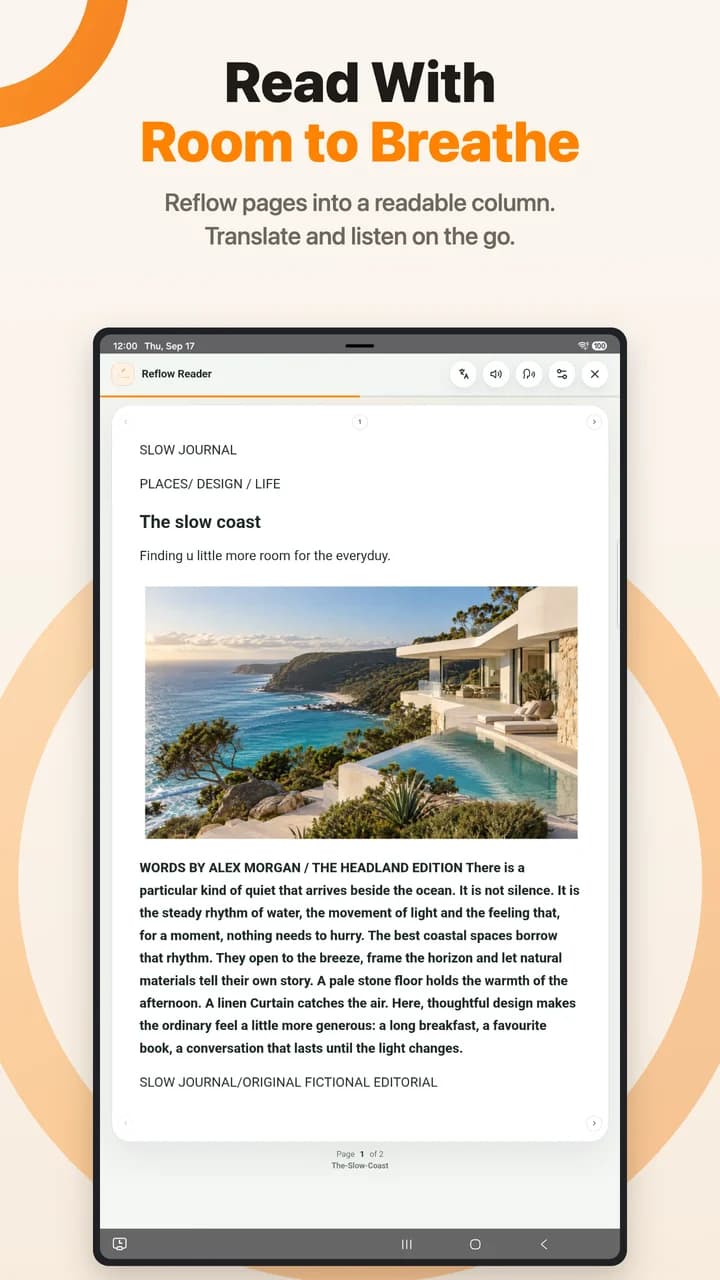
A PDF designed for a full-size page can be awkward to read on a small screen. Reflow turns supported PDF content into a continuous reading view, reducing the need to move back and forth across a fixed page.
It’s a different way to spend time with a long article or report when reading matters more than matching the original layout. You can return to the PDF page when you need the document’s exact presentation. Reflow is one of the advanced tools available with an optional Premium subscription.
Fill it, sign it, send it
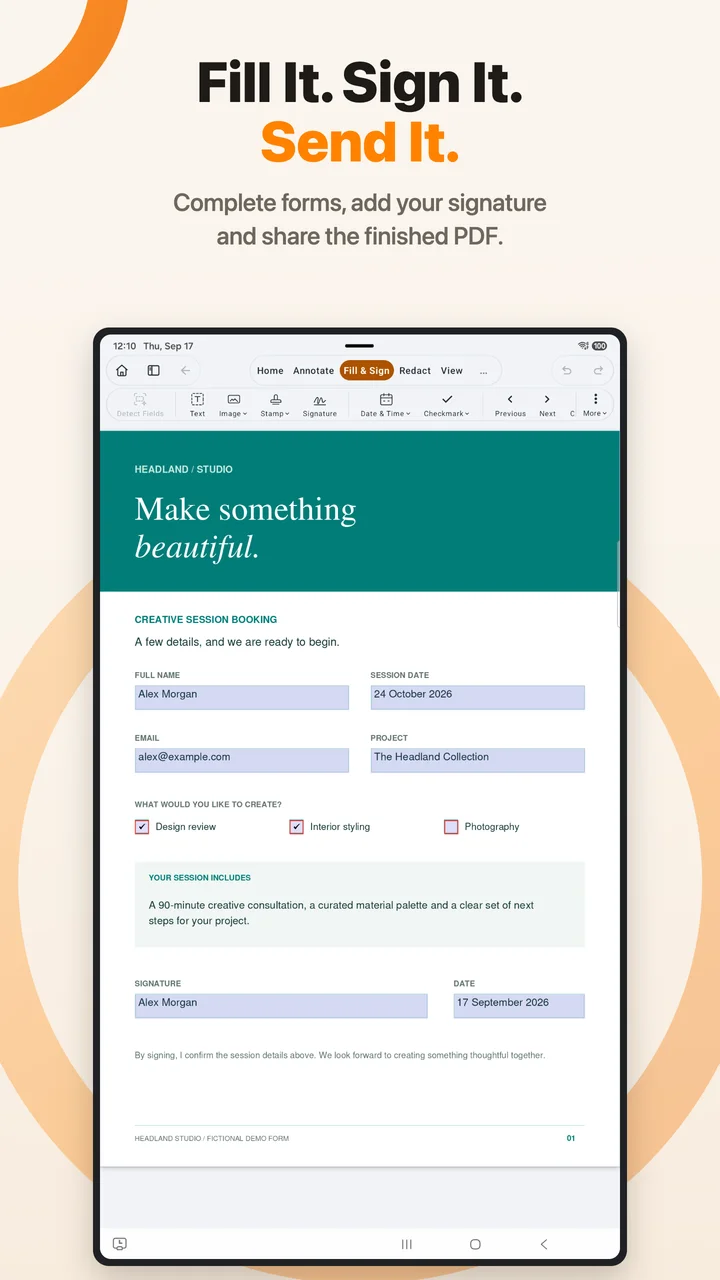
Everyday paperwork should be manageable wherever you are. Complete standard PDF forms, add your signature, and save or share the result without printing a copy just to fill it in.
Use it for an application, a booking form, or an agreement that needs your details. PDF Max Pro also includes a reusable signature library, so signatures you use regularly are ready for the next document.
Before sending, take a moment to review the completed pages. The same app lets you read the finished document and share it through your device’s available destinations.
Bring paper in and put pages in order
Scan paper documents or turn photos into a PDF. Basic scanning and image-to-PDF creation support up to two pages per document; Premium removes that page limit.
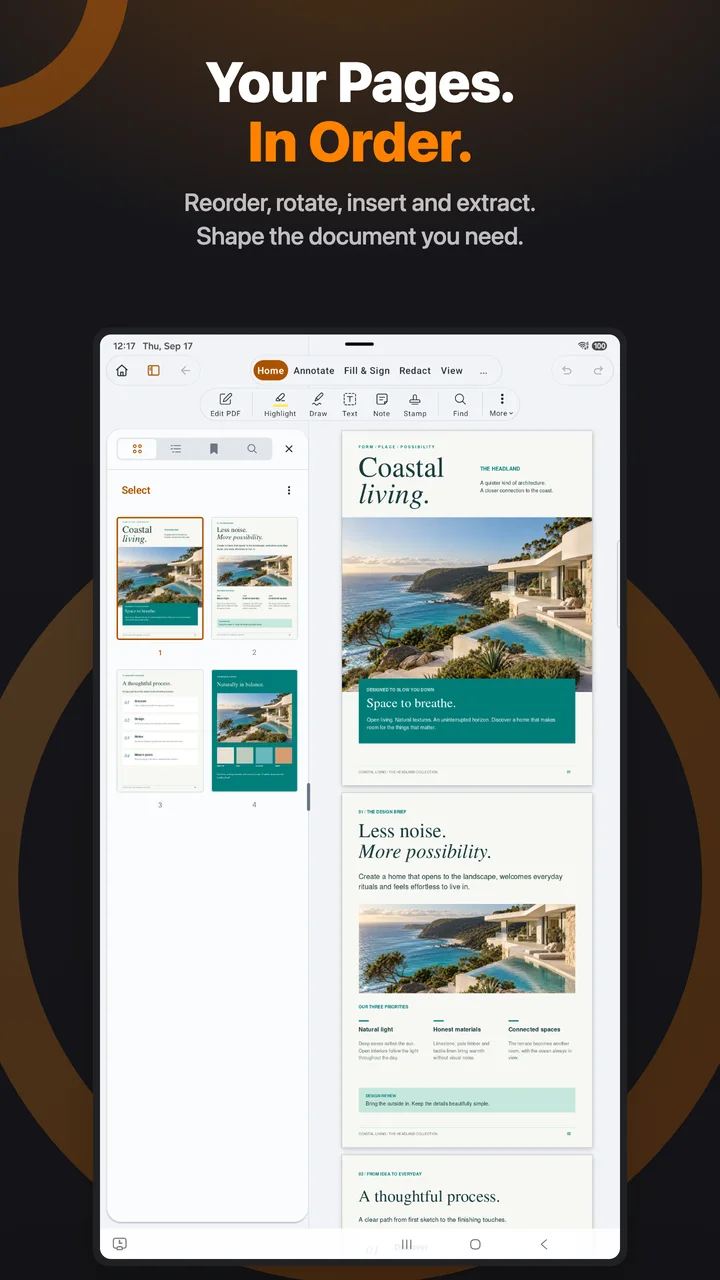
Page organization helps you prepare a document for someone else to read. Reorder and rotate pages to get the sequence right, then check the result before sharing. These organization tools are included in Pro and are also available through Premium in PDF Max.
For larger jobs, Premium adds tools to merge PDFs, split a document, extract pages, and replace pages across files. You can assemble the material you need without keeping unnecessary pages in the final copy.
Go further with Premium
When reading and markup are only the beginning, an optional Premium subscription unlocks advanced document work in either edition:
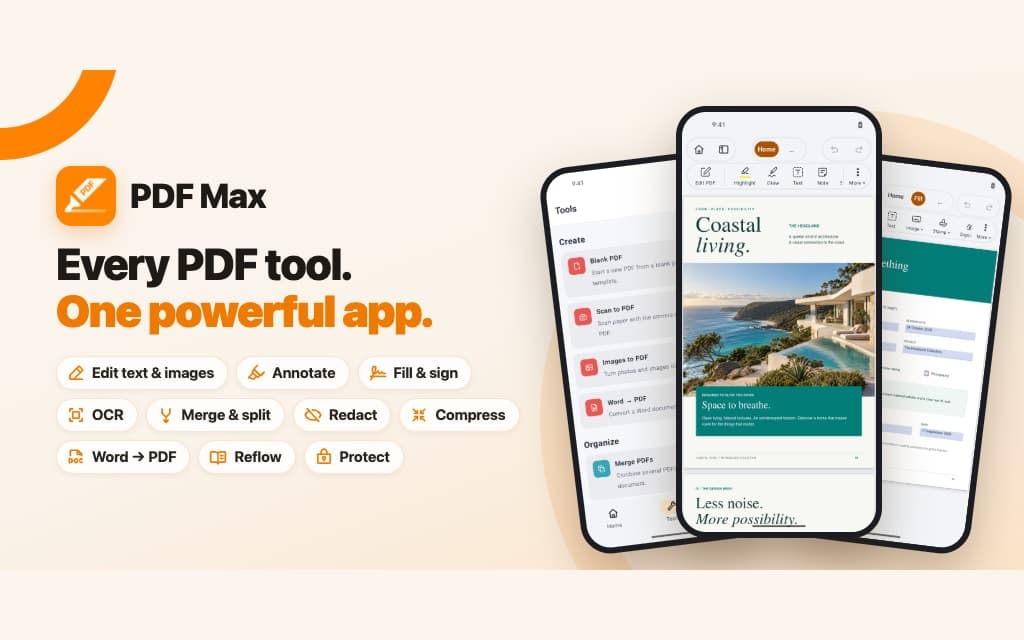
- Edit PDF text, images, and links, and create interactive form fields.
- Recognize text in scanned pages with OCR.
- Edit Word documents and convert them to PDF.
- Redact sensitive content, compress PDFs, and set an opening password.
- Resize pages, add page numbers, and edit document outlines.
Choose your Android edition
PDF Max is the starting point for reading, annotation, filling forms, and signing. Add Premium when you need the advanced tools.
PDF Max Pro includes Pro features, including page organization and reusable signatures. Premium is a separate, optional subscription and is not included with the Pro app purchase. Available plans and local prices are shown before purchase.
Both editions support Android 11 or later on compatible phones and tablets. Research Workspace and Study remain available on Mac, iPad, and iPhone; they are not included in the Android release.
We’re glad to bring PDF Max to more of the devices you use. Start with a document you need to finish today: