One-line description
The durably source-grounded PDF Workspace for serious professional work and learning.
Official press kit · PDF Max 27.5
Current product facts for reviewers, journalists, and partners, alongside screenshots and videos captured for PDF Max 27.1. These existing assets do not demonstrate the new 27.5 tools.
Quick downloads
Download a prepared bundle or choose individual files below. Every image is supplied at its original production resolution. A machine-readable manifest lists every file with its dimensions and SHA-256 checksum.
At a glance
Product details and ready-to-use descriptions for your coverage of PDF Max.
The durably source-grounded PDF Workspace for serious professional work and learning.
A complete PDF editor and document workspace. Edit, sign, and organize PDFs, turn what you read into connected knowledge, and deliver trusted work without losing the source behind it.
Brand assets
Use the rendered app icon for product listings and the vector mark where a scalable, mark-only treatment is appropriate.

Scalable SVG artwork for layouts that require the product mark without the app-icon treatment.
Download SVG
Editorial images
Prepared landscape artwork for reviews, announcements, link cards, and feature coverage.
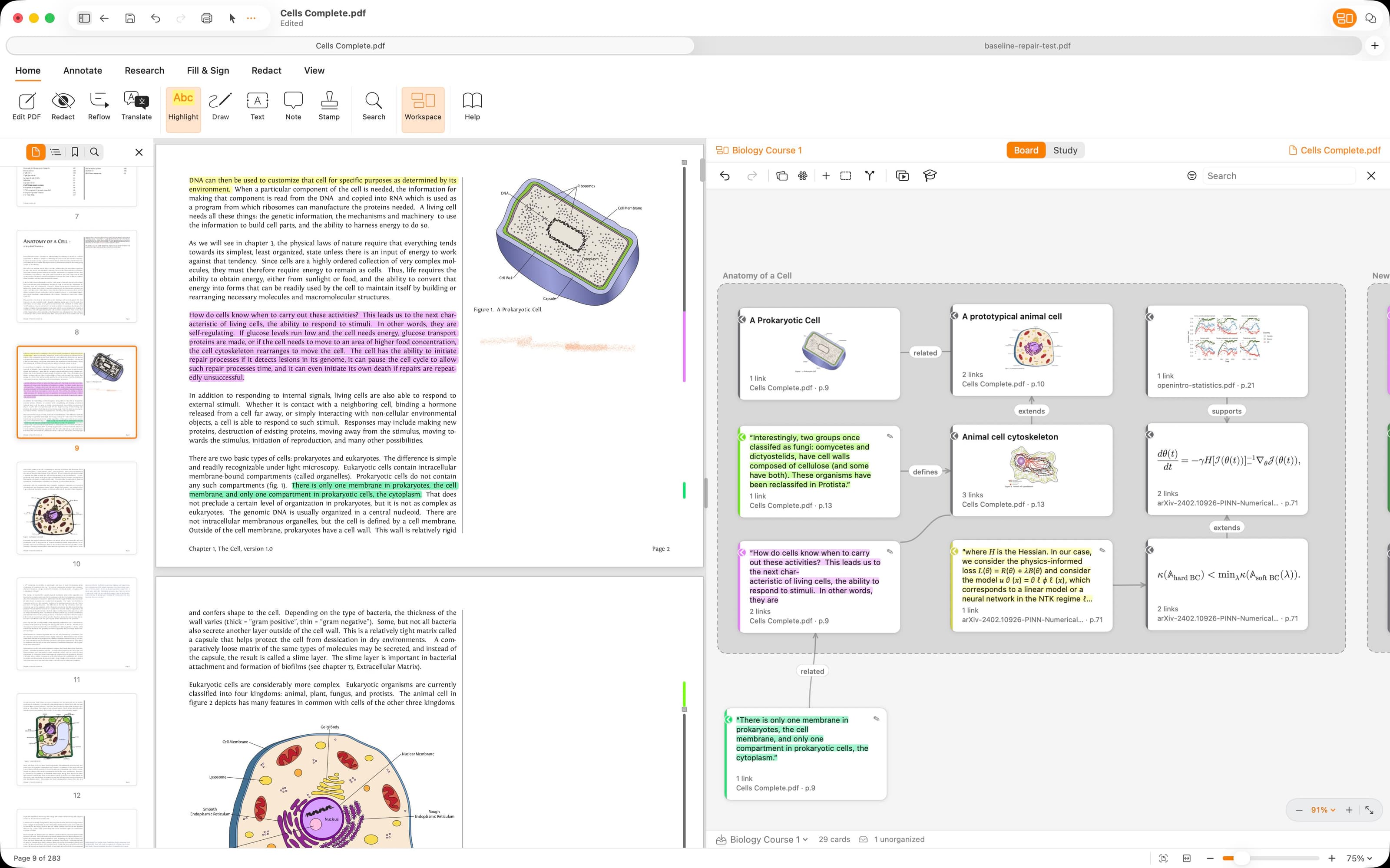
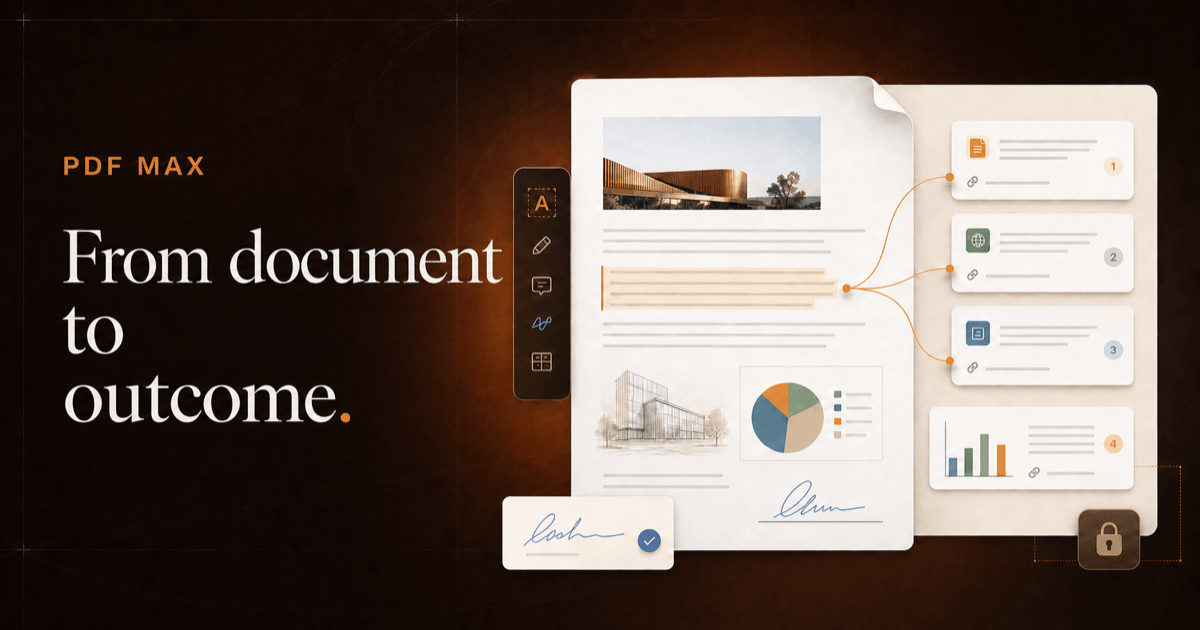
A wide editorial image showing a source-linked workspace beside the PDF.
Download image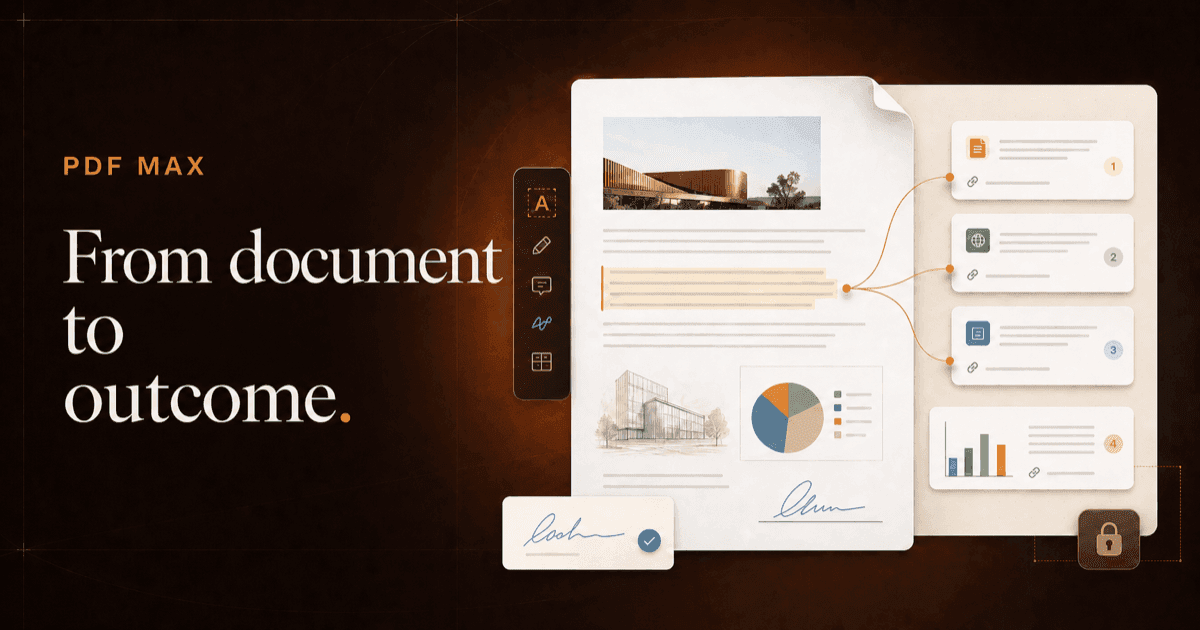
A 1200 × 630 landscape image for articles, social posts, and link cards.
Download imageFeatured screenshots
PDF Max 27.1 captures covering the editor, signing, scanning, Voice Notes, Workspaces, and Study.
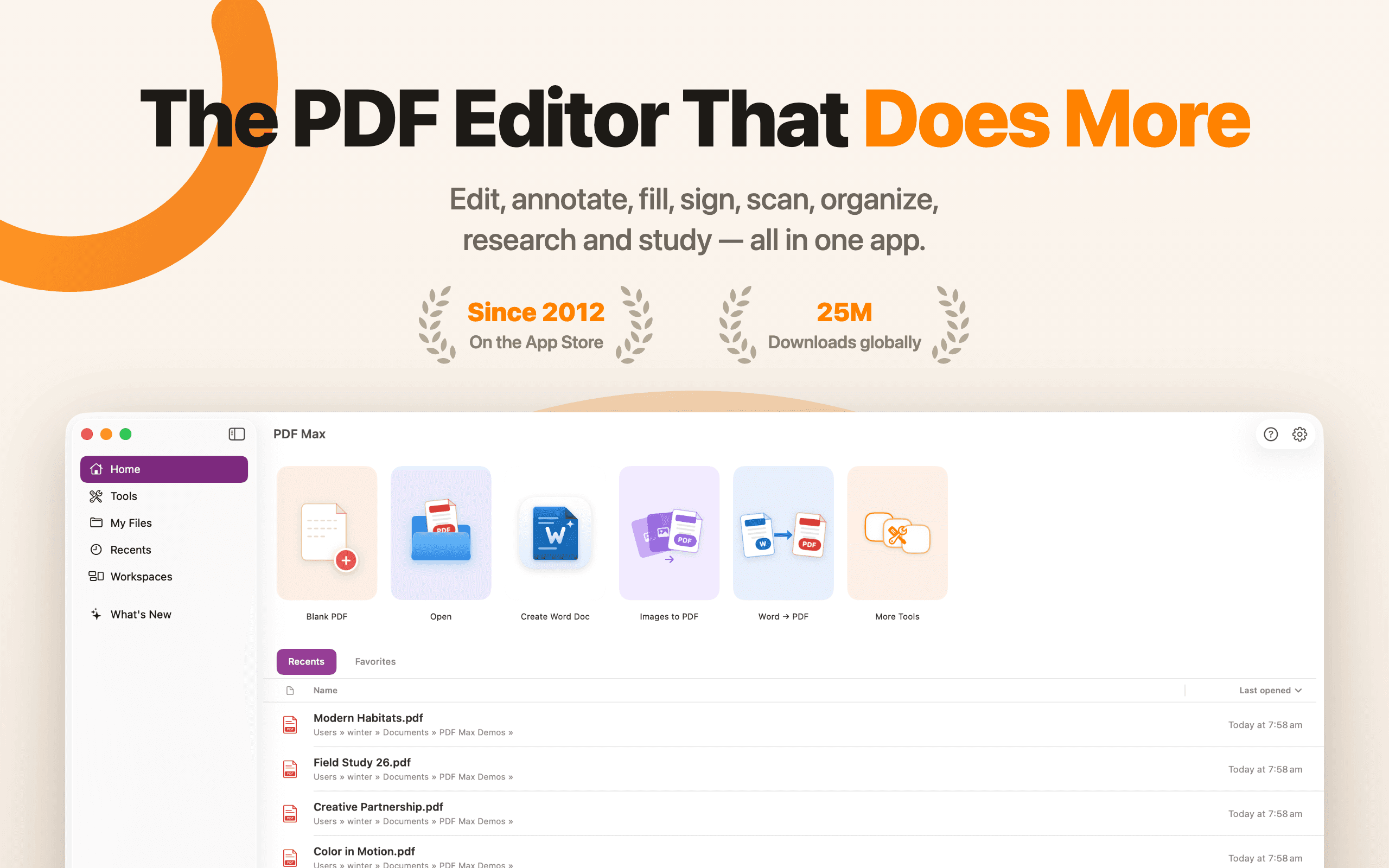
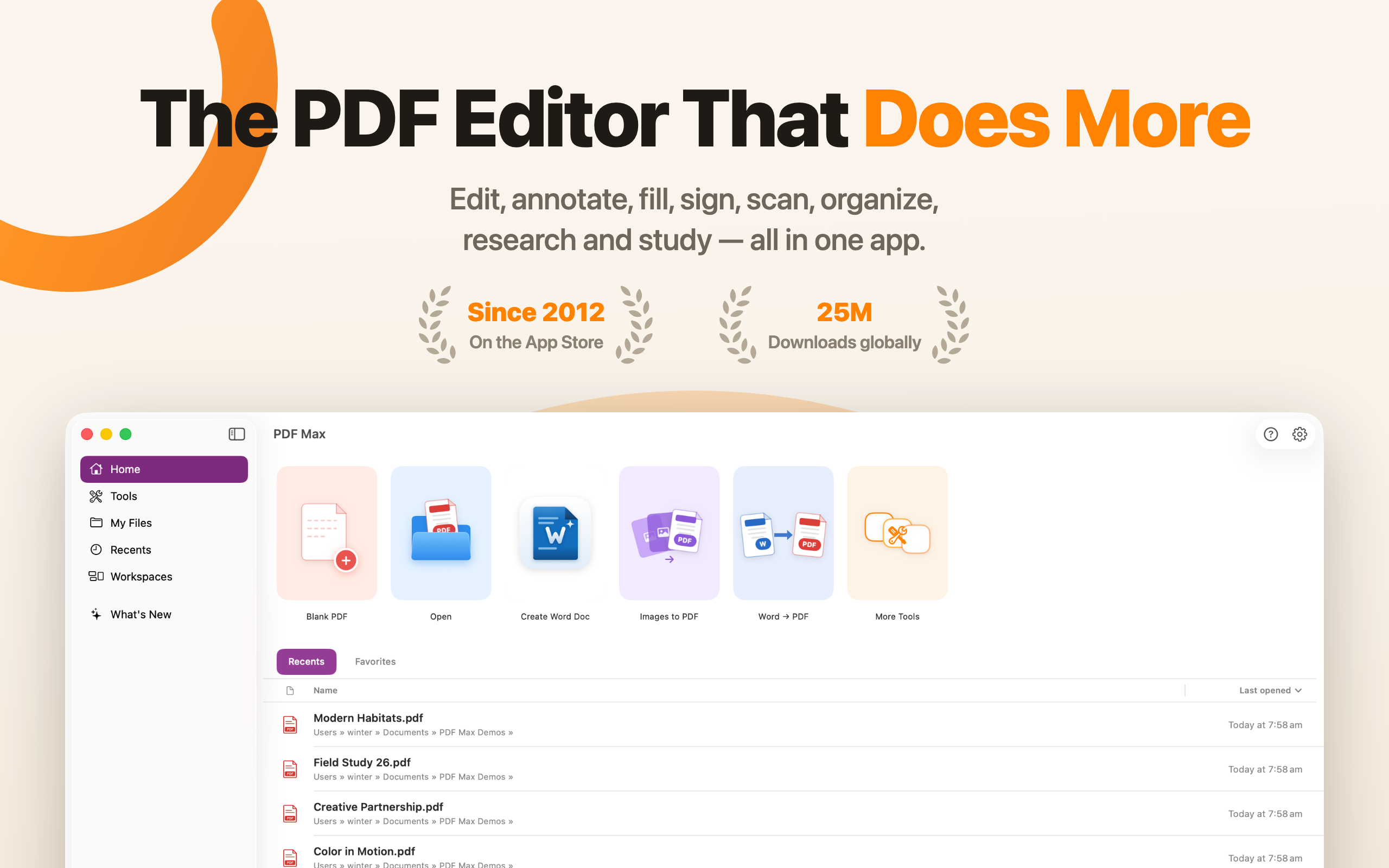
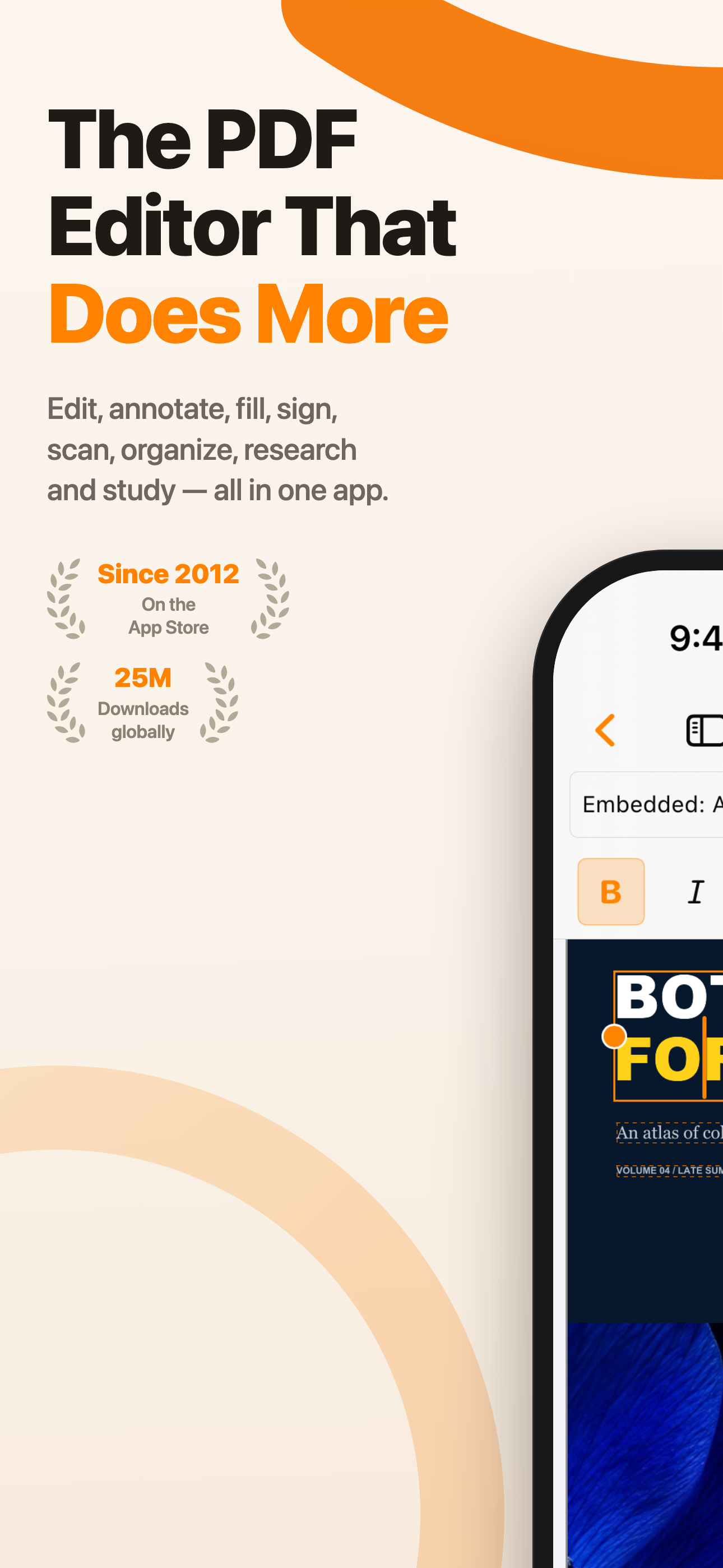
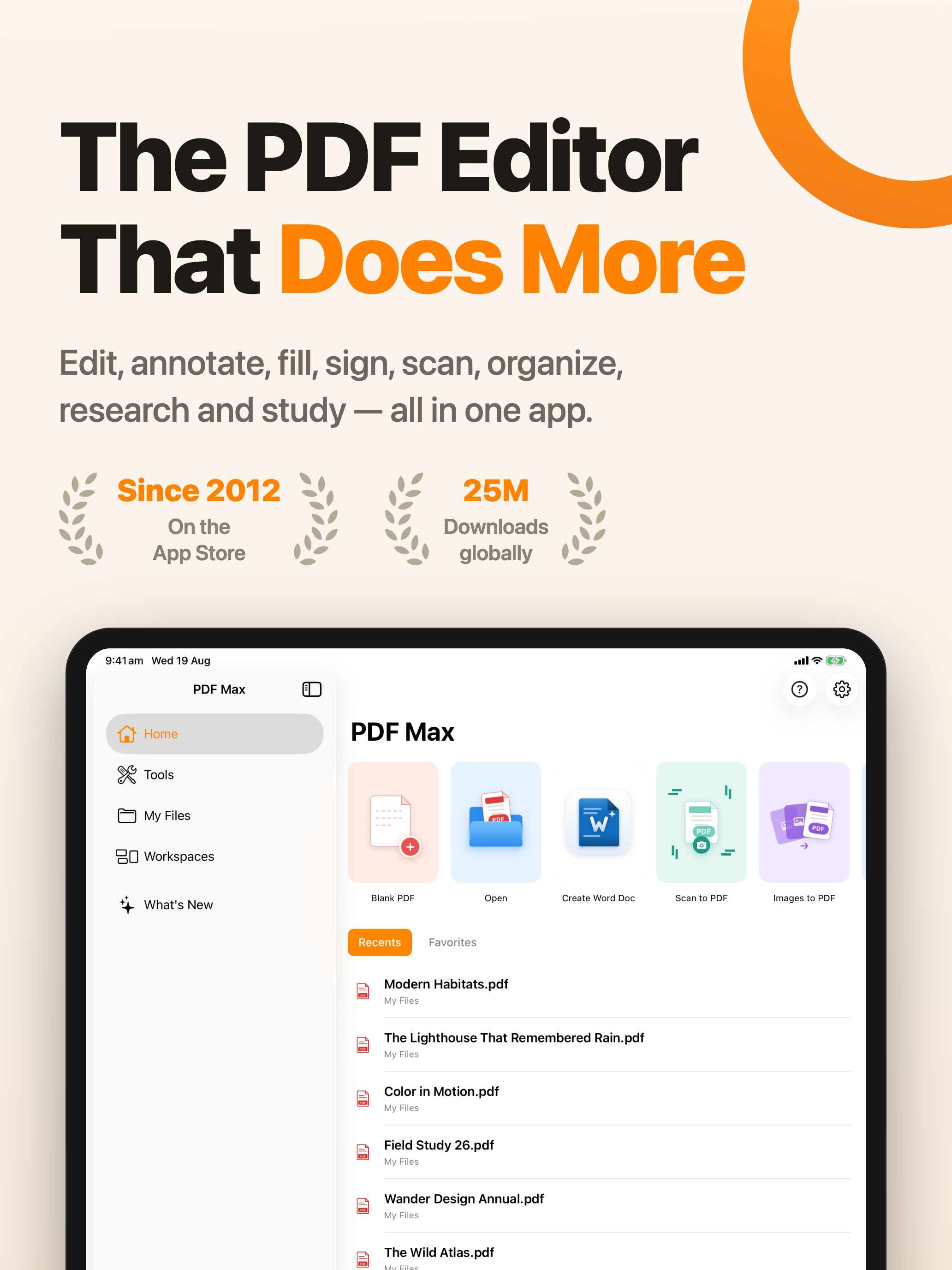
Edit, annotate, fill, sign, scan, organize, research, and study — all in one app.
Download PNG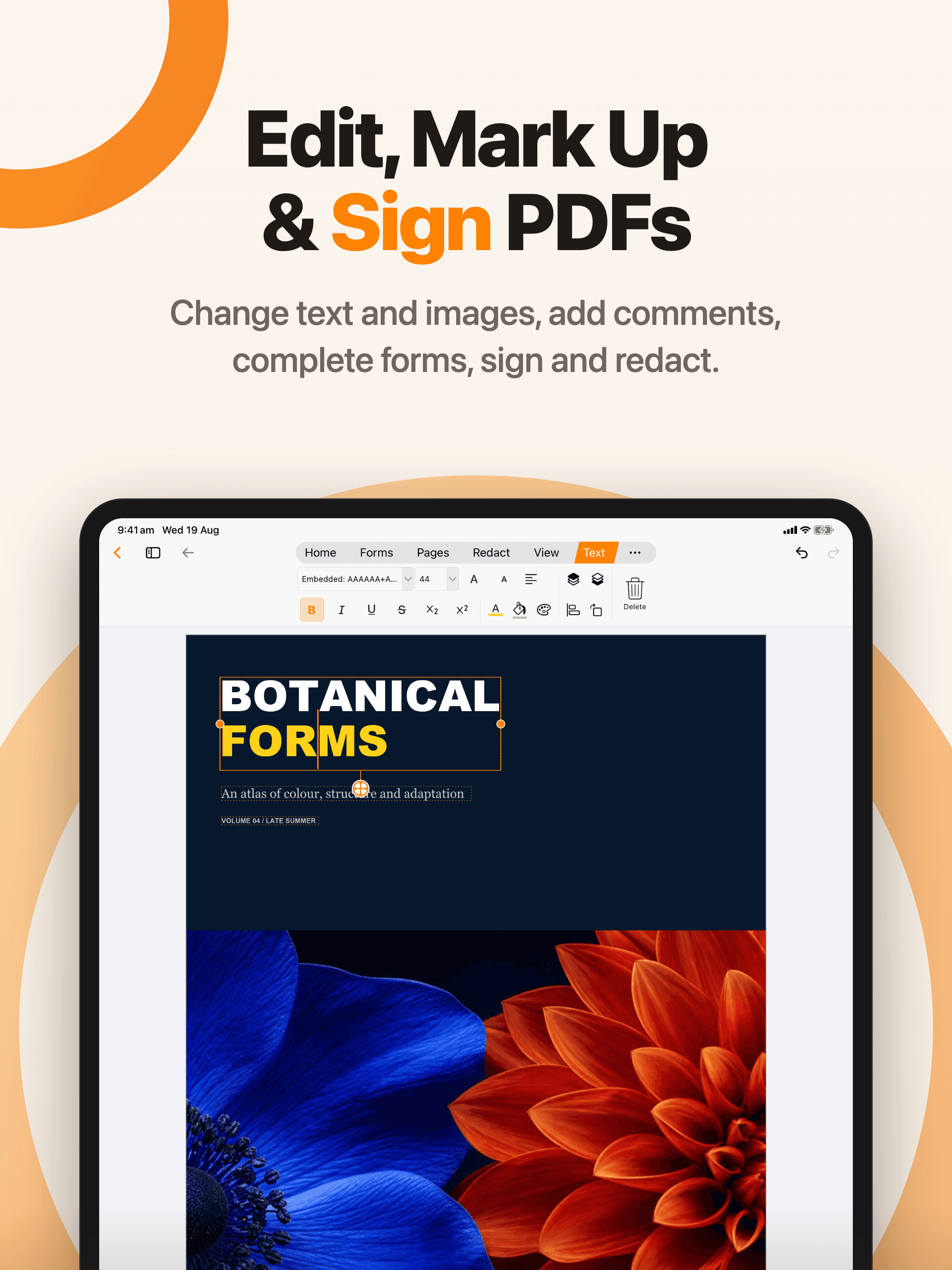
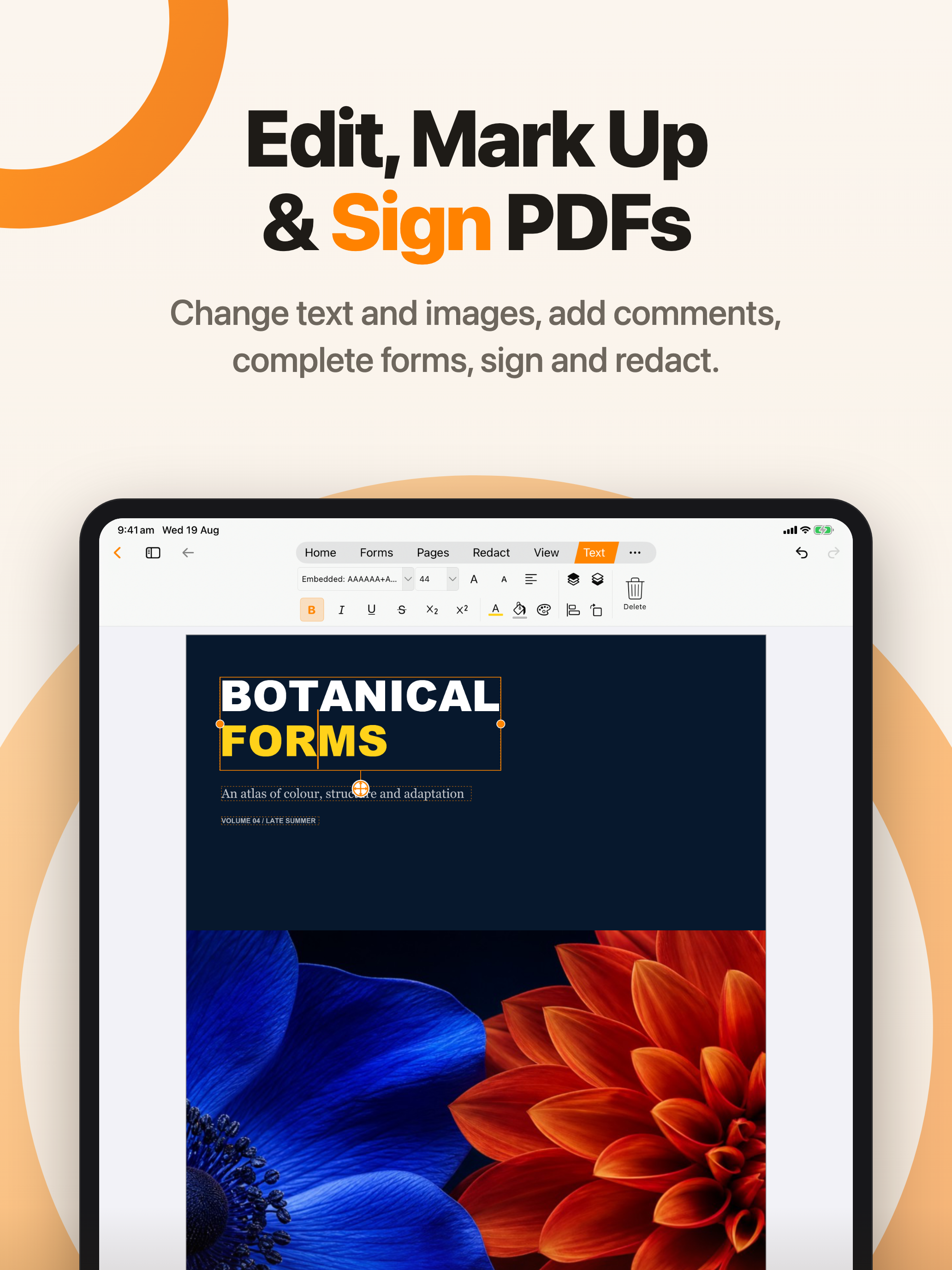
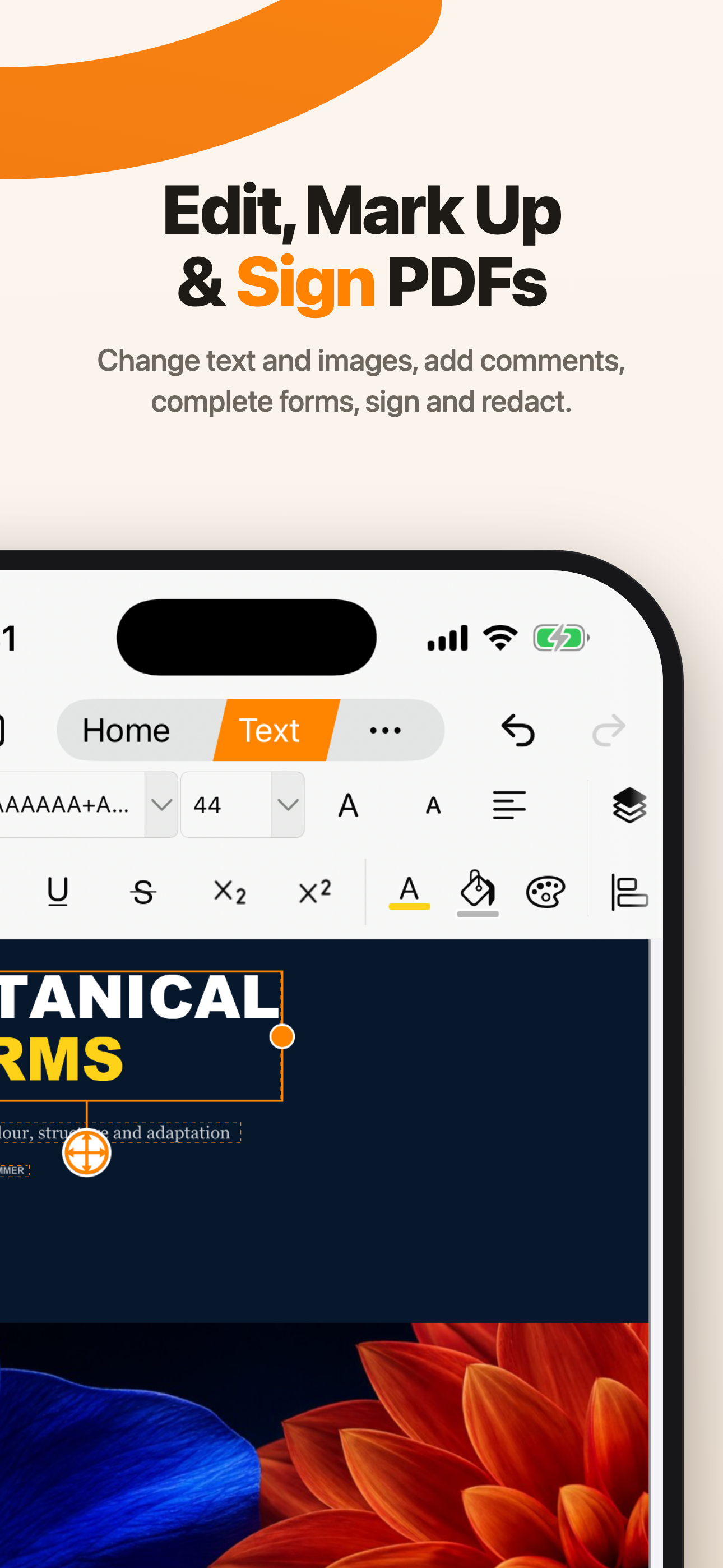
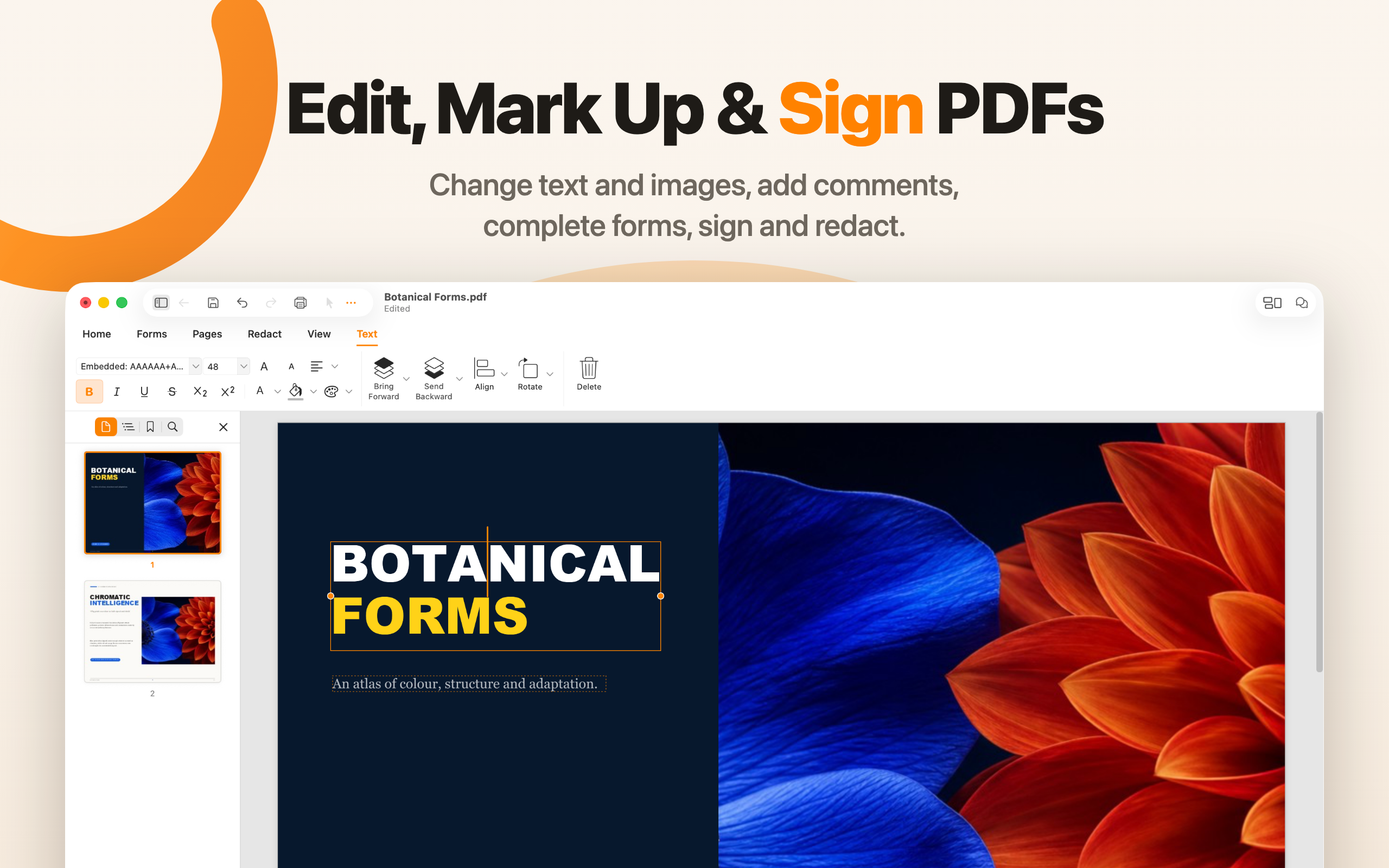
Change text and images, add comments, complete forms, sign, and redact.
Download PNG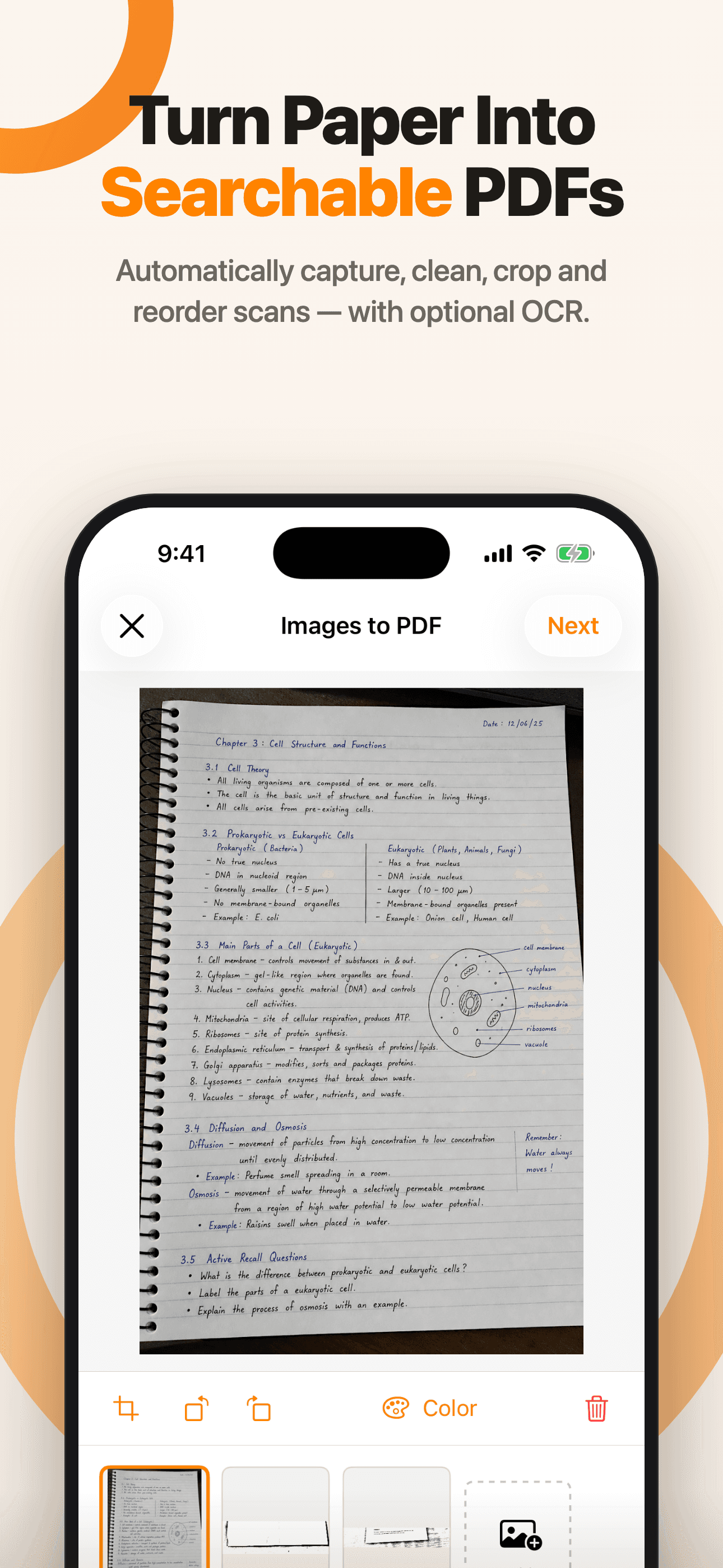
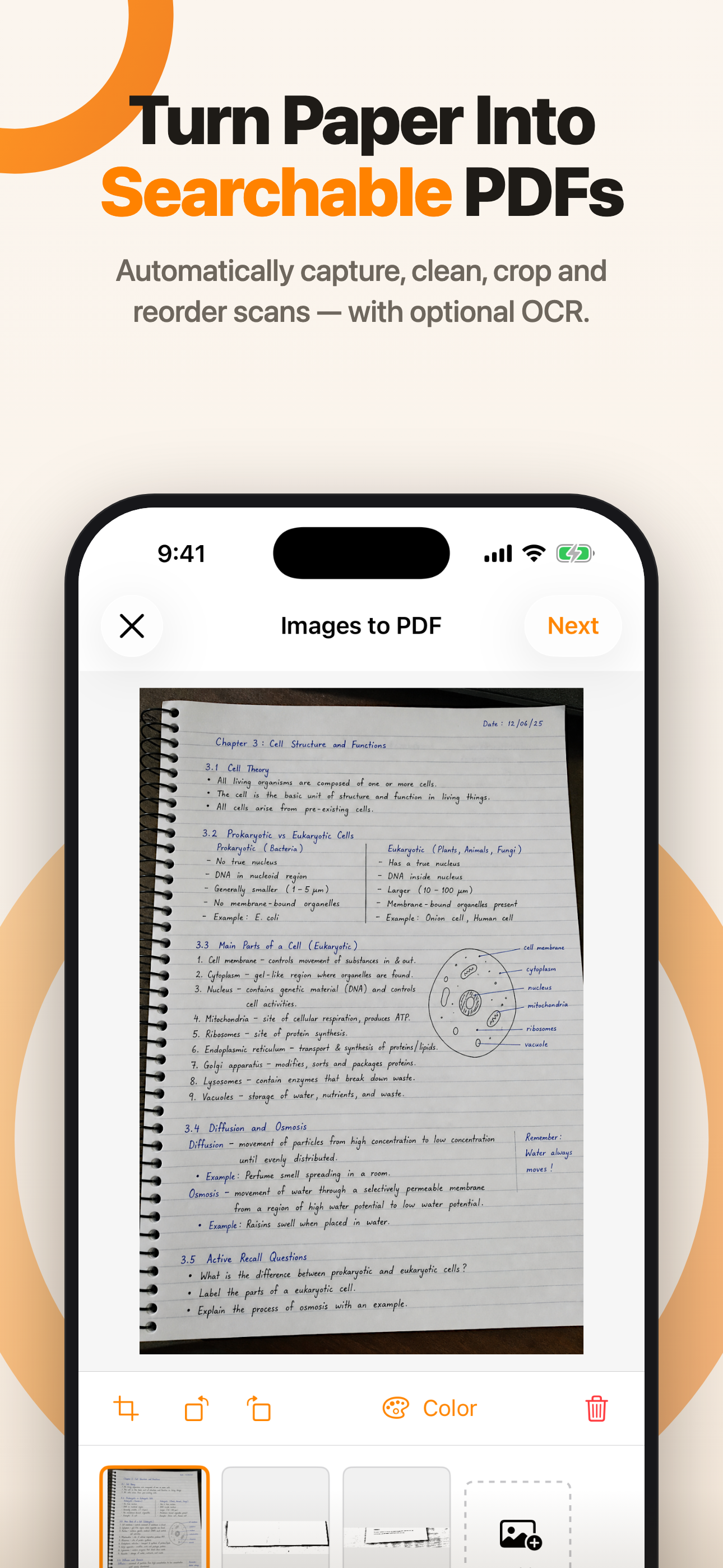
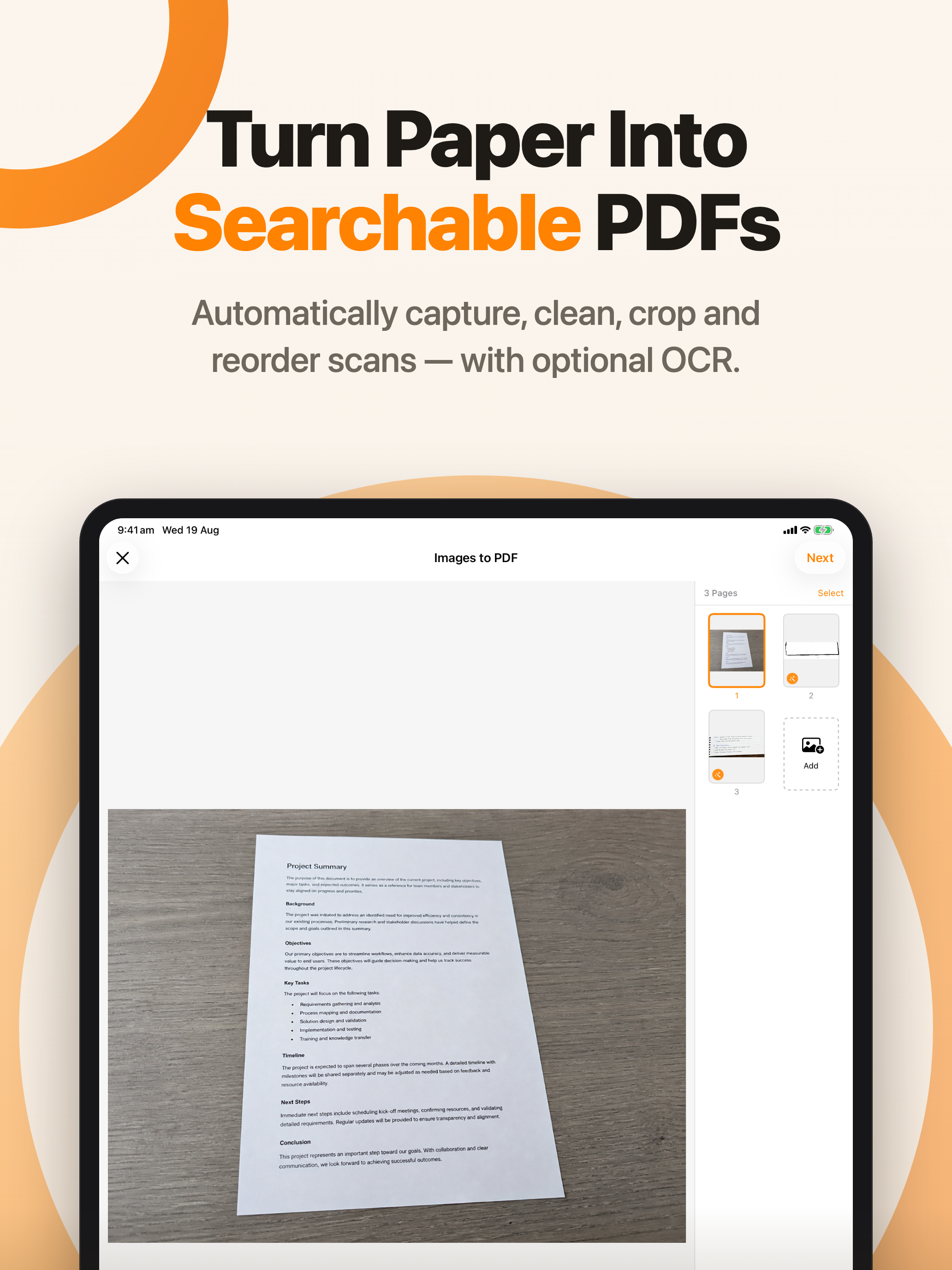
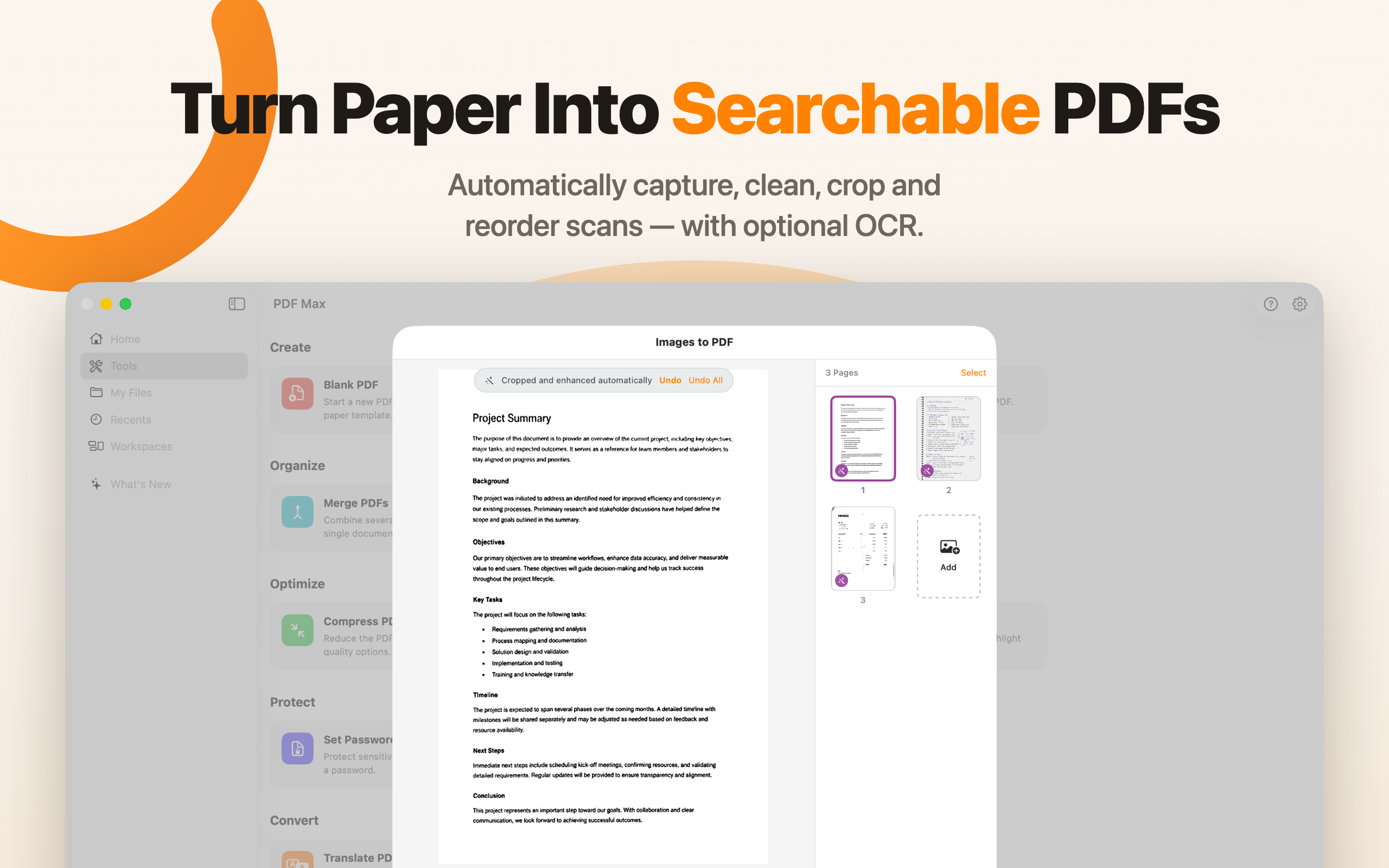
Automatically capture, clean, crop, and reorder scans — with optional OCR.
Download PNG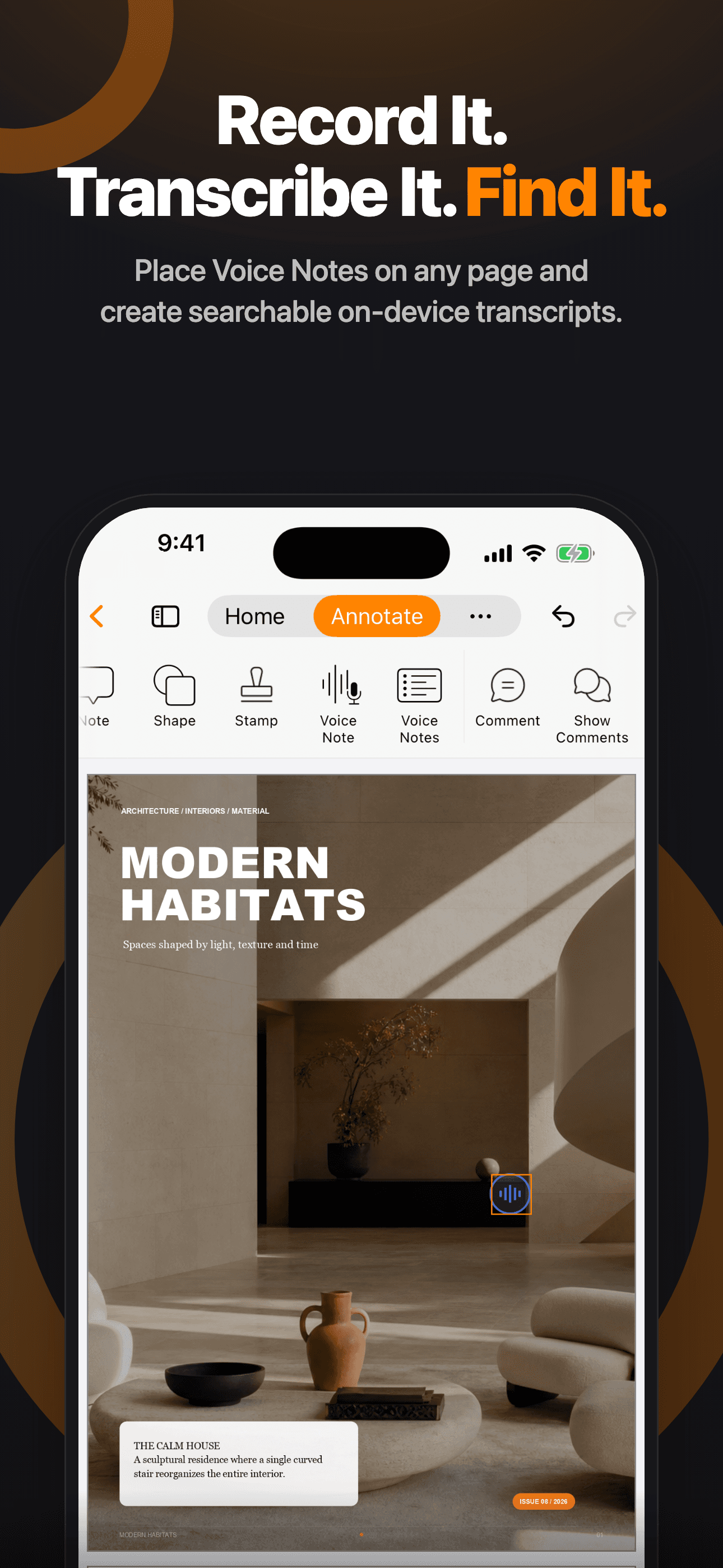
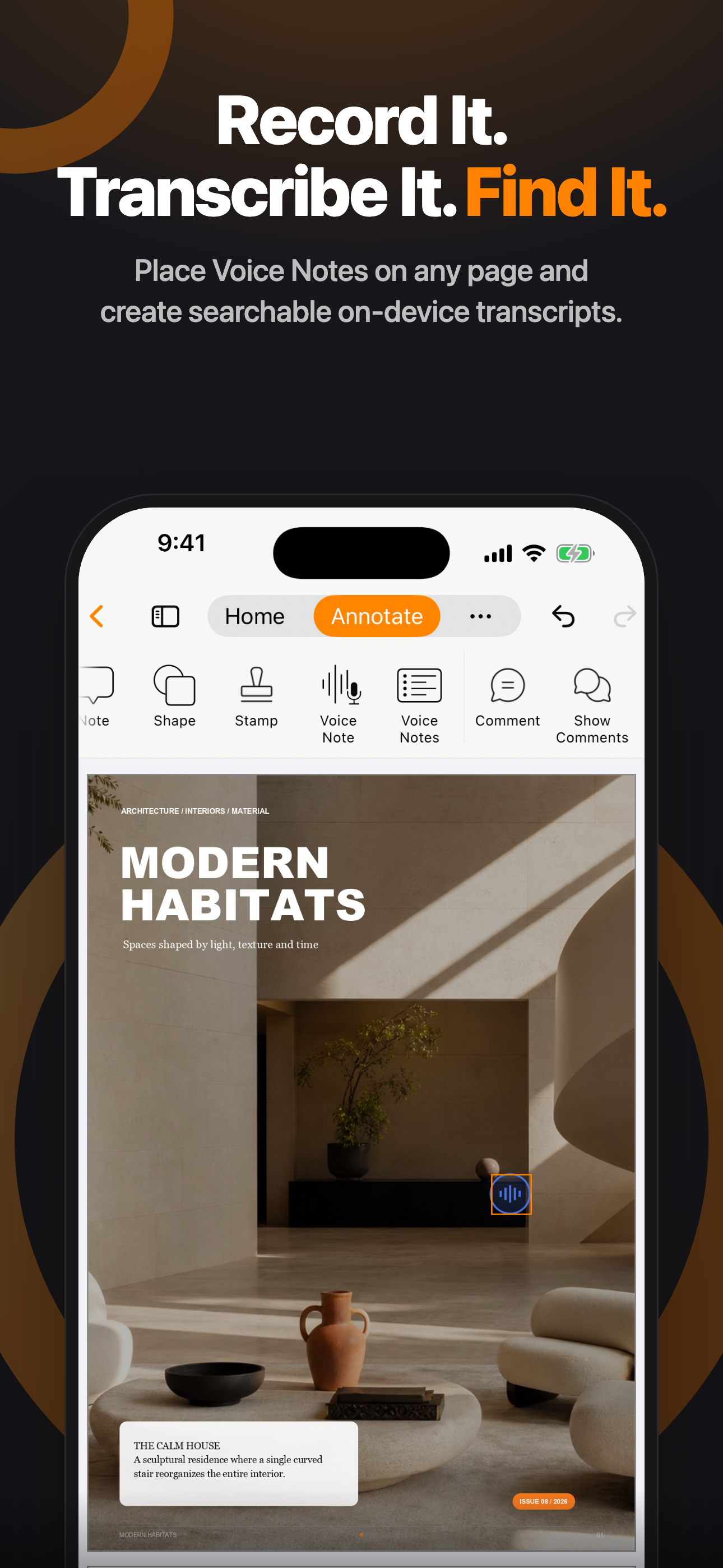
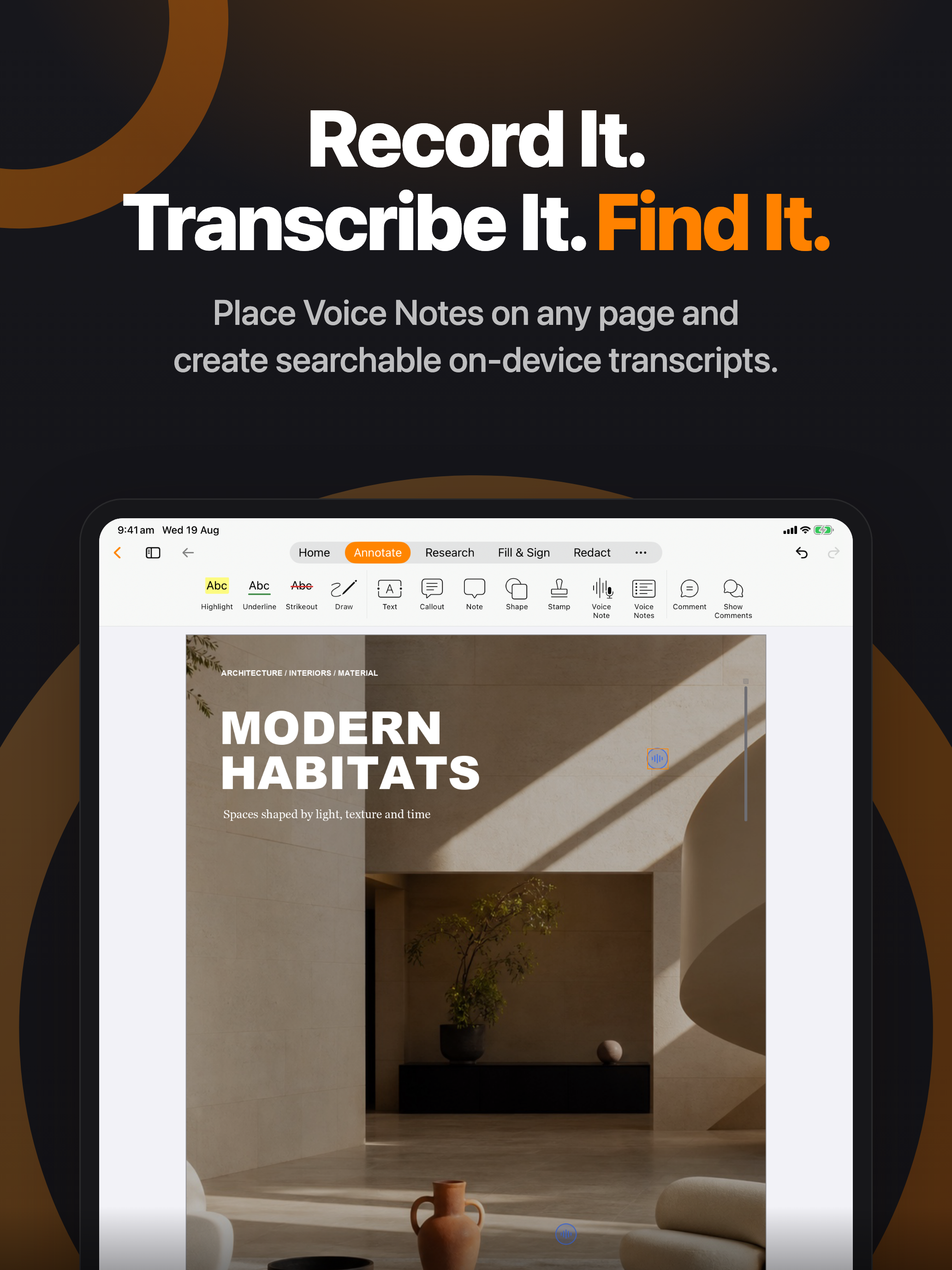
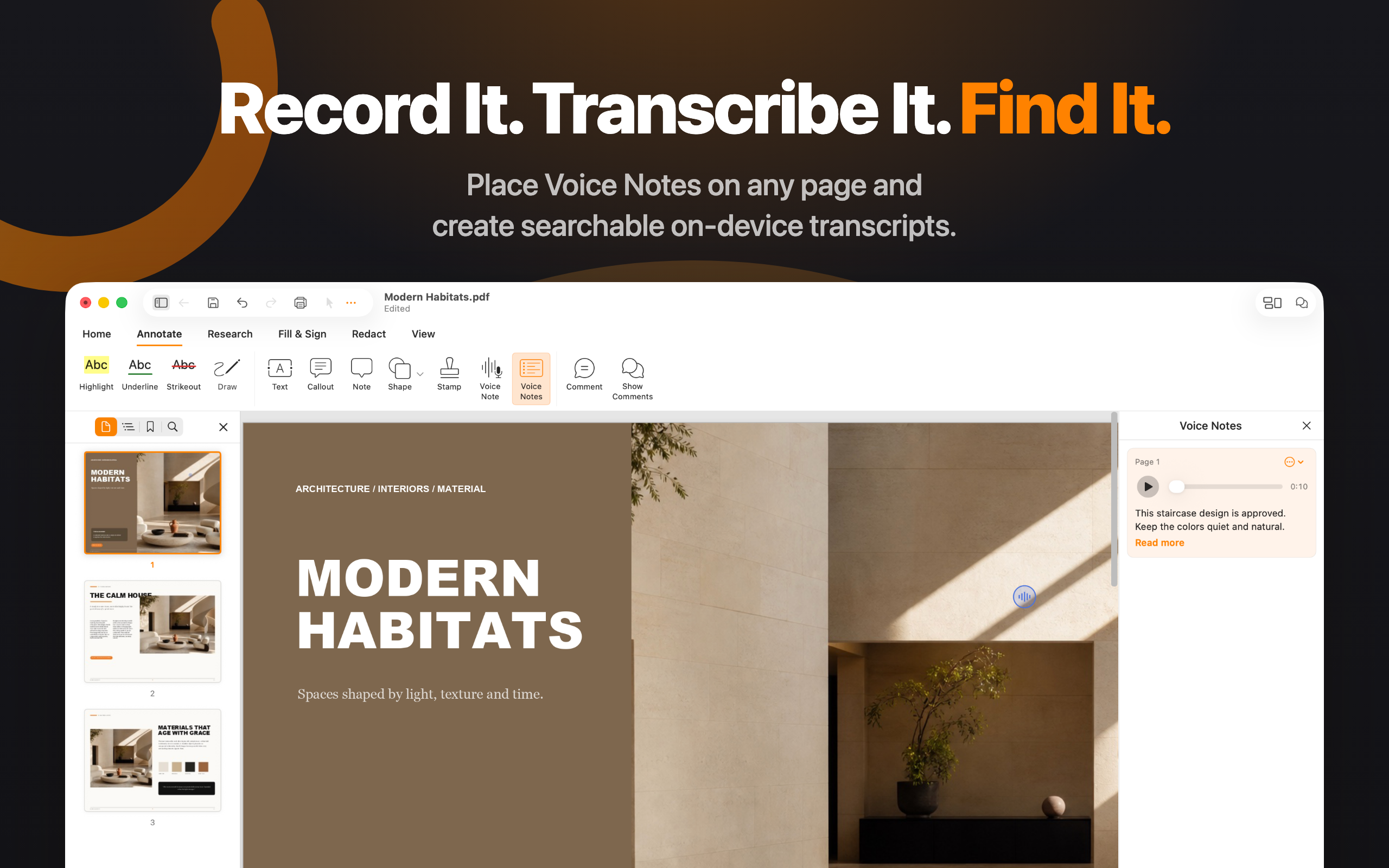
Place Voice Notes on any page and create searchable on-device transcripts.
Download PNG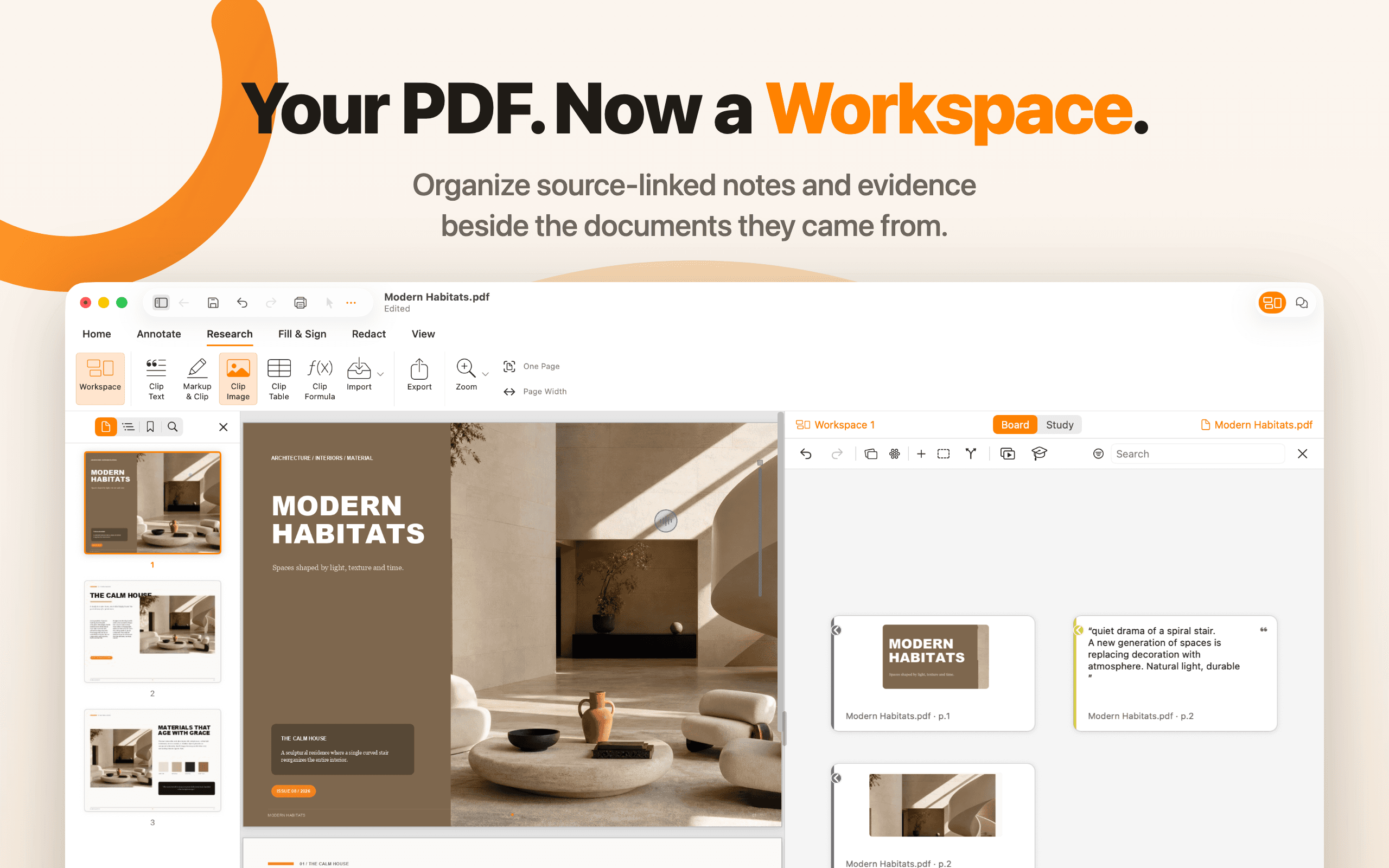
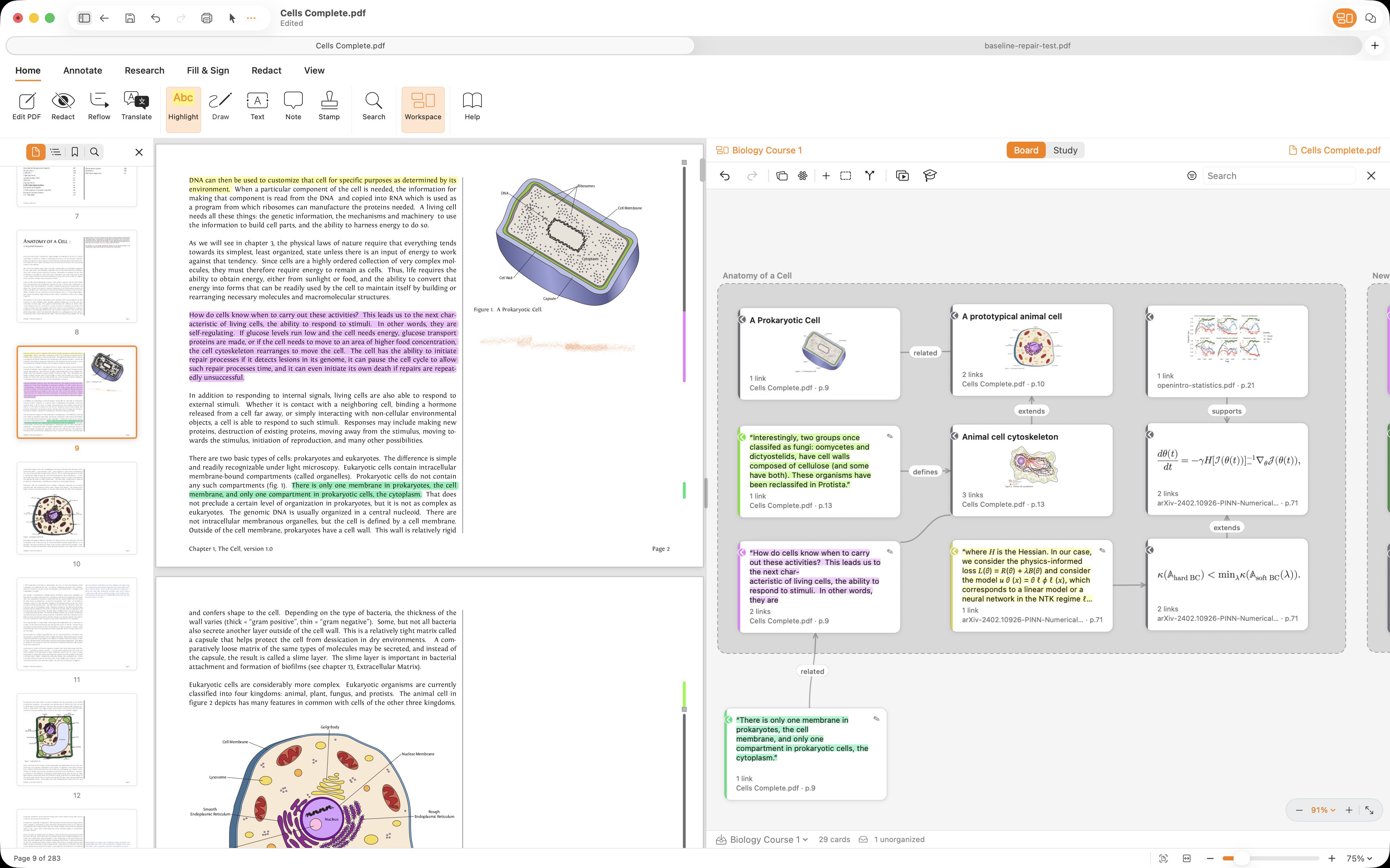
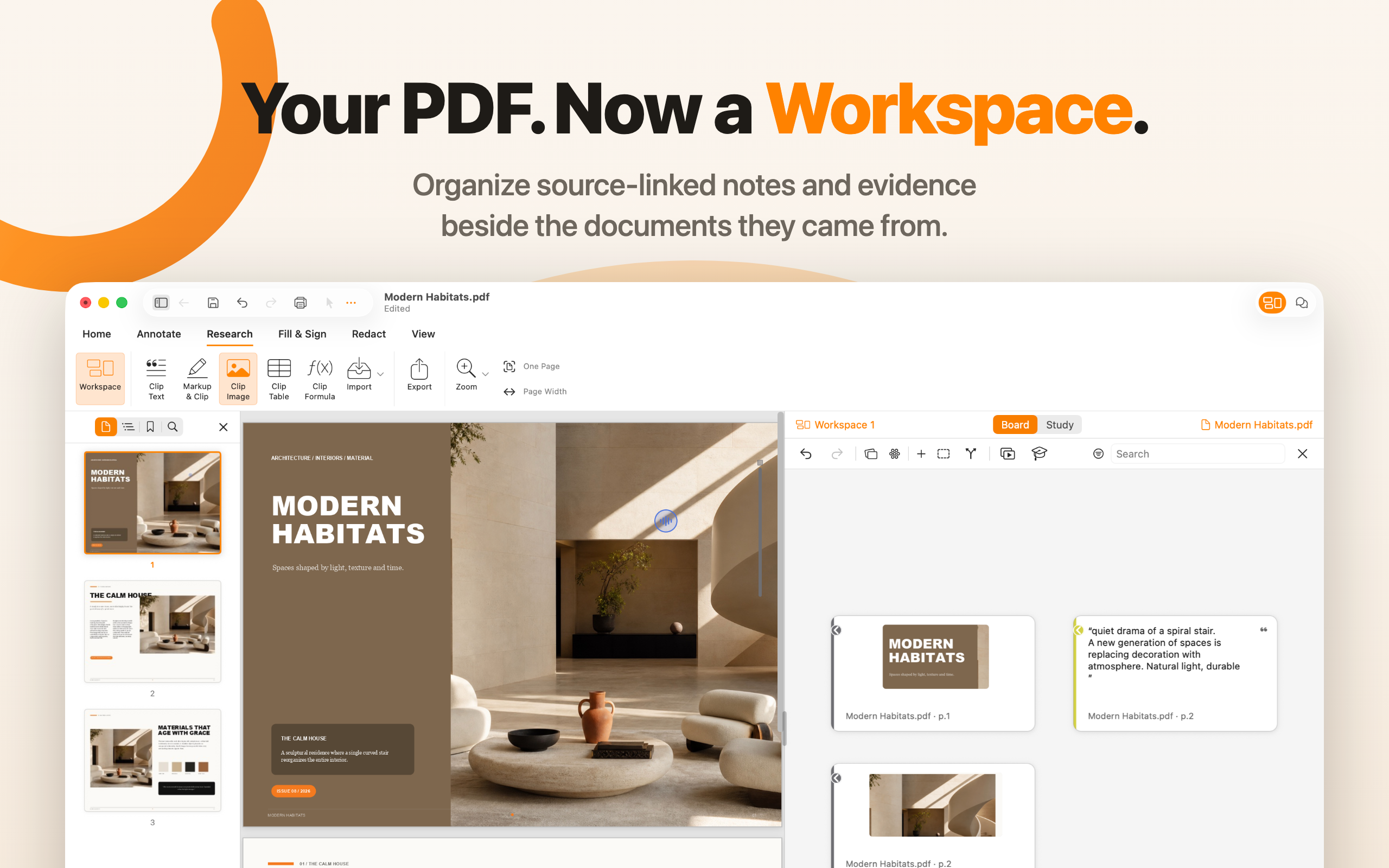
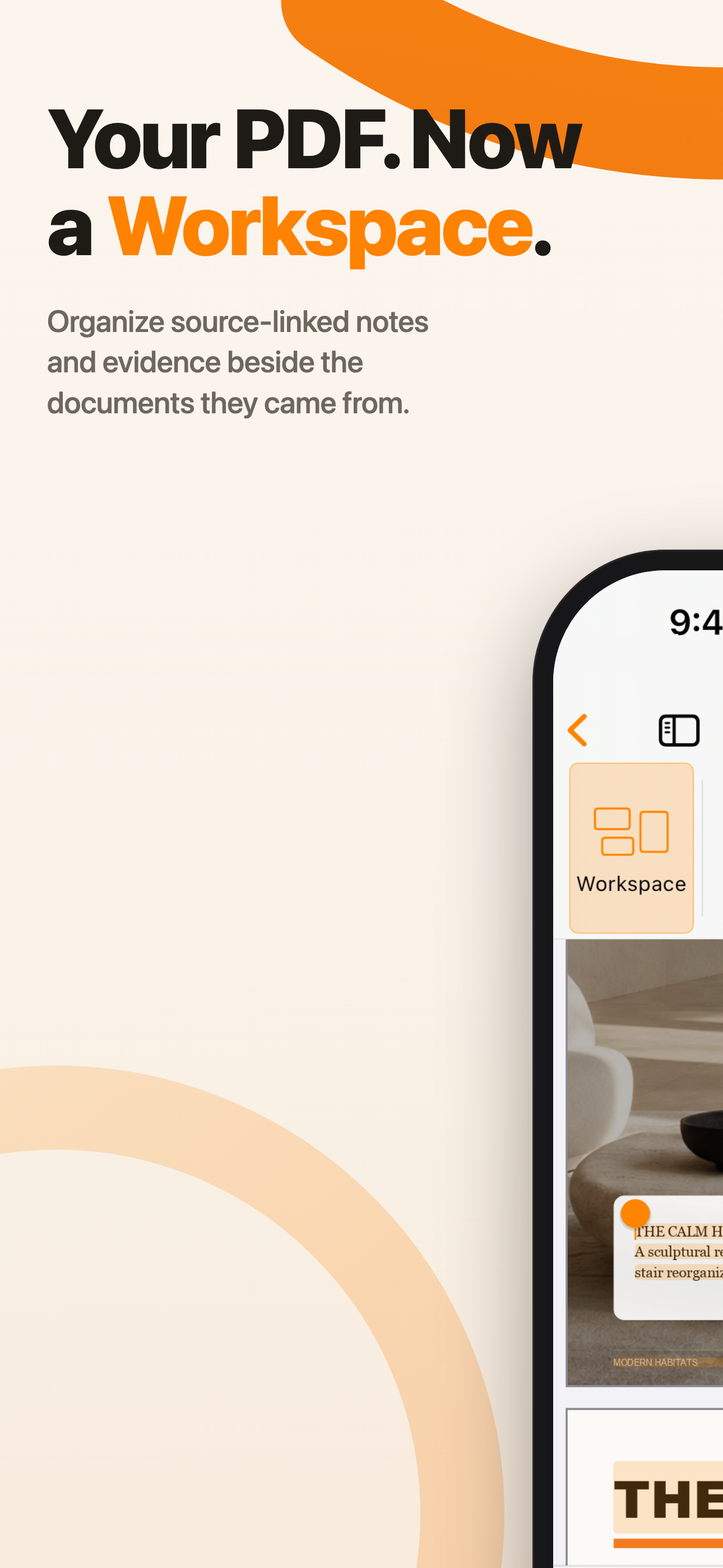
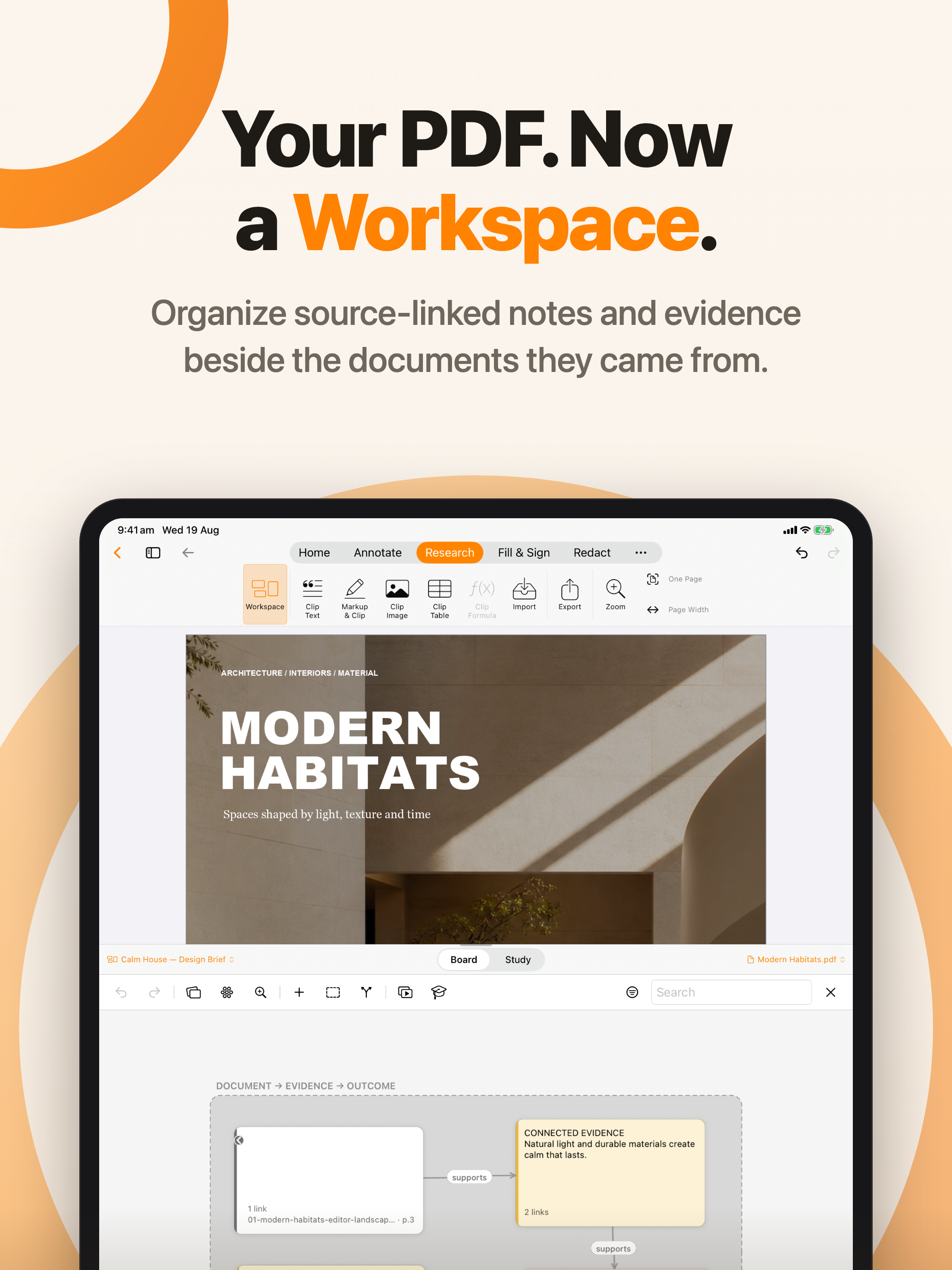
Organize source-linked notes and evidence beside the documents they came from.
Download PNG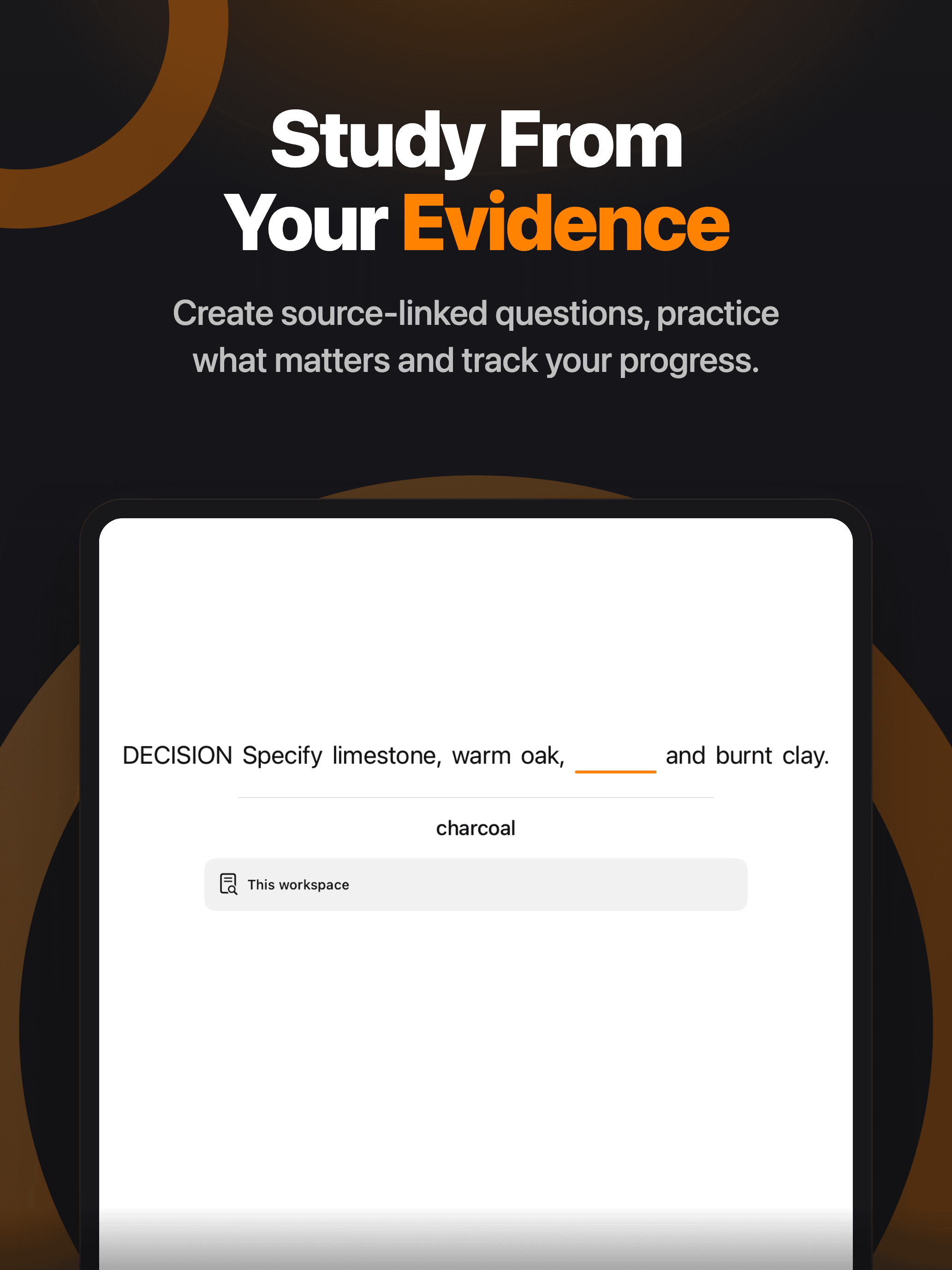
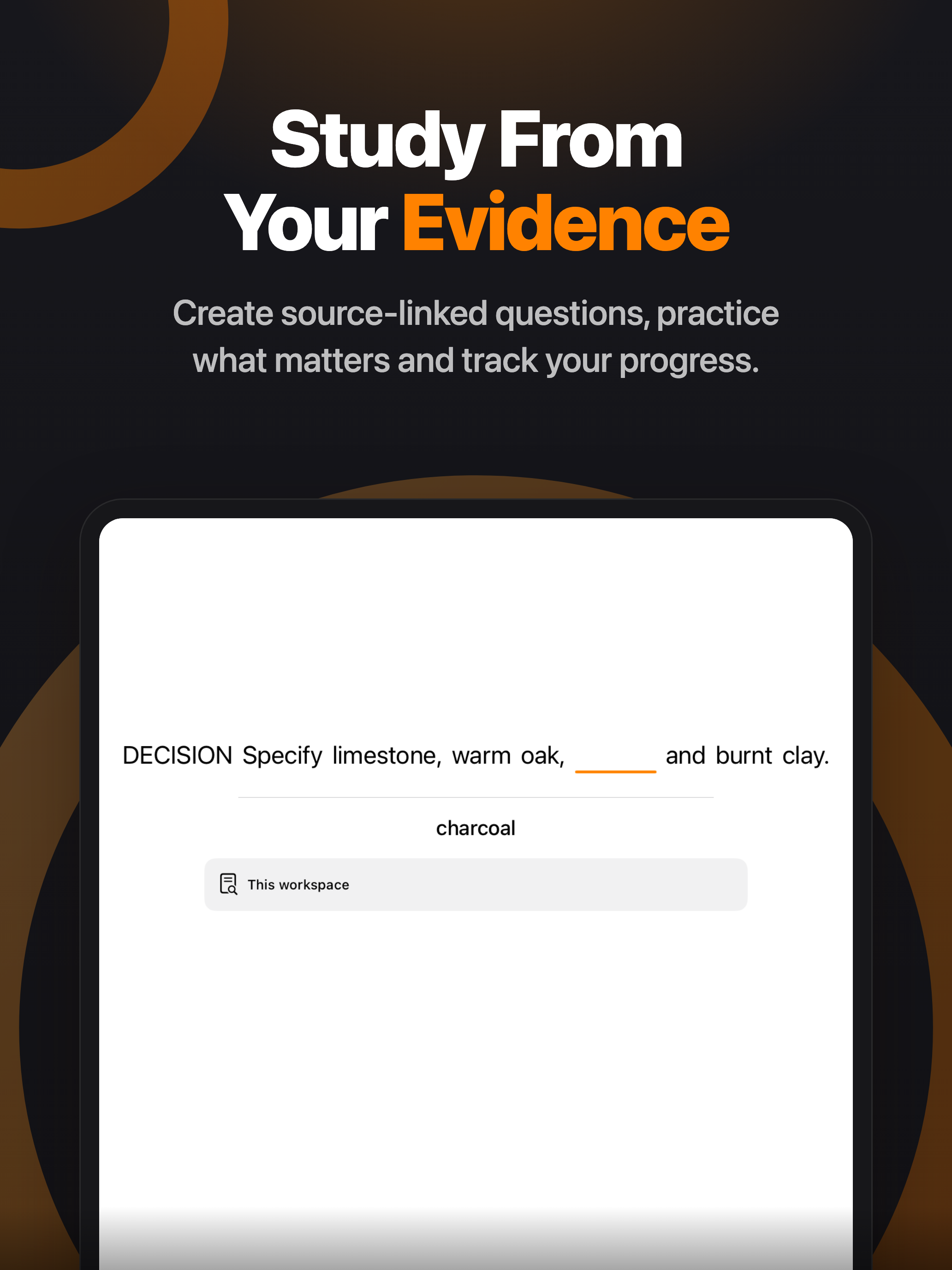
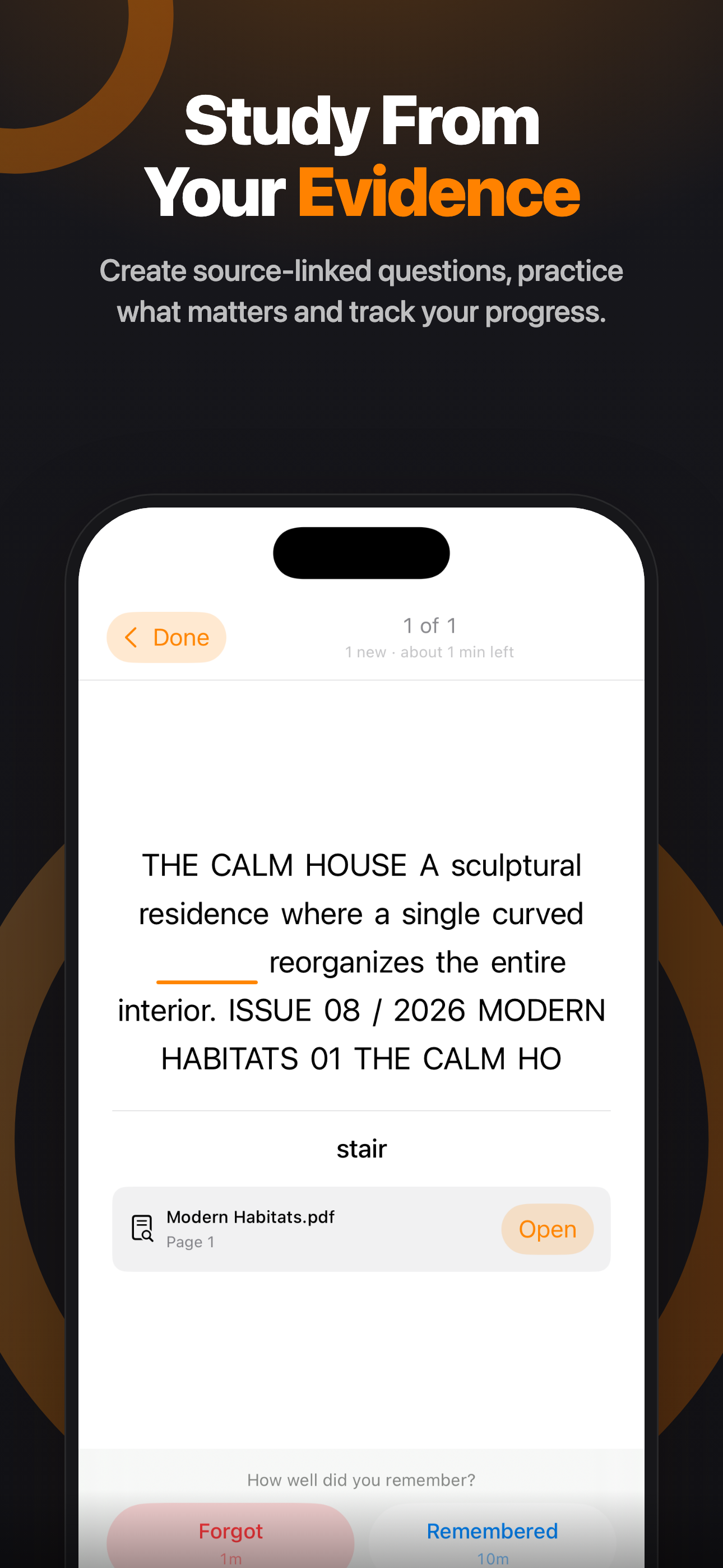
Create source-linked questions, practice what matters, and track your progress.
Download PNGFull screenshot library
Ten PDF Max 27.1 screenshots for each supported device family. Download them individually or use the all-screenshots ZIP.
Edit, annotate, fill, sign, scan, organize, research, and study — all in one app.
Download PNG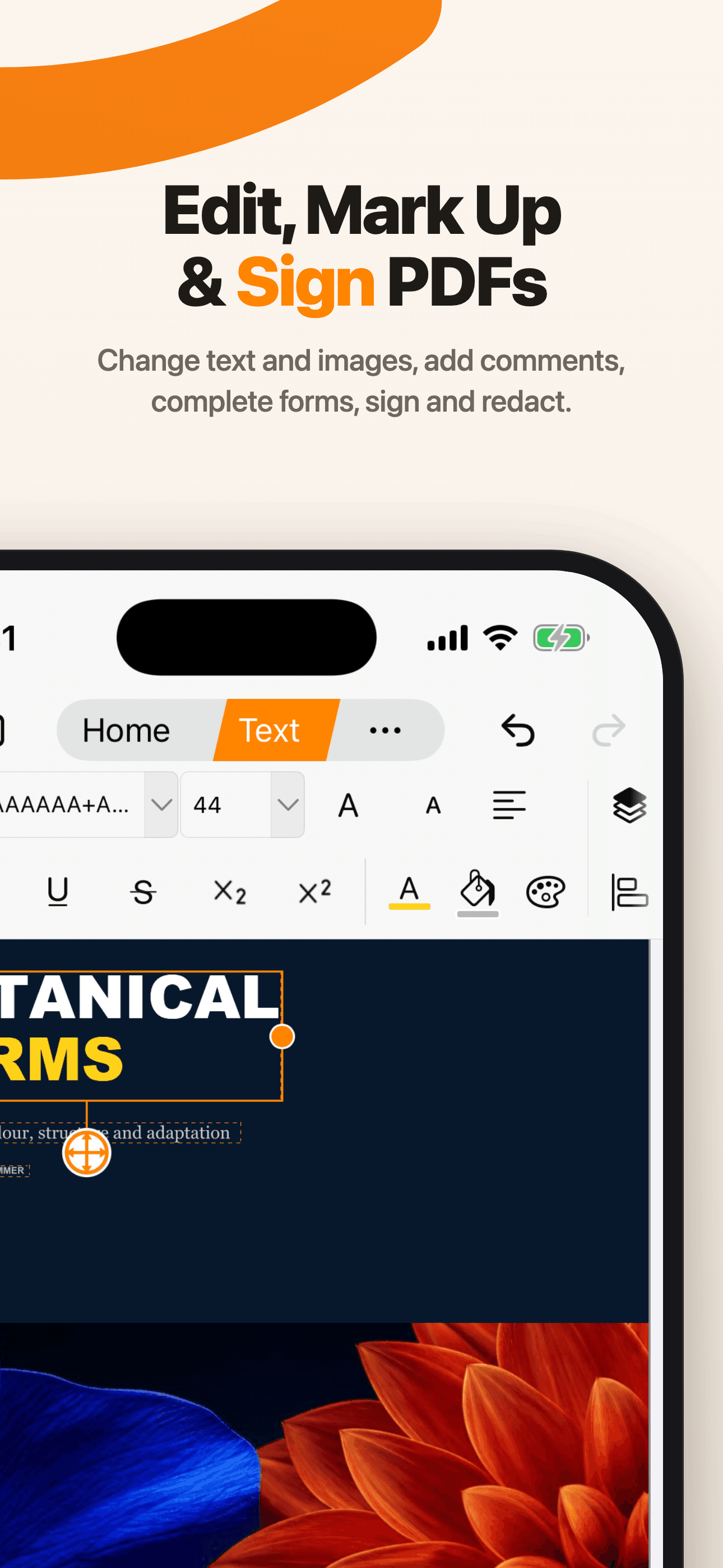
Change text and images, add comments, complete forms, sign, and redact.
Download PNG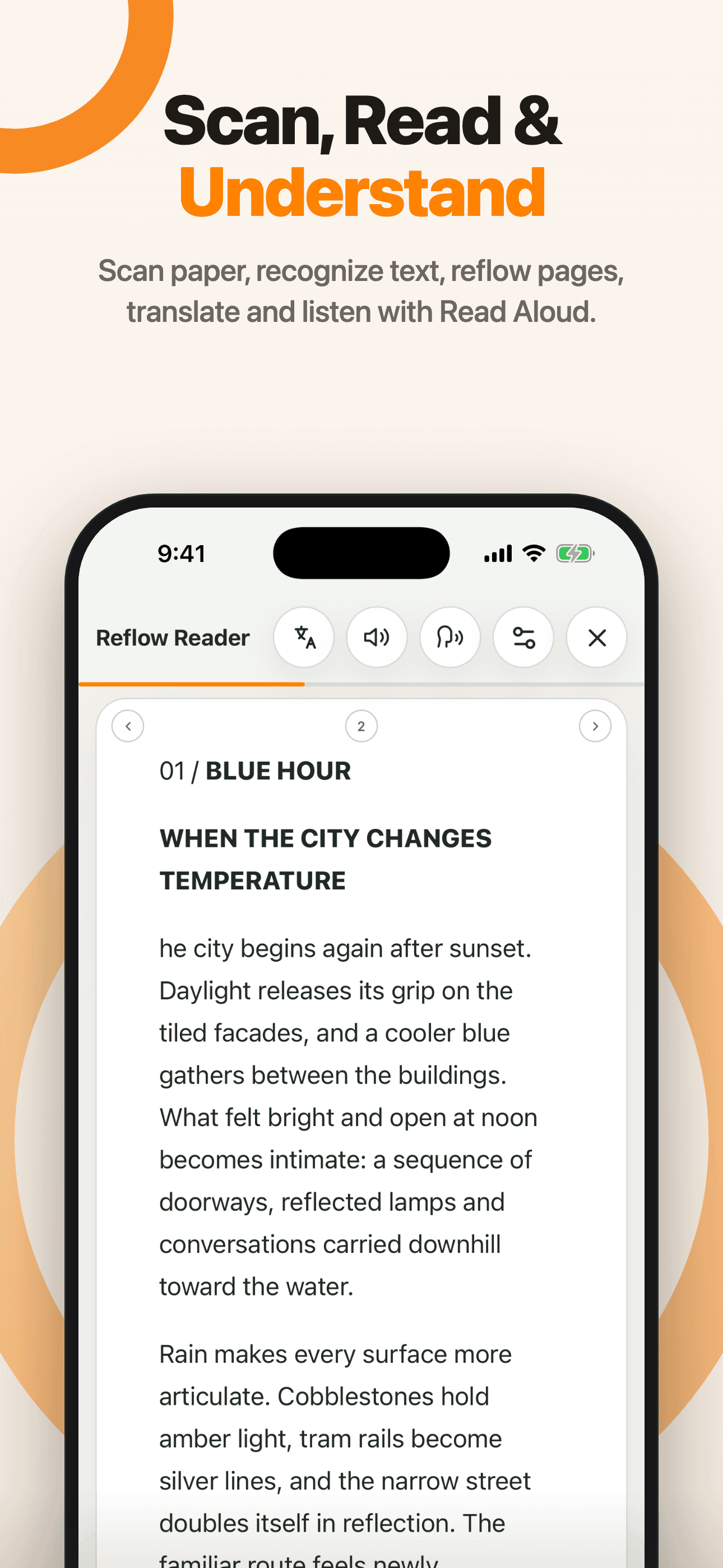
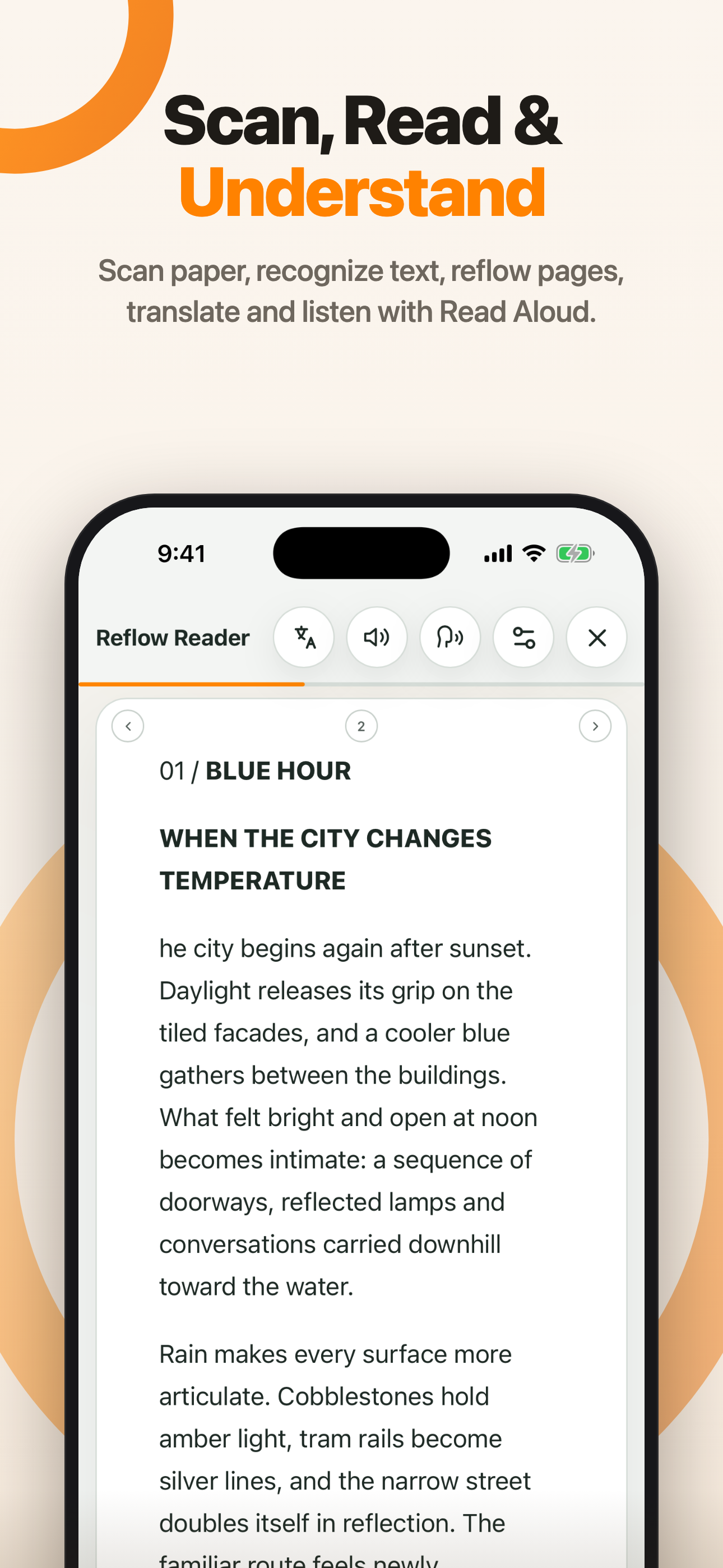
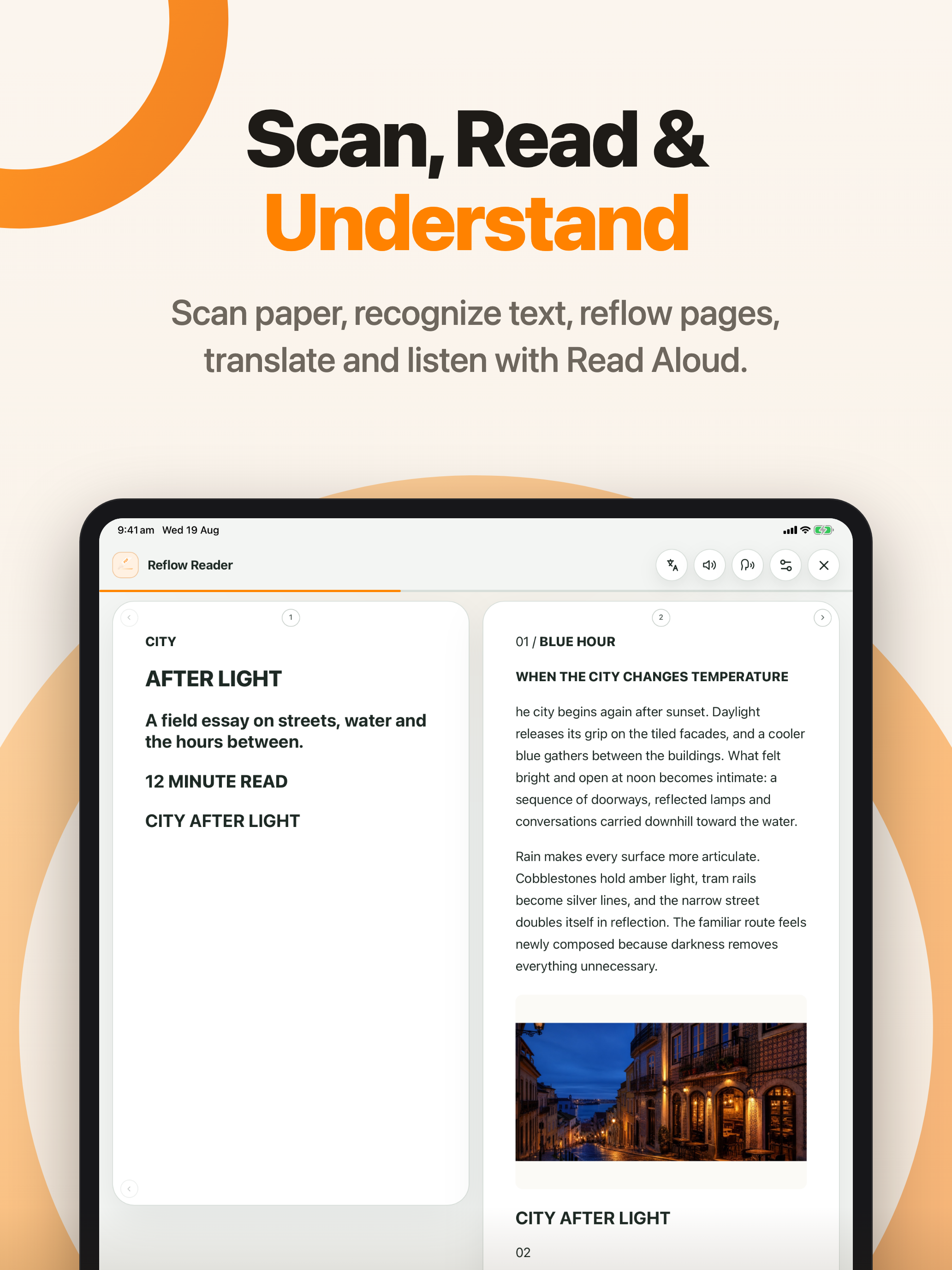
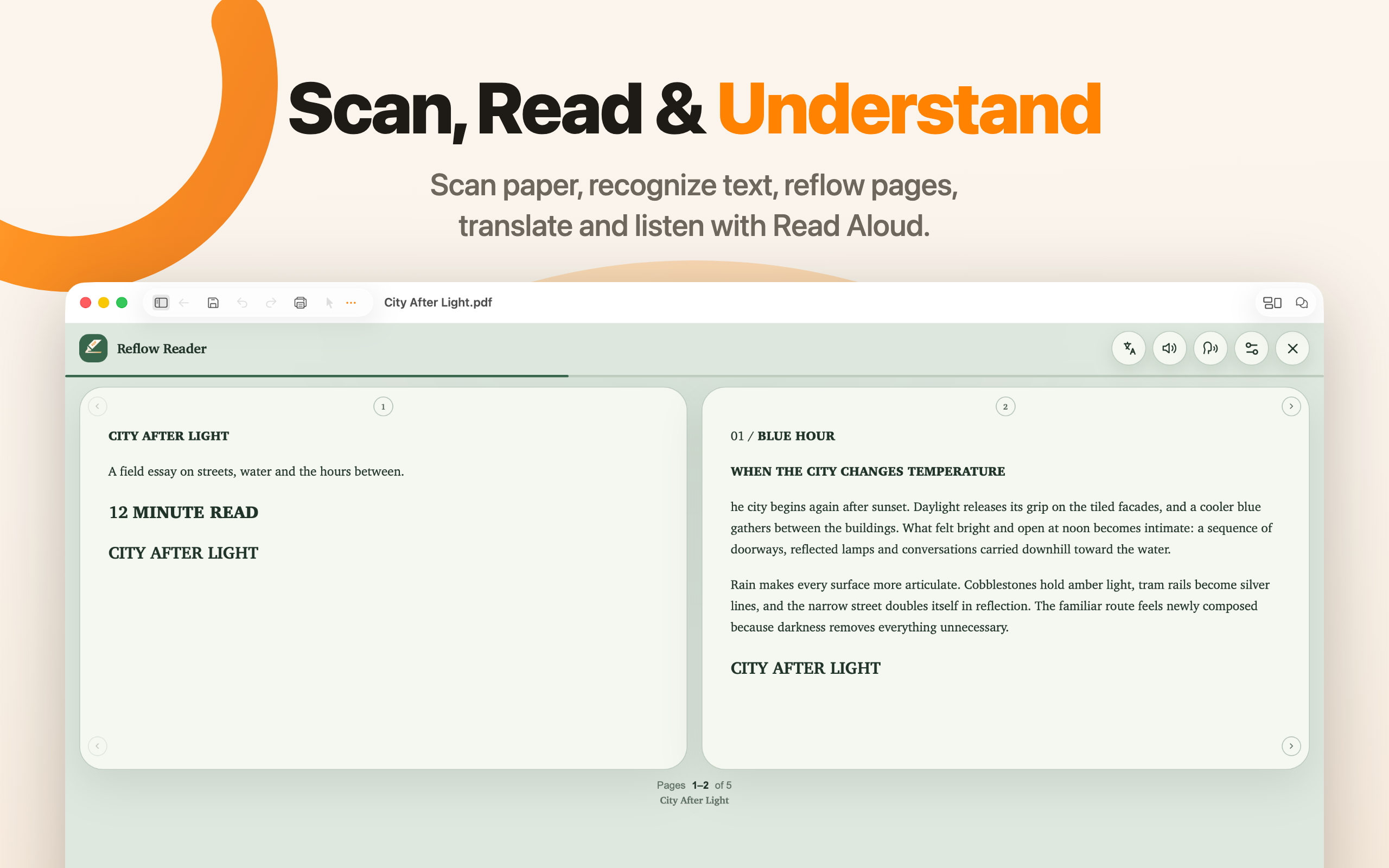
Scan paper, recognize text, reflow pages, translate, and listen with Read Aloud.
Download PNG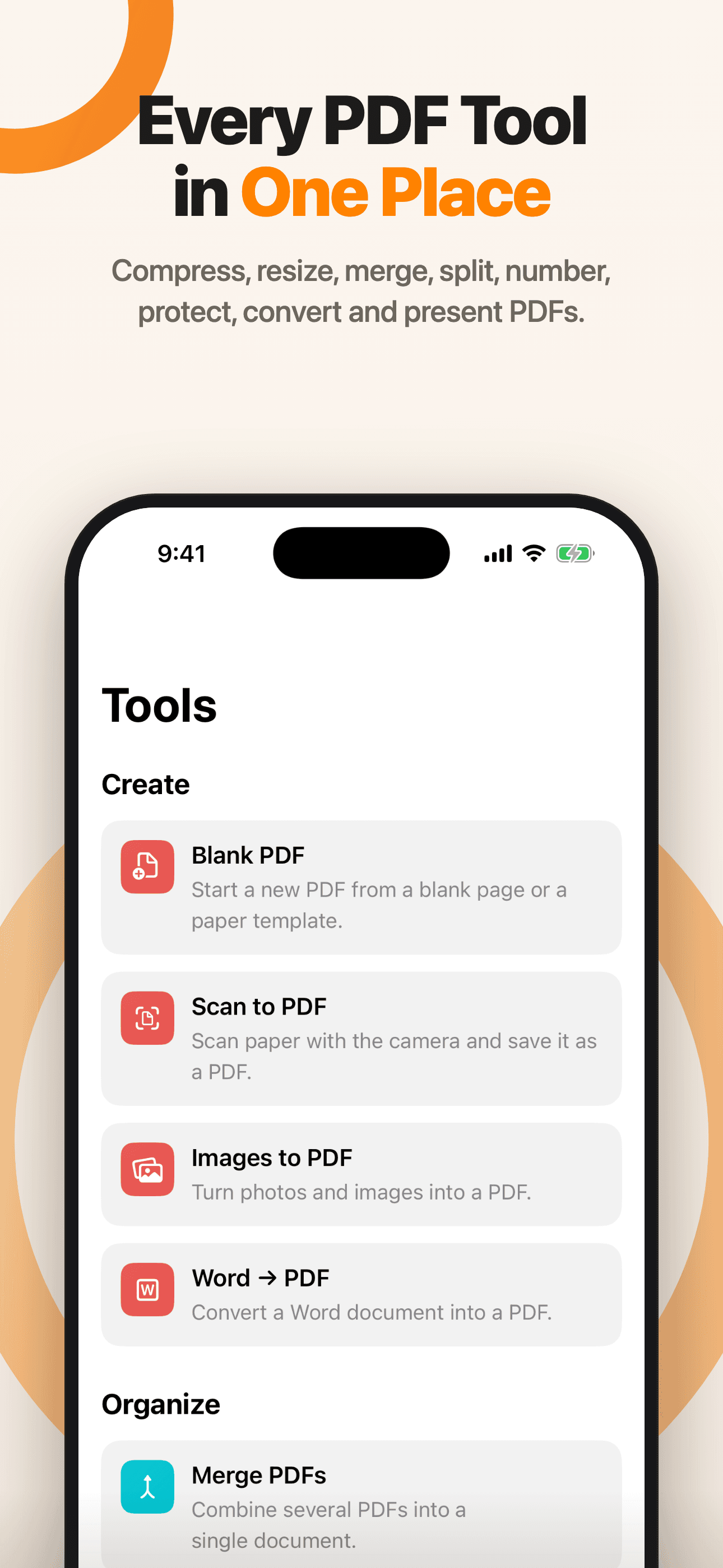
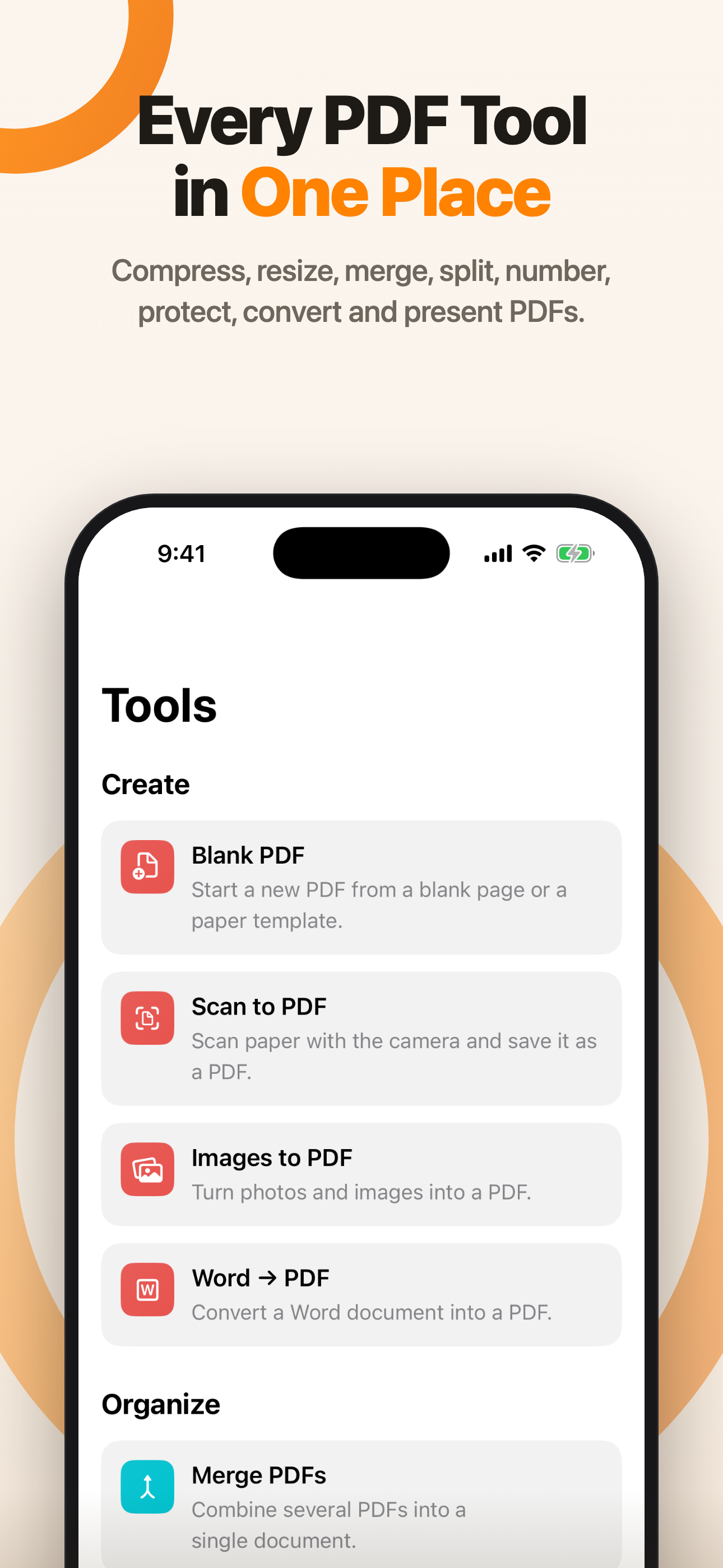
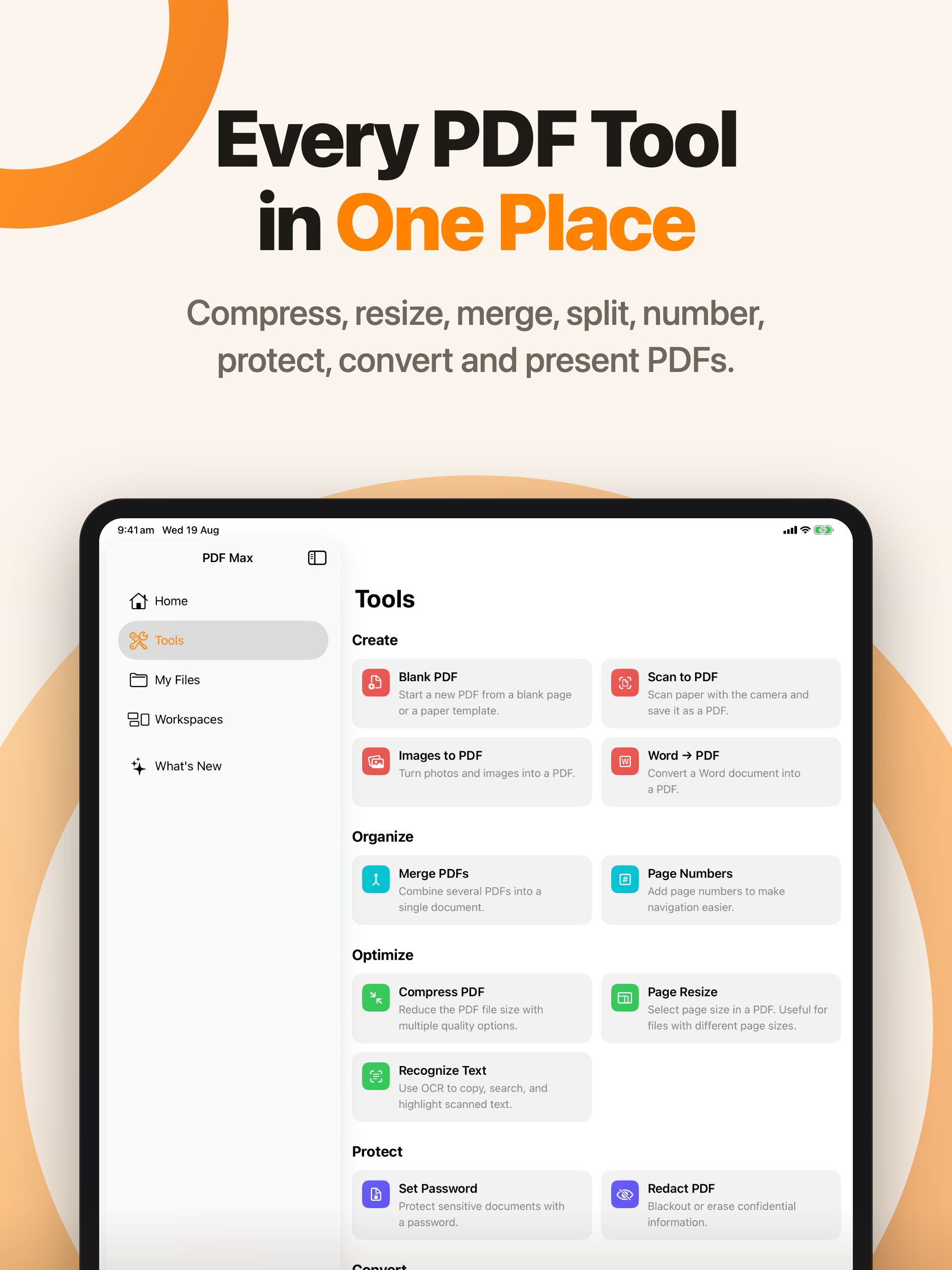
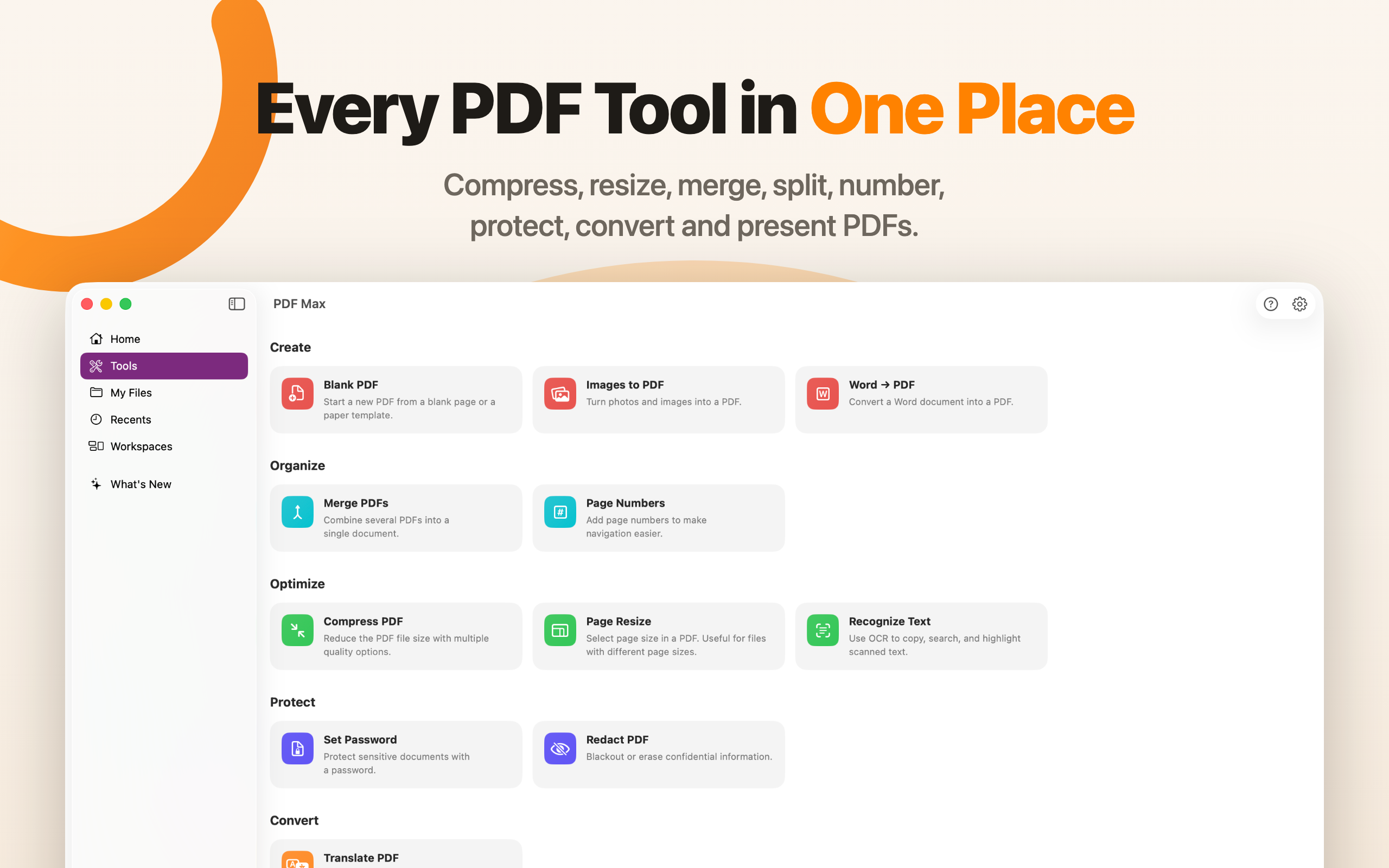
Compress, resize, merge, split, number, protect, convert, and present PDFs.
Download PNGPlace Voice Notes on any page and create searchable on-device transcripts.
Download PNGAutomatically capture, clean, crop, and reorder scans — with optional OCR.
Download PNG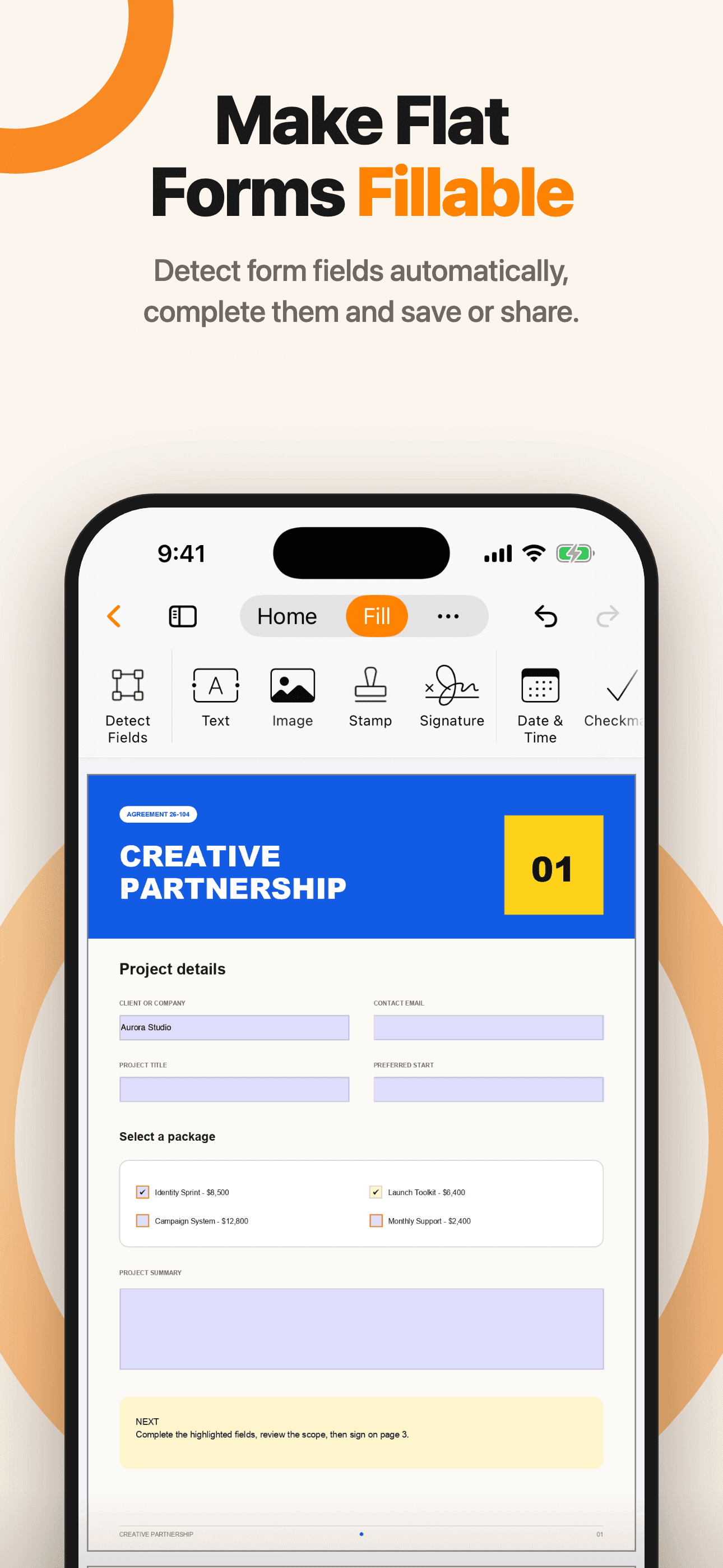
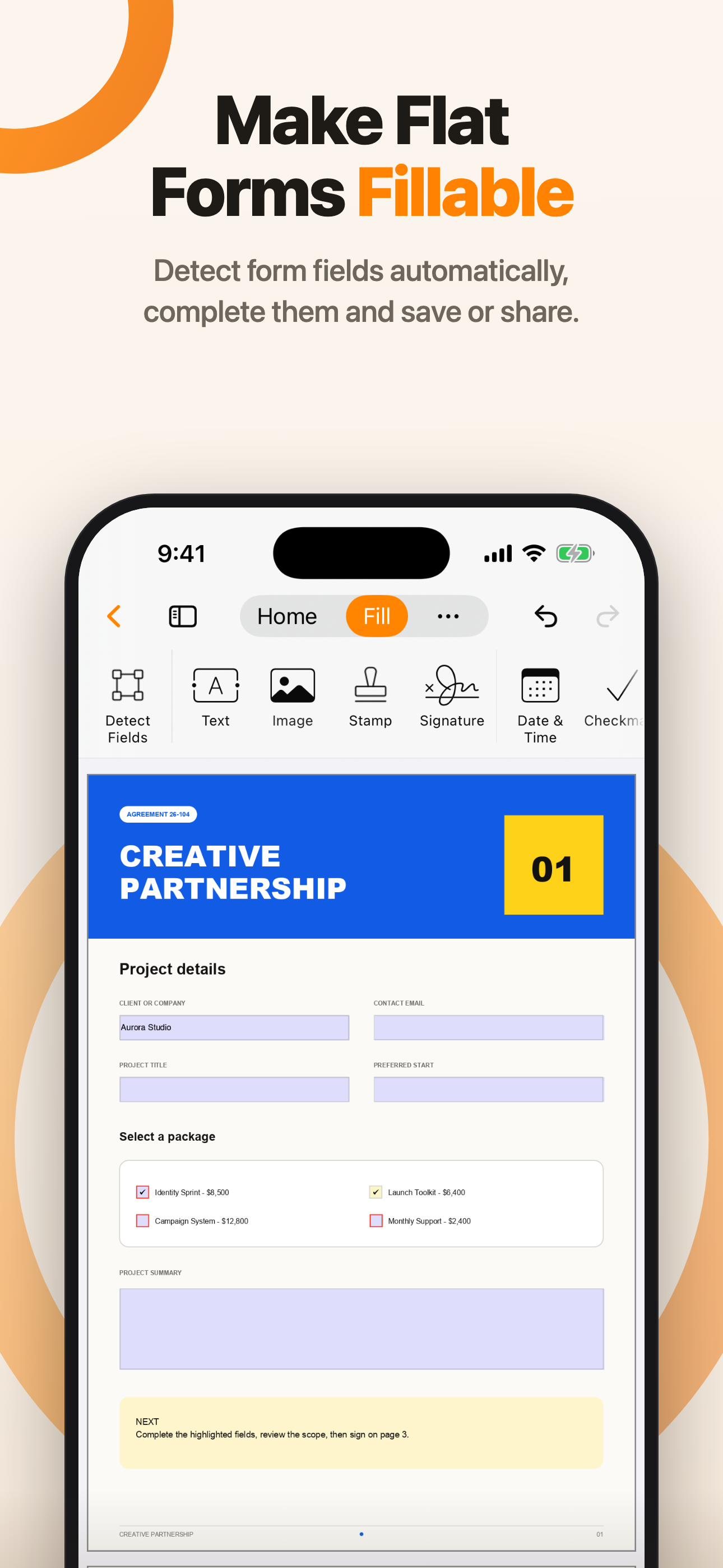
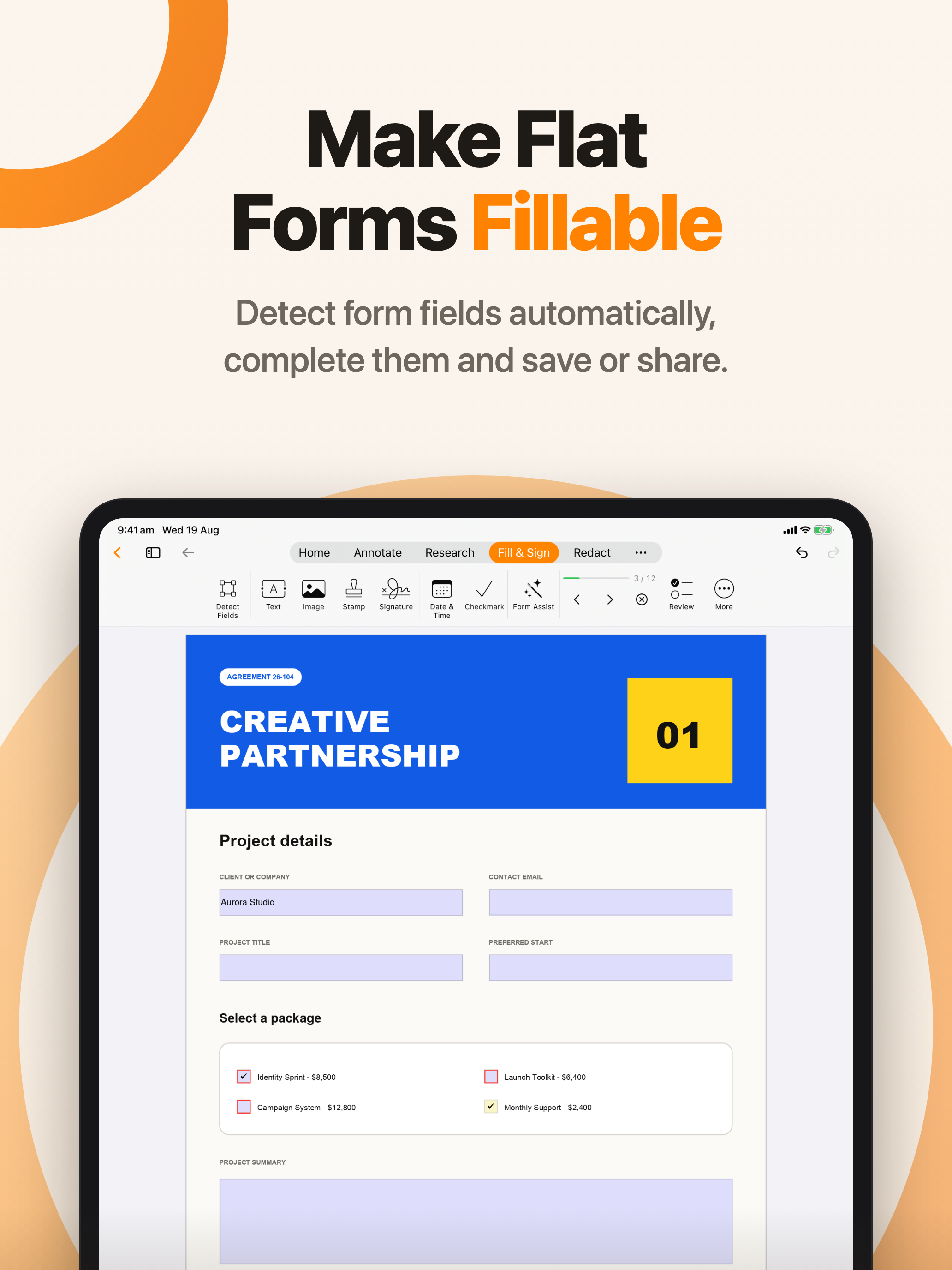
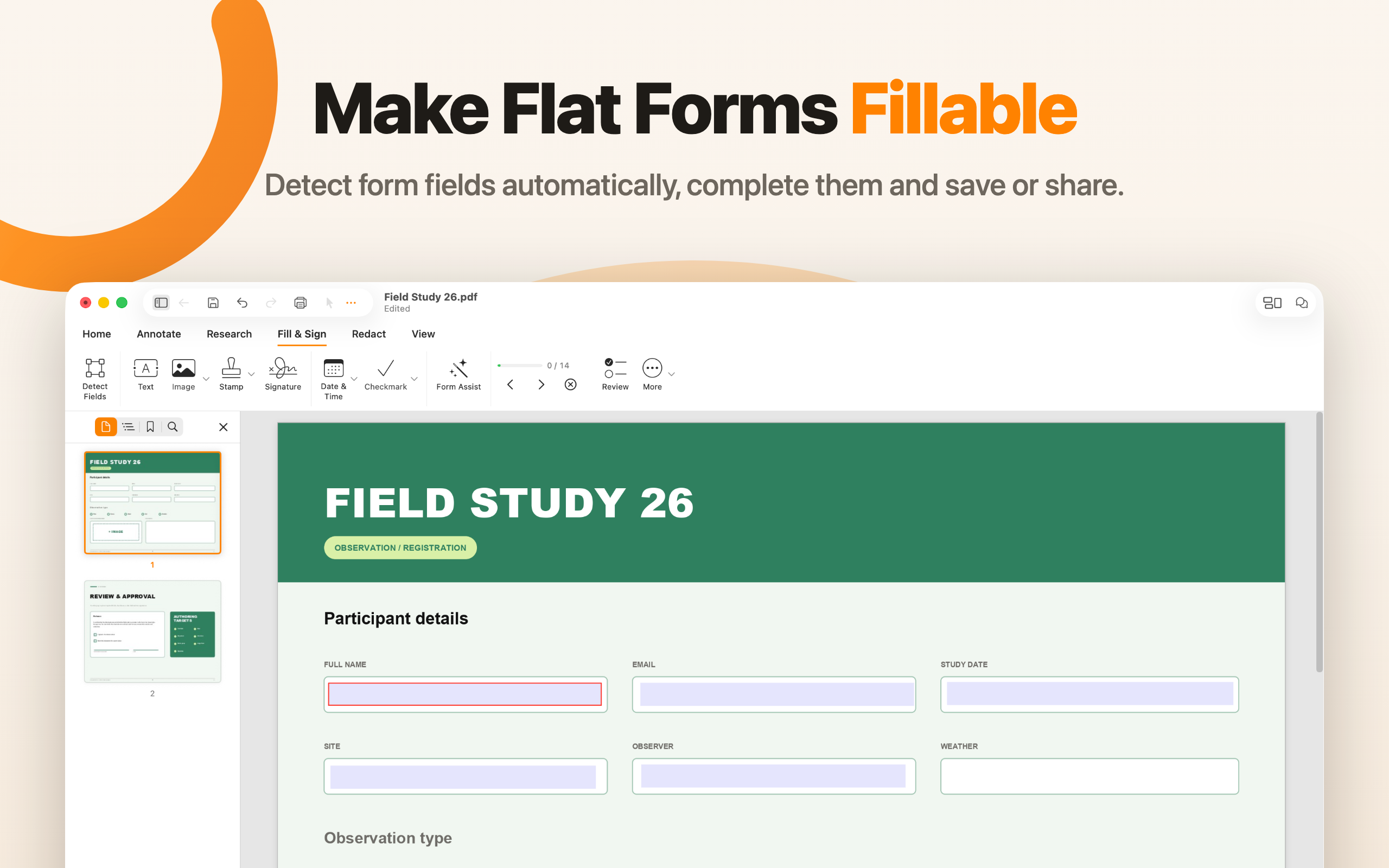
Detect form fields automatically, complete them, and save or share.
Download PNG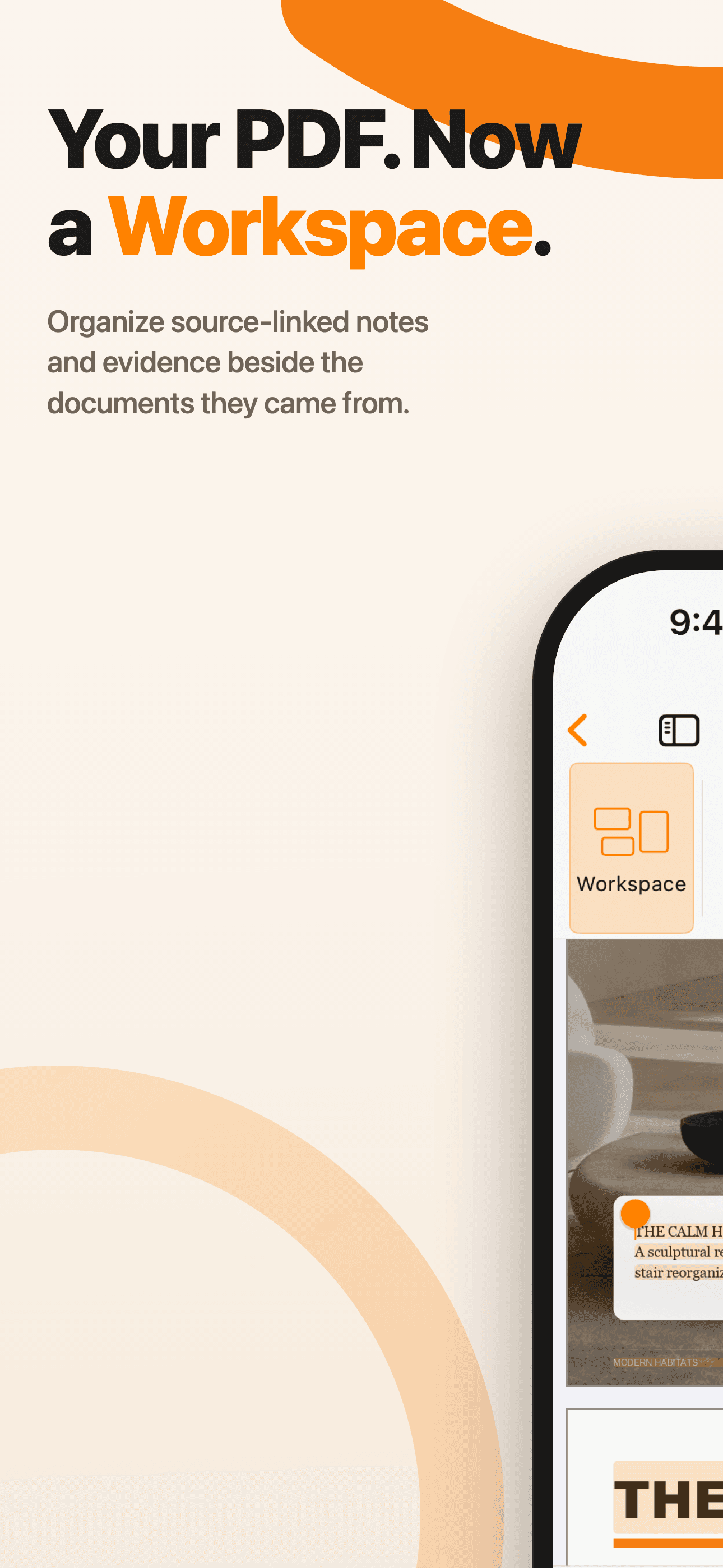
Organize source-linked notes and evidence beside the documents they came from.
Download PNG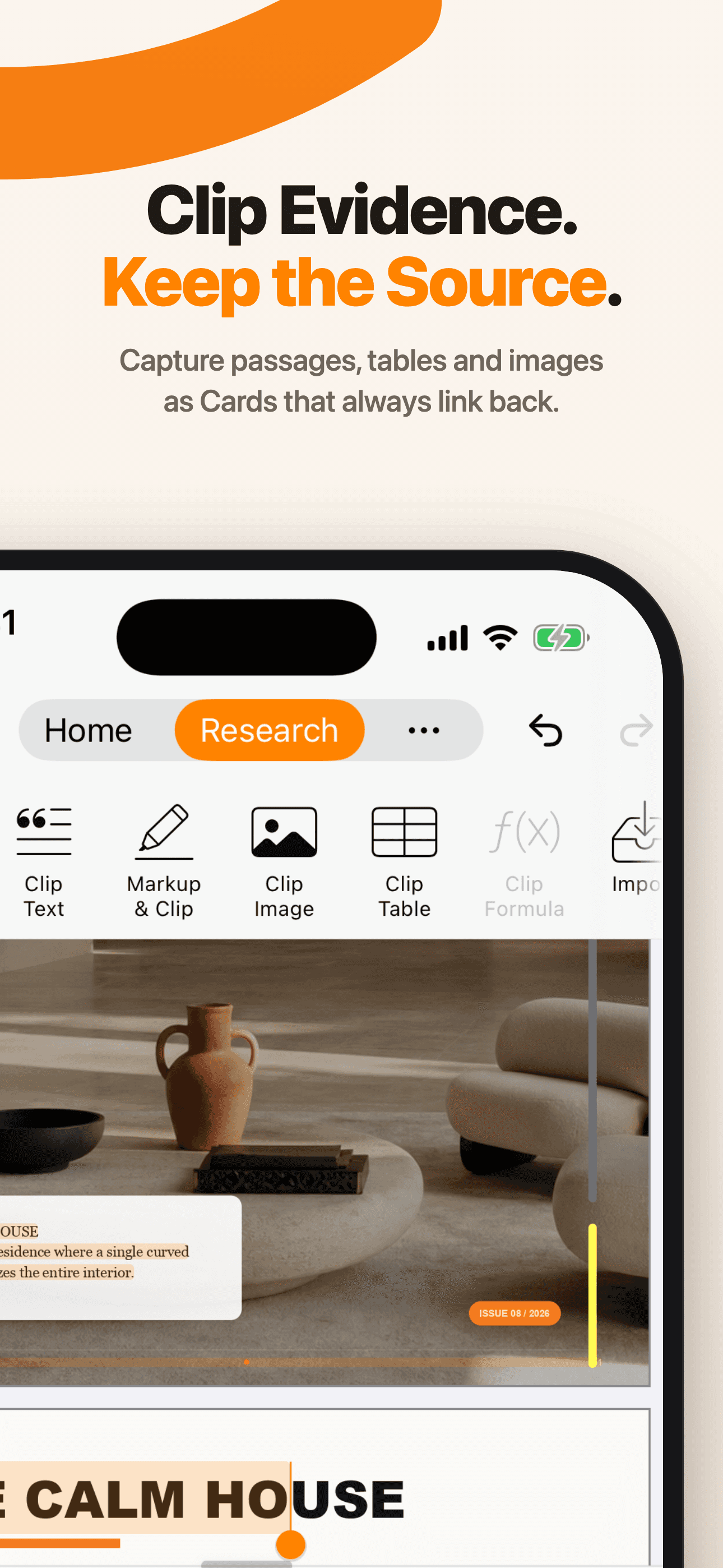
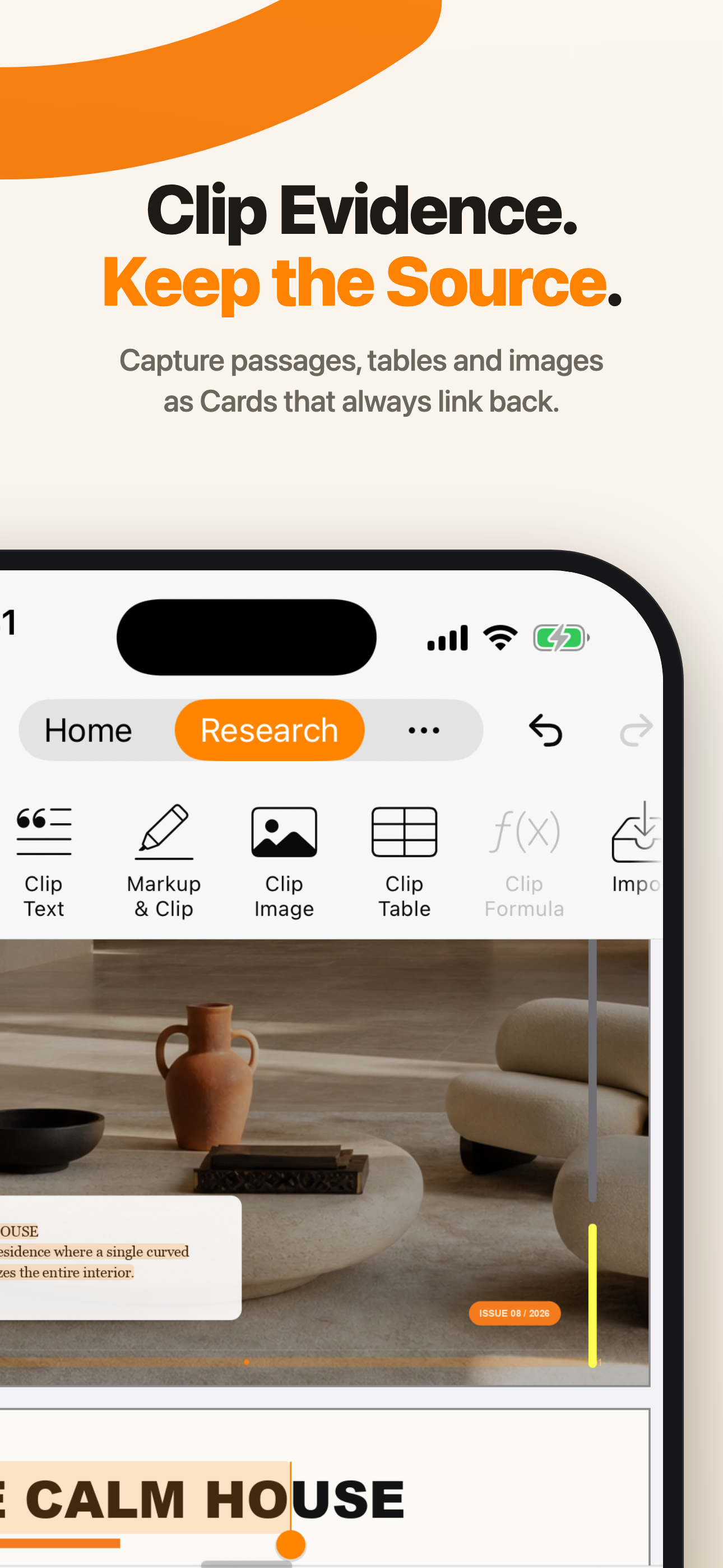
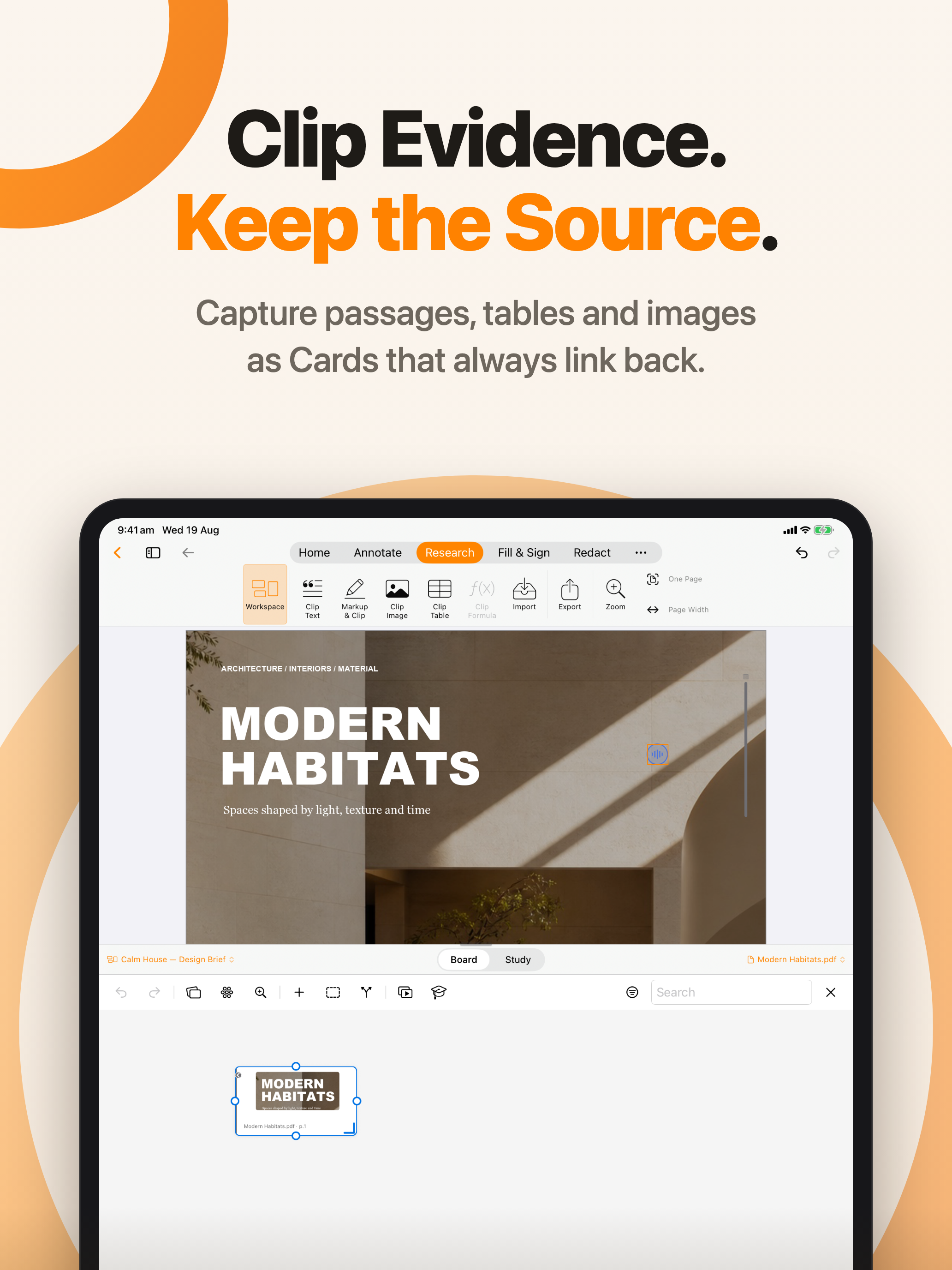
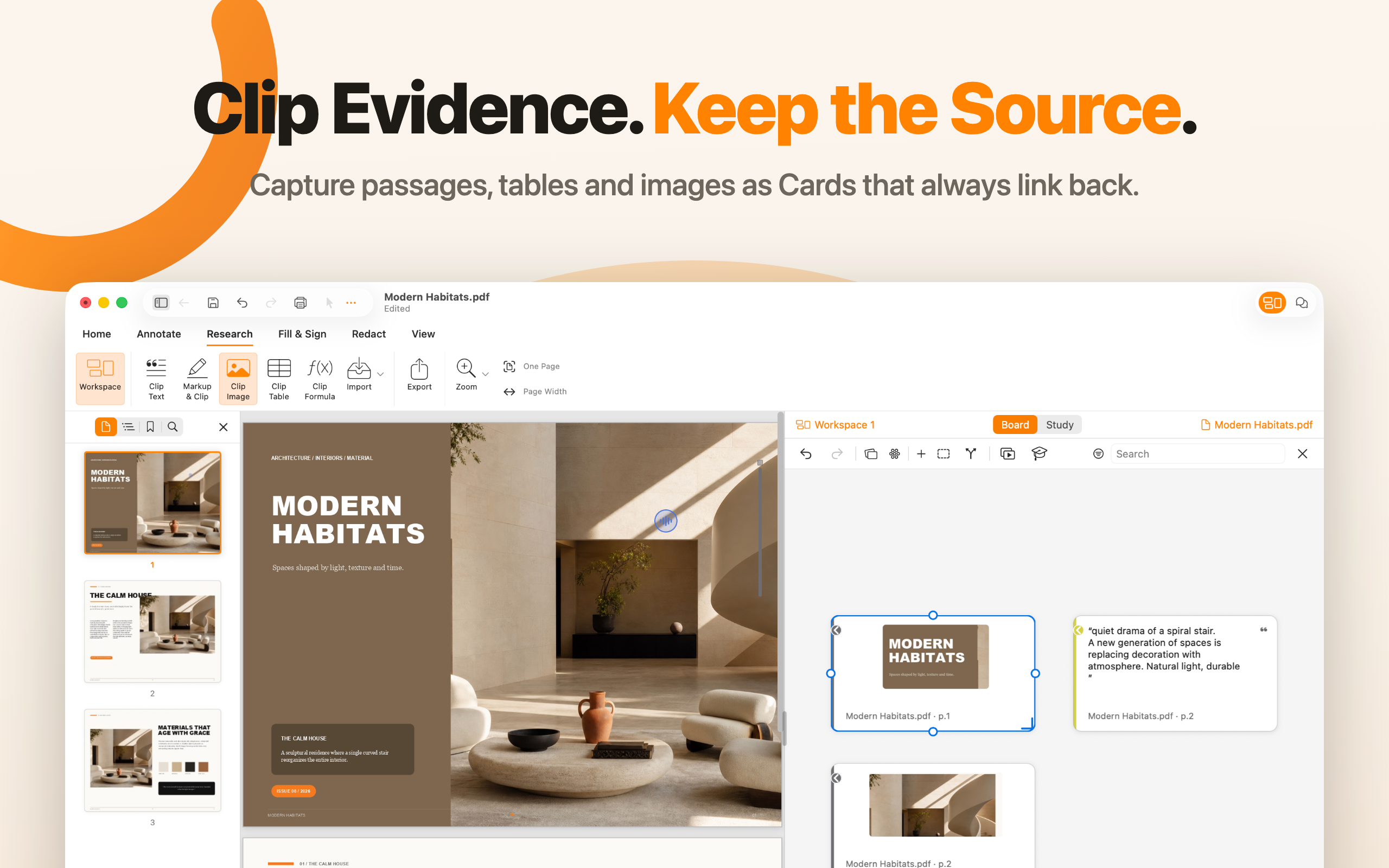
Capture passages, tables, and images as Cards that always link back.
Download PNG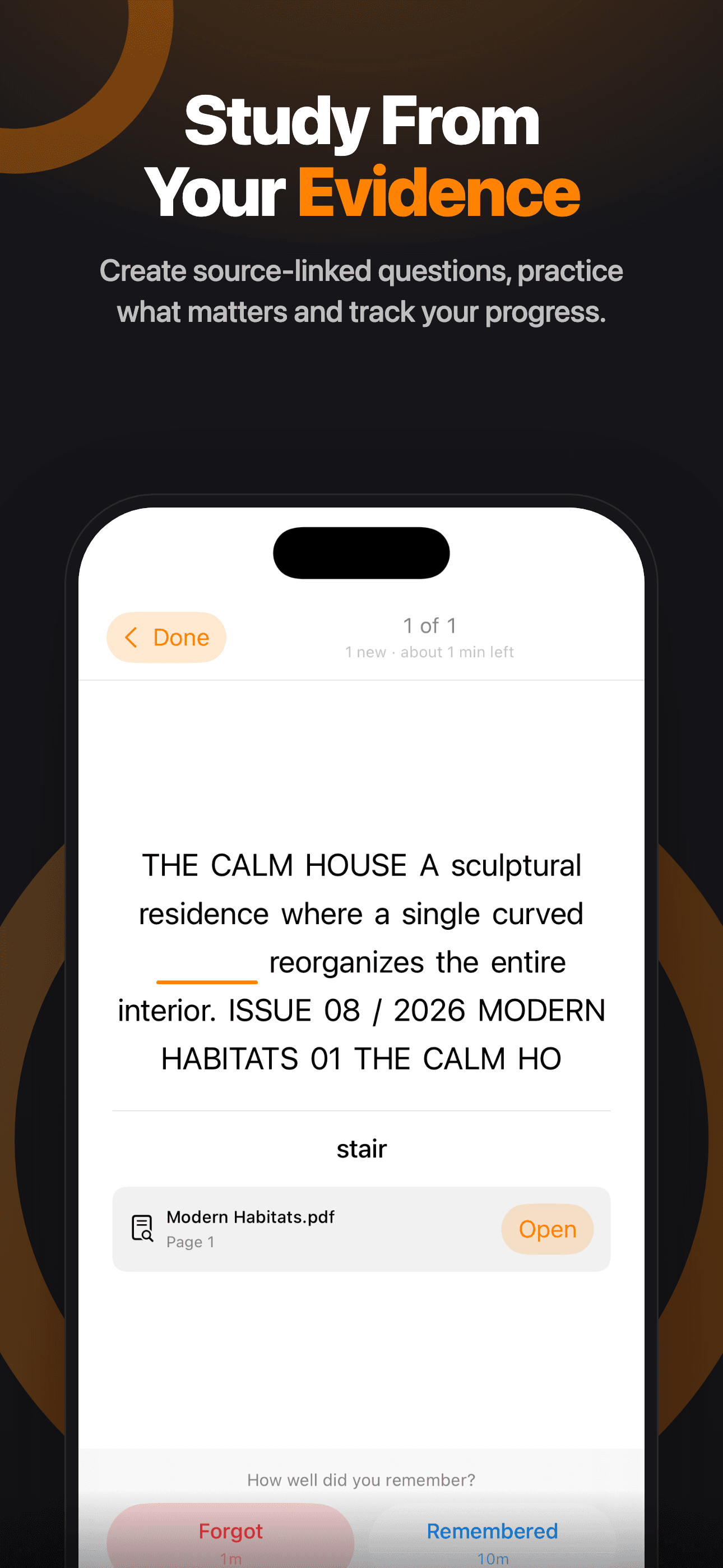
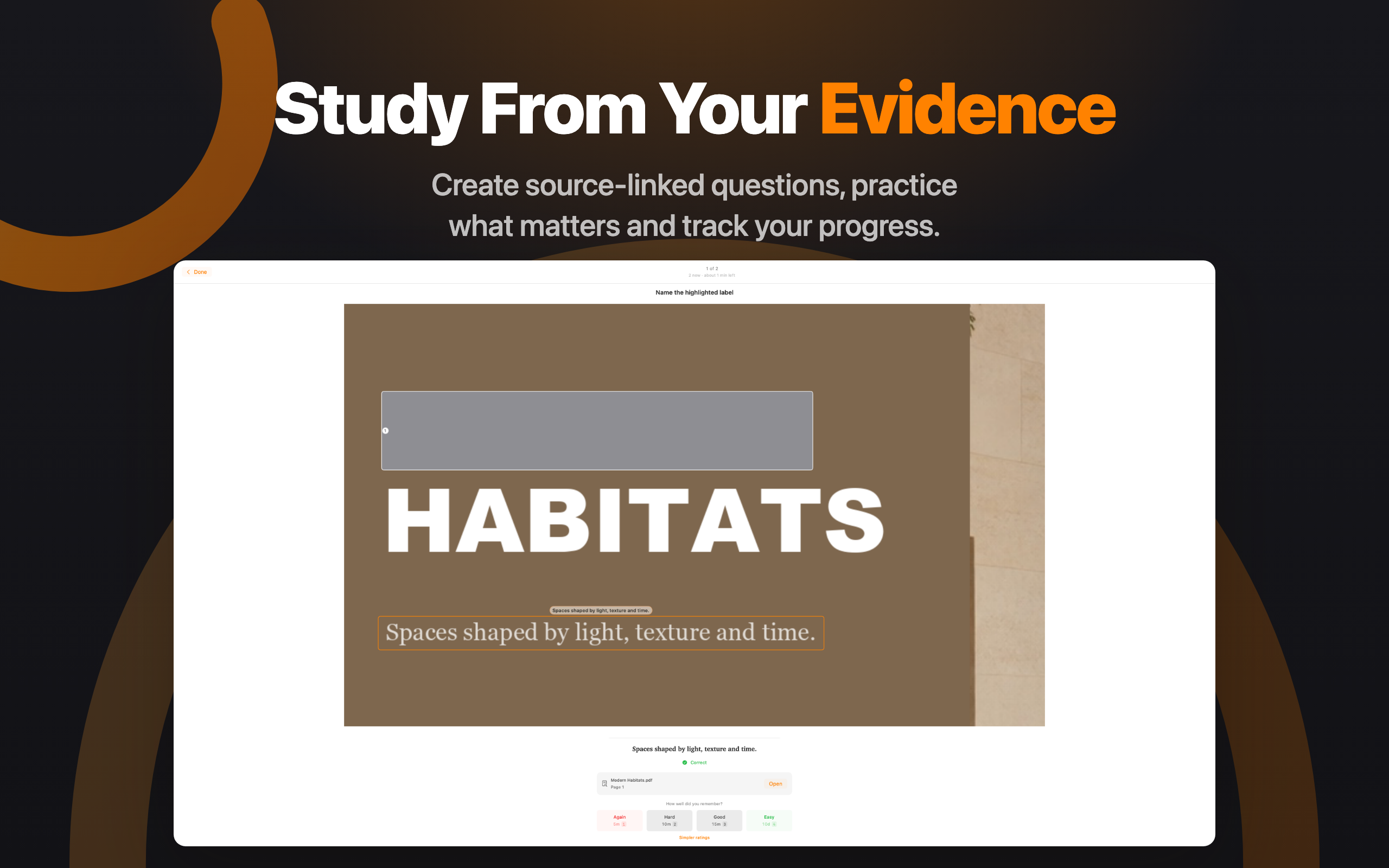
Create source-linked questions, practice what matters, and track your progress.
Download PNG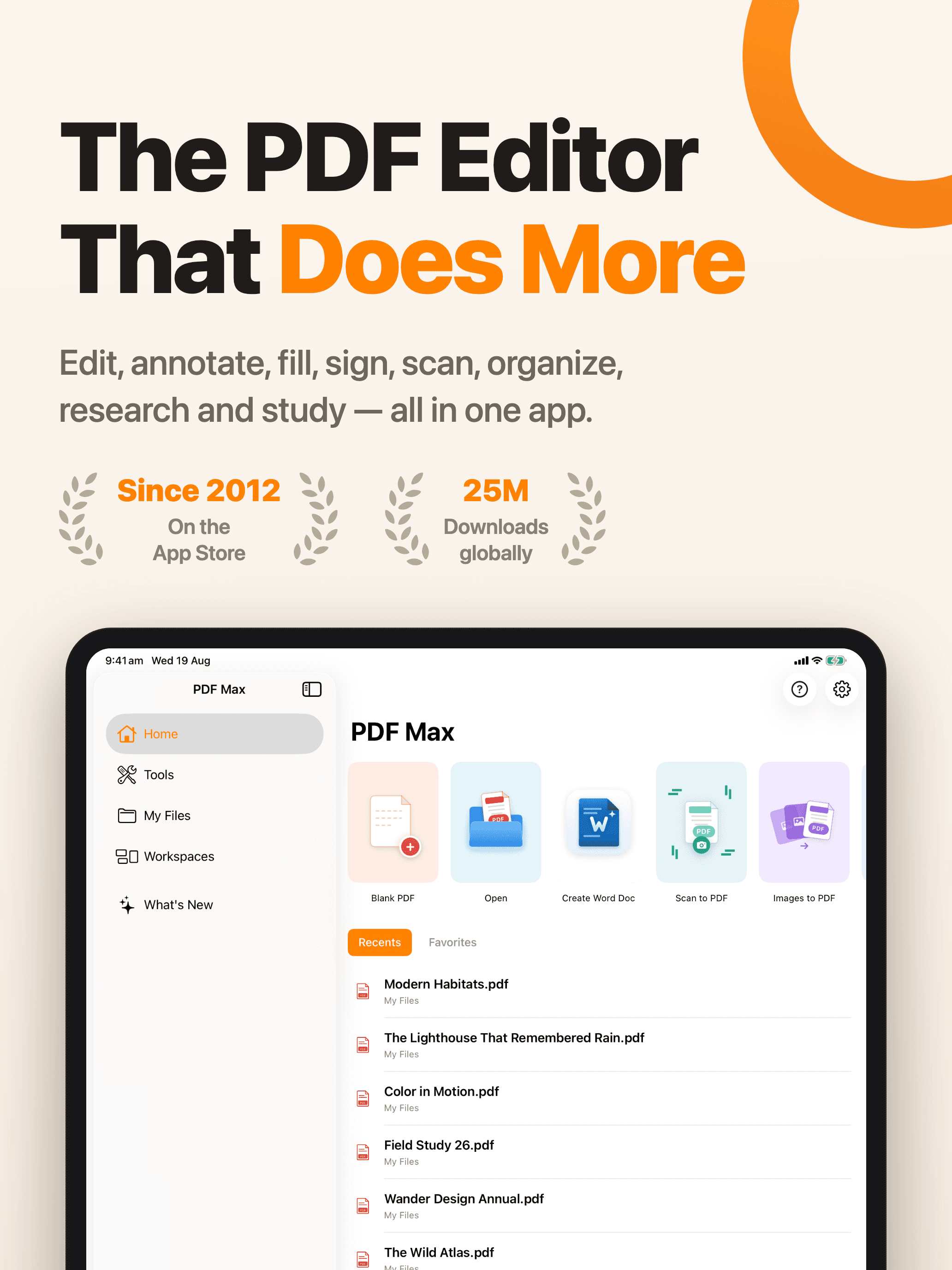
Edit, annotate, fill, sign, scan, organize, research, and study — all in one app.
Download PNGChange text and images, add comments, complete forms, sign, and redact.
Download PNG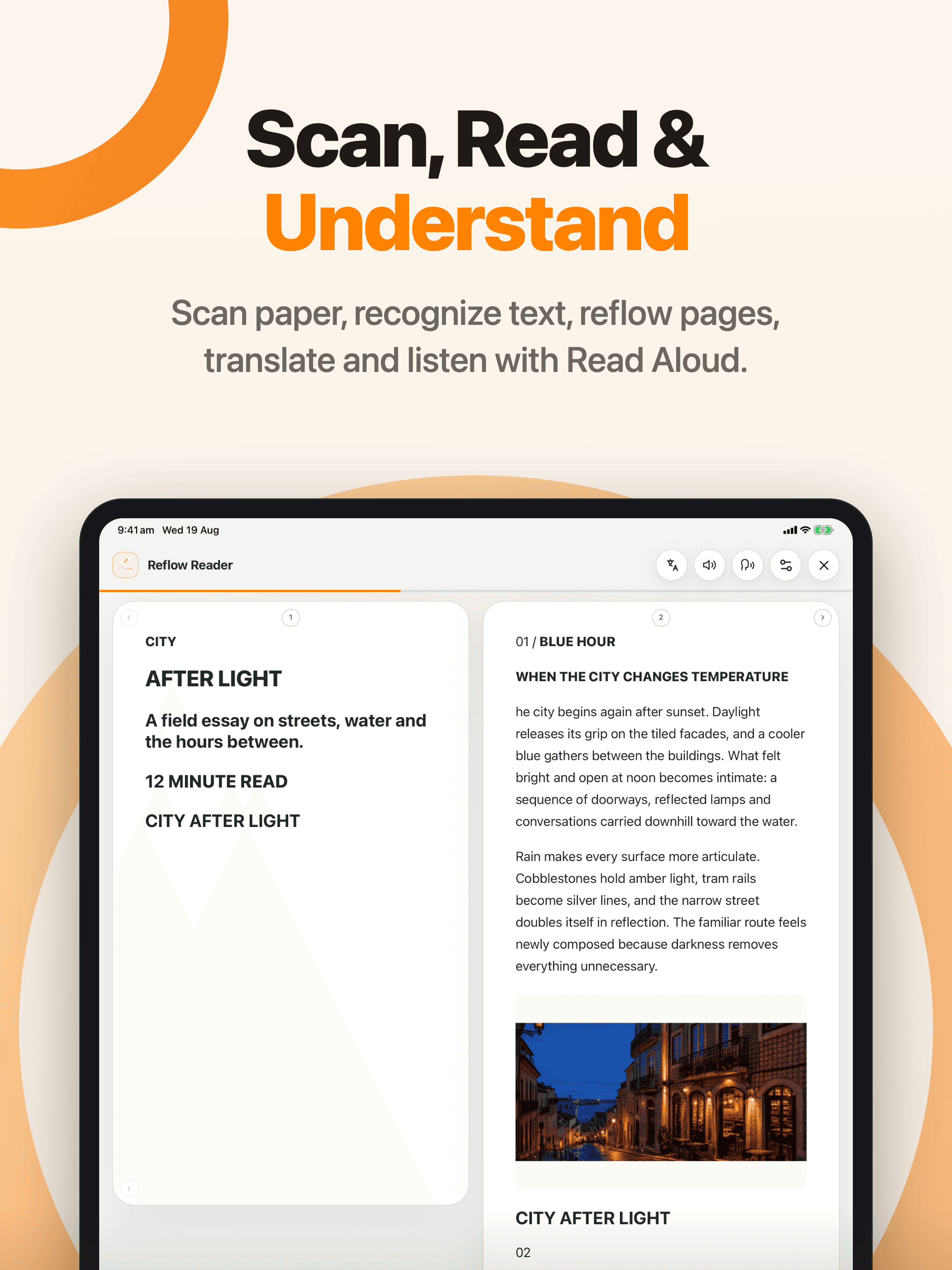
Scan paper, recognize text, reflow pages, translate, and listen with Read Aloud.
Download PNG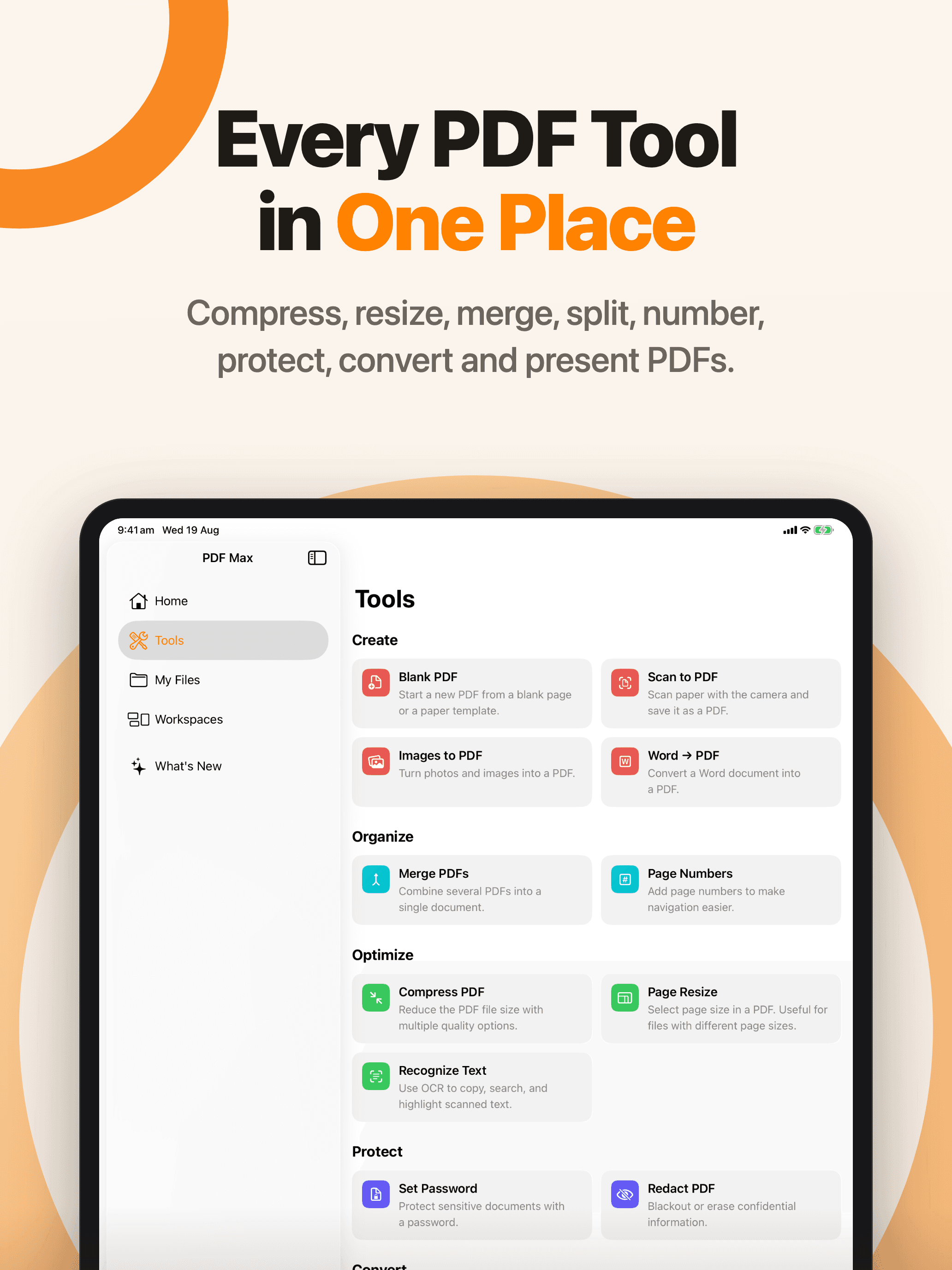
Compress, resize, merge, split, number, protect, convert, and present PDFs.
Download PNG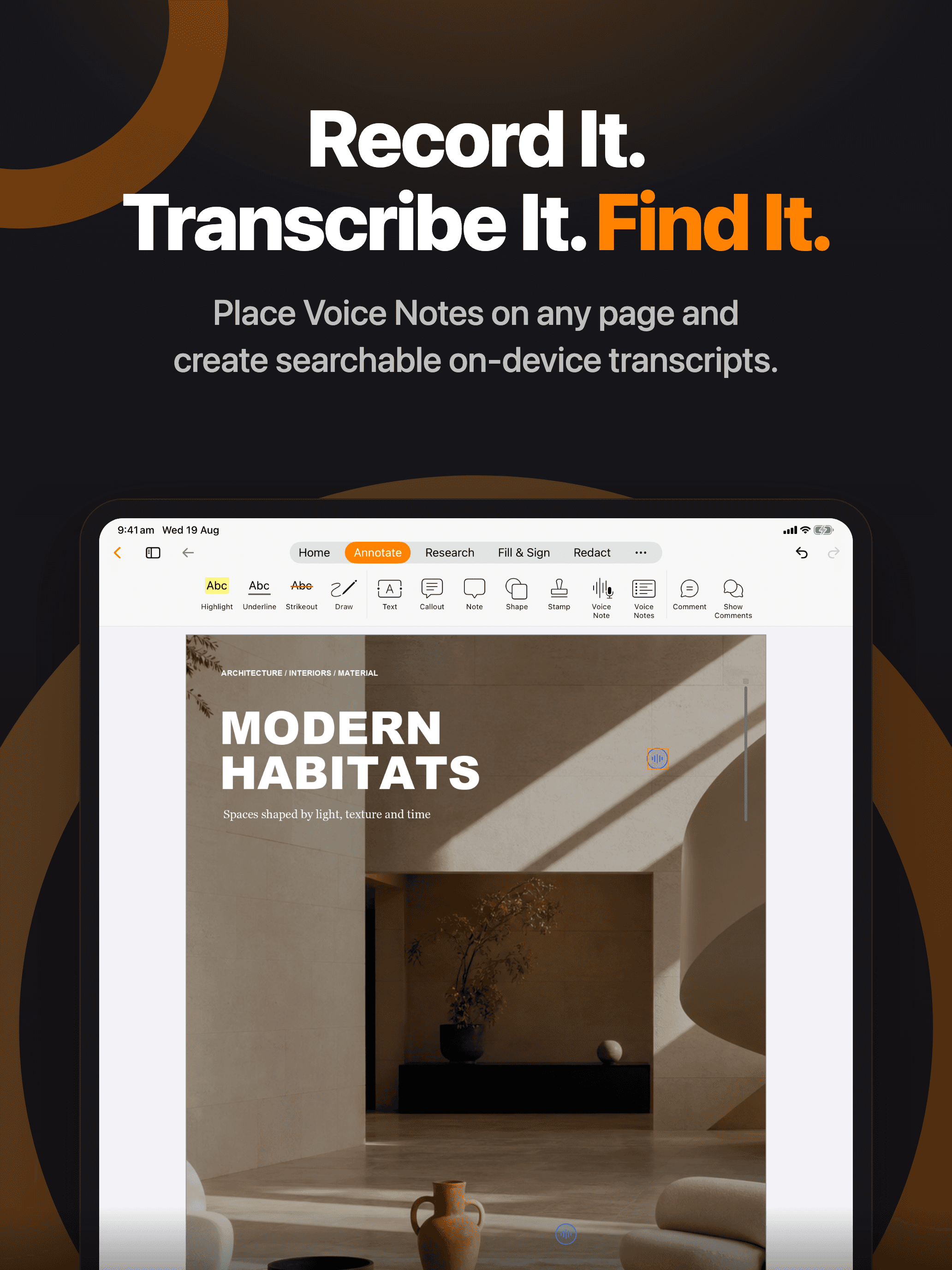
Place Voice Notes on any page and create searchable on-device transcripts.
Download PNG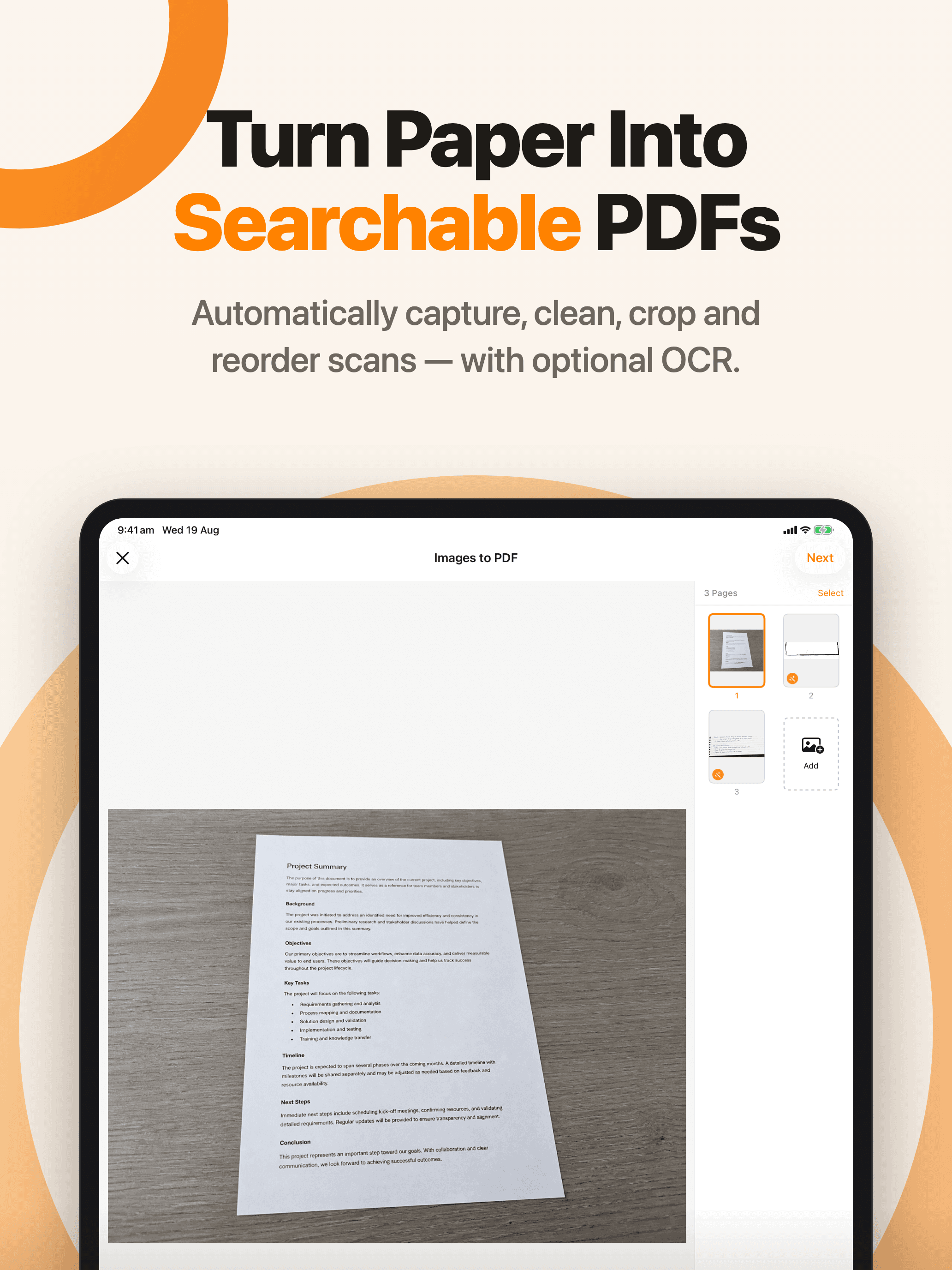
Automatically capture, clean, crop, and reorder scans — with optional OCR.
Download PNG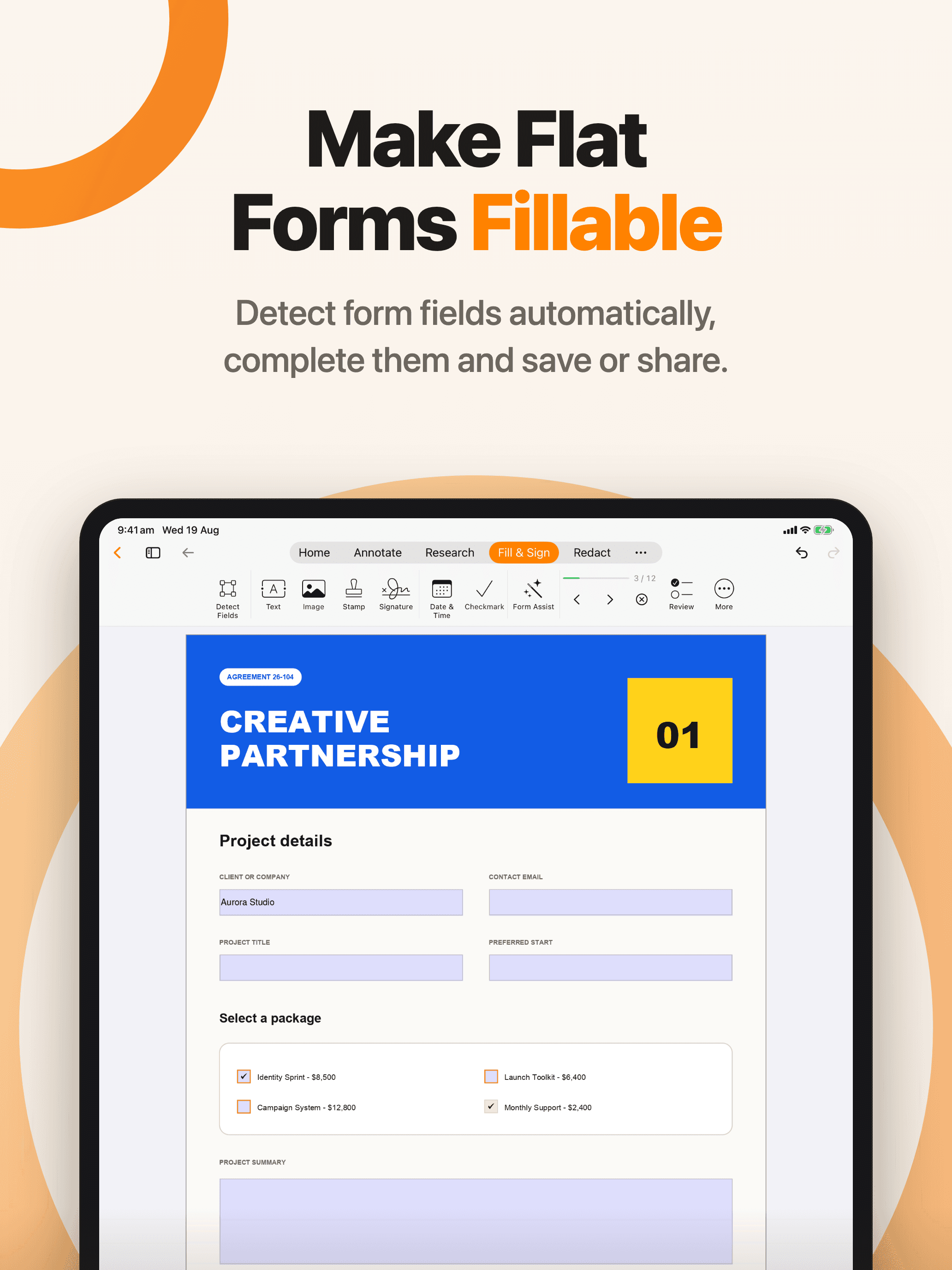
Detect form fields automatically, complete them, and save or share.
Download PNG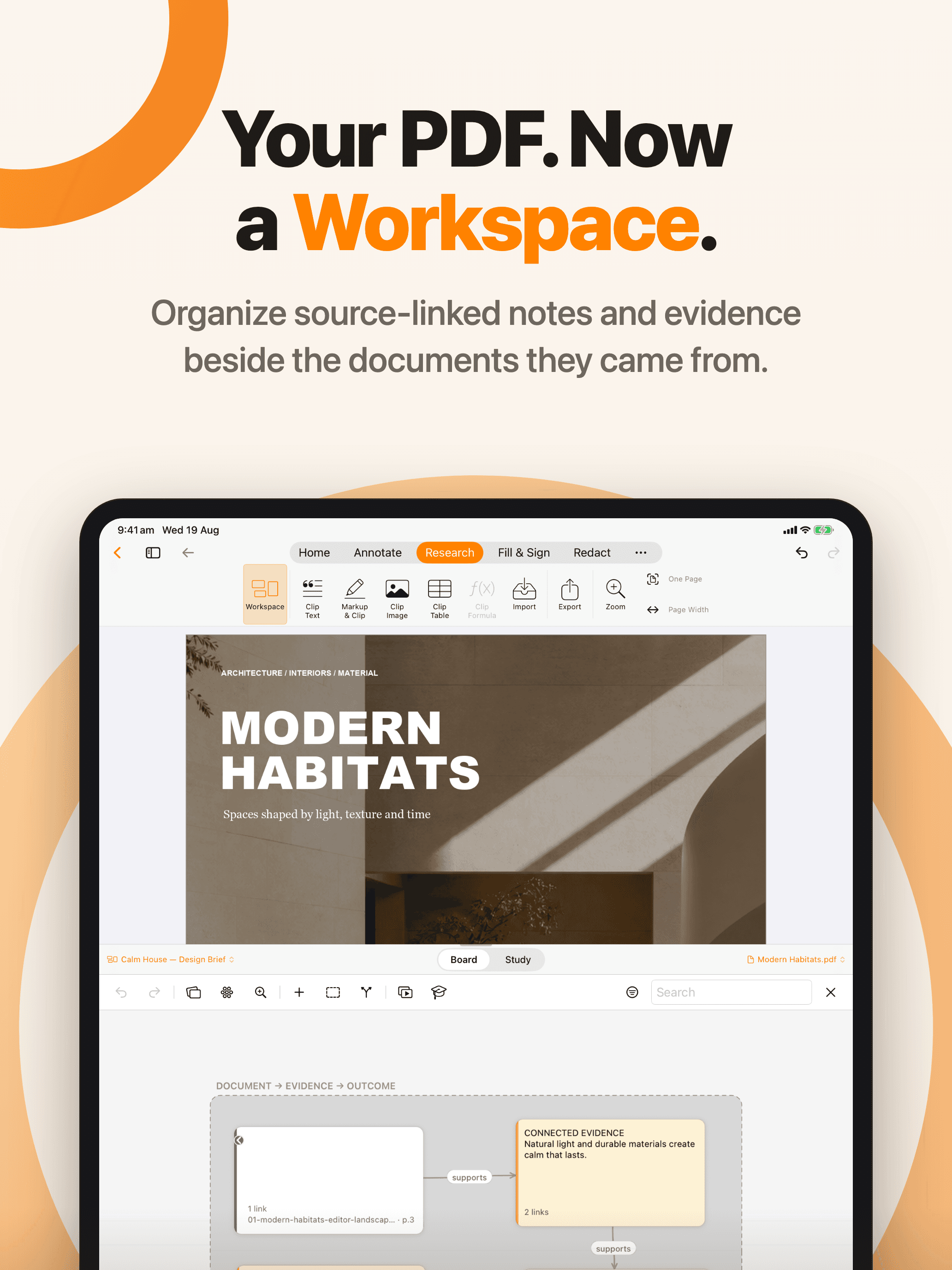
Organize source-linked notes and evidence beside the documents they came from.
Download PNG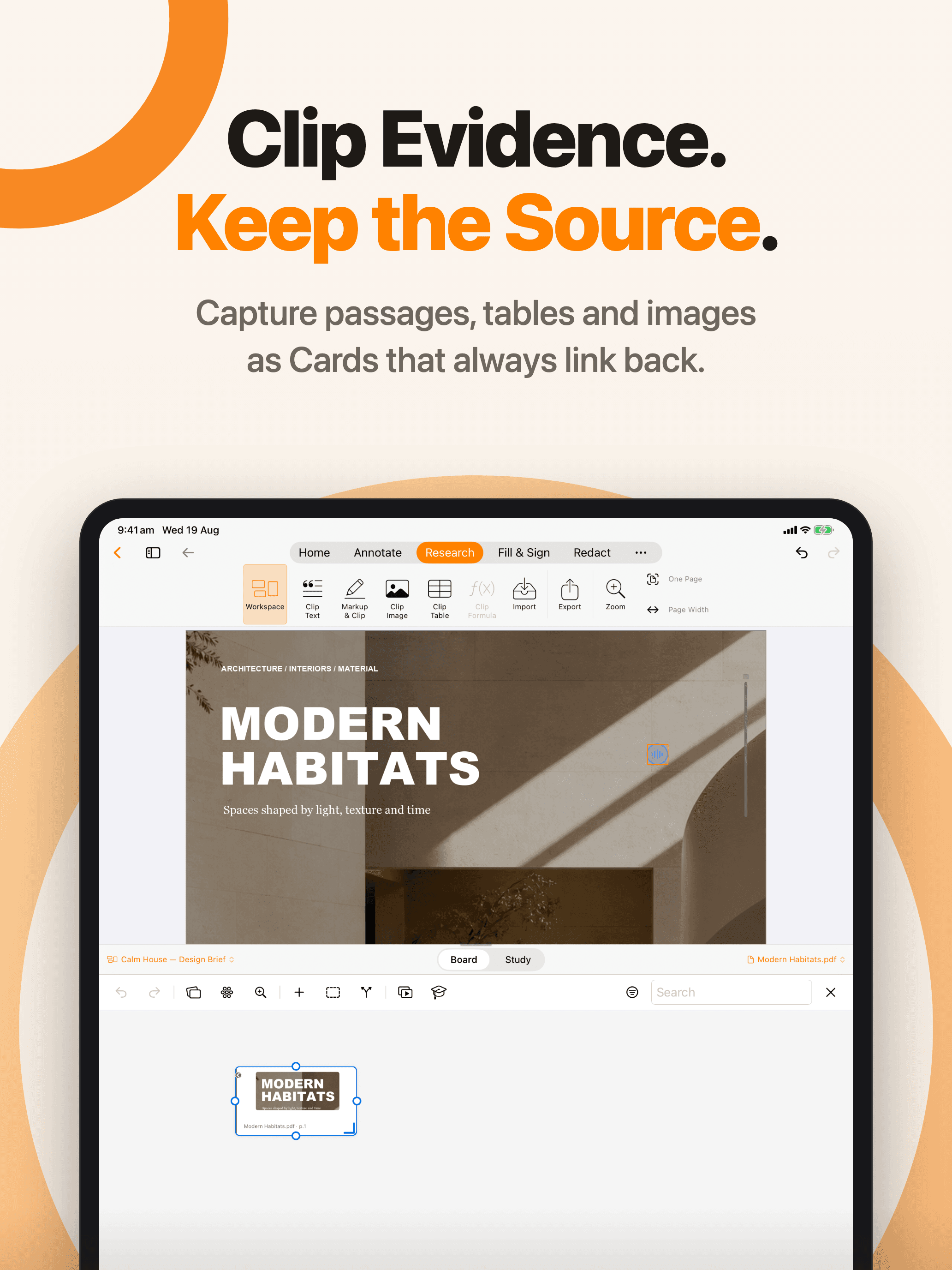
Capture passages, tables, and images as Cards that always link back.
Download PNGCreate source-linked questions, practice what matters, and track your progress.
Download PNGEdit, annotate, fill, sign, scan, organize, research, and study — all in one app.
Download PNG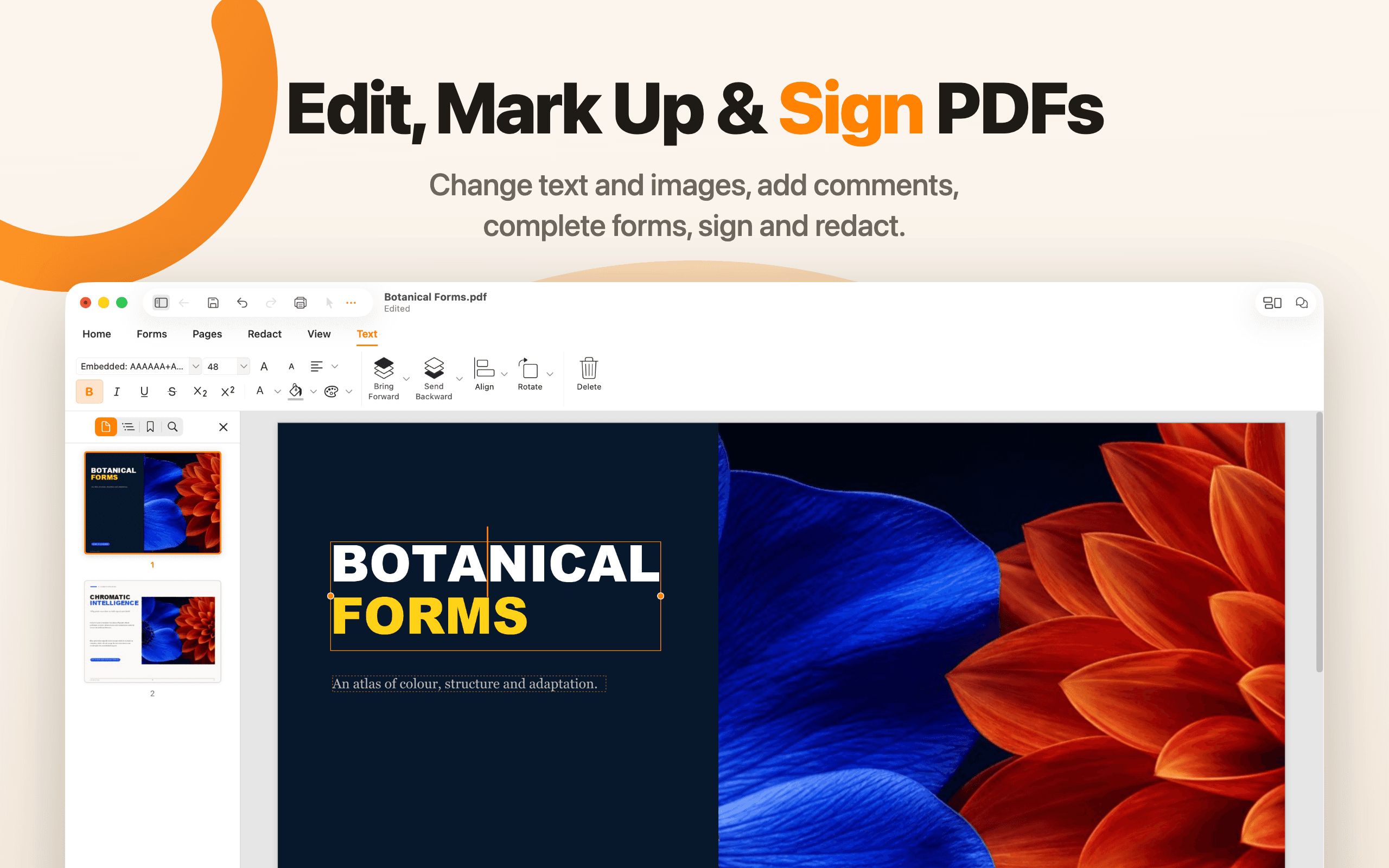
Change text and images, add comments, complete forms, sign, and redact.
Download PNG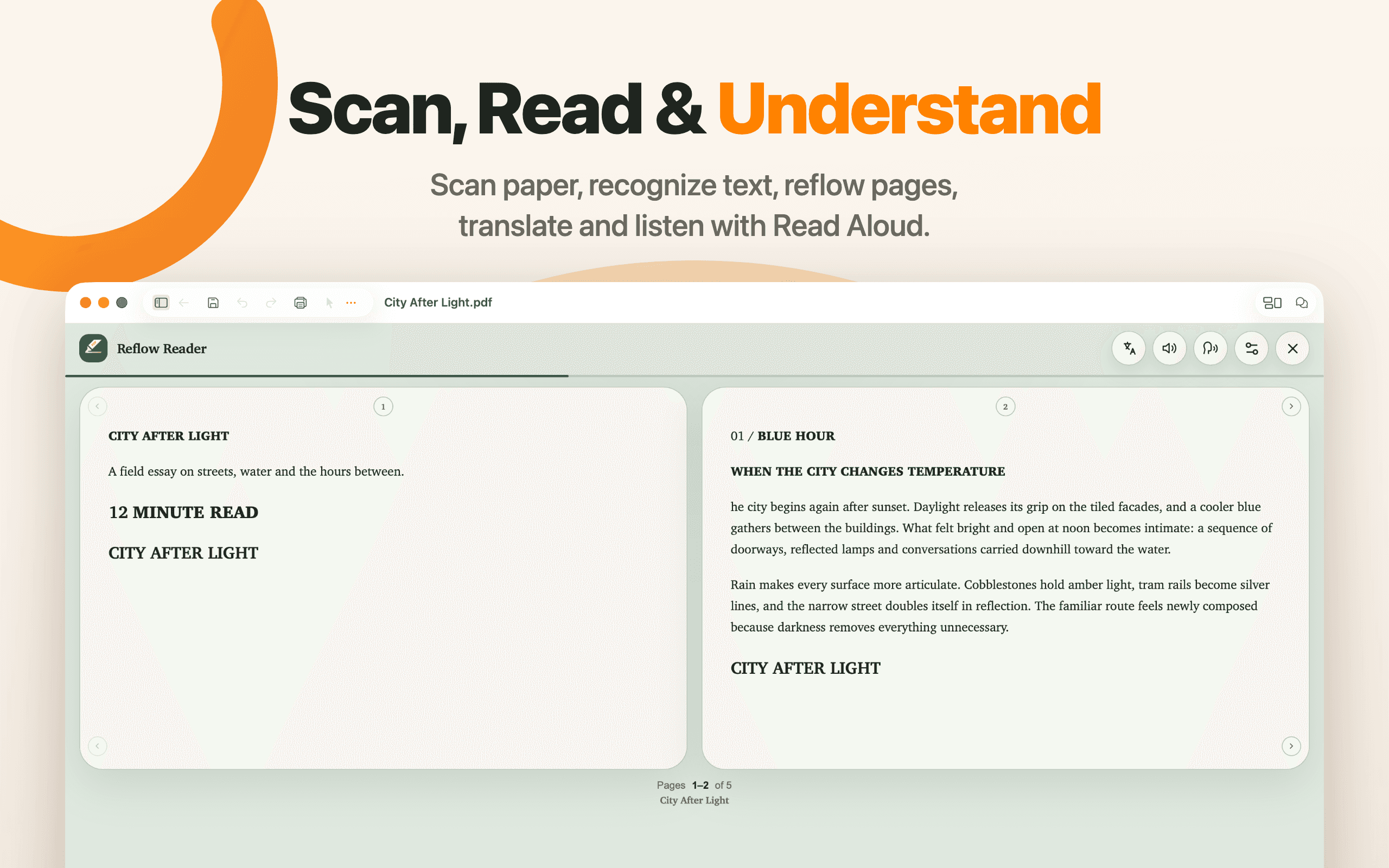
Scan paper, recognize text, reflow pages, translate, and listen with Read Aloud.
Download PNG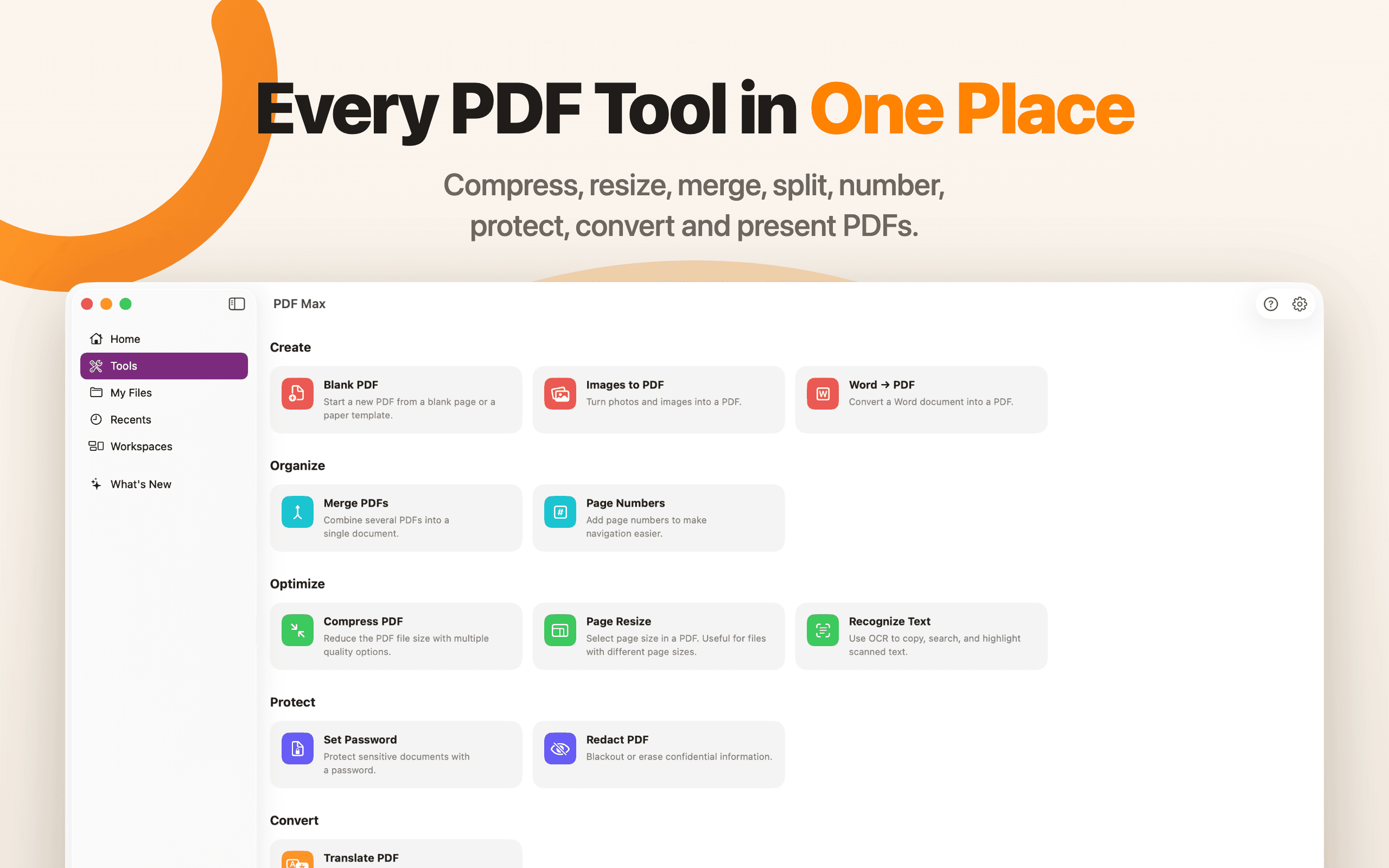
Compress, resize, merge, split, number, protect, convert, and present PDFs.
Download PNG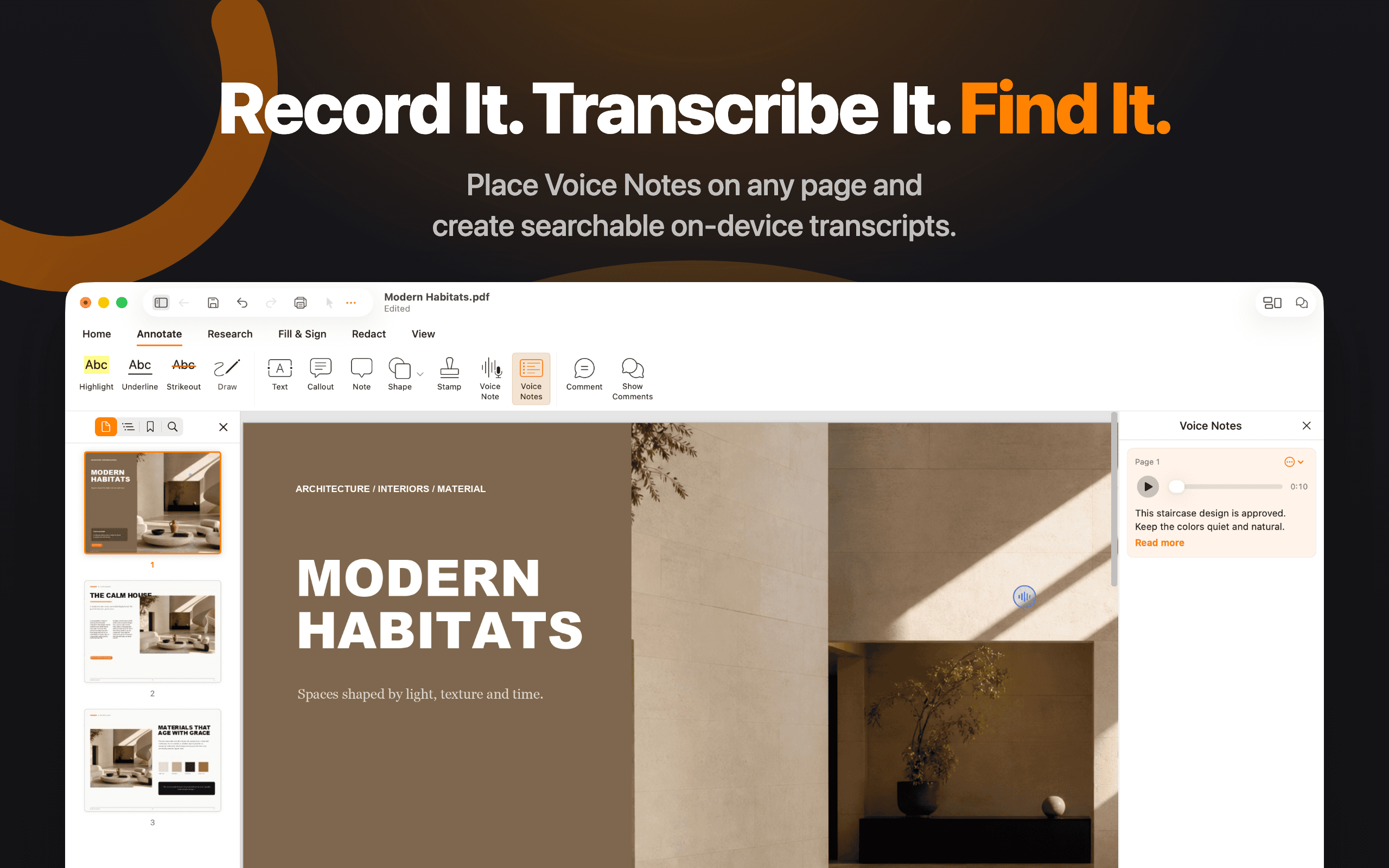
Place Voice Notes on any page and create searchable on-device transcripts.
Download PNG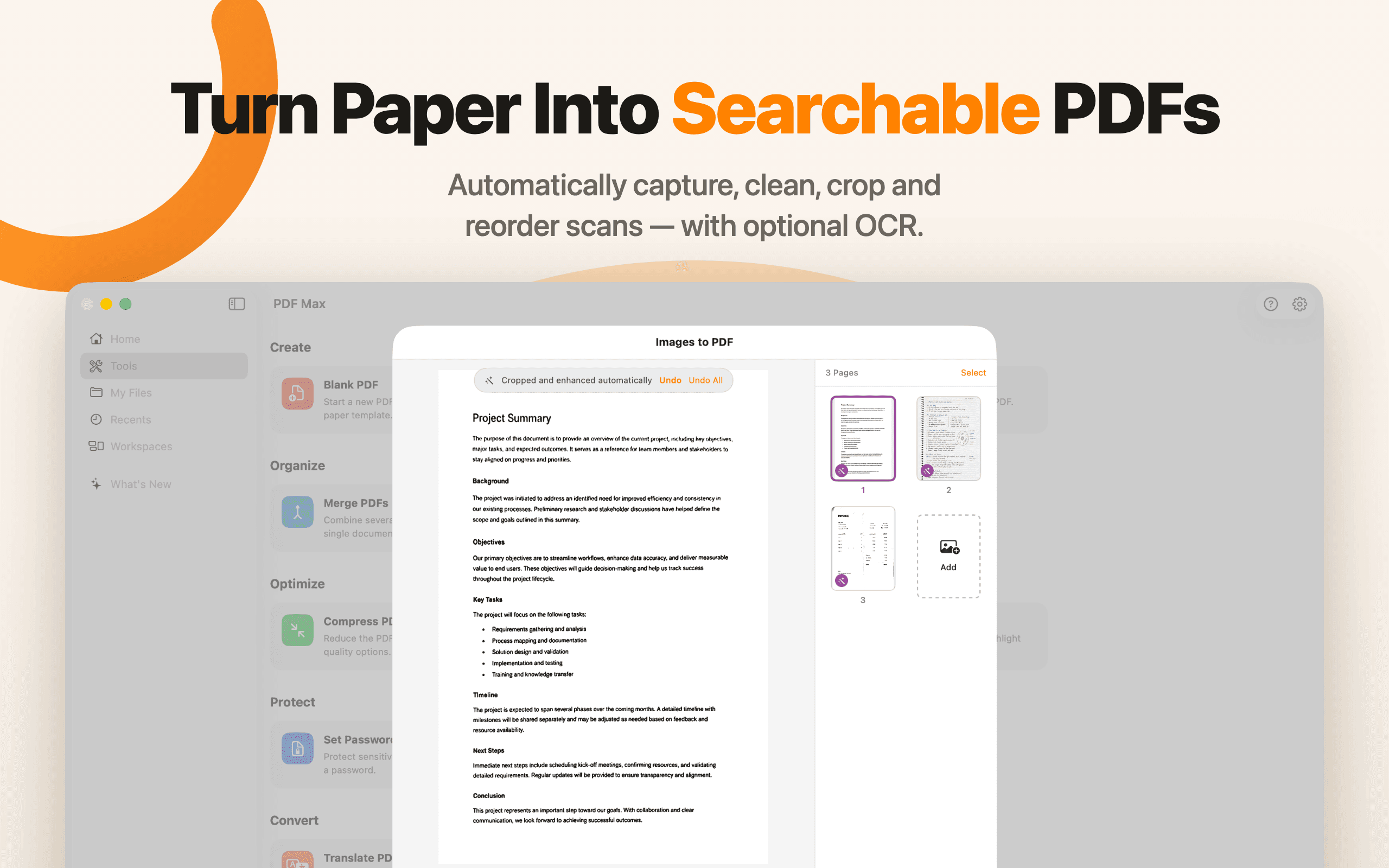
Combine images into a PDF, organize the pages, and make their contents searchable.
Download PNG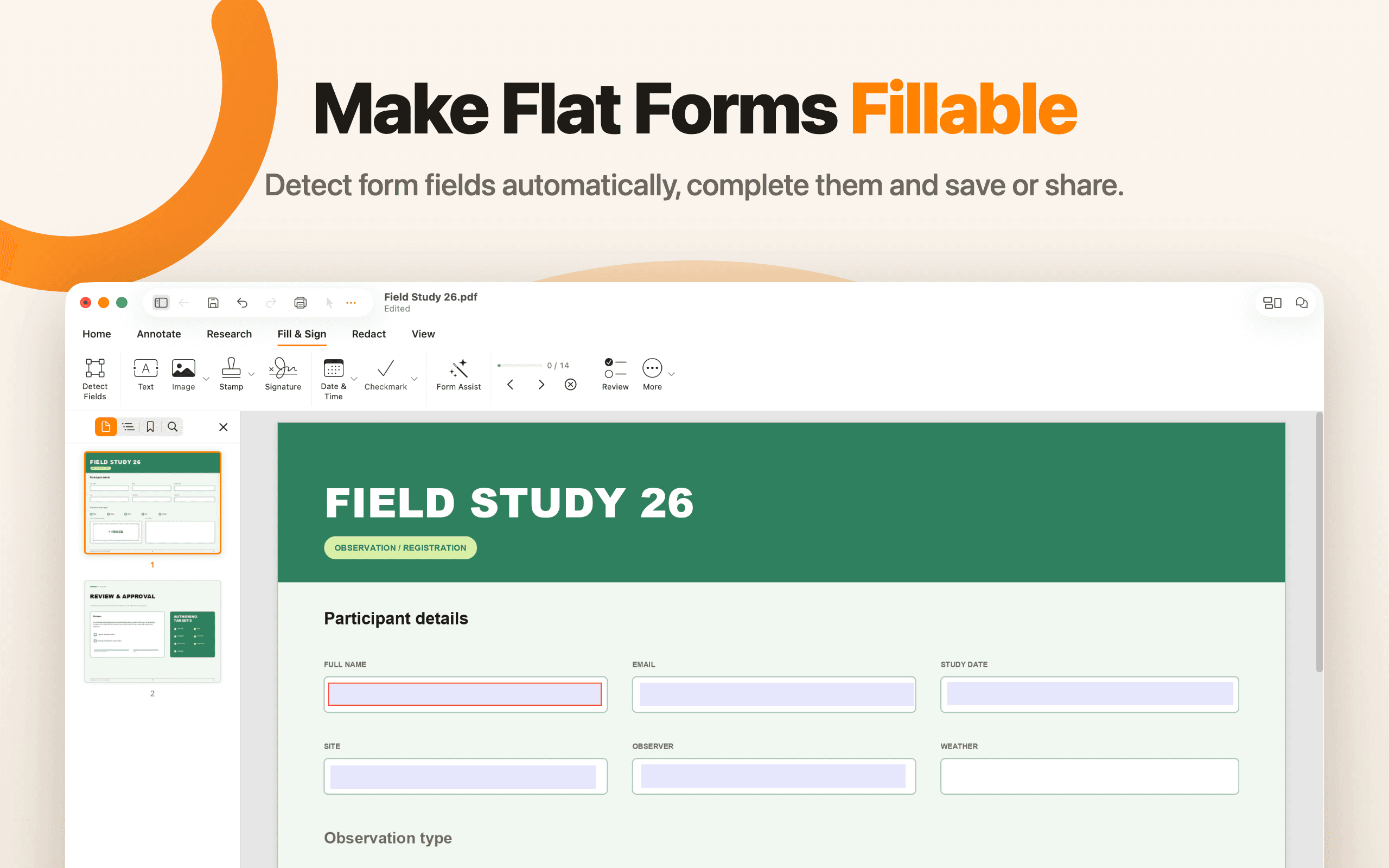
Detect form fields automatically, complete them, and save or share.
Download PNGOrganize source-linked notes and evidence beside the documents they came from.
Download PNG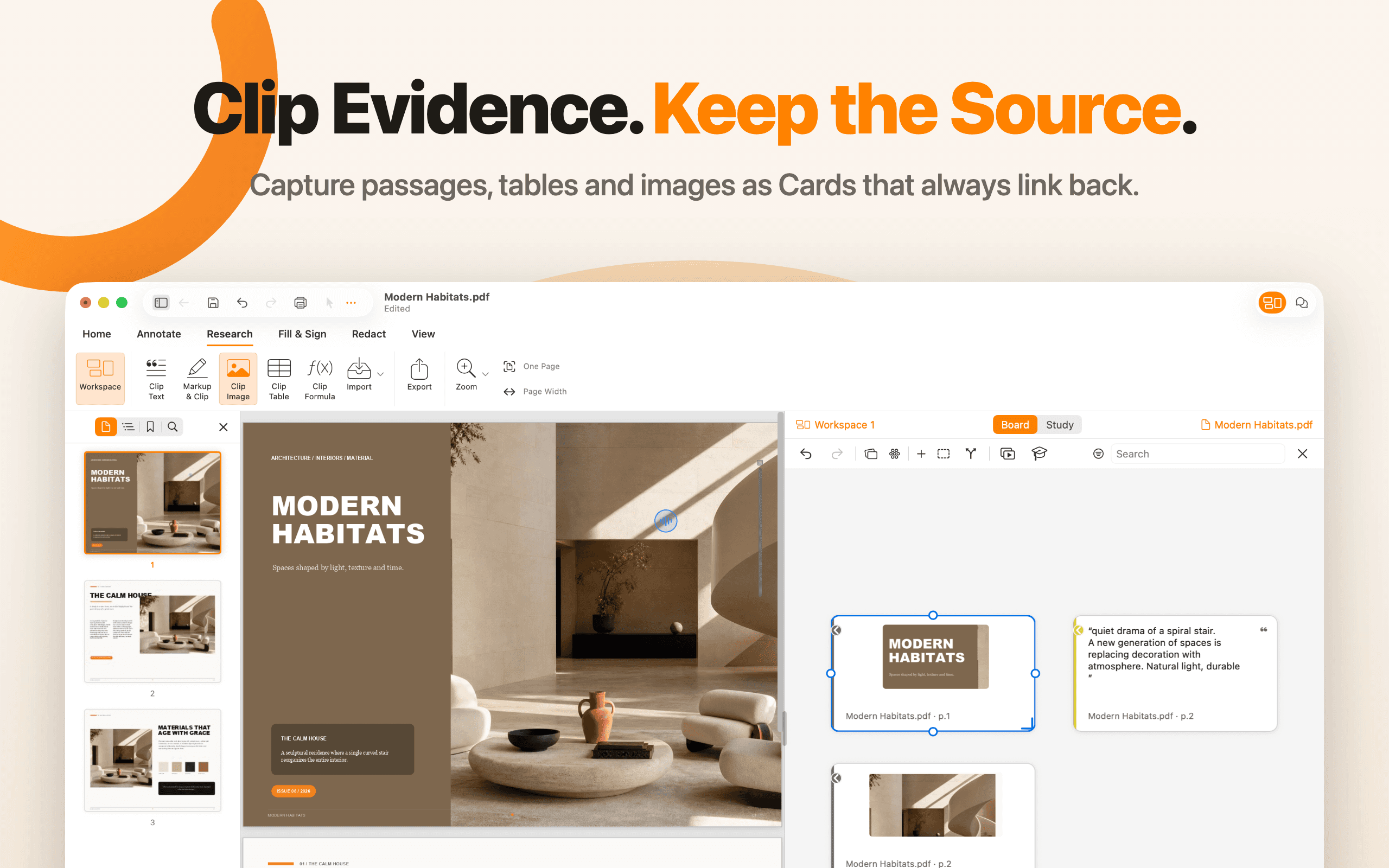
Compare sources side by side while keeping evidence connected to the original page.
Download PNG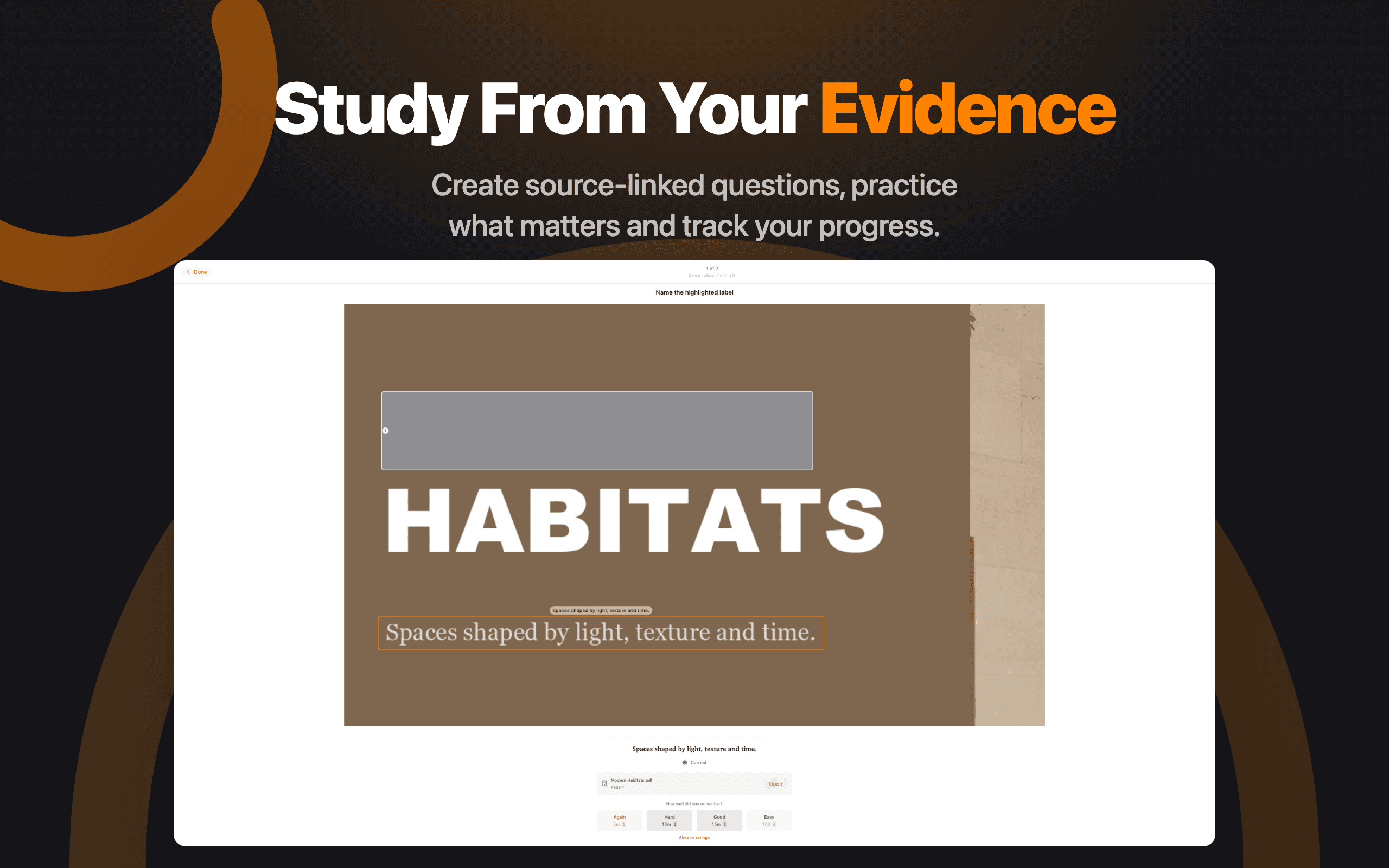
Create source-linked questions, practice what matters, and track your progress.
Download PNGApp preview videos
PDF Max 27.1 music-only, 25-second App Store previews with on-screen product copy. Controls are enabled and nothing auto-plays.
A vertical tour of PDF editing, document tools, source-linked workspaces, Voice Notes, and Study on iPhone.
A portrait iPad tour showing editing, PDF utilities, evidence Cards, Voice Notes, and source-linked Study.
A landscape Mac tour of the complete editor, PDF tools, multi-document workspace, evidence capture, and Study.
Editorial use
The kit is provided to make accurate coverage easier. Interface details may change in releases after PDF Max 27.1.