How to translate a PDF on Apple devices without uploading it
Translate a complete PDF on Mac, iPad, or iPhone with an on-device workflow, keep the original available, and handle scanned pages correctly.
Direct answer
How can you translate a PDF on an Apple device without uploading the document?
Use an on-device document workflow that extracts readable text locally and translates it without sending the source PDF to a web service. Scanned pages need OCR before translation. Keep the original view available, compare names, numbers, headings, tables, and legal or technical wording, and treat machine translation as assistance rather than a certified translation.
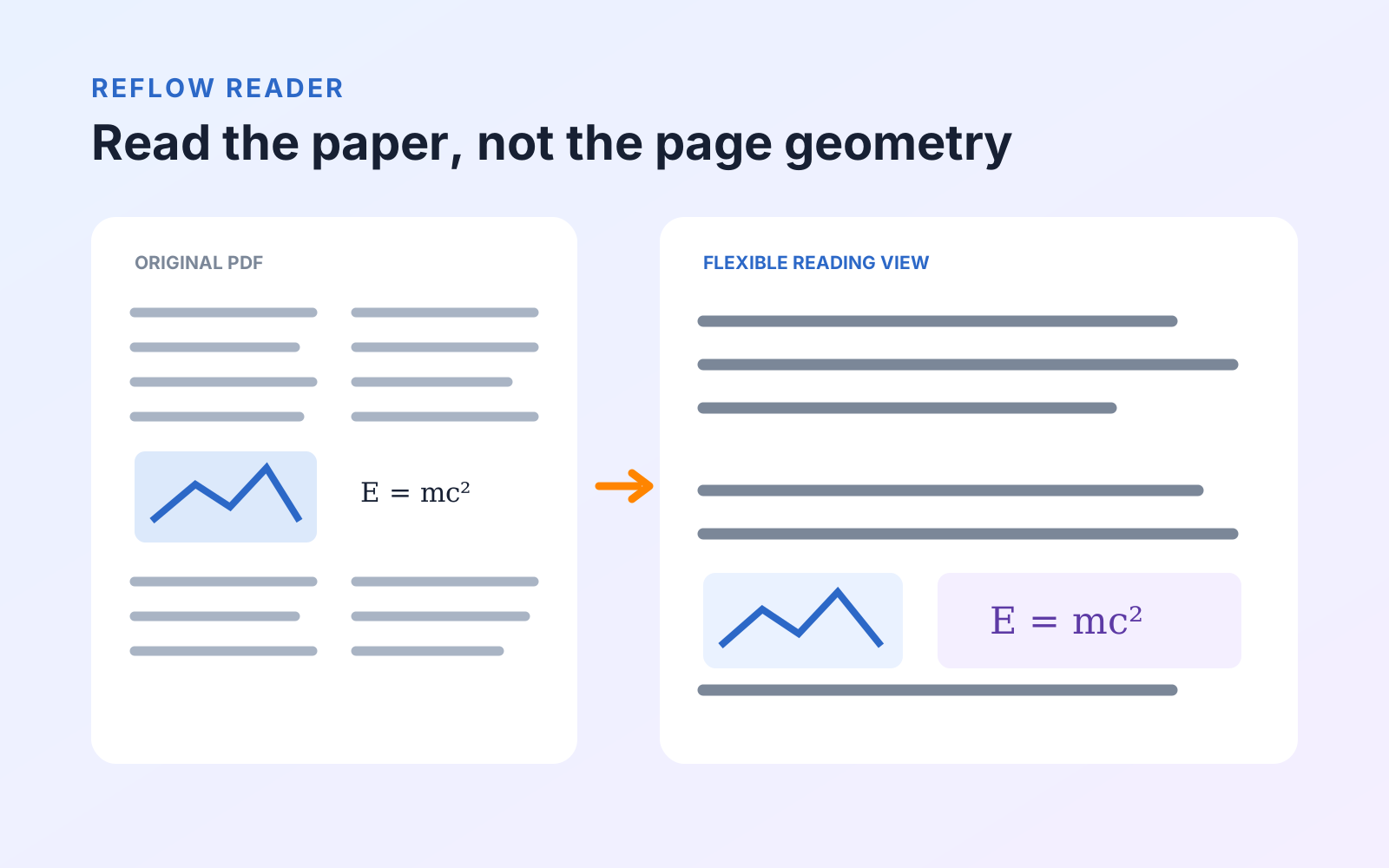
You can translate a complete PDF on a Mac, iPad, or iPhone without sending its text to a document-translation website. PDF Max opens the document in its Reflow Reader, uses Apple’s on-device translation, and lets you switch between the original and translated reading views.
Before starting, check that the page contains selectable text. A photographed or scanned page needs OCR before it can be translated as a document.
Selected text and whole-document translation solve different problems
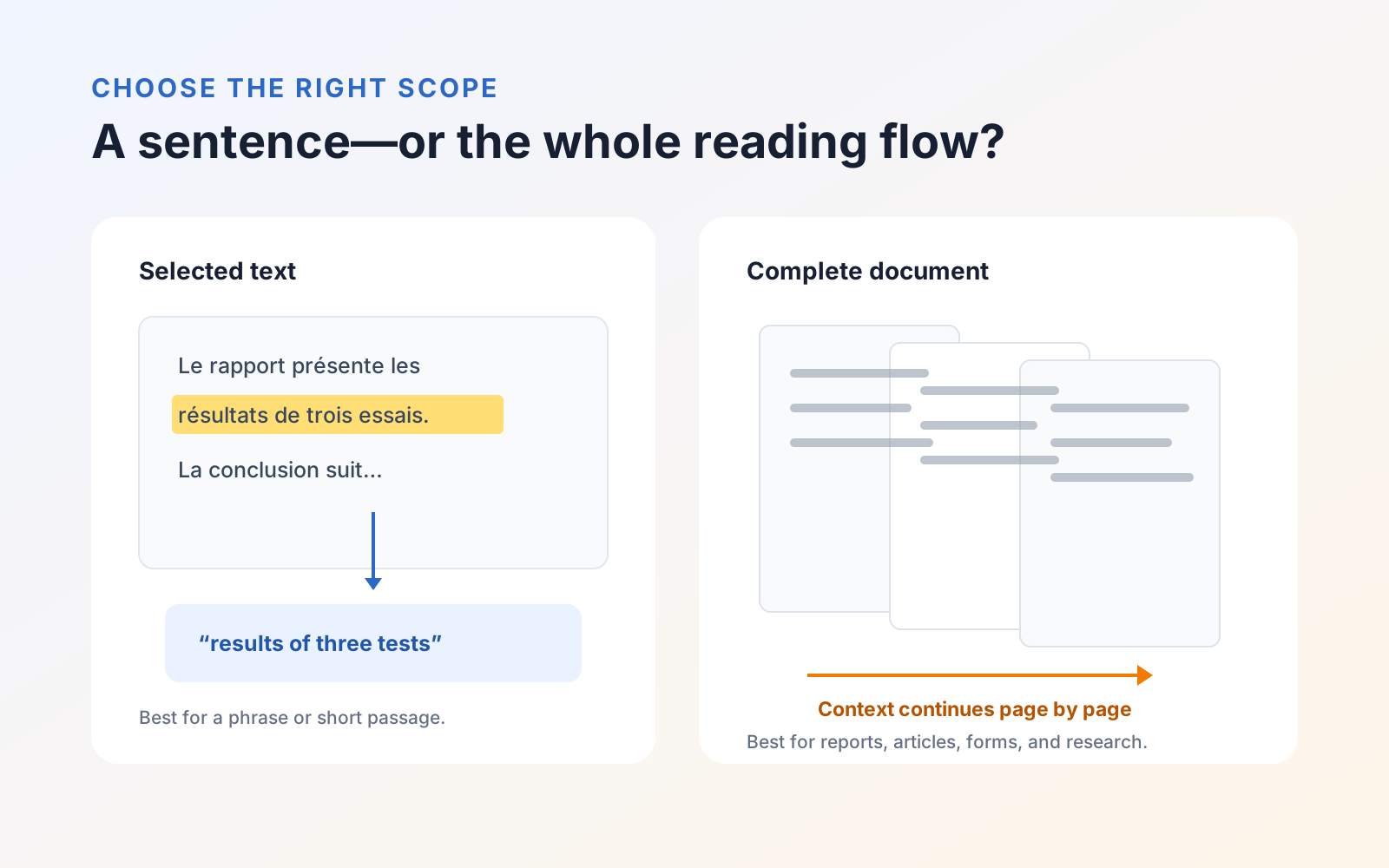
Apple devices can translate selected text in many apps. That is useful for a sentence, label, or short passage. It becomes slow and fragmented when you need to understand a report, article, or form across multiple pages.
Whole-document translation preserves the reading sequence and keeps the original available for comparison. It is the better route when context carries across paragraphs or when you expect to move repeatedly between the two languages.
Prepare on-device translation
Apple documents downloaded language support and on-device mode in its translation settings for Mac, iPhone, and iPad. Exact language availability depends on the operating-system version and region.
Before handling a sensitive document:
- Open the device's translation settings.
- Download both the source and destination languages if they are available.
- Turn on On-Device Mode or the equivalent offline-translation setting.
- Test a short, non-sensitive phrase in the same language pair.
Apple notes in its platform guidance that offline translations can be less accurate than translations processed online. Privacy and accuracy are separate decisions: on-device processing limits disclosure, while important wording still requires human review.
Translate the PDF in PDF Max
- Open the PDF.
- On Home, choose Translate.
- PDF Max opens the Reflow Reader with its translation panel ready.
- Choose the language used in the document and the language you want to read.
- Select Translate and wait for the current document content to be processed.
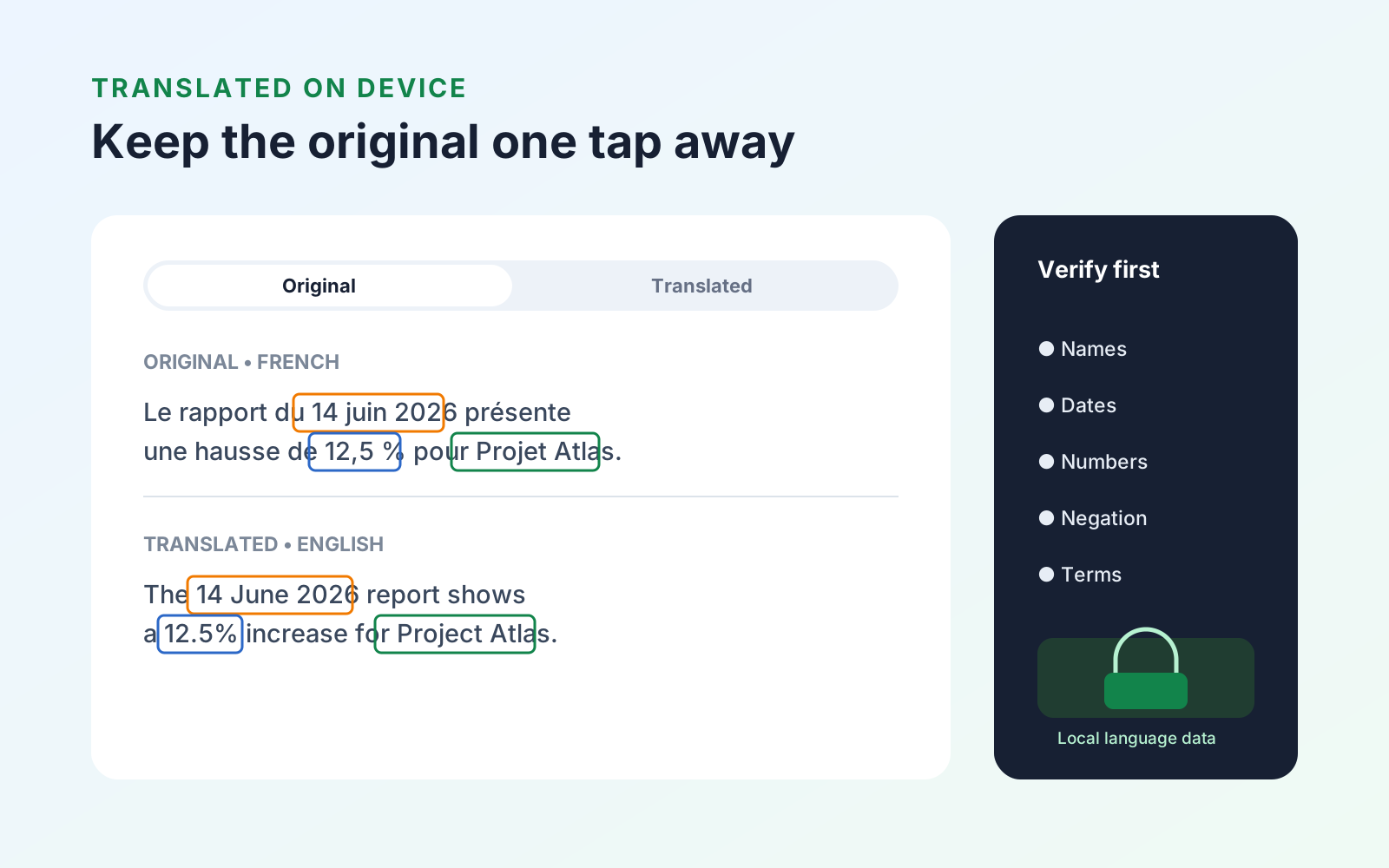
- Use the reading-mode control to switch between Original and Translated whenever you need to check context.
The Tools menu may also show Translate PDF; it leads back to this Reflow Reader workflow. Translation is for reading and understanding the document. It does not silently replace the source PDF with a translated legal or publication-ready edition.
If the PDF is a scan
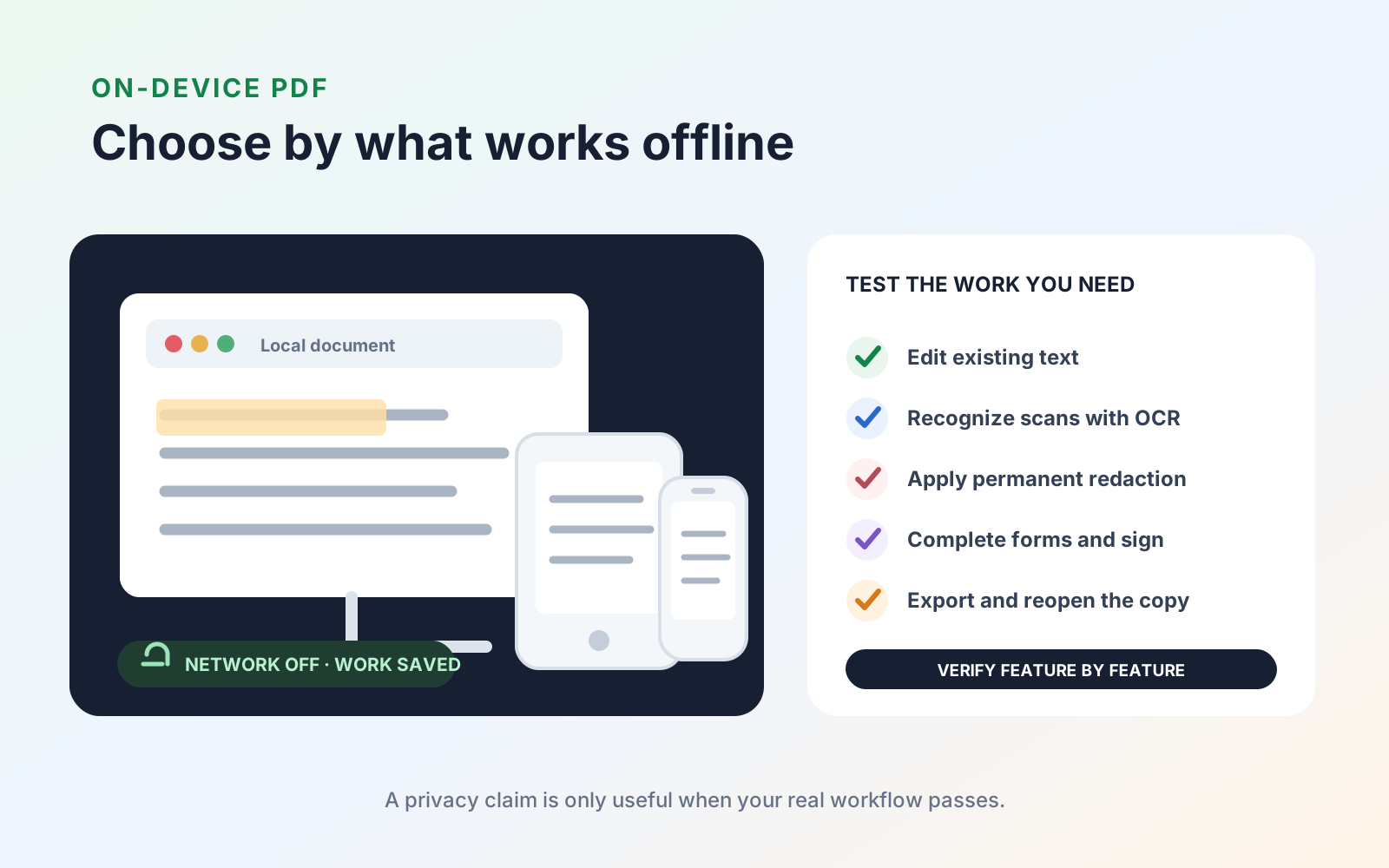
Translation needs text to work from. Test the document by searching for a visible word or copying one sentence. If neither works, first make the scanned PDF searchable with OCR.
After recognition, verify several copied passages before translating. OCR errors become translation errors: a misread account number, name, decimal point, or accented character can change the resulting sentence even when the translation engine behaves correctly.
Review the translation efficiently
Do not try to proof every word with equal attention. Prioritize content where a small error has a large effect:
- names, organizations, addresses, and contact details;
- dates, times, quantities, prices, percentages, and currencies;
- headings and repeated defined terms;
- warnings, exceptions, conditions, and negative statements;
- tables whose meaning depends on row and column labels;
- specialized professional or technical terminology.
Switch back to Original at each important passage. If you can read only the destination language, keep the source page reference attached so a fluent reviewer can locate it quickly.
Understand the privacy boundary
In PDF Max’s on-device translation workflow, document text is processed through Apple’s local translation capability rather than uploaded to Mobeera. Files still live in the storage location you choose, and any separate cloud drive or sharing action is governed by that provider.
For sensitive work, confirm that the required languages are downloaded, use on-device mode, keep the original available, and avoid copying passages into unrelated online tools. You can review the current reading and translation features on the PDF Max product page.