Introducing Mobeera Office, the office suite built for you and your agents
Docs, Sheets, Slides and PDF for Mac, iPhone and iPad. Open and save Office files, work with AI Chat or your own AI through MCP, and buy once to own it.
Direct answer
What is Mobeera Office?
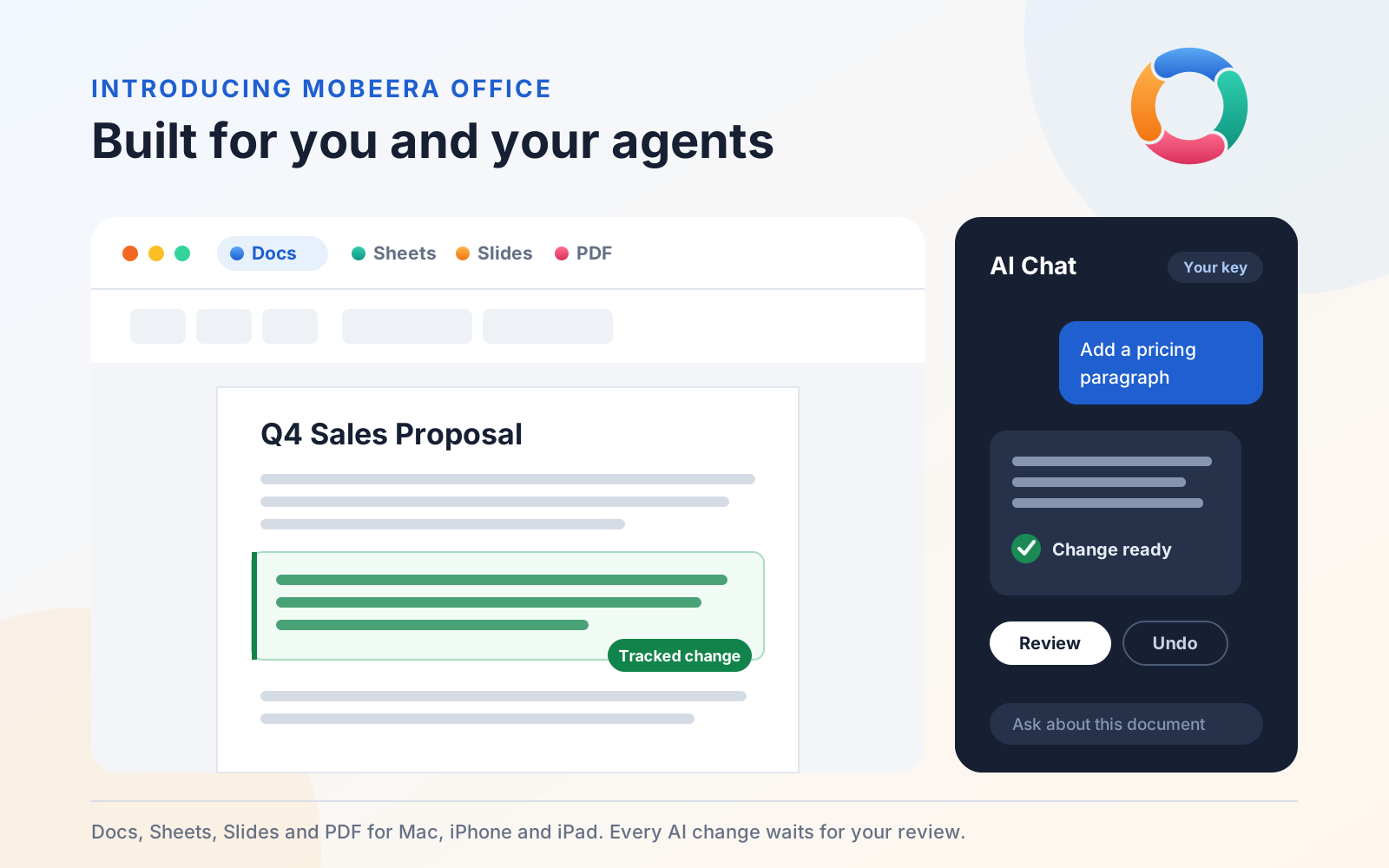
Mobeera Office is an office suite for Mac, iPhone and iPad with four editors: Docs, Sheets, Slides and PDF. It opens and saves Word, Excel and PowerPoint files. AI Chat drafts and edits with your own API key on every device, and on Mac, apps such as Claude, ChatGPT and Codex can work in your files through MCP. It is a one-time purchase.
Mobeera Office is available now on the App Store for Mac, iPhone and iPad. It brings Docs, Sheets, Slides and PDF together in one app, opens and saves the Word, Excel and PowerPoint files you already use, and lets your AI do real work inside them while you stay in charge of every change.
AI can already draft the words. The harder part is everything after: putting a clause in the right place, matching the styles, keeping the numbering right, checking the page breaks and showing you what changed. Too often that cleanup falls back to you. We built Mobeera Office so your AI can carry a request through to a finished document you can review.
Four editors in one app
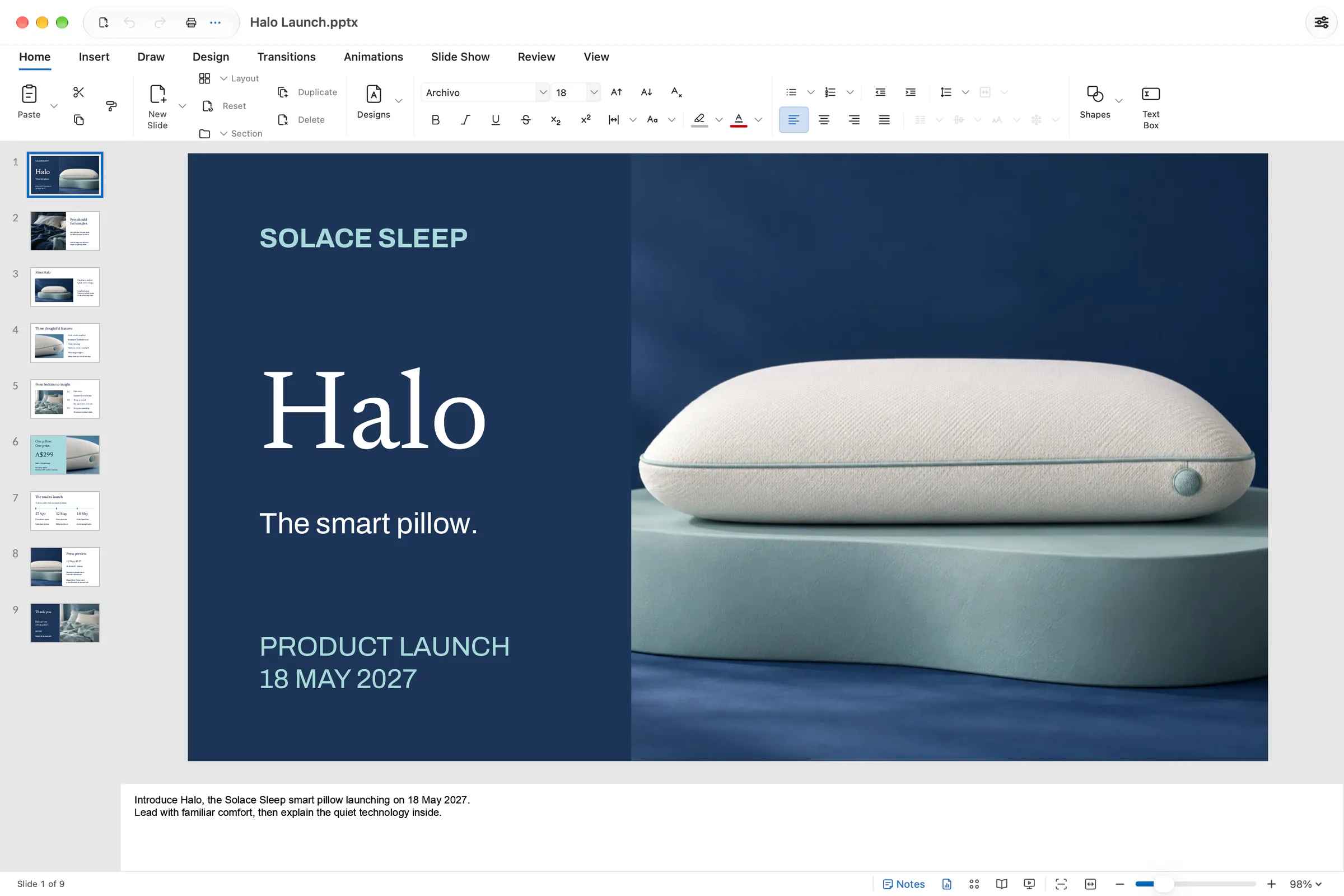
Docs, Sheets, Slides and PDF are full editors, with the ribbon, styles and tools you know from Word, Excel and PowerPoint. You do not need AI to use them.
- Docs for reports, proposals and contracts: styles, tables, charts, SmartArt, equations, footnotes, a table of contents, comments, tracked changes, version compare and mail merge.
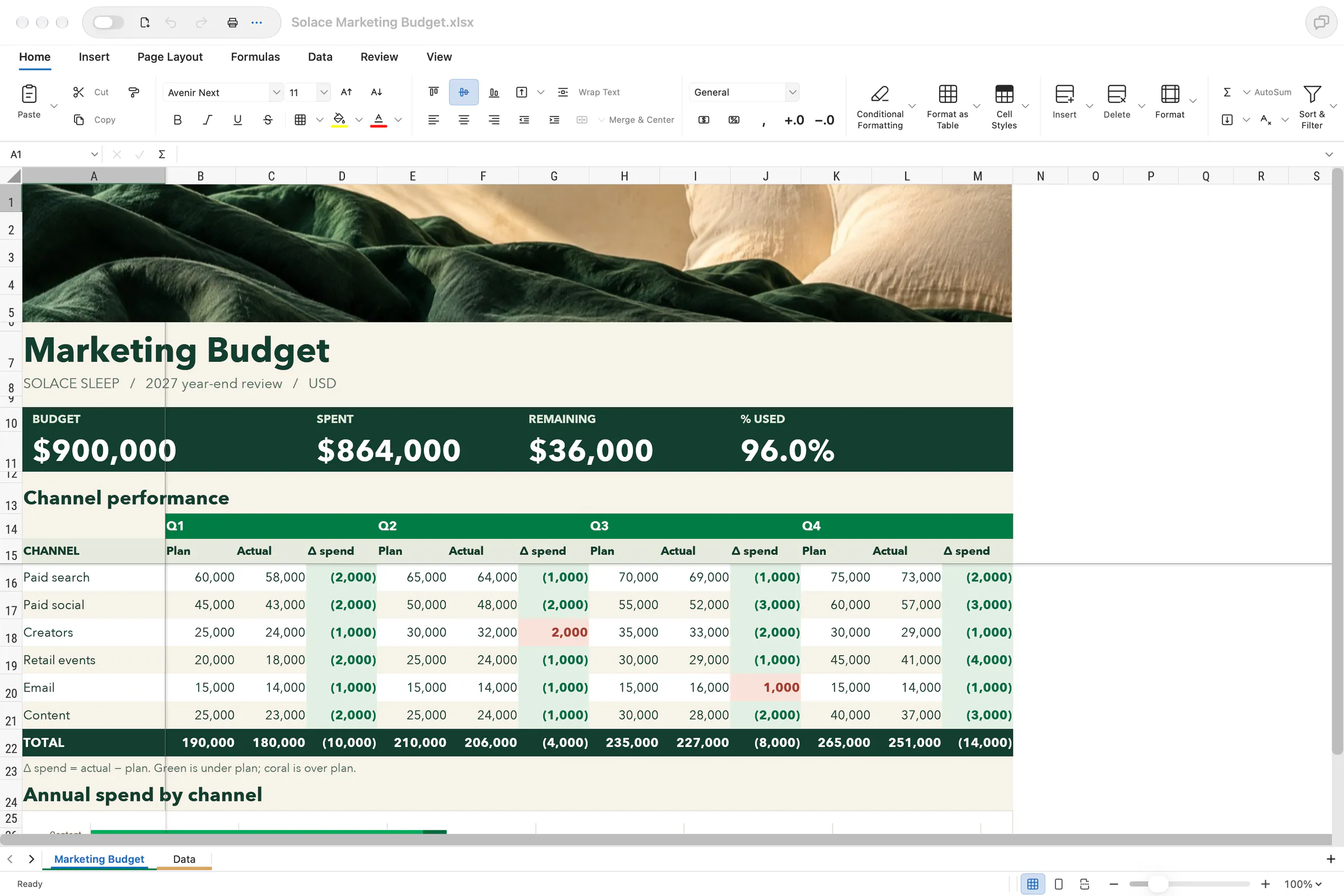
- Sheets for budgets and trackers: formulas, tables, number and conditional formatting, data validation, charts and sparklines, filter and sort, Goal Seek and formula tracing.
- Slides for decks: layouts, themes and design packs, charts, images and icons, SmartArt, animations, transitions and speaker notes.
- PDF for forms and finished files: fill and create form fields, highlight and comment, redact for real, and insert, delete, rotate and reorder pages.
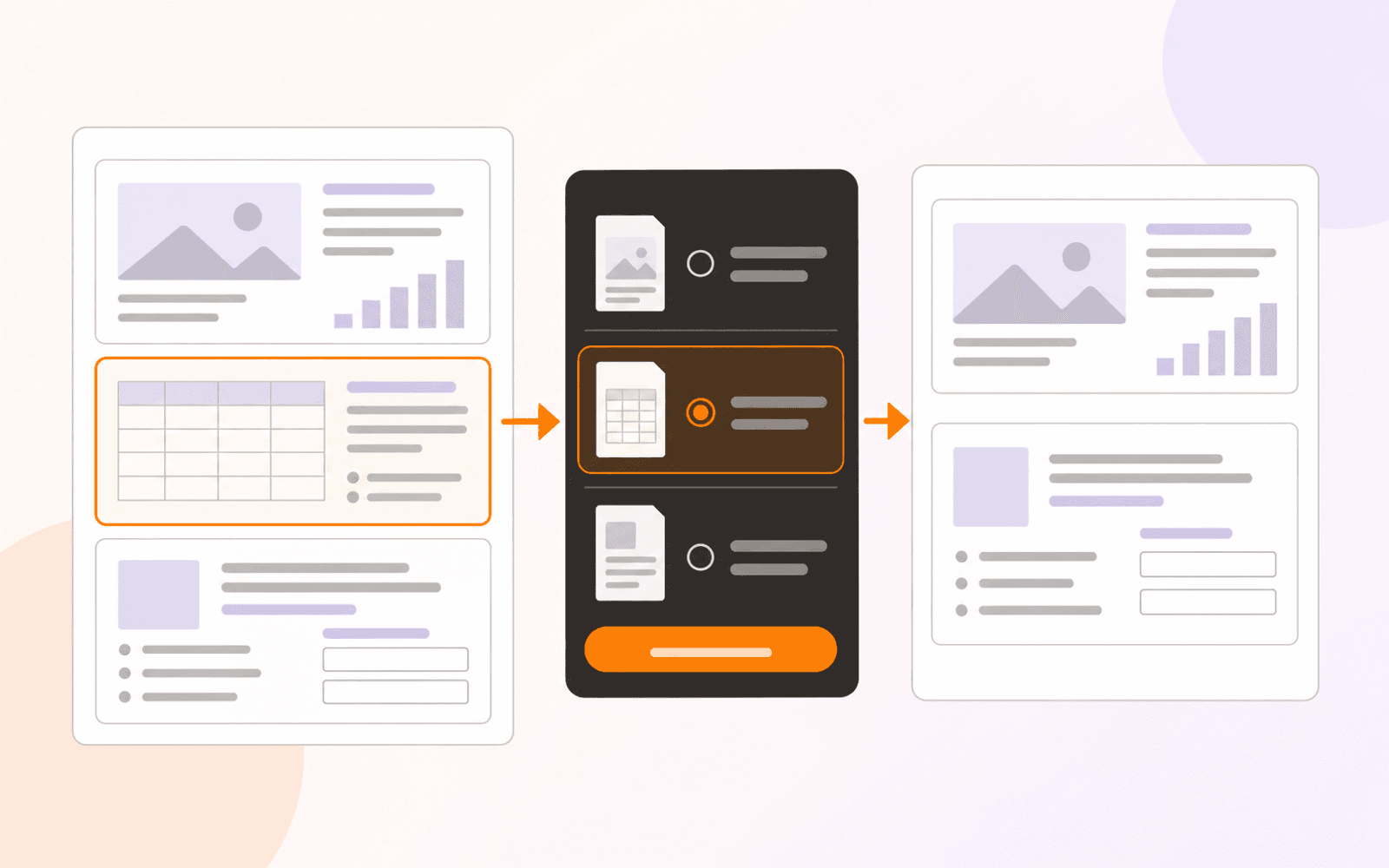
Because all four share one engine, one file can become another and keep its look. Turn a PDF into a Word document you can edit, a report into a deck, a table into a chart you can still edit, or anything into a PDF.
Bring your own AI
Mobeera Office works with the AI you choose. AI is not included in the price, and your AI provider bills you directly for any usage.
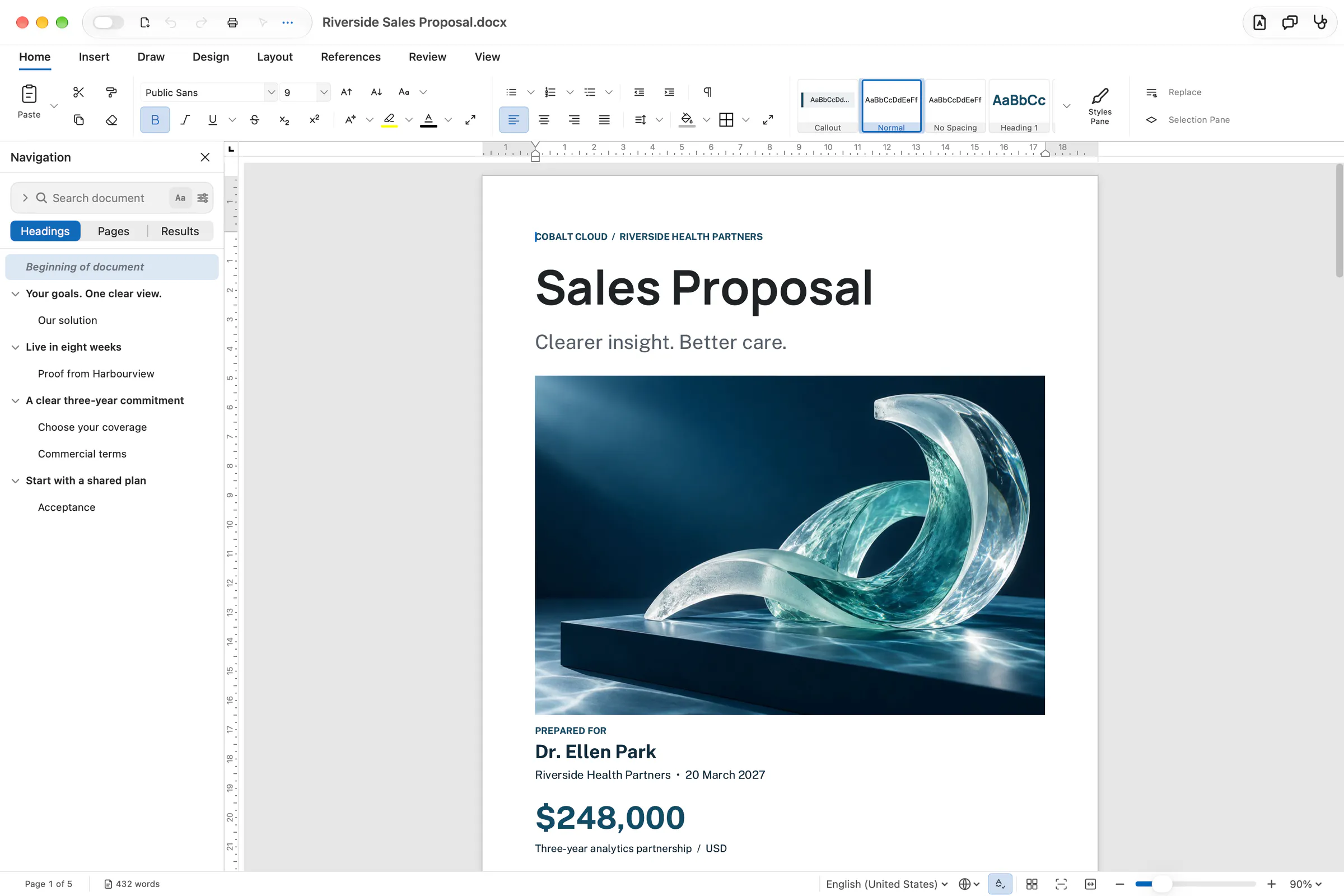
AI Chat on every device. On Mac, iPhone and iPad, AI Chat works in every document with your own API key from Anthropic, OpenAI or OpenRouter, or with an OpenAI-compatible server such as a local model. Ask it to draft a section, tidy a table or summarise a long file without copying text into another app.
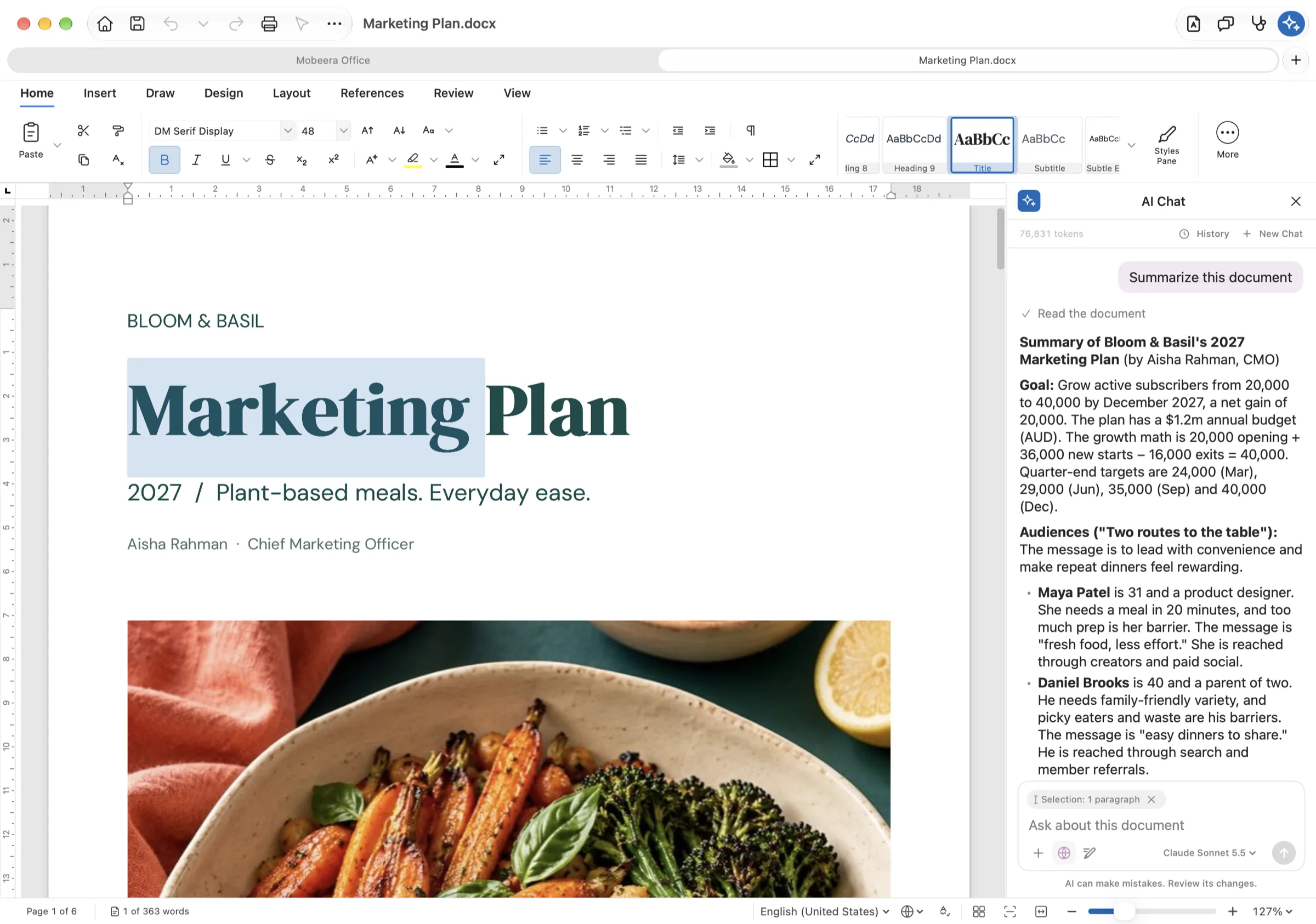
Your AI app on Mac, through MCP. On Mac, Claude, ChatGPT, Codex, Gemini, Cursor and any other AI app that supports MCP can open your documents in Mobeera Office and work in them directly. MCP is the open standard AI apps use to connect to other apps. Add Mobeera Office to your AI app, choose the files it can open, and ask for what you need: a proposal from your call notes, a budget, or a board deck. If your AI app is connected to other tools, such as a CRM or a cloud drive, it can bring that data into the document too.
You review every change
Your AI works only on files you share with it, and on files it created. To open or save anything else, macOS asks you to choose the file or folder yourself.
Each change is prepared and previewed before it lands, then applied as one step you can undo. If you edited the document in the meantime, your AI's change waits for you. In Docs, turn on Track Changes and its edits arrive as suggestions under its own name. They stay tracked in the .docx, so colleagues who open the file in Microsoft Word see them too.
Your AI can also look at the finished pages. Layout checks catch blank pages, headings left at the bottom of a page, tables split across pages and text spilling out of shapes.
Review built into Docs and PDF
Review is built into every document and PDF. Your AI reads every page and flags dates that conflict, totals that don't add up, undefined terms, missing signatures, empty required fields, personal data and broken references.
Each finding links to the exact words. If clause 9.1 says 30 days and clause 11.1 says 60, both are flagged with a suggested fix. Apply the fix as a tracked change, dismiss it, or answer a question. Findings are kept with the file, so they are still there when you reopen it.
You can also compare files, even across formats. Does the signed PDF match your final draft? Do the deck's numbers match the report? Your AI reads both and flags each difference.
Measured against Microsoft Office
When your AI checks its work by looking at the pages, those pages need to match what Microsoft Office would show. So we measure. Mobeera Office scores 97/100 across 917 Word features, 97/100 across 361 Excel features and 95/100 across 450 PowerPoint features, with no crashes.
Some things can still differ: some chart labels and 3-D details, transparency, text on a curved path, decorative page borders, missing fonts and line breaks in some Asian and Thai text. In PDF, Mobeera Office annotates, fills, redacts and rearranges pages, but it can't yet change the text or pictures already on a page. Built for AI has the full breakdown.
Buy once. Own it.
Mobeera Office is a one-time purchase. Lifetime access covers Docs, Sheets, Slides and PDF on all your Macs, iPhones and iPads signed in to the same Apple account, with no device limit. The Mac app requires Apple silicon and macOS 14 or later.
Early prices are for the first 500 customers. For the first five weeks after launch, the lifetime price rises each week, from US$9.99 in week one to US$49.99 in week five, and everyone buying in the same week pays the same. Once 500 customers have bought, or from week six, lifetime access is US$99. Whichever price you pay, you get the same lifetime access. See this week's price in your currency.
If you use WordPilot, Mobeera Office grows out of it. On the Mac, WordPilot becomes Mobeera Office.
Get started
Start with a file you already need to finish. Open it in Mobeera Office, ask your AI for the next draft, and review what it changed.