Mobeera Office vs Microsoft Office: apps, AI and pricing compared
Mobeera Office against Microsoft 365 and Office Home 2024: the apps, file fidelity, your own AI against Copilot, platforms, and what each costs over three years.
Direct answer
Should you choose Mobeera Office or Microsoft Office?
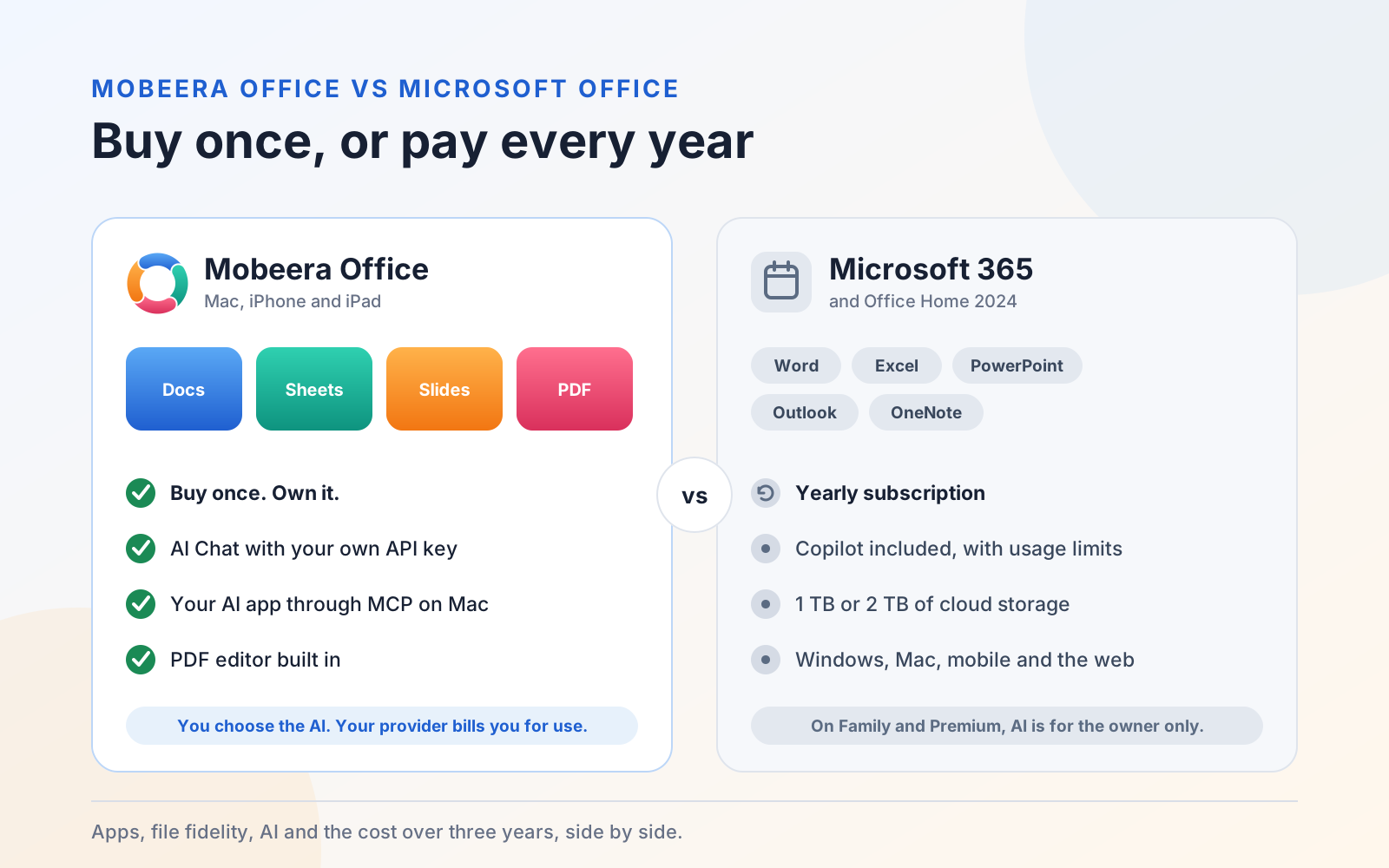
Choose Mobeera Office if you work on a Mac, iPhone or iPad, want Docs, Sheets, Slides and a PDF editor in one app, and want to choose your own AI. Lifetime access is a one-time purchase, and your AI provider bills you for what you use. Choose Microsoft 365 if you need Windows, Android or the web, Outlook and OneNote, cloud storage or real-time co-authoring, and want Copilot included in a yearly subscription.
Microsoft Office is the suite most people already know, and its file formats are the ones everyone shares. Mobeera Office opens and saves those same Word, Excel and PowerPoint files, adds a PDF editor, and lets the AI you choose work inside your documents.
The two are sold in very different ways. Microsoft 365 is a subscription with Copilot included. Mobeera Office is bought once, and you bring your own AI. This guide sets out where each one fits, including where Microsoft is the better choice.
The short answer
Choose Mobeera Office if you work on a Mac, iPhone or iPad and want Docs, Sheets, Slides and PDF in one app that you own. It suits you if you want to pick your AI model, keep using the AI app you already pay for, or run a local model, and review every change your AI makes.
Choose Microsoft 365 if you work on Windows, Android or the web, rely on Outlook, OneNote, Teams or Access, co-author files in real time through OneDrive or SharePoint, or want cloud storage and AI in a single yearly bill.
At a glance
| Criteria | Mobeera Office | Microsoft Office |
|---|---|---|
| How you pay | Lifetime access is a one-time purchase: US$99, or less for the first 500 customers. | Microsoft 365 Personal is US$99.99 a year, Family US$129.99 a year and Premium US$199.99 a year. Office Home 2024 is US$179.99 once, for one PC or Mac. |
| Apps | Docs, Sheets, Slides and PDF in one app. | Word, Excel, PowerPoint, Outlook and OneNote with Microsoft 365. Office Home 2024 has Word, Excel, PowerPoint and OneNote. |
| PDF editor | Built in: fill and create forms, annotate, redact, and insert, rotate and reorder pages. | No PDF editor app in these plans. |
| Office files | Opens and saves .docx, .xlsx and .pptx. Scores 97/100 for Word, 97/100 for Excel and 95/100 for PowerPoint in our fidelity tests. | The reference: these are Microsoft's own formats. |
| AI | AI Chat with your own API key from Anthropic, OpenAI or OpenRouter, or an OpenAI-compatible server, on Mac, iPhone and iPad. On Mac, AI apps such as Claude, ChatGPT and Codex can work in your files through MCP. | Copilot is built in, with usage limits set by your plan. On Family and Premium, only the subscription owner gets AI. Office Home 2024 has only the free Copilot. |
| What AI costs | Not included. Your AI provider bills you for what you use, or your AI app uses the plan you already have with it. | Included in Microsoft 365 up to your plan's limits. Premium raises the limits. |
| Runs on | Mac with Apple silicon and macOS 14 or later, iPhone and iPad. | Windows, Mac, iPhone, iPad, Android and the web with Microsoft 365. Office Home 2024 installs on one PC or Mac. |
| People and devices | All your Macs, iPhones and iPads signed in to the same Apple account, with no device limit. | Personal: 1 person, 5 devices at once. Family and Premium: up to 6 people, 5 devices each. |
| Cloud storage | None included. Your files stay where you keep them. | 1 TB with Personal and 2 TB with Family and Premium. Office Home 2024 comes with the free 5 GB. |
| Business use | Allowed. | Allowed with Microsoft 365. Office Home 2024 is for home use; Office Home & Business 2024 is the business edition. |
Apps and features
Mobeera Office puts four full editors in one app, with the ribbon, styles and tools you know from Word, Excel and PowerPoint:
- Docs for reports, proposals and contracts: styles, tables, charts, SmartArt, equations, footnotes, a table of contents, comments, tracked changes, version compare and mail merge.
- Sheets for budgets and trackers: formulas, tables, number and conditional formatting, data validation, charts and sparklines, filter and sort, Goal Seek and formula tracing.
- Slides for decks: layouts, themes and design packs, charts, images and icons, SmartArt, animations, transitions and speaker notes.
- PDF for forms and finished files: fill and create form fields, highlight and comment, redact for real, and insert, delete, rotate and reorder pages.
Because the four editors share one engine, one file can become another and keep its look: a PDF into a Word document you can edit, a report into a deck, or anything into a PDF.
Review is built into Docs and PDF. Your AI reads every page and flags dates that conflict, totals that don't add up, undefined terms, missing signatures, empty required fields, personal data and broken references, each linked to the exact words. You can also compare two files, even across formats, such as a signed PDF against your final draft.
Microsoft 365 covers more ground beyond documents. It adds Outlook for email and calendars and OneNote for notes, plus Teams, Forms and, on a PC, Access. Mobeera Office has no email or notes app, and Microsoft's plans have no PDF editor app.
How faithfully your files open
Your colleagues will keep sending Word, Excel and PowerPoint files, so what matters is whether those files look the same when you open them. We measure Mobeera Office against Microsoft Office feature by feature. It scores 97/100 across 917 Word features, 97/100 across 361 Excel features and 95/100 across 450 PowerPoint features, with no crashes.
Some things can still differ: some chart labels and 3-D details, transparency, text on a curved path, decorative page borders, missing fonts and line breaks in some Asian and Thai text. In PDF, Mobeera Office annotates, fills, redacts and rearranges pages, but it can't yet change the text or pictures already on a page. Built for AI has the full breakdown by area.
Files you save in Mobeera Office stay ordinary .docx, .xlsx and .pptx files, so people using Microsoft Office can open them. Tracked changes stay tracked, so a colleague in Word sees each suggestion and who made it.
AI: bring your own, or use Copilot
This is where the two differ most.
Microsoft 365 includes Copilot. It is built into the apps, and you pay for it as part of the subscription. Microsoft sets monthly usage limits by plan: Personal and Family get extensive chat, with standard limits for voice, vision and image generation, and no Researcher or Analyst. Premium raises the limits and adds Researcher and Analyst. On Family and Premium, AI is for the subscription owner only; the other people on the plan get the apps without it. In Excel, Copilot needs the file saved to OneDrive with AutoSave on. Office Home 2024 has only the free Copilot that comes with a Microsoft account.
Mobeera Office lets you bring your own AI. AI is not included in the price, and you choose who provides it:
- AI Chat on Mac, iPhone and iPad. Use your own API key from Anthropic, OpenAI or OpenRouter, or an OpenAI-compatible server, such as a local model you run yourself. You pick the model, and your provider bills you for what you use.
- Your AI app on Mac, through MCP. Claude, ChatGPT, Codex, Gemini, Cursor and other apps that support MCP can open your documents in Mobeera Office and work in them directly, using the plan you already have with that app. If your AI app is connected to other tools, such as a CRM or a cloud drive, it can bring that data into the document too.
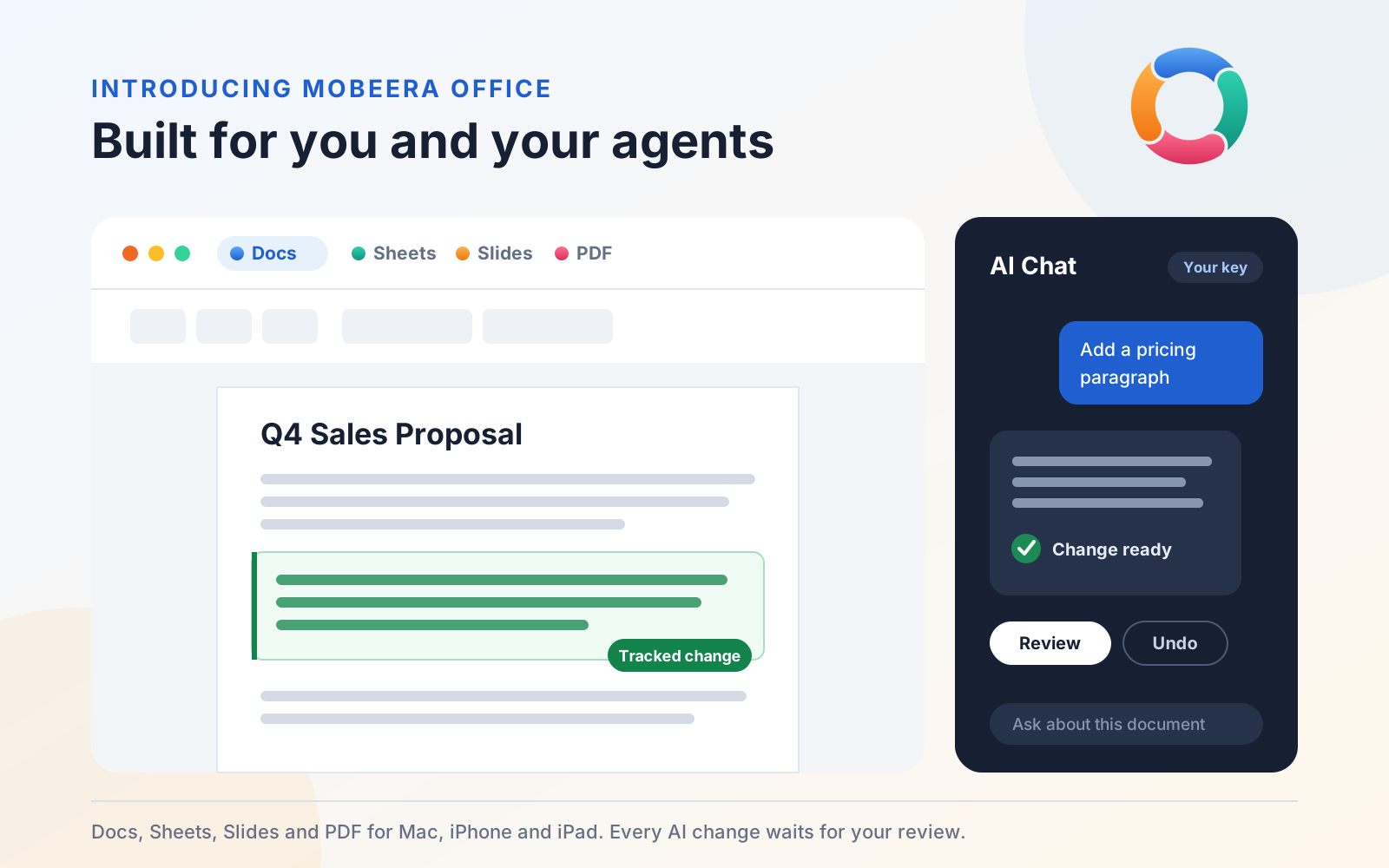
Whichever AI you use, you stay in charge. It works only on files you share with it and files it created. Each change is previewed before it lands, then applied as one step you can undo. In Docs, turn on Track Changes and its edits arrive as suggestions under its own name. Your AI can also check the finished pages for blank pages, headings stranded at the bottom of a page, split tables and text spilling out of shapes.
If you want AI with no setup and a single bill, Copilot is simpler. If you want to choose the model, keep using the AI app you already pay for, or keep documents on your own hardware with a local model, Mobeera Office gives you that choice.
Pricing: buy once, or subscribe
Lifetime access to Mobeera Office is a one-time purchase. It covers Docs, Sheets, Slides and PDF on all your Macs, iPhones and iPads signed in to the same Apple account.
Early prices are for the first 500 customers. For the first five weeks after launch, the lifetime price rises each week, from US$9.99 in week one to US$49.99 in week five, and everyone buying in the same week pays the same. Once 500 customers have bought, or from week six, lifetime access is US$99. See this week's price in your currency.
We price it this way because an office suite is a tool you keep for years, so you should own it. AI is a different kind of cost: the models change every few months, and so do their prices. Keeping the two apart means the app's price stays fixed, and you pay for exactly the AI you choose.
Microsoft 365 plans renew every year, with new features, cloud storage and Copilot included, and each starts with a free month. Office Home 2024 is a one-time purchase for one PC or Mac, but there is no upgrade path: the next major version is a new purchase at full price.
Here is what each costs over three years, at US list prices:
- Mobeera Office: US$99 once, or US$9.99 to US$49.99 for the first 500 customers, plus whatever you spend with your AI provider.
- Microsoft 365 Personal: US$299.97, three years at US$99.99.
- Microsoft 365 Family: US$389.97, three years at US$129.99.
- Microsoft 365 Premium: US$599.97, three years at US$199.99.
- Office Home 2024: US$179.99 once, for one PC or Mac, with free Copilot only.
Microsoft's prices are its US list prices in November 2026 and can change. This guide covers Microsoft's plans for individuals and families; its business plans are priced and licensed separately.
Platforms, devices and storage
Mobeera Office runs on Mac, iPhone and iPad. The Mac app requires Apple silicon and macOS 14 or later. One purchase covers every device signed in to your Apple account, with no device limit. It includes no cloud storage: your files stay where you keep them.
Microsoft 365 runs on Windows, Mac, iPhone, iPad, Android and the web. Personal covers one person on five devices at once; Family and Premium cover up to six people, each on five devices. Plans include 1 TB or 2 TB of OneDrive storage, which is also what Microsoft's real-time co-authoring is built around.
When Microsoft Office is the better choice
- You work on Windows or Android, or in a browser.
- You need Outlook, OneNote, Teams or Access.
- You co-author the same files in real time with your team through OneDrive or SharePoint.
- Your workbooks depend on VBA macros or Excel add-ins.
- You want cloud storage and AI in one bill, or one plan for a family of up to six.
When Mobeera Office is the better choice
- You work on a Mac, iPhone and iPad and want the same suite on all of them from one purchase.
- You would rather own your office suite than subscribe to it.
- You want a PDF editor in the same app as your documents, spreadsheets and decks.
- You want to choose your AI: your own API key, a local model, or the AI app you already use.
- You want to review every AI change, with tracked changes your colleagues can see in Word.
- You want built-in review that catches conflicting dates, totals that don't add up and missing signatures.
Get started
Start with a file you already need to finish. Open it in Mobeera Office, ask your AI for the next draft, and review what it changed.
- Get Mobeera Office on the App Store
- Get Mobeera Office on the Mac App Store
- See how it works with your AI
- Read the launch announcement
Microsoft, Microsoft 365, Word, Excel, PowerPoint, Outlook, OneNote, Teams, Access, OneDrive, SharePoint and Copilot are trademarks of the Microsoft group of companies. Mobeera is not affiliated with Microsoft.