PDF Max vs Foxit PDF Editor: which workflow fits you?
Compare PDF Max and Foxit PDF Editor for editing, OCR, forms, redaction, signatures, business workflows, and work across desktop and mobile.
Direct answer
Should you choose PDF Max or Foxit PDF Editor for professional PDF work?
Choose PDF Max for an Apple-focused workflow spanning Mac, iPad, and iPhone, especially when local document intelligence, source-linked research, and direct presentation matter. Choose Foxit PDF Editor when you need Windows support, enterprise deployment, business integrations, or Foxit's broader cross-platform service ecosystem. Compare the exact plan containing each required capability before purchasing.
Foxit PDF Editor and PDF Max both cover serious PDF work, including editing, OCR, forms, page management, signatures, and redaction. Foxit extends that work into Windows, Android, web, document management, e-signature, and enterprise environments. PDF Max offers PDF workflows on Apple devices and Android, with Research Workspace and Study on Apple devices.
The best choice depends less on a generic feature count than on who participates in the workflow, which devices they use, and whether the PDF must connect to business systems outside the editor.
The short answer
Choose Foxit PDF Editor when Windows, web access, XFA forms, organization-wide deployment, a document management system, signature-request services, or central administration are part of the requirement.
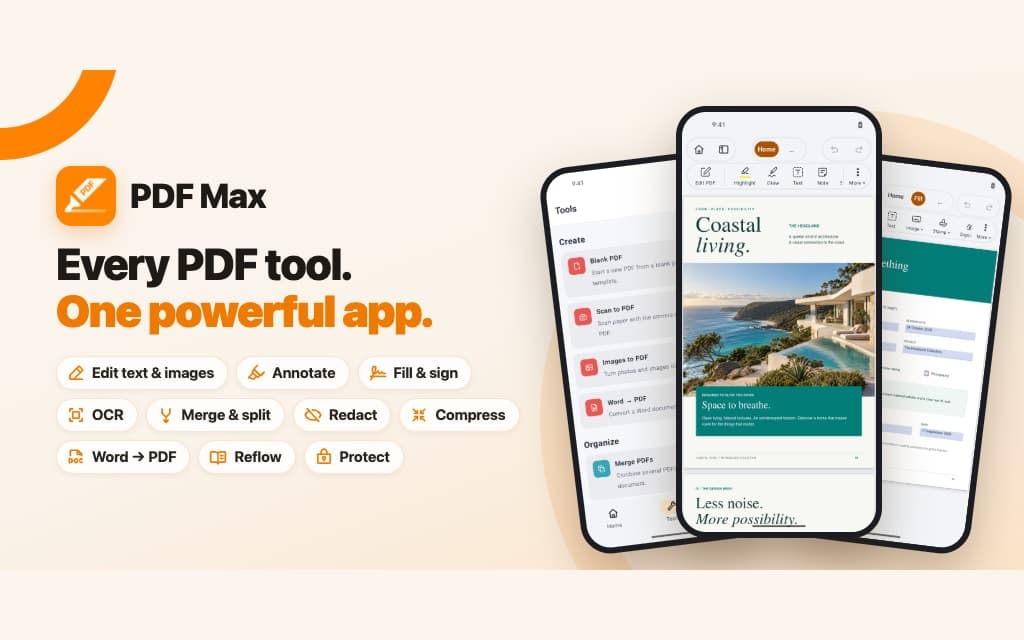
Choose PDF Max when you work on Mac, iPad, and iPhone and want one focused path through reading, annotation, editing, OCR, form authoring, translation, research, and reviewed permanent redaction.
Capability comparison
| Criteria | PDF Max | Compared app |
|---|---|---|
| Platforms | Available on Mac, iPad, iPhone, and Android. Research Workspace and Study are Apple-only. | Foxit offers Windows, macOS, web, iOS, and Android surfaces; mobile access is tied to the current plan structure. |
| Edit and organize | Edit text, images, links, shapes, and tables; insert, reorder, rotate, extract, replace, split, and merge pages. | Edit text, images, and pages, organize files, compare versions, and convert to and from common office formats. |
| OCR | Recognize scans on-device and save searchable text into the PDF. | Create searchable PDFs from scans, with desktop and plan-specific OCR workflows. |
| Forms | Fill standard fields, use reusable answers and signatures, detect likely fields, and create or edit interactive form controls. | Supports AcroForms and XFA in its mobile documentation, plus standard form creation and other advanced form features under paid entitlements. |
| Redaction and protection | Mark text, areas, search results, or pages, review the marks, then remove underlying content permanently. | Foxit's Mac editor documents permanent removal of text and images, repeated placement, redaction properties, password security, and AI Smart Redact in higher plans. |
| Signatures and collaboration | Fill and sign locally with reusable signatures, fields, comments, replies, and resolution states. | Adds Foxit eSign, tracked signature requests, shared review, and business document services depending on the plan. |
| Document intelligence | Reflow, read-aloud, on-device translation, form assistance, OCR, and source-linked Workspace research. | AI Assistant and Smart Redact add connected analysis and PII-detection workflows under current usage allowances. |
| Multi-document workspace | Turn accepted evidence into source-linked Cards, relationships, layouts, Frames, live presentation, and rich export. | Foxit AI Assistant can analyze one or more documents and answer questions; Foxit's broader collaboration and document services vary by plan. |
| Scheduled study | Free includes reviewable Questions, scheduled Study, unscheduled Practice, Progress, presets, and source return. | Foxit's current editor documentation describes AI analysis and summaries rather than a comparable source-linked spaced Question schedule. |
| Create and optimize | Scan on iPhone or iPad, create from images, compress image-heavy files, resize pages, edit outlines, and make flattened or password-protected copies. | Create PDFs from documents and images, scan with OCR, optimize file size, organize pages and bookmarks, and apply password security; mobile access and higher-end services depend on the plan. |
Where Foxit is the stronger fit
Foxit is built for heterogeneous organizations. If one person uses a Mac, another uses Windows, and field staff work on Android or the web, platform breadth may be a hard requirement rather than a preference. Foxit's current PDF Editor+ plan adds mobile apps to its desktop and web offering, while business services cover document management and e-signatures.
Specialized forms can also determine the decision. Foxit's mobile documentation describes both AcroForms and XFA support, with paid capabilities for XFA and form creation. An organization that depends on a particular government, insurance, or enterprise form should test that exact file, including calculations, validation, submission, and saved values. “Forms supported” is not enough for unusual form technologies.
Foxit also offers workflows such as document comparison, DMS integration, signature envelopes, and administrative deployment. PDF Max is not intended to replace an organization's document management or e-signature service simply because it can edit and sign a PDF locally.
Where PDF Max is the simpler fit
PDF Max removes cross-platform breadth from the problem and focuses on Apple's devices. That is useful when a document begins as deep reading on a Mac, moves to Apple Pencil review on an iPad, and receives final form completion or sharing from an iPhone.
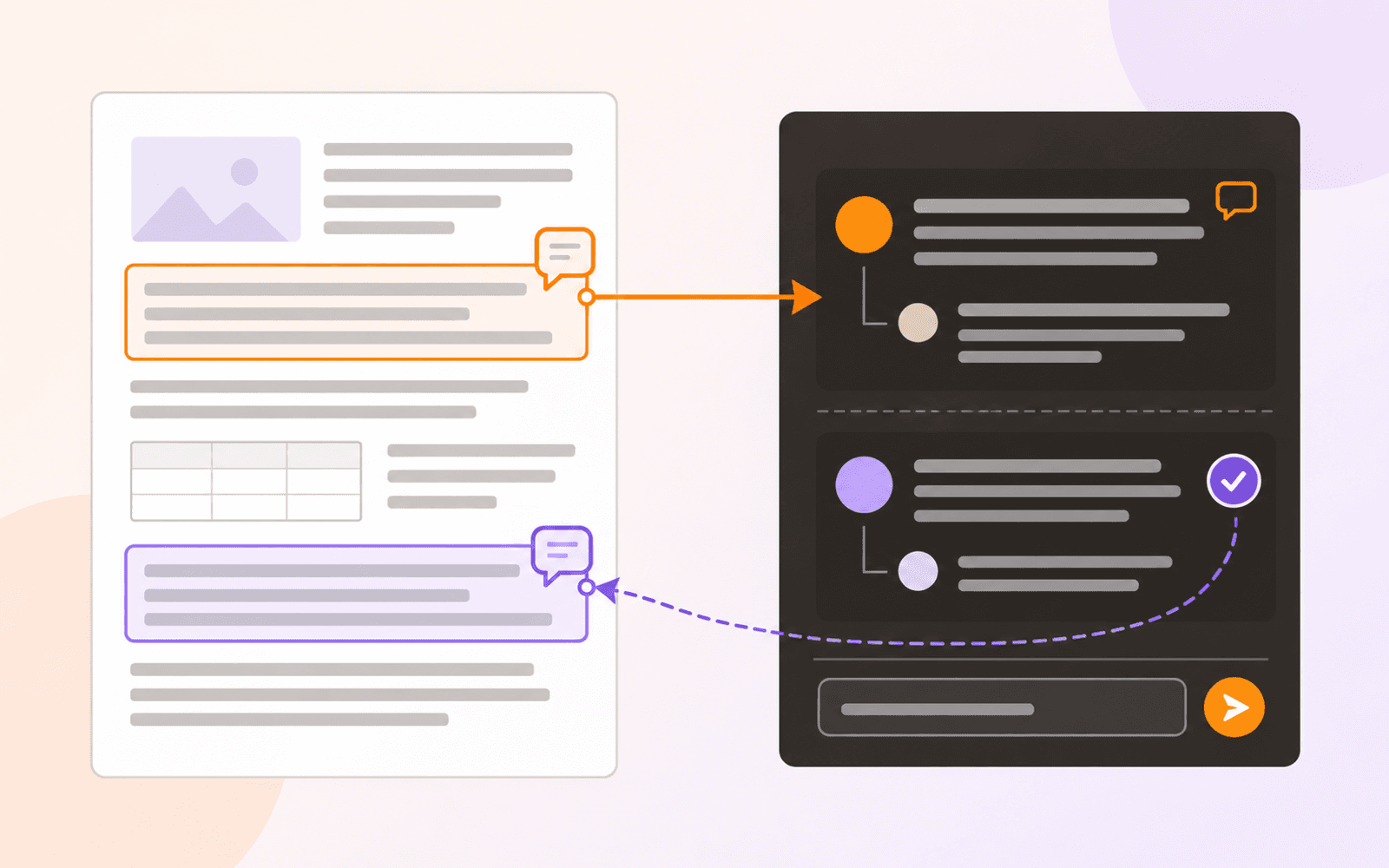
Its reading and research tools go beyond the normal editor checklist. Reflow Reader restructures dense pages for comfortable reading, read-aloud uses Apple voices, translation uses Apple's on-device language capabilities, and Workspace keeps evidence linked to its source page.
Study, included with Free, carries accepted Cards into reviewable Questions, scheduled reviews, unscheduled Practice, and Progress views. Foxit has broader connected AI, business, and document-service options; PDF Max's distinction is the explicit evidence-to-Question-to-source chain inside the local Workspace.
Form Assist is designed for recurring personal information rather than enterprise routing. Detect Fields can turn likely labels and blank areas into candidate controls, and the form editor can create or adjust the result. For a repeatable test process, use the fillable-PDF guide.
Example: prepare a scanned report for delivery
A useful comparison file has a text page to correct, a scanned page to search, and a private detail to remove. On Mac, keep an original and prepare a separate delivery copy:
- Correct existing text. Foxit's Mac editing guide covers editing PDF objects. Use PDF Max's text editing workflow for the equivalent task. Inspect the changed line and its surrounding text after saving.
- Choose the OCR output deliberately. Foxit's Mac OCR guide distinguishes searchable-image output from editable text. For an archive that should retain its scanned appearance, test searchable output. In PDF Max, recognize the scan and verify that the saved file supports search and copying; searchability alone does not establish text-editing quality.
- Apply redaction before delivery. Foxit for Mac provides Protect → Mark for Redaction, followed by applying the marks and saving. In PDF Max, mark the sensitive text or area, review it, and apply the redactions. Reopen the output and test both the visible page and any searchable text behind it.
For iPad or iPhone work, repeat those operations in the actual mobile editor. The Mac instructions above describe a desktop path; a plan that includes mobile access does not by itself prove that every desktop tool is available there. PDF Max keeps its editing, OCR, and redaction workflows on Apple devices, with entitlements explained in the plan comparison.
Redaction requires output testing
Both products document permanent redaction, but the workflow is more important than the toolbar name. The safe pattern is to mark content, review every mark, apply it to a separate sharing copy, save, reopen, search for the removed text, and attempt to select or copy from the area.
Foxit's Mac guide describes redacting text or images and applying related properties. PDF Max separates marking and applying, with tools for selected text, areas, search results, and pages. Its goal is to remove underlying content instead of covering it with an annotation. The permanent-redaction guide provides a verification checklist that applies whichever editor you choose.
Plans, devices, and named products
Foxit offers PDF Editor and PDF Editor+, with mobile apps and additional services associated with the higher current tier. It also has free readers and other products that should not be treated as interchangeable with the paid editor. PDF Max similarly has a Free level, a separate PDF Max Pro app, and a Premium subscription available in either app.
When comparing cost, write down the exact named product, plan, platform, billing period, and date. Then test the required capability while signed into that entitlement. This avoids comparing a free reader on one side with a professional editor on the other.
Privacy and connected workflows
PDF Max describes OCR, translation, read-aloud processing, form assistance, and conversion as on-device. Files stay in user-selected storage unless the user chooses a cloud location or sharing action.
Foxit combines local applications with optional AI, e-signature, DMS, web, and collaboration services. Those connections are benefits when a workflow needs them. For confidential documents, map each operation to its actual service and apply the organization's retention, residency, and access requirements.
Which should you use?
Use Foxit when the PDF editor must participate in a cross-platform business system, handle specialized form requirements, compare documents, manage signatures, or connect with organizational services.
Use PDF Max when the work is centered on Apple devices and the priority is a cohesive path from understanding the document to correcting, completing, protecting, and delivering it. Test the hardest representative file—not a blank sample—before deciding, especially when XFA, OCR, redaction, or mobile parity matters.