PDF Max vs UPDF: which PDF editor fits your workflow?
Compare PDF Max and UPDF for PDF editing, OCR, forms, signatures, redaction, AI tools, privacy choices, and work across desktop and mobile.
Direct answer
Should you choose PDF Max or UPDF for editing and understanding PDFs?
Choose PDF Max for an Apple-focused workspace with on-device document intelligence, source-linked research, direct presentation, and integrated creation, editing, OCR, forms, and redaction. Choose UPDF when Windows support and its particular cloud or AI services matter more. Check current plan boundaries and privacy behavior for the exact tools you intend to use.
UPDF and PDF Max both combine familiar PDF editing with newer document-intelligence features. Each can cover annotation, text and image editing, OCR, conversion, forms, signatures, page organization, and protection. UPDF promotes one cross-platform license and an extensive AI layer. PDF Max focuses on Apple devices and keeps several reading and transformation workflows on-device.
The right choice depends on platform breadth, the specific AI task, where document data is processed, and whether the work is primarily editing or a longer read-to-research-to-delivery workflow.
The short answer
Choose UPDF when you need Windows alongside Apple devices, want its particular AI agents and cloud services, or prefer its current cross-platform license structure.
Choose PDF Max when you work on Mac, iPad, and iPhone and value on-device OCR, translation, read-aloud, form assistance, conversion, source-linked research, and a workflow built specifically around Apple's platforms.
Capability comparison
| Criteria | PDF Max | Compared app |
|---|---|---|
| Platforms and license | Available on macOS, iOS, iPadOS, and Android. Android has its own editions and feature boundaries. | Available on Windows, macOS, iOS, and Android, with current marketing centered on one license across platforms. |
| Edit and organize | Edit existing text, images, links, shapes, and tables; insert, reorder, extract, replace, split, and merge pages. | Edit text, images, links, watermarks, and pages, with broad organization tools on desktop and iOS. |
| OCR and conversion | Recognize scans on-device, create searchable PDFs, and convert supported documents without uploading them to Mobeera. | OCR scans into searchable or editable content and convert between PDF, Office, image, and other formats; availability varies by platform and plan. |
| Forms and signatures | Fill existing fields, use reusable signatures and answer profiles, detect likely fields, and create or edit form controls. | Fill and sign forms on iOS and provides PDF form tools within its broader editor; verify form authoring on the required platform. |
| Redaction and protection | Mark text, areas, search results, or pages, review the marks, and permanently remove underlying content. | Lists redaction and password protection among its PDF features, with platform and plan differences to confirm before purchase. |
| AI and reading | Reflow, read-aloud, on-device translation, OCR, form assistance, and Workspace evidence linked back to source pages. | AI tools advertise summarizing, translating, explaining, rewriting, semantic search, and specialized document agents. |
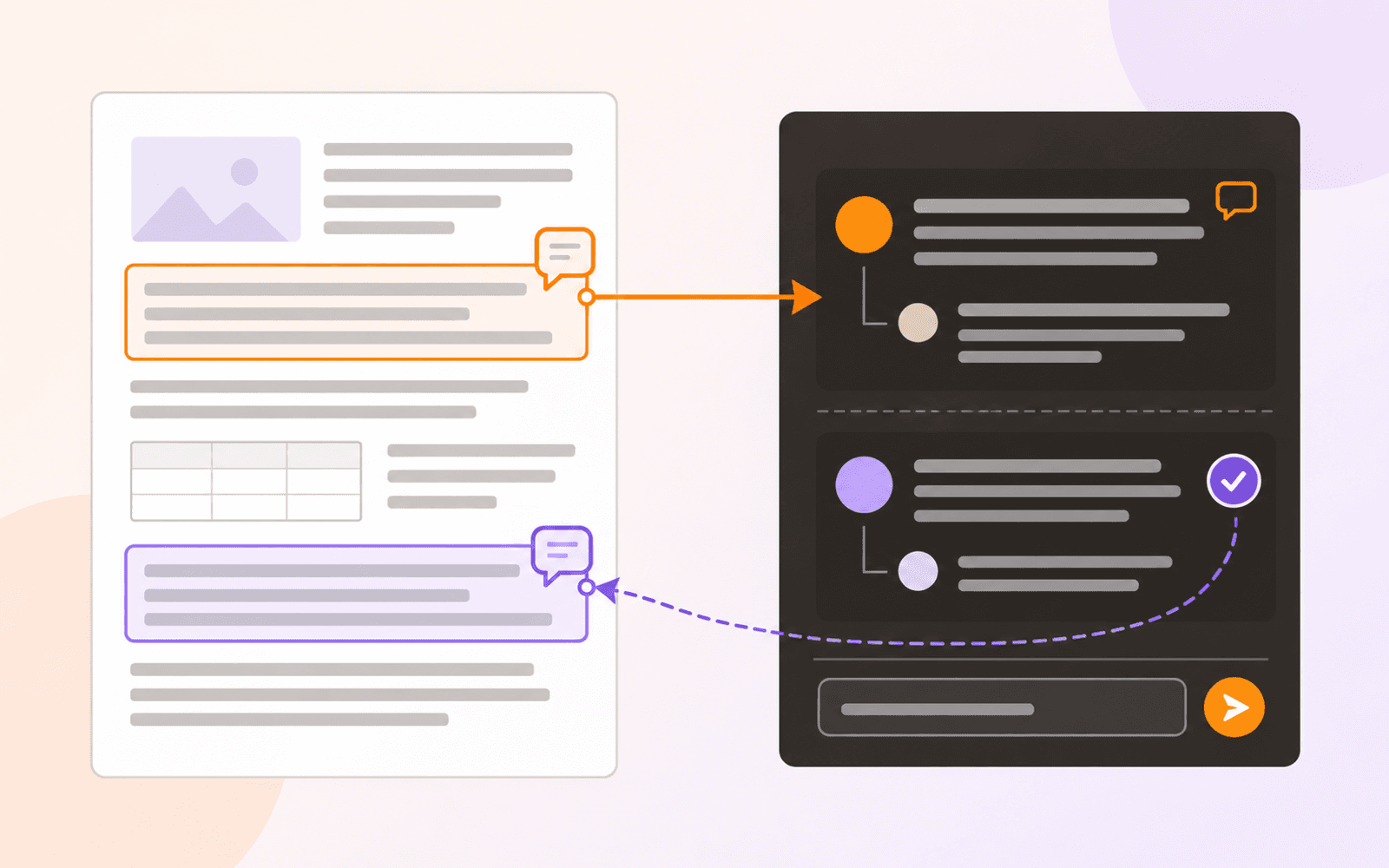
| Workspace and source return | Capture accepted evidence as Cards across PDFs, connect and filter it, organize Frames, present it, and export according to plan. | UPDF AI centers on document chat, summaries, translation, explanation, rewriting, semantic search, and specialized agents rather than a spatial source-linked Card canvas. |
| Scheduled study | Free includes source-linked Questions, scheduled Study, unscheduled Practice, Progress views, presets, and schedule tuning. | UPDF's current feature materials describe AI knowledge and document tools rather than a comparable spaced Question schedule tied to research Cards. |
| Data-path choice | Several document-intelligence operations use Apple frameworks on-device; storage and sharing remain user choices. | Combines local editing with optional UPDF AI and cloud services; review the terms and settings for the exact connected feature used. |
| Create, optimize, and deliver | Scan on iPhone or iPad, create from images, compress, resize pages, edit outlines, set or remove an open password, and save a flattened copy. | UPDF for iOS advertises scanning or importing to create PDFs, OCR, compression, flattening, protection, and broad page editing; entitlements vary by plan. |
Where UPDF is the natural choice
UPDF's largest structural advantage is platform breadth. A person who moves between a Windows workstation, Android phone, iPad, and Mac can use the same product family including a Windows desktop app that PDF Max does not offer. Its current license positioning is designed around that scenario.
UPDF also puts AI at the center of its product. Its official pages describe document summaries, translation, explanation, semantic search, rewriting, and specialized agents for different kinds of material. Those tools may be compelling when the desired outcome is rapid extraction or generation and the associated service terms fit the document.
Its iOS editor is not presented as a lightweight reader. UPDF documents text, image, link, watermark, and page editing on iPhone and iPad, plus OCR, conversion, annotation, form filling, signatures, compression, flattening, and protection. That makes it a genuine direct comparison rather than merely a web utility.
Where PDF Max is the natural choice
PDF Max is designed around Apple's devices instead of treating them as two platforms within a wider matrix. That lets it use system voices for read-aloud, Apple's on-device translation, Apple Pencil input, and local frameworks for OCR and other document operations.
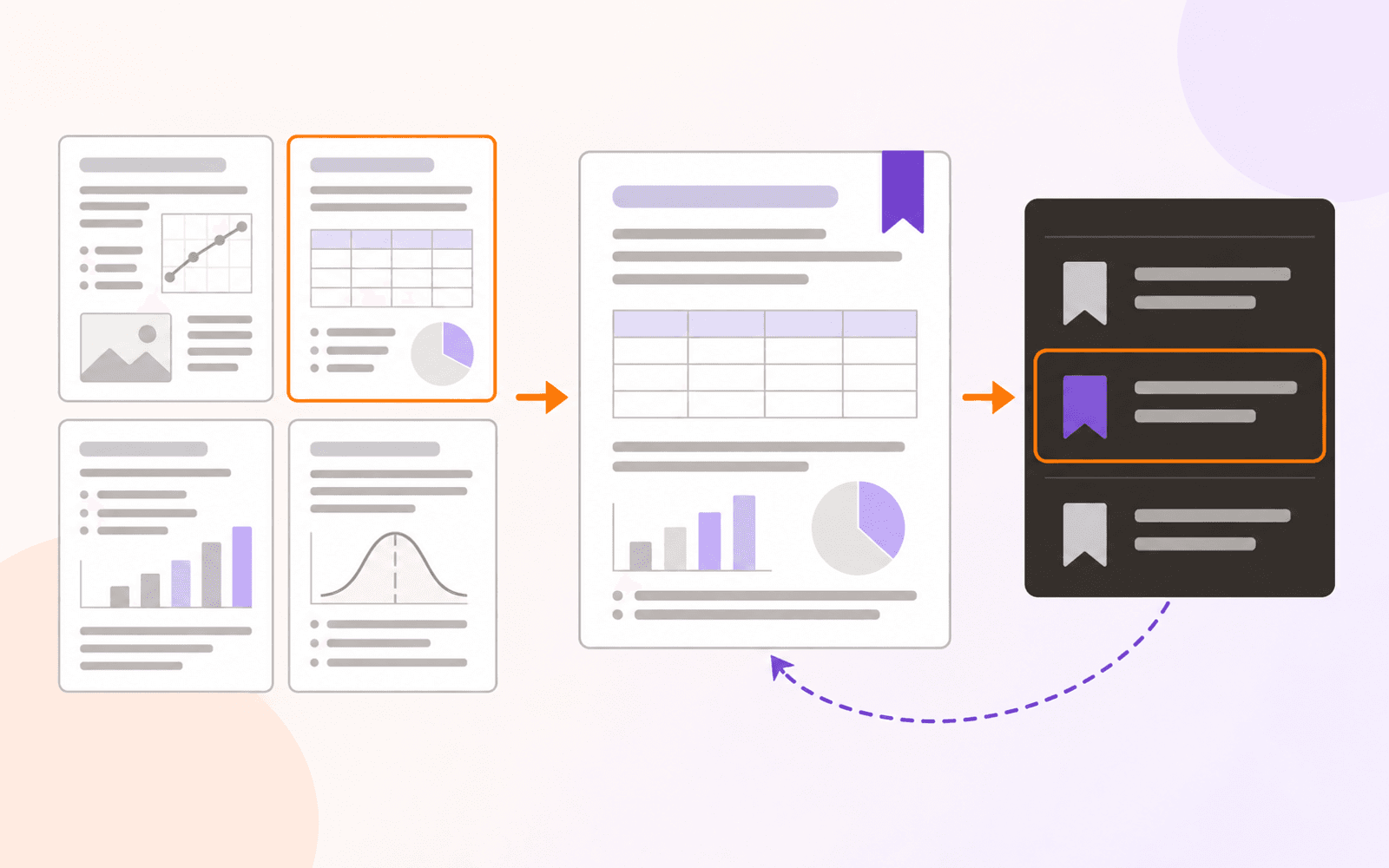
Its reading workflow is broader than asking a PDF questions. Reflow Reader restructures fixed pages into a comfortable reading view. Focus tools narrow the document to marked material. Workspace captures passages, tables, charts, or ideas as evidence that retains a link back to the page where it came from.
Study, included with Free, can turn those accepted Cards into reviewable Questions with independent histories, scheduled reviews, unscheduled Practice, and Progress. UPDF's AI layer is broader around generated analysis; PDF Max's current distinction is the inspectable Card-to-source path and device-local scheduling model.
Forms are another point of differentiation to test carefully. PDF Max can detect likely fields on flat pages, manage reusable answer profiles, and create or edit interactive fields. If form authoring is essential, use a representative form and the fillable-PDF test workflow rather than assuming that “fill forms” and “create forms” mean the same thing.
AI features need task-level privacy decisions
It is not useful to label an entire product “local” or “cloud” when different tools take different paths. PDF Max describes OCR, translation, read-aloud processing, form assistance, and conversion as on-device. Its files can still live in cloud storage if the user chooses that location.
UPDF combines local editing with optional AI and cloud services. Before using a connected feature with a confidential contract, medical record, financial statement, or research document, review the current privacy terms, retention policy, account controls, and region availability for that feature.
The comparison should be made operation by operation. A user may reasonably choose connected summarisation for public material and keep a sensitive redaction workflow entirely local.
OCR and translation output
Both apps advertise OCR and translation, but the output can differ. OCR may create selectable text inside the app, export recognized text, or save a searchable layer into the original PDF. Translation may produce a reading view, replace text, or send passages to an AI service.
PDF Max's OCR workflow writes searchable text into the PDF, while its translation appears in Reflow Reader rather than pretending the translated layout is the original page. Use the searchable-PDF guide to test OCR and the on-device translation guide to understand the translation workflow.
Plans and advertised value
UPDF separates editor, AI, and cloud allowances within its current offers. PDF Max separates everyday annotation, forms and page work, and advanced editing into Free, Pro, and Premium levels. Both companies can change bundles, prices, and promotions.
Compare the normal renewal price and included capabilities, not only a temporary discount. Confirm how many devices are allowed, whether AI usage has credits or quotas, which platforms receive OCR or redaction, and whether an account or cloud service is required.
Which should you use?
Use UPDF when broad platform support and its specific AI services are central requirements. It is especially relevant for someone who wants one PDF product across Apple, Windows, and Android devices.
Use PDF Max when the workflow stays on Apple devices and combines careful reading, local document intelligence, form creation, editing, research, and permanent redaction. Test a real end-to-end task in both products, save the output, and reopen it in an independent viewer before deciding which feature list translates into a finished document.