PDF Max vs LiquidText: which source-linked workspace fits you?
Compare PDF Max and LiquidText for multi-document research, source-linked excerpts, visual connections, PDF editing, presentation, and export.
Direct answer
Should you use PDF Max Workspace or LiquidText for evidence-heavy document work?
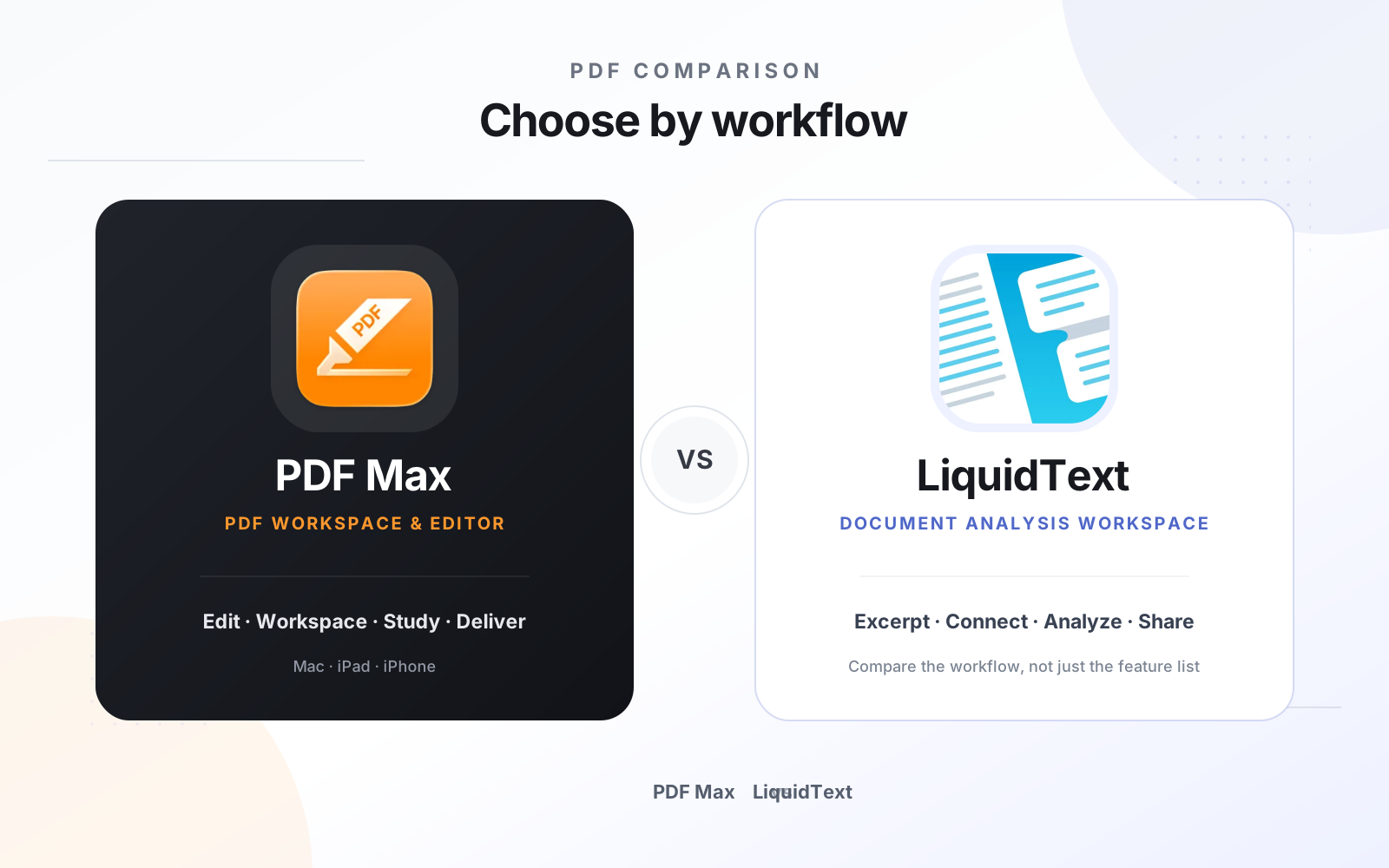
Choose LiquidText when extracting passages into a flexible workspace, drawing connections, and collaborating around source material are the center of the job. Choose PDF Max when that source-linked workspace must sit inside a complete PDF workflow with OCR, forms, editing, redaction, presentation, Study, and verified document delivery. Both preserve routes back to source material, but their surrounding workflows and output priorities differ.
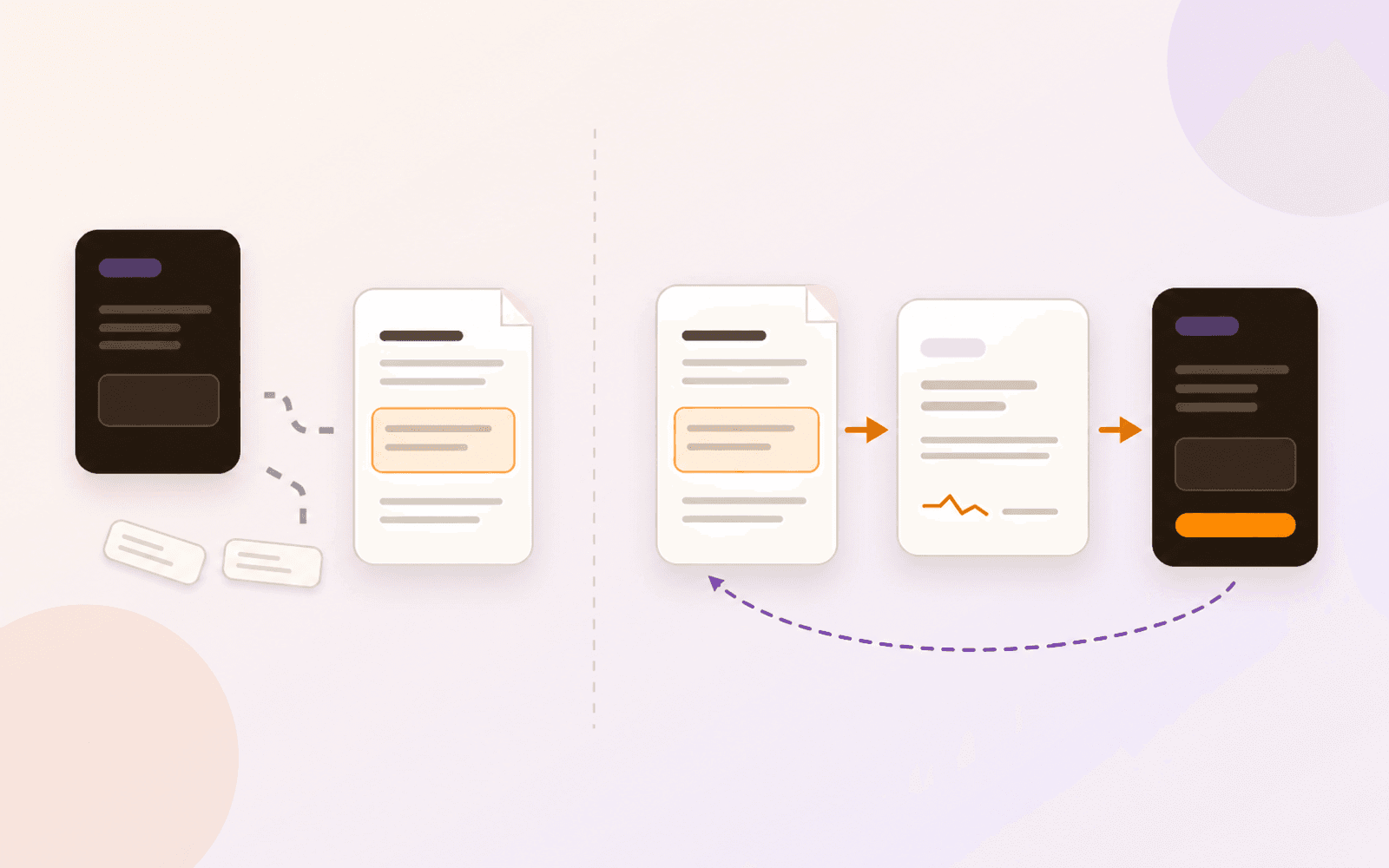
LiquidText and PDF Max Workspace address the same hard problem: ordinary highlights become difficult to use once research spans many pages or many documents. Both let a reader capture important material, arrange ideas outside the page, preserve context, and return to the source.
The difference is the product surrounding that workspace. LiquidText is purpose-built for extracting, connecting, and discussing source material. PDF Max places source-linked knowledge inside a broader PDF lifecycle that also includes editing, OCR, forms, redaction, Study, presentation, and delivery.
The short answer
Choose LiquidText when the main deliverable is an exploratory workspace of excerpts, comments, ink, and relationships, especially when collaboration around that workspace matters.
Choose PDF Max when the source material must also remain an editable, searchable, form-capable, protectable PDF and when the same accepted knowledge should move into Frames, Present, Study, Markdown, PDF, or Word output.
Capability comparison
| Criteria | PDF Max | Compared app |
|---|---|---|
| Primary job | A complete Apple PDF editor with a durable Workspace for source-linked knowledge, Study, presentation, and export. | A document-analysis workspace designed to pull excerpts and notes beside source material and connect ideas visually. |
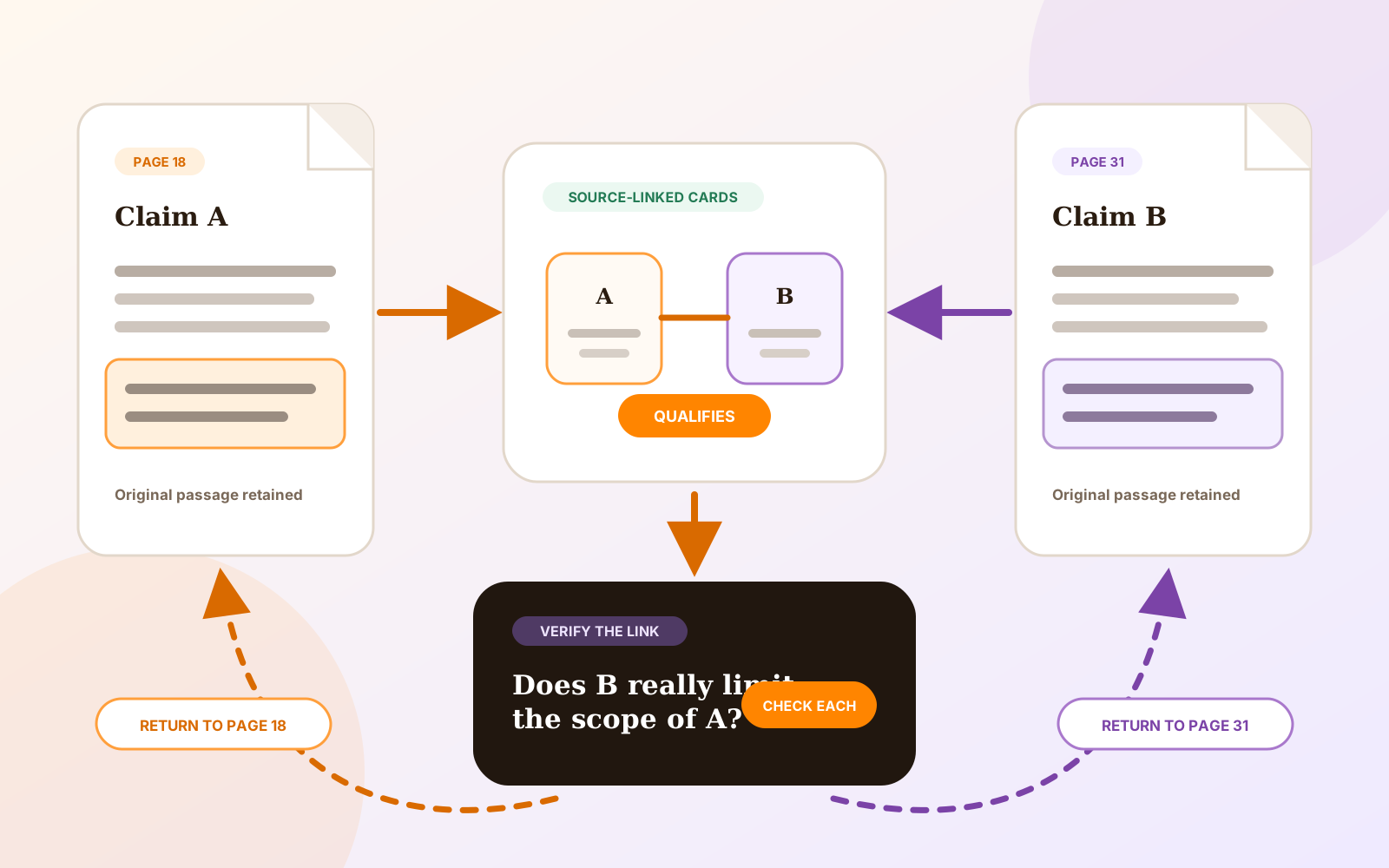
| Source capture | Capture passages, markup, comments, notes, images, tables, and formulas as Cards that retain exact page evidence. | Pull excerpts and comments into a parallel workspace, annotate multiple areas, and tap back to the source context. |
| Multiple documents | Free includes one complete Workspace that organizes Cards from multiple PDFs without merging the source files. | Works across source documents and supports PDF, Word, PowerPoint, web material, and imported project content. |
| Connections and structure | Connect Cards with named relationships, arrange them in layouts, and use Frames to organize an argument or live presentation. | Connect excerpts and comments with lines in a flexible spatial workspace built for developing relationships while reading. |
| Study | Free turns accepted Cards into reviewable Questions, scheduled Practice, Progress views, and source return. | Official positioning centers on reading, extraction, connection, annotation, and collaboration rather than a scheduled Question workflow. |
| PDF editing and delivery | Edit existing content, run OCR, create forms, redact permanently, protect, compress, convert, present, and save a finished PDF. | Imports and exports documents, projects, and annotations; its defining workflow is document analysis rather than the full PDF-authoring checklist. |
| Collaboration | Current shipping Workspace is a device-local individual workflow; collaboration is not presented as available. | Officially supports collaboration on the same document and sharing annotated LiquidText project files. |
Where LiquidText is the natural choice
LiquidText makes the workspace itself the center of the experience. Excerpts can leave the page without losing their origin, ink and comments can sit around them, and lines can express relationships that would otherwise remain implicit. Its official materials also describe collaboration and support for more than PDFs.
That is compelling for case analysis, literature review, policy reading, and any project where thinking spatially is more important than editing the underlying file. A team that needs to share and extend the same research workspace should evaluate LiquidText first because PDF Max does not currently claim shared Workspace collaboration.
Where PDF Max is the natural choice
PDF Max keeps the analysis layer and the document-production layer together. A scanned report can receive OCR, passages can become source-linked Cards, Cards can be organized into Frames, and the underlying PDF can still be corrected, completed, redacted, protected, and delivered.
Workspace also feeds two distinct outcomes. Frames can become a live presentation sequence, while Study, included with Free, turns accepted Cards into Questions with independent learning histories. That is useful when the same source pack must support both professional synthesis and long-term recall.
Compare output, not just the canvas
Test a representative project from capture to delivery. Pull evidence from two or three documents, connect it, return to each source, and export the result. Then ask whether the recipient needs a research workspace, a Markdown brief, a Word or PDF report, or a corrected final PDF.
The better tool is the one whose exported result matches the next person’s job without breaking the evidence trail.
Which should you use?
Use LiquidText when a flexible, collaborative excerpt-and-connection workspace is the product you need. Use PDF Max when source-grounded synthesis is one stage in a wider Apple PDF workflow that continues into Study, presentation, editing, protection, and verified delivery.
Many researchers can reasonably use both: LiquidText for a shared analysis space and PDF Max for the final document workflow. Choose one only when its surrounding model covers the complete job.