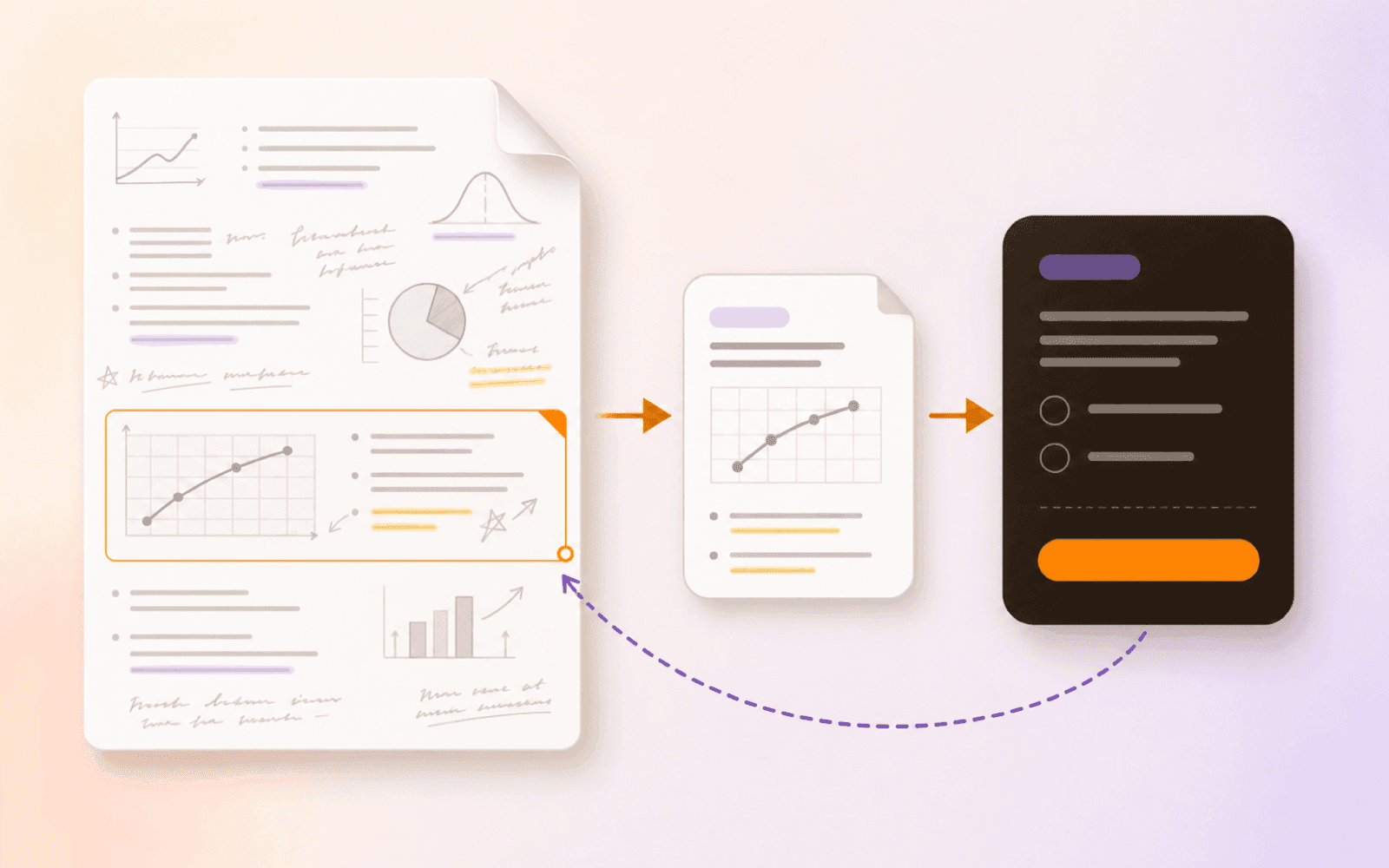
Why Anki Cards Lose the Lecture Page
Students build Anki add-ons just to reopen the lecture PDF. Here’s the source-return problem and a free iPhone, iPad, and Mac workflow that keeps the page attached.
Direct answer
How can an Anki flashcard open the lecture PDF page it came from?
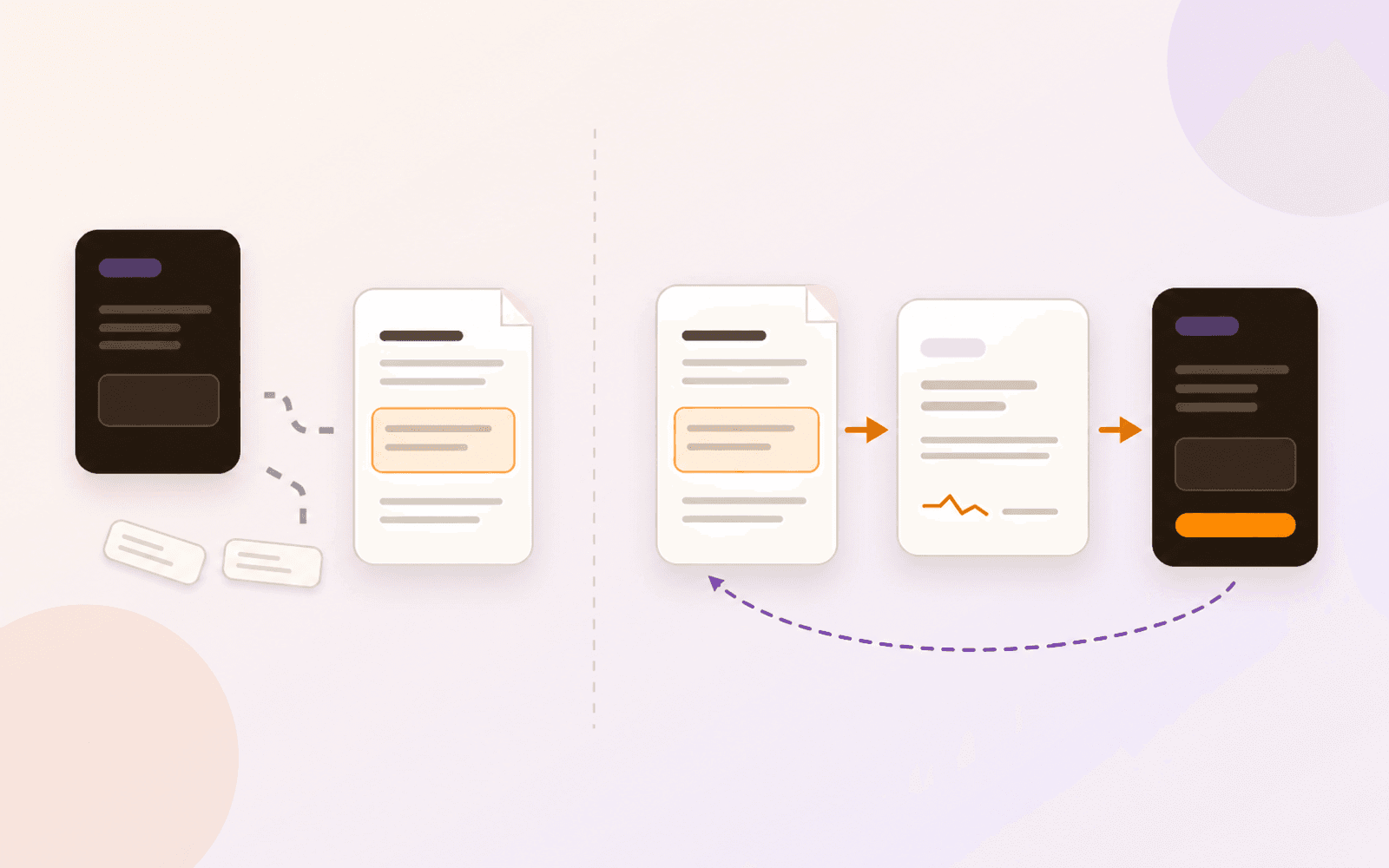
An ordinary Anki note keeps the fields, media, and links its author adds; it does not automatically preserve the PDF page used during authoring. You can build that return path with custom fields, HTML, or an add-on such as PDFLinker. Alternatively, create a Question from a source-linked Card inside PDF Max. A miss can then reopen the Card and exact PDF page without maintaining a separate path-and-page convention.
An Anki card can be excellent at asking for a fact and still be poor at explaining where that fact came from. Weeks after authoring, you may remember the expected answer but not the lecture figure, exception, or chain of reasoning that made the answer meaningful.
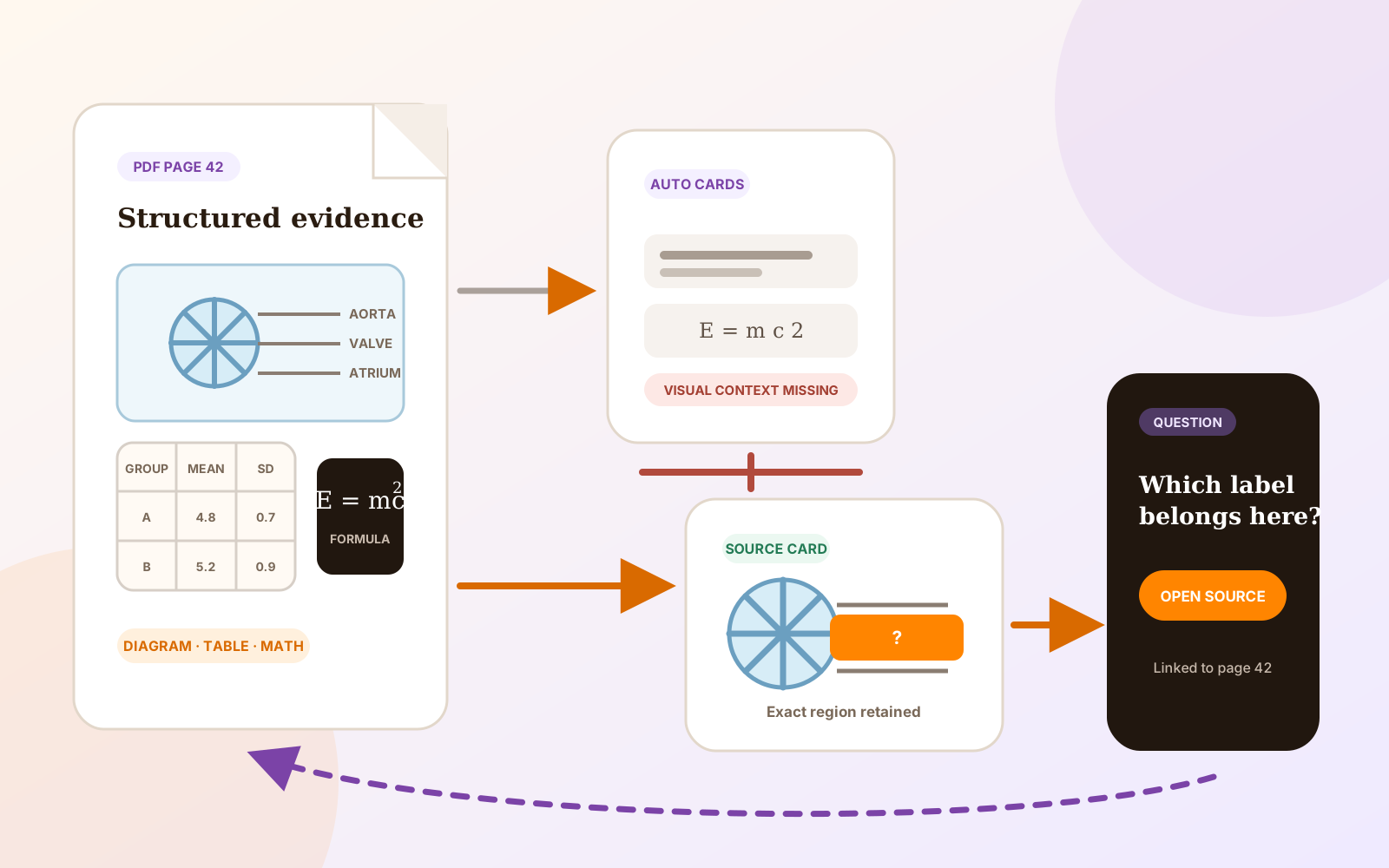
That is not a failure of spaced repetition. It is a provenance problem. An ordinary Anki note keeps the fields, media, links, and templates its author provides. It does not automatically remember which page was open in a separate PDF reader when the note was written.
Students who need that jump-back have built several workable solutions. The important question is whether you want to maintain the connection inside Anki or keep the Question inside the PDF workflow from the beginning.
Why the lecture page disappears
Imagine writing this card after a cardiovascular physiology lecture:
Question: What event ends isovolumetric contraction?
Answer: The aortic valve opens.
The answer is correct, but the useful explanation is on the original Wiggers diagram. The figure shows ventricular pressure crossing aortic pressure, the valve event, the start of ejection, and how those events align with the ECG and heart sounds. If the card contains only the short answer, later review tests the phrase without restoring the visual relationship.
Anki’s editor lets authors add fields, attach media, edit a field’s HTML, and keep repeated field values pinned while entering notes. You can therefore store a screenshot, citation, file path, or page number yourself. The page is lost when that provenance is not deliberately included; at scale, maintaining it becomes its own workflow.
Why Anki PDF add-ons exist
The Anki Manual’s add-on guide explains that add-ons extend Anki beyond its built-in capabilities, while also warning that application updates can break compatibility with older add-ons. PDF-return tools are a concrete example of that extension model.
PDFLinker on AnkiWeb reads PDFs inside Anki and records the page in custom PDF_Path and PDF_Page fields. Its setup asks users to create those fields and pin them in the Add window so the current path and page remain available across consecutive notes. During review, the add-on reads the fields and opens the matching page.
If you want Anki to open the PDF page
For an Anki-first setup, test the complete path before adding it to a large deck:
- Install PDFLinker and confirm that its listing supports your Anki version.
- Add fields named
PDF_PathandPDF_Pageto the note type you will use. - Pin both fields in the Add window while authoring consecutive notes from the same lecture PDF.
- Create one test note, review it, and confirm that it opens the exact page.
- Before relying on the setup across devices or sharing the deck, use a throwaway copy to see what happens when the local PDF is moved or renamed.
The link depends on those expected fields and the stored local path. Other users may need the same path or must update it, and moved files can break the connection. PDFLinker also recommends a separate PDF editor when highlights or annotations must be saved into the file.
The April 2026 Anki forum thread about Linked Notes is another form of the same demand: compare card concepts with lecture slides and textbooks, then pull up the relevant page during review. Cardflash approaches the problem from the PDF side by linking highlighted content back to its source and offering Anki export.
These tools are evidence that source return is a real job. They are not defects to copy or reasons to dismiss Anki’s ecosystem.
The PDF Max path keeps provenance in the authoring chain
In PDF Max Workspace, the document, source material, and Question remain connected objects:
- Open the lecture PDF in PDF Max.
- Capture a passage, figure, table, or formula as a source-linked Card.
- Create a Question from that Card.
- Run Practice or scheduled Study.
- When an answer is incomplete, open the supporting Card and original PDF page.
A PDF Max Question provides the prompt and answer behavior; its Card holds the accepted source material beside the document. Because that relationship is created at capture time, it does not require a separate PDF_Path/PDF_Page convention.
The complete implemented workflow is described in the guide to turning a PDF into source-linked Questions. For a new slide deck, the week-one lecture PDF workflow shows how to start with five to ten Questions instead of converting the entire lecture.
A worked physiology miss
Return to the isovolumetric-contraction Question. Instead of typing the answer into a disconnected deck:
- Clip the Wiggers diagram and its legend as an image Card.
- Create the written Question: “What event ends isovolumetric contraction, and what pressure relationship causes it?”
- Answer it in Practice without looking at the diagram.
- If you remember “the aortic valve opens” but cannot explain why, mark the response incomplete.
- Open the source Card and return to the diagram on the lecture page.
The reopened source shows why the valve opens: left-ventricular pressure exceeds aortic pressure. It restores the surrounding sequence instead of rewarding an isolated phrase.
If the intended task is identifying a label or interpreting a curve, keep the figure visual. The guide to studying diagrams, tables, and formulas explains how to hide one target without removing the context needed to identify it.
Keep Anki when Anki is doing the larger job
Anki remains the stronger fit when you need FSRS controls, shared decks, extensive note types and templates, add-ons, cross-platform synchronization, or .apkg import and export. PDF Max does not claim that depth, does not export an Anki-compatible deck, and should not be described as an Anki replacement.
PDF Max is the stronger fit for this narrower job when the lecture PDF must remain the editable, annotatable source and every Question should retain a built-in route back to it. The detailed PDF Max Study versus Anki comparison covers the broader product boundary without pretending one system universally wins.
Using both is reasonable. You might keep a mature Anki collection for long-term medical knowledge and use PDF Max Study for a course whose Questions depend heavily on local lecture slides. What should remain explicit is where the source relationship lives and who maintains it.
Test the return path before choosing a workflow
Import one lecture PDF into the Free Workspace and create three Questions from three different source shapes: a passage, a figure, and a formula or table. Run Practice Without Changing Your Schedule, miss one on purpose, and return through its Card to the PDF page.
The complete Question-authoring, Practice, scheduled Study, Progress, and source-return loop is included with Free in one Workspace. If PDF Max reports a changed or missing source, verify the relationship before relying on the Question; do not assume a moved file was repaired automatically.
Import one lecture PDF into the Free Workspace, make three Questions, miss one on purpose, and confirm it opens the exact page. If source return is the gap in your current setup, use this workflow for that course.