PDF Max vs Zotero: which research-document workflow fits you?
Compare PDF Max and Zotero for PDF annotation, source return, multi-document research, citations, notes, editing, presentation, Study, and delivery.
Direct answer
Should researchers use PDF Max Workspace or Zotero for source-heavy work?
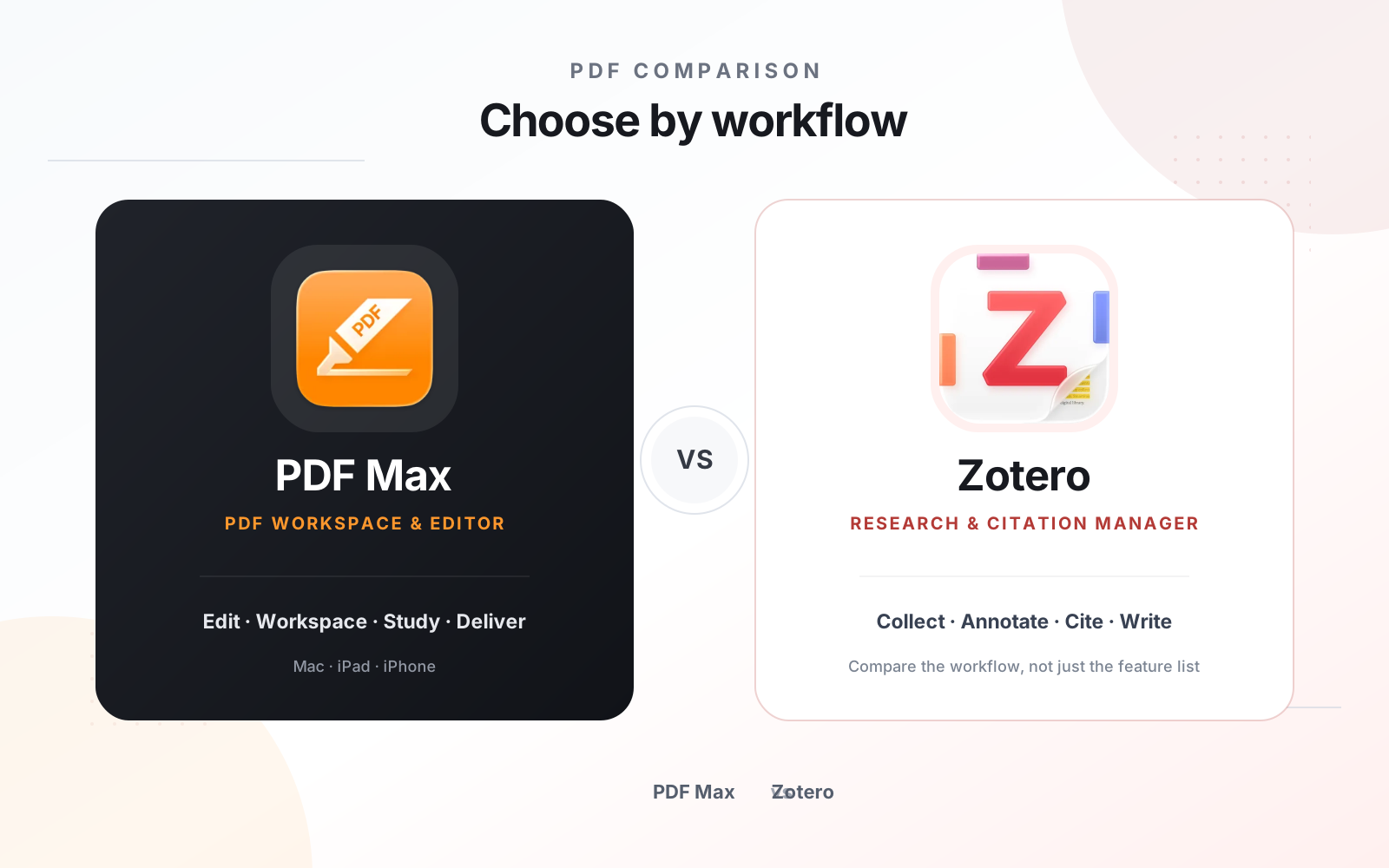
Choose Zotero when references, bibliographic metadata, citations, literature libraries, and word-processor integration define the workflow. Choose PDF Max when PDFs must become source-linked Cards and Frames while remaining editable, form-capable, presentable, study-ready, protectable, and deliverable. Zotero is the stronger reference manager; PDF Max is the broader PDF production and source-grounded Workspace. Researchers may use both because they solve different layers of the same project.
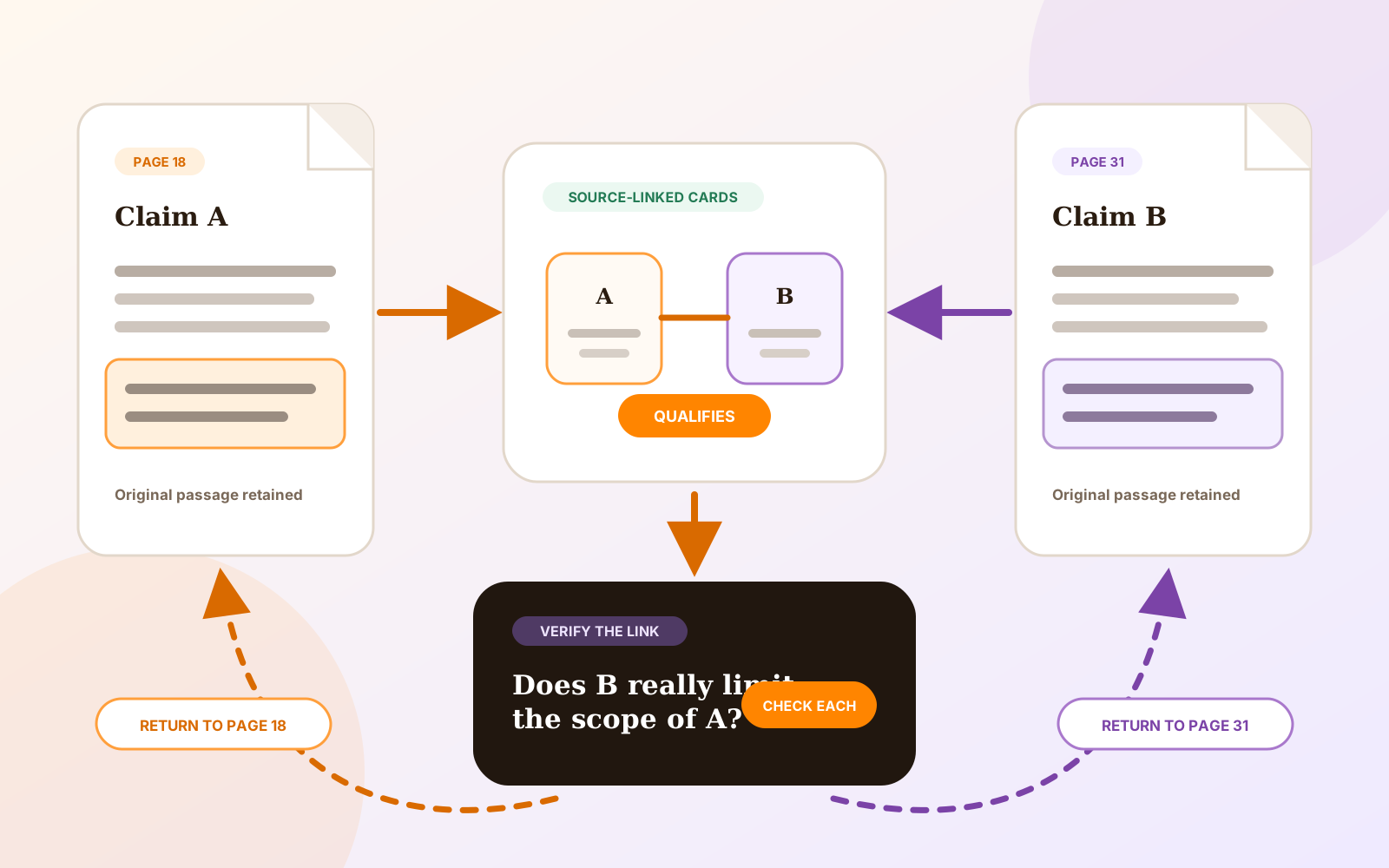
Zotero and PDF Max Workspace both help researchers move beyond isolated highlights. Each can preserve a route from extracted material back to a PDF page and turn annotations into reusable notes.
Their centers of gravity are different. Zotero manages references and citations across a research library. PDF Max manages the PDF itself and builds a source-grounded Workspace around documents that may still need editing, presentation, Study, protection, or delivery.
The short answer
Choose Zotero when bibliographic metadata, collections, citation styles, references, and word-processor integration are essential outputs.
Choose PDF Max when PDFs must remain active working documents while evidence becomes Cards, relationships, Frames, Questions, presentations, and exported briefs.
Capability comparison
| Criteria | PDF Max | Compared app |
|---|---|---|
| Primary job | A complete Apple PDF editor with source-linked Workspace, Study, presentation, rich export, and document delivery. | A reference manager for collecting sources, managing bibliographic data, reading attachments, taking notes, and inserting citations. |
| PDF annotations | Annotate the PDF directly and capture passages, markup, comments, notes, images, tables, and formulas into Workspace Cards. | Highlight text, add notes, select areas, draw, and add annotations in the built-in reader. |
| Source return | Cards retain exact page evidence and can return from Workspace, Questions, and Practice to the original document. | Annotations added to notes include links back to the PDF page and can carry citations into later writing. |
| Multi-source organization | Free organizes Cards from multiple PDFs in one Workspace with tags, filters, relationships, layouts, and Frames. | Collections, tags, saved searches, item metadata, attachments, and notes organize a literature library across many source types. |
| Writing output | Export accepted Workspace knowledge to Markdown, PDF, or Word according to plan, with Frames organizing an argument. | Generate citations and bibliographies through word-processor plugins and move annotation-based notes into writing workflows. |
| Study | Free includes source-linked Questions with scheduled Practice, independent history, Progress, presets, and source return. | Zotero's official purpose is reference and research management rather than a built-in scheduled Question workflow. |
| PDF production | Edit existing content, run OCR, create forms, sign, convert, redact, protect, compress, present, and deliver PDFs. | Its reader and annotation system support research; Zotero is not positioned as a full PDF production editor. |
Where Zotero is the natural choice
Zotero understands a source as more than a file. The author, title, publication, identifier, date, collection, attachment, and citation style all belong to a bibliographic record that can participate in a literature library and a formal writing workflow.
Its PDF annotations can enter notes with page links and citation information, and its word-processor integration can create citations and bibliographies. PDF Max does not claim reference-manager or citation-style parity.
Where PDF Max is the natural choice
PDF Max understands a source as a document that may still need work. It can OCR a scan, edit page content, create or fill forms, connect evidence, present Frames, generate source-linked Questions, permanently redact sensitive material, and deliver a tested PDF.
Workspace is useful when the desired structure is an argument rather than a bibliography. Relationships state why Cards belong together, Frames organize the sequence, and rich export carries accepted knowledge into another deliverable.
The annotation storage model matters
Zotero documents that annotations created in its built-in reader are stored in the Zotero database and are not automatically visible in external PDF readers unless the user exports a PDF with embedded annotations. PDF Max works directly with PDFs in user-selected storage and saves PDF annotations and edits as part of its document workflow.
Neither model is universally better. A research database can provide richer library behavior; a file-centered workflow can make the PDF itself easier to exchange. Test export and reopening before committing a large project.
Which should you use?
Use Zotero when references and citations are the backbone of the project. Use PDF Max when the working PDF, evidence canvas, Study workflow, presentation, and final document output belong together.
Many academics should use both: Zotero for the source library and citation layer, PDF Max for deep document work, source-grounded synthesis, and delivery. The comparison is about ownership of each workflow layer, not declaring one universal winner.