Why AI flashcards from PDFs fail on diagrams and formulas
Learn why AI flashcards from PDFs lose diagram labels, table structure, and formulas—and how to build Questions that reopen the original page.
Direct answer
Why do AI flashcards made from PDFs fail on diagrams, tables, and formulas?
Many AI flashcard tools start with a PDF's selectable text, so diagram labels, table structure, and rendered notation may be flattened or missed. Some tools add image occlusion, but you should still check what stays linked to the source. A dependable workflow is to clip the figure, table, or formula into a source-linked Card, create one focused Question, and test that a miss reopens the original page.
AI tools that turn PDFs into flashcards promise a simple workflow: upload a lecture deck or textbook chapter and receive a ready-made deck. That can work well for headings, definitions, and short passages. It becomes less dependable when the answer depends on where something appears rather than on a clean sentence.
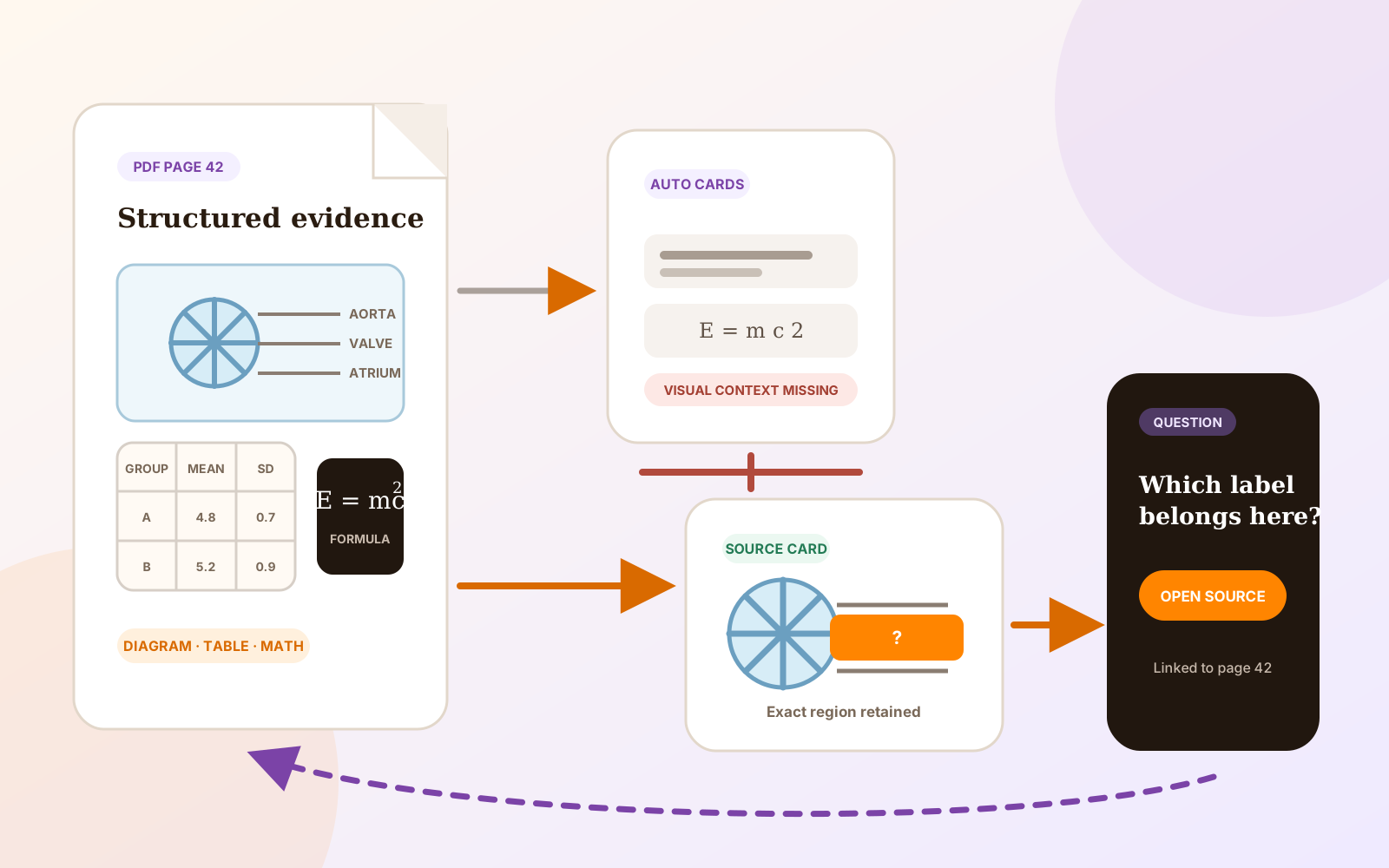
Figures, table cells, and equations carry meaning through position, grouping, labels, and symbols. If a tool mainly extracts the PDF text layer, it may recover the words while losing the structure that makes them useful. The result can be a polished card about the page instead of a Question that tests the page itself.
What PDF-to-flashcard AI usually receives
A PDF stores a finished page, not a tidy lesson database. One page may contain selectable paragraphs, separately positioned table labels, a chart stored as drawing instructions, and a formula built from many individual symbols. A scan may contain no searchable text until OCR is applied.
SmartRecall describes its PDF workflow as extracting the selectable text layer. Its own support table rates chart-heavy and math-heavy PDFs as only “fair,” noting that complex charts depend on labels and captions and that rendered notation may emerge as raw symbols. MintDeck's 2026 guide similarly tells readers to keep a separate screenshot when a source contains an important diagram, formula, or table.
Those disclosures explain why confident-looking output still needs inspection. AI can polish extracted material, but it cannot reliably restore structure that was lost before the Question was written.
Why AI flashcards from PDF diagrams break
| Source material | What may survive extraction | What a generic card may lose |
|---|---|---|
| Labeled diagram | Caption and label text | Which label points to which structure |
| Table | Values and headings as text | Rows, columns, merged cells, units, and comparisons |
| Formula | Variable names and symbols | Fractions, exponents, roots, matrices, and operator grouping |
| Chart or graph | Axis labels and caption | The curve, visual trend, scale, or marked region |
| Scanned page | OCR output, if available | Fine notation, image detail, and reliable reading order |
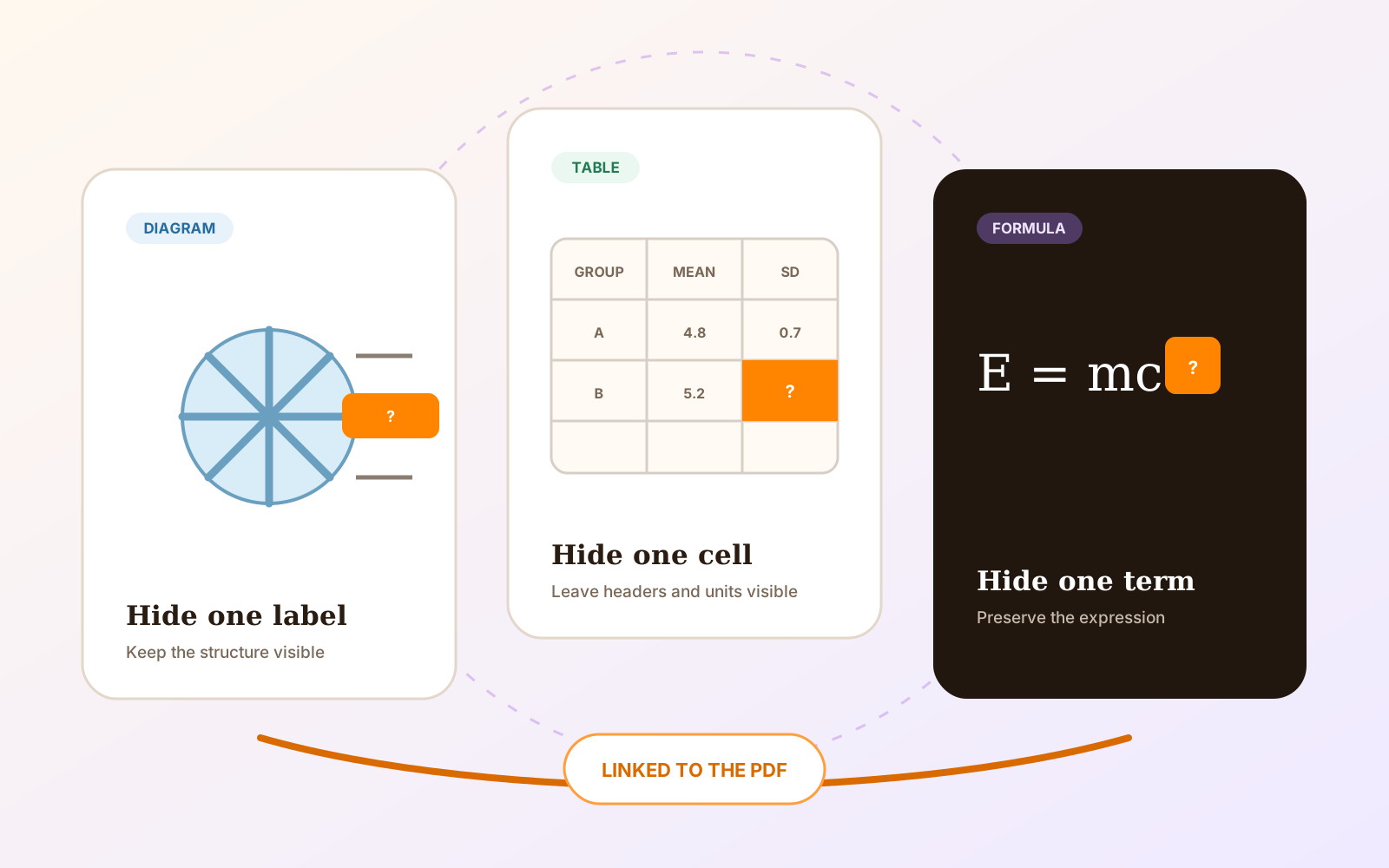
The failure is not always an obviously false answer. A card may contain a true statement but ask the wrong cognitive task. Reading “the mitral valve lies between the left atrium and ventricle” does not test whether you can identify the valve on the course diagram. Memorizing a table value without its row, column, and unit does not test the comparison the lecturer expects.
If the page is a scan, first decide whether you need searchable text. The guide to making a scanned PDF searchable explains the Premium OCR path. OCR can improve selection and search, but it still does not turn every visual relationship into a dependable Question automatically.
A screenshot can still lose the source
Saving a screenshot is better than discarding the figure, but it can create another problem: you may lose where it came from. A crop can omit the caption, page number, surrounding explanation, or a later correction. Weeks later, you may reveal an occluded label and still be unable to explain why it is correct.
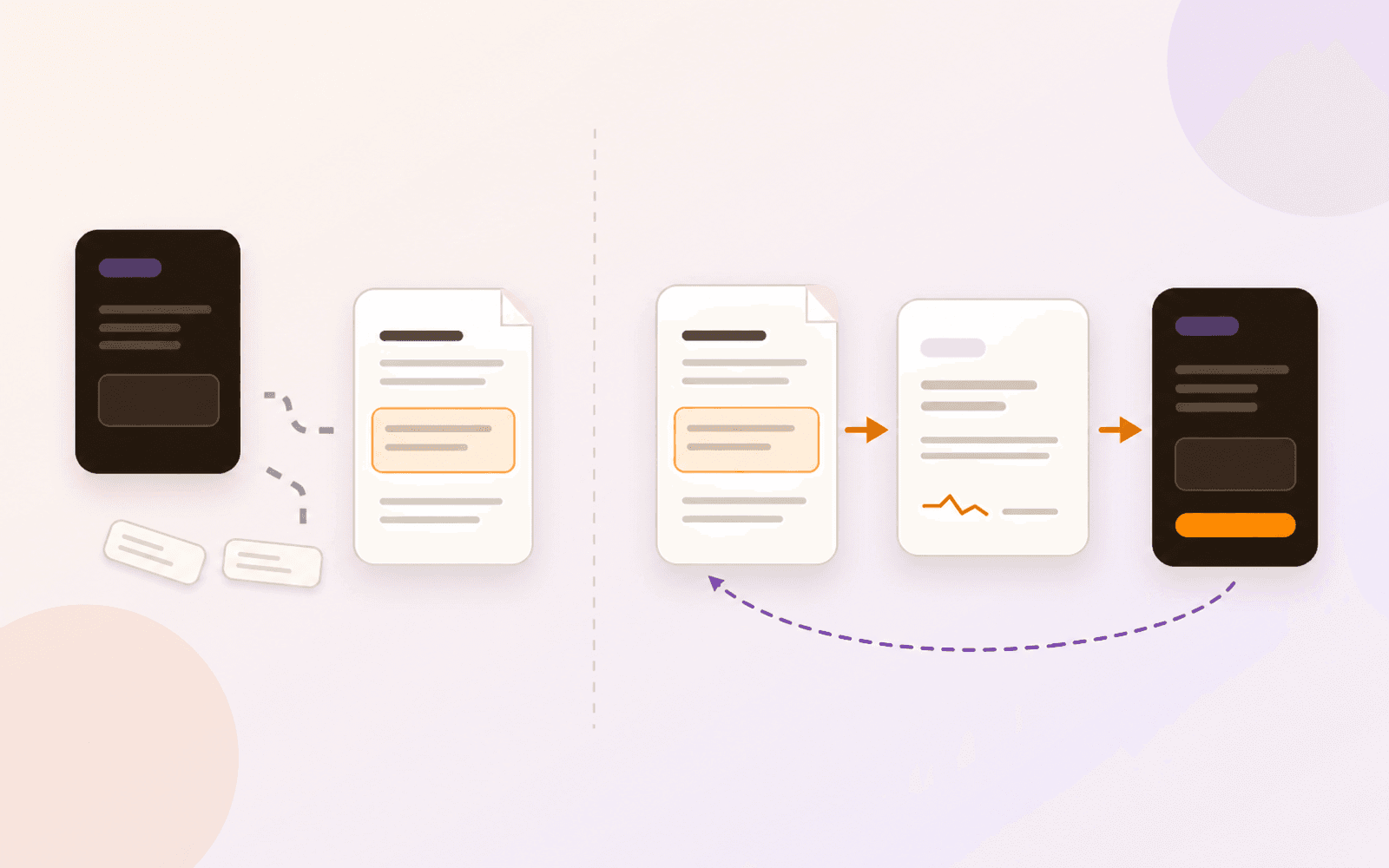
The source link matters most after a miss. You should be able to reopen the evidence, inspect the legend or derivation, and correct the Question without searching through the entire textbook again. A screenshot that lives only inside a disconnected deck cannot guarantee that return path.
Tools vary here. RemNote can create occlusions directly inside a PDF and load that document during review. Anki has native rectangle, ellipse, and polygon masks, while specialist add-ons can begin from PDF pages. With a normal Anki Image Occlusion note, returning to the source PDF depends on the fields, links, or add-on workflow the author maintains.
The useful question is therefore not “Can this app hide a label?” It is “After I miss the label, can I reopen enough of the original source to understand and correct the answer?”
A dependable workflow for diagrams, tables, and formulas
The dependable PDF Max path is manual and focused:
- Open the PDF and choose Research → Workspace.
- Use Clip Image, Clip Table, or Clip Formula to capture the smallest region that preserves the caption, headers, units, or notation you need.
- Create an occlusion Question when the target is visual, or a typed Question when an exact term or short value matters.
- Run a short Practice session and deliberately mark one response incomplete.
- Open the supporting Card and confirm that it returns to the exact PDF page and region.
PDF Max Free includes one complete Workspace, source-linked capture, Question authoring, scheduled Study, and Practice. The Workspace keeps the selected region as a Card; the Question remains a way to practise it, not a replacement for the document.
For the detailed choices—how much context to capture, what to mask, and when typing is better than flipping—follow the guide to studying diagrams, tables, and formulas inside a PDF. The broader guide to turning a PDF into source-linked study Questions covers the complete authoring loop.
Use AI drafts as proposals, not accepted answers
Manual authoring remains available without AI. On supported iOS 26 and macOS 26 devices, optional Apple Intelligence can draft Questions from a Card. That can shorten the wording step for a clear passage or suggest another way to test it.
The draft still needs review against the visible Card. Check every label, number, sign, qualification, and accepted alternative before saving. Reject a draft that describes a diagram instead of testing it, turns a table comparison into an isolated value, or rewrites a formula incorrectly. PDF Max does not claim to build a trustworthy full deck automatically from an entire PDF.
The Card and original page remain the evidence. If a generated Question disagrees with them, correct or discard the Question rather than memorizing the more fluent version.
Run a one-figure test this week
Take one labeled figure from this week's PDF and clip it into the Free Workspace. Hide two labels as Questions, run Practice, miss one on purpose, and confirm that the source Card reopens the figure on its original page.
If your current AI deck cannot preserve that loop, keep the figure and its Questions in PDF Max Study. Use the detailed PDF Max Study versus Anki or PDF Max versus RemNote comparison when customization, add-ons, linked notes, or long-term collection management also affect the decision.