Goodnotes Annotated PDFs: Study Without Losing the Page
Export an annotated Goodnotes PDF, create source-linked Questions in PDF Max, and return to the recorded page when an answer needs context.
Direct answer
How can you study an annotated Goodnotes lecture PDF without losing the source page?
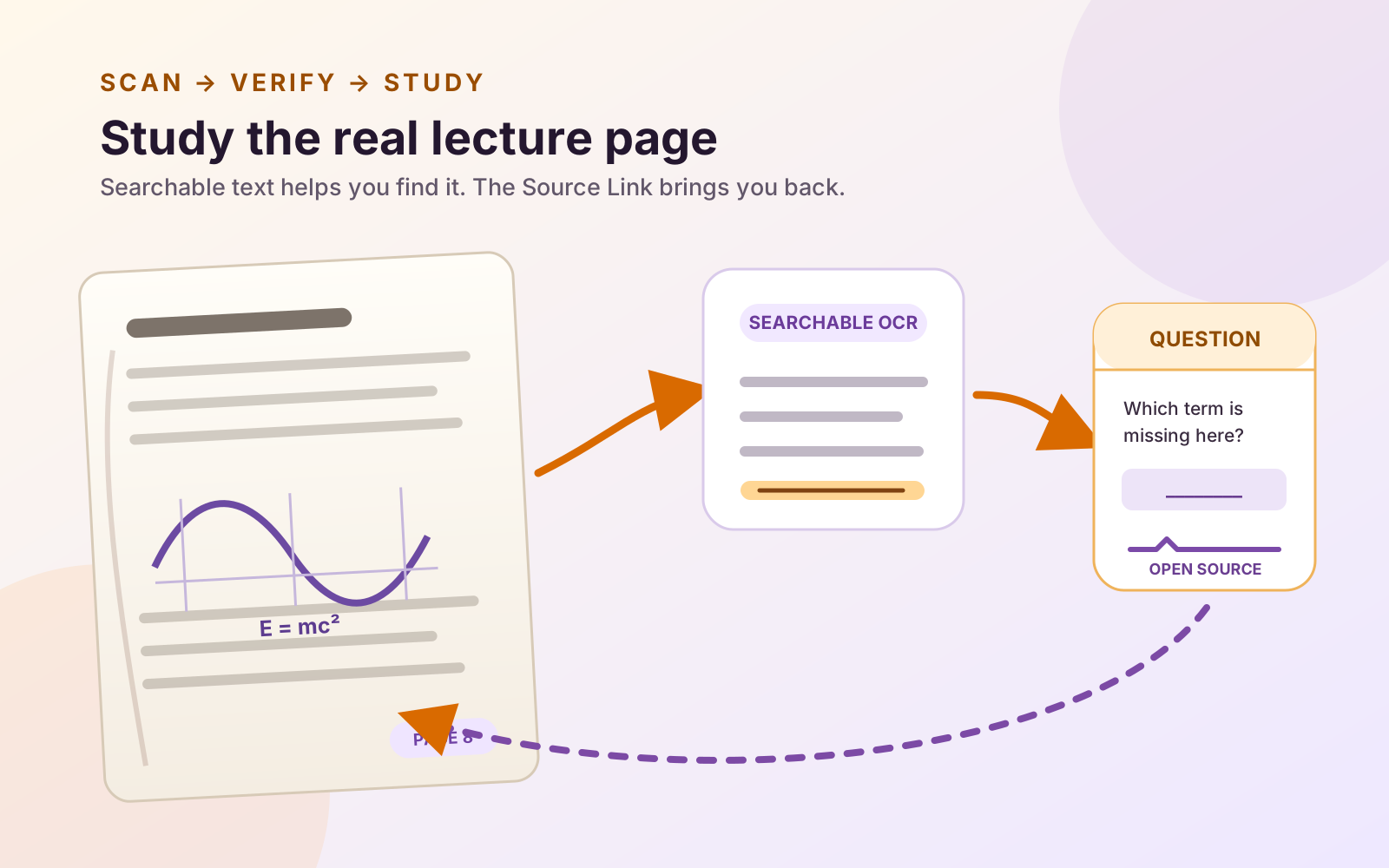
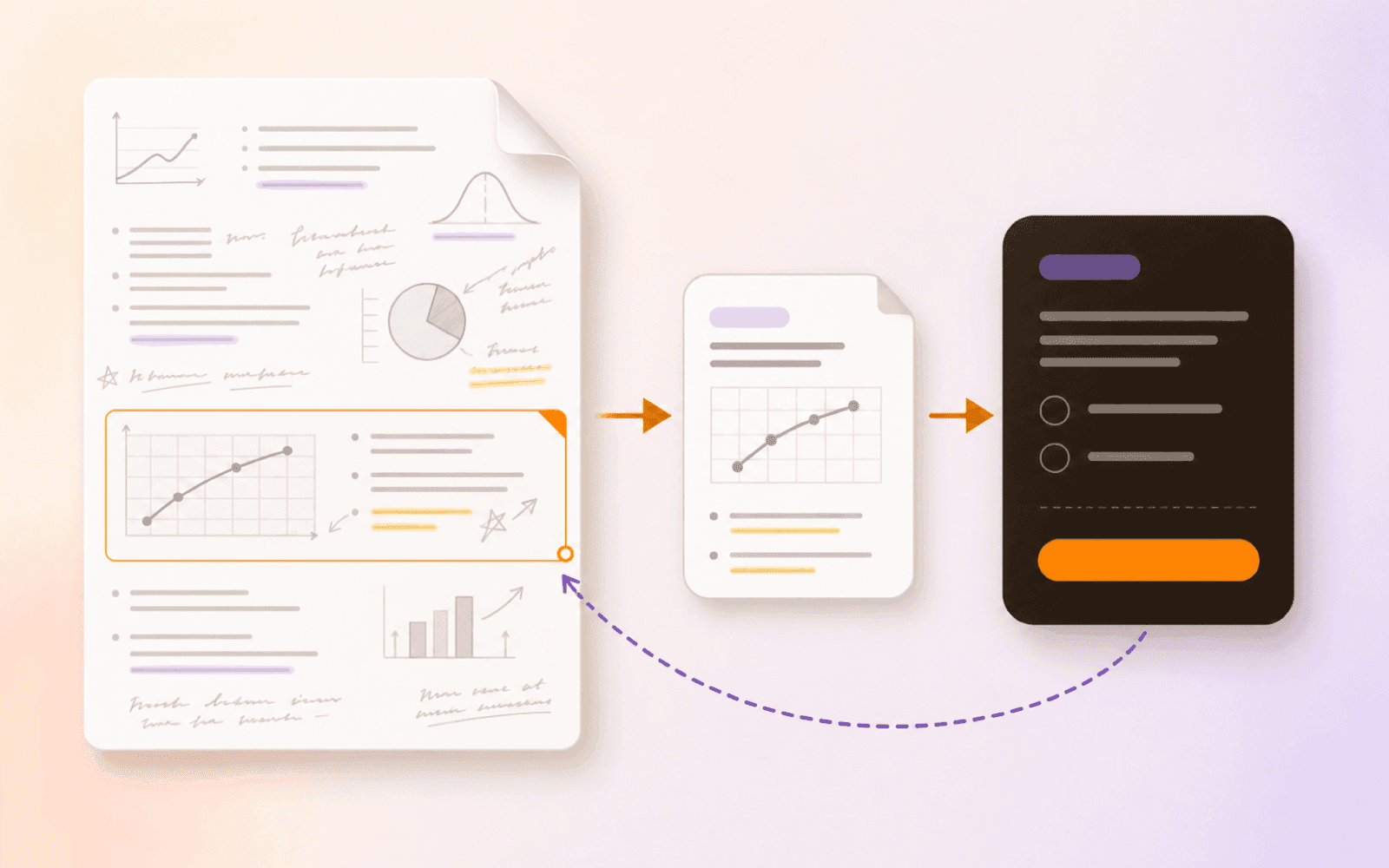
Export the annotated Goodnotes document as a PDF, open that copy in PDF Max, capture a focused passage or figure as a source-linked Card, and create a Question from the Card. After a miss, Open can return to the Card's recorded PDF page. This is an exported-file handoff, not live sync, and PDF Max does not automatically turn Goodnotes handwriting into Questions.
An annotated lecture PDF can feel finished because every important line has a highlight, margin note, or handwritten explanation beside it. Those marks help you find and interpret the material, but they do not test whether you can retrieve it without looking. A useful study handoff should therefore do two things: ask a focused Question and preserve a route back to the page that makes the answer trustworthy.
You do not have to abandon Goodnotes to solve that problem. Keep it when Apple Pencil markup and handwritten thinking are the job. Export the annotated document as a PDF, then use PDF Max Study for a source-linked Question workflow in which the exported page remains available after a miss.
The handoff is an exported PDF, not a live connection between the apps. That boundary matters: later Goodnotes edits do not flow into the PDF Max copy, and PDF Max does not write its Study history back into the Goodnotes library.
Export the annotated document from Goodnotes
Goodnotes can export a document or selected pages as an Editable or Flattened PDF. Open the annotated lecture document, use its Share or Export command, include the annotations you want in the handoff copy, and save the result somewhere PDF Max can open it.
Choose the format according to what must survive the handoff:
- Editable PDF preserves the original PDF's outline and hyperlinks. Goodnotes says page objects such as handwriting, highlighting, images, and text boxes remain selectable and movable in other PDF viewers, while handwriting itself is not searchable.
- Flattened PDF is Goodnotes' compatibility-oriented option. With Enable Handwriting Recognition selected during export, recognized handwriting can be searched, selected, and copied, but the original outline and hyperlinks are not preserved.
Neither choice is universally correct. Use Editable when the lecture deck's outline or links matter. Use Flattened when viewing compatibility and searchable recognized handwriting matter more. If you are unsure, export one representative page both ways and reopen both files before committing a semester of material.
Keep handwriting in Goodnotes when handwriting is the job
Goodnotes remains a strong fit when the lecture workflow is centered on handwriting, Apple Pencil input, notebook organization, and freeform annotation. PDF Max is useful when the durable artifact is the PDF and the next job is to connect a Question to evidence that can reopen in context.
That can be a dual-app workflow rather than a permanent switch:
- Annotate the lecture in Goodnotes.
- Export the annotated document as a PDF.
- Open the exported PDF in PDF Max.
- Use Workspace to capture accepted passages or regions as Cards.
- Create Questions from those Cards and test the source return.
The broader PDF Max versus Goodnotes comparison covers the choice between a notebook-first and PDF-first system. For this handoff, the important point is smaller: use each app for the object it treats as primary.
Turn five marked ideas into source-linked Questions
Open the exported PDF and choose Research → Workspace. Begin with five ideas rather than the entire notebook.
Use Clip Text for a selectable definition, condition, or explanation. Capture a region when a graph, handwritten addition, table, or diagram layout carries the meaning. Keep enough context to verify the evidence later: a caption, units, heading, or nearby qualifier can be more important than an extra sentence.
Open each Card and choose Create Questions…. Write one prompt that tests one retrieval:
- “Which condition makes this result valid?”
- “Why does the curve change after this point?”
- “Which structure is labeled by the highlighted arrow?”
- “What exception did the lecturer add beside this definition?”
Manual authoring works without Apple Intelligence. On a compatible device running iOS 26, iPadOS 26, or macOS 26, PDF Max can optionally propose drafts with Apple Intelligence when its on-device model is enabled and available. The drafts remain unsaved until you review them. There is no command that scans a Goodnotes notebook and silently turns all handwriting into an accepted Question set.
For visual material, use the focused guide to studying diagrams, tables, and formulas in a PDF. For a complete authoring walkthrough, see how to turn a PDF into source-linked study Questions.
Miss one Question and reopen the page
Run a short session and deliberately mark one answer as forgotten. After revealing the answer, inspect the source strip and choose Open. PDF Max leaves the Study surface and reopens the Card's recorded PDF page; the queue waits for you when you return.
Outside a session, the Question row can open its Card, and the Card's Go to Source control returns to the captured passage or region. Confirm three things:
- the expected page opens;
- the selected evidence still supports the Question; and
- the surrounding annotation or figure restores the context you needed.
If the source reports that the page changed or cannot be found, repair that source relationship before trusting the Question. A polished prompt is not evidence when its page route is stale.
This is the same source-return principle used in the lecture-slide workflow and the guide to why Anki Cards lose the lecture page. The difference here is that the source PDF began as an annotated Goodnotes document.
Goodnotes Study Sets solve a different handoff
Goodnotes documents Study Sets as a separate file option in its library, alongside notebooks. Its official guide recommends Split View so a notebook, textbook, or lecture slide can sit beside the Study Set while material is dragged or copied across. Study Sets can also be created from text, CSV, or TSV data and used with Smart Learn or Practice.
That is a valid Goodnotes-native route, especially when you want the study set to remain part of the same notebook ecosystem. The current Goodnotes guide identifies Study Sets as iOS-only. Its import guide also warns that CSV and TSV do not carry handwriting or images.
PDF Max takes a different approach: the Question points to a Workspace Card, and that Card keeps the route to the exported PDF page. It is not an importer for Goodnotes Study Sets or a replacement for a general flashcard ecosystem. It is useful when the PDF page itself needs to remain the place where you verify the answer.
Know what is Free and what is not
One complete editable multi-PDF Workspace, text and region capture, manual Question authoring, scheduled Study, schedule-neutral Practice, Progress, and source return are included with PDF Max Free. Multiple editable Workspaces and Recognize Text OCR are Premium; the current boundaries are listed in the Free, Pro, and Premium comparison.
No handwriting-specific Question importer is part of this workflow. If the exported PDF contains a reliable searchable text layer, you may be able to capture that text normally. If the page is image-only, use a visual Card or follow the verified scanned lecture-notes workflow before relying on recognized words.
Export one annotated lecture PDF from Goodnotes, open it in PDF Max, clip five ideas into Questions, and deliberately miss one. If Open returns to the exact page, the handoff works; keep handwriting in Goodnotes and source-linked recall in PDF Max for as long as that split helps.