How to add Mobeera Office to Cursor, Gemini CLI and other MCP apps
Connect Cursor, Gemini CLI, LM Studio or any app that runs local MCP servers to Mobeera Office on Mac, using the command or JSON the app gives you.
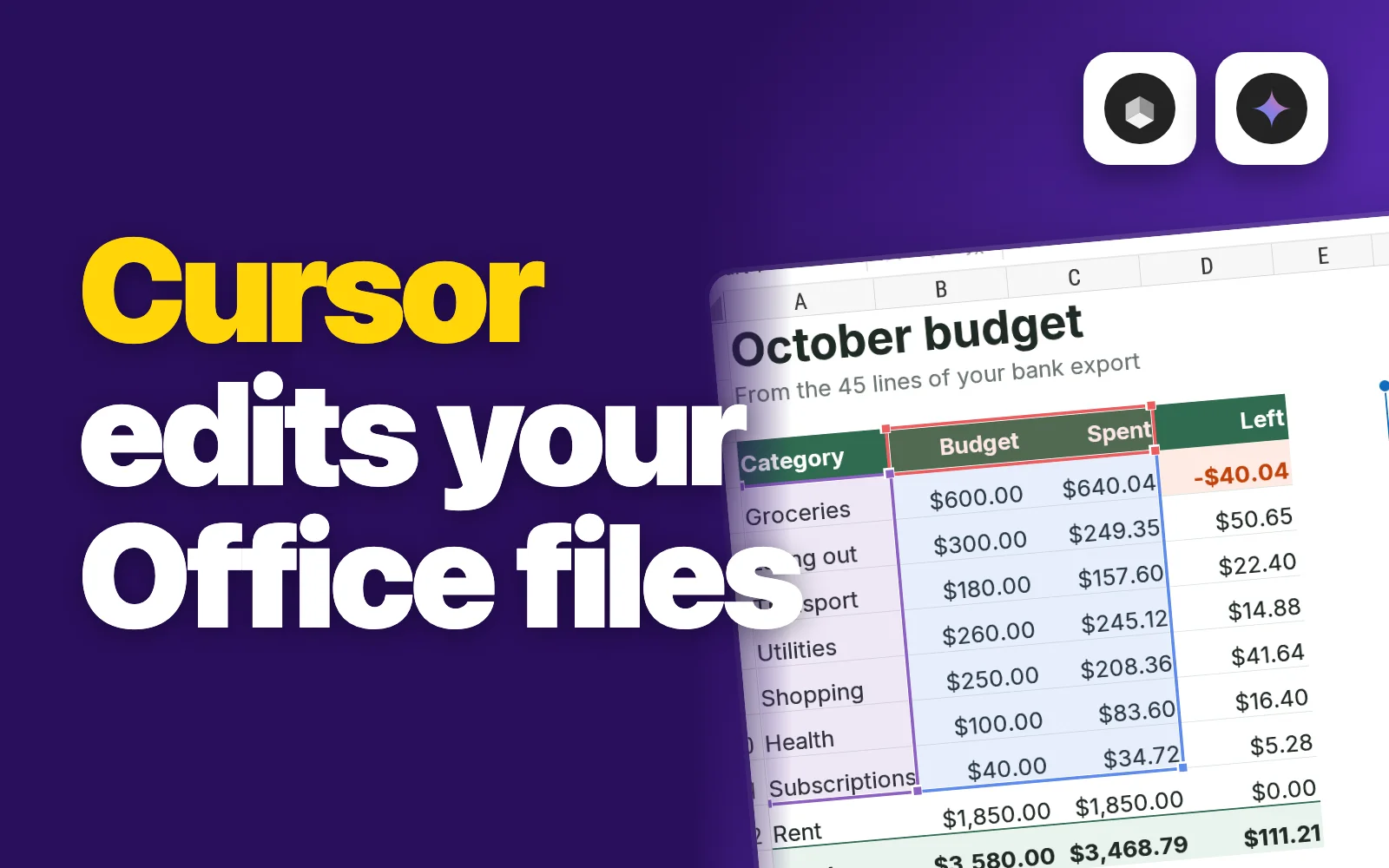
Direct answer
How do I add Mobeera Office as an MCP server in Cursor or another AI app?
In Mobeera Office on Mac, open AI Apps, turn on Use Mobeera Office from your AI apps, and find the Another app row. Click Copy JSON and paste the mobeera-office entry into your AI app's MCP settings, for example ~/.cursor/mcp.json for Cursor. Apps that ask for a command and arguments can use the Command and Argument fields instead. Restart the AI app and it can create and edit Office and PDF files.
Any AI app that can run a local MCP server can use Mobeera Office. Claude, ChatGPT and LM Studio have one-click cards in the app. For everything else, including Cursor and Gemini CLI, Mobeera Office gives you a short piece of configuration to paste. This guide shows where it goes.
What you need
- A Mac with Apple silicon and macOS 14 or later.
- Mobeera Office from the Mac App Store.
- An AI app that supports local MCP servers. These are sometimes called stdio servers: the AI app starts a program on your Mac and talks to it directly.
Get the configuration from Mobeera Office
- Open Mobeera Office and choose AI Apps in the Home window's sidebar.
- Turn on Use Mobeera Office from your AI apps.
- Scroll to Another app. You will see a Copy JSON button and two fields, Command and Argument, each with its own copy button.
Copy JSON gives you an entry like this, with the path to Mobeera Office on your Mac filled in:
{
  "mcpServers": {
    "mobeera-office": {
      "args": ["--mcp"],
      "command": "<path to Mobeera Office>"
    }
  }
}
Always copy it from the app. The path depends on where Mobeera Office is installed, and a typed path is the usual reason a connection fails.
Cursor
Cursor reads MCP servers from ~/.cursor/mcp.json for every project, or from .cursor/mcp.json inside one project.
- Open or create
~/.cursor/mcp.json. - If the file is empty, paste the copied JSON as it is. If it already has an
mcpServerssection, add only themobeera-officeentry inside it. - Save the file and restart Cursor.
- Check Cursor's MCP settings to confirm that
mobeera-officeis listed and its tools are available.
Cursor's MCP documentation covers the settings file in full.
Gemini CLI
Gemini CLI keeps MCP servers in ~/.gemini/settings.json, under the same mcpServers key. Add the mobeera-office entry from the copied JSON to that file, or use the command line with the Command value from Mobeera Office:
gemini mcp add -s user mobeera-office <path to Mobeera Office> --mcp
See the Gemini CLI MCP guide for the options.
LM Studio and local models
LM Studio has its own card under Set up an app: click Add to LM Studio and confirm in LM Studio. With a local model that supports tool use, your documents are read by a model running on your own Mac. Smaller local models are less reliable at multi-step document work than the large hosted ones, so start with simple requests.
Apps with a form instead of a file
Some apps ask for the server's details in a settings form. Use:
- Name:
mobeera-office - Command: the Command value copied from Mobeera Office
- Arguments:
--mcp
Choose the local or stdio server type if the app asks. Mobeera Office does not use a URL or a port.
Try it
Ask for something small that you can check:
Using Mobeera Office, create a one-page status report for this project as a Word document, with a summary, a table of open tasks and next steps.
In a coding tool, a useful pattern is to turn work you already have into a document someone else can read:
Read CHANGELOG.md and build a five-slide release summary in Mobeera Office. Export it as a PDF.
Before your AI can export, choose a folder under Save exports to on the AI Apps screen. macOS may ask you to grant access the first time a file in a folder is opened.
Review and undo
The Activity list on the AI Apps screen shows what each app created, changed and exported, with Undo for the latest change in a document. In Docs, edits can arrive as tracked changes. To approve each file an app opens or saves, turn on Ask me before an app opens or saves a file.
If it does not connect
- Restart the AI app after changing its settings.
- Check that the JSON is valid: one missing comma will stop every server in the file from loading.
- Copy the configuration again if you have moved or reinstalled Mobeera Office.
- Make sure the switch on the AI Apps screen is on. If it is off, your AI is told that AI apps are turned off in Mobeera Office.
For the full flow, including permissions, see the general setup guide. There are also walkthroughs for Claude and ChatGPT and Codex.
Cursor is a trademark of Anysphere, Inc. Gemini is a trademark of Google LLC. Mobeera is not affiliated with either company.