Mobeera Office vs Google Docs, Sheets and Slides compared
Mobeera Office against Google Docs, Sheets and Slides: Word and Excel files, offline work, collaboration, AI, PDF tools and price. Where each one fits best.
Direct answer
Should you use Mobeera Office or Google Docs, Sheets and Slides?
Use Google Docs, Sheets and Slides if several people edit the same file at once, you work in a browser, or you want a free suite with cloud storage. Use Mobeera Office if your files live on your own devices, you work offline, you exchange Word, Excel and PowerPoint files with people on Microsoft Office, you need PDF tools, or you want to choose which AI works in your files.
Google Docs, Sheets and Slides made documents something you share with a link. Mobeera Office is a different kind of tool: an app on your own devices that works on files you keep. Which is right depends less on features than on how you work with other people.
The short answer
Use Google Docs, Sheets and Slides if your team edits the same document at the same time, you are happy to work in a browser with your files in Google Drive, or you want a capable suite for free.
Use Mobeera Office if you work with files on your own Mac, Windows PC, iPhone, iPad or Android device, often without a connection, exchange .docx, .xlsx and .pptx files with clients who use Microsoft Office, need to fill, redact or reorganise PDFs, or want your own AI to work in those files.
At a glance
| Criteria | Mobeera Office | Google Docs, Sheets and Slides |
|---|---|---|
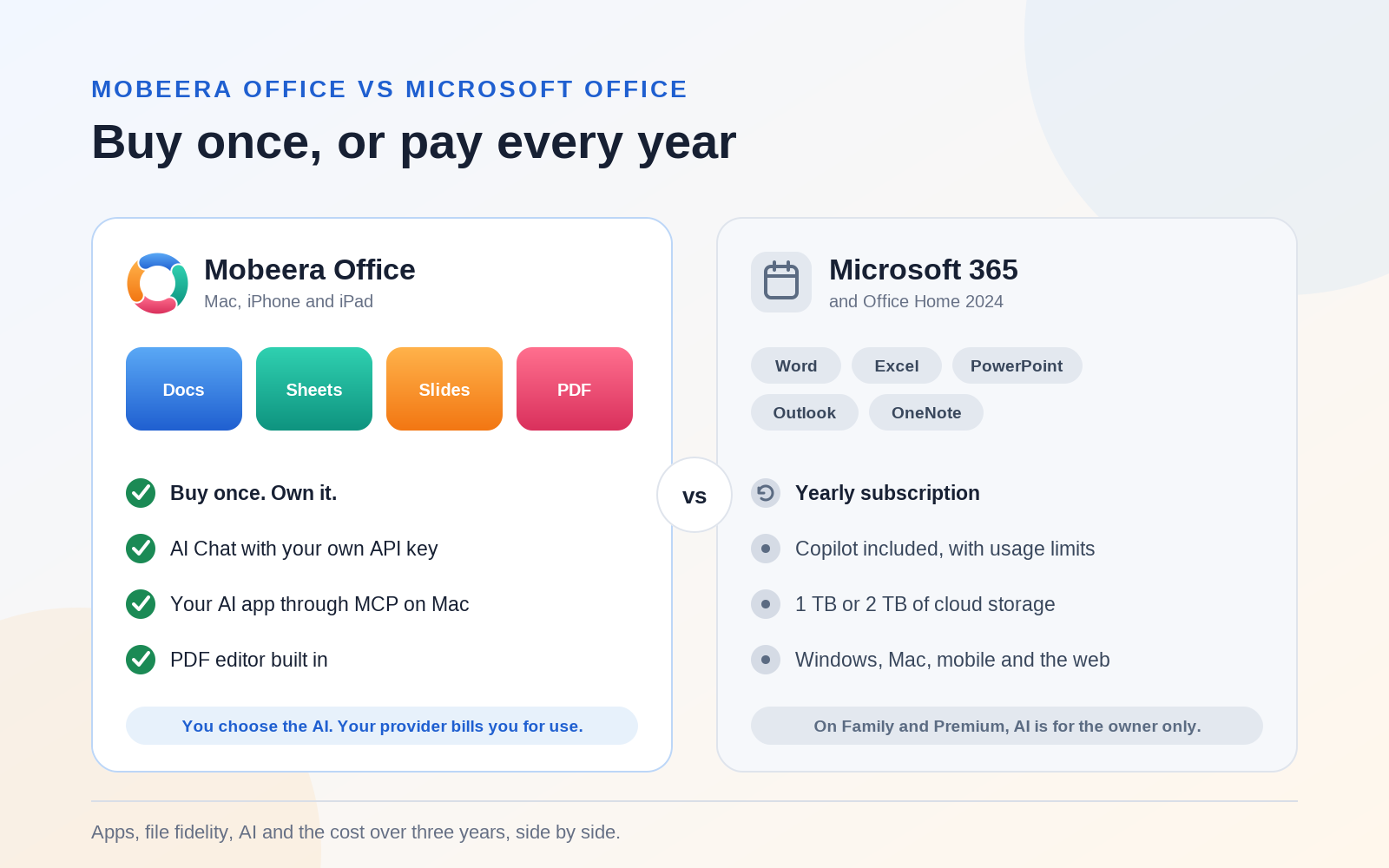
| Price | Free to download and try. Lifetime access is a one-time purchase: US$99.99. Or pay US$49.99 a year. | Free with a Google Account, with 15 GB of storage. More storage and Gemini features come with paid plans. |
| Where it runs | Apps on Mac, Windows, iPhone, iPad and Android. | A web browser on computers, plus apps for iPhone, iPad and Android. |
| Where files live | Wherever you keep them: your device, or any drive you already use. | Google Drive. |
| Offline | Yes. It is a local app. | On a computer, in Chrome or Edge with the offline extension, set up while online. On mobile, per file. |
| Real-time co-editing | No. | Yes, with comments, mentions and assigned action items. |
| Office files | Works directly in .docx, .xlsx and .pptx. | Edits Office files in place, with documented limits such as no macros and SmartArt converted to drawings. |
| Fill and create forms, comment, redact, organise pages, convert to Word. | Opens small PDFs as Google Docs through text recognition, and downloads documents as PDF. | |
| AI | Bring your own: AI Chat with your API key, or an AI app connected through MCP on Mac. | Gemini in Docs, Sheets and Slides with an eligible Google Workspace or Google AI plan. |
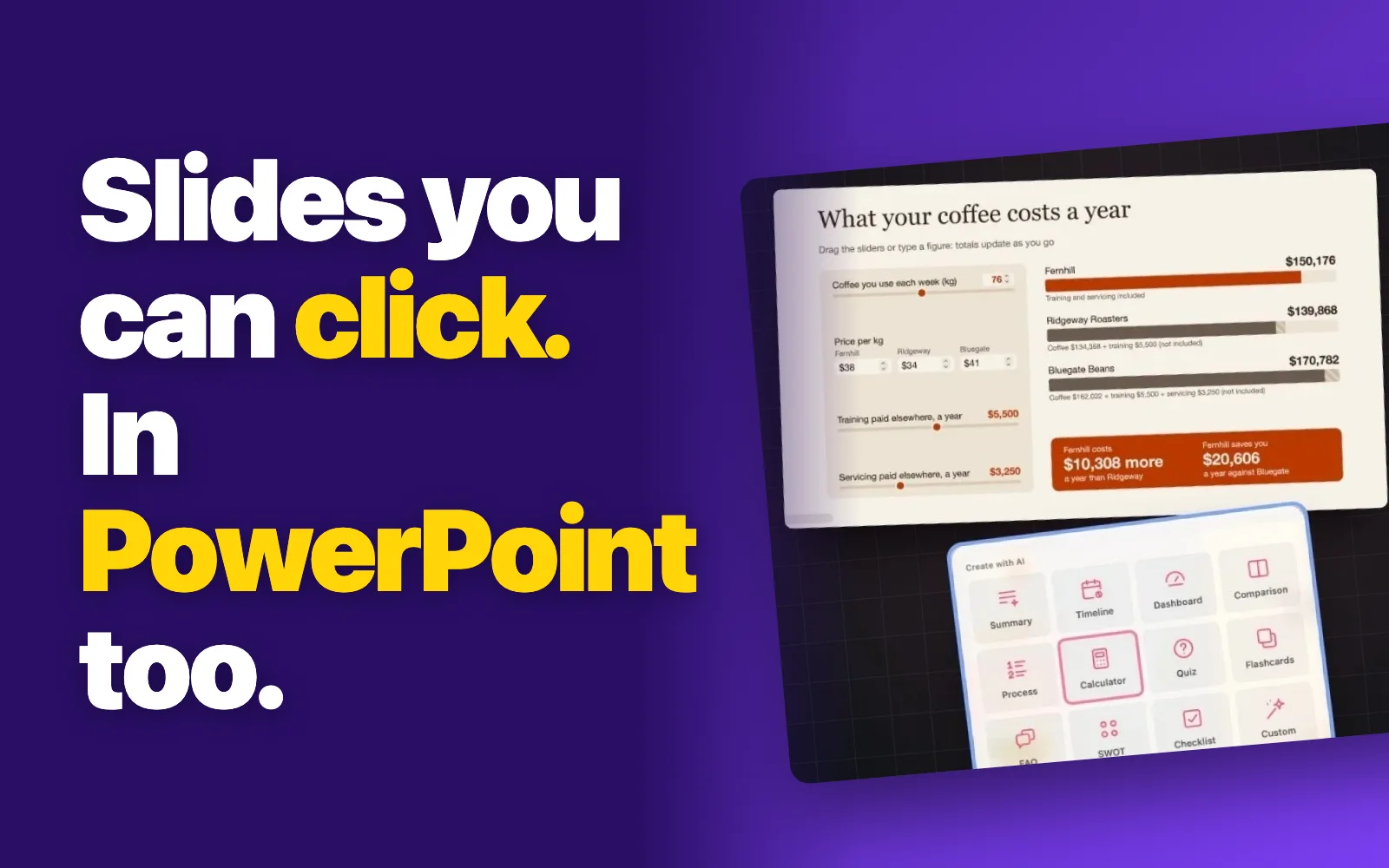
| Interactive slides | Yes. AI Chat builds them with your own AI, and they play in the slide show. They are compatible with interactive slides in PowerPoint. | No interactive slides, and Google Slides does not play the ones in a PowerPoint file. |
Collaboration
This is Google's strength. Several people type in the same document at once, comments carry replies and mentions, and nobody emails an attachment.
Mobeera Office has no co-editing. It is built for the other common way of working: one person edits a file, then sends it or saves it to a shared folder. In that model, comments and tracked changes inside the file carry the conversation. Google supports this too: tracked changes in a Word file become suggestions in Google Docs, and suggestions become tracked changes when you download a Word copy.
If you need live co-editing, use Google Docs.
Word, Excel and PowerPoint files
Google can edit Office files without converting them, and Google documents the limits. Macros are not supported, embedded charts and videos in Word and PowerPoint files become images, linked spreadsheets are not supported, locked or hidden Excel cells become viewable and editable, and SmartArt becomes a drawing.
Mobeera Office works in the Office formats as its own formats. We test it against Microsoft Office and publish the results: 97/100 for Word, 97/100 for Excel and 95/100 for PowerPoint, with the differences listed on the compatibility page. It does not run VBA macros either.
For a simple letter, both are fine. For a contract with numbered clauses, a workbook with conditional formatting or a deck built on a corporate template, test your own file in each, save it and reopen it in Microsoft Office if you can.
Working offline and on your own files
Google's editors work offline on a computer in Chrome or Edge with the Google Docs Offline extension, and you need to be online to set that up. On a phone or tablet, you mark files to keep offline.
Mobeera Office is a local app. It opens a file from your disk and saves it back, with or without a connection. Nothing is uploaded unless you put the file in a synced folder yourself. That matters for confidential documents, for travel, and for anyone who simply wants to know where their files are.
Google Drive can open a PDF as a Google Doc by recognising its text. Google notes that the file must be 2 MB or smaller and that lists, tables, columns and footnotes are unlikely to be detected.
Mobeera Office has a PDF editor: fill forms and add form fields, highlight and comment, redact, and insert, delete, rotate and reorder pages. It also converts a PDF into an editable Word document. It cannot yet change existing text or pictures on the PDF page itself.
AI
Gemini is built into Docs, Sheets and Slides for people on an eligible Google Workspace plan or a personal Google AI plan. It is one AI, from Google, working on files in Google Drive.
Mobeera Office does not include AI in its price. You connect the one you choose:
- AI Chat on Mac, iPhone and iPad with your own API key from Anthropic, OpenAI or OpenRouter, or an OpenAI-compatible server such as a local model.
- Your AI app on Mac through MCP, including Claude, ChatGPT, Codex, Gemini and Cursor, working on the files on your Mac.
Your AI reaches only the files you share with it and files it creates. In Docs its edits can arrive as tracked changes. See how AI connects.
Price
Google's editors are free with a Google Account, which includes 15 GB of storage. Paid Google plans add storage and Gemini features.
Mobeera Office is free to download, with editing limits: the first two pages of a document or PDF, the first two slides and the first 50 rows of a spreadsheet. Lifetime access is a one-time purchase. See the current price.
When Google Docs, Sheets and Slides are the better choice
- Several people edit the same file at once.
- You work mainly in a browser, on any computer, including Windows and Chromebooks.
- You want a free suite with cloud storage and sharing by link.
- Your organisation already runs on Google Workspace.
When Mobeera Office is the better choice
- Your files are Office files that go back to people using Microsoft Office.
- You want your files on your own devices and to work offline without setup.
- You need PDF forms, redaction and page tools.
- You want to choose your AI, including a local model.
- You would rather buy an app once than depend on an account.
- You present with interactive slides and need them to play in PowerPoint as well. Only Mobeera Office and PowerPoint support them.
Google, Google Docs, Google Sheets, Google Slides, Google Drive and Gemini are trademarks of Google LLC. Mobeera is not affiliated with Google.
Sources
- Microsoft Support: create interactive slides with Copilot in PowerPoint
- Google Docs Editors Help: work with Microsoft Office files
- Google Docs Editors Help: work on Google files offline
- Google Docs Editors Help: suggest edits in Google Docs
- Google Docs Editors Help: collaborate with Gemini in Google Docs
- Google Drive Help: convert PDF and photo files to text
- Google One: plans
- Mobeera Office file compatibility
- Mobeera Office pricing