Mobeera Office vs Apple Pages, Numbers and Keynote compared
Mobeera Office against Apple Pages, Numbers and Keynote: Word, Excel and PowerPoint files, tracked changes, PDF tools, AI and price. Where each one fits best.
Direct answer
Should you use Mobeera Office or Apple Pages, Numbers and Keynote?
Use Pages, Numbers and Keynote if you create your own documents, share them with other Apple users through iCloud, and rarely need to return an Office file. They are free on Apple devices. Use Mobeera Office if people send you Word, Excel and PowerPoint files and expect the same format back, you need PDF forms and redaction, you also use Android, or you want your own AI to work in your files.
Every Mac, iPhone and iPad owner already has access to Pages, Numbers and Keynote for free, so the fair question is when another office suite is worth paying for. The answer mostly depends on whose files you work on: your own, or other people's.
The short answer
Use Pages, Numbers and Keynote if you start most documents yourself, share them with other Apple users, like Apple's templates and Keynote's presentation design, and only occasionally export a copy for someone on Microsoft Office.
Use Mobeera Office if your day is Word, Excel and PowerPoint files that arrive by email and have to go back in the same format, with comments and tracked changes intact. It also fits if you need a PDF editor in the same app, use an Android device, or want the AI you choose to work in your files.
At a glance
| Criteria | Mobeera Office | Pages, Numbers and Keynote |
|---|---|---|
| Price | Free to download and try. Lifetime access is a one-time purchase: US$99.99. Or pay US$49.99 a year. | Free. Apple Creator Studio, US$12.99 a month or US$129 a year, adds premium templates and intelligence features. |
| File format | Works directly in .docx, .xlsx and .pptx. | Its own .pages, .numbers and .key files. Opens Office files and exports a converted copy. |
| Apps | Docs, Sheets, Slides, PDF and Publish in one app. | Three separate apps: Pages, Numbers and Keynote. |
| Fill and create forms, comment, redact, and insert, rotate and reorder pages. | Export to PDF. | |
| Runs on | Mac with Apple silicon and macOS 14 or later, Windows, iPhone, iPad and Android. | Mac, iPad, iPhone and Apple Vision Pro, plus iCloud in a browser. |
| Real-time collaboration | Not included. You share files the way you already do. | Yes, through iCloud. |
| AI | AI Chat with your own API key on Mac, iPhone and iPad. On Mac, AI apps connect through MCP. | Intelligence features for Apple Creator Studio subscribers. |
| Interactive slides | Yes. AI Chat builds them with your own AI, and they play in the slide show. They are compatible with interactive slides in PowerPoint. | No interactive slides, and Keynote does not play the ones in a PowerPoint file. |
Working with Office files
Pages, Numbers and Keynote open Word, Excel and PowerPoint files, but they work in their own formats. Opening a .docx in Pages creates a Pages document. To send it back you export a Word copy, and Apple's conversion guide notes that the converted file may be missing fonts or look different in other ways. Someone on Microsoft Office cannot open a .pages file directly: it has to be converted first.
For one document that is a small step. For a contract that goes back and forth six times it becomes a chain of conversions, each a chance for something to shift.
Mobeera Office opens the .docx, edits it and saves the same .docx. There is no export step and no second copy to keep track of. We test the result against Microsoft Office and publish the scores and known differences on the compatibility page: 97/100 for Word, 97/100 for Excel and 95/100 for PowerPoint. Some charts, WordArt, SmartArt and missing fonts can still cause differences, so reopen a file before you send it.
Tracked changes and review
Pages has its own change tracking for body text and for text in text boxes, shapes and footnotes. It works well between Pages users.
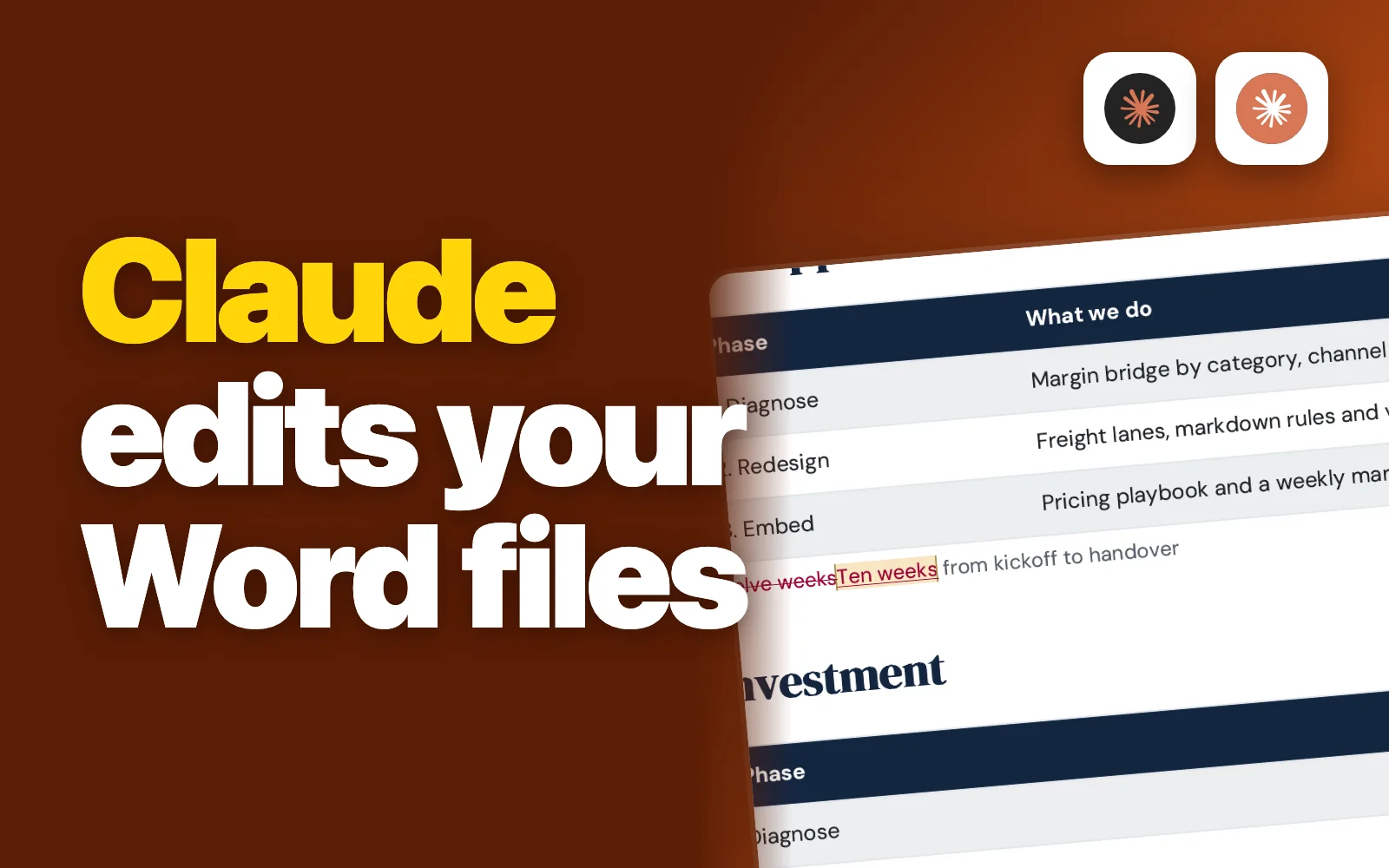
Mobeera Office reads and writes the tracked changes and comments stored in Word files. A colleague's suggestions arrive as suggestions, and yours go back the same way, under your name. If you use AI to edit a document, its edits can arrive as tracked changes too, so you accept or reject each one.
Spreadsheets and presentations
Numbers treats a sheet as a canvas with several tables on it, which is pleasant for personal budgets and lists and quite different from Excel's single grid. Workbooks built in Excel are converted when they open and again when they are exported.
Mobeera Sheets uses the Excel model: one grid per sheet, Excel formulas, conditional formatting, charts and sparklines, saved as .xlsx.
Keynote remains one of the nicest tools for designing a presentation from scratch. If your deck has to live as a .pptx that other people edit in PowerPoint, Mobeera Slides keeps it in that format throughout.
Apple's three apps export to PDF. Mobeera Office includes a PDF editor: fill forms and add form fields, highlight and comment, redact, and insert, delete, rotate and reorder pages. It can also turn a PDF into an editable Word document. It cannot yet change text or pictures already on a PDF page.
AI
Apple's intelligence features in these apps, such as drafting a presentation from an outline in Keynote and Magic Fill in Numbers, are for Apple Creator Studio subscribers, and some need a device that supports Apple Intelligence.
Mobeera Office does not include AI in its price. You bring your own: AI Chat with your own API key on Mac, iPhone and iPad, or on Mac an AI app such as Claude, ChatGPT or Codex connected through MCP. See how AI connects.
Price
Pages, Numbers and Keynote are free. Apple Creator Studio is optional.
Mobeera Office is free to download, with editing limits: the first two pages of a document or PDF, the first two slides and the first 50 rows of a spreadsheet. Lifetime access is a one-time purchase that covers every Mac, iPhone and iPad on your Apple account. See the current price.
When Pages, Numbers and Keynote are the better choice
- You create documents for yourself or for other Apple users.
- You want real-time collaboration through iCloud.
- You care most about templates and presentation design.
- You want to pay nothing.
When Mobeera Office is the better choice
- You receive Office files and must return Office files.
- You review contracts or reports with tracked changes and comments.
- Your spreadsheets are Excel workbooks with Excel formulas.
- You want PDF forms, redaction and page tools in the same app.
- You want your own AI to work in the files, or you also use Android.
- You present with interactive slides and need them to play in PowerPoint as well. Only Mobeera Office and PowerPoint support them.
Apple, Pages, Numbers, Keynote, iCloud, Mac, iPhone and iPad are trademarks of Apple Inc. Mobeera is not affiliated with Apple.
Sources
- Microsoft Support: create interactive slides with Copilot in PowerPoint
- Apple Support: convert Pages, Numbers and Keynote files
- Apple Support: track changes in Pages on Mac
- Apple: Apple Creator Studio
- Apple Support: Apple Creator Studio requirements
- Apple Support: export from Pages to Word, PDF or another format
- Mobeera Office file compatibility
- Mobeera Office pricing