 Mobeera Office



Start from a document that already looks finished
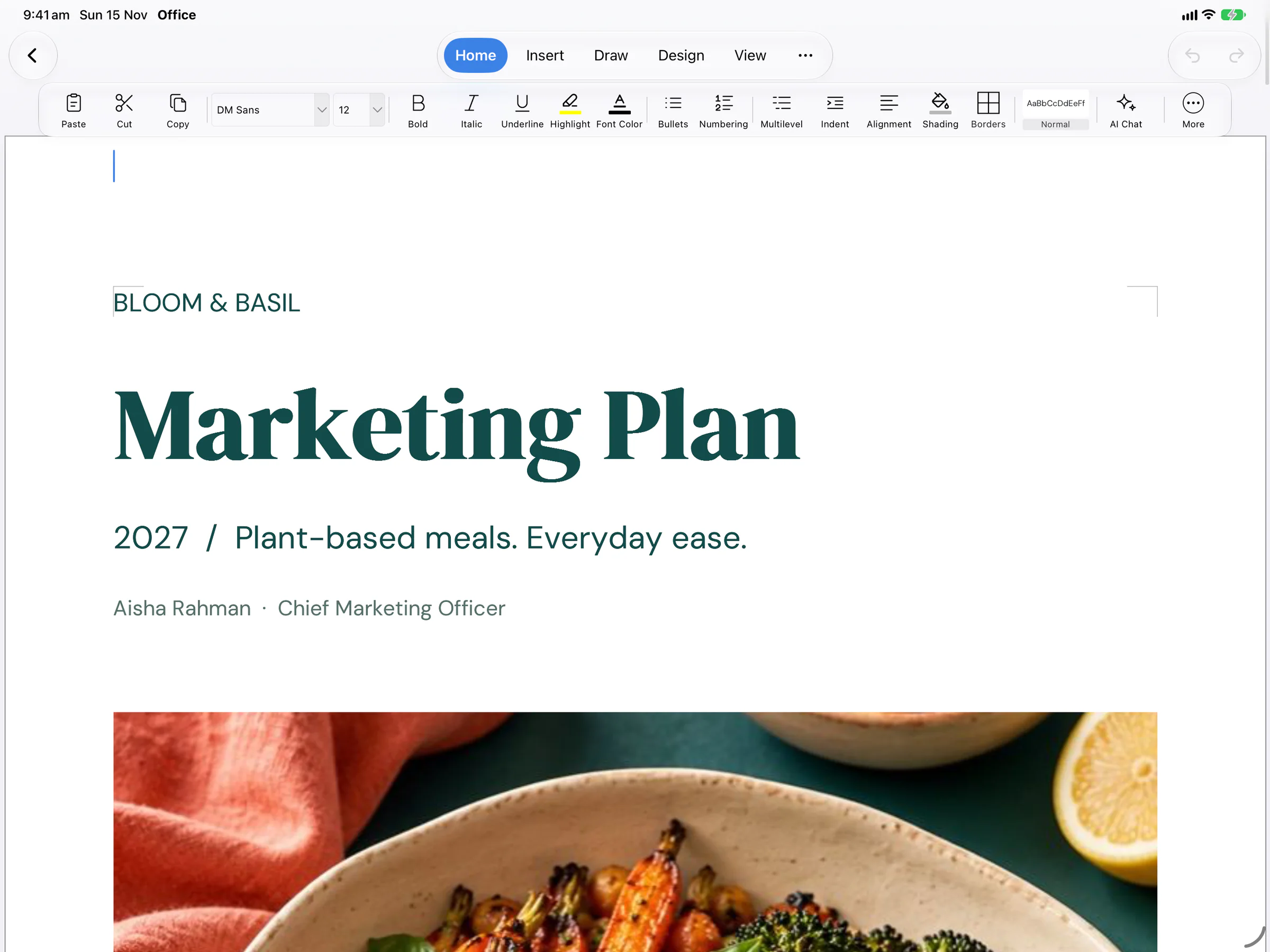
Proposals, plans, reports, handbooks and lesson plans, each laid out with real styles you can keep using.
- 24 document templates
- Styles, tables, headers and footers
- Saves standard .docx
Mobeera Docs
Open, edit and save Word documents with styles, tables, comments and tracked changes, on every device you own.
Included in Mobeera Office with Docs, Sheets, Slides, PDF and Publish.
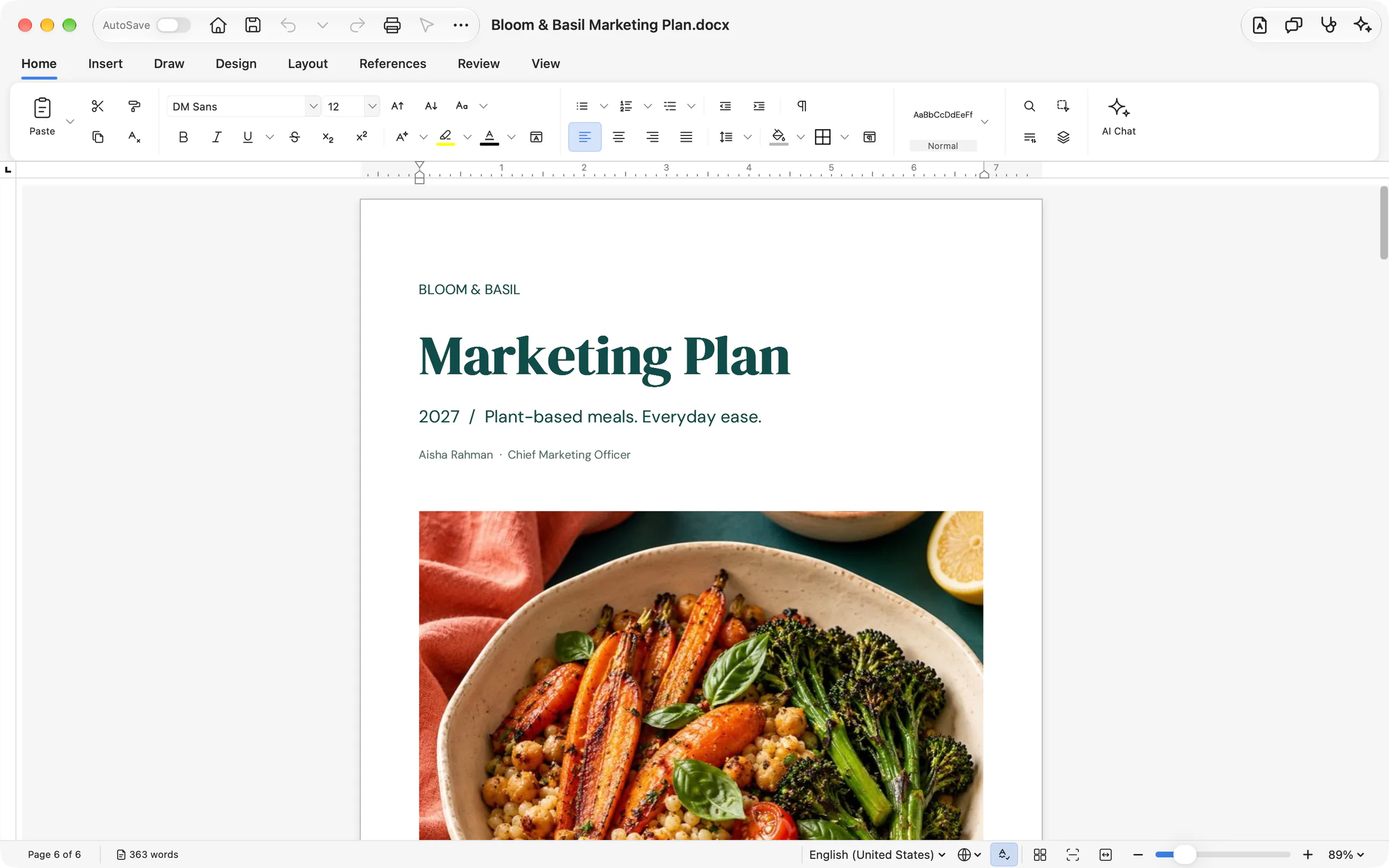
Proposals, plans, reports, handbooks and lesson plans, each laid out with real styles you can keep using.
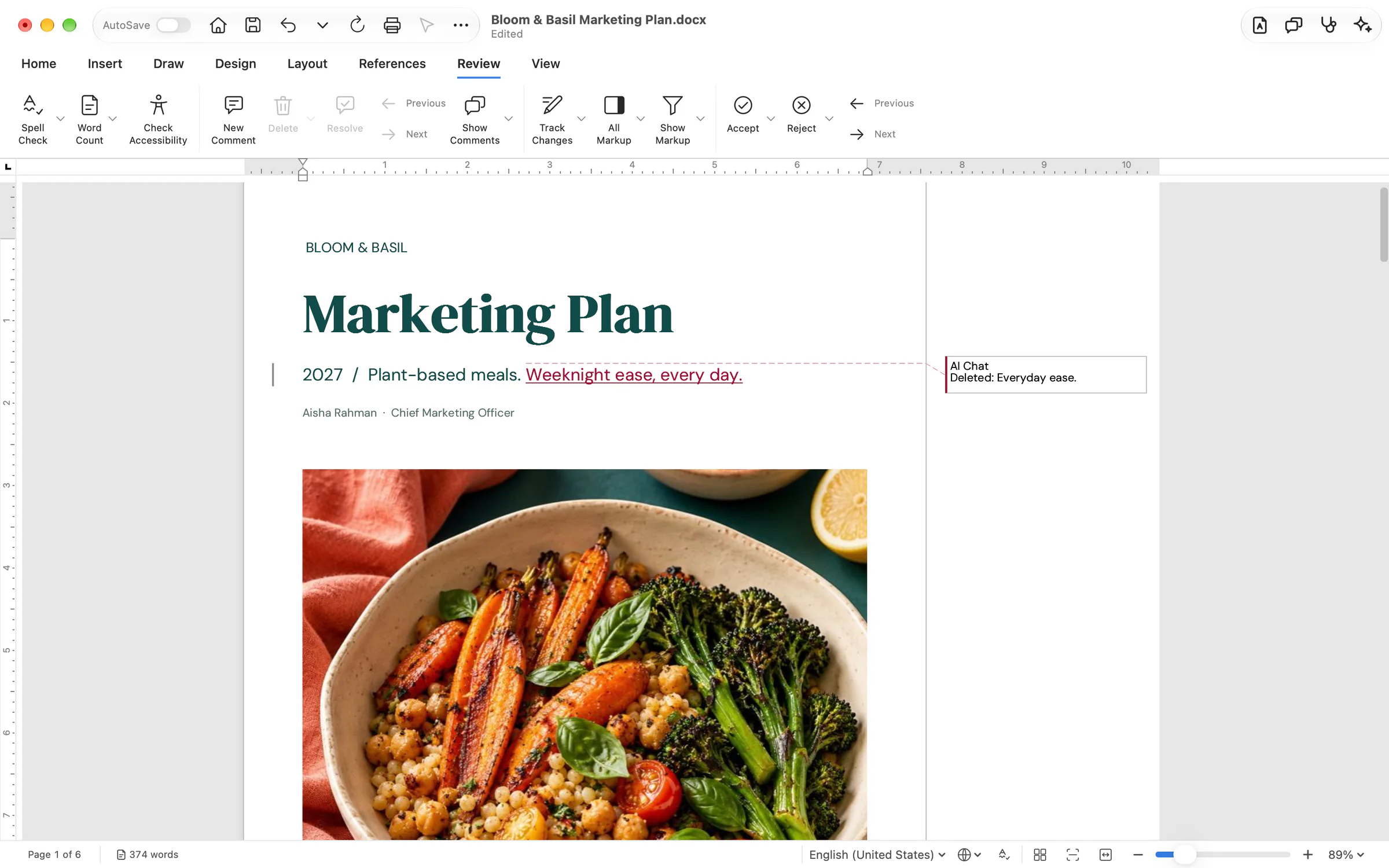
Comments and tracked changes work the way they do in Word, so a file can go back and forth without losing anyone's edits.
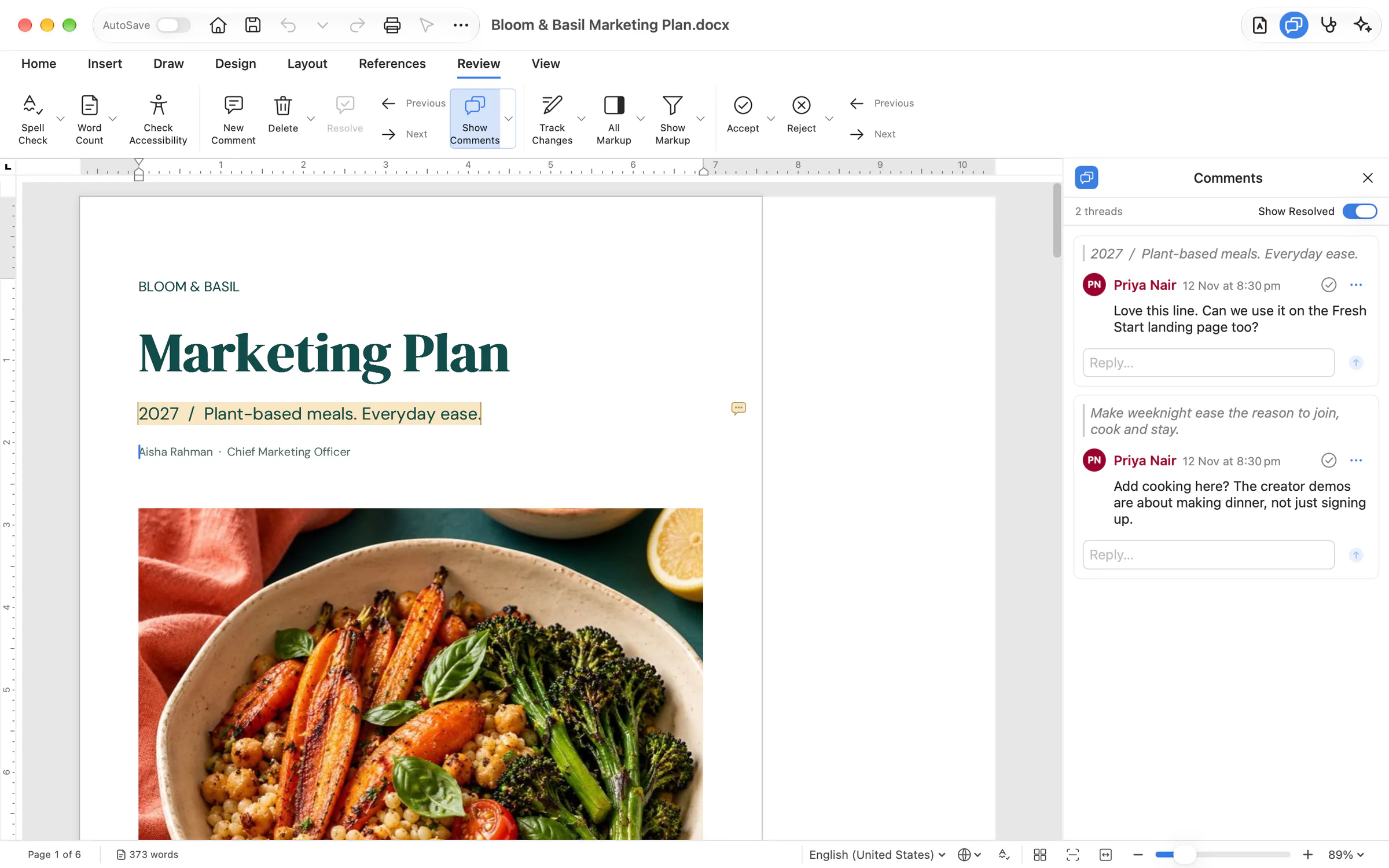
When your AI edits a document, every change arrives as a tracked change with a note, ready for you to accept or reject.
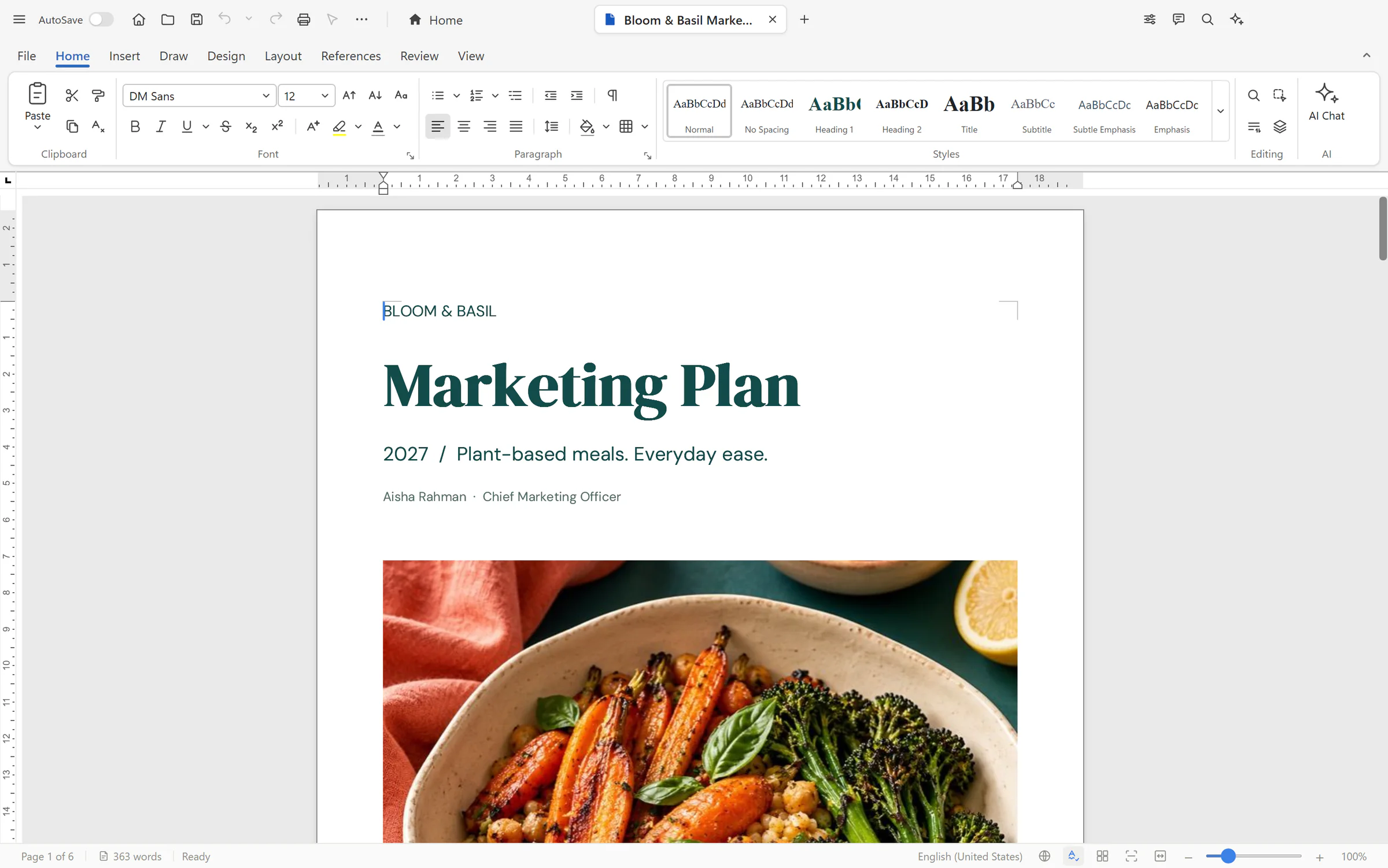
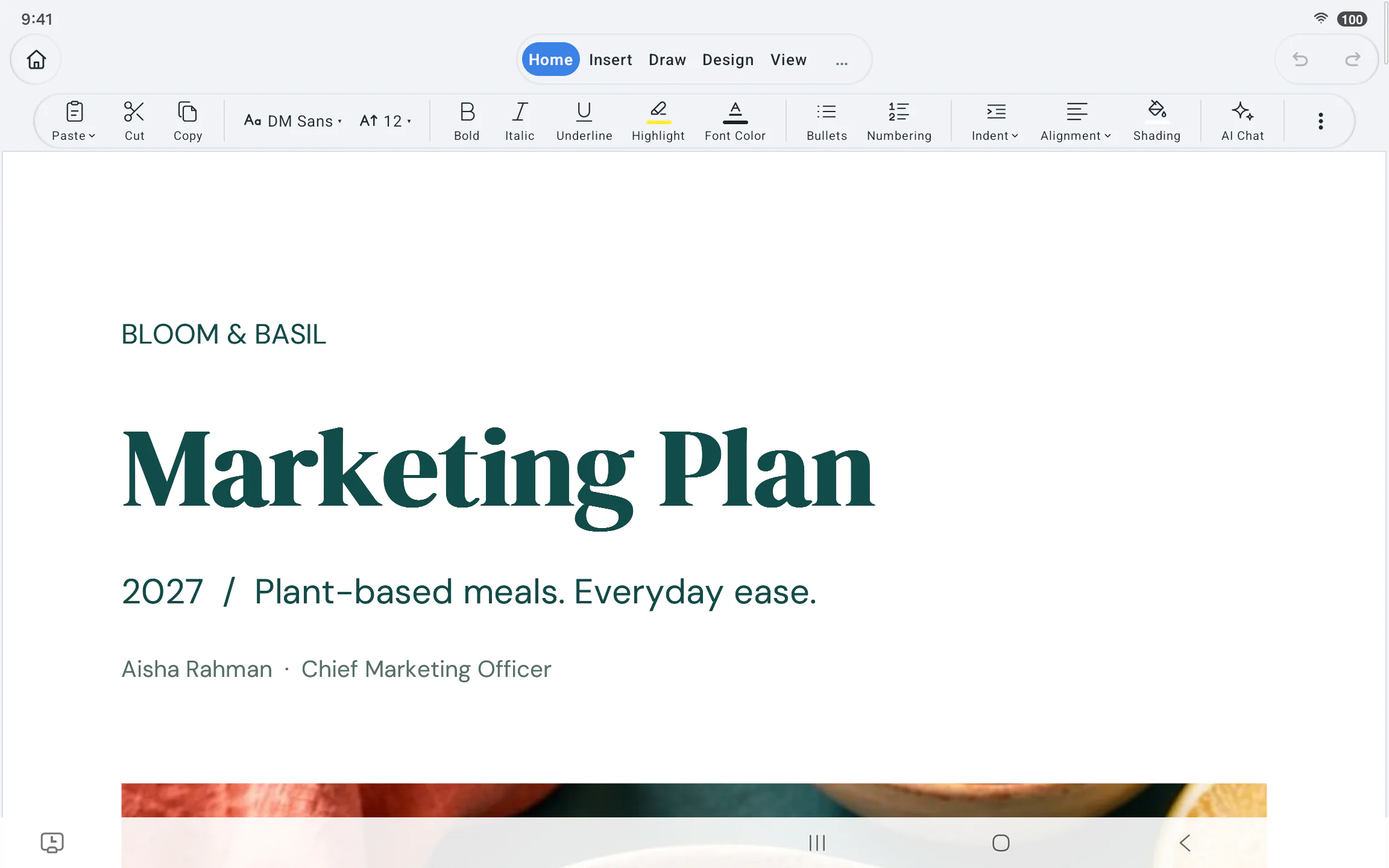
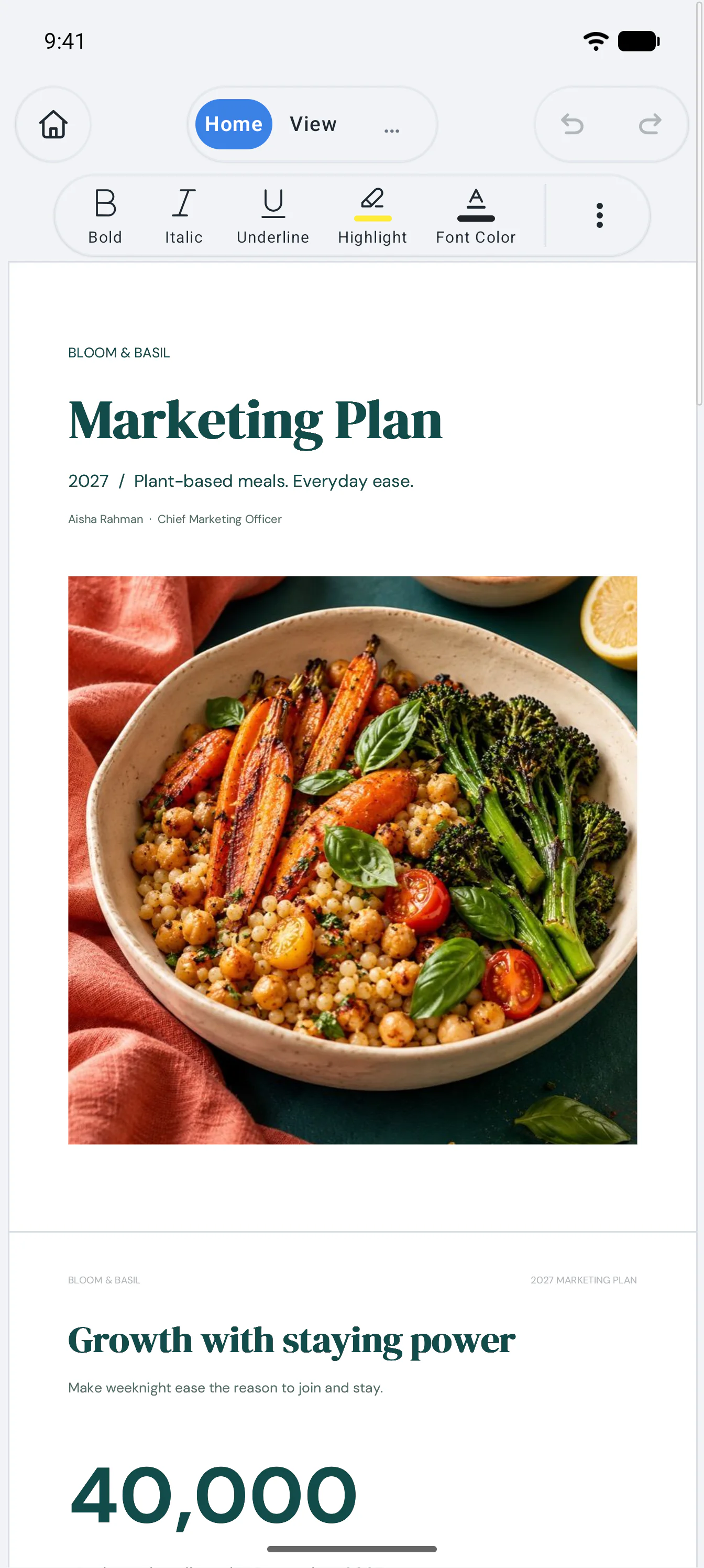
Every device
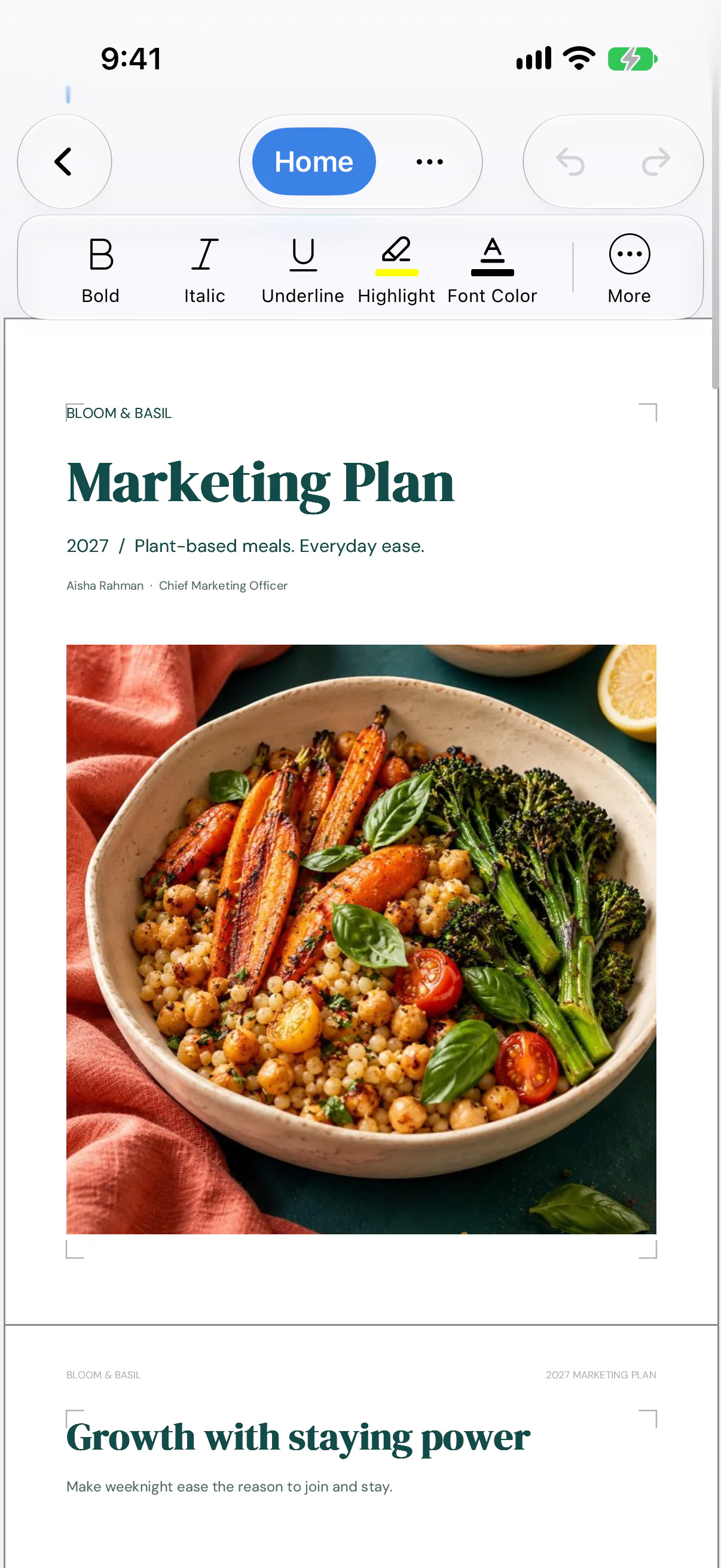
One app on Mac, Windows, iPad, iPhone and Android, with the same tools and the same files.
Templates
Every document template ships with the app.

Consulting Proposal

Marketing Plan

Business Plan

Investor Update

Press Release
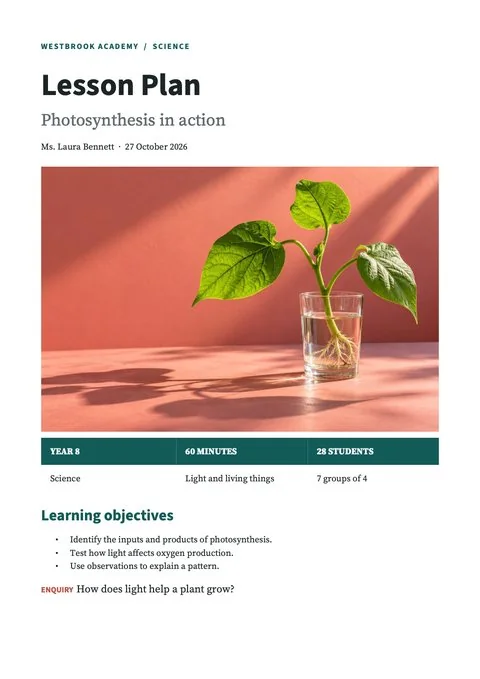
Lesson Plan

Employee Handbook
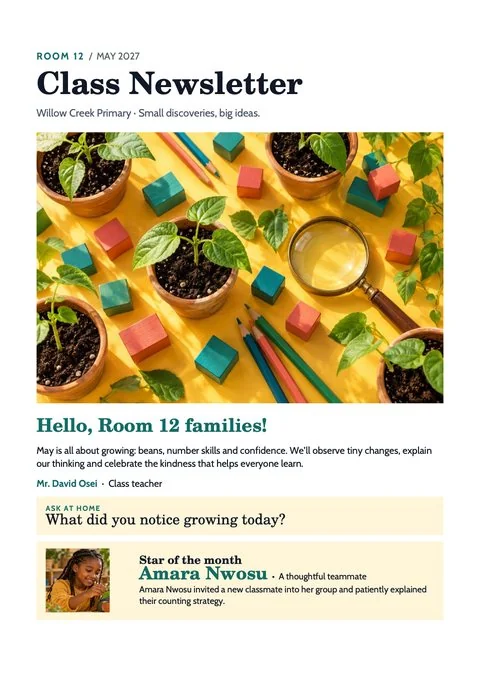
Class Newsletter
Works with
Yes. Docs opens, edits and saves .docx files and opens Word templates (.dotx). It also opens .doc, .rtf, .odt, Markdown, plain text and HTML files and saves them as .docx. Some formatting can differ. See file compatibility.
Yes. You can add and reply to comments, track changes, and accept or reject them one at a time or all at once. Edits made by AI arrive as tracked changes too.
Yes. Docs exports any document to PDF on every device.
One app with Docs, Sheets, Slides, PDF and Publish, on Mac, Windows, iPhone, iPad and Android.