 Mobeera Office



Fill in and sign any form
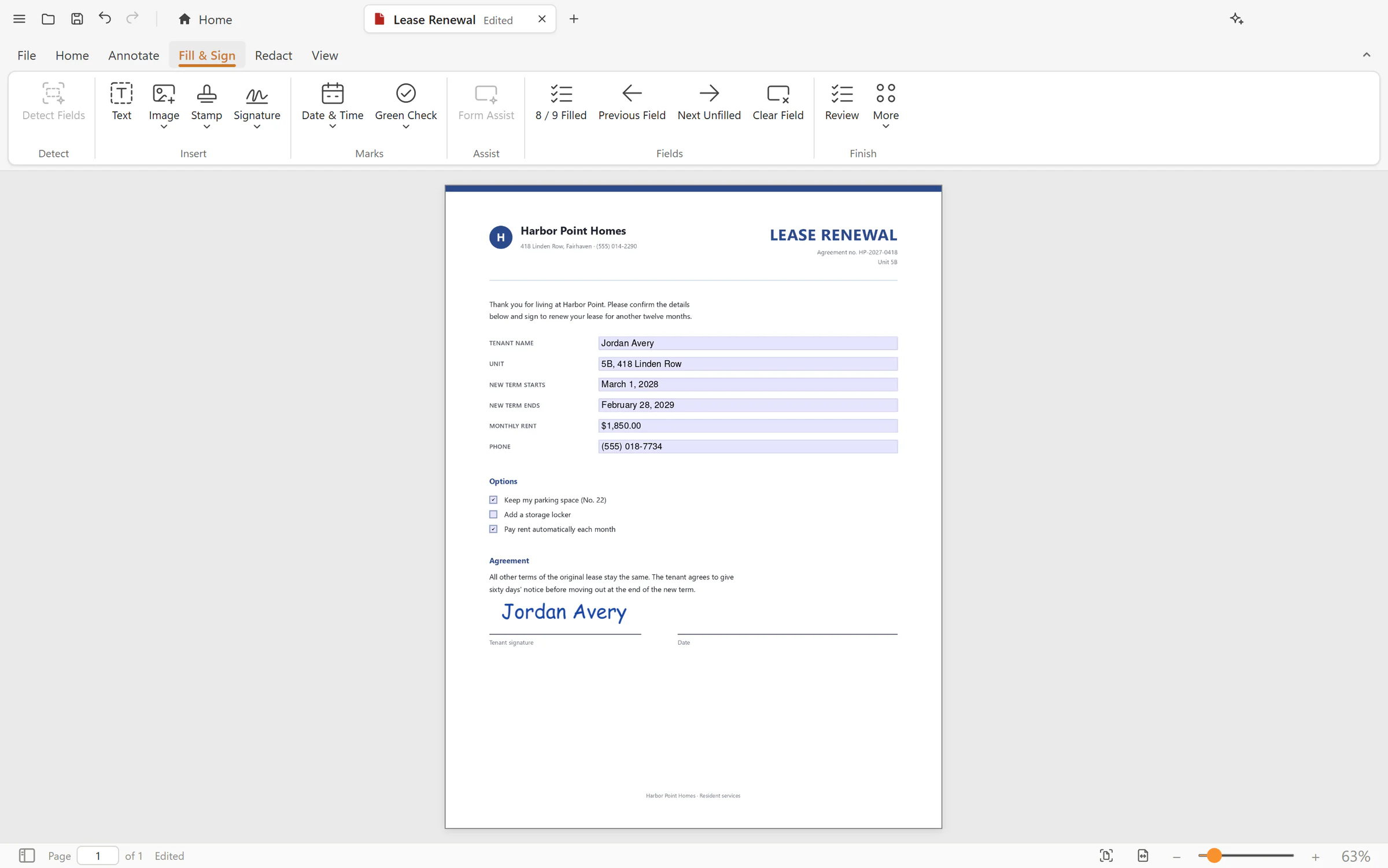
Type into form fields, tick boxes, add the date and place your signature, then send the finished PDF back.
- Form fields and checkboxes
- Saved signatures
- Text, images and stamps
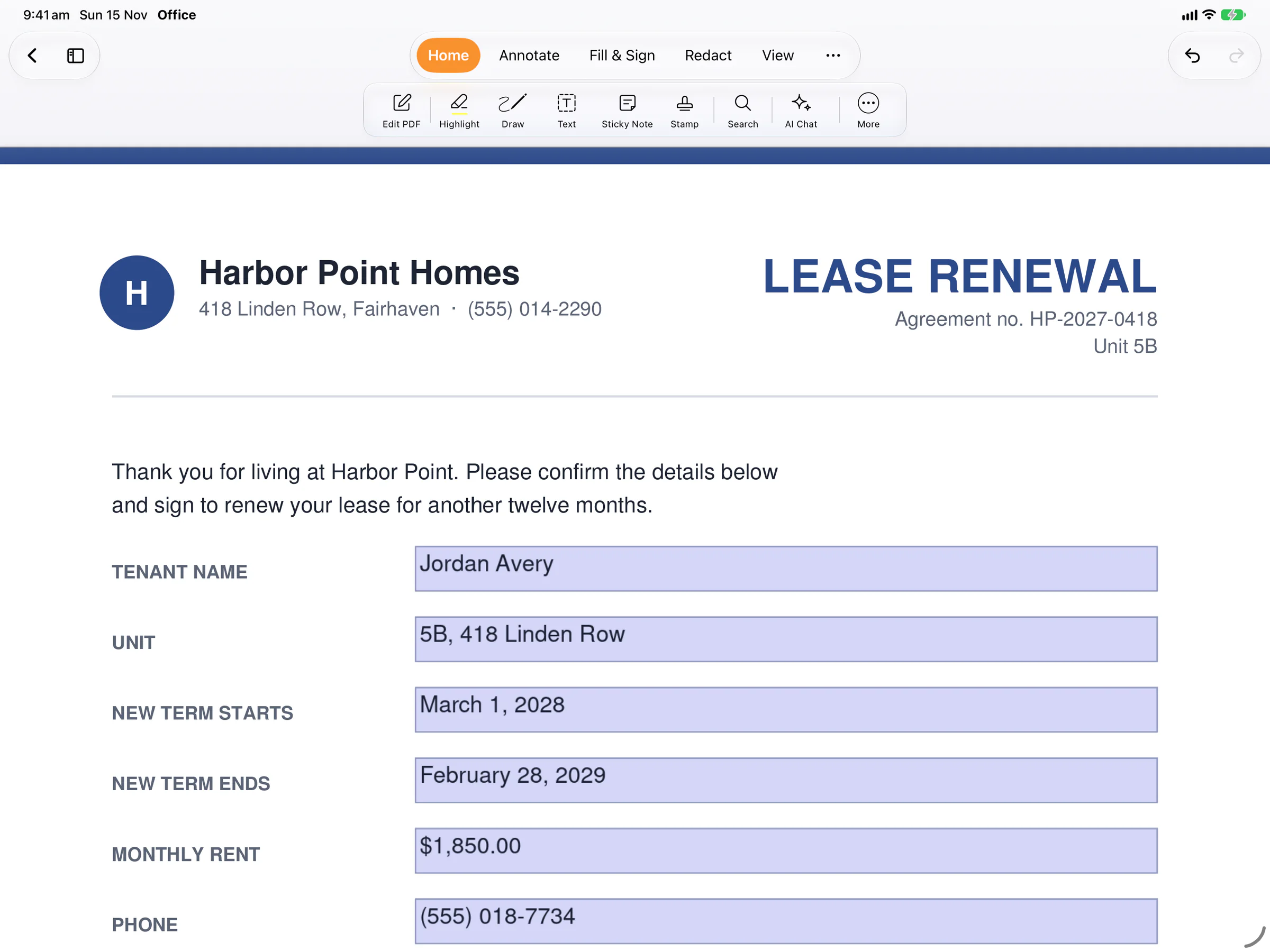
Mobeera PDF
Fill in forms, sign, comment and redact in the same app as your documents, spreadsheets and decks.
Included in Mobeera Office with Docs, Sheets, Slides, PDF and Publish.
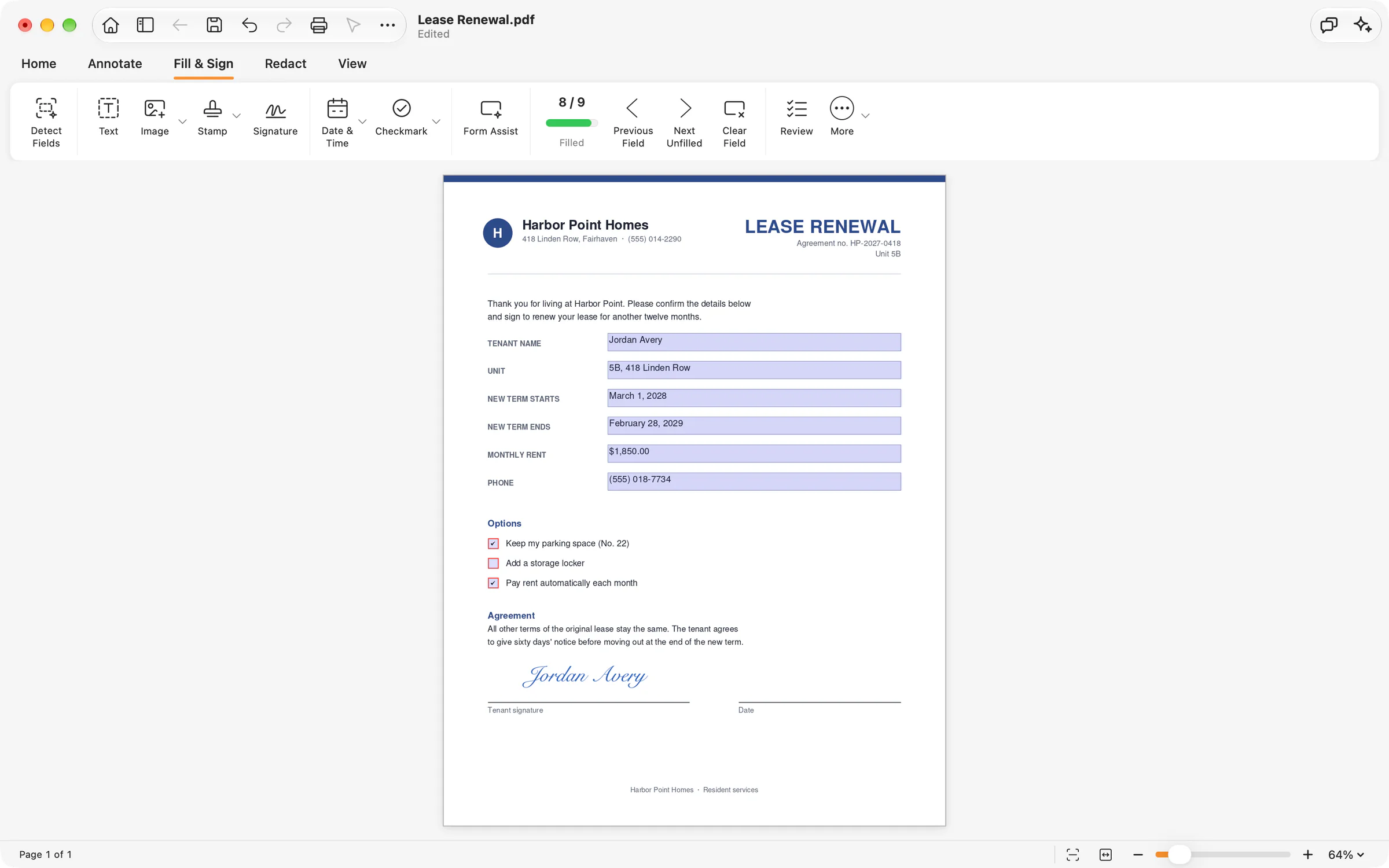
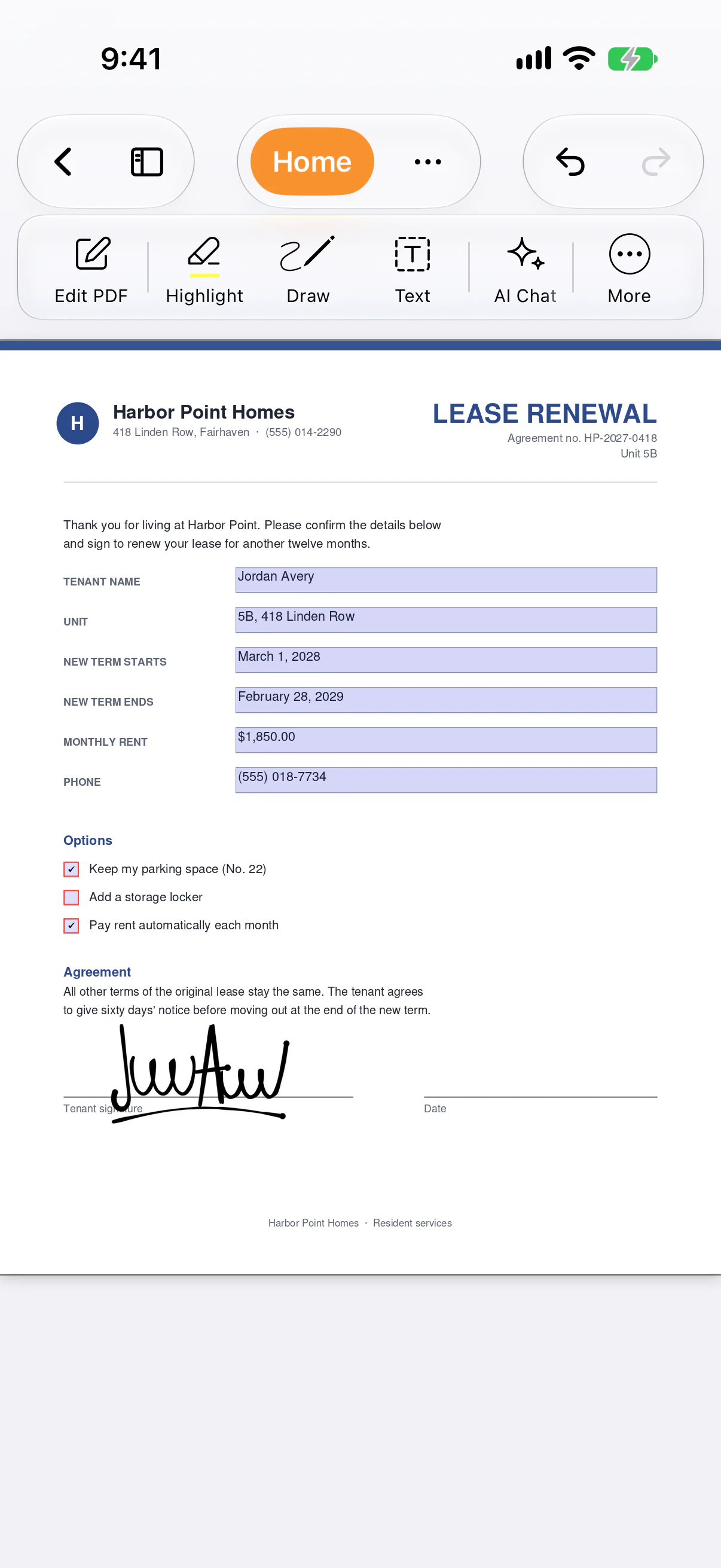
Type into form fields, tick boxes, add the date and place your signature, then send the finished PDF back.
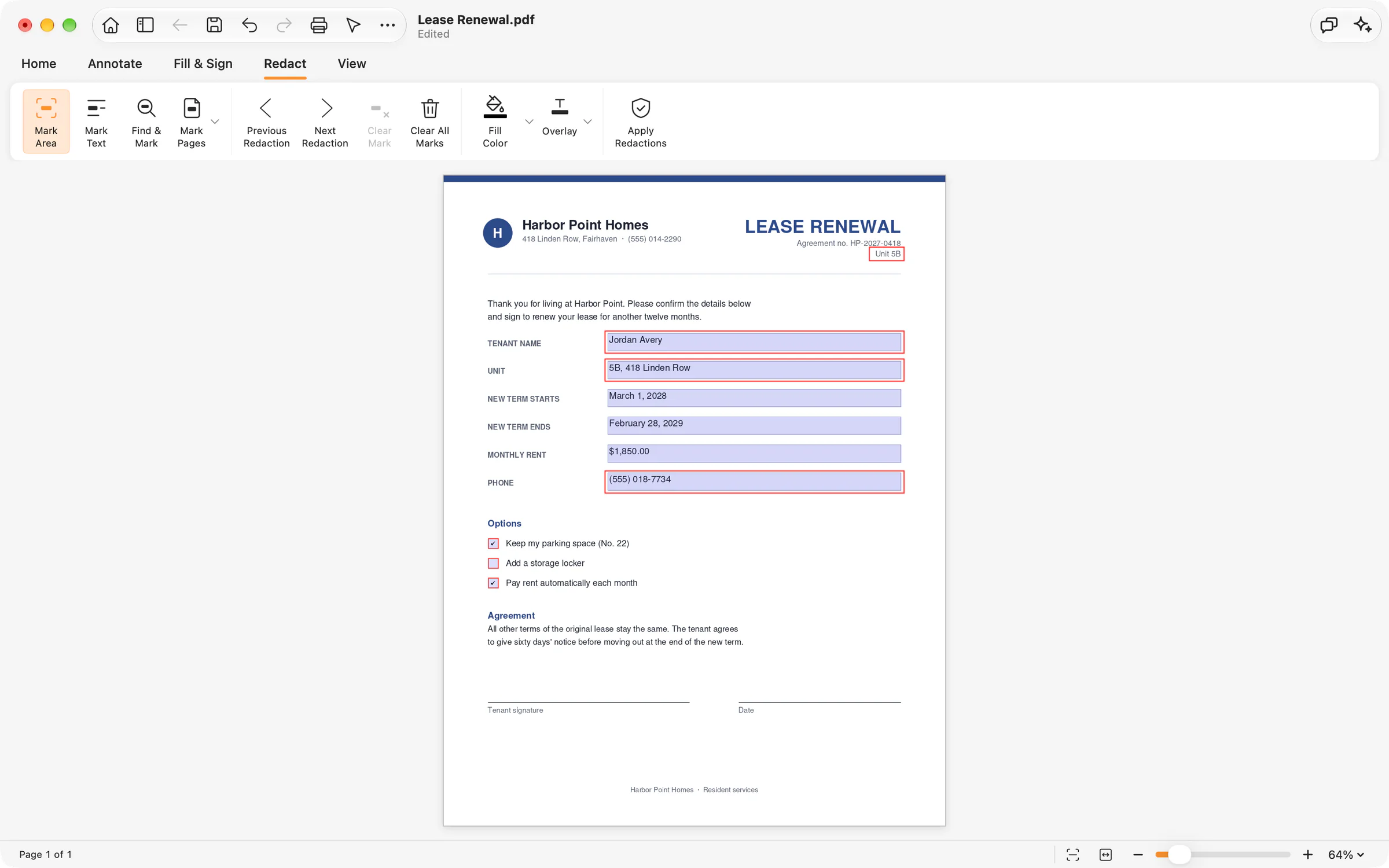
Mark the text or area to remove, then apply. Redacted content is taken out of the file, not just covered.
Every device
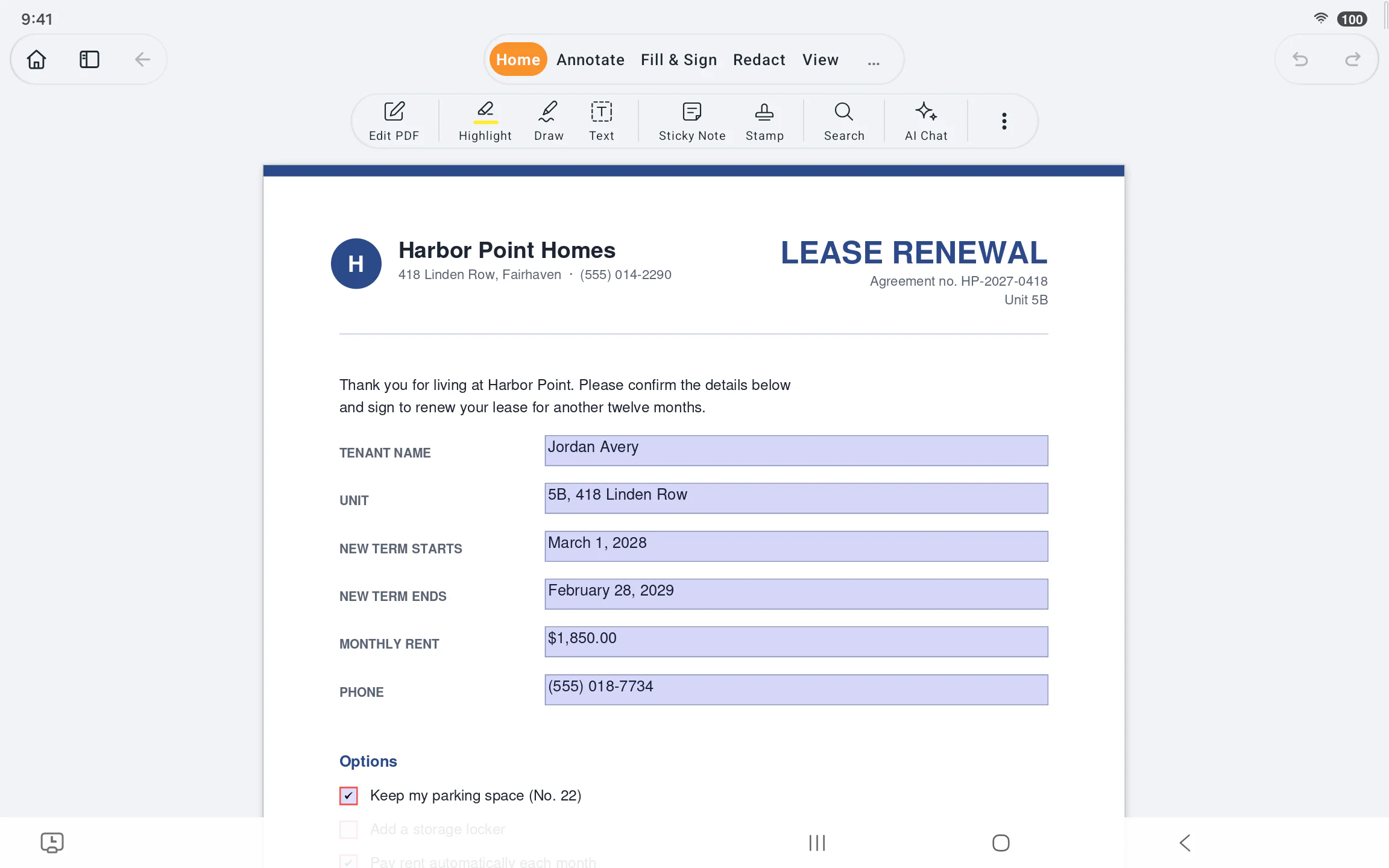
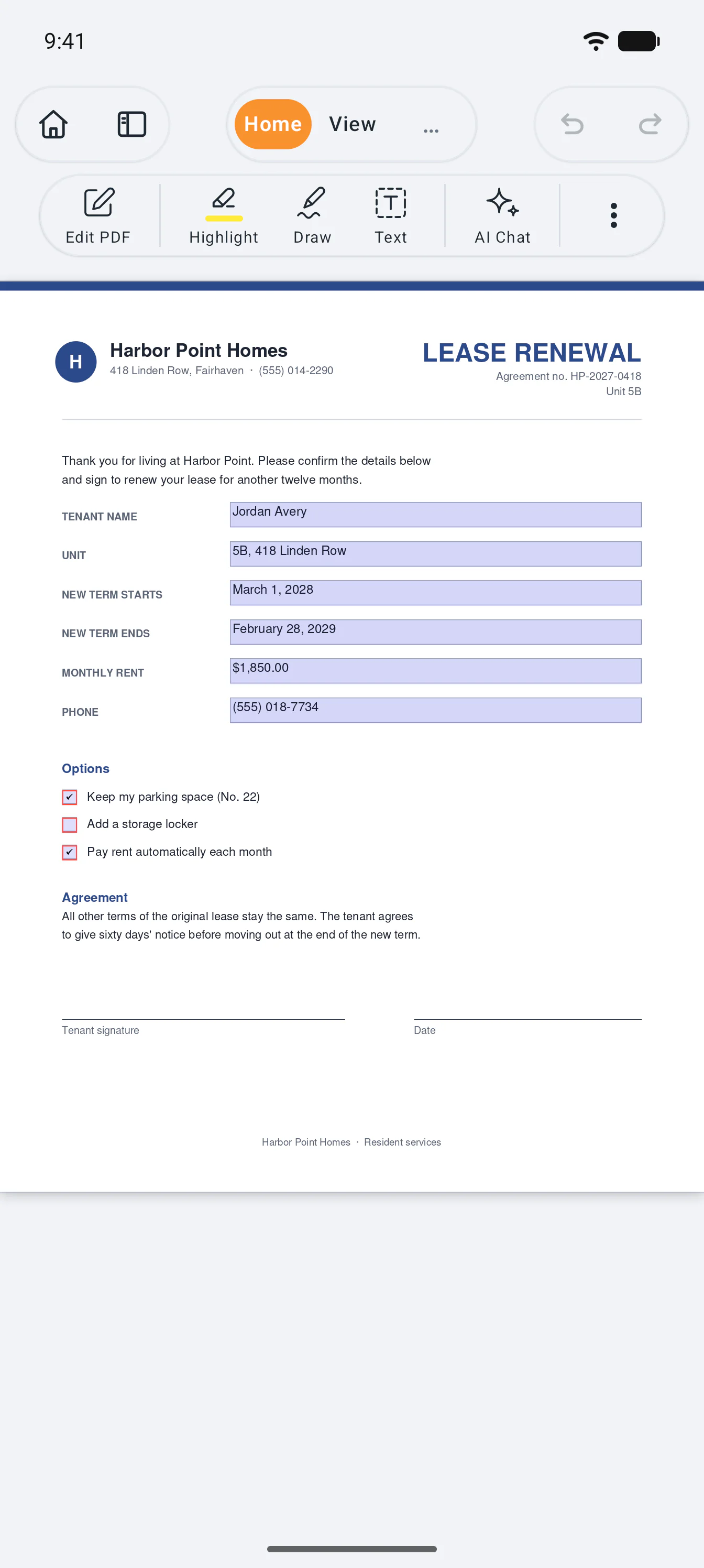
One app on Mac, Windows, iPad, iPhone and Android, with the same tools and the same files.
Templates
Leases, applications, forms and reports open straight from Files, Mail or your desktop.
Yes. Draw or save a signature and place it on any PDF, then fill in the rest of the form.
Yes. Applying a redaction removes the marked content from the file, so it cannot be copied or searched afterwards.
Yes. You can add, delete, rotate and reorder pages, and comment, highlight and draw on them.
One app with Docs, Sheets, Slides, PDF and Publish, on Mac, Windows, iPhone, iPad and Android.