 Mobeera Office



The formulas you already know
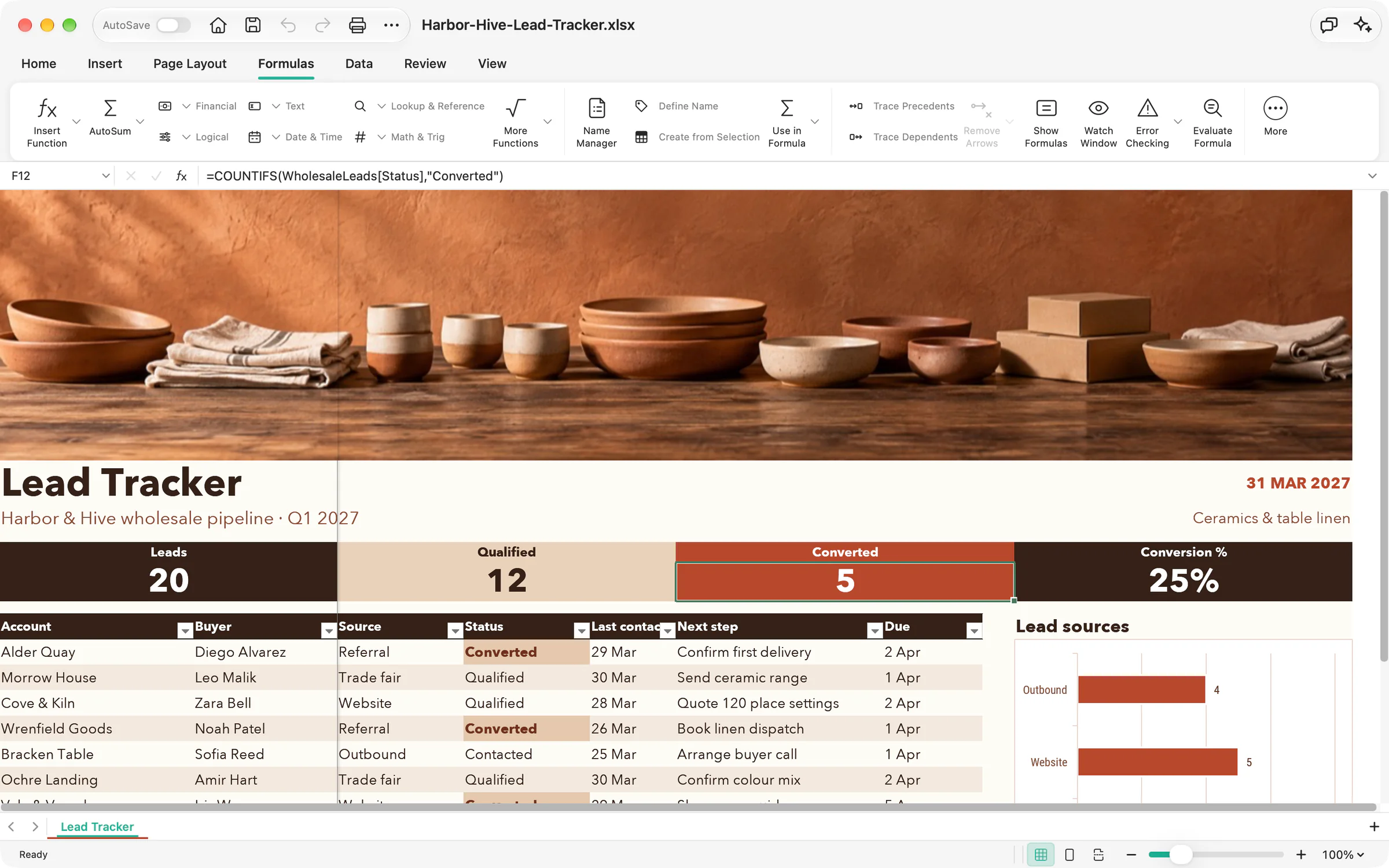
Write SUMIFS, XLOOKUP and hundreds of other functions with a formula bar that shows you what each one needs.
- Function library and AutoSum
- Named ranges
- Trace a formula back to its sources
Mobeera Sheets
Open, edit and save Excel workbooks with the formulas, charts and PivotTables you already use.
Included in Mobeera Office with Docs, Sheets, Slides, PDF and Publish.
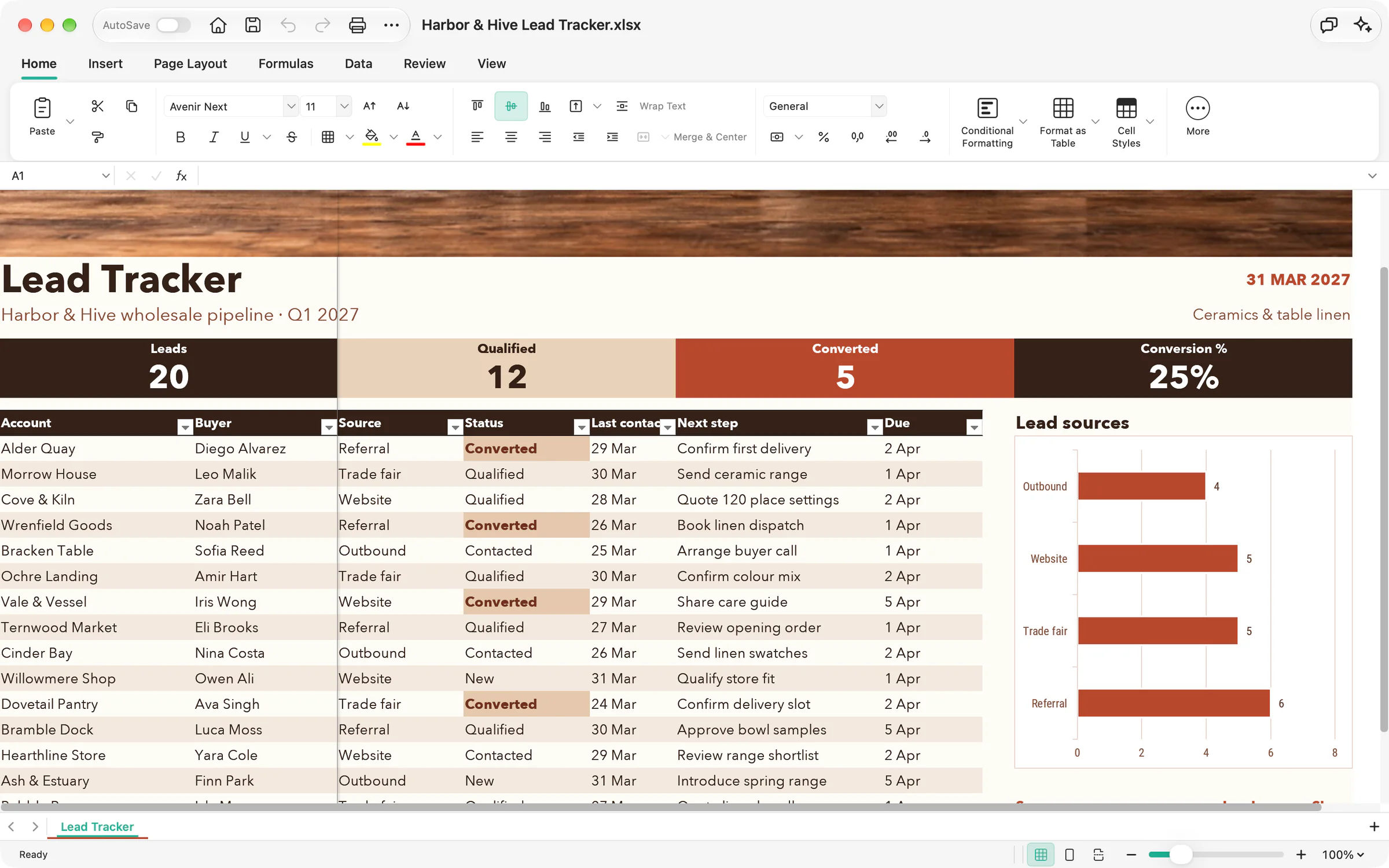
Write SUMIFS, XLOOKUP and hundreds of other functions with a formula bar that shows you what each one needs.
Select a range and Sheets suggests charts that suit it. Change the type, colours and labels whenever you like.
Turn a long table into a PivotTable, filter it with slicers, or let goal seek find the number that hits your target.
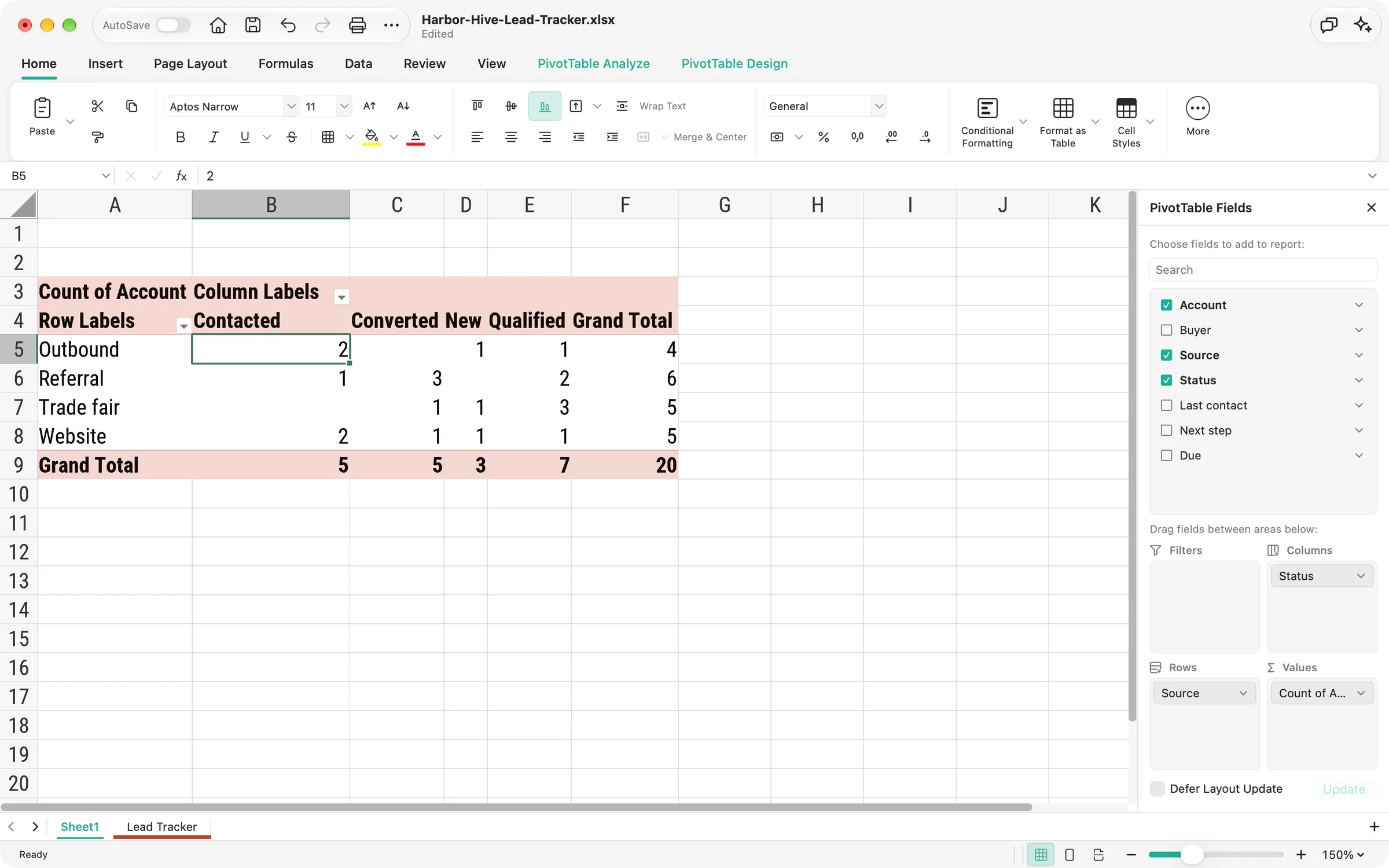
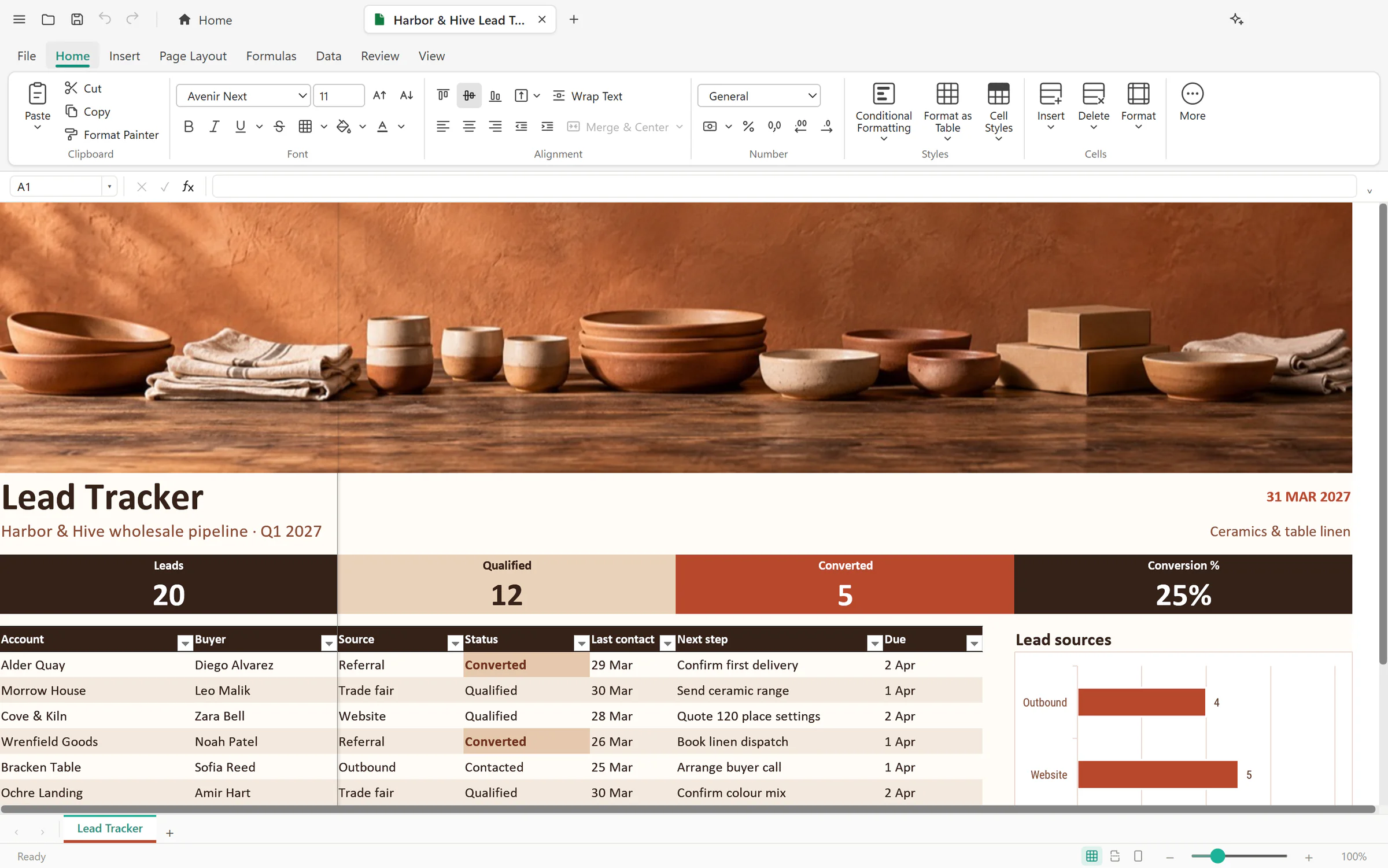
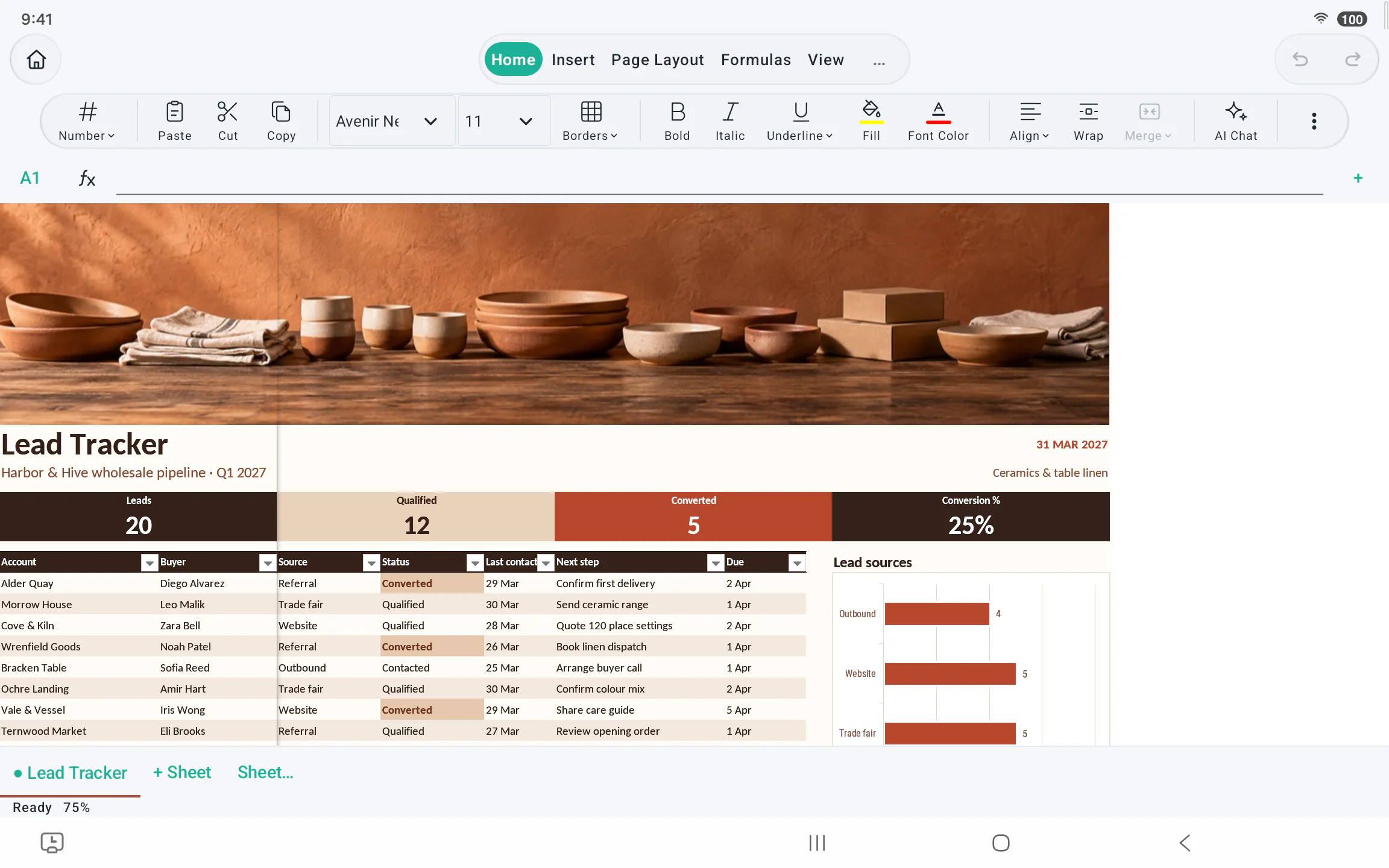
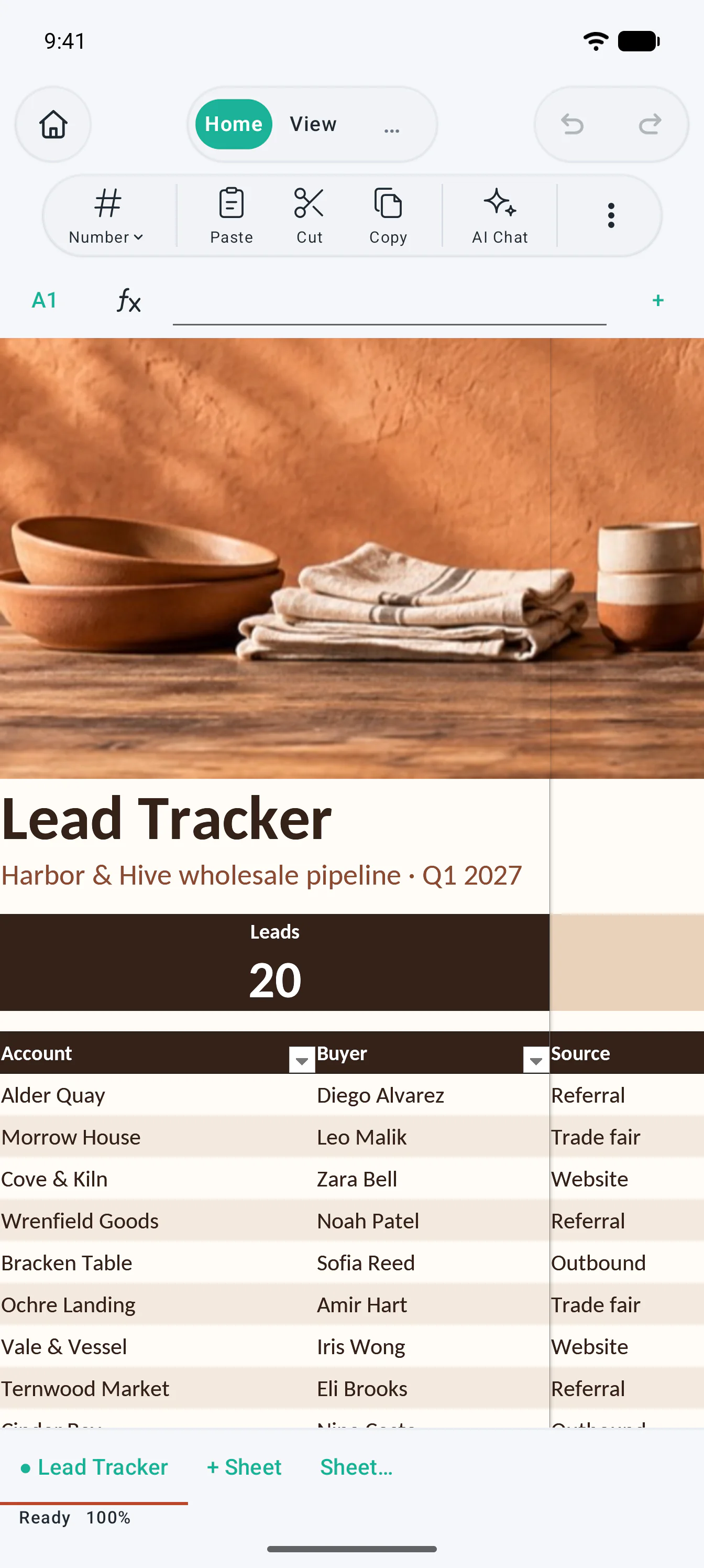
Every device
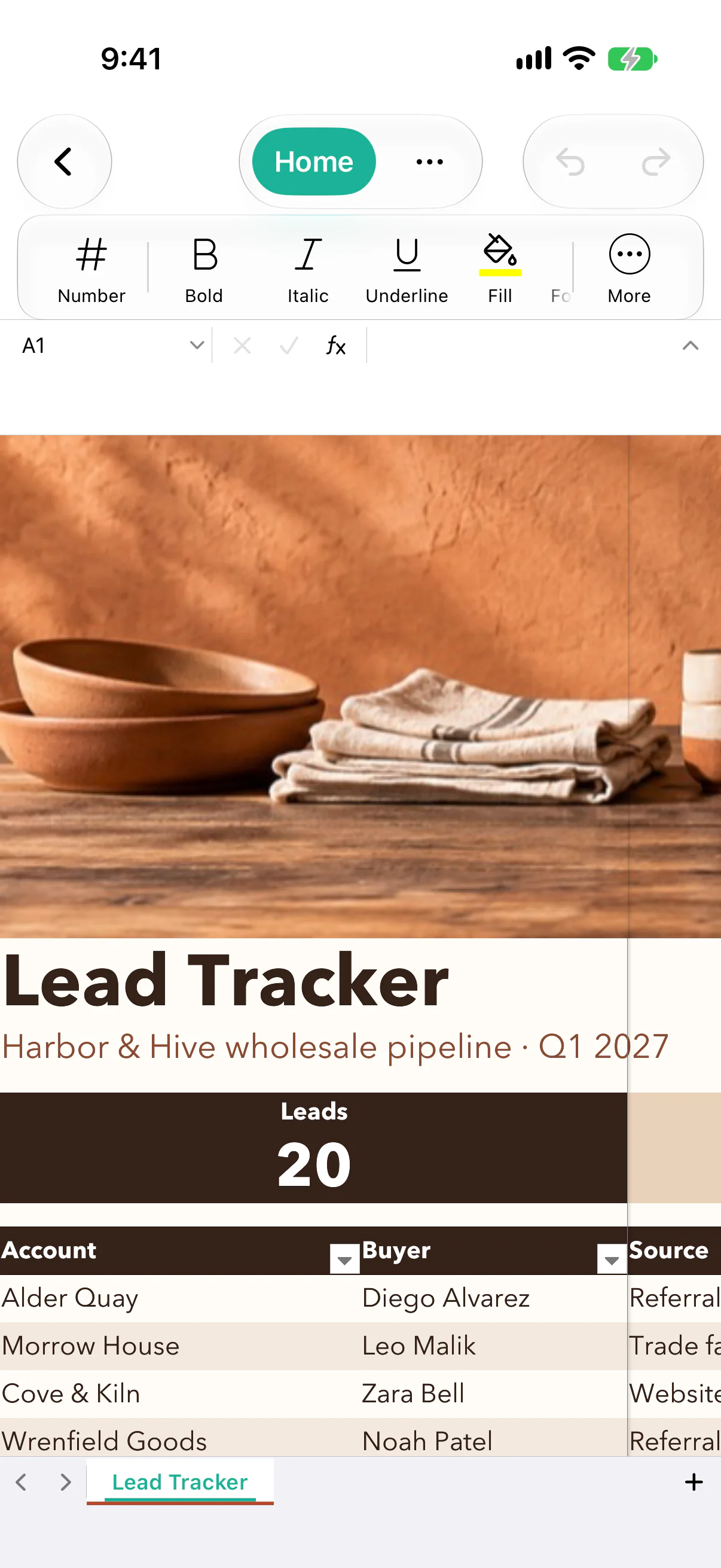
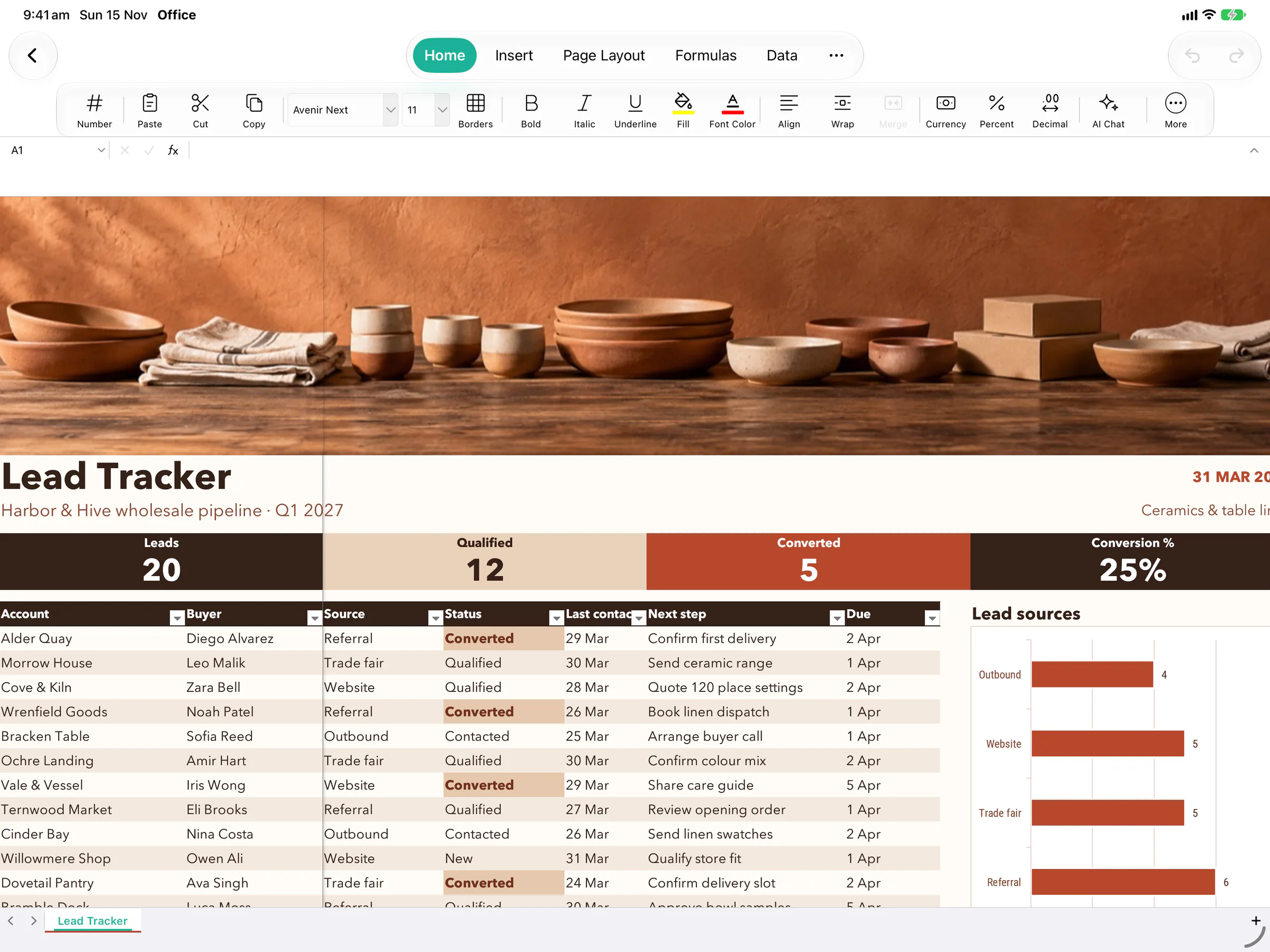
One app on Mac, Windows, iPad, iPhone and Android, with the same tools and the same files.
Templates
Every workbook template ships with the app.
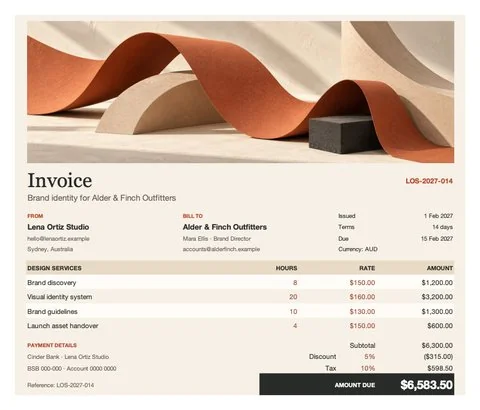
Invoice
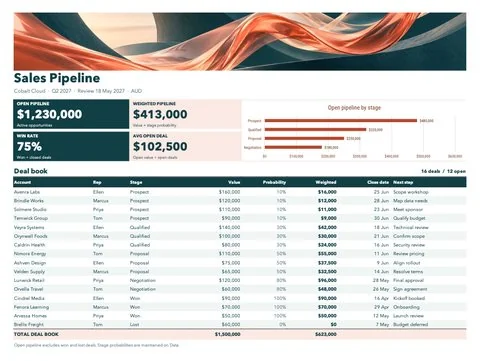
Sales Pipeline
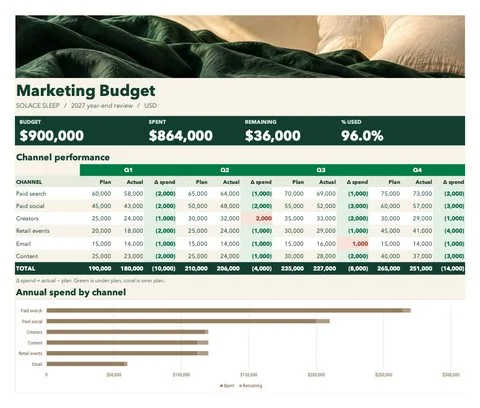
Marketing Budget
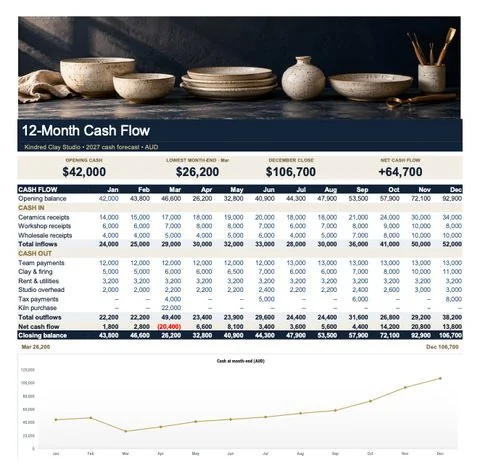
12-Month Cash Flow

Project Tracker
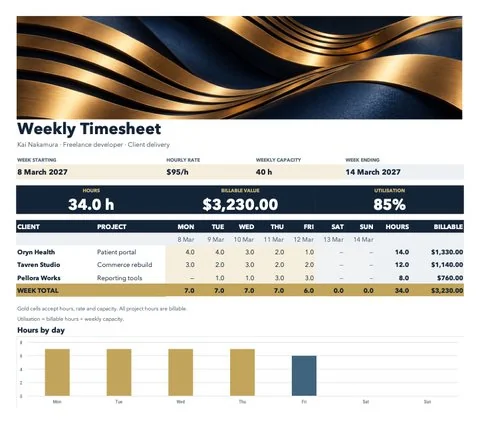
Weekly Timesheet
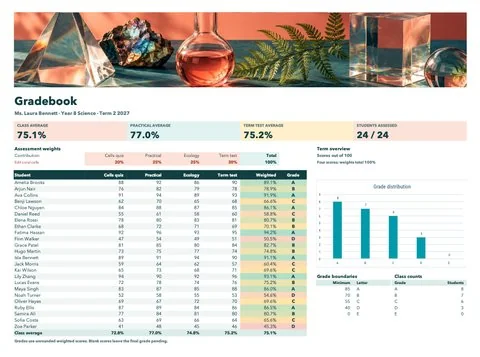
Gradebook
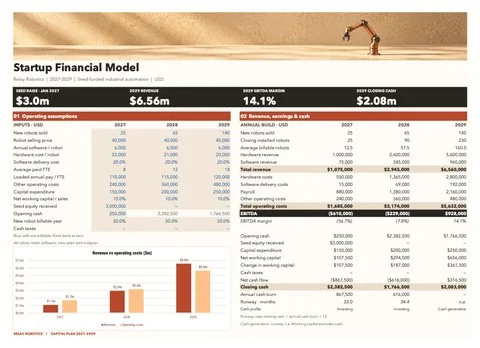
Startup Financial Model
Works with
Yes. Sheets opens, edits and saves .xlsx and .xlsm workbooks, and CSV and TSV files. Some formatting can differ. See file compatibility.
Yes. You can build PivotTables, filter them with slicers, and use goal seek to work backwards from a target.
Bar, column, line, pie, area and more. Sheets also suggests charts that suit the range you select.
One app with Docs, Sheets, Slides, PDF and Publish, on Mac, Windows, iPhone, iPad and Android.