


Mobeera PublishNew

Flyers, newsletters, brochures.
Ready to print.

Lay out anything you hand out, pin up or mail, from a starter design to a print-ready PDF.

Included in Mobeera Office with Docs, Sheets, Slides, PDF and Publish.

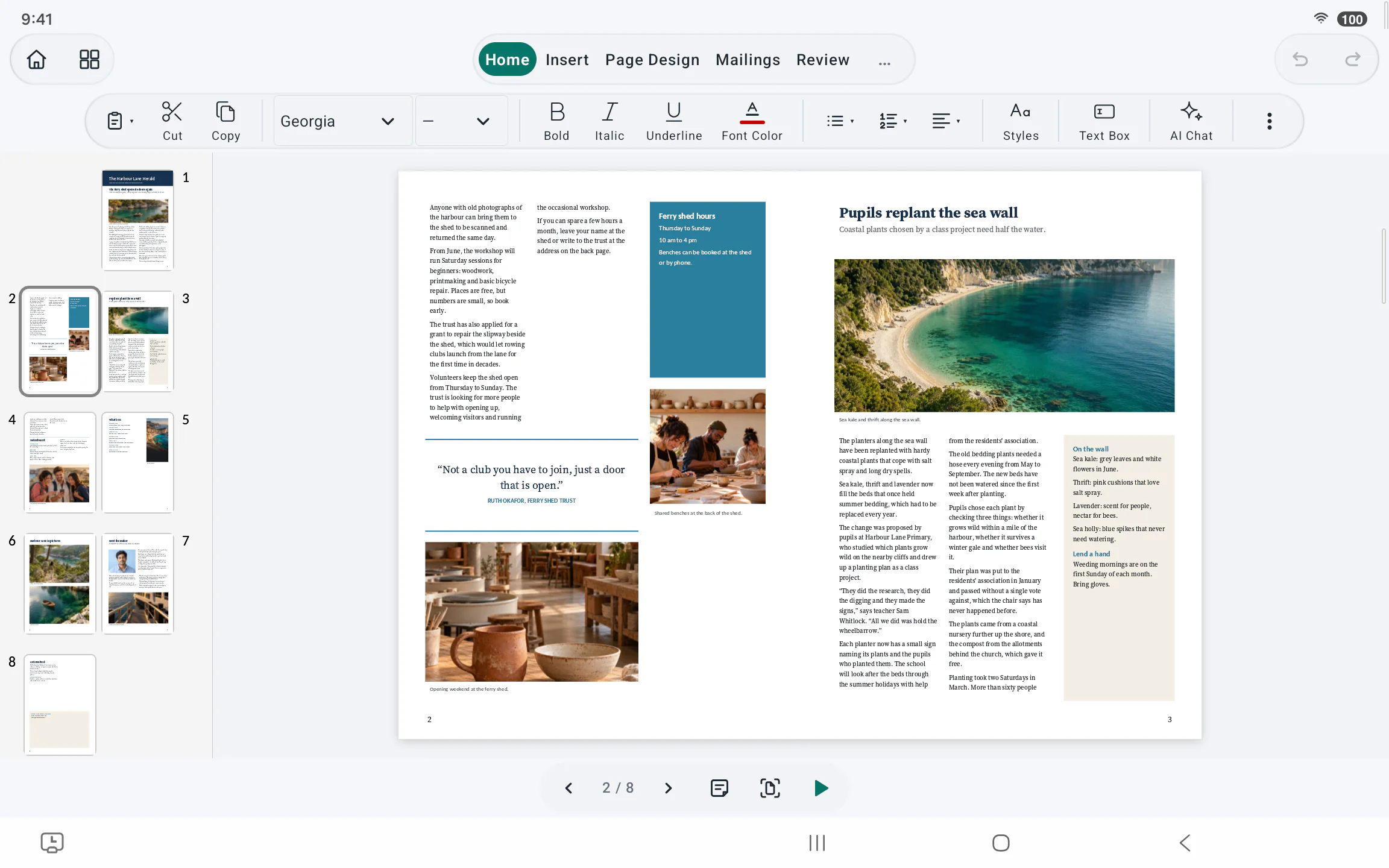
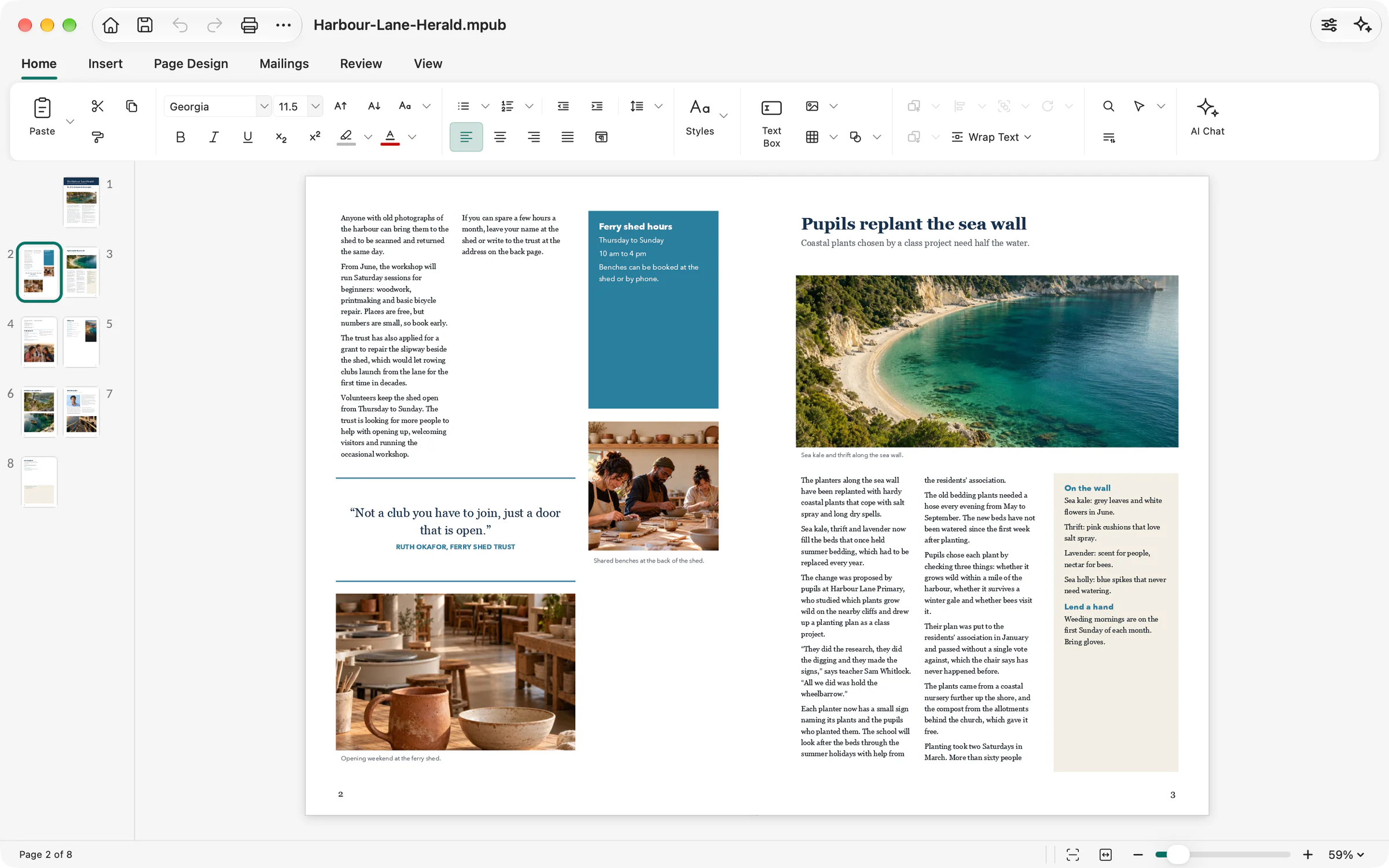
Mobeera Office on the Mac: The Harbour Lane Herald newsletter's inside pages in a two-page spread
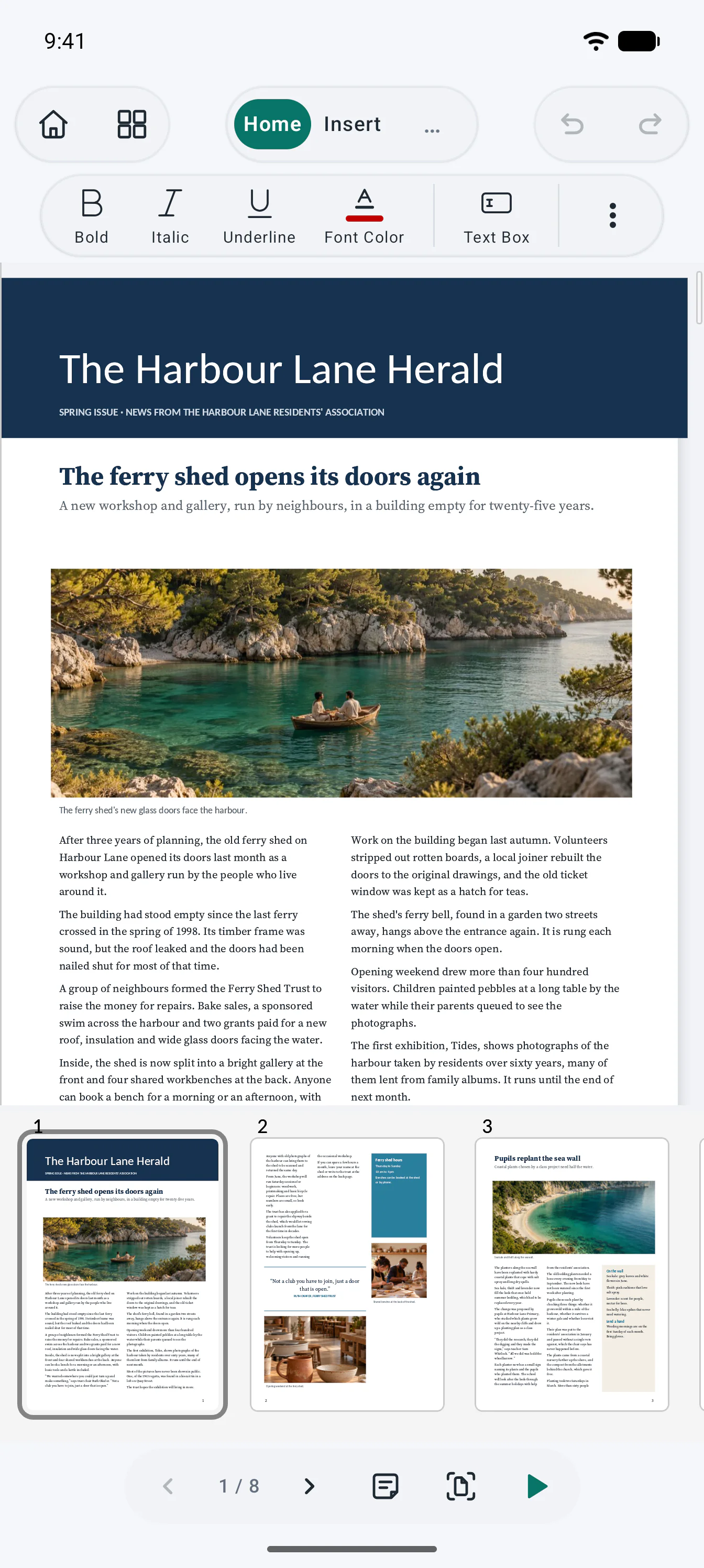
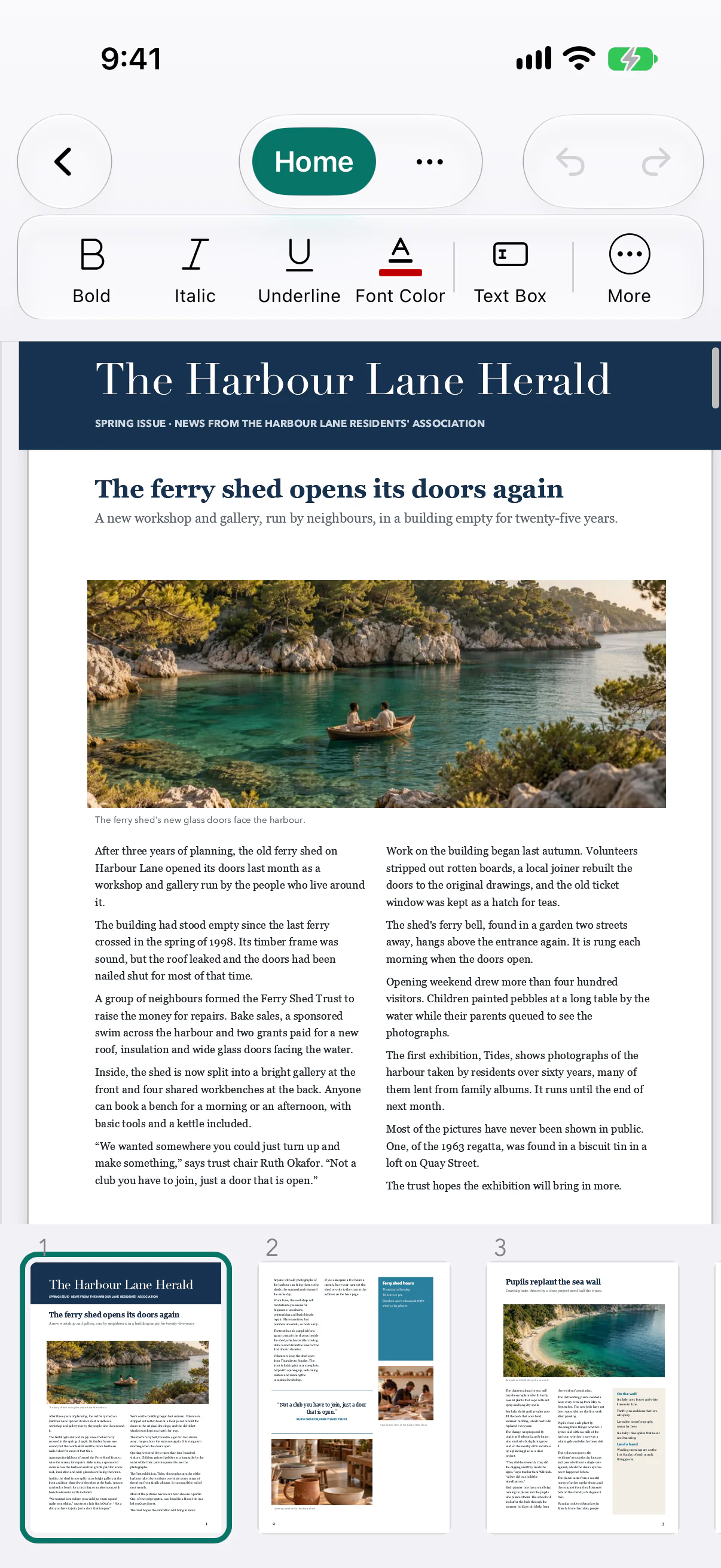
Mobeera Office on iPhone: The Harbour Lane Herald community newsletter open on its front page

Start from a design, not a blank page

Thirty starter designs cover flyers, posters, menus, invitations, brochures, newsletters, certificates, programs and cards, with sets made for schools and churches.

  • 30 starter designs
  • Calendars for any month
  • Brand kits keep your colours and fonts
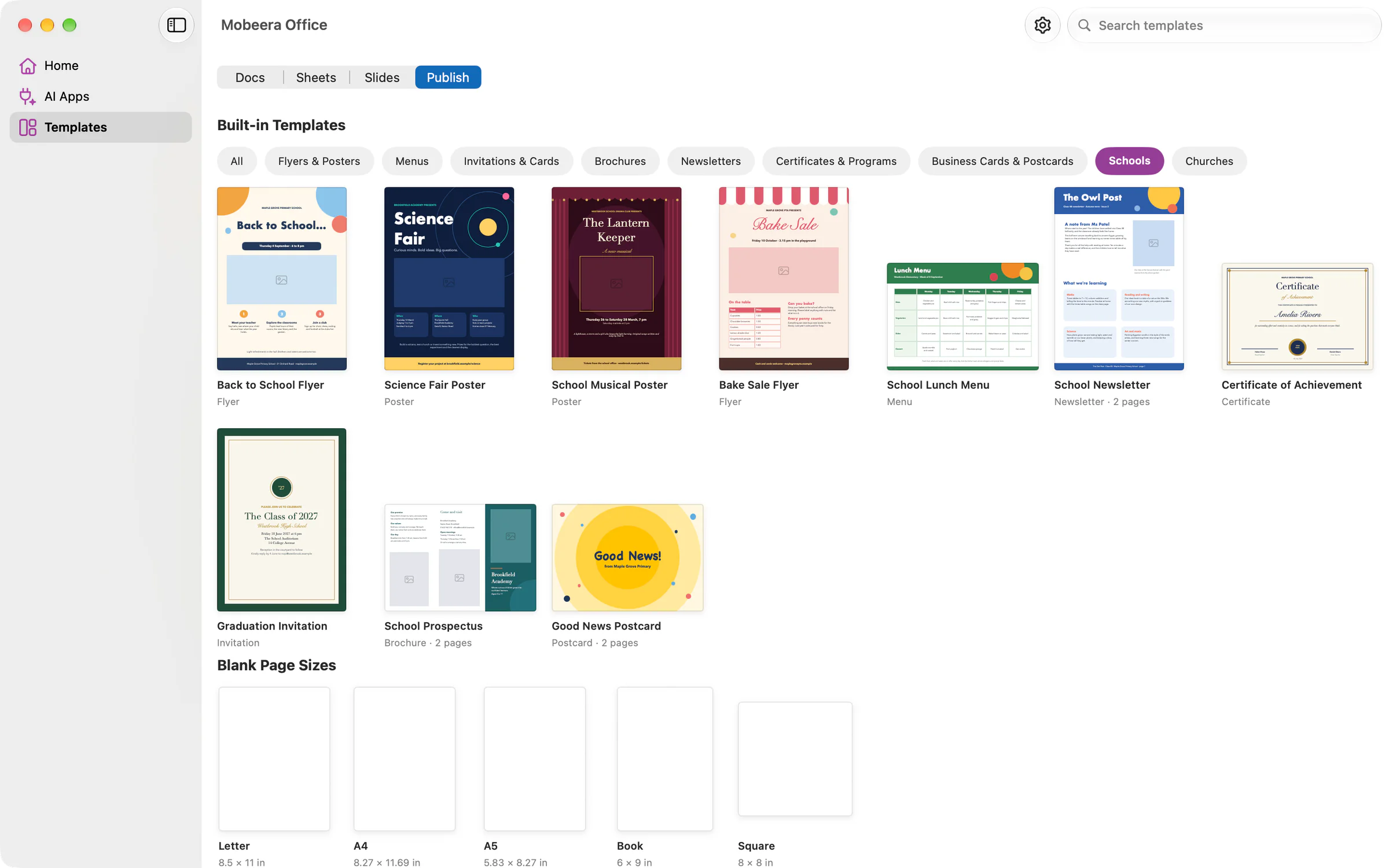
Mobeera Office on the Mac: The Publish starter gallery with School and Church designs

Real page layout

Flow a story through linked text boxes, repeat headers on master pages, wrap text around pictures and lay out two-page spreads.

  • Linked text boxes
  • Master pages and two-page spreads
  • Text wrap and Border Art
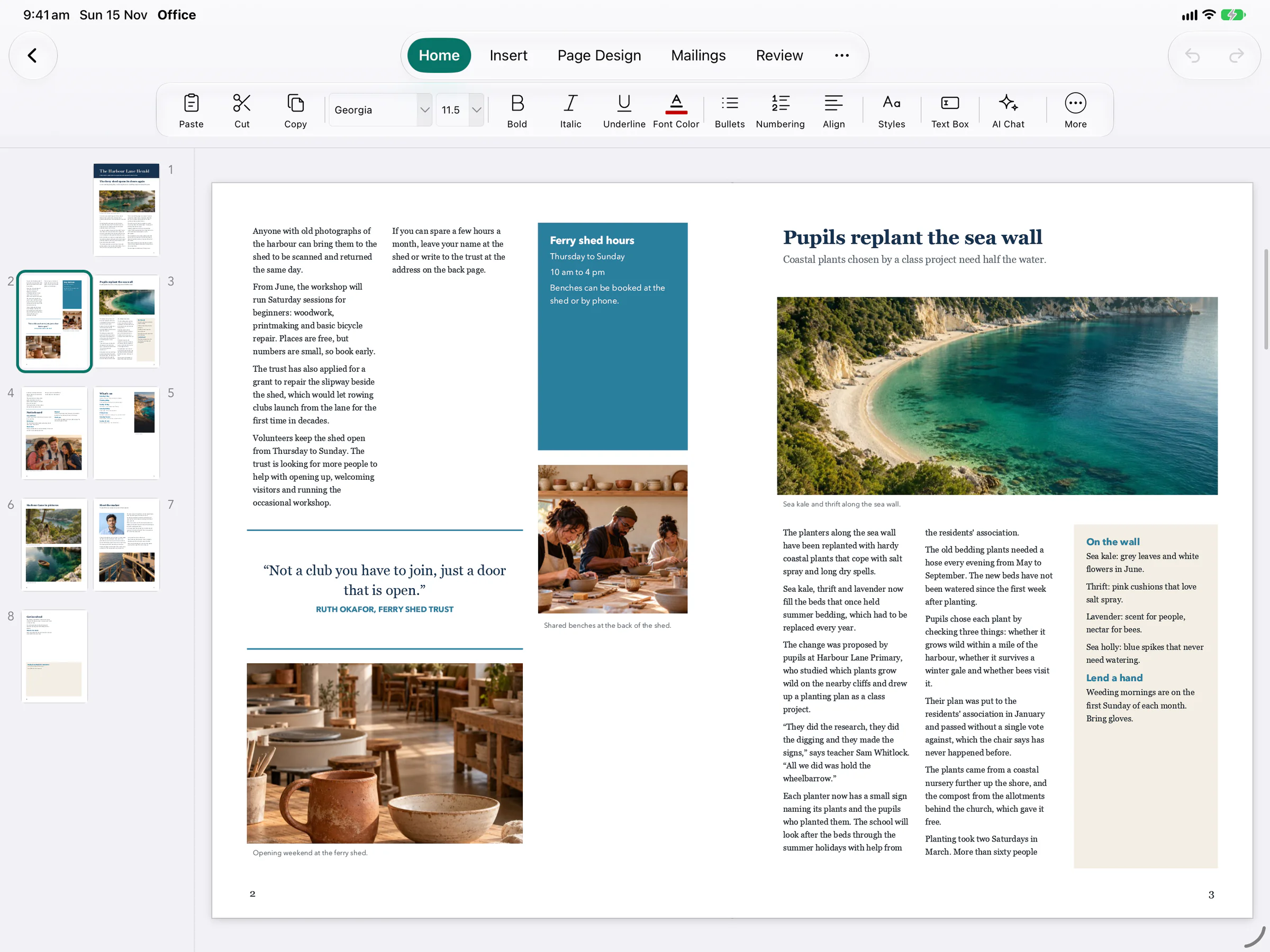
Mobeera Office on iPad: The Harbour Lane Herald newsletter's inside pages in a two-page spread

Personalise every copy

Mail merge fills names and addresses from a list into labels, envelopes, certificates and letters.

  • Mail merge from a spreadsheet
  • Labels and envelopes
  • Design Checker catches problems before print
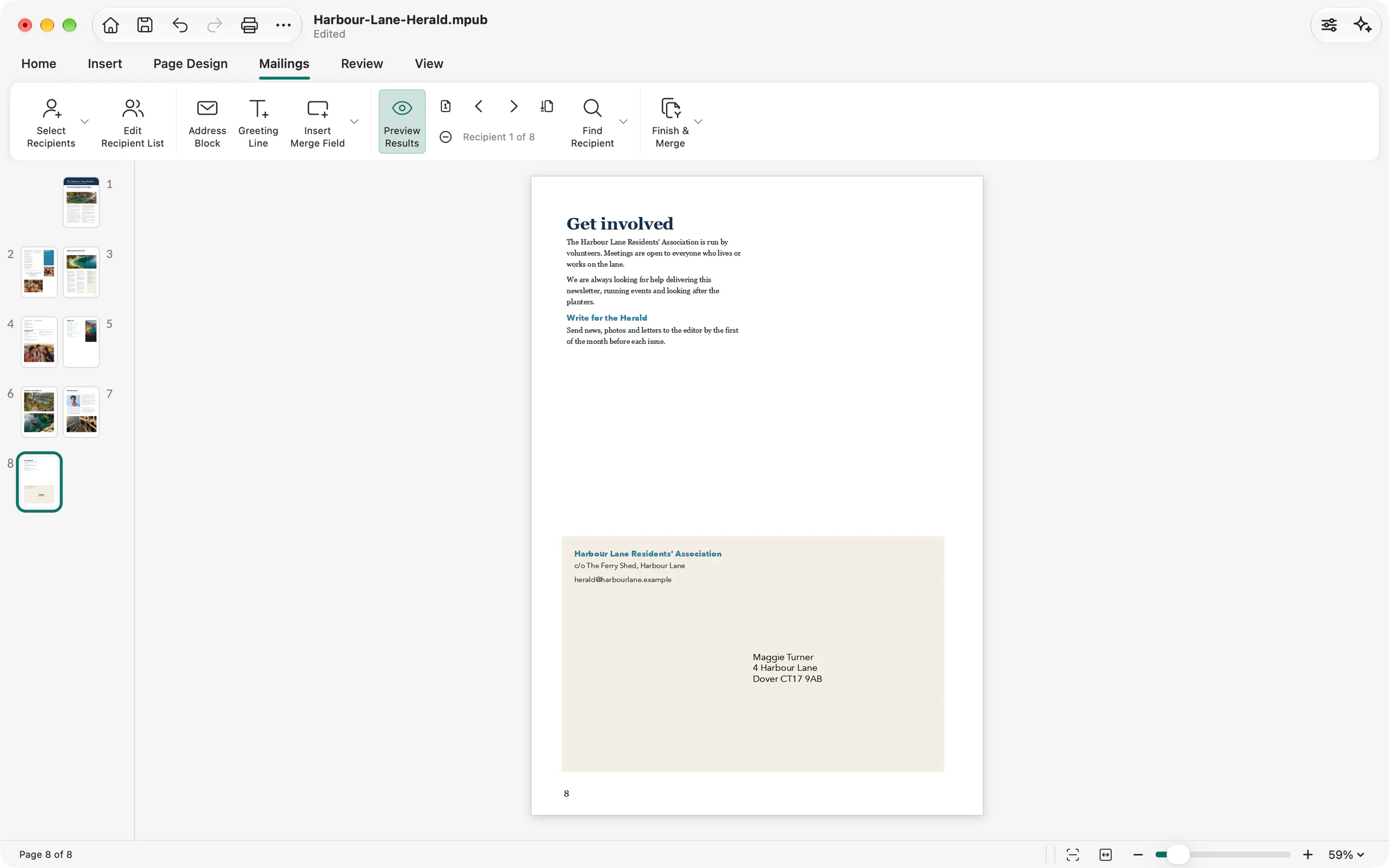
Mobeera Office on the Mac: The Harbour Lane Herald in the Mailings tab, previewing a resident's address for recipient 1 of 8

Made for the print shop

Export a PDF with bleed and crop marks, impose a booklet, and choose process or spot colours.

  • Bleed and crop marks
  • Booklet imposition
  • Process (CMYK) and spot colours
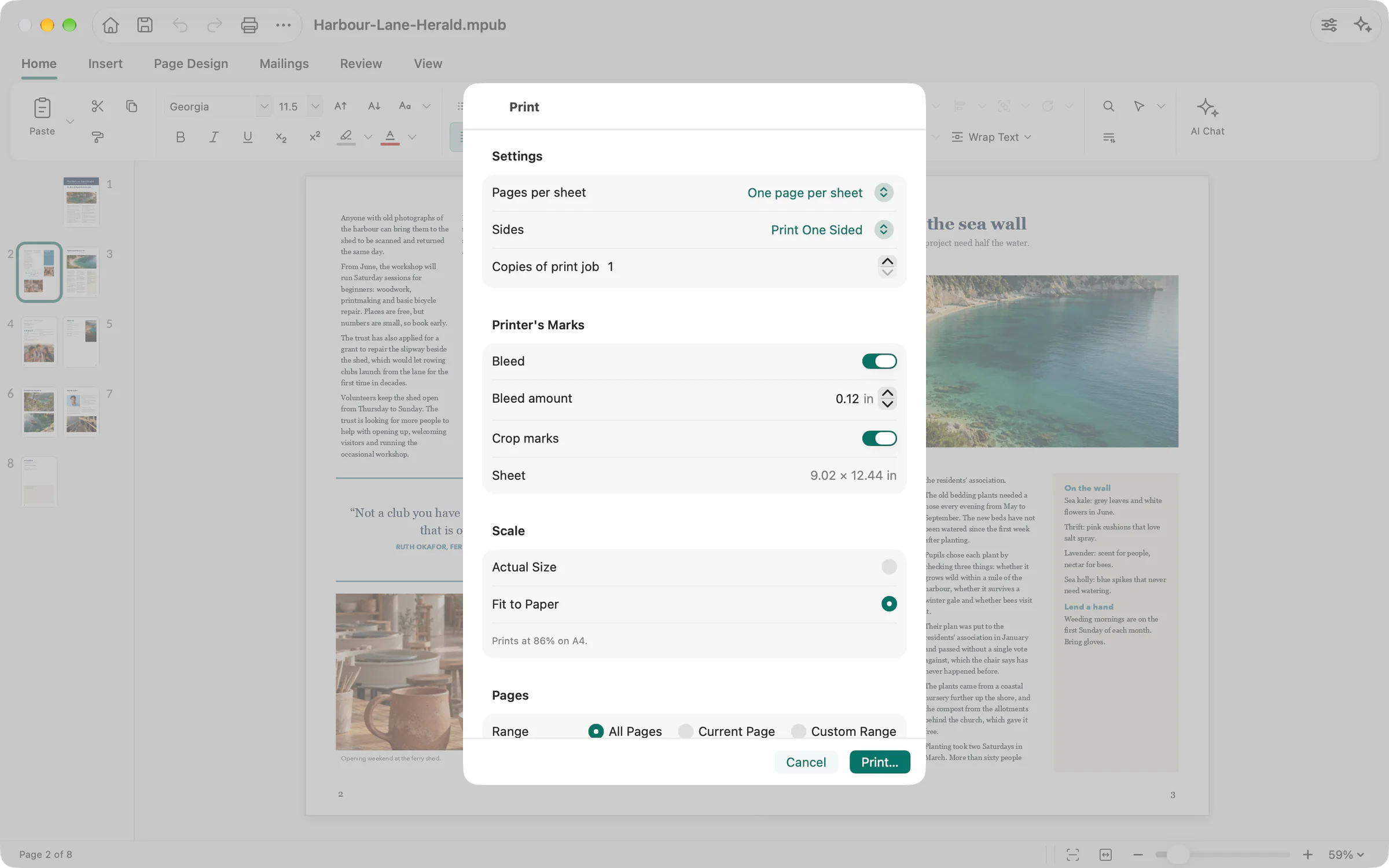
Mobeera Office on the Mac: Printing the Harbour Lane Herald newsletter with bleed and crop marks

Every device

The same Publish.
On every screen.

One app on Mac, Windows, iPad, iPhone and Android, with the same tools and the same files.

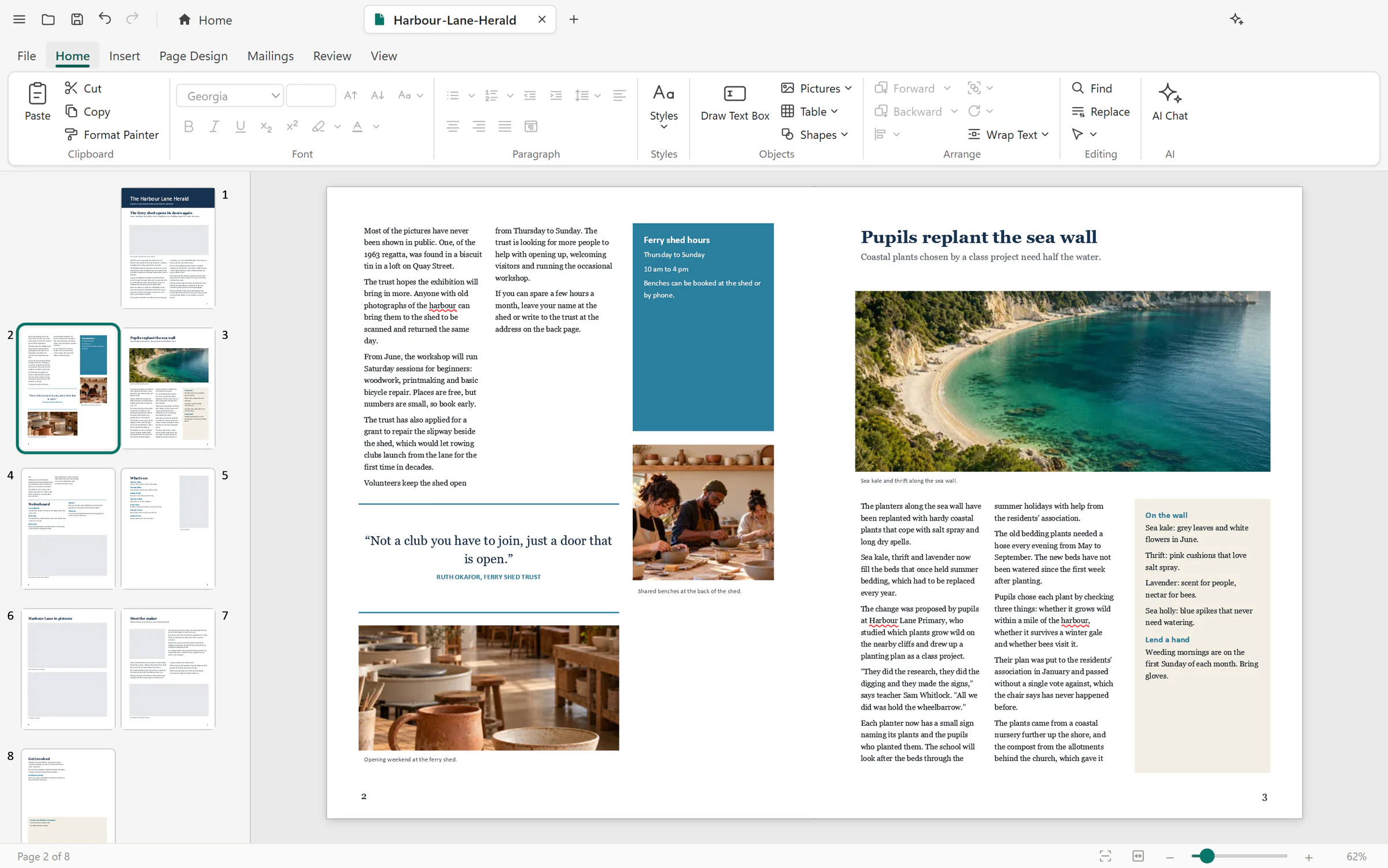
Mobeera Office on the Mac: The Harbour Lane Herald newsletter's inside pages in a two-page spread

Templates

30 starter designs

For businesses, clubs, schools and churches.

Mobeera Office on the Mac: The Publish starter gallery with School and Church designs
  • Open Studio Flyer
  • Summer Concert Poster
  • Bistro Menu
  • Garden Party Invitation
  • Tri-fold Brochure
  • Community Newsletter
  • Back to School Flyer
  • Science Fair Poster
  • Certificate of Achievement
  • Graduation Invitation
  • Sunday Bulletin
  • Easter Services Poster
  • Church Welcome Brochure
  • Christmas Card

Works with

Open the files
you already have.

  • .mpubOpen, edit and save
  • .pubOpen Publisher files as a new .mpub
  • .pdfExport, with bleed and crop marks for a printer
  • .png, .jpegExport pages as pictures on Mac, iPhone and iPad

Publish questions.

Can Publish open Microsoft Publisher files?

Yes, on Mac, Windows, iPhone, iPad and Android. Publish opens a .pub file as a new Mobeera publication (.mpub) for you to keep editing, and never writes .pub. It exports print-ready PDF, and PNG or JPEG pictures.

Can I print a booklet?

Yes. Publish imposes booklet pages for double-sided printing, and exports print-ready PDFs with bleed and crop marks.

Is Publish included in Mobeera Office?

Yes. Publish is one of the five editors in Mobeera Office, alongside Docs, Sheets, Slides and PDF.

Get Publish in
Mobeera Office.

One app with Docs, Sheets, Slides, PDF and Publish, on Mac, Windows, iPhone, iPad and Android.

Buy once. Own it. Lifetime US$99.99