How to make a flyer, newsletter or bulletin with your AI
Ask Claude, ChatGPT or another AI app for a flyer, newsletter or bulletin and get a real, editable publication in Mobeera Office that you can fix, print and send.
Direct answer
How do I make a flyer, newsletter or bulletin with AI and still be able to edit it?
Connect your AI app to Mobeera Office on a Mac, then describe what you need: the kind of publication, the event details and the tone. The AI picks a starter design, fills in your text, checks the layout and leaves a publication open in the Publish editor. You fix anything by hand, then print or export a PDF. On iPhone and iPad, AI Chat inside the editor works with your own API key.
An AI image generator gives you a picture of a flyer. What you usually need is the flyer itself: a file where the date can be changed, the logo swapped and the page printed properly. This guide shows how to ask the AI app you already use for a publication and get an editable one back.
It uses the Publish editor in Mobeera Office. Publish runs on Mac, Windows, iPhone, iPad and Android. Connecting an outside AI app works on Mac and Windows; AI Chat inside the editor works on Mac, Windows, iPhone and iPad.
What is different about doing it this way?
- You get a real publication. Text stays text, pictures stay pictures, and every box can be moved.
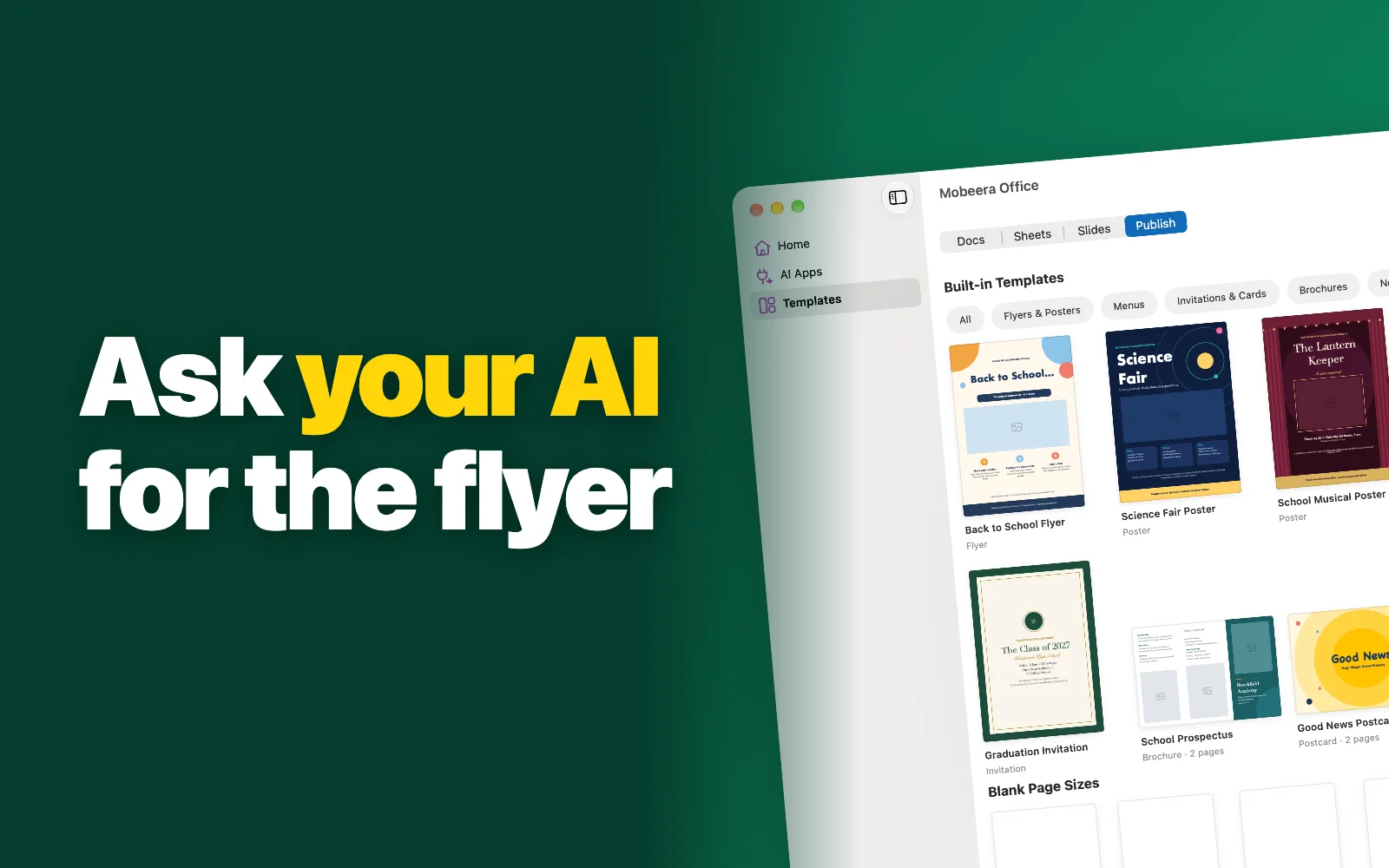
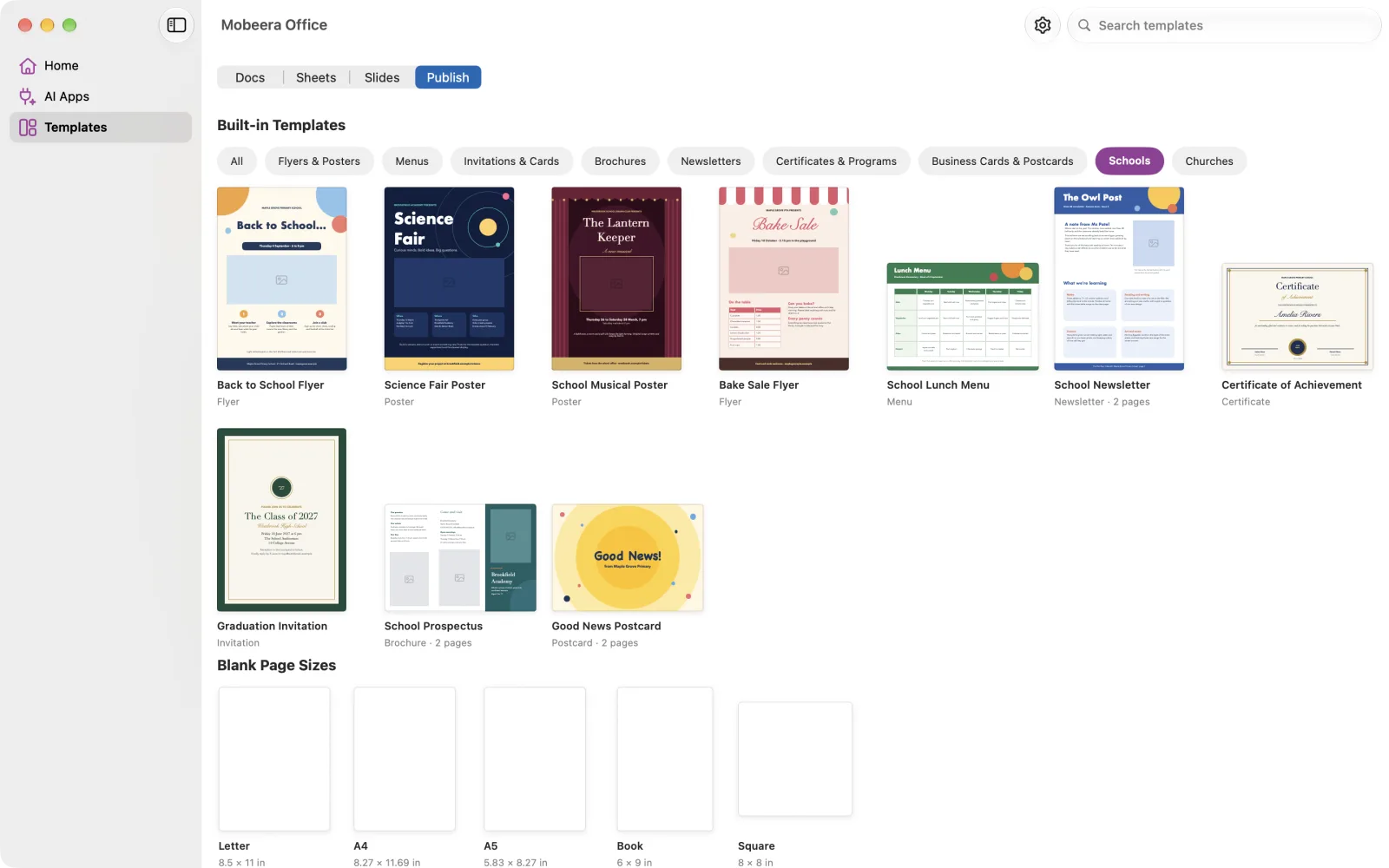
- It starts from a design. The AI chooses from the same starter designs and page sizes you see in the template gallery, so the result looks planned.
- It is checked. Before a PDF is written, the AI has to run the design check, which catches text that does not fit and objects off the page.
- You use the AI you already pay for. Mobeera Office does not sell AI. Your Claude, ChatGPT or other account does the thinking.
What do I need?
- Mobeera Office on a Mac.
- An AI app that supports MCP (Model Context Protocol), such as Claude, ChatGPT, Codex or Cursor.
- A one-time connection between the two. See how to connect your AI app, or the steps for Claude, ChatGPT and Codex or Cursor.
1. Say what you want
In your AI app, describe the publication the way you would brief a helpful colleague. The four things that matter are the kind of publication, the facts, the audience and the size.
Make a one-page flyer in Mobeera Office for our school spring fair. Saturday 14 May, 10 am to 3 pm, on the playing field. Stalls, games, a bake sale and a raffle. Entry is free. Friendly and bright, US Letter.
The AI looks at the available designs, creates the publication and opens it in its own window in Mobeera Office.
2. Ask for changes in plain words
Keep the conversation going until it is right.
- "Make the date and time the biggest thing after the title."
- "Add a second page with the stall list as a table."
- "Try a different color scheme."
- "Put a QR code for the sign-up form in the bottom corner."
- "The last paragraph does not fit. Shorten it."
3. Fix the last details yourself
The publication is open in the Publish editor, so finish it by hand: drop in your own photo, nudge a text box, correct a name. Nothing is locked.
4. Check, then print or send
Open Review → Design Checker for a final look at missing fonts, text that does not fit and low-resolution pictures. Then choose File → Print…, or File → Export as PDF… to email it or put it on a website.
Editing, printing and PDF export of publications need lifetime access.
What else can I ask for?
A newsletter from notes.
Here are my notes for the November newsletter: [paste]. Make a four-page community newsletter in Mobeera Office. Lead with the hall reopening. Flow long articles onto the next page.
A weekly bulletin from last week's.
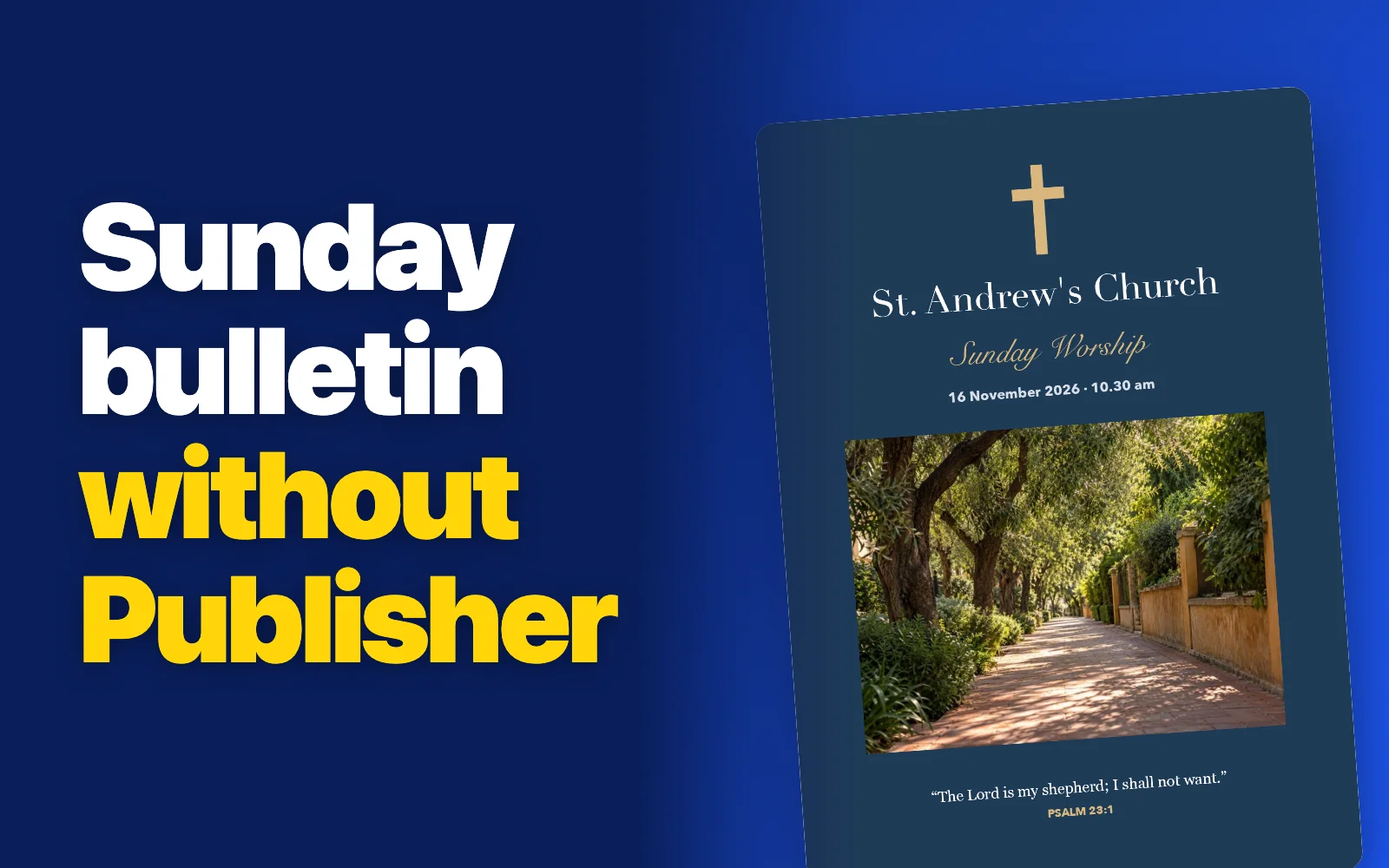
Open last week's bulletin, make a copy for this Sunday, and replace the readings and notices with these: [paste].
One certificate per person.
Make a certificate of achievement and merge it with this list of names: [paste]. Give me one PDF.
A matching set.
Make a poster, a postcard and a ticket for the summer concert, all in the same style.
What about iPhone and iPad?
Use AI Chat inside the app. Add your own API key from Anthropic, OpenAI or OpenRouter, or an OpenAI-compatible server, under Settings → AI Chat. Open a publication and choose AI Chat from the Home tab to work on the document in front of you.
Common questions
Does Mobeera Office charge for AI?
No. You bring your own AI app or API key, and your provider bills you for it.
Will the AI change my files without asking?
It works on files you share with it, files it opens with your permission and files it creates. Each change is applied as one step that you can undo, and you can turn on Ask me before an app opens or saves a file in AI Apps.
Can it work from my old Publisher file?
Yes. Open the .pub file in Mobeera Office first so it becomes an editable publication, then ask your AI to update it. See how to edit a .pub file without Publisher.
Is my text sent to the AI?
Yes, what you type and the content the AI reads from the publication go to the AI provider you chose, under that provider's terms.