How to remove a password from a PDF you own on Mac, iPhone and iPad
Save a copy of your own PDF that opens without a password, using Preview on Mac or PDF Max on Mac, iPhone and iPad. You need the current password; here is why.
Direct answer
How do I remove a password from a PDF that I own?
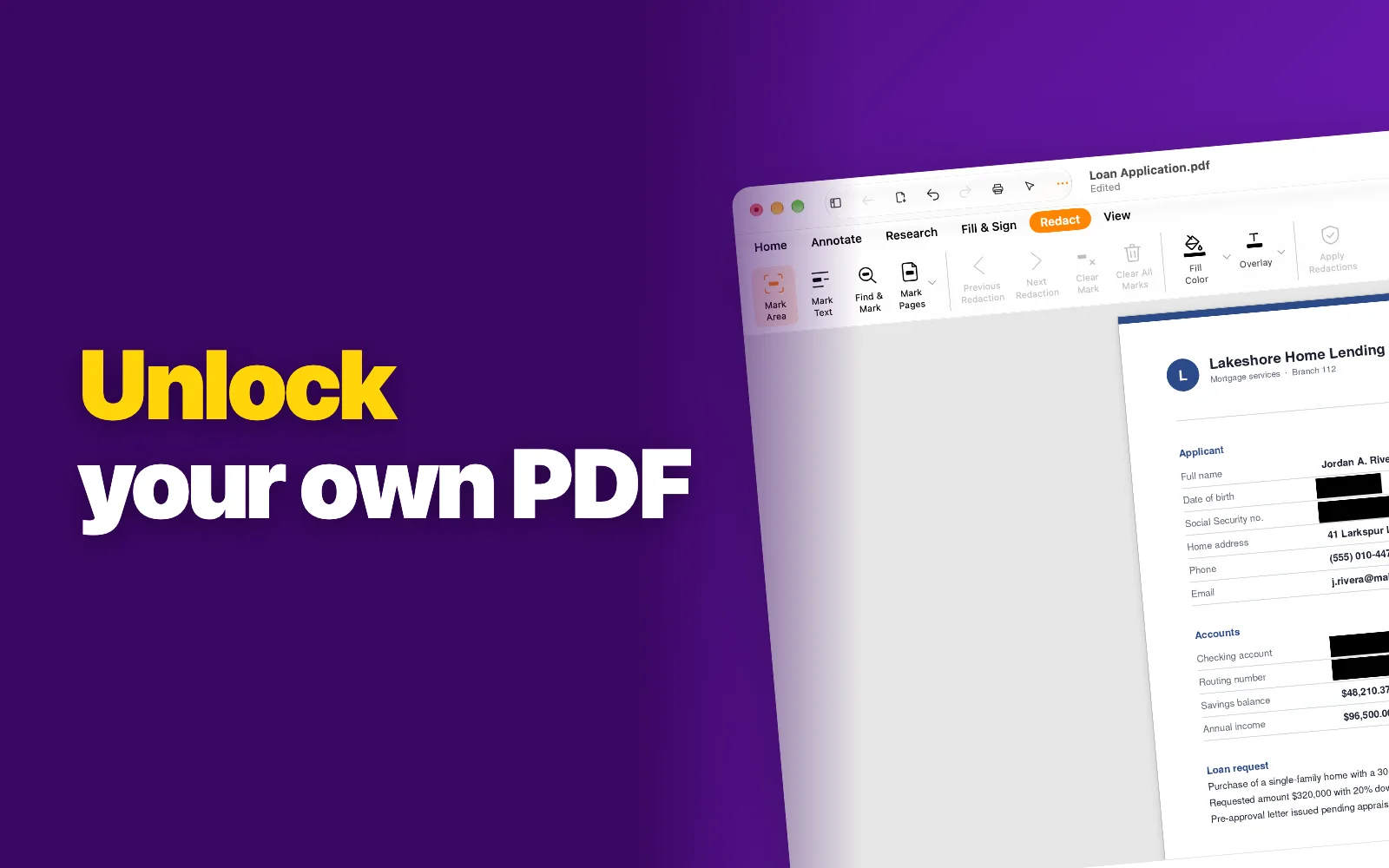
Open the PDF with its password and save a copy without one. On a Mac, open it in Preview, enter the password, choose File, then Export, and save the copy with encryption turned off. In PDF Max on Mac, iPhone or iPad, choose Tools, then Set Password, pick the PDF, select Remove Password, enter the current password and choose Remove. You get a new unlocked copy and the original stays protected. Without the current password, a PDF cannot be unlocked.
Bank statements, payslips and tax letters often arrive as PDFs that ask for a password every time. If the file is yours and you know the password, you can save a copy that opens without it. You cannot remove a password you do not know: the contents are encrypted with it.
| Where you are | Use |
|---|---|
| Mac, built-in | Preview |
| iPhone or iPad | PDF Max |
| Mac, several files or a tool you reuse | PDF Max |
Before you start
- Have the current password. For statements it is often set by the sender, such as a date of birth or an account number described in the email.
- Decide where the unlocked copy will live. It is readable by anyone who gets the file, so keep it somewhere private and delete it when you are done.
Remove the password in Preview on Mac
- Double-click the PDF. It opens in Preview and asks for the password.
- Enter the password.
- Choose File → Export….
- Give the copy a new name. Check that no password is set for the copy: the encryption option, shown under Permissions… on current versions of macOS, must be off.
- Click Save.
Open the new file. It should open without asking.
Remove the password in PDF Max
The same steps work on Mac, iPhone and iPad.
- Open PDF Max and go to Tools.
- Under Protect, choose Set Password.
- Choose the protected PDF. The dialog reports This PDF is password-protected. and selects Remove Password for you.
- Enter the Current password.
- Choose Remove.
PDF Max writes a new copy with -Unlocked added to the name. On a Mac you choose where to save it; on iPhone and iPad it goes to My Files. The original file is not changed and still asks for its password.
You can also start from the file: in My Files or the recent files on Home, open the file's menu and choose Set Password.
Set Password is part of PDF Max Premium. Plans are compared on the features and plans page.
Change the password instead
There is no separate change command. Remove the password to get an unlocked copy, then run Set Password on that copy, enter the new password twice and choose Protect. Delete the unlocked copy afterwards.
If the file opens but will not print, copy or edit
That is a different kind of protection. The file has no password to open; its author restricted what can be done with it. Removing those limits needs the author's permissions password. Ask whoever made the file for an unrestricted copy.
If you forgot the password
There is no reset. The password is the key that decrypts the file, and it is not stored anywhere that an app could recover it from. Your options are:
- look for the password in the message that came with the file;
- ask the sender to send it again or tell you the rule they use;
- download a fresh copy from the bank's or employer's website, where you can often choose an unprotected download.
Check the result
- Close the unlocked copy and open it again. It must open with no prompt.
- Scroll through and confirm every page is there.
- Confirm the original still asks for its password, in case you need the protected version later.
Common questions
Is it legal to remove a password from a PDF?
Removing protection from your own documents with the password you were given is ordinary housekeeping. Do not remove protection from documents you are not entitled to change or share.
Can I do this on iPhone without an extra app?
The Files app can lock a PDF. It has no command for saving an unlocked copy, so use an app that does.
Will the unlocked copy lose quality?
No. The pages are the same; only the encryption is removed.