Microsoft Publisher alternatives: what to use now it is retired
Six Publisher replacements compared: which open your .pub files, which work on a phone, which let your AI do the layout, and how you pay for each.
Direct answer
What is the best alternative to Microsoft Publisher now that it is retired?
Choose by whether you need your old files and where you work. Mobeera Office opens .pub files, works like Publisher with linked text boxes, master pages and mail merge, runs on Mac, Windows, iPhone, iPad and Android, lets your own AI build the layout, and is bought once. LibreOffice Draw is free and opens older .pub files as drawings. Canva, Word and InDesign cannot open .pub files.
Publisher did one job well: it let people who are not designers lay out a page and print it. Microsoft retired it in October 2026. The right replacement depends less on features than on two plain questions: do you have old .pub files you still need, and who will be doing the work?
How should I choose a Publisher replacement?
Ask these in order.
- Do you need to open existing
.pubfiles? If yes, the list gets short quickly. - Who makes the publications? A volunteer or office administrator needs something that works like Publisher. A designer may want more.
- Which devices? Publisher was Windows-only. Many replacements are not.
- How do you want to pay? Once, monthly, or not at all.
How do the alternatives compare?
| App | Opens .pub files | Works like Publisher | Devices | How you pay |
|---|---|---|---|---|
| Mobeera Office | Yes | Yes | Mac, Windows, iPhone, iPad, Android | Free to read; one-time purchase to edit |
| LibreOffice Draw | Publisher 98 to 2010, as drawings | Partly | Windows, Mac, Linux | Free |
| Affinity | Yes, with layout shifts | No, a pro design app | Windows, Mac | See Affinity's site |
| Canva | No | No, template-based and online | Web, phone, tablet | Free plan and subscription |
| Microsoft Word | No | Partly | Windows, Mac, web, phone | Microsoft 365 or one-time Office |
| Adobe InDesign | No | No, a pro design app | Windows, Mac | Subscription |
Mobeera Office
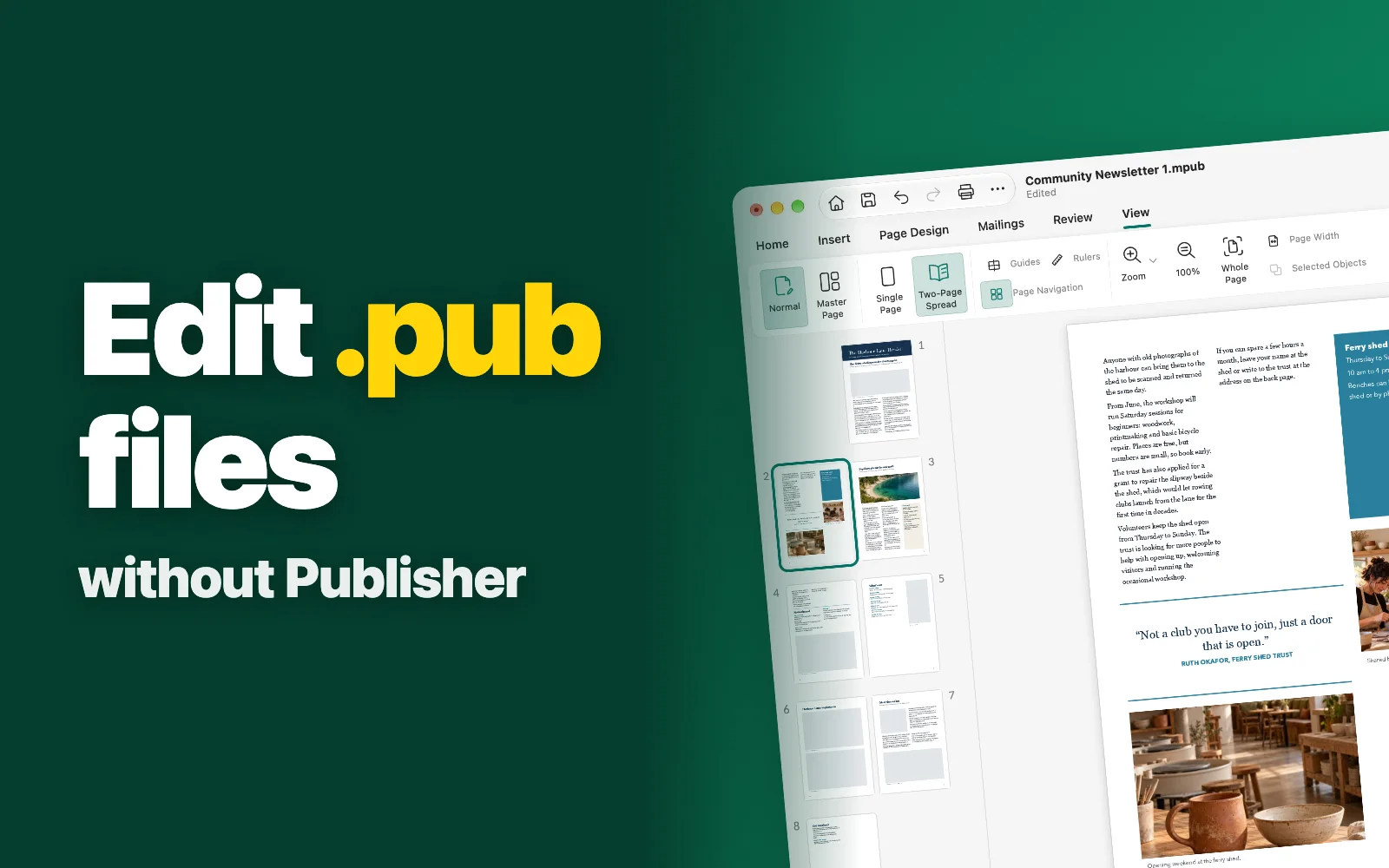
Mobeera Office is an office suite with a Publish editor built for the jobs Publisher did. It opens .pub files and keeps text boxes, linked stories, tables, pictures, master pages and embedded fonts editable.
What Publisher users will recognize:
- tabs named Page Design, Mailings and Review;
- linked text boxes with Create Link, Previous and Next;
- Master Pages, color Schemes and Guides;
- mail merge with Select Recipients, Insert Merge Field and Finish & Merge;
- booklet, folded-card and label-sheet printing, with bleed and crop marks;
- Design Checker for missing fonts and text that does not fit.
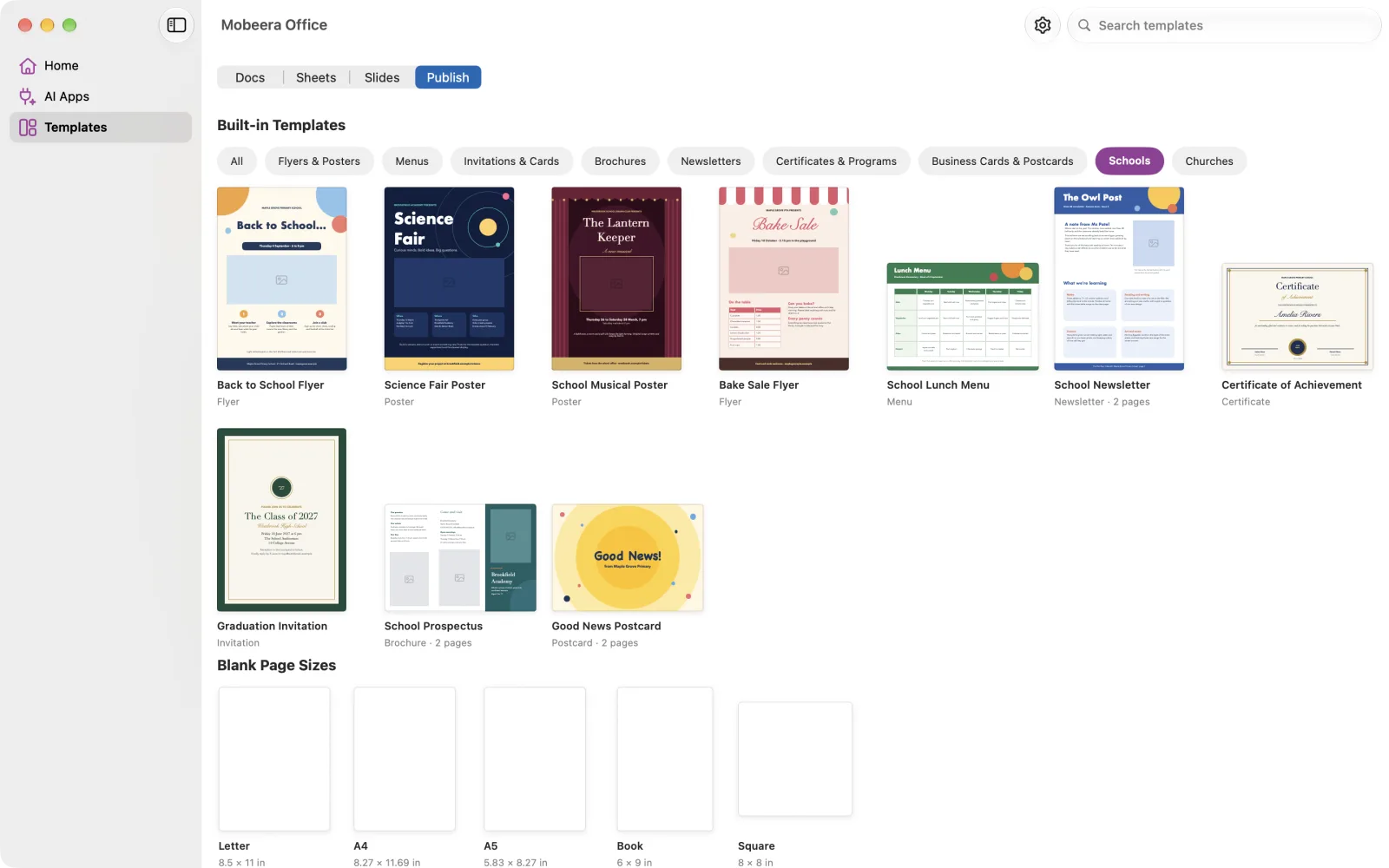
It also comes with 30 starter designs, including ten for schools and ten for churches, and it edits Word, Excel, PowerPoint and PDF files in the same app.
Limits to know: it saves its own .mpub format, not .pub. On the free plan publications open for reading; editing, printing and PDF export need lifetime access. It opens .pub files on Mac, Windows, iPhone, iPad and Android.
Best for: anyone with a folder of .pub files, and anyone on a Mac or iPad who was waiting for a Publisher they could use.
What can Mobeera Office do that Publisher never could?
Two things, and they are the main reasons to choose it over a like-for-like replacement.
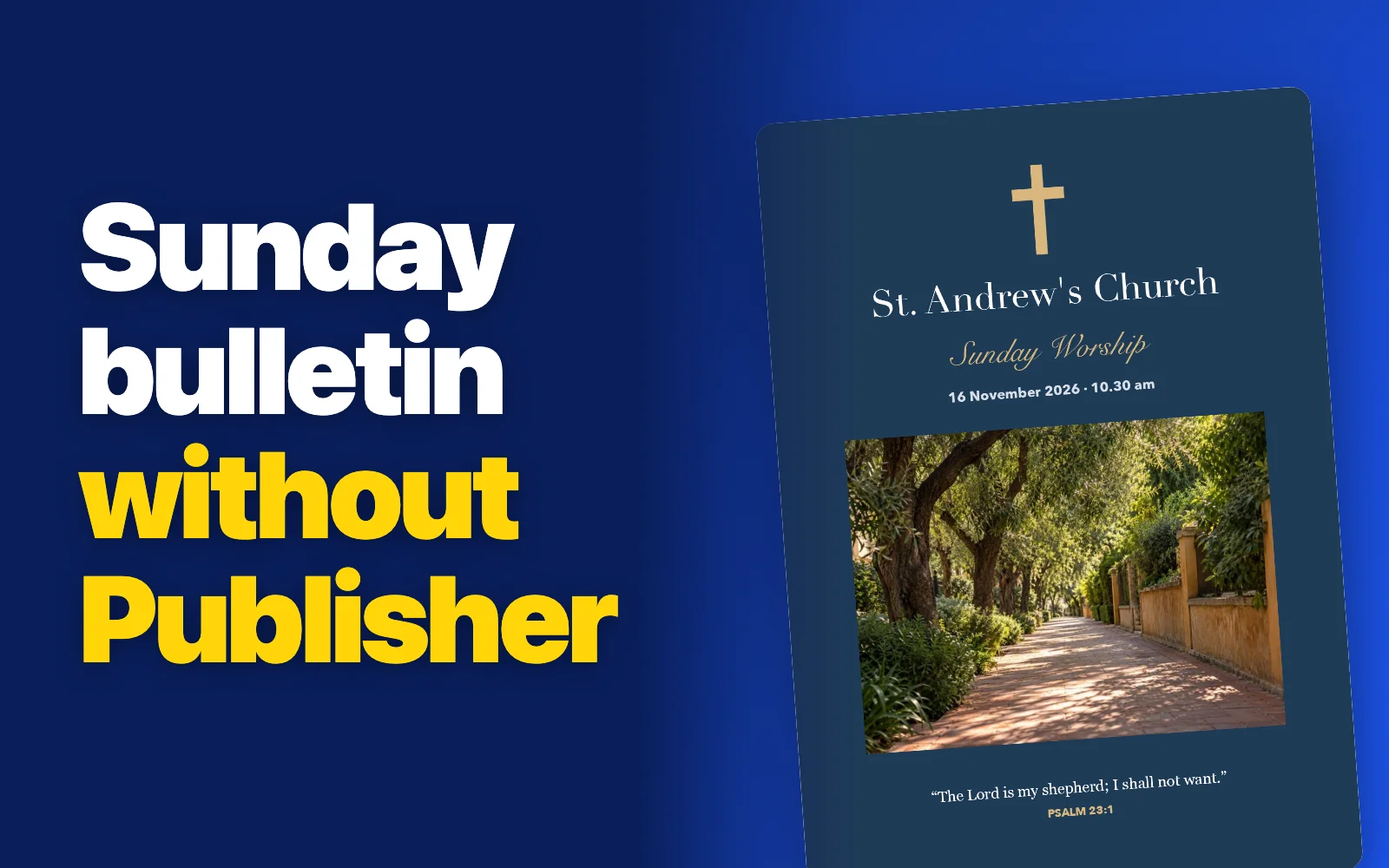
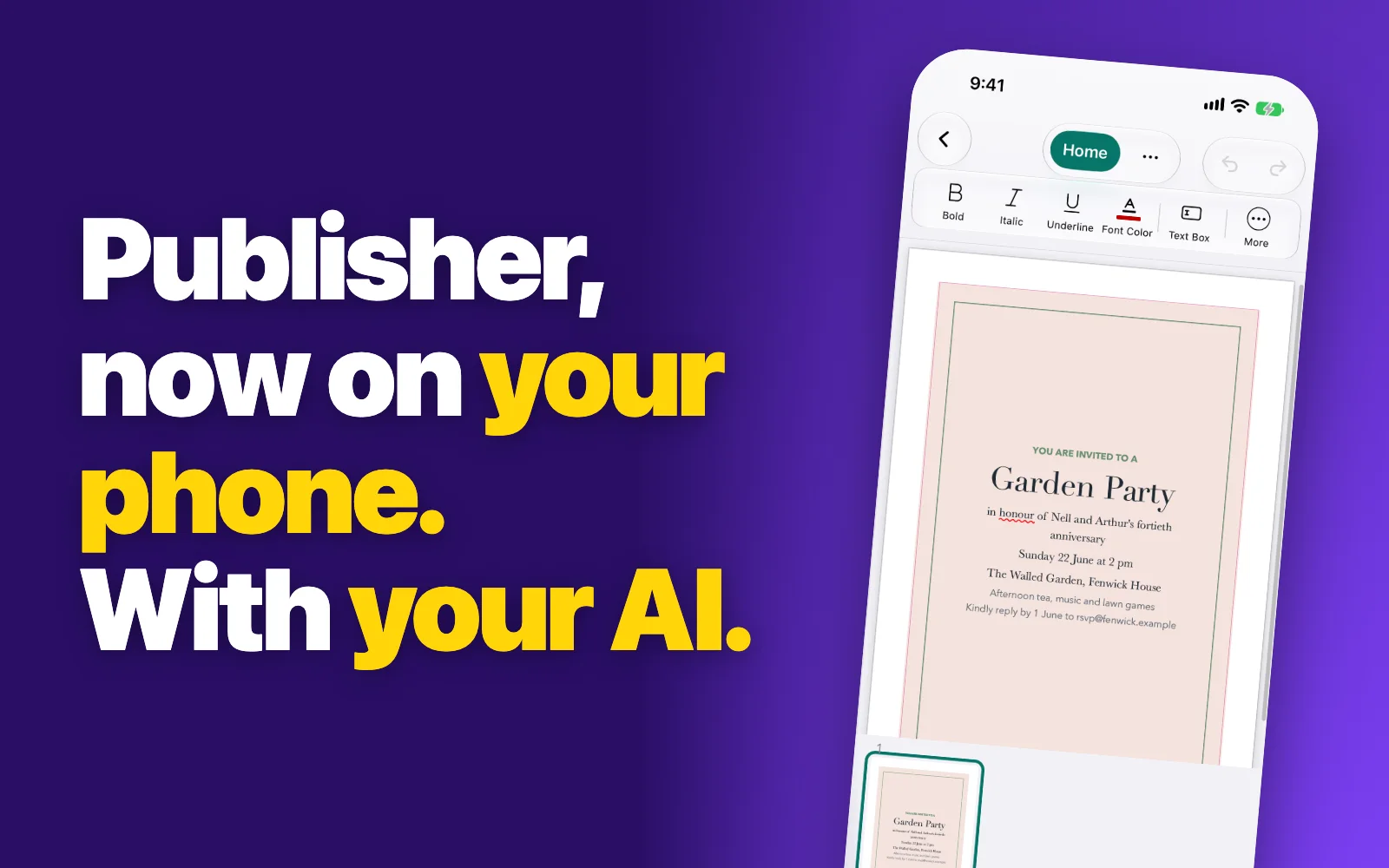
- It works on your phone and tablet. Publisher was tied to a Windows desktop. The Publish editor runs on iPhone, iPad and Android as well as Mac and Windows, so you can fix a date on Sunday's bulletin or swap a photo on a flyer from wherever you are, then print or send the PDF.
- Your AI can do the layout. On a Mac, connect Claude, ChatGPT, Codex, Cursor or another app that supports MCP, and ask it for "a one-page flyer for the spring fair on 14 May, in the school colors". It picks a starter design, fills in the text, runs the design check and leaves a publication you can edit. On Mac, iPhone and iPad, AI Chat sits on the Home tab of the editor and works with your own API key. See how to connect your AI app.
LibreOffice Draw
LibreOffice is free and open source. Draw imports files from Publisher 98 to 2010 and opens them as drawings you can edit and export to PDF.
Limits: Draw is a drawing program, so linked text boxes, mail merge and booklet printing are not what it is built for. It does not save .pub.
Best for: a one-off look at an older file, at no cost, on Windows, Mac or Linux.
Affinity
Affinity is a professional design app. It says it imports .pub files directly, and cautions that layout may shift and tables may arrive as text.
Limits: it is made for designers. A volunteer who updated a bulletin in Publisher will face a learning curve.
Best for: a design team that inherited Publisher files and wants professional tools.
Canva
Canva is an online design tool with a very large template library, and it is easy to start with.
Limits: its list of upload formats does not include .pub, so existing publications have to be rebuilt. It works online, and precise print layout, linked text boxes and mail merge are not its focus.
Best for: new social posts, posters and flyers when you have no old files to bring along.
Microsoft Word
Microsoft points Publisher users to Word, and for a letterhead, a simple flyer or labels it is enough.
Limits: Word cannot open .pub files. Text flows from the top of the page, so placing boxes freely, as Publisher did, means fighting the layout.
Best for: publications that were really documents.
Adobe InDesign
InDesign is the standard tool in professional publishing.
Limits: it does not open .pub files, it takes real training, and it is sold by subscription.
Best for: professional designers producing magazines, books and brand work.
Which one should I pick?
- You have
.pubfiles and want to keep working the way you did: Mobeera Office. - You have one old file and want a quick free look: LibreOffice Draw.
- You have a designer on staff: Affinity or InDesign.
- You are starting fresh and mostly post online: Canva.
- Your publications are letters and forms: Word.
Common questions
Is there a free replacement for Publisher?
LibreOffice Draw is free. Canva has a free plan. Mobeera Office opens and shows publications for free and charges once to edit.
Is there a Publisher replacement for Mac?
Yes. Mobeera Office, LibreOffice and Affinity all run on a Mac. Publisher itself never did.
Which alternative is closest to Publisher?
Among the apps here, Mobeera Office follows Publisher's way of working most closely: the same kind of tabs, linked text boxes, master pages and mail merge.
Can any of them save a .pub file?
No. Only Publisher wrote the format.
Can an AI assistant make a publication for me?
On a Mac, an AI app connected to Mobeera Office can create a publication from a starter design and lay it out. See how to connect your AI app.