How to open a .pub file on Mac, iPhone and iPad
Microsoft never made Publisher for Mac, iPhone or iPad. Here is how to open a Publisher .pub file on Apple devices, read it for free, and keep editing it.
Direct answer
How do I open a Publisher .pub file on a Mac, iPhone or iPad?
Microsoft never made Publisher for Apple devices, so use an app that reads .pub files. On a Mac, right-click the file, choose Open With and pick Mobeera Office. On iPhone or iPad, save the file to the Files app, then tap Open on the Home tab of Mobeera Office. The publication opens as an editable copy and the original file is not changed. Reading is free.
Someone sent you a .pub file and your Mac, iPhone or iPad does not know what to do with it. That is normal. Publisher was a Windows program, Microsoft never made it for Apple devices, and it was retired in October 2026. You can still open the file.
Why won't my Mac open a .pub file?
macOS has no built-in app for the Publisher format. Preview, Pages and Word for Mac do not read it, so double-clicking the file does nothing useful until you install an app that does.
How do I open a .pub file on a Mac?
- Install Mobeera Office from the Mac App Store. It is free to download.
- In Finder, right-click the
.pubfile, choose Open With and pick Mobeera Office. - The file opens in the Publish editor as a new publication with the same name.
Mobeera Office keeps that publication in My Files in its own .mpub format. The .pub you received stays as it was.
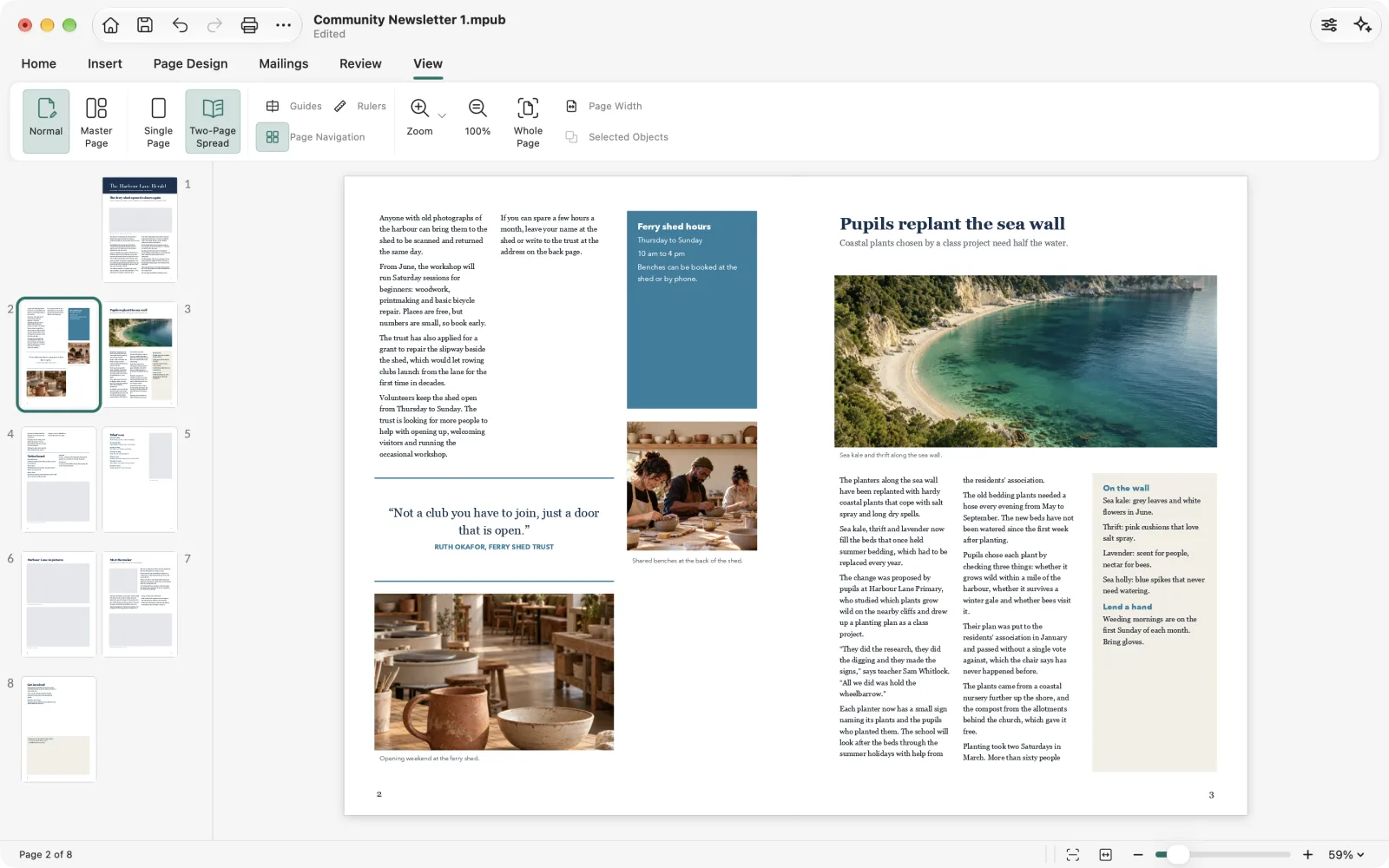
Use the View tab to look around: Single Page or Two-Page Spread, Whole Page, Page Width, and Page Navigation for thumbnails.
How do I open a .pub file on iPhone or iPad?
- Save the file where you can find it. In Mail or Messages, touch and hold the attachment and choose Save to Files.
- Open Mobeera Office and tap Open on the Home tab.
- Choose the
.pubfile.
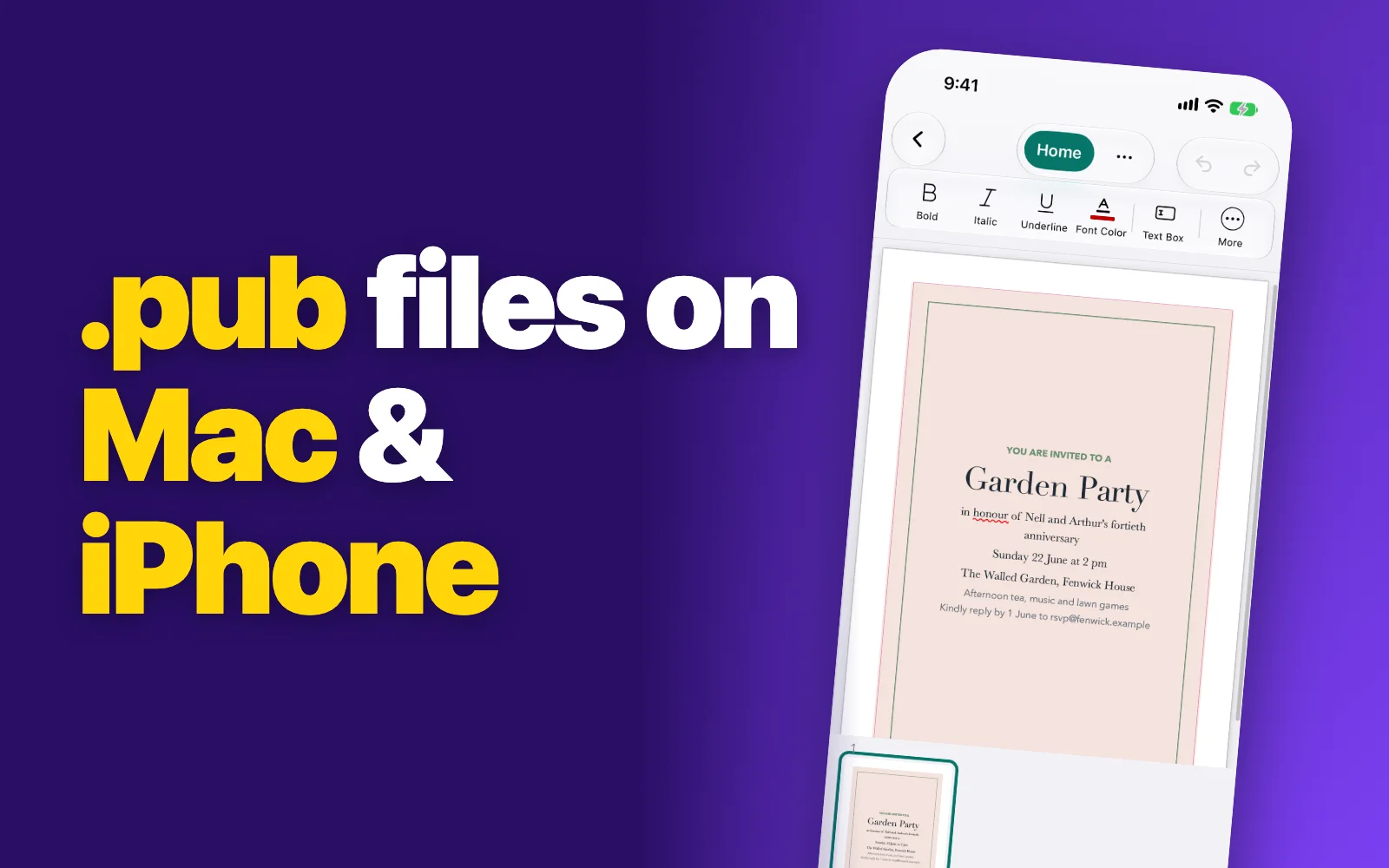
The publication opens as an editable copy, the same as on a Mac. Windows and Android open .pub files the same way. On iPhone the ribbon is a single row, with the rest of each tab under More.
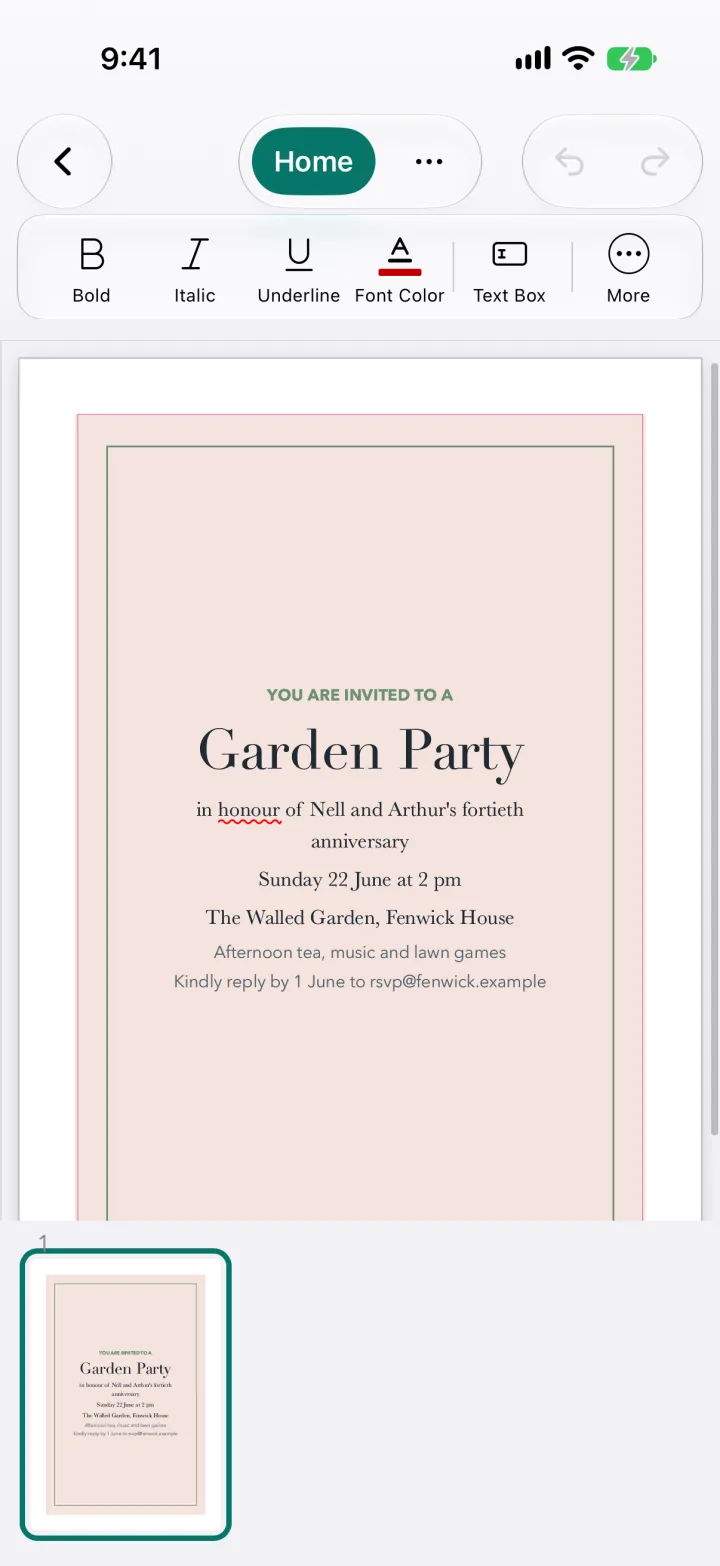
What can I do with it once it is open?
On the free plan you can read every page. With lifetime access you can:
- edit text, pictures, tables and shapes;
- add, duplicate and delete pages;
- print, including booklets and both sides of the sheet;
- choose Export as PDF… to send a copy anyone can open.
See how to edit a .pub file without Publisher for the steps.
Is there another way on a Mac?
LibreOffice is free and its Draw app opens files from Publisher 98 to 2010 as drawings. It is a reasonable choice for a one-off look at an older file. It has no iPhone or iPad version.
Common questions
Can I open a .pub file in Pages or Preview?
No. Neither reads the Publisher format.
Can I open a .pub file in Word for Mac?
No. Word does not open .pub files on Mac or Windows.
The fonts look wrong. What happened?
The file uses a Windows font your Apple device does not have, so a substitute is drawn. Fonts embedded in the Publisher file are carried over. In Mobeera Office, Review → Design Checker lists each missing font so you can replace it.
Can I send the file back as .pub?
No. Only Publisher wrote .pub files. Send a PDF for reading and printing. If the other person will keep editing, they can open your .mpub in Mobeera Office.