How to convert a .pub file to PDF without Microsoft Publisher
Convert Publisher .pub files to PDF without Publisher: one file at a time, or a whole folder at once from Finder on a Mac. Plus what Microsoft's own script needs.
Direct answer
How do I convert a .pub file to PDF without Microsoft Publisher?
Open the .pub file in an app that reads the Publisher format and export a PDF from there. In Mobeera Office, open the file and choose Export as PDF. On a Mac you can also select many .pub files in Finder, right-click, and choose Convert to PDF with Mobeera Office to convert them together. LibreOffice Draw exports PDF from older Publisher files. Microsoft's bulk script only works on a computer with Publisher installed.
A PDF is the safest long-term copy of a Publisher file. It opens on every device, prints the same everywhere and does not depend on a retired program. Microsoft's own advice before the retirement was to convert publications to PDF. This guide covers how to do that now, without Publisher.
Why convert .pub files to PDF?
- To archive. Old newsletters, programs and certificates you want to keep readable.
- To print. Print shops and office printers take PDF.
- To share. The person you send it to needs nothing special to open it.
A PDF is not a way to keep editing. If you still update a publication, keep an editable copy too. See how to edit a .pub file without Publisher.
Does Microsoft's conversion script work without Publisher?
No. Microsoft published a PowerShell script, Convert-PubFileToPDF.ps1, that converts a folder of .pub files. It drives Publisher itself, so it only runs on a Windows computer with a licensed copy of Publisher installed. If you have a one-time version such as Publisher 2019 or 2021 still installed, it is a good option. Without Publisher it does nothing.
How do I convert one .pub file to PDF?
In Mobeera Office on a Mac:
- Right-click the
.pubfile in Finder, choose Open With and pick Mobeera Office. - Look through the pages. If a font is missing, the text may have reflowed; Review → Design Checker lists what to fix.
- Choose File → Export as PDF….
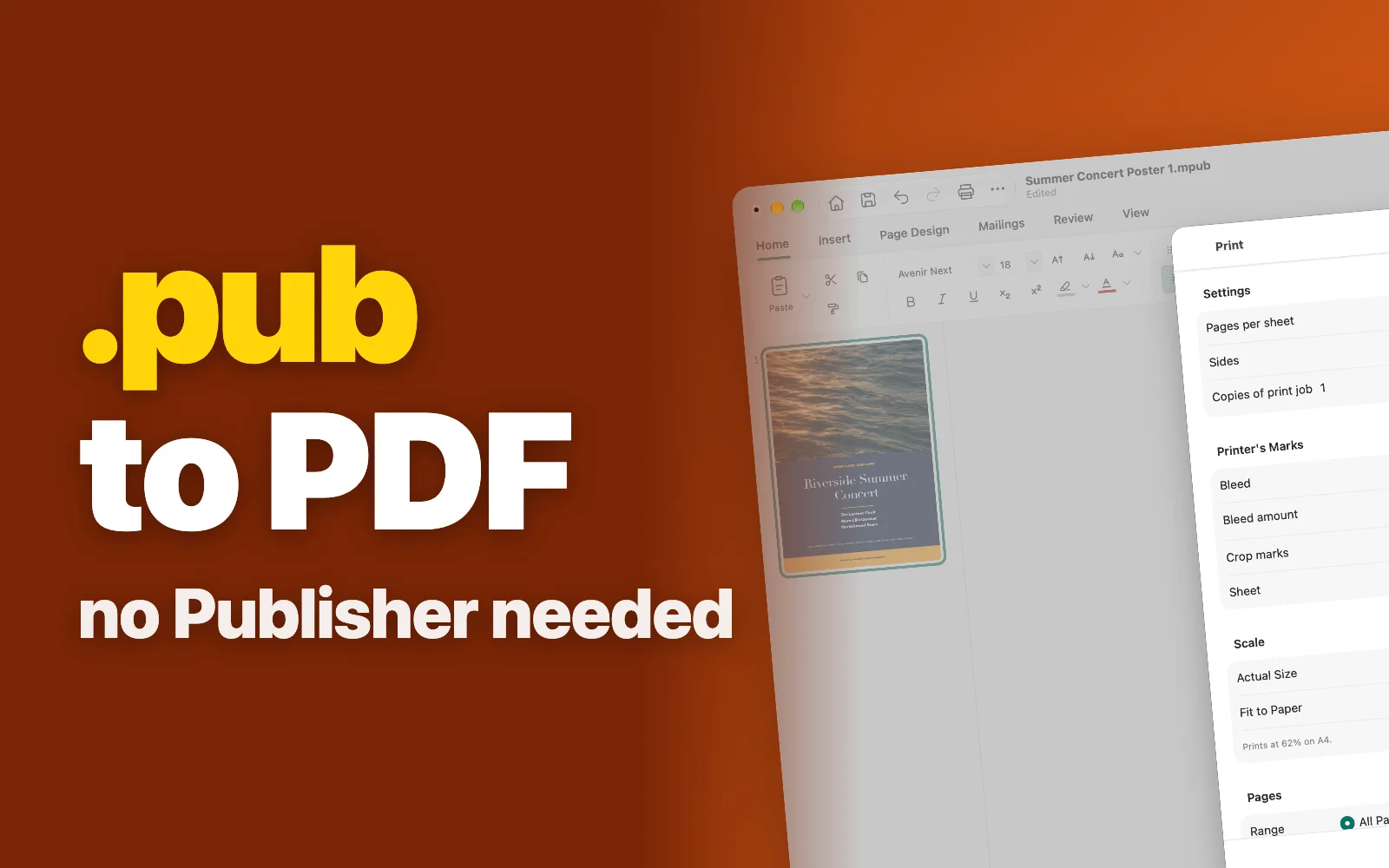
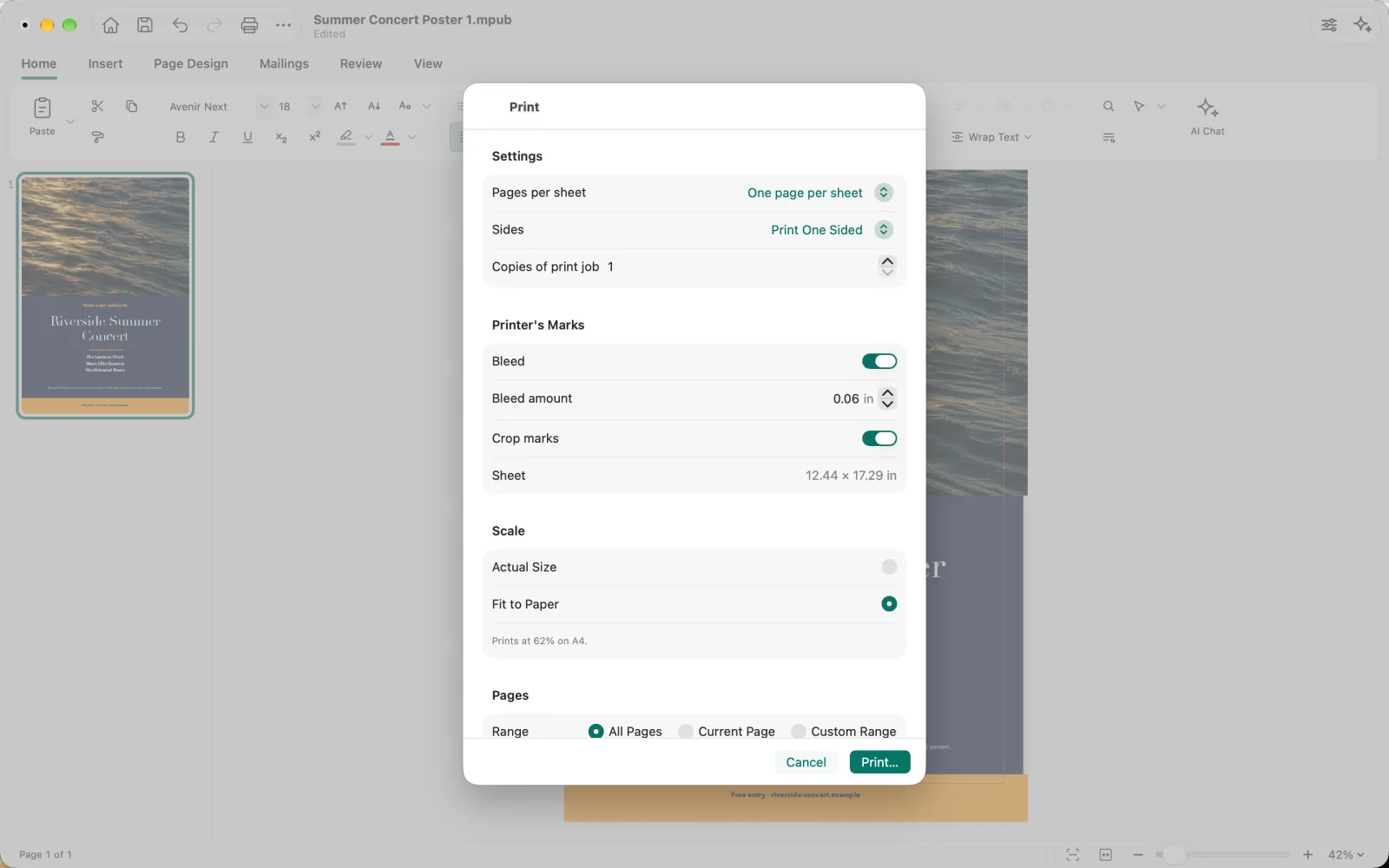
- Pick a preset: Minimum Size for email, Standard for everyday use, High Quality Printing for a good office or home printer, or Commercial Press for a print shop, with bleed and crop marks.
- Save the PDF.
On iPhone or iPad, open the file, tap the More options button, choose Document, then Export as PDF….
Exporting a publication to PDF needs lifetime access. Opening the file to check how it looks is free.
How do I convert many .pub files at once on a Mac?
Mobeera Office adds conversion commands to Finder.
- In Finder, select the
.pubfiles. Hold Command to select several, or press Command-A for a whole folder. - Right-click the selection and open Services (it may be under Quick Actions).
- Choose Convert to PDF with Mobeera Office.
- Choose the folder for the PDFs.
Each file is converted without changing the original. The same menu has Convert to PNG with Mobeera Office and Convert to JPEG with Mobeera Office when you need pictures of the pages.
Open a few of the PDFs afterwards, especially files that use unusual fonts, and compare them with a printed copy if you have one.
Can LibreOffice convert .pub to PDF?
Yes, for files from Publisher 98 to 2010. Open the file in LibreOffice Draw and choose File → Export as PDF. LibreOffice is free and runs on Windows, Mac and Linux. Check each page, because the file opens as a drawing and text can shift.
Are online converters a good idea?
They work for a flyer with nothing private in it. Think twice before uploading member lists, pupil names, donor letters or anything else that should not leave your computer. Converting on your own device avoids the question.
Common questions
Will the PDF look exactly like the original?
It will match what you see on screen after opening the file. Differences from the original nearly always come from fonts that are not installed on your device.
Can I turn the PDF back into an editable publication?
Not well. A PDF holds positioned text and pictures, not linked text boxes or master pages. Keep the .pub file and open that when you need to edit.
Should I delete the .pub files after converting?
No. They are small, and they are the only editable original you have.