How to open a .pub file without Microsoft Publisher
Four ways to open a Publisher .pub file now that Publisher is retired: Mobeera Office, LibreOffice Draw, Affinity, or a PDF from someone who still has Publisher.
Direct answer
How do I open a .pub file without Microsoft Publisher?
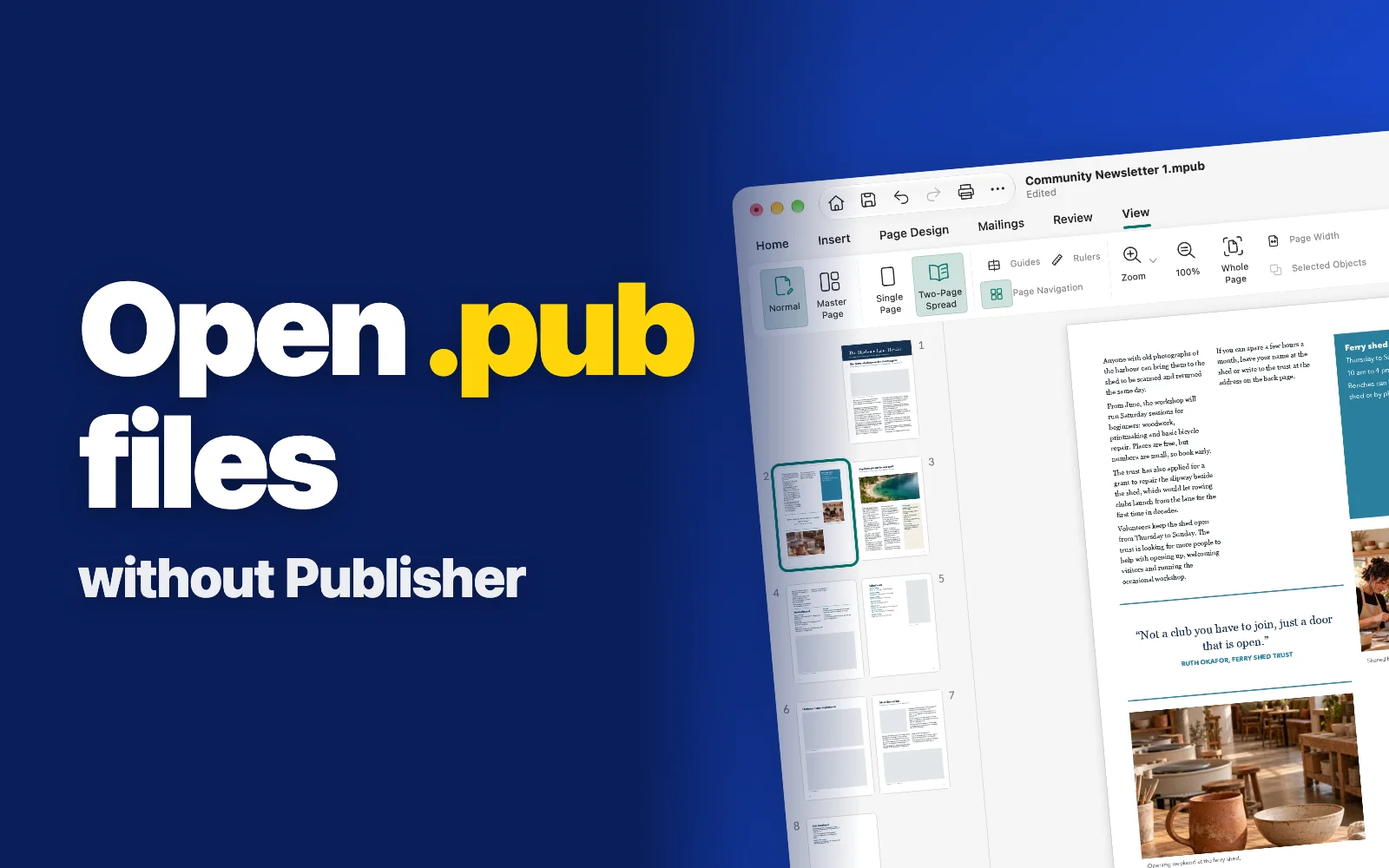
Open it in an app that reads the Publisher format. Mobeera Office opens .pub files on Mac, Windows, iPhone, iPad and Android and keeps the text, tables and pictures editable; opening and reading is free. LibreOffice Draw opens files from Publisher 98 to 2010 on Windows, Mac and Linux. Affinity imports .pub too. If you only need to read or print, ask the sender for a PDF.
You do not need Microsoft Publisher to open a .pub file. Publisher was retired in October 2026, but several apps read its format. Which one to use depends on your device and on whether you want to edit the file or only read it.
What is a .pub file?
A .pub file is a Microsoft Publisher publication: a page layout made of text boxes, pictures, tables and shapes, often for a newsletter, flyer, bulletin, brochure or label sheet. It is a different format from a Word document, which is why Word cannot open it.
Which way should I use?
| Way | Devices | Can you edit? | Cost |
|---|---|---|---|
| Mobeera Office | Mac, Windows, iPhone, iPad, Android | Yes, as a page layout | Free to open and read; editing needs lifetime access |
| LibreOffice Draw | Windows, Mac, Linux | Yes, as a drawing | Free |
| Affinity | Windows, Mac | Yes | See Affinity's site |
| Ask the sender for a PDF | Any | No | Free |
1. How do I open a .pub file in Mobeera Office?
Mobeera Office has a Publish editor that reads Publisher files on Mac, Windows, iPhone, iPad and Android.
On a Mac:
- Install Mobeera Office from the Mac App Store.
- In Finder, right-click the
.pubfile and choose Open With, then Mobeera Office. You can also drag the file onto the app's icon in the Dock. - The app reads the file and opens it as a new publication with the same name.
On iPhone or iPad:
- Save the file to the Files app. In Mail, touch and hold the attachment and choose Save to Files.
- Open Mobeera Office, tap Open on the Home tab and choose the file.
The publication that opens is a copy in Mobeera's own .mpub format, kept in My Files. Your original .pub is not changed.
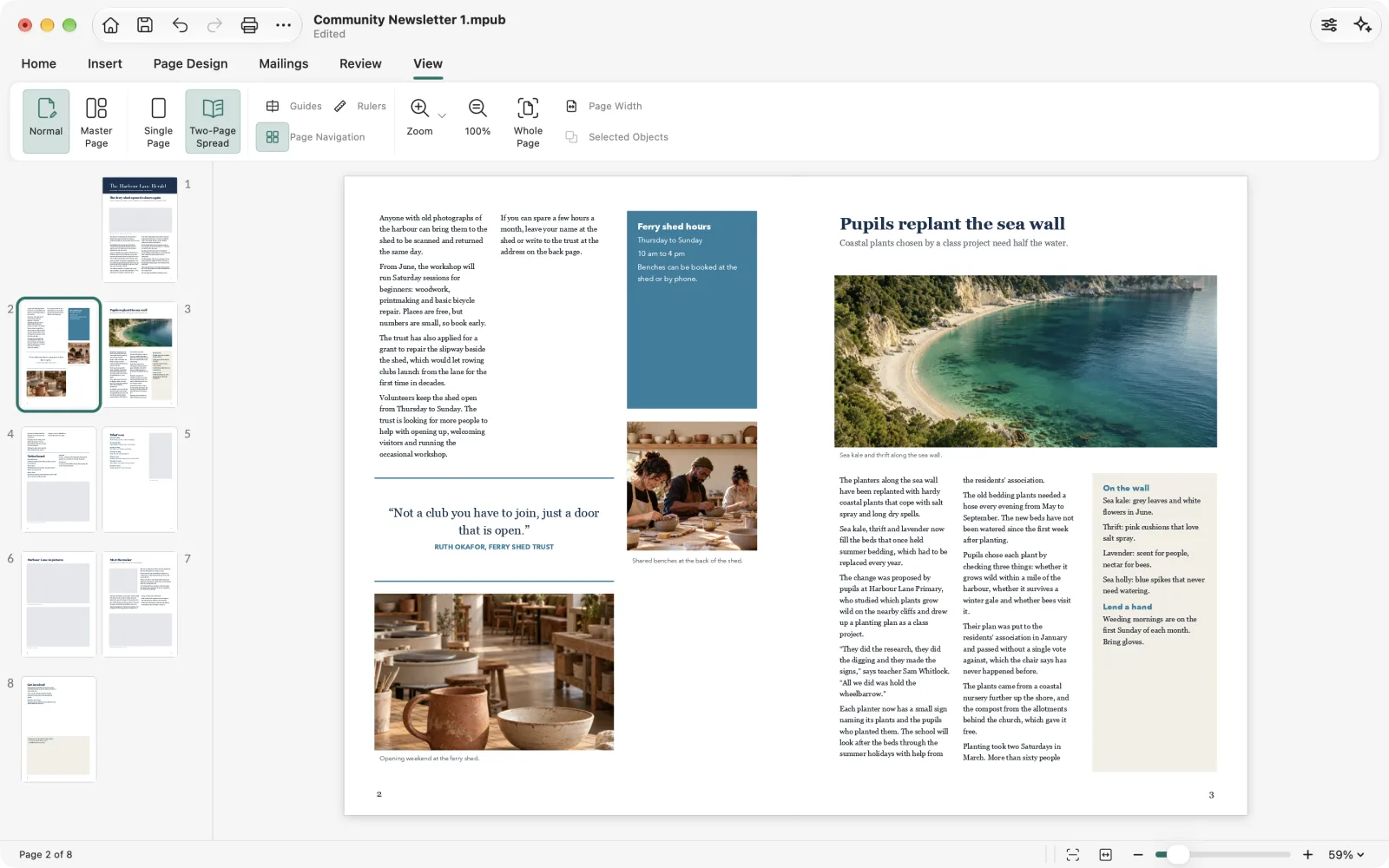
What is kept: pages, formatted text in text boxes, linked text boxes, tables with merged cells, pictures, shapes, gradients, master pages, groups, WordArt and embedded fonts. If something could not be carried over exactly, such as an unusual shadow, the app shows a short notice after opening so you know where to look.
On the free plan a publication opens for reading. Editing, printing and PDF export need lifetime access.
2. How do I open a .pub file in LibreOffice Draw?
LibreOffice is free for Windows, Mac and Linux. Its Draw app lists an import filter for Microsoft Publisher 98 to 2010.
- Install LibreOffice and open Draw.
- Choose File → Open and select the
.pubfile.
The file opens as a drawing. You can read it, change it and export a PDF. Draw is a drawing program, so tools that Publisher users rely on, such as text flowing from one linked box to the next, mail merge and booklet printing, work differently or are not there. It cannot save back to .pub.
3. Can Affinity open a .pub file?
Affinity says it imports .pub files directly, with the caution that layout can shift and tables may arrive as text. It is a professional design app, so expect to spend time learning it. It does not save back to .pub.
4. What if I only need to read or print it?
Ask whoever made the file to send a PDF. Anyone with a working copy of Publisher can choose File → Export → Create PDF/XPS Document. A PDF opens on every device and prints the same everywhere, but you cannot edit the layout.
What does not open .pub files?
Microsoft Word, PowerPoint, Apple Pages, Canva and Adobe InDesign do not open .pub files. See which apps can open .pub files for details.
Common questions
Is there a free .pub viewer?
Yes. Mobeera Office opens and shows .pub files on its free plan, and LibreOffice Draw is free for files from Publisher 98 to 2010.
Why does my .pub file look different after opening?
The most common cause is a font that is on the original computer and not on yours. The app draws a substitute and the text reflows. Install the font, or choose a new one and adjust the text boxes.
Which Publisher versions are supported in Mobeera Office?
The importer is tested with files saved by Publisher 98, 2000, 2003, 2007 and 2010. Opening is free, so the quickest check for any file is to open it.
Can I save back to .pub?
No app other than Publisher writes .pub. Mobeera Office saves a .mpub publication and exports PDF and pictures.