How to convert Excel to PDF on iPhone, iPad and Mac
Turn an XLSX spreadsheet into a PDF on iPhone, iPad or Mac without Excel: export one sheet, the whole workbook or a selection, and stop columns spilling onto extra pages.
Direct answer
How do I convert an Excel spreadsheet to PDF on an iPhone, iPad or Mac?
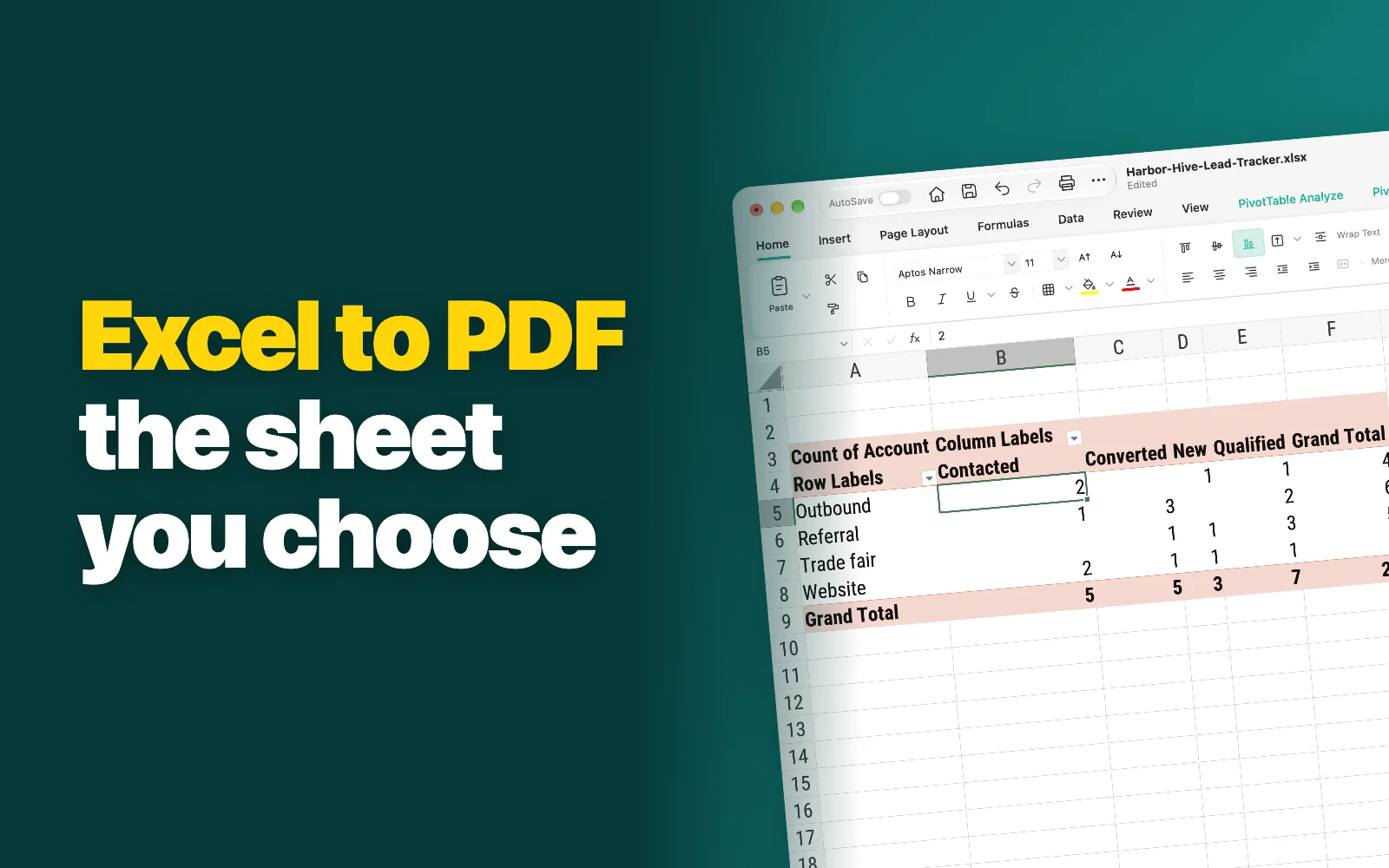
Open the workbook in an app that reads XLSX and export a PDF. In Mobeera Office on Mac, choose File, then Export as PDF. On iPhone and iPad, tap the More options button, choose Document, then Export as PDF. Choose the active sheet, the entire workbook, a selection or a table. Set the orientation and print area on the Page Layout tab first, so columns are not cut onto extra pages.
A spreadsheet has no pages until you print it, which is why Excel-to-PDF goes wrong more often than Word-to-PDF. The usual complaint is one lonely column on page two. The fix is to decide what goes on the page before you export.
Convert on a Mac
- Open the workbook in Mobeera Office. Right-click the
.xlsxin Finder and choose Open With, or use Open File… on the app's Home screen. - Open the sheet you want to send.
- Choose File → Export as PDF….
- Under Publish what, choose Active Sheet, Entire Workbook, Selection or Table.
- Export and choose where to save.
Convert on iPhone and iPad
- Open Mobeera Office (named Office on the Home Screen), tap Open and choose the workbook.
- Tap the … button (More options).
- Choose Document, then Export as PDF….
- Choose what to publish, then export and save or share the PDF.
What to publish
| Choose | The PDF contains | Use it for |
|---|---|---|
| Active Sheet | The sheet you are looking at | A single report or invoice |
| Entire Workbook | Every sheet, one after another | Handing over the full file to read |
| Selection | Only the cells you selected | One table out of a busy sheet |
| Table | The table your cursor is in | A list formatted as a table |
Page range limits the export to certain pages. Ignore print areas exports the whole sheet even when a print area is set.
Stop columns spilling onto extra pages
Do this before you export. The settings are on the Page Layout tab.
- Turn the page. Set Orientation to landscape for a wide table.
- Set a print area. Select the cells that matter and set them as the print area, so notes and helper columns off to the side stay out of the PDF.
- Narrow the margins.
- Select and export. For one table, select it and export with Selection. This is often the quickest route to a clean single page.
Then export and look at the page count. If one column still lands on its own page, narrow a column or two, or reduce the font size by a point, and export again.
What is free
Mobeera Office is free to download and opens the whole workbook for reading. Exporting a workbook as a PDF needs a yearly plan or lifetime access.
Without installing anything
Numbers opens an Excel file and exports a PDF: on a Mac, File → Export To → PDF; on iPhone and iPad, Share → Export and Send → PDF. Numbers converts the workbook to its own tables first, so compare totals and formatting with the original. Apple's conversion guide has the details.
Check the PDF before you send it
- Count the pages. One more than you expected means a column or row spilled.
- Look for
#####in cells. The column was too narrow for the number when it was exported; widen it and export again. - Compare the totals with the workbook.
- Make sure hidden sheets or working notes did not come along with Entire Workbook.
Common questions
Do formulas work in the PDF?
No. The PDF shows the results as they were at export. Send the .xlsx when the other person needs to change numbers.
Why is my PDF dozens of pages long?
A stray value or formatting far to the right or far down makes the sheet much larger than it looks. Set a print area, or select the real table and export Selection.
Can I convert a CSV file?
Yes. A .csv opens as a sheet. Widen the columns and add a header row, then export.
Can I convert an older .xls file?
Mobeera Office opens .xlsx, .xlsm, .csv and .tsv, not the older .xls. Open an .xls in Numbers and export from there, or ask for an .xlsx.