How to convert a Word document to PDF on iPhone, iPad and Mac
Turn a DOCX file into a PDF on iPhone, iPad or Mac without Word: the built-in ways, Export as PDF in Mobeera Office, and options for bookmarks, markup and a password.
Direct answer
How do I convert a Word document to PDF on an iPhone, iPad or Mac?
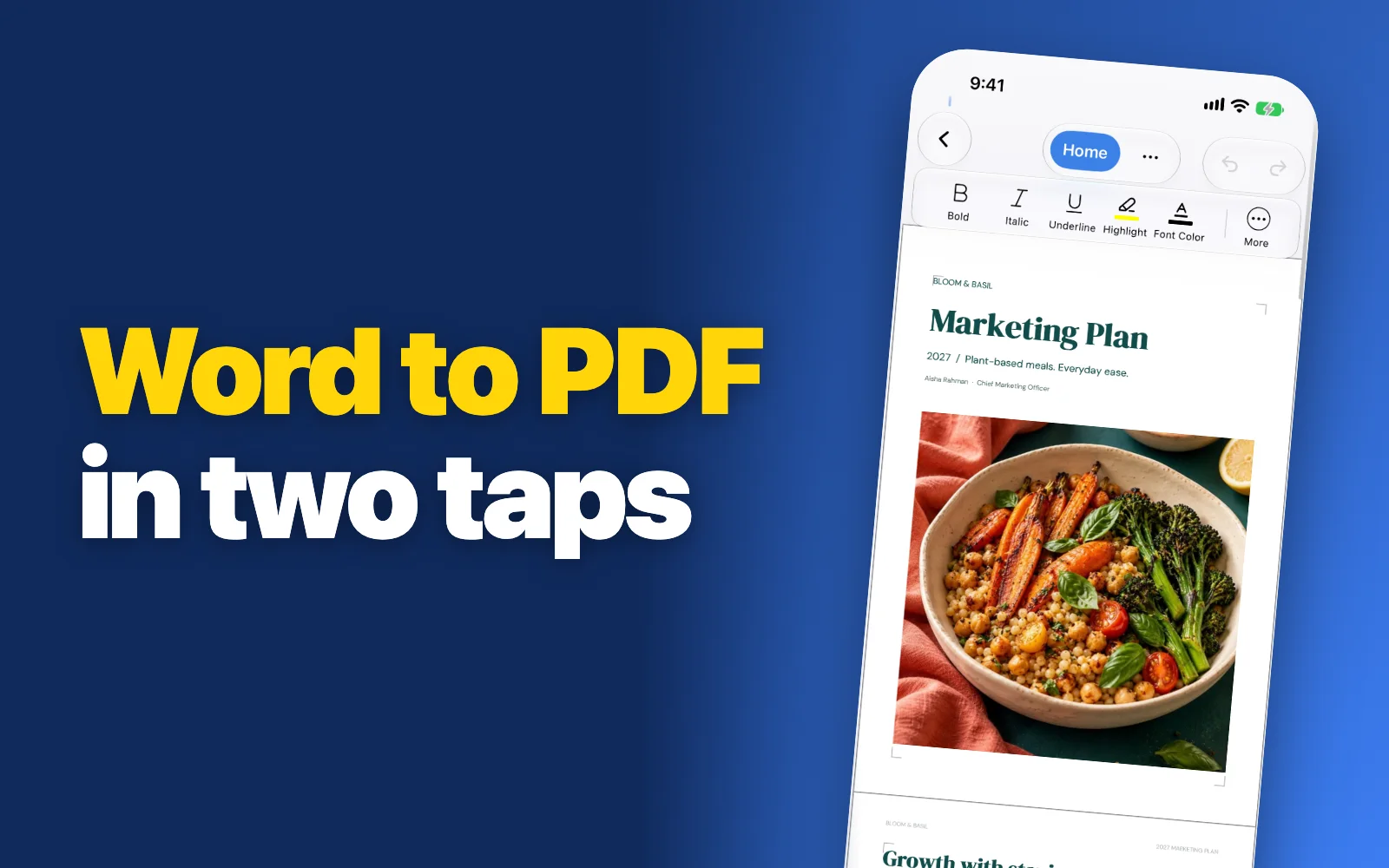
Open the Word document in an app that reads DOCX and export a PDF. In Mobeera Office on Mac, choose File, then Export as PDF. On iPhone and iPad, tap the More options button, choose Document, then Export as PDF. You can pick the pages, include tracked changes, make bookmarks from headings and set a password. Without an extra app, Pages can open the document and export a PDF, and on a Mac any app can print to PDF.
A PDF looks the same on every device, which is why people ask for one. Converting a Word document takes a minute. The part worth care is opening the document in an app that lays it out the way Word does, because the PDF freezes whatever that app shows.
Which way should I use?
| Where you are | Quickest way |
|---|---|
| Mac, with Mobeera Office | File → Export as PDF… |
| iPhone or iPad, with Mobeera Office | … → Document → Export as PDF… |
| Mac, no extra app | Open in Pages, then File → Export To → PDF |
| iPhone or iPad, no extra app | Open in Pages, then Share → Export and Send → PDF |
| Mac, without opening the file | Right-click → Services → Convert to PDF with Mobeera Office |
Convert on a Mac
- Open the document in Mobeera Office. Right-click the
.docxin Finder and choose Open With, or use Open File… on the app's Home screen. - Read through it once. Check page breaks, headers and footers, and any table that runs across pages.
- Choose File → Export as PDF….
- Set the options you need, then export and choose where to save.
For a file you do not need to look at first, right-click it in Finder, open Services (it may be under Quick Actions) and choose Convert to PDF with Mobeera Office. Pick the folder for the PDF and click Convert Here. The original file is not changed.
Convert on iPhone and iPad
- Open Mobeera Office (named Office on the Home Screen), tap Open and choose the Word file.
- Tap the … button (More options).
- Choose Document, then Export as PDF….
- Set the options, export, and save the PDF to Files or share it.
Options in the export dialog
- Page range: all pages, the current page, or a range.
- Publish what: the document as it would print, or the document showing markup, which keeps tracked changes and comments visible for a reviewer.
- Create bookmarks using headings: builds the PDF's outline from your heading styles, so readers can jump between sections.
- Encrypt the document with a password: the PDF asks for the password when opened.
- PDF/A compliant: an archival format some courts, universities and public bodies require.
Leave the options alone for an ordinary document. Turn on bookmarks for anything longer than a few pages.
What is free
Mobeera Office is free to download, and Export as PDF is free for documents of up to two pages, which covers most letters and one-page forms. Longer documents need a yearly plan or lifetime access.
Without installing anything
- Pages opens a Word document and exports a PDF. It converts the file to its own format first, so compare the result with the original; fonts and spacing can shift. Apple's conversion guide has the steps.
- Print to PDF on a Mac. In any app that can show the document, choose File → Print, then PDF → Save as PDF at the bottom of the dialog.
- Word for the web can download a PDF copy if you have a Microsoft account.
If you also work with PDFs, PDF Max has a Word → PDF tool on its Home screen that converts a file and saves the PDF, as part of Premium.
Check the PDF before you send it
- Open the PDF and count the pages. A different page count means the layout moved.
- Look at the last line of each page for a stray heading or a split table row.
- Confirm no tracked changes or comments are showing, unless you exported the markup on purpose.
- Tap a link and a table-of-contents entry to make sure they work.
Common questions
Will the PDF look exactly like the Word document?
It looks like the document did in the app that exported it. If a font is missing on your device, another is substituted before the PDF is made. Install the font or choose a common one first.
Can I convert a PDF back to Word?
Not cleanly. A PDF stores a finished page, not paragraphs and styles. Keep the Word file as your editable original.
Can I convert an older .doc file?
Yes. Mobeera Office opens .doc, .rtf and .odt files as a new .docx, and you export a PDF from there.
When should I send Word and when PDF?
Send Word when the other person will edit. Send PDF when they will read, print or sign. See PDF or Office file: when to use each.