How to open and edit an Excel spreadsheet on iPhone and iPad
Open an XLSX file on iPhone or iPad, change cells and formulas, sort and filter, and send back a working Excel file or a PDF. Steps and free limits explained.
Direct answer
How do I open and edit an Excel spreadsheet on my iPhone or iPad?
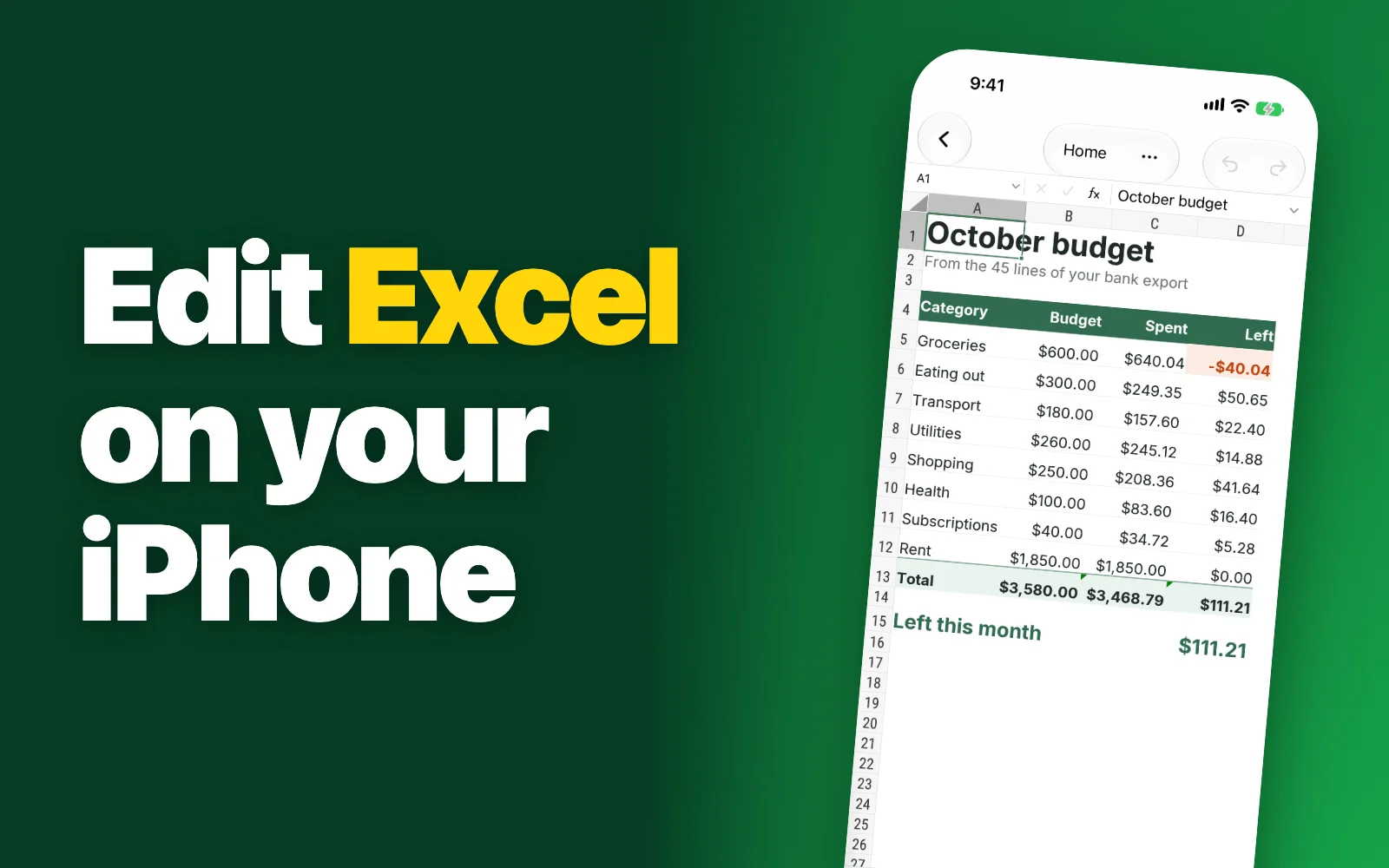
Save the Excel file to the Files app, then open it in an office app that edits XLSX. In Mobeera Office, tap Open on the Home tab and choose the file. Double-tap a cell to change it, and use the Formulas and Data tabs for functions, sorting and filters. Changes save automatically. To send it back, open the More options menu, choose Document, then Share for the Excel file or Export as PDF.
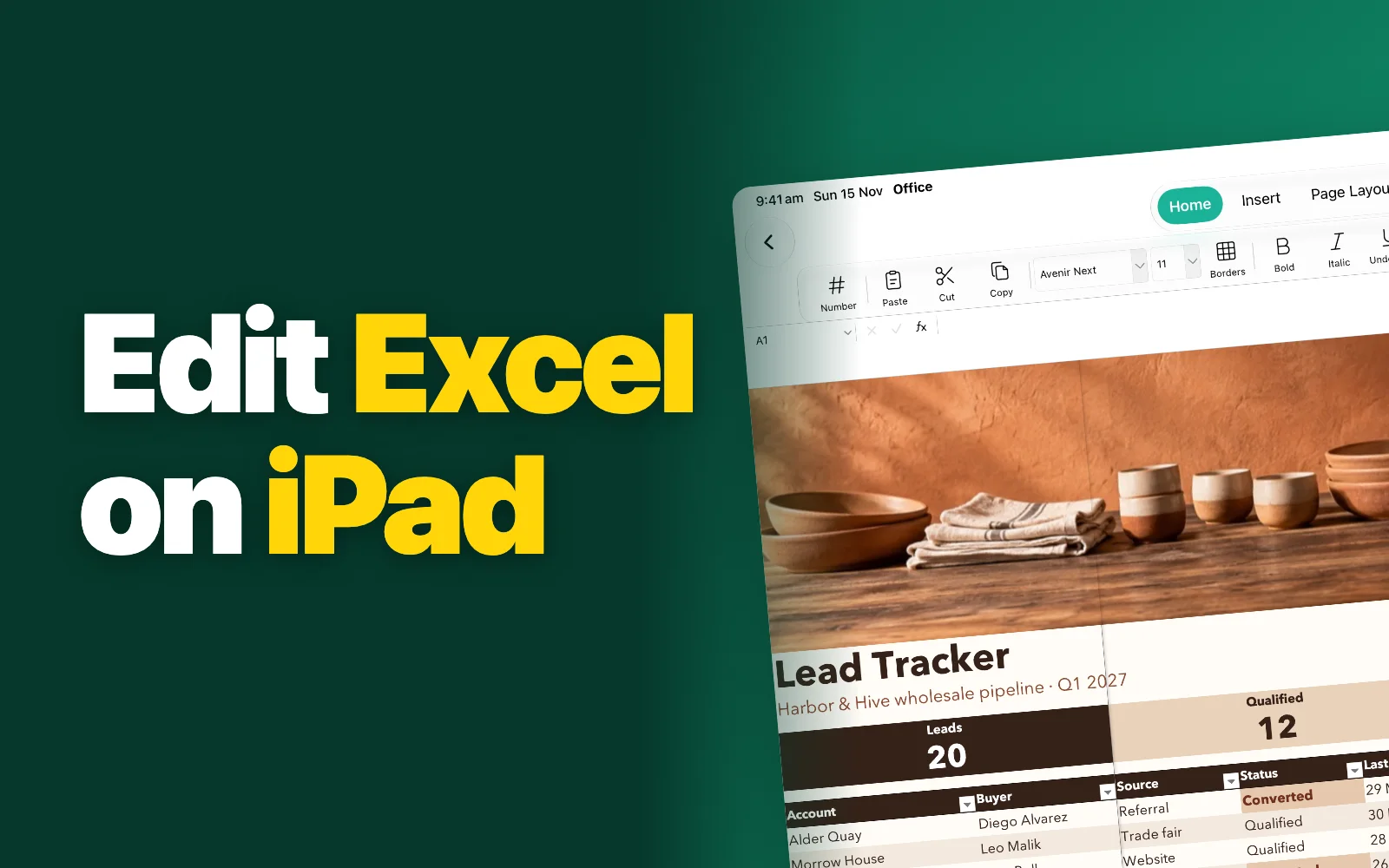
An Excel file opens and edits on an iPhone or iPad without being converted first. An .xlsx workbook opens directly in an office app that supports the format, with its sheets, formulas and charts, and you send back the same kind of file.
This guide uses Mobeera Office, which has spreadsheet, document, presentation and PDF editors in one app.
Before you start
- Install Mobeera Office from the App Store. On the Home Screen the app is named Office.
- Save the workbook where you can find it. In Mail or Messages, touch and hold the attachment and choose Save to Files.
- Mobeera Office is free to download. On the free plan you can edit the first 50 rows of a sheet; later rows open for reading. Lifetime access removes the limit.
1. Open the workbook
- Open Mobeera Office. You start on the Home tab.
- Tap Open.
- Find the Excel file and tap it.
You can also go to My Files, tap + and choose Open File…, or Import a Copy to leave the original untouched.
The sheet tabs are at the bottom of the screen. Tap one to switch sheets.
2. Change a cell
- Tap a cell to select it. Double-tap to edit what is in it.
- Type the new value and confirm. A formula that depends on the cell recalculates at once.
- Drag the selection handles to select a range.
Zoom in with two fingers before tapping in a dense sheet, so you land on the right cell.
3. Work with formulas
Start a formula with =, as in Excel: =SUM(B2:B13), =AVERAGE(C2:C20), =IF(D2>0,"Yes","No"). The Formulas tab lists functions by kind, which is quicker than typing a long name on a phone keyboard.
Before you change a number, tap the cell and read what it contains. If it starts with =, it is a formula; typing a number over it replaces the calculation for good.
4. Sort, filter and format
- Data has sorting and filters. Select a cell inside the table first so the whole table sorts together.
- Home has number formats (currency, percent, dates), fonts, fill color, borders and alignment.
- Insert adds charts, tables and pictures.
On a small screen, tap the … button (More options) to see every tab under Tabs.
5. Save and send it back
Auto-save is on by default, so edits are written to the file as you work. To keep the original and save yours under a new name, tap …, choose Document, then Save a Copy….
To send the result, tap …, choose Document, then:
- Share to send the Excel file by Mail, Messages or AirDrop. Send this when the other person needs to keep working in it.
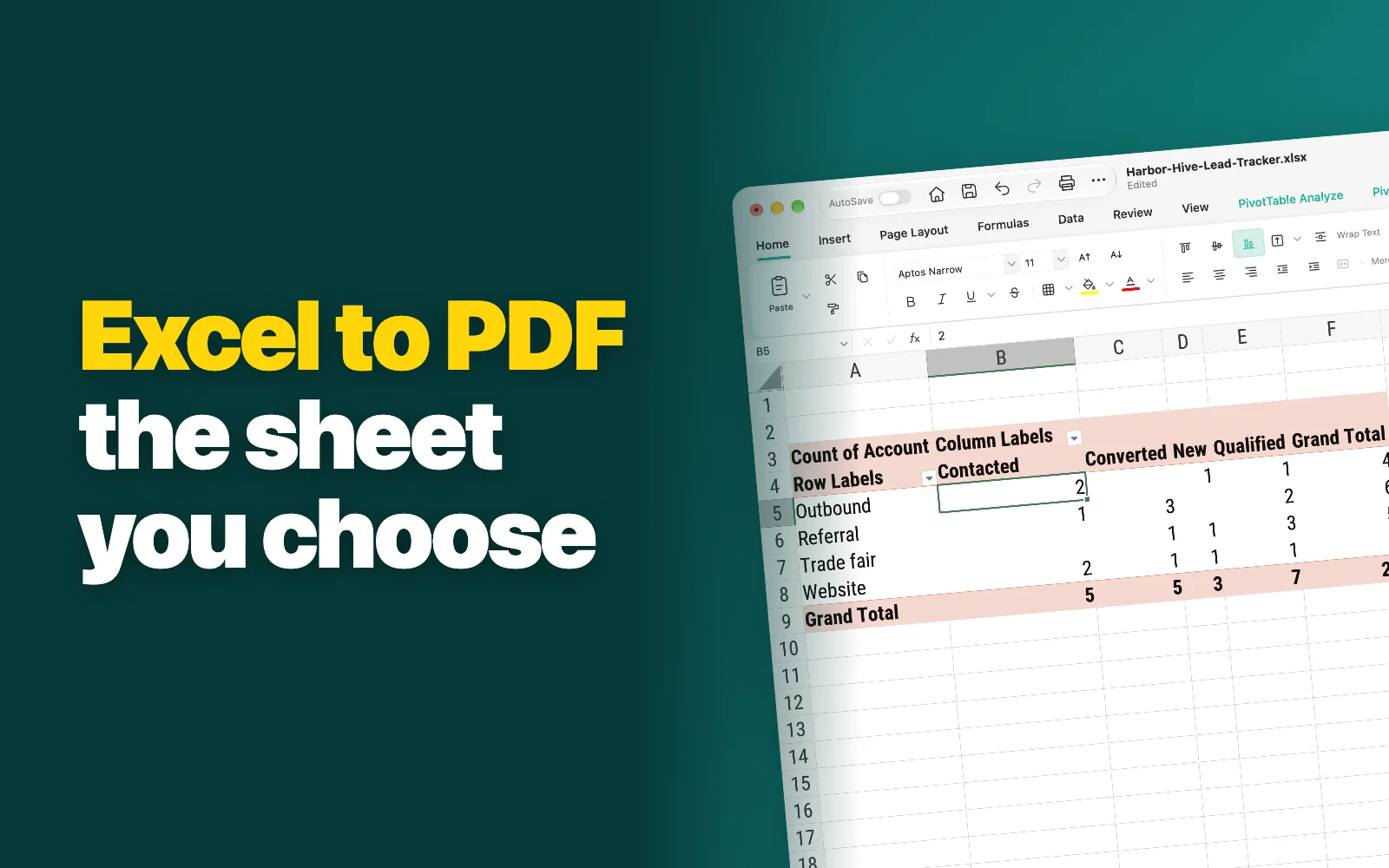
- Export as PDF… to send a fixed copy that looks the same everywhere.
Before you send, open the file once more from Recents and check the totals.
What about Apple Numbers?
Numbers is free and opens Excel files. It converts the workbook to its own format, so before sending it back you must export an Excel copy, and features Numbers does not have can be changed along the way. Apple describes the steps in its conversion guide. An app that edits .xlsx directly skips the conversion in both directions.
Common questions
Can I edit an Excel file on iPhone for free?
Yes, within limits. Mobeera Office edits the first 50 rows on the free plan. Numbers is free and works through conversion.
Will my formulas and charts still work?
Common formulas, formatting and charts open as they were made. Macros do not run. See what is tested and what still differs, and check an important workbook with the person you send it to.
Can I open a CSV file?
Yes. A .csv file opens as a sheet. Save it as an Excel workbook if you add formatting or formulas, because CSV keeps values only.
Can AI help with the spreadsheet?
Yes, if you want it to. AI Chat works with your own API key, added under Settings → AI Chat, and can explain a formula, find errors or build a summary. See how Mobeera Office works with AI.