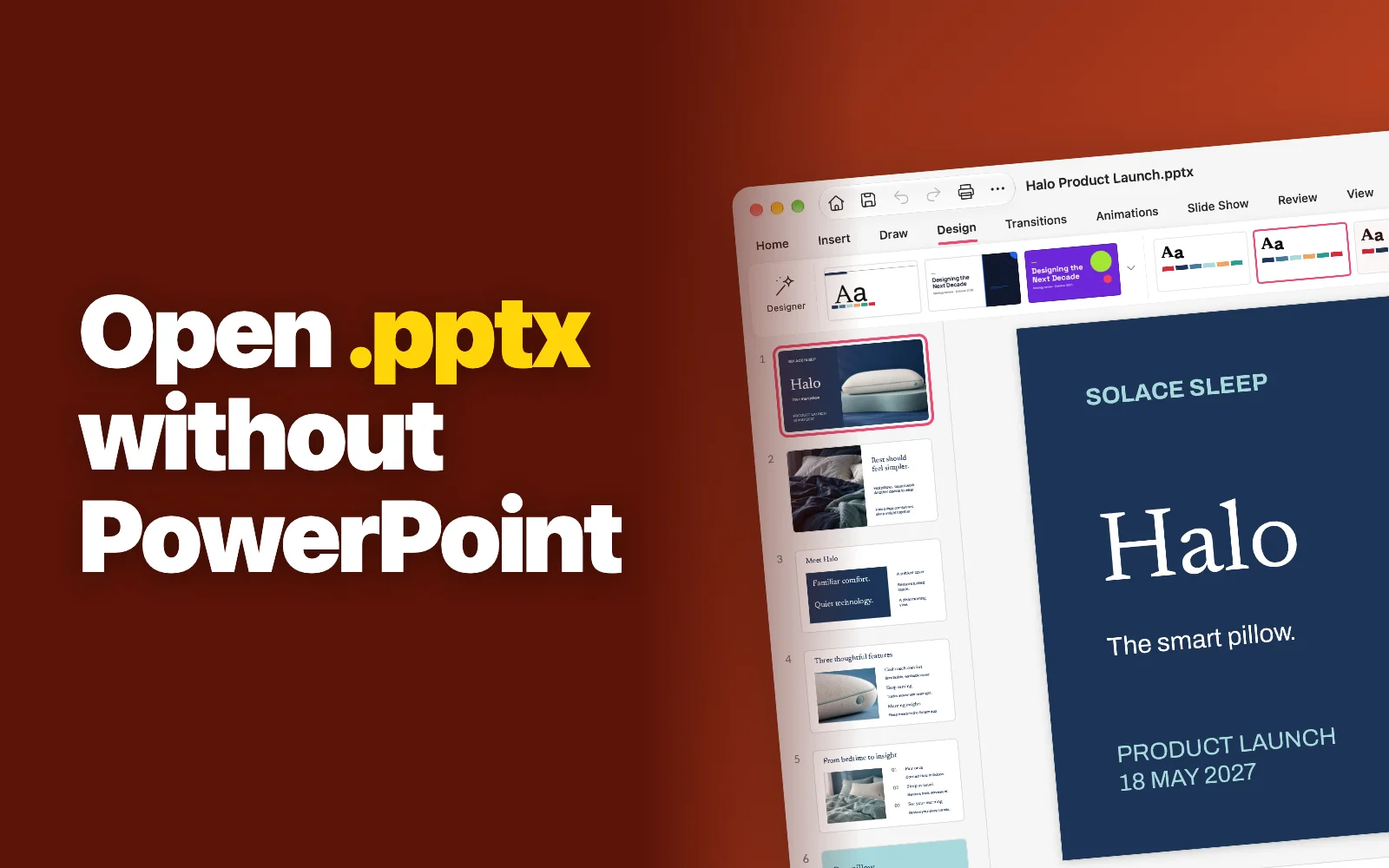
How to open and edit a PowerPoint on Windows without PowerPoint
Four ways to open, edit and present a PPTX file on a Windows PC without Microsoft PowerPoint or a Microsoft 365 subscription, with the trade-offs.
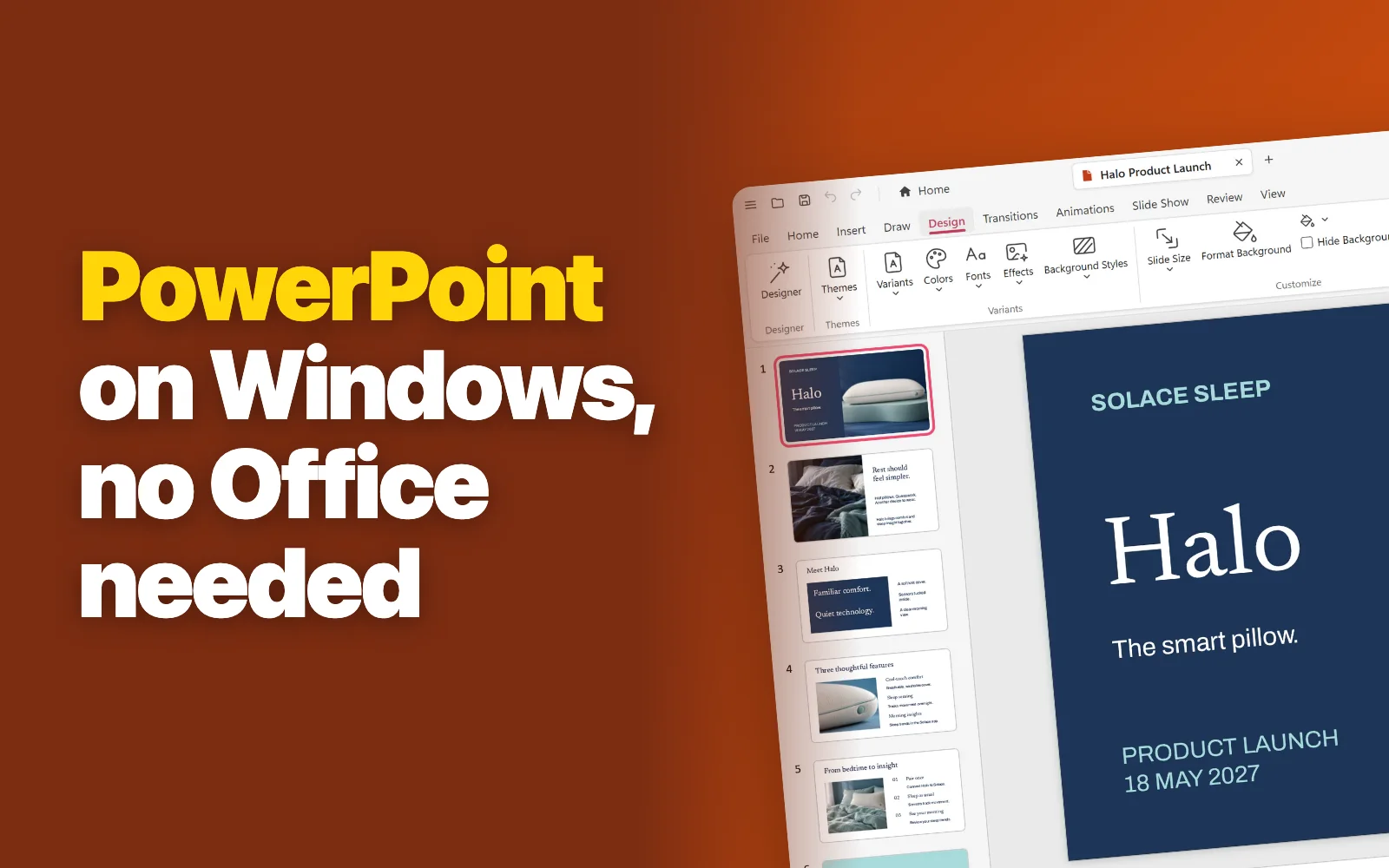
Direct answer
How do I open and edit a PowerPoint file on Windows without Microsoft PowerPoint?
Open the PPTX file in another presentation app. PowerPoint for the web is free with a Microsoft account and keeps the file in OneDrive. Google Slides edits PowerPoint files in a browser. LibreOffice Impress is a free desktop app that saves PowerPoint format if you choose it. Mobeera Office opens and saves PPTX directly on your PC: choose Open File on its Home screen, edit the slides, then press Ctrl+S. Play the slide show once before you present or send it.
You do not need Microsoft PowerPoint, or a Microsoft 365 subscription, to edit and present a PowerPoint file on a Windows PC. A .pptx deck opens in several apps. What differs is where the file lives and how well animations survive.
Which Windows apps open PowerPoint files?
| App | Cost | How it handles PPTX |
|---|---|---|
| PowerPoint for the web | Free with a Microsoft account | Edits PPTX in a browser; files live in OneDrive |
| Google Slides | Free with a Google Account | Edits PPTX in a browser; files live in Google Drive |
| LibreOffice Impress | Free | Desktop app; choose PowerPoint format when saving |
| Mobeera Office | Free to try; yearly or one-time purchase | Desktop app; opens and saves PPTX directly |
PowerPoint for the web
Sign in at office.com, upload the deck to OneDrive and edit it in the browser. It has fewer features than desktop PowerPoint, and presenting needs an internet connection.
Google Slides
Upload the file to Google Drive and open it. Slides can edit the PowerPoint file itself; some elements, such as SmartArt, are converted.
LibreOffice Impress
LibreOffice is a free, open-source desktop suite. Impress saves PowerPoint format when you choose it; its own format is .odp.
Mobeera Office
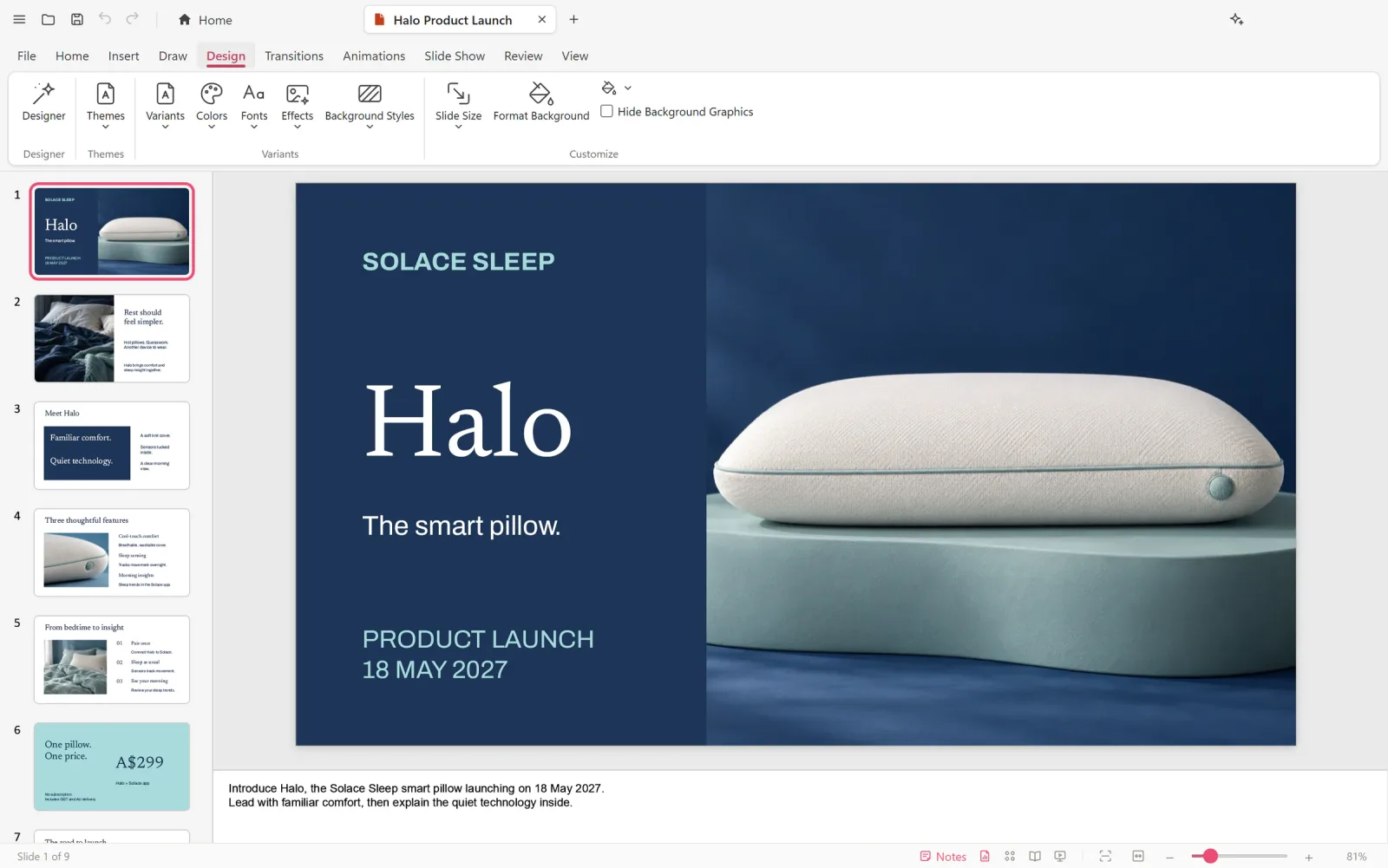
Mobeera Office edits the .pptx file itself on your PC, with the tabs PowerPoint users expect: Home, Insert, Draw, Design, Transitions, Animations, Slide Show, Review and View. It is the one used in the steps below.
Mobeera Office for Windows is in the Microsoft Store. It runs on Windows 10 and Windows 11 on a 64-bit Intel or AMD PC.
1. Open the presentation
Keep the original: copy the file in File Explorer first and work on the copy.
- Start Mobeera Office.
- On the Home screen, click Open File…, or press Ctrl+O.
- Pick the
.pptxfile..ppsxshows and.potxtemplates open too.
The free plan edits the first two slides; later slides open for viewing. A yearly plan or lifetime access removes the limit.
2. Edit the slides
- Click a text box and type. Font, size, color and bullets are on Home.
- Insert adds slides, pictures, shapes, tables, charts and video.
- Drag thumbnails in the slide list to reorder them.
- Design has Themes, Variants, Slide Size and Designer, which suggests layouts for the slide you are on.
3. Check transitions and animations
Open Transitions and Animations to see what each slide does, and change or remove anything that no longer suits. Animations are where presentation apps differ most, so look at this part closely.
4. Present
Open the Slide Show tab and click From Beginning, or press Ctrl+Shift+Enter. From Current Slide (Ctrl+Enter) starts from the slide you are on. Turn on Use Presenter View to see your notes on the laptop while the audience sees the slides. Connect the projector or display first, then play the whole deck once.
5. Save as PowerPoint
Press Ctrl+S, or open the File tab and choose Save. The file stays a .pptx deck that PowerPoint opens. Save As… can also save a .ppsx show.
For a handout, click the Menu button at the top left of the window and choose File → Export as PDF….
Common questions
Can I open a PowerPoint on Windows for free?
Yes. PowerPoint for the web, Google Slides and LibreOffice Impress are free. Mobeera Office opens any deck for viewing and edits the first two slides free.
Can I open an old .ppt file?
Not in Mobeera Office, which works with .pptx. Open the .ppt file in LibreOffice Impress or PowerPoint for the web and save it as .pptx first.
Will the deck still open in PowerPoint afterwards?
Yes, when it is saved as .pptx. If the other person presents from PowerPoint, ask them to click through it once. See what is tested and what still differs.
Can AI make the slides?
Yes, if you want it to. Connect Claude, Codex or another AI app that supports MCP, or use AI Chat with your own API key. See how to turn a project brief into an editable presentation.