How to open a .pptx file without PowerPoint
Open a PPTX presentation without Microsoft PowerPoint on Mac, Windows, iPhone, iPad or Android: ways to view it, present it, edit it and send back a PowerPoint file.
Direct answer
How do I open a .pptx file if I do not have PowerPoint?
A .pptx file is a PowerPoint presentation, and many apps open it. To look through the slides, use Quick Look on a Mac or the Files app on iPhone and iPad. To edit or present it and send back a PowerPoint file, open it in an office app that works with PPTX directly, such as Mobeera Office on Mac, Windows, iPhone, iPad and Android, or LibreOffice Impress on a computer. Apple Keynote and Google Slides also open it, by converting it first.
A .pptx file is a PowerPoint presentation, and you do not need PowerPoint to open it. Decide first what you need to do with it: read the slides, stand up and present them, or change them and send the deck back.
Which way should I use?
| You want to | Use | Result |
|---|---|---|
| Read the slides | Quick Look on Mac, Files on iPhone and iPad, Gmail or Drive preview | Still pictures of each slide |
| Present or edit, and return a PowerPoint file | Mobeera Office, LibreOffice Impress | The same .pptx, edited |
| Edit in an app you already have | Apple Keynote, Google Slides | A converted copy; export to PowerPoint afterwards |
| Use PowerPoint itself, free | PowerPoint for the web | Needs a Microsoft account and a connection |
Just read the slides
- Mac: select the file in Finder and press the Space bar.
- iPhone and iPad: tap the file in the Files app or in Mail.
- Android: tap the attachment in Gmail, or open it from Google Drive.
A preview shows each slide as a still image. Animations, transitions, speaker notes and video do not play.
Present or edit it, and keep it a PowerPoint file
Mobeera Office opens .pptx directly, without converting it, on Mac, Windows, iPhone, iPad and Android.
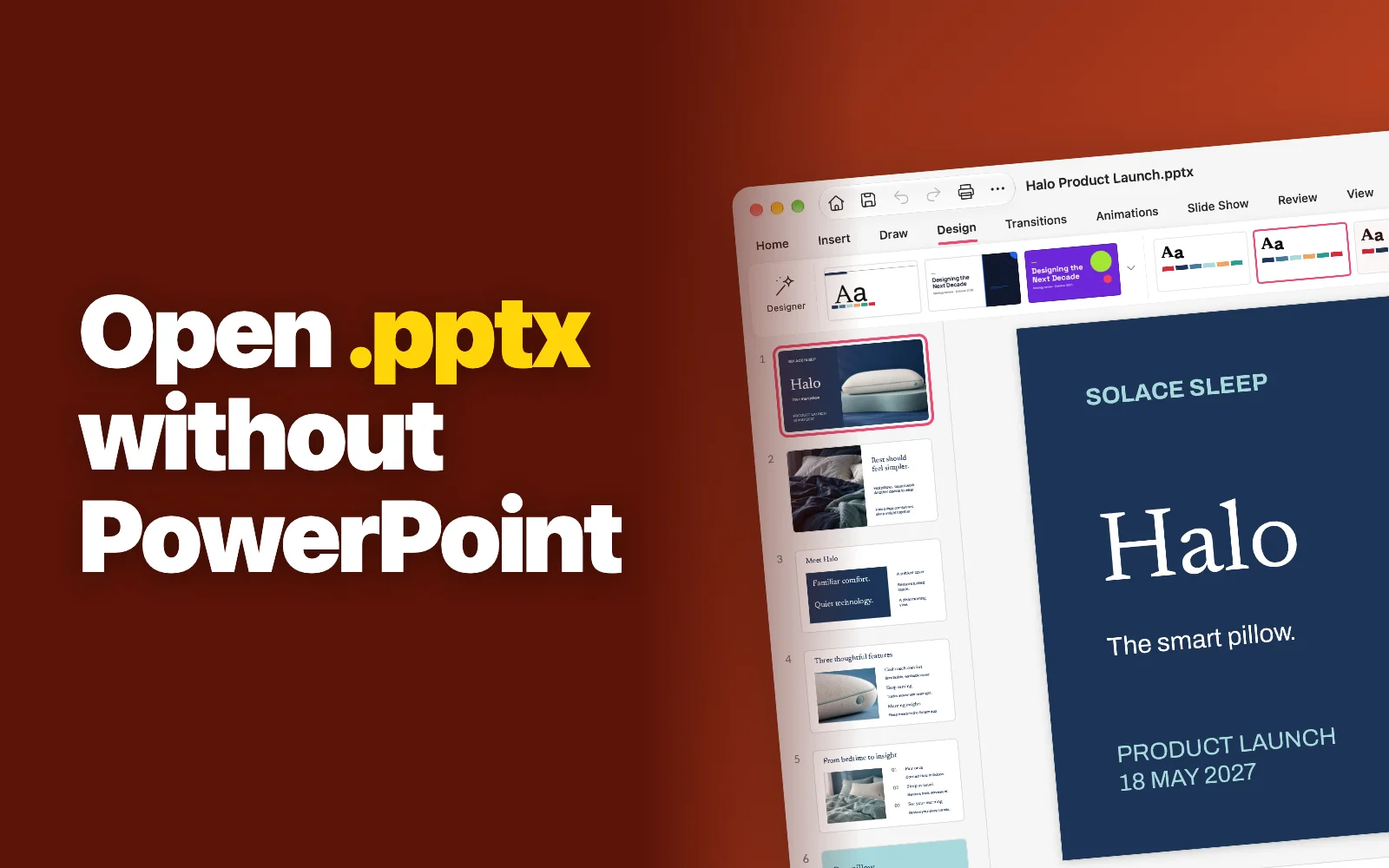
- Mac: right-click the file and choose Open With, or use Open File… on the app's Home screen.
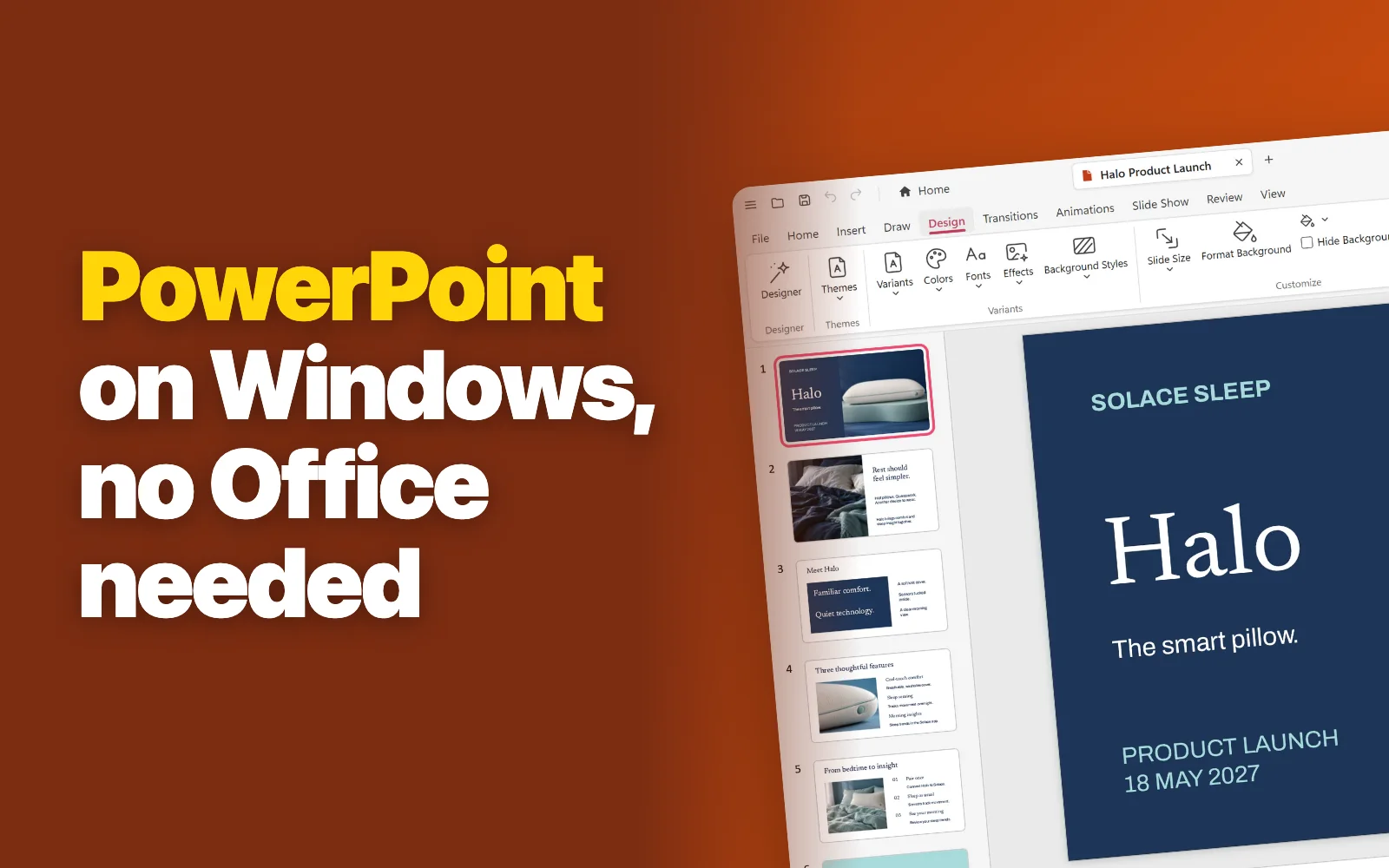
- Windows: open Mobeera Office and choose Open File… on the Home screen, or press Ctrl+O.
- iPhone and iPad: open the app (named Office on the Home Screen) and tap Open.
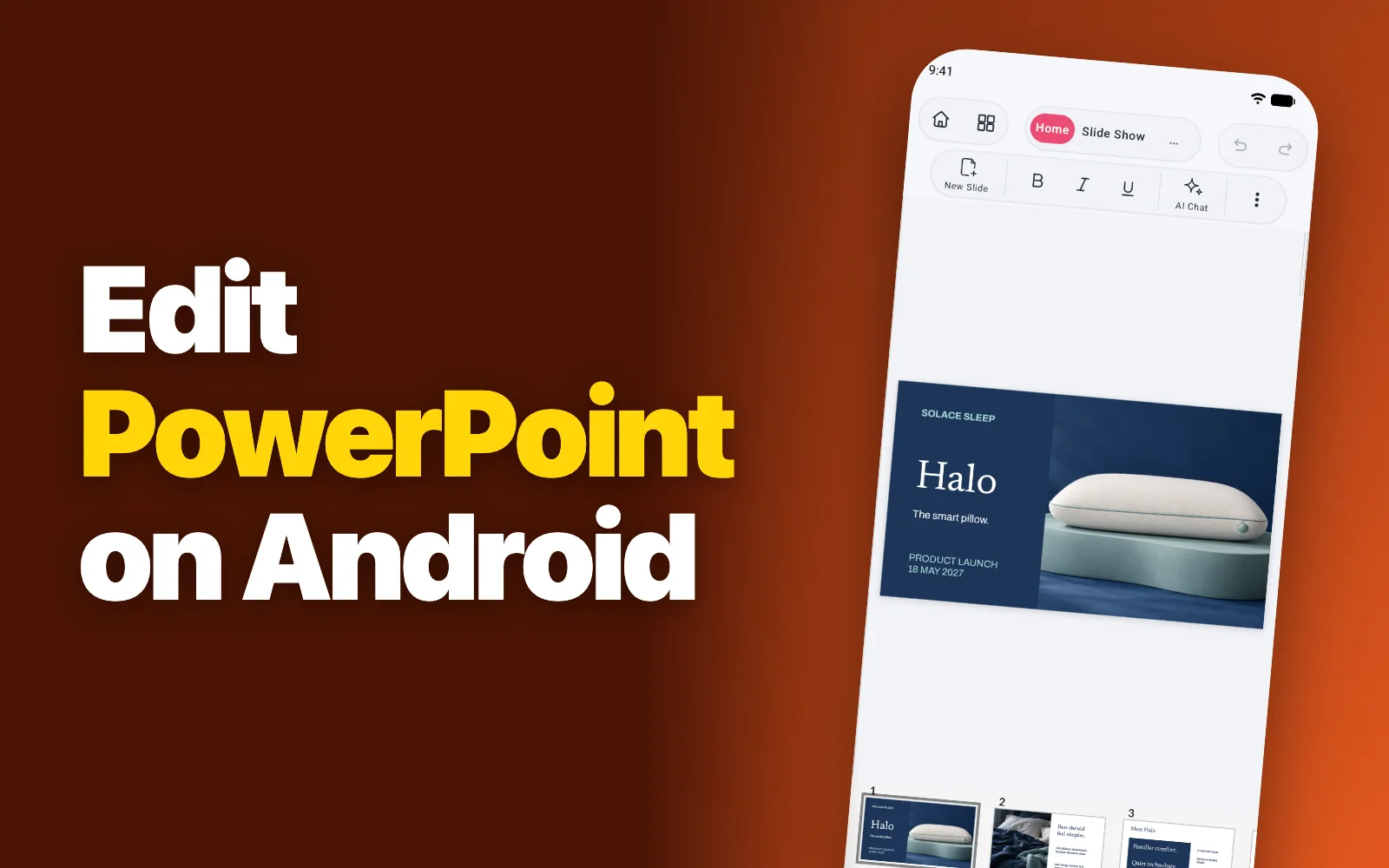
- Android: tap the file and choose Mobeera Office, or tap Open on the app's Home tab.
Slide layouts, themes, speaker notes, transitions and animations stay in the deck, and saving writes a .pptx again. .ppsx slide shows and .potx templates open too.
To present:
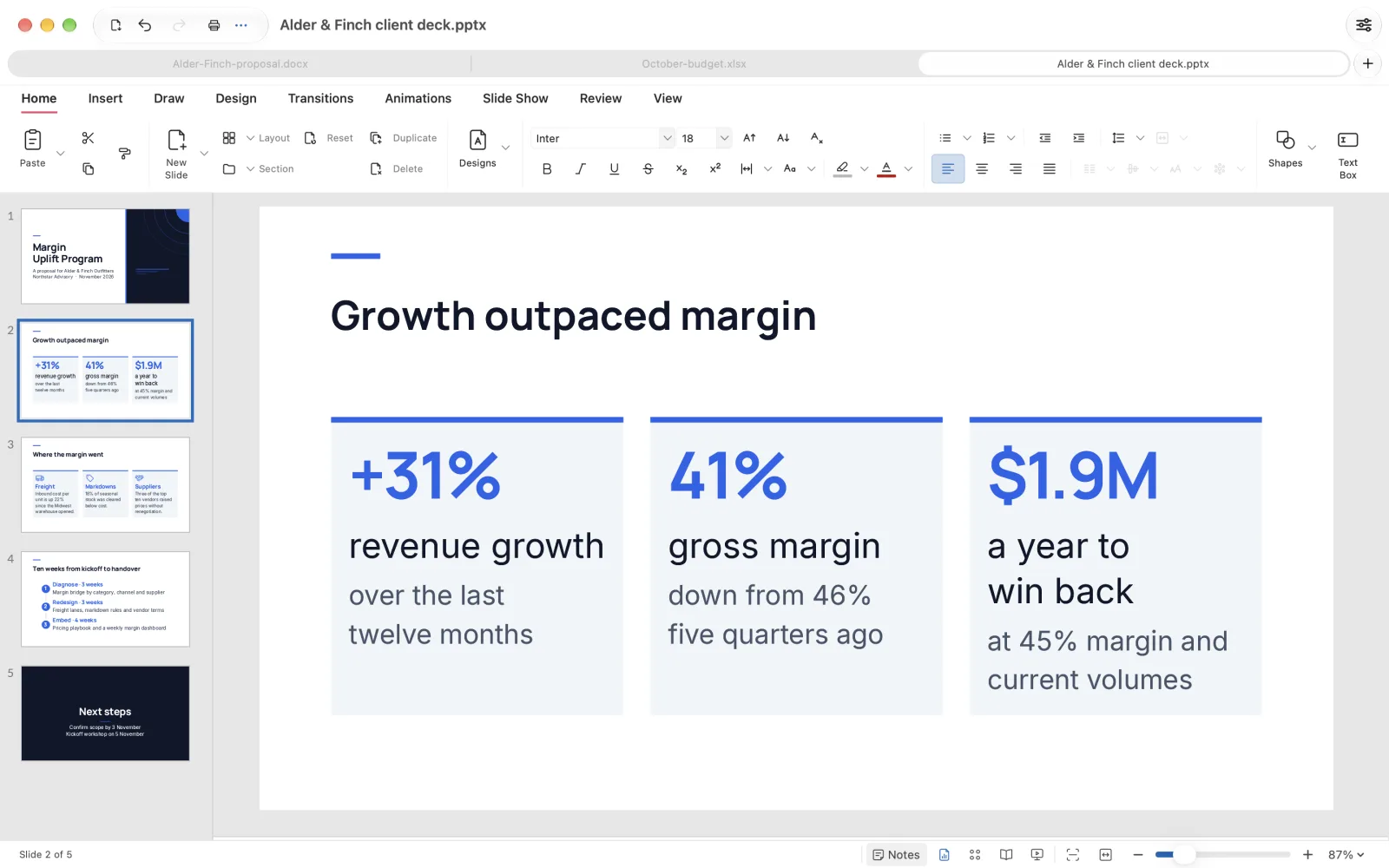
- Mac: choose Present → Play from Start. Presenter View shows your notes on one screen and the slides on the other.
- Windows: open the Slide Show tab and choose From Beginning.
- iPhone and iPad: open the Slide Show tab and tap Beginning.
Mobeera Office is free to download. On the free plan the whole deck opens for reading and you can edit its first two slides. A yearly plan or lifetime access removes the limit.
LibreOffice Impress is free on Mac, Windows and Linux and also opens and saves .pptx.
Open it in Keynote or Google Slides
Both are free and both convert the deck.
- Apple Keynote (Mac, iPhone, iPad) imports the presentation and lists what it changed. To return it, export a PowerPoint copy; Apple describes the steps in its conversion guide.
- Google Slides opens an uploaded
.pptxin the browser. Use File → Download → Microsoft PowerPoint to get a PowerPoint file back.
Text and pictures convert well. Animations, slide masters and fonts are where converted decks differ, so click through every slide before you present from a converted copy.
Before you present from another app
- Play the whole show once, on the screen you will use.
- Look at slides with charts, video and animation in particular.
- Check the fonts. A missing font is replaced, and text can run out of its box.
- Keep a PDF of the deck as a fallback.
Common questions
What about an older .ppt file?
.ppt is the PowerPoint format from before 2007. LibreOffice Impress, Keynote and Google Slides open it. Mobeera Office does not; ask the sender to save the deck as .pptx.
What is a .ppsx file?
A PowerPoint Show: the same content, set to start as a slide show when opened in PowerPoint. Apps that open .pptx open it for editing as well.
Can I open a .pptx on a phone?
Yes. See the guides for iPhone and iPad and Android.
Can I turn it into a PDF?
Yes. See how to convert PowerPoint to PDF.