Microsoft Office alternatives for Windows you can buy once or use free
Six ways to edit Word, Excel and PowerPoint files on a Windows PC without a Microsoft 365 subscription, with what each costs, where it runs and who it suits.
Direct answer
What are the alternatives to a Microsoft 365 subscription on Windows?
You have six realistic options on a Windows PC: Office Home 2024, Microsoft's own one-time purchase; Mobeera Office, with lifetime access bought once in the Microsoft Store; LibreOffice, free and open source; Microsoft 365 for the web, free with a Microsoft account; Google Docs, Sheets and Slides, free in a browser; and WPS Office, free with paid plans. The right one depends on whose files you edit, whether you work offline and whether other people edit with you.
A new Windows PC usually comes with a Microsoft 365 trial, not with Office. When the trial ends you can subscribe, but you do not have to. Microsoft still sells Office as a one-time purchase, and several other suites open and save the same files. This guide lists six options, what each costs and who it suits. We make one of them, Mobeera Office, so we have tried to be plain about where the others are the better choice.
Prices are US list prices in November 2026 and can change.
The options side by side
| Option | Cost | Runs on | Best for |
|---|---|---|---|
| Office Home 2024 | US$179.99 once, for one PC or Mac | Windows, Mac | People who need Word, Excel and PowerPoint themselves |
| Mobeera Office | Free to try; lifetime access is US$29.99 once, or pay US$19.99 a year | Windows, Mac, iPhone, iPad, Android | Office, PDF and Publisher files in one app, with your own AI |
| LibreOffice | Free | Windows, Mac, Linux | A full desktop suite at no cost |
| Microsoft 365 for the web | Free with a Microsoft account | Browser | Light edits to files kept in OneDrive |
| Google Docs, Sheets, Slides | Free with a Google Account | Browser, phone, tablet | Editing together in real time |
| WPS Office | Free version; paid plans by subscription | Windows, Mac, Linux, mobile, browser | A familiar look with built-in AI and cloud |
1. Office Home 2024
Microsoft's own answer. Office Home 2024 is US$179.99, paid once, for one PC or Mac. It includes Word, Excel, PowerPoint and OneNote. Office Home & Business 2024 adds Outlook and the right to use it commercially.
Because these are the real apps, file compatibility is not a question. The limits are in the licence. Microsoft says the one-time version gets security updates but no new features, has no upgrade path to the next version, and installs on a single computer. Its support ends in October 2029. It does not include Publisher, which Microsoft retired in October 2026.
Choose it if you need exact Word, Excel and PowerPoint behavior on one PC, including macros.
2. Mobeera Office
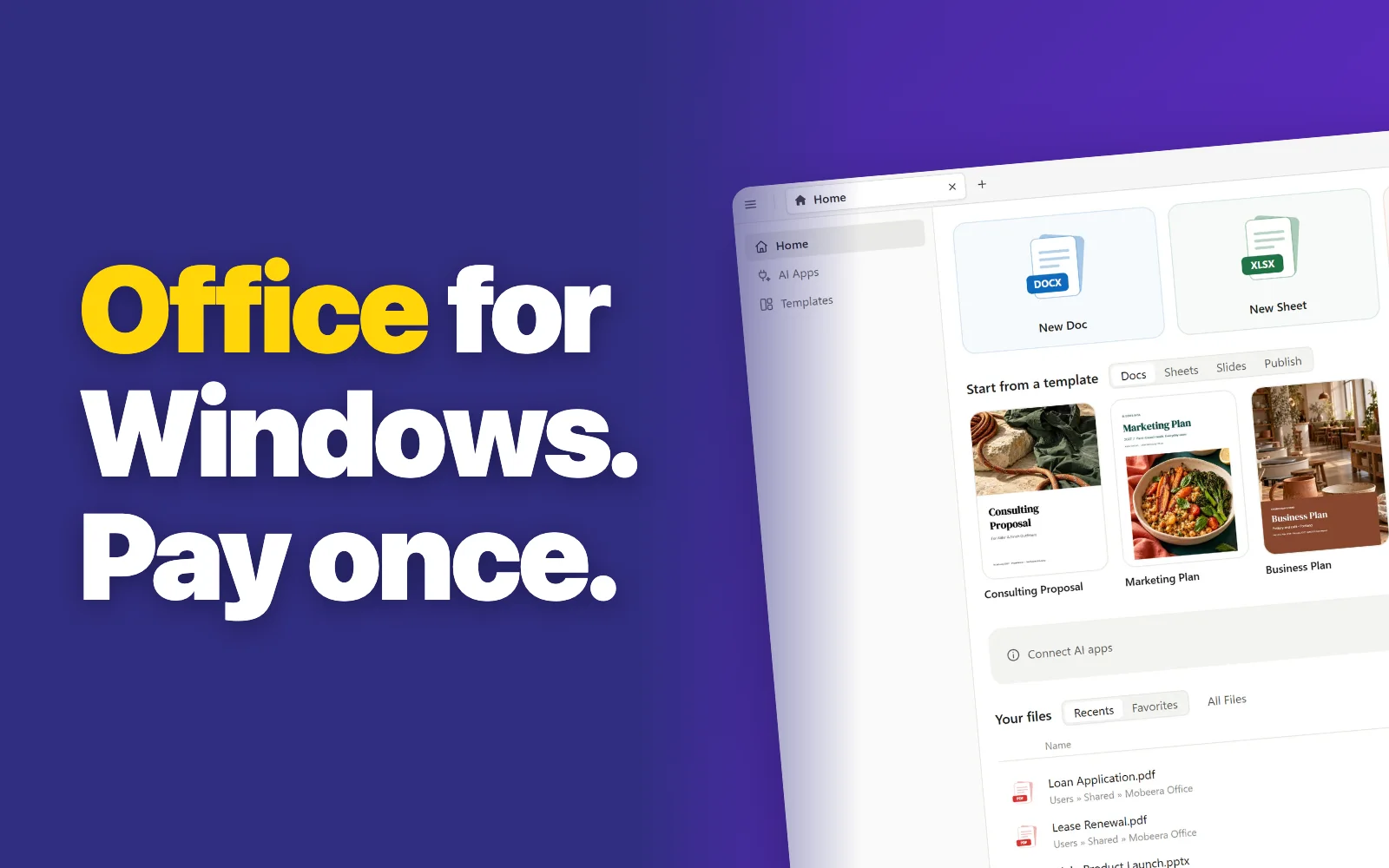
Mobeera Office puts five editors in one app: Docs, Sheets, Slides, PDF and Publish. It works directly in .docx, .xlsx and .pptx, so there is nothing to convert, and Publish opens Publisher (.pub) files. The Windows app is in the Microsoft Store and runs on Windows 10 and Windows 11 on a 64-bit Intel or AMD PC.
It is free to download. Without paying you can edit the first two pages of a document, the first two slides and rows 1 to 50 of a workbook's first sheet, and read PDFs and publications. Lifetime access is a one-time purchase, and there is a yearly plan. See the current price. A Microsoft Store purchase covers Windows; the Mac, iPhone and iPad apps are bought in the App Store and the Android app on Google Play.
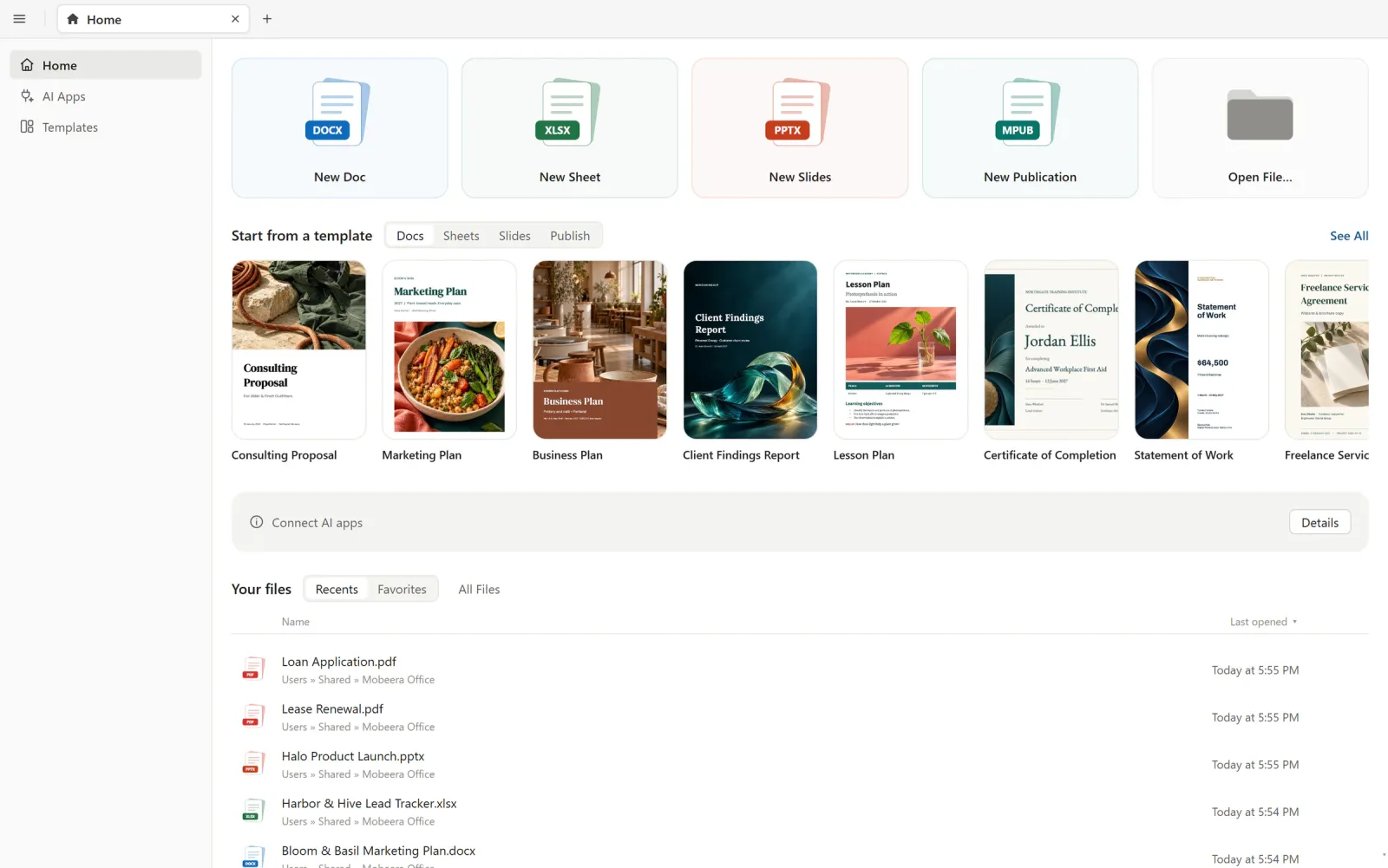
Two things set it apart. The PDF and Publish editors are built in, for forms, signatures, redaction and the Publisher files Office no longer opens. And it is built to work with the AI you choose: AI Chat with your own API key, or an AI app such as Claude or Codex that connects through MCP and edits your files while you review the changes. AI is not included in the price.
The limits: there is no real-time co-editing or cloud storage, it does not run VBA macros, it does not open the old .xls and .ppt formats, and the Windows app does not run on Arm PCs. We publish our test results against Microsoft Office, including what still differs.
Choose it if you exchange Office files with other people, still have Publisher files, and want PDF tools and your own AI in the same app. See the full comparison with Microsoft Office.
3. LibreOffice
The standard free suite. LibreOffice includes a word processor, spreadsheet, presentation tool, drawing tool and database, with no advertising and no account.
Its native format is OpenDocument, and it reads and writes Office formats by conversion. Its own documentation lists features that can cause trouble, such as revision marks, pivot tables and conditional formatting. It has no generative AI features.
Choose it if you want a capable desktop suite for free and mostly produce your own documents. See Mobeera Office vs LibreOffice.
4. Microsoft 365 for the web
Word, Excel and PowerPoint in a browser, free with a Microsoft account. They are the real apps with fewer features, and files are saved in OneDrive, which gives 5 GB free.
You need an internet connection, and larger jobs such as long documents with complex layout, big workbooks and macros belong in the desktop apps.
Choose it if you edit Office files now and then and are happy to keep them in OneDrive.
5. Google Docs, Sheets and Slides
Free with a Google Account, with 15 GB of storage, and the best choice when several people need to edit at once. It can edit Office files directly, with documented limits: no macros, and some elements such as SmartArt are converted.
Offline work needs Chrome or Edge and an extension, set up in advance. Your files live in Google Drive.
Choose it if collaboration matters more than exact layout or working offline. See Mobeera Office vs Google Docs.
6. WPS Office
WPS Office runs on nearly everything, looks familiar to Microsoft Office users, and includes documents, spreadsheets, presentations and a broad set of PDF tools, plus cloud storage and co-editing. It has a free version. Its paid plans, including the AI features, are subscriptions.
Choose it if you want AI and cloud included and a subscription suits you. See Mobeera Office vs WPS Office.
How to choose
Three questions settle most cases:
- Whose files are they? If you mostly receive Office files and send them back, choose a suite that works in those formats directly: Office Home 2024, Microsoft 365 for the web or Mobeera Office. If you mostly create your own, any of the six will do.
- Do you work offline? Office Home 2024, Mobeera Office, LibreOffice and WPS Office are desktop apps. The web apps need a connection.
- Do other people edit with you live? If yes, Google Docs or Microsoft 365 for the web. If you pass files back and forth, tracked changes and comments in the file do the job.
Then test before you commit. Take the most complicated document, workbook and deck you have, open each in the suite you are considering, change something, save, and reopen. Ten minutes with your own files tells you more than any comparison table.
Common questions
Is there a free Microsoft Office for Windows?
Microsoft offers Word, Excel and PowerPoint for the web free with a Microsoft account. The desktop apps need Microsoft 365 or a one-time purchase.
Can I still buy Office once?
Yes. Office Home 2024 is a one-time purchase for one PC or Mac.
Can these alternatives open files with macros?
They open the files, but VBA macros generally do not run outside Microsoft Excel and Word. If your workbooks depend on macros, stay with Microsoft's apps.
What about my Publisher files?
Microsoft retired Publisher in October 2026, and none of Microsoft's current apps opens .pub files. See how to open a .pub file on Windows.
Will people on Microsoft Office be able to open my files?
Yes, if you save in .docx, .xlsx or .pptx. Layout can differ in complex documents, so check important files with the recipient.
Related guides
- How to edit a Word document on Windows without Microsoft Word
- How to open and edit Excel files on Windows without Excel
- How to open and edit a PowerPoint on Windows without PowerPoint
Microsoft, Microsoft 365, Windows, Word, Excel, PowerPoint, Outlook, OneNote and Publisher are trademarks of the Microsoft group of companies. Other product names are trademarks of their owners. Mobeera is not affiliated with them.