Why did my signature disappear from the PDF?
You signed a PDF, sent it, and the other person sees a blank line. Why signatures and typed answers go missing in other apps, and the one step that prevents it.
Direct answer
Why did my signature disappear from the PDF after I sent it?
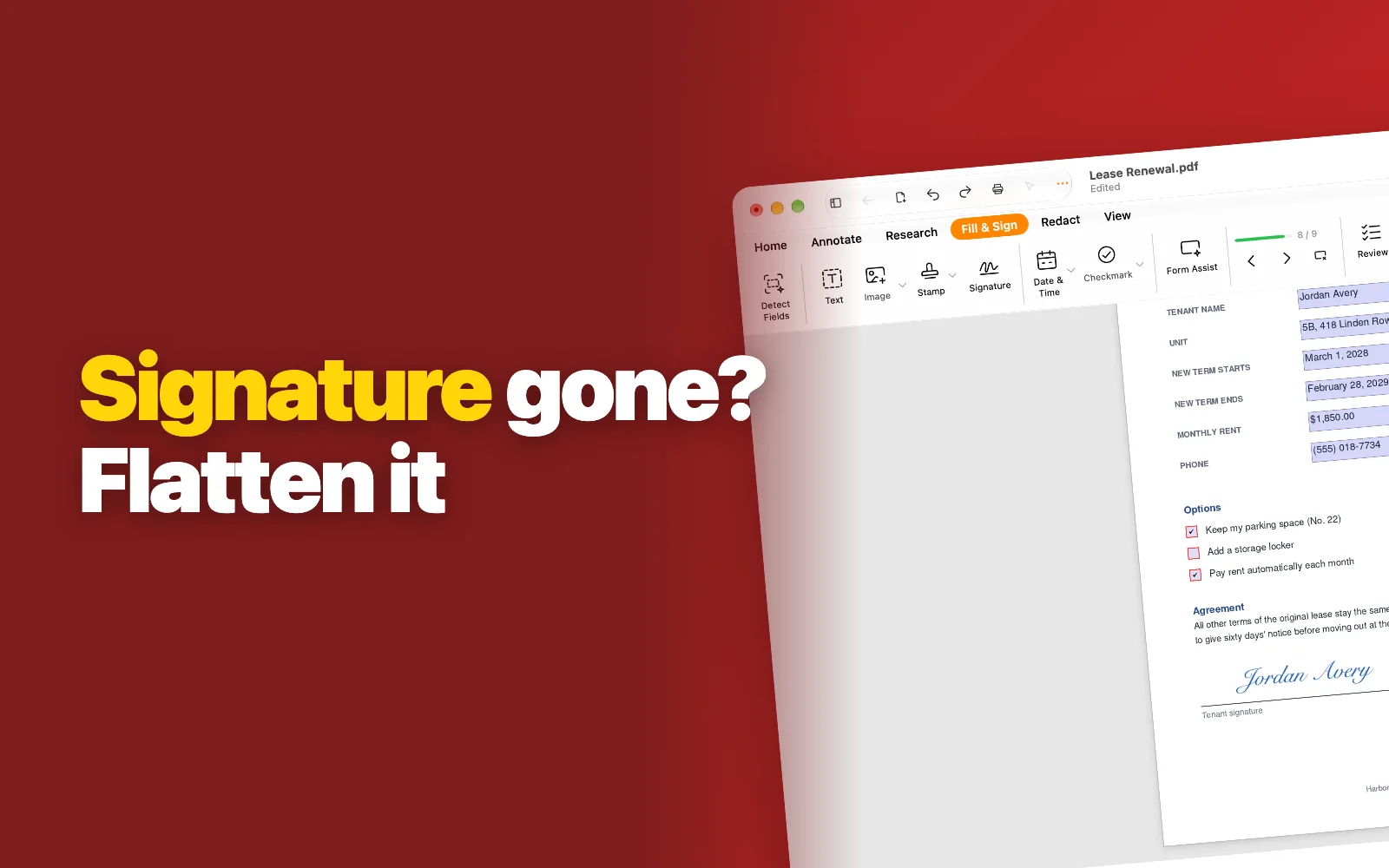
A signature you place on a PDF is stored as an annotation that sits on top of the page. Most PDF apps draw annotations, but some email previews, web viewers and older programs do not, so the recipient sees the page without it. The other common cause is sending the original file, not the saved copy. To prevent both, save a flattened copy before sending: flattening makes the signature part of the page, so every viewer shows it.
You signed the form, it looked right on your screen, and the reply says "this isn't signed." Nothing was lost on the way. The signature is almost always still in the file; the other person's app is not showing it, or they received a different file from the one you signed.
Which case is it?
| What you see | Likely cause | Fix |
|---|---|---|
| Signature shows on your device, not on theirs | Their viewer does not draw annotations | Send a flattened copy |
| Signature is missing when you reopen the file yourself | The signed version was not saved, or you opened the original | Check which file you sent |
| Signature shows on screen but not on paper | Printing without annotations | Printing |
| Typed answers are missing too | Form data was not read by their app | Send a flattened copy |
| Signature moved or changed size | Their app drew the annotation differently | Send a flattened copy |
Why a viewer can hide a signature
When you sign a PDF in Preview, Markup, PDF Max or most other apps, the signature is added as an annotation: an object stored beside the page, in the same family as highlights and notes. The page itself is not changed. This is useful, because you can still move or delete the signature.
It also means the signature appears only in apps that draw annotations. Full PDF apps do. Some simpler viewers show only the page: the preview pane in certain mail programs, some web-based document portals, and older software. Those show your form with an empty signature line.
Typed form answers can go missing the same way, when an app does not read the form data.
Send a flattened copy
Flattening merges the signature, typed answers, check marks and dates into the page. After that there is nothing separate for a viewer to leave out.
In PDF Max:
- Mac: choose File → Save as Flattened…, and save the copy.
- iPhone and iPad: tap the … button, choose Document, then Save as Flattened….
The copy is saved with Flattened at the end of its name, and your editable original stays as it was. Send the flattened copy. Saving a flattened copy is included in PDF Max Free.
On a Mac without PDF Max, File → Print, then PDF → Save as PDF in Preview also produces a copy with the signature printed into the page.
Full steps are in how to flatten a PDF.
Check which file you sent
This is the second most common cause, and the easiest to miss.
- You attached the original. If you signed a copy and then attached the file from the email or Downloads folder, the recipient has the unsigned one. Attach the file from where you saved the signed version.
- The signed version was never saved. Close the document and open it again before sending. If the signature is gone, sign again and save.
- You shared before saving. On iPhone and iPad, share from inside the app after signing, so the current version is the one that goes out.
A quick test: email the file to yourself and open the attachment on another device or in a web browser. What you see there is close to what the recipient sees.
It shows on screen but not in print
Some programs have a print setting that chooses between printing the document alone and the document with its markups. If the recipient printed with "document only," annotations are left out. A flattened copy prints the signature whatever the setting.
A signature field is not the same as a signature picture
Some forms have a signature field meant for a certificate-based digital signature. Placing a drawn signature over that field looks signed to you, while the recipient's software reports the field as unsigned. If the sender requires a digital signature with a certificate, a drawn signature will not satisfy it, flattened or not. Ask which they need.
Prevent it next time
- Fill and sign.
- Save a flattened copy.
- Open the flattened copy and look at the signature line.
- Send that copy and keep the editable original.
Common questions
Can the recipient still move my signature?
Not in a flattened copy. It is part of the page, in the way printed text is.
Does flattening make the signature legally stronger?
Flattening is about display, not legal effect. Whether a drawn signature is accepted depends on the document and who is asking for it.
My highlights and comments disappeared too. Same cause?
Yes. They are annotations as well. Flatten before sending, or ask the recipient to open the file in a full PDF app.