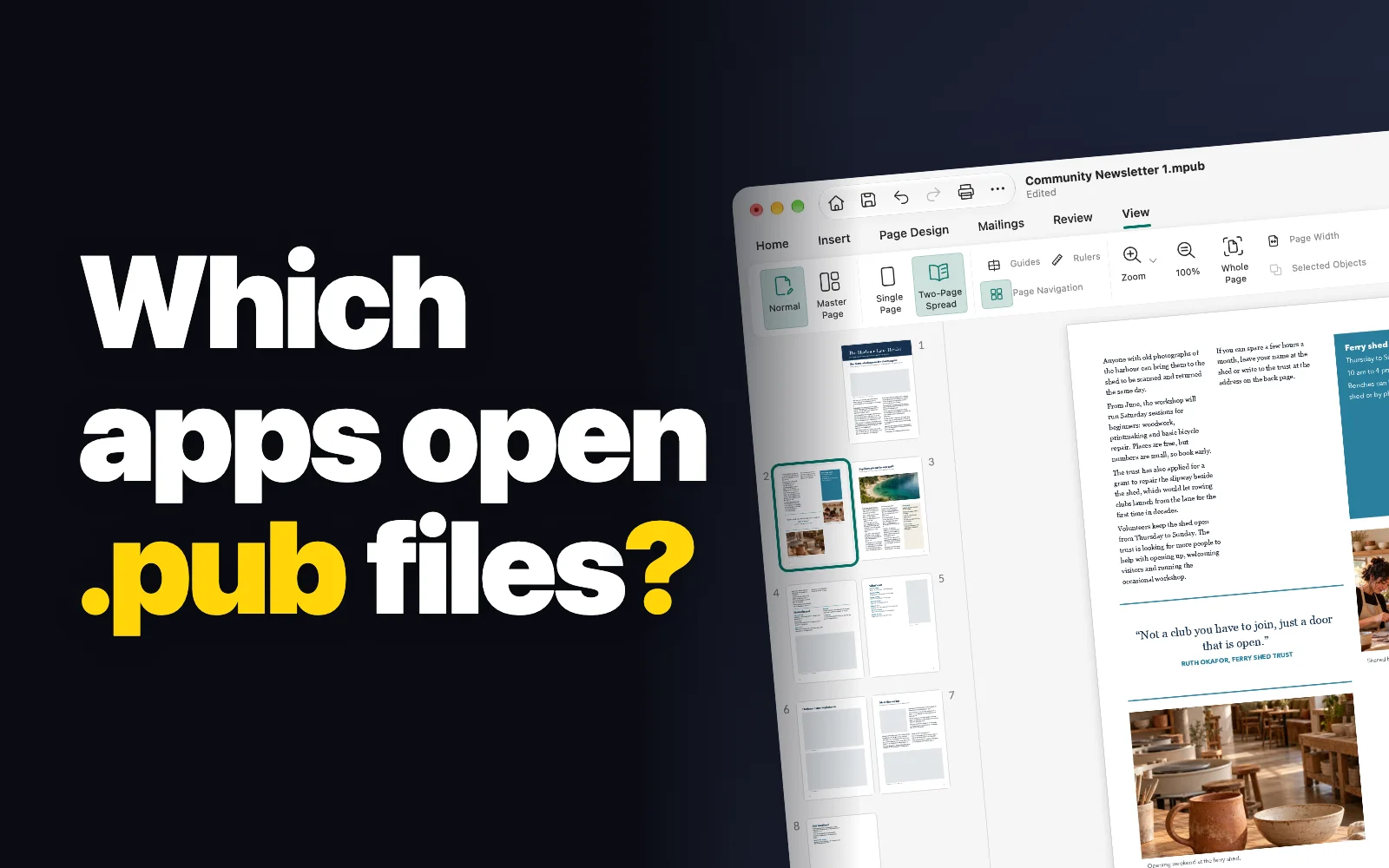
How to turn a Publisher .pub file into a Word document
Word cannot open .pub files. Three ways to get a Publisher file into Word after Publisher's retirement, what each one keeps, and when not to convert at all.
Direct answer
How do I convert a Publisher .pub file to a Word document?
Word cannot open .pub files, so there is no direct conversion without Publisher. If a copy of Publisher is still installed, use Save As and choose Word Document. Otherwise make a PDF of the publication and open that PDF in Word, which rebuilds it as an editable document with some layout changes. If you only want to keep editing the layout, skip Word and open the .pub in an app that reads it.
Word and Publisher came in the same box, but they never shared a file format. Word cannot open a .pub file, and a page layout does not turn neatly into a flowing document. Here are the ways that work, and what to expect from each.
Can Word open a .pub file?
No. Word has no import for the Publisher format on Windows or Mac. Changing the file's ending from .pub to .docx does not help; it only confuses Word.
Which way should I use?
| Way | Needs | What you get |
|---|---|---|
| Save As in Publisher | A working copy of Publisher | A Word document made by Publisher itself |
| PDF, then open in Word | Any app that makes a PDF from the .pub, and Word | An editable document rebuilt from the PDF; layout can vary |
| Copy the text | An app that opens the .pub | Clean text in a new Word document, with your own formatting |
1. What if I still have Publisher?
If a one-time version such as Publisher 2016, 2019 or 2021 is still installed, open the publication, choose File → Save As and pick Word Document as the type. Simple publications convert well. Complex pages become a stack of text boxes that is awkward to edit.
2. How do I go through PDF?
This is the route Microsoft itself points to.
- Make a PDF of the publication. Without Publisher, see how to convert a .pub file to PDF.
- In Word, choose File → Open and select the PDF.
- Word warns that it will convert the PDF into an editable document. Accept.
- Save the result as a Word document.
Expect to tidy up. Columns can become text boxes, and line breaks can land in the middle of paragraphs. A one-page letter survives well; an eight-page newsletter with pictures does not.
3. When is copying the text better?
Often. If what you want in Word is the words, such as policy text, a program order or a set of articles, open the .pub file, select the text of each story, copy it and paste it into a new Word document. You get clean paragraphs without leftover text boxes.
Mobeera Office opens .pub files on Mac, Windows, iPhone, iPad and Android, and reading is free. It also has a Docs editor for Word documents in the same app, so you can paste and finish the .docx without leaving it. Mobeera Office does not export a publication directly to Word.
Should I convert to Word at all?
Not if the goal is to keep producing the same flyer, bulletin or newsletter. Word arranges text in a flow from the top of the page; Publisher placed boxes anywhere on it. Rebuilding a layout in Word is slow, and it moves again every time you add a line.
For layouts, keep working in a page-layout editor. See how to edit a .pub file without Publisher.
Convert to Word when the publication was really a document all along: a letter, a form, a report or a policy that someone happened to make in Publisher.
Common questions
Why did Microsoft recommend Word as a replacement?
For simple pages such as letterheads, labels and basic flyers, Word's templates are enough. Microsoft also pointed to PowerPoint for more visual pages. Neither opens existing .pub files.
Can an online converter make a Word file from a .pub?
Some do, by the same PDF route, with the same layout changes. Do not upload files with private information.
Is the text in my .pub file lost if I do nothing?
No. The file is unchanged and apps that read .pub can still open it.