How to open and edit a Word document on Android
Open a DOCX on an Android phone or tablet, edit text and tables, track changes, and send back an editable Word file or a PDF. Steps and free limits explained.
Direct answer
How do I open and edit a Word document on my Android phone or tablet?
Tap the Word file in your downloads or email and choose an office app that edits DOCX. In Mobeera Office, you can also tap Open on the Home tab and pick the file. Tap into the text to edit, and use the Review tab for comments and tracked changes. To keep your work, tap More options, choose Document, then Save. The same menu has Share and Export PDF for sending it back.
A Word document opens and edits on an Android phone or tablet without being converted first. A .docx file opens directly in an office app that supports the format, and you send back the same kind of file.
This guide uses Mobeera Office, which has document, spreadsheet, presentation, PDF and publishing editors in one Android app.
Before you start
- Install Mobeera Office from Google Play.
- Download the document. In Gmail, tap the attachment's download arrow; the file lands in your Downloads folder.
- Mobeera Office is free to download. On the free plan you can edit the first two pages of a document; later pages open for reading. A yearly plan or lifetime access removes the limit.
1. Open the document
There are two ways.
- From the file: tap the Word file in the Files app or in your email, and choose Mobeera Office when Android asks which app to use.
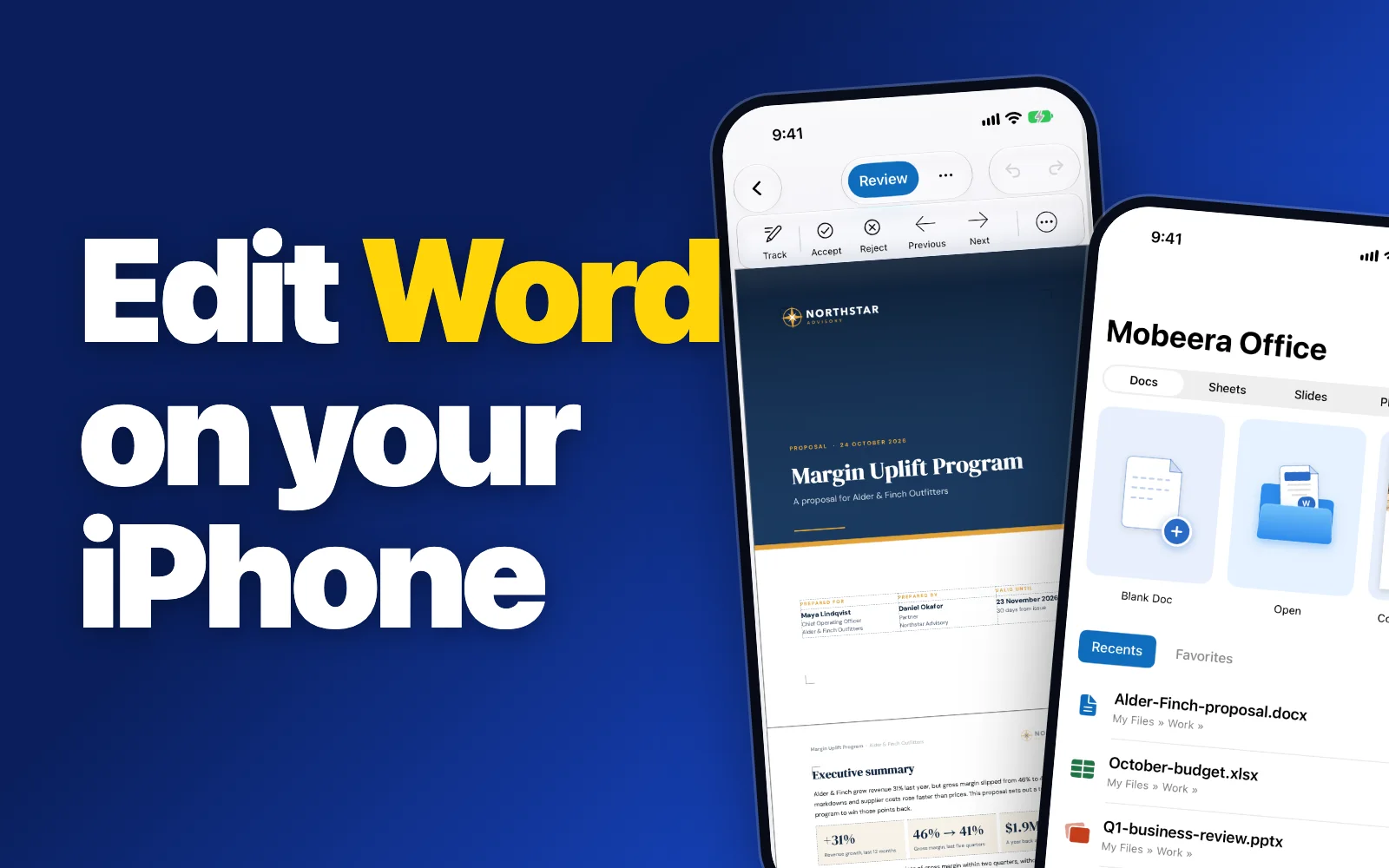
- From the app: open Mobeera Office, stay on the Home tab and tap Open, then pick the file.
Documents you opened before are under Recents.
2. Edit the text
Tap where you want to type. Double-tap a word to select it and drag the handles to extend the selection.
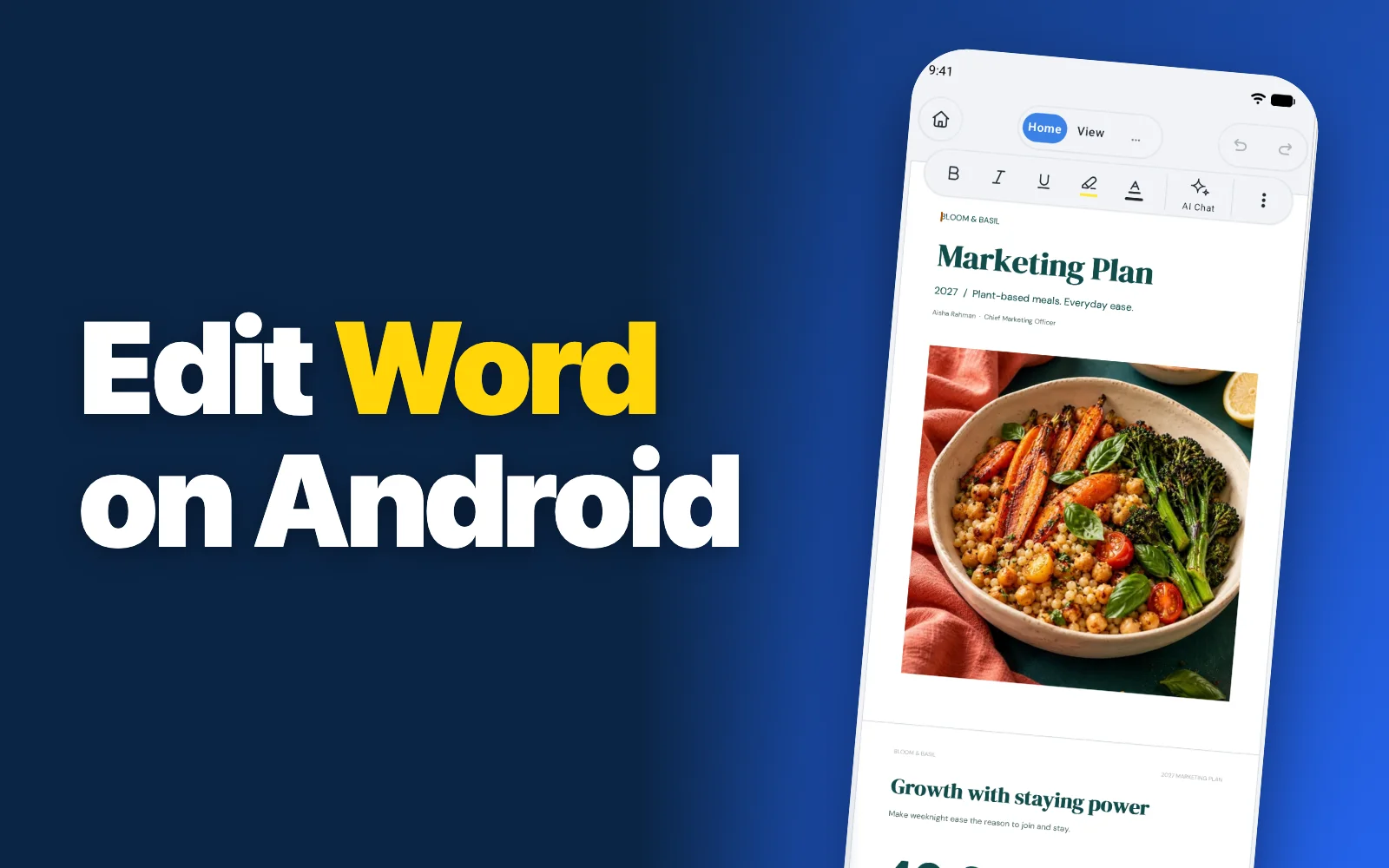
The tabs across the top hold the tools: Home, Insert, Draw, Design, Layout, References, Review and View. Bold, lists and paragraph styles are on Home.
A few habits help on a phone:
- Pinch to zoom in before placing the cursor in a table cell or dense text.
- Change a heading by applying a heading style, not by making normal text bigger.
- Turn the phone sideways for wide tables.
3. Add comments and tracked changes
Open the Review tab when the sender wants to see what you changed.
- Tap Track before you edit, so your insertions and deletions are recorded.
- Select text and tap New to add a comment.
- Use Previous and Next to move through them, and Accept or Reject to settle a change.
4. Save
Tap the More options button at the top right, choose Document, then Save. Save before you leave the app.
To keep the original and save your version under another name, choose Save As… in the same menu.
5. Send it back
Tap More options, choose Document, then:
- Share to send the Word file by email or a messaging app. Send this when the other person needs to keep editing.
- Export PDF… to make a PDF that looks the same on every device. Send this when the document is final.
- Print… to send it to a printer.
Common questions
Can I edit a Word document on Android for free?
Yes, within limits. Mobeera Office edits the first two pages on the free plan. Google Docs is free with a Google account and also opens Word files.
Will the formatting stay the same?
Most documents open as they were made. Fonts that are not on your device and complex layouts can shift. See what is tested and what still differs, and check an important document with the recipient.
Does it work without an internet connection?
Yes. The file is opened and edited on your device.
Can I open Excel and PowerPoint files too?
Yes, in the same app. See how to edit an Excel spreadsheet on Android and how to edit a PowerPoint on Android.