How to open a Publisher .pub file on Android
Microsoft never made Publisher for Android. Here is how to open a .pub file on an Android phone or tablet, read it, change it, and send a PDF anyone can open.
Direct answer
How do I open a Publisher .pub file on an Android phone or tablet?
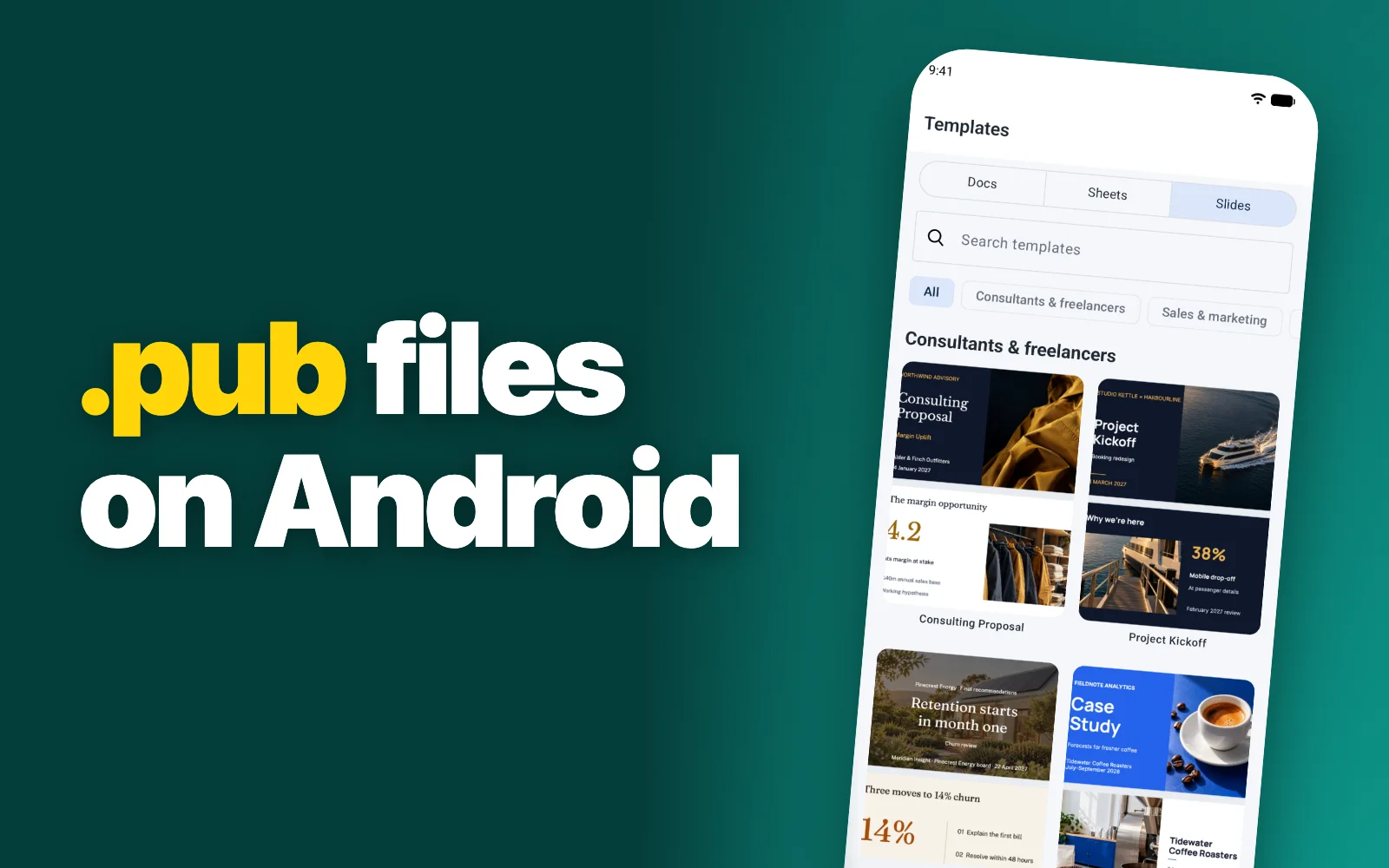
Microsoft never made Publisher for Android, so use an app that reads .pub files. Install Mobeera Office from Google Play, then tap the .pub file in your downloads or email and choose Mobeera Office, or tap Open on the app's Home tab. The publication opens as an editable copy and the original file is not changed. To send it on, tap More options, choose Document, then export a PDF.
Someone sent you a .pub file and your Android phone does not know what to do with it. That is normal. Publisher was a Windows program, Microsoft never made it for Android, and it was retired in October 2026. You can still open the file.
Why won't my phone open a .pub file?
Android has no built-in app for the Publisher format, and Google Docs and Word for Android do not read it. You need an app that does.
How do I open a .pub file on Android?
- Install Mobeera Office from Google Play. It is free to download.
- Download the
.pubfile. Email attachments usually land in Downloads. - Tap the file in the Files app and choose Mobeera Office. Or open Mobeera Office, tap Open on the Home tab and pick the file.
The file opens in the Publish editor as a new publication with the same name, with its text boxes, pictures and pages. Mobeera Office keeps that publication in My Files in its own .mpub format. The .pub you received stays as it was.
Pinch to zoom, and turn the phone sideways for a wide page. A tablet gives you more room for layout work.
Can I change it?
Yes. Tap a text box to edit the words, select a picture to replace it, and drag objects to move them. On the free plan you can edit the first page of a publication; a yearly plan or lifetime access covers the rest.
Changes are saved to the .mpub publication. No app writes .pub files now that Publisher is retired.
How do I send it to someone?
Most people cannot open a .pub or .mpub file, so send a PDF. Tap the More options button at the top right, choose Document, then export a PDF or choose Print…. Share in the same menu sends the publication to someone who also has Mobeera Office.
Common questions
Is there a Microsoft Publisher app for Android?
No. Microsoft never released one, and Publisher itself was retired in October 2026.
Can I convert a .pub file to PDF on my phone?
Yes. Open it as above and export a PDF. See how to convert a .pub file to PDF without Publisher.
Does opening the file change the original?
No. The .pub file is read once and left untouched.
What if the layout looks different?
A font that is not on your device is replaced, which can move text. If you have a Mac, Review → Design Checker there lists missing fonts and text that no longer fits. See how to edit a .pub file without Publisher.