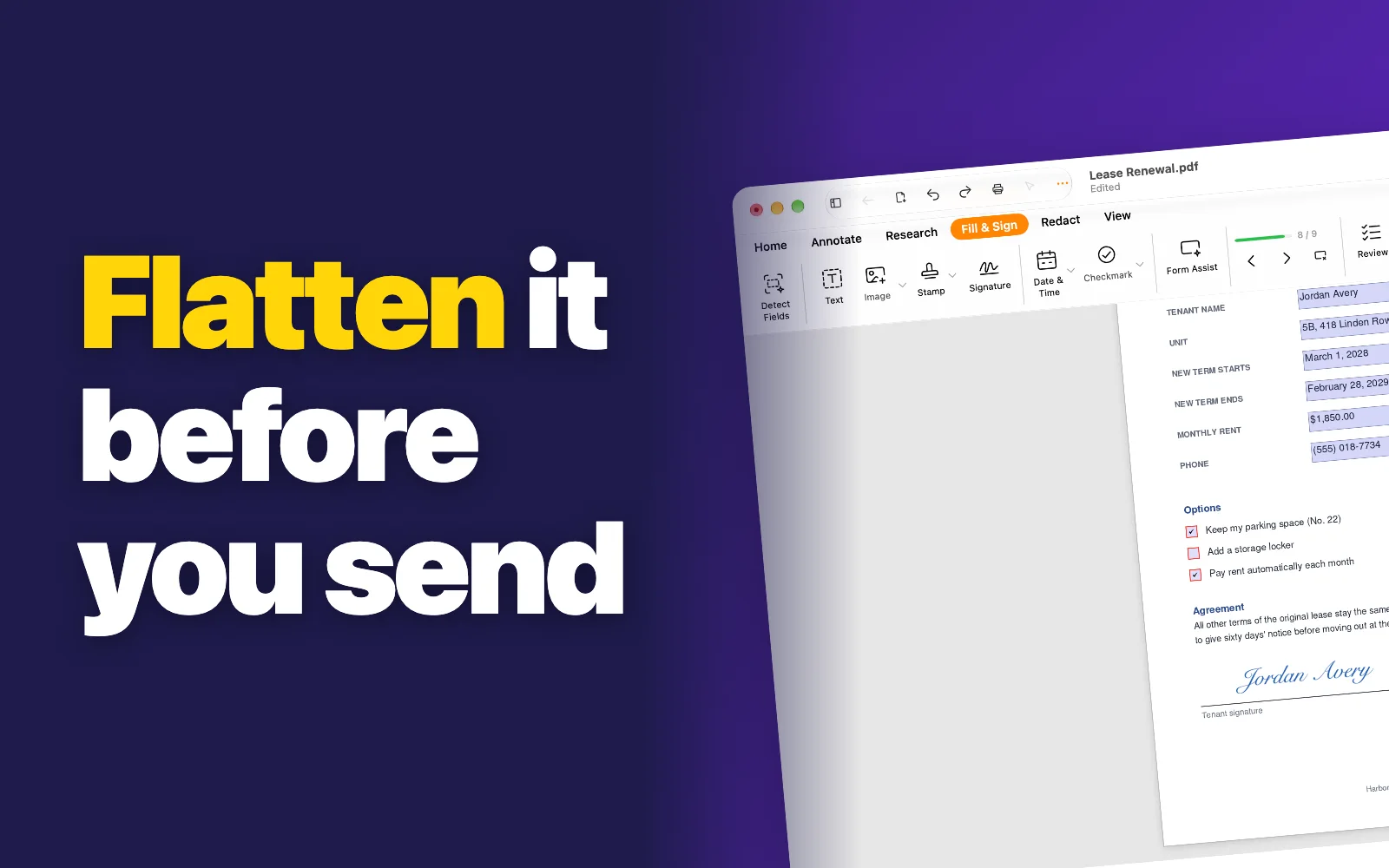
Does flattening a PDF prevent editing or copying?
Flattening fixes form answers, signatures and annotations onto the page. It does not lock the PDF, stop text being copied, or remove hidden content. What to use for each.
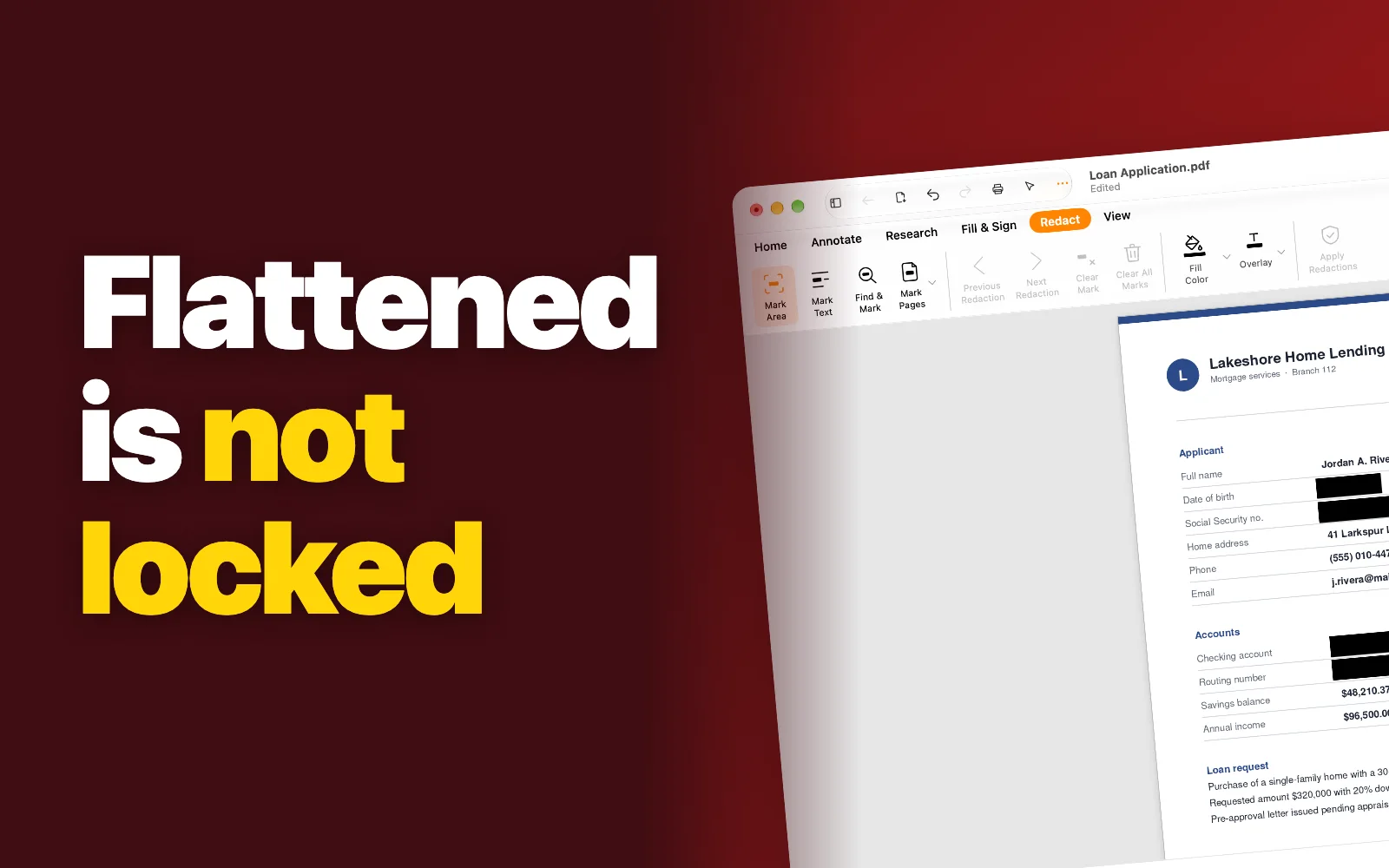
Direct answer
Does flattening a PDF prevent it from being edited or its content from being copied?
Partly. Flattening turns form answers, signatures, highlights and comments into ordinary page content, so they can no longer be selected, moved, changed or deleted as separate objects. It does not lock the file. Someone with a PDF editor can still edit the page, and text on the page can still be selected, searched and copied. To restrict editing or copying, add a permissions password. To remove content, redact it.
Flattening a PDF fixes the things that were added on top of the page: form answers, a placed signature, highlights, drawings and comments. After flattening they are part of the page. It is not a lock, and it does not hide or remove anything.
| Question | Short answer |
|---|---|
| Can someone still change my form answers? | Not by typing in the field. The fields are gone. |
| Can someone move or delete my signature or highlight? | Not as an object. It is page content now. |
| Can someone edit the PDF at all? | Yes, with a PDF editor that edits page content. |
| Can someone copy the text? | Yes. Page text stays selectable and searchable. |
| Is hidden or covered text removed? | No. Use redaction. |
| Is the file password-protected? | No. Add a password separately. |
What flattening does stop
Before flattening, a filled form field is a live control and a highlight is a separate annotation. Anyone who opens the file can click a field and type something else, drag your signature to another line, or delete a comment.
After flattening, those objects no longer exist. Their appearance has been written into the page. A recipient cannot casually change an answer or lift the signature off the page. That is why a completed form or a signed agreement is normally sent as a flattened copy.
What flattening does not stop
- Editing the page. A flattened page is still a PDF page. An app that edits page content can change text or cover part of it.
- Copying text. In PDF Max, flattening keeps the original page text as text. It can be selected, searched and copied as before. A flattened PDF is not a scan.
- Reading covered content. A black rectangle drawn over a name, then flattened, becomes a rectangle on top of the name. The name can still be in the file underneath.
- Opening the file. Anyone who has the file can open it.
Do highlights mean a PDF is not flattened?
Not necessarily. A highlight you can see may be a live annotation or a flattened mark that looks the same. Try to select it. If it selects, moves or shows a note, it is live and the file, or at least that mark, is not flattened. If it behaves like part of the page, it has been flattened. The full test is in how to check if a PDF is flattened.
What to use for each job
| You want to | Use |
|---|---|
| Stop answers, signatures and marks being moved or changed | Flatten |
| Stop the file being opened without a password | An open password |
| Restrict editing, copying or printing | A permissions (owner) password |
| Remove names, numbers or other content for good | Redaction |
| Prove who signed and that nothing changed since | A certificate-based digital signature |
These can be combined. A common sequence for a sensitive form is: redact what must go, flatten, then add a password.
- How to fill, sign and flatten a PDF form
- How to password-protect a PDF
- How to permanently redact a PDF
Is a redacted PDF safe if it is not flattened?
It depends on what "redacted" means. A properly applied redaction removes the content underneath, and that does not need flattening. A black box that was only drawn or marked, and never applied, removes nothing, and flattening it does not help. See redaction, flattening and covering compared.
Can a flattened PDF be unflattened?
No. The fields and annotations are not stored anywhere in the flattened copy. This is why you keep the editable original and send the flattened copy.
What it costs
Save as Flattened is included in PDF Max Free.