How to open an .xlsx file without Excel
Open an XLSX spreadsheet without Microsoft Excel on Mac, Windows, iPhone, iPad or Android: ways to view it, edit it, and send back a working Excel file.
Direct answer
How do I open an .xlsx file if I do not have Excel?
An .xlsx file is an Excel workbook, and many apps open it. To look at it, use Quick Look on a Mac or the Files app on iPhone and iPad. To edit it and send back an Excel file, open it in an office app that works with XLSX directly, such as Mobeera Office on Mac, Windows, iPhone, iPad and Android, or LibreOffice Calc on a computer. Apple Numbers and Google Sheets also open it, by converting it to their own format first.
An .xlsx file is an Excel workbook, and you do not need Excel to open it. The harder question with a spreadsheet is whether the formulas still calculate after you open, edit and send it back.
Which way should I use?
| You want to | Use | Result |
|---|---|---|
| Look at the numbers | Quick Look on Mac, Files on iPhone and iPad, Gmail or Drive preview | A preview; formulas show their results only |
| Edit and return an Excel file | Mobeera Office, LibreOffice Calc | The same .xlsx, edited |
| Edit in an app you already have | Apple Numbers, Google Sheets | A converted copy; export to Excel afterwards |
| Use Excel itself, free | Excel for the web | Needs a Microsoft account and a connection |
Just look at it
- Mac: select the file in Finder and press the Space bar.
- iPhone and iPad: tap the file in the Files app or in Mail.
- Android: tap the attachment in Gmail, or open it from Google Drive.
A preview shows values, not formulas. You cannot see how a total was calculated, sort or filter. Wide sheets are often cut into pages.
Edit it and send back an Excel file
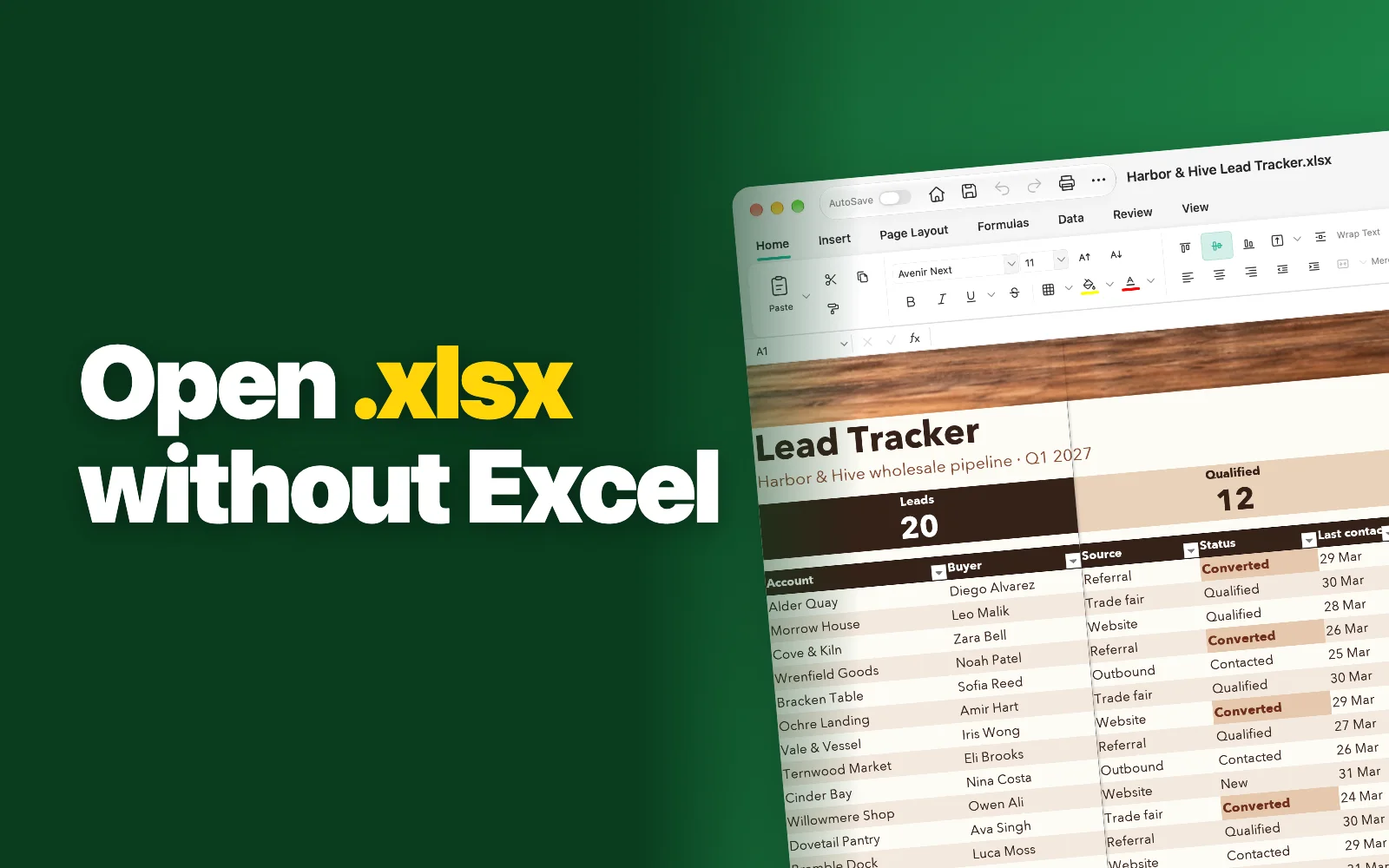
Mobeera Office opens .xlsx directly, without converting it, on Mac, Windows, iPhone, iPad and Android.
- Mac: right-click the file and choose Open With, or use Open File… on the app's Home screen.
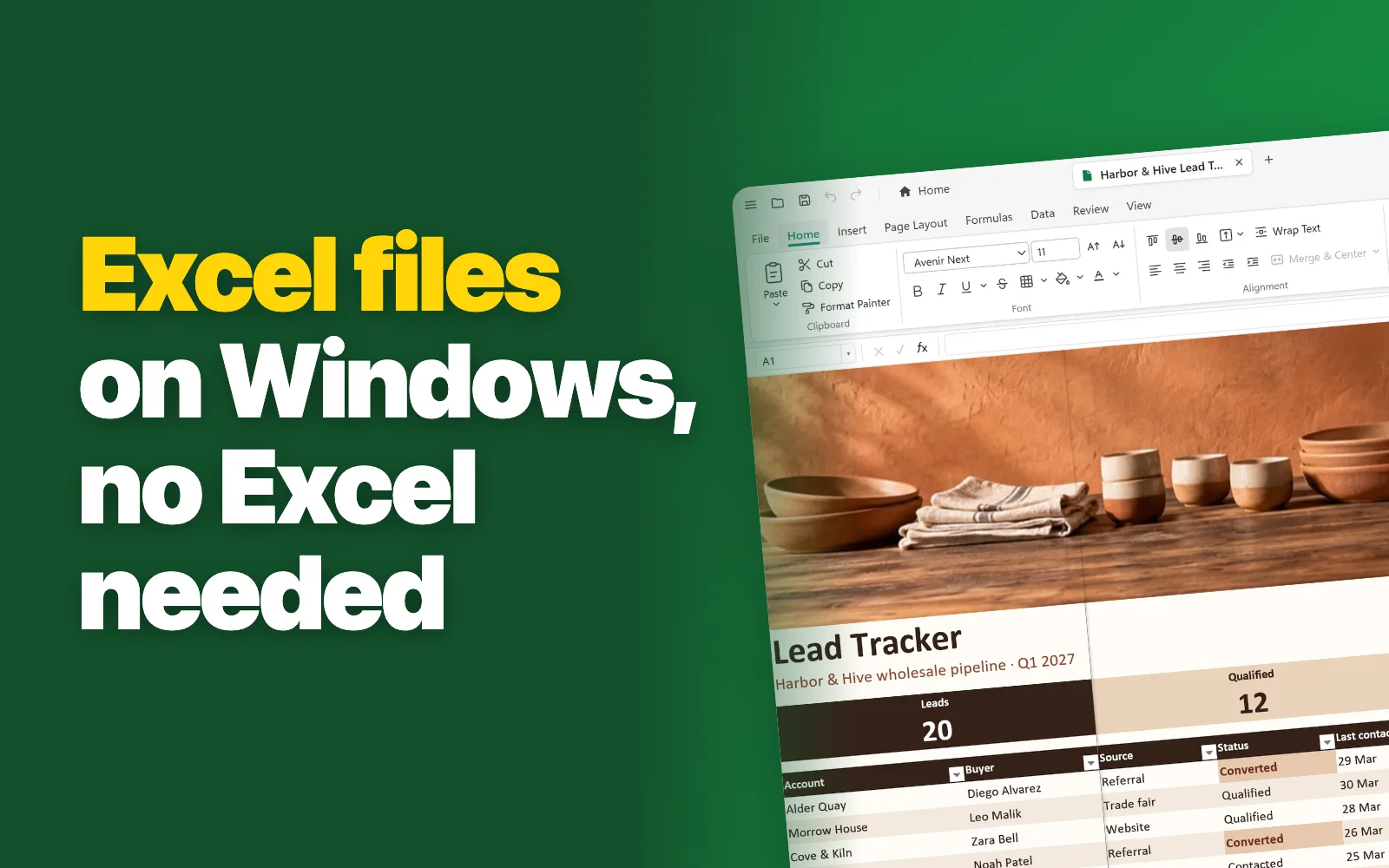
- Windows: open Mobeera Office and choose Open File… on the Home screen, or press Ctrl+O.
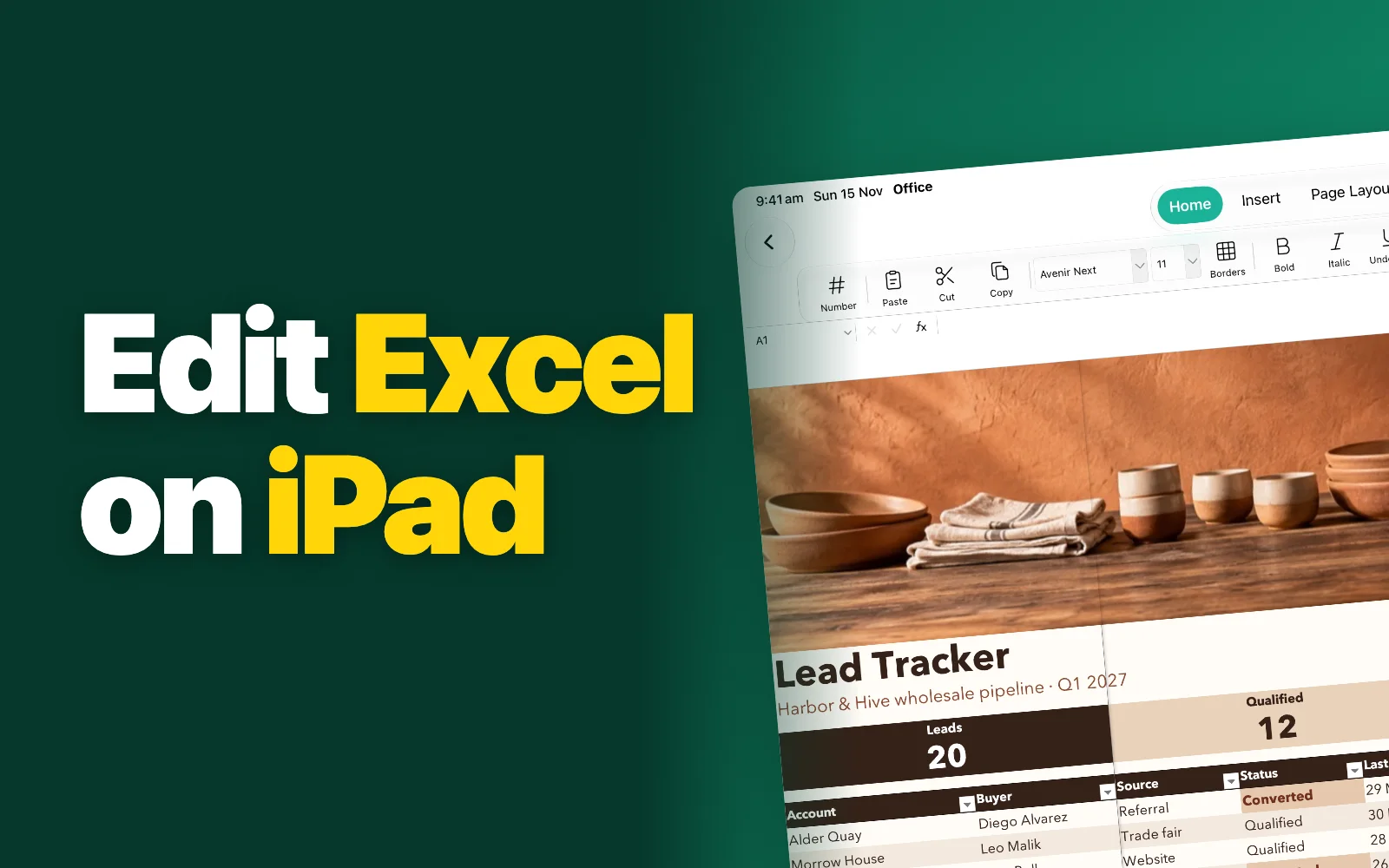
- iPhone and iPad: open the app (named Office on the Home Screen) and tap Open.
- Android: tap the file and choose Mobeera Office, or tap Open on the app's Home tab.
Sheets, formulas, number formats, charts, tables and filters open as they were made, and saving writes an .xlsx again. .xlsm, .csv and .tsv files open too.
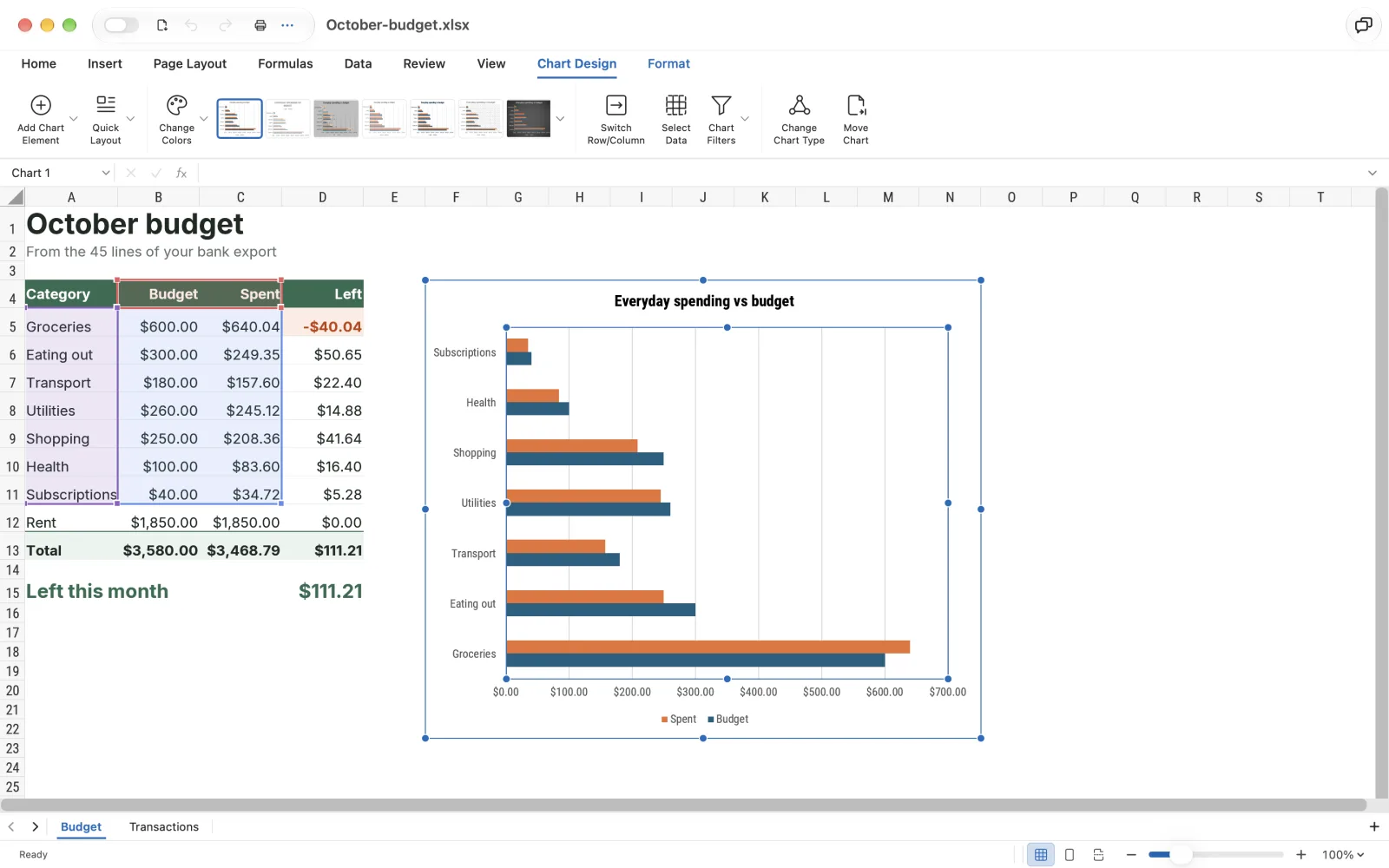
Mobeera Office is free to download. On the free plan the whole workbook opens for reading and you can edit rows 1 to 50 of the first sheet. A yearly plan or lifetime access removes the limit.
LibreOffice Calc is free on Mac, Windows and Linux and also opens and saves .xlsx. When you save, keep the Excel format, not the default .ods.
Open it in Numbers or Google Sheets
Both are free and both convert the workbook.
- Apple Numbers (Mac, iPhone, iPad) turns each sheet into a Numbers table. To return it, export an Excel copy; Apple describes the steps in its conversion guide.
- Google Sheets opens an uploaded
.xlsxin the browser. Use File → Download → Microsoft Excel to get an Excel file back.
Simple tables survive conversion. Check pivot tables, conditional formatting, named ranges and less common functions afterwards, because each app supports a different set.
Things an .xlsx can contain that may not work elsewhere
- Macros. A workbook with macros is normally saved as
.xlsm. Outside Excel the file opens, but the macros do not run. - Links to other workbooks. Formulas that read another file show the last saved value until that file is available.
- Protected sheets. You can read them; editing needs the password.
Common questions
What about an older .xls file?
.xls is the Excel format from before 2007. LibreOffice Calc, Numbers and Google Sheets open it. Mobeera Office does not; ask the sender to save the workbook as .xlsx.
Why do I see ##### in a cell?
The column is too narrow for the number. Widen the column; the value is still there.
Can I open an .xlsx on a phone?
Yes. See the guides for iPhone, iPad and Android.
Can I turn it into a PDF?
Yes. See how to convert Excel to PDF.