How to type on a PDF on Mac, iPhone and iPad
Add text to a PDF that has no form fields: type on it with Preview on Mac, Markup on iPhone and iPad, or PDF Max, then move, resize and style the text.
Direct answer
How do you type on a PDF that has no fillable fields?
Add a text box on top of the page. On a Mac, open the PDF in Preview and choose Tools, Annotate, Text, then type and drag the box into place. On an iPhone or iPad, open it in Files, tap Markup, tap the plus button and choose Add Text. In PDF Max, tap Text on the Home tab, tap the page and type. This adds new text; it does not change the words already printed on the page.
Many PDFs are forms with no fields to click into, or documents that need one line added. In both cases you add a text box on top of the page and type in it.
| What you need | Start here |
|---|---|
| Type on a PDF on a Mac | Add text in Preview |
| Type on a PDF on iPhone or iPad | Add text with Markup |
| Fill a whole form, or add a callout | Add text in PDF Max |
| Change the words already on the page | Edit existing text |
Add text in Preview on Mac
- Open the PDF in Preview.
- Choose Tools → Annotate → Text. A text box appears in the middle of the page.
- Type, then drag the box to where the text belongs.
- Click the Text Style button in the Markup toolbar to change the font, size and color.
- Save.
If the PDF has real form fields, click a field and type. Preview shows them when you click the Form Filling button.
Add text with Markup on iPhone and iPad
- Open the PDF in the Files app.
- Tap the Markup button.
- Tap + and choose Add Text.
- Double-tap the box to type, then drag it into place.
- Tap Done.
Add text in PDF Max
- Open the PDF in PDF Max.
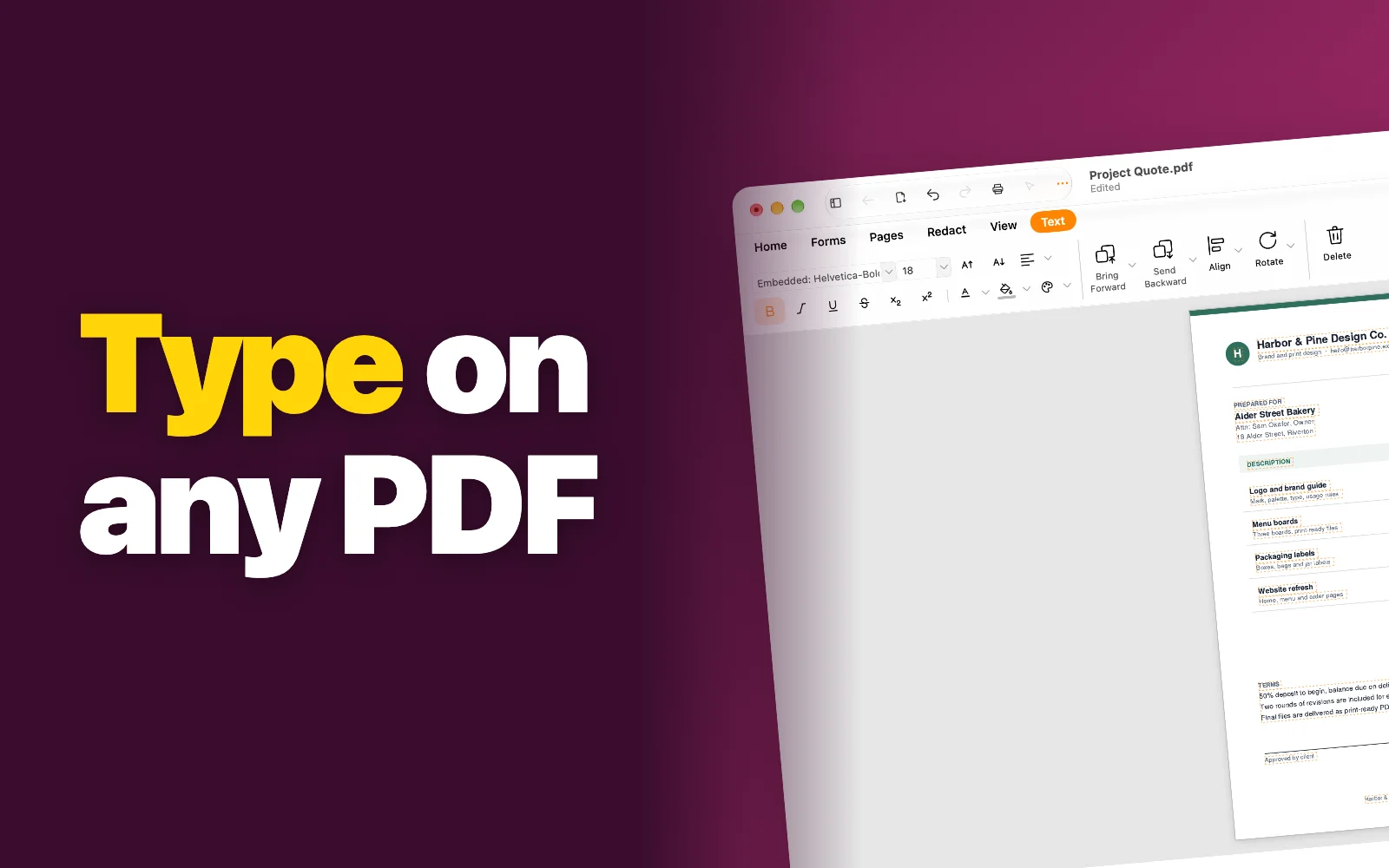
- On the Home tab, tap Text.
- Tap the page where the text should start and type.
- Select the box to move it, resize it or change the font, size and color.
Two more tools help with forms and reviews:
- Fill & Sign → Text places answers on a flat form, next to check marks, the date and your signature.
- Annotate → Callout adds a text box with an arrow pointing at the thing you are commenting on.
To line text up with a printed line, zoom in before you place the box, then nudge it.
Adding text is not editing text
A text box sits on top of the page. It does not change what is printed underneath. To correct a typo, change a date or rewrite a sentence in the PDF itself, you need to edit the page content: see how to edit text in a PDF.
Do not cover old wording with a white box and type over it. The original words are still in the file and can be selected or searched. To remove content for good, use redaction.
Keep the text where you put it
Text you add is an annotation, so someone with a PDF editor can move or delete it. When the document is final, send a flattened copy. See how to fill, sign and flatten a PDF form.
What it costs
Adding text boxes and callouts is included in PDF Max Free. Editing the existing text of a page needs Premium.