PDF MaxStudy tools
How to study diagrams, tables, and formulas inside a PDF
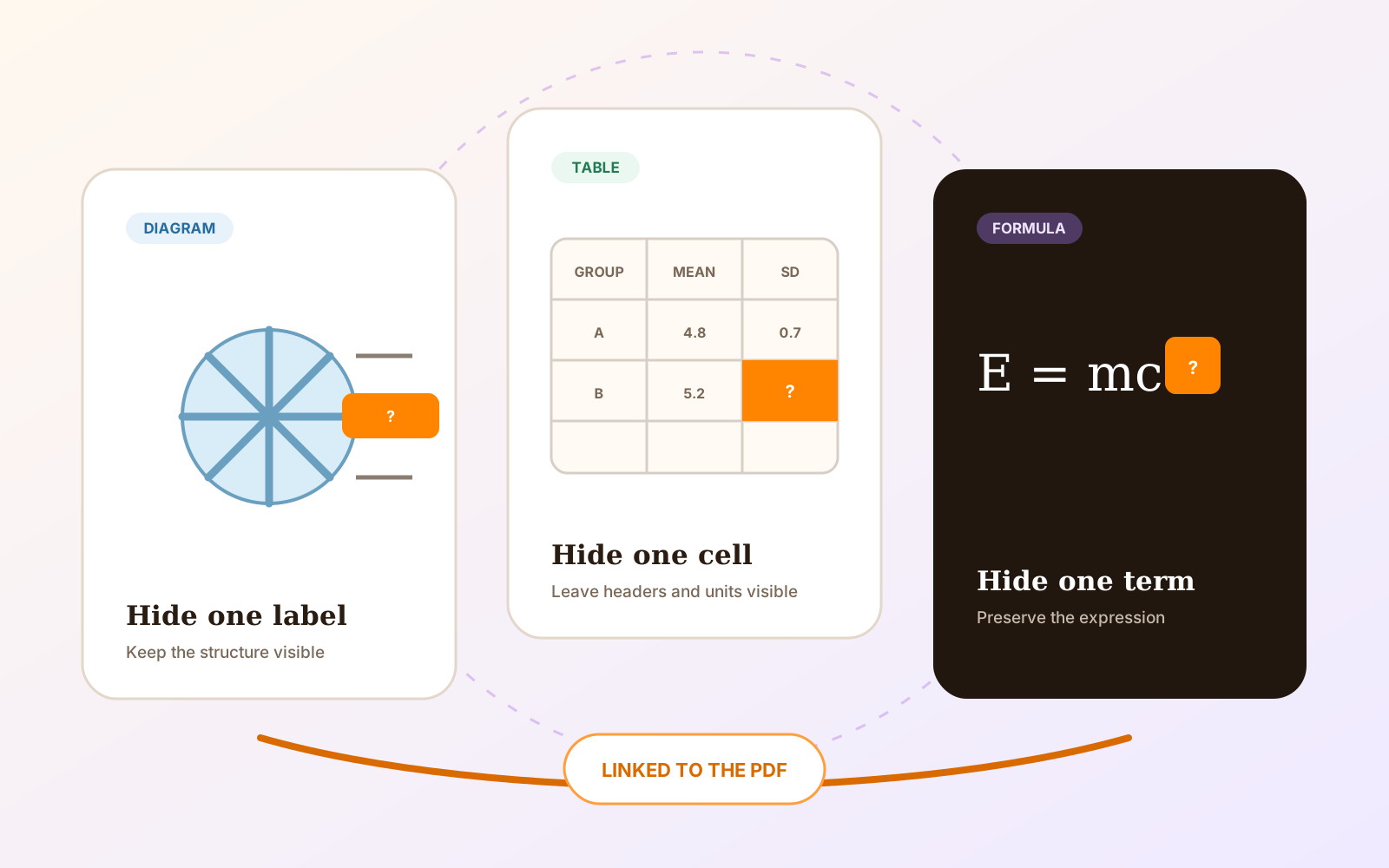
Create focused Questions from figures, table cells, equations, labels, and other structured university material while preserving the source page.
Read
Mobeera Blog
Clear, tested guides for reading, editing, signing, protecting, and finishing documents across Mac, iPad, and iPhone.
Browse product comparisonsShowing 31–36 of 52
Create focused Questions from figures, table cells, equations, labels, and other structured university material while preserving the source page.
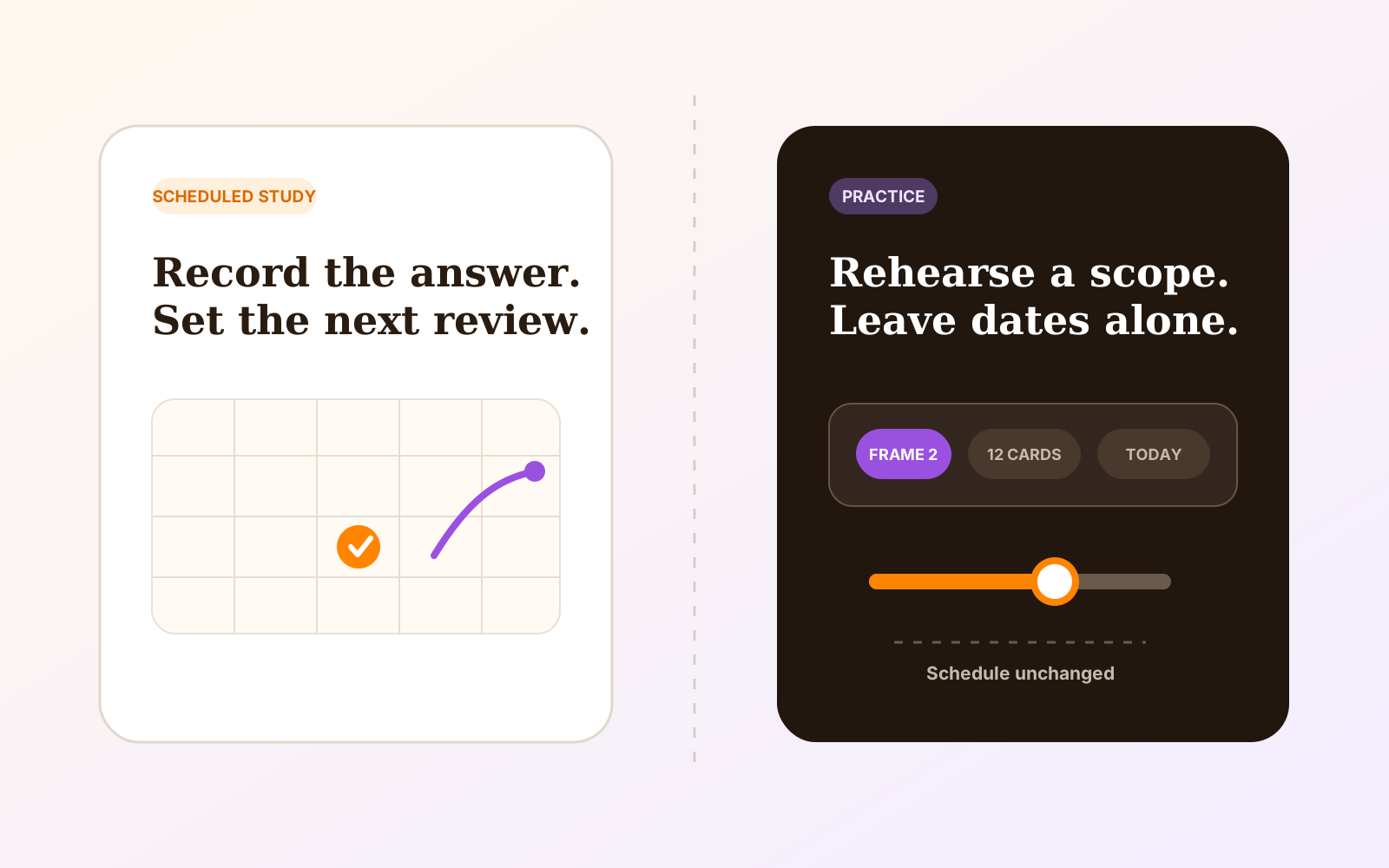
Choose between schedule-changing Study and schedule-neutral Practice for long-term recall, revision weeks, presentations, and last-minute rehearsal.
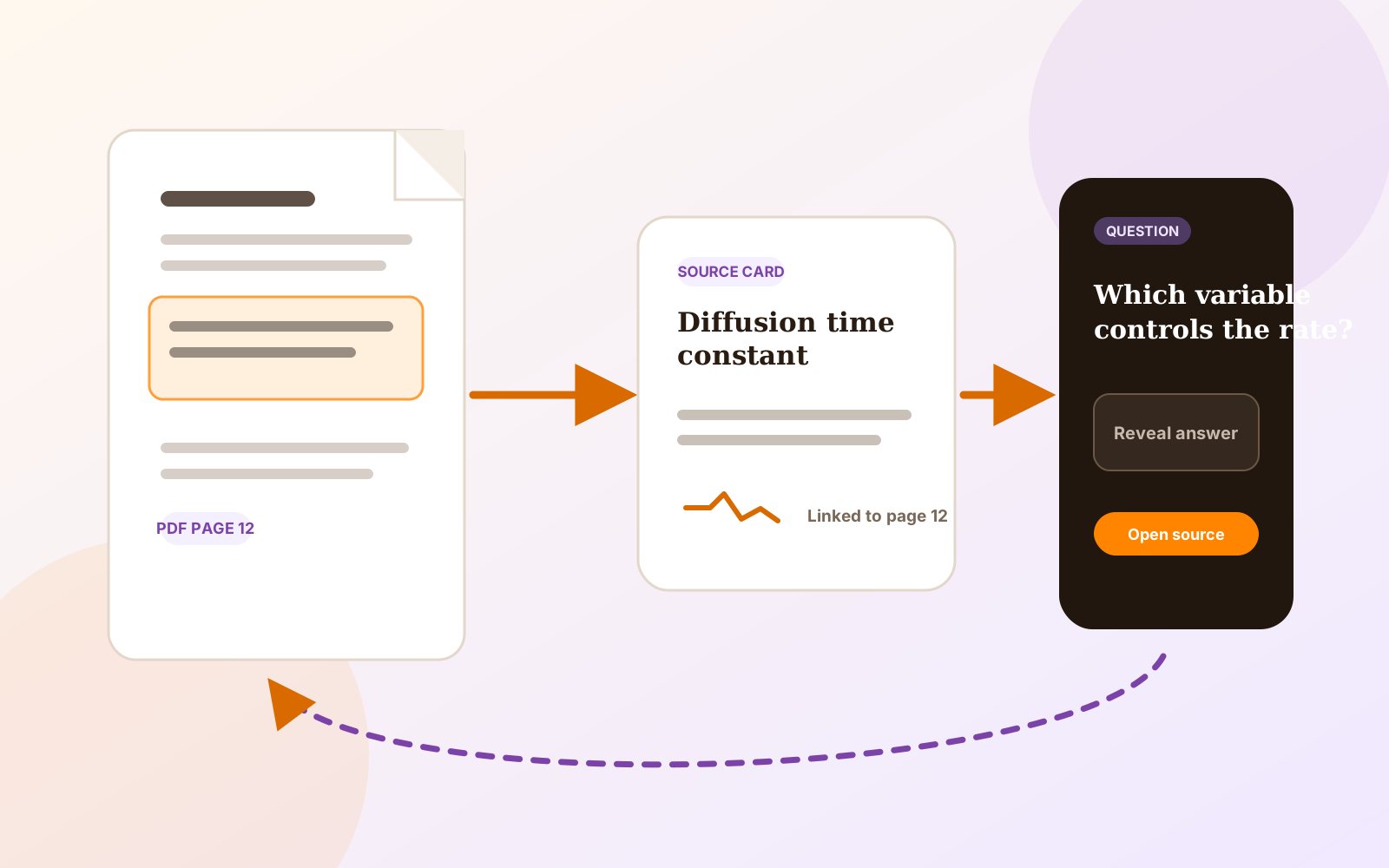
Turn passages, formulas, tables, and figures from a university PDF into reviewable Questions that retain a route to the original evidence.

Compare offline PDF work on Apple devices by file access, local processing, optional services, sync, accounts, editing, OCR, redaction, forms, and export.
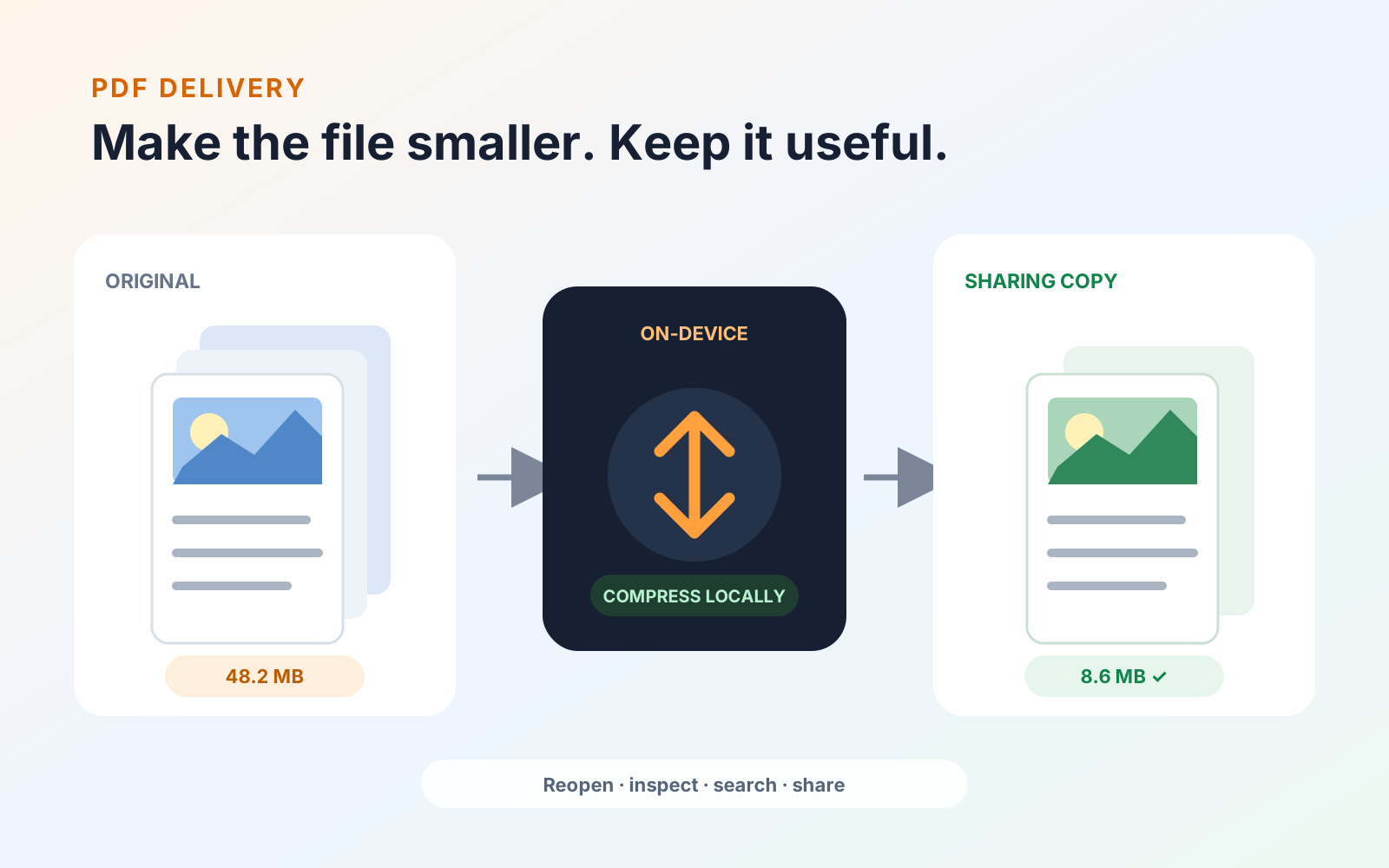
Reduce PDF file size on Apple devices with an on-device workflow, choose sensible image quality, and verify the compressed sharing copy before sending it.
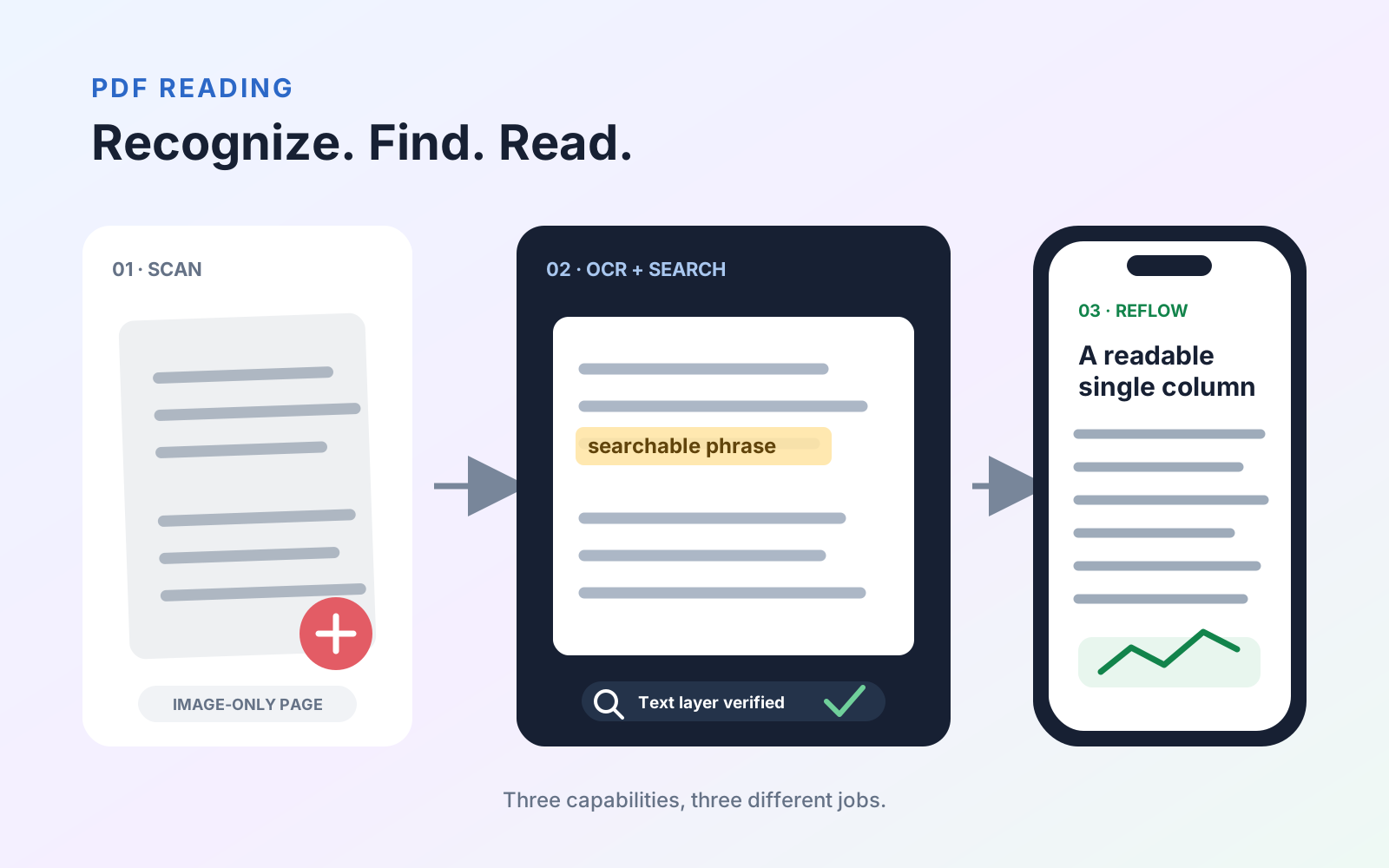
Learn how OCR, searchable text, and reflow differ, when each PDF feature helps, and how to verify scanned documents before relying on the result.
Every published guide, newest first.
Product news
PDF organization
PDF organization
Product news
PDF review
PDF navigation
PDF review
PDF creation
PDF annotation
Study tools
PDF search
PDF annotation
PDF organization
PDF editing
PDF organization
PDF organization
PDF protection
PDF reading
PDF organization
Study tools
PDF protection
Study tools
Engineering
PDF forms
Study tools
Study tools
Study tools
Study tools
Study tools
Product news
Study tools
Study tools
Study tools
Buying guides
PDF delivery
PDF reading
PDF security
Student presentations
Study tools
Student research
Student research
Student workflows
PDF fundamentals
PDF fundamentals
PDF protection
PDF fundamentals
PDF protection
PDF translation
PDF forms
PDF OCR
PDF editing
Document review