
PDF MaxStudy tools
How to use Study Tape for active recall in a PDF
Cover answers in a PDF with Study Tape, quiz yourself, reveal one strip or every answer, and understand what happens when you save or share.
Read
Mobeera Blog
Clear, tested guides for reading, editing, signing, protecting, and finishing documents across Mac, iPad, and iPhone.
Browse product comparisonsShowing 7–12 of 49
Cover answers in a PDF with Study Tape, quiz yourself, reveal one strip or every answer, and understand what happens when you save or share.
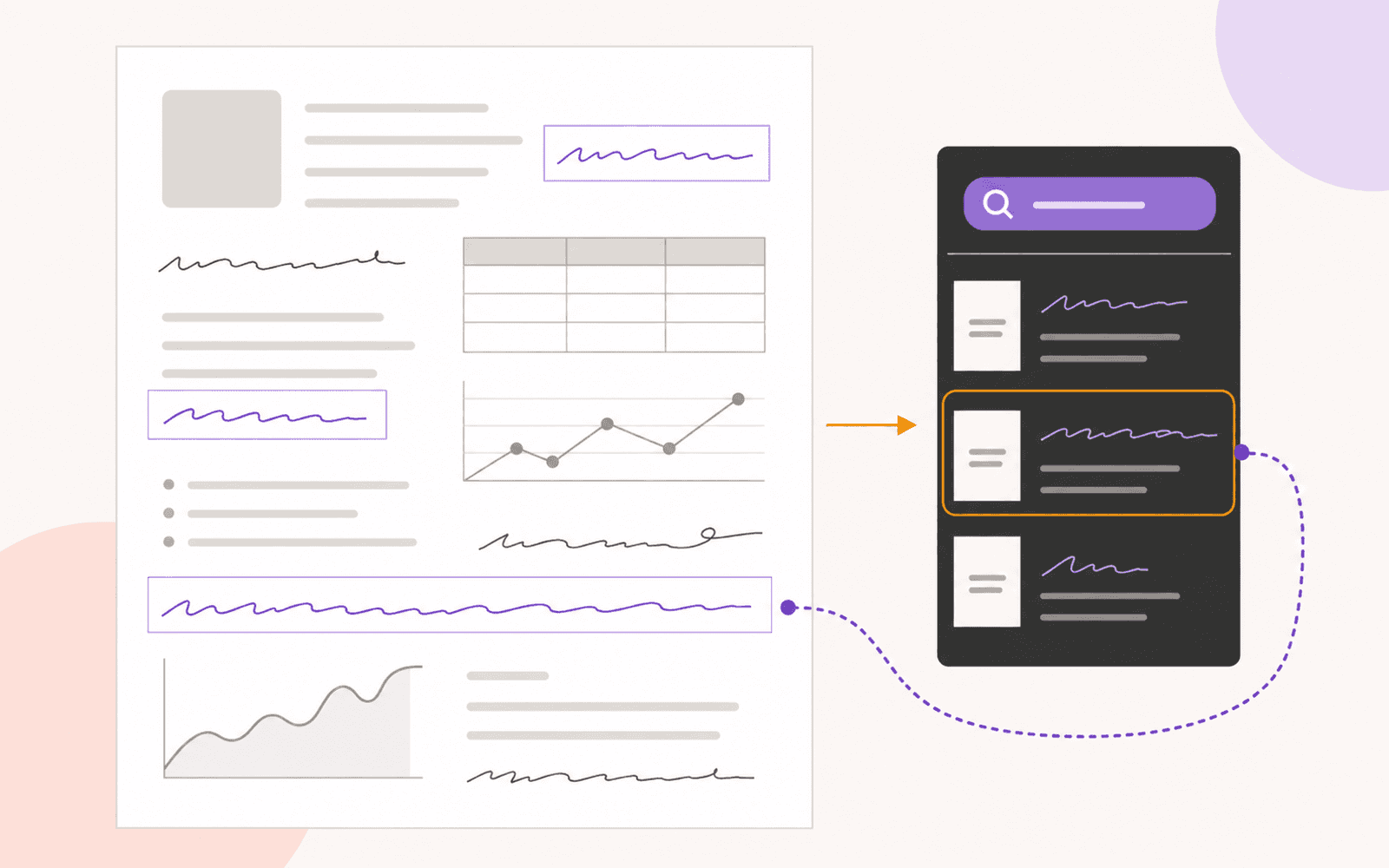
Search pen annotations in a PDF on Apple devices, learn why scanned handwriting needs a different workflow, and jump back to each matching page.
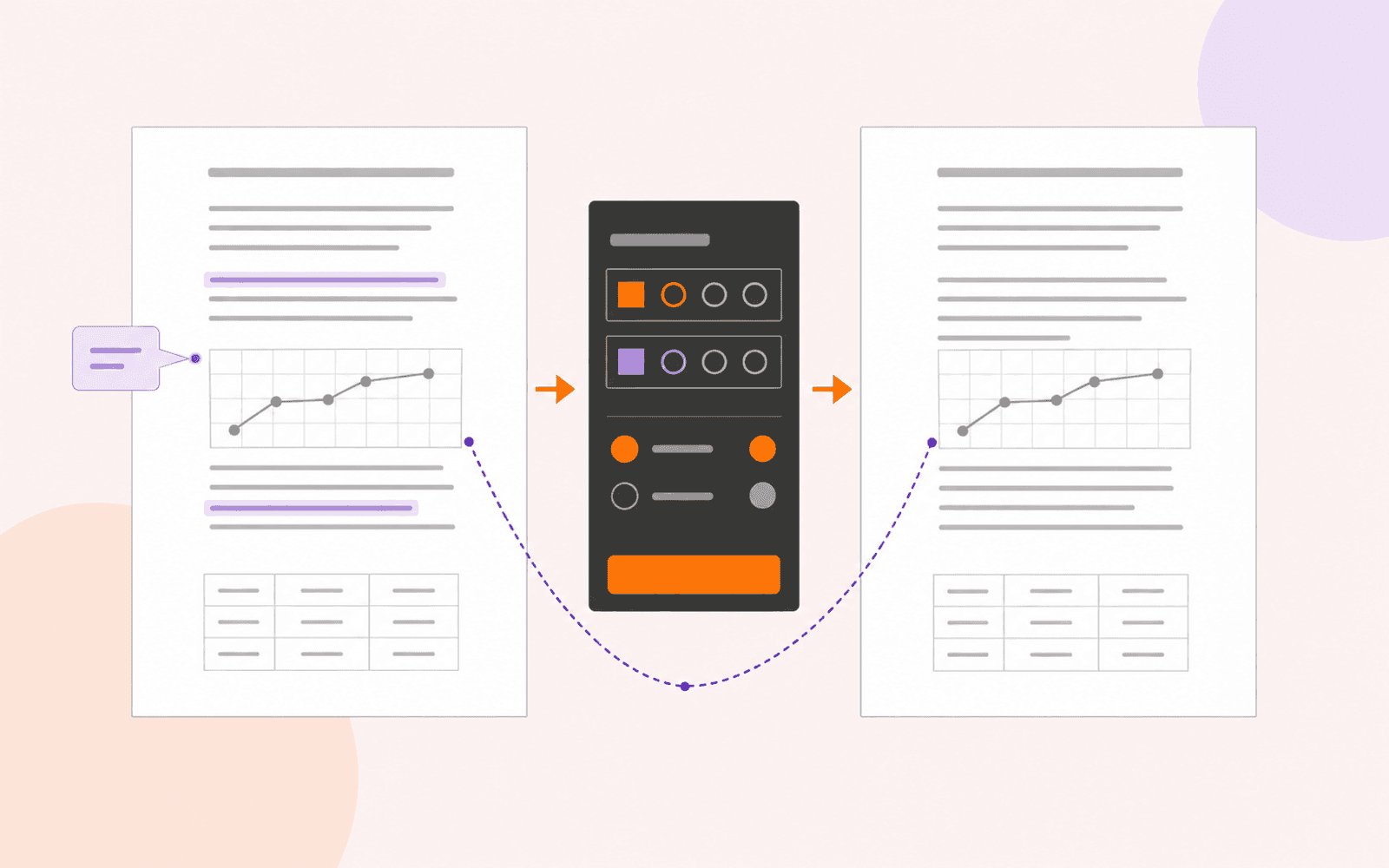
Remove PDF highlights and unwanted comments on Apple devices, keep the underlying text, and identify marks that cannot be deleted as annotations.
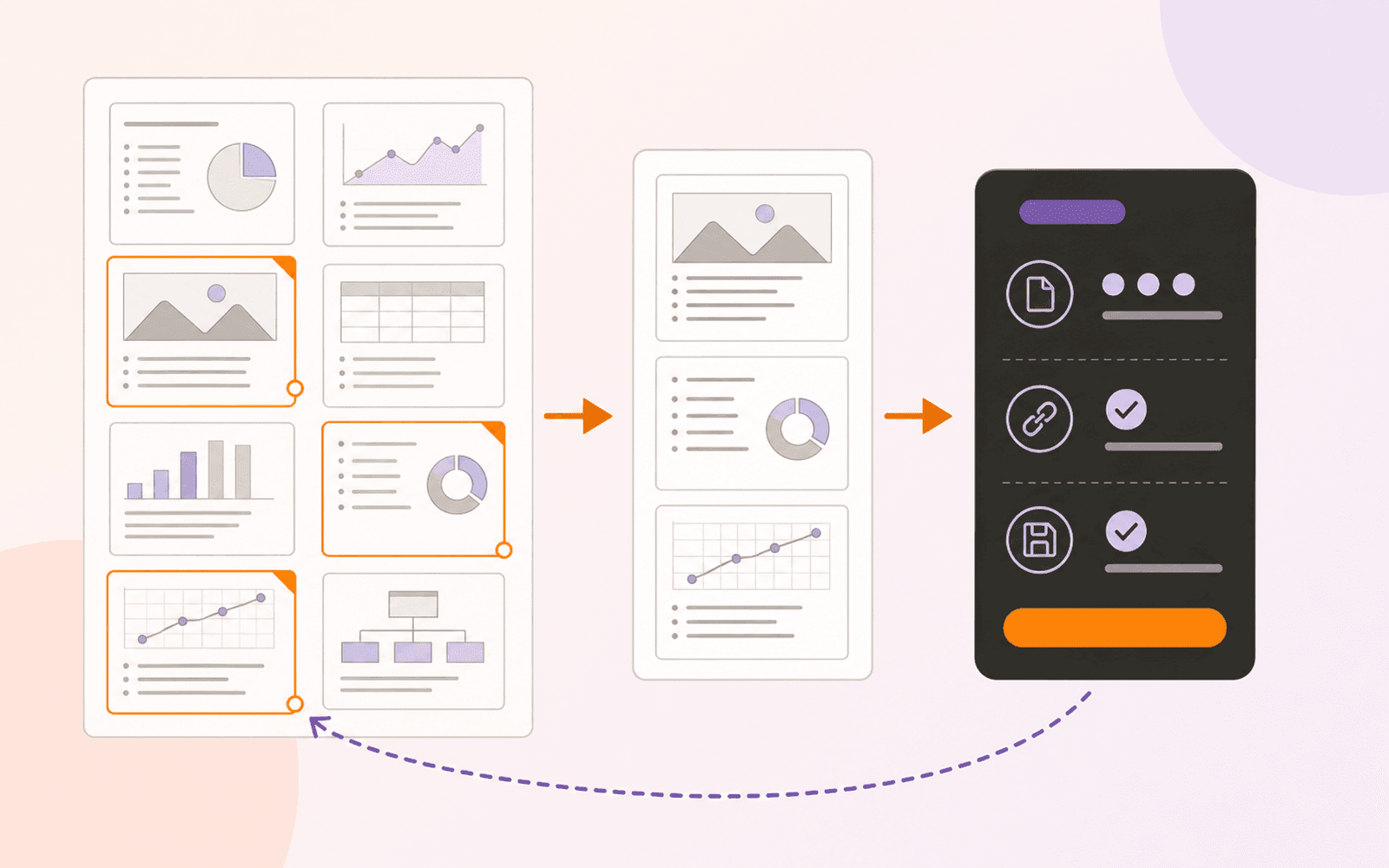
Save selected PDF pages as a separate file on Apple devices, preserve the original, and verify links, annotations, forms, and protection before sharing.

Add clickable web or page links to an existing PDF on Apple devices, edit or remove them locally, and verify every destination before sharing.

Normalize mixed PDF pages to A4, Letter, Legal, A3, or A5, choose Fit or Fill safely, and verify the resized copy before printing or sharing.
Every published guide, newest first.
Product news
PDF review
PDF navigation
PDF review
PDF creation
PDF annotation
Study tools
PDF search
PDF annotation
PDF organization
PDF editing
PDF organization
PDF organization
PDF protection
PDF reading
PDF organization
Study tools
PDF protection
Study tools
Engineering
PDF forms
Study tools
Study tools
Study tools
Study tools
Study tools
Product news
Study tools
Study tools
Study tools
Buying guides
PDF delivery
PDF reading
PDF security
Student presentations
Study tools
Student research
Student research
Student workflows
PDF fundamentals
PDF fundamentals
PDF protection
PDF fundamentals
PDF protection
PDF translation
PDF forms
PDF OCR
PDF editing
Document review