PDF MaxPDF organization
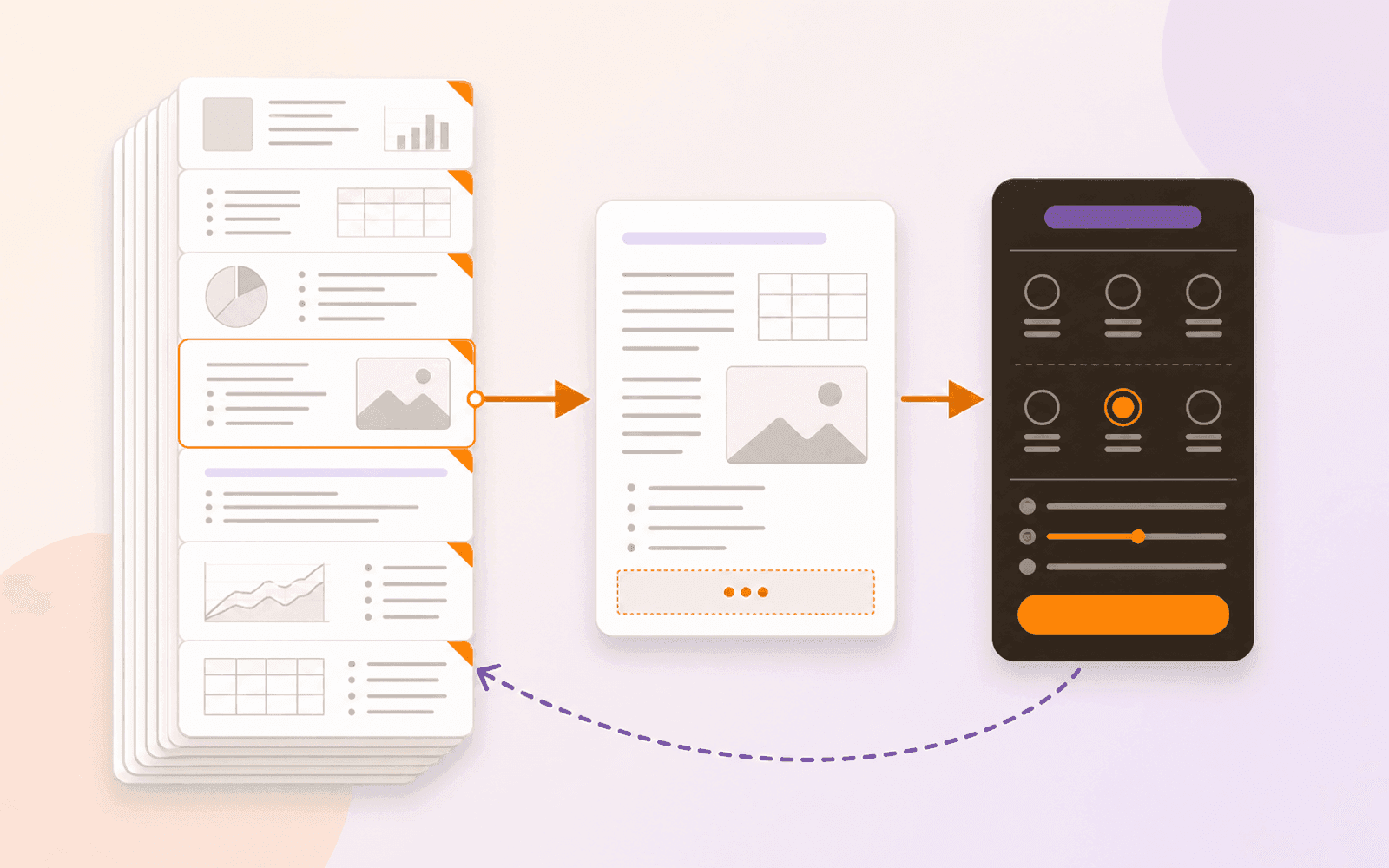
How to add page numbers to a PDF on iPhone, iPad, and Mac
Add visible page or Bates numbers to an existing PDF on Apple devices, choose the right range and format, and verify every stamped page before delivery.
Read
Mobeera Blog
Clear, tested guides for reading, editing, signing, protecting, and finishing documents across Mac, iPad, and iPhone.
Browse product comparisonsShowing 13–18 of 49
Add visible page or Bates numbers to an existing PDF on Apple devices, choose the right range and format, and verify every stamped page before delivery.
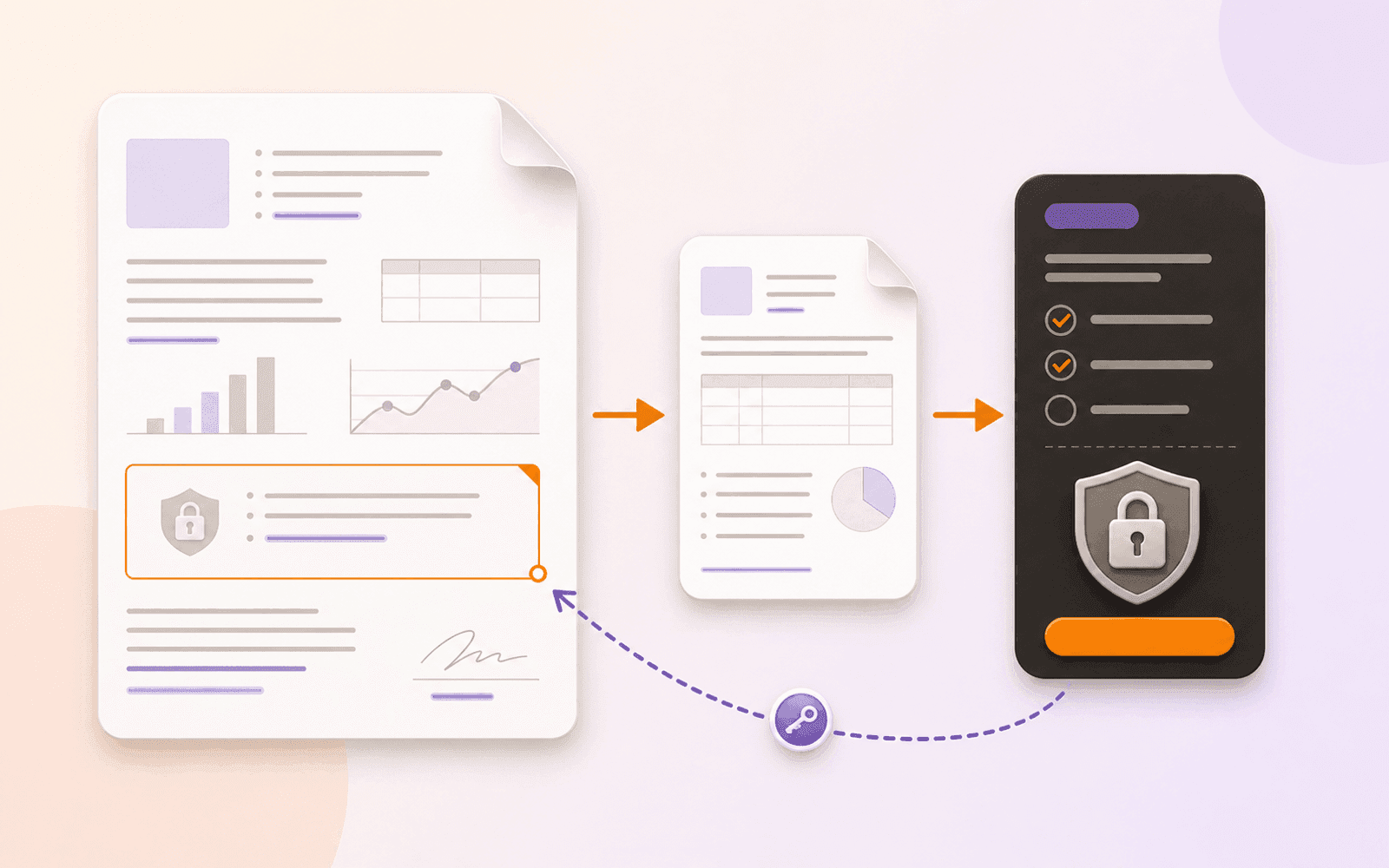
Add an open password to a PDF—or remove one you know—on Apple devices, keep the work local, and verify the protected or unlocked copy before sharing.

Make a PDF read aloud on Apple devices, choose a suitable voice, handle scanned pages, and verify tables, formulas, and reading order as you listen.

Reorder PDF pages in Mac Preview, on iPhone or iPad, or in PDF Max. Follow local thumbnail steps, keep the original, and check the saved page order.
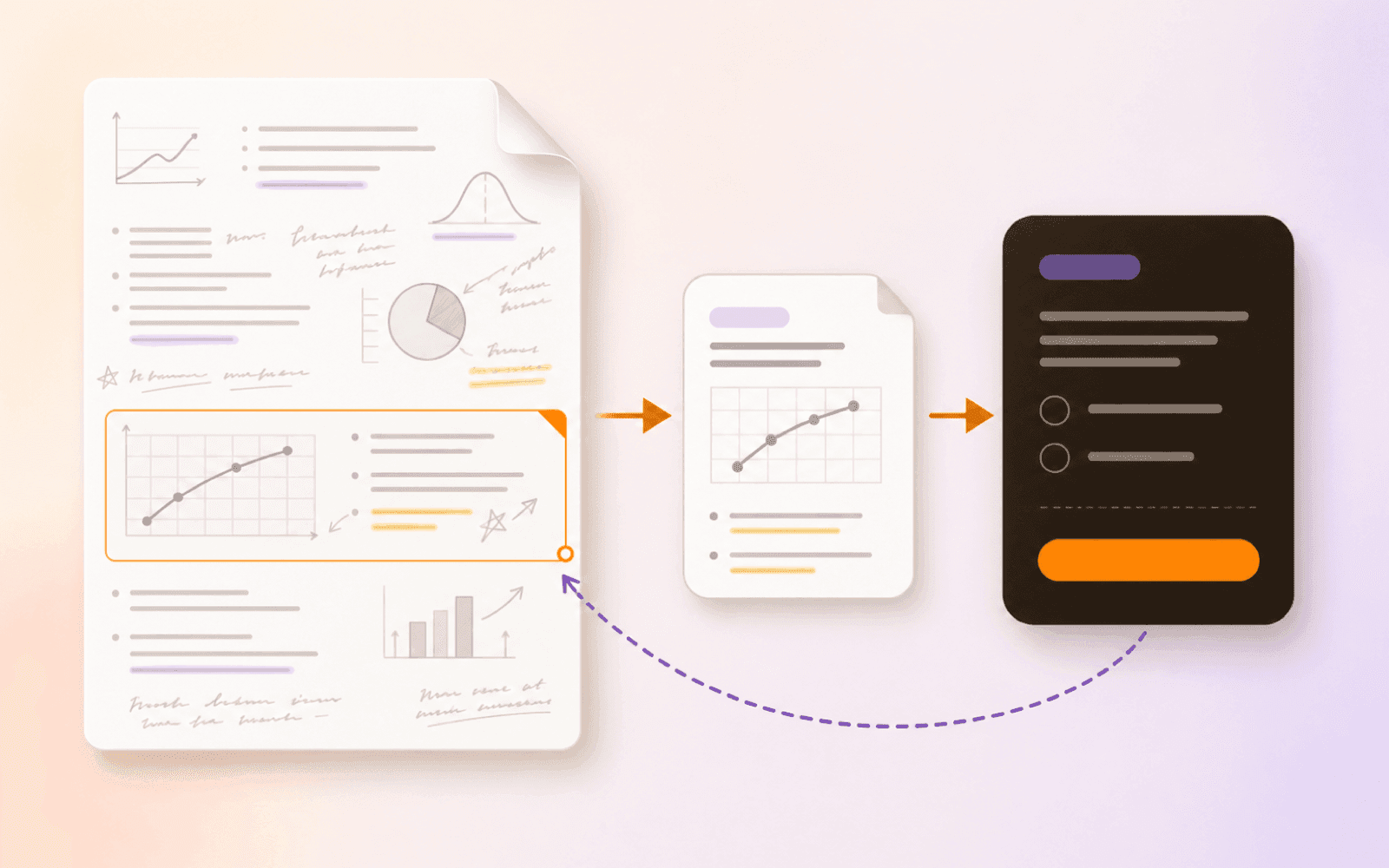
Export an annotated Goodnotes PDF, create source-linked Questions in PDF Max, and return to the recorded page when an answer needs context.
Check whether PDF annotations and form fields are still editable, confirm text and search behavior, and verify a flattened copy before relying on it.
Every published guide, newest first.
Product news
PDF review
PDF navigation
PDF review
PDF creation
PDF annotation
Study tools
PDF search
PDF annotation
PDF organization
PDF editing
PDF organization
PDF organization
PDF protection
PDF reading
PDF organization
Study tools
PDF protection
Study tools
Engineering
PDF forms
Study tools
Study tools
Study tools
Study tools
Study tools
Product news
Study tools
Study tools
Study tools
Buying guides
PDF delivery
PDF reading
PDF security
Student presentations
Study tools
Student research
Student research
Student workflows
PDF fundamentals
PDF fundamentals
PDF protection
PDF fundamentals
PDF protection
PDF translation
PDF forms
PDF OCR
PDF editing
Document review