WordPilotDocument review
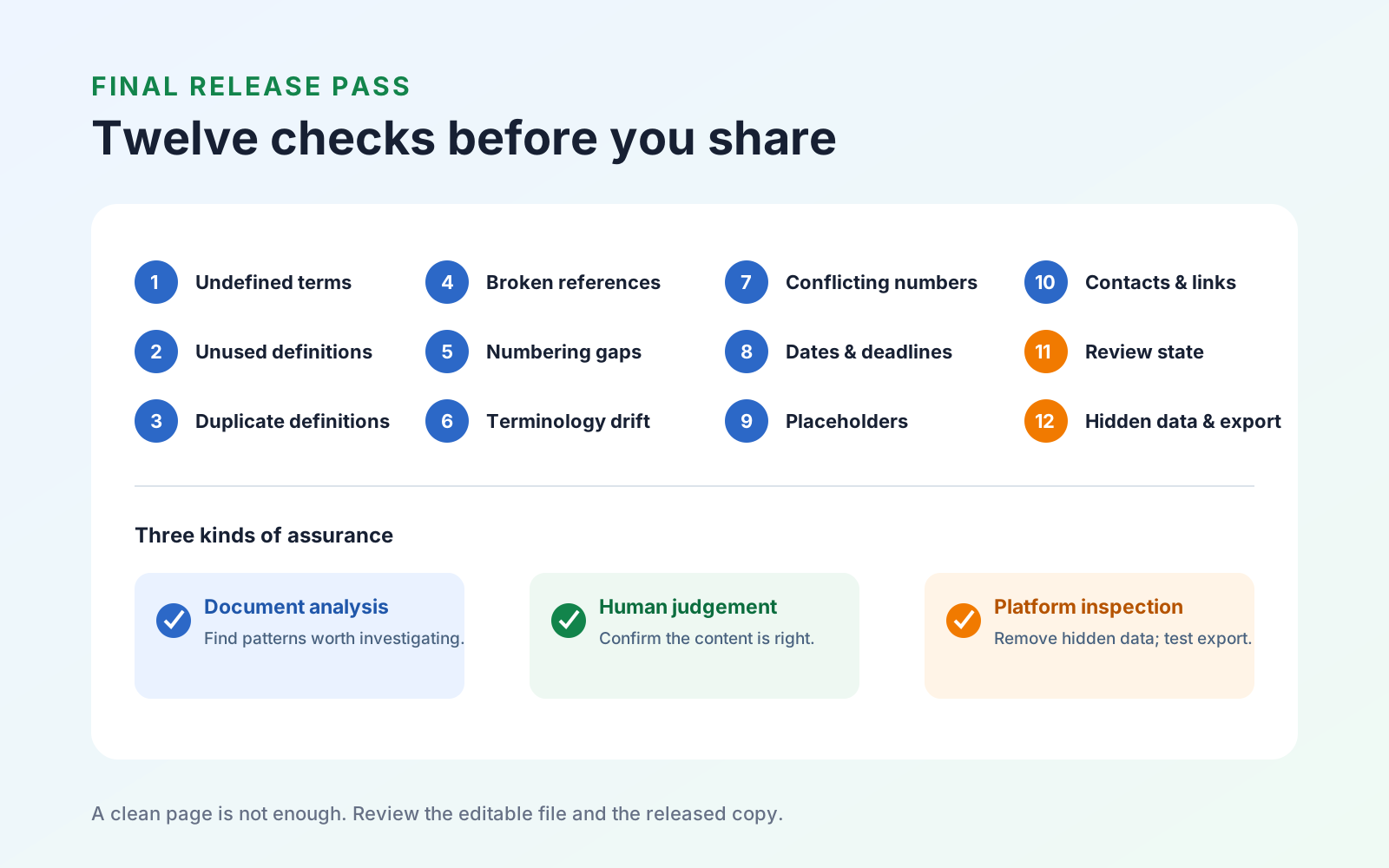
Final document review checklist: 12 errors spell-check misses
Use a repeatable final review to catch broken references, inconsistent terms, numbering errors, placeholders, unresolved changes, and hidden data.
Read
Mobeera Blog
Clear, tested guides for reading, editing, signing, protecting, and finishing documents across Mac, iPad, and iPhone.
Browse product comparisonsShowing 49–49 of 49
Use a repeatable final review to catch broken references, inconsistent terms, numbering errors, placeholders, unresolved changes, and hidden data.
Every published guide, newest first.
Product news
PDF review
PDF navigation
PDF review
PDF creation
PDF annotation
Study tools
PDF search
PDF annotation
PDF organization
PDF editing
PDF organization
PDF organization
PDF protection
PDF reading
PDF organization
Study tools
PDF protection
Study tools
Engineering
PDF forms
Study tools
Study tools
Study tools
Study tools
Study tools
Product news
Study tools
Study tools
Study tools
Buying guides
PDF delivery
PDF reading
PDF security
Student presentations
Study tools
Student research
Student research
Student workflows
PDF fundamentals
PDF fundamentals
PDF protection
PDF fundamentals
PDF protection
PDF translation
PDF forms
PDF OCR
PDF editing
Document review