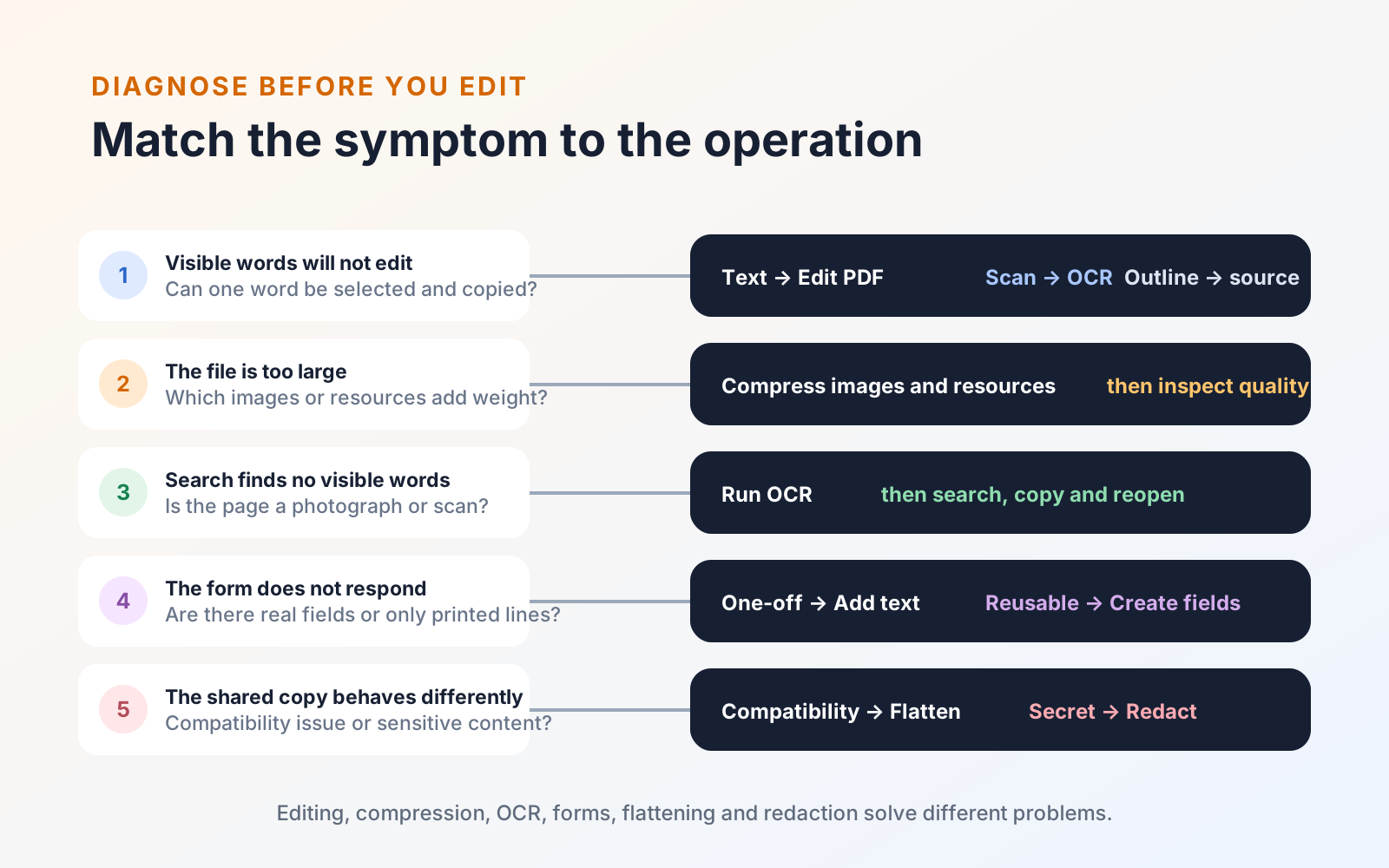
PDF MaxPDF fundamentals
Five common PDF frustrations—and the practical fix for each
Diagnose five frequent PDF problems involving editing, file size, scans, forms, annotations, and privacy before choosing the right fix.
Read
Mobeera Blog
Clear, tested guides for reading, editing, signing, protecting, and finishing documents across Mac, iPad, and iPhone.
Browse product comparisonsShowing 43–48 of 52
Diagnose five frequent PDF problems involving editing, file size, scans, forms, annotations, and privacy before choosing the right fix.
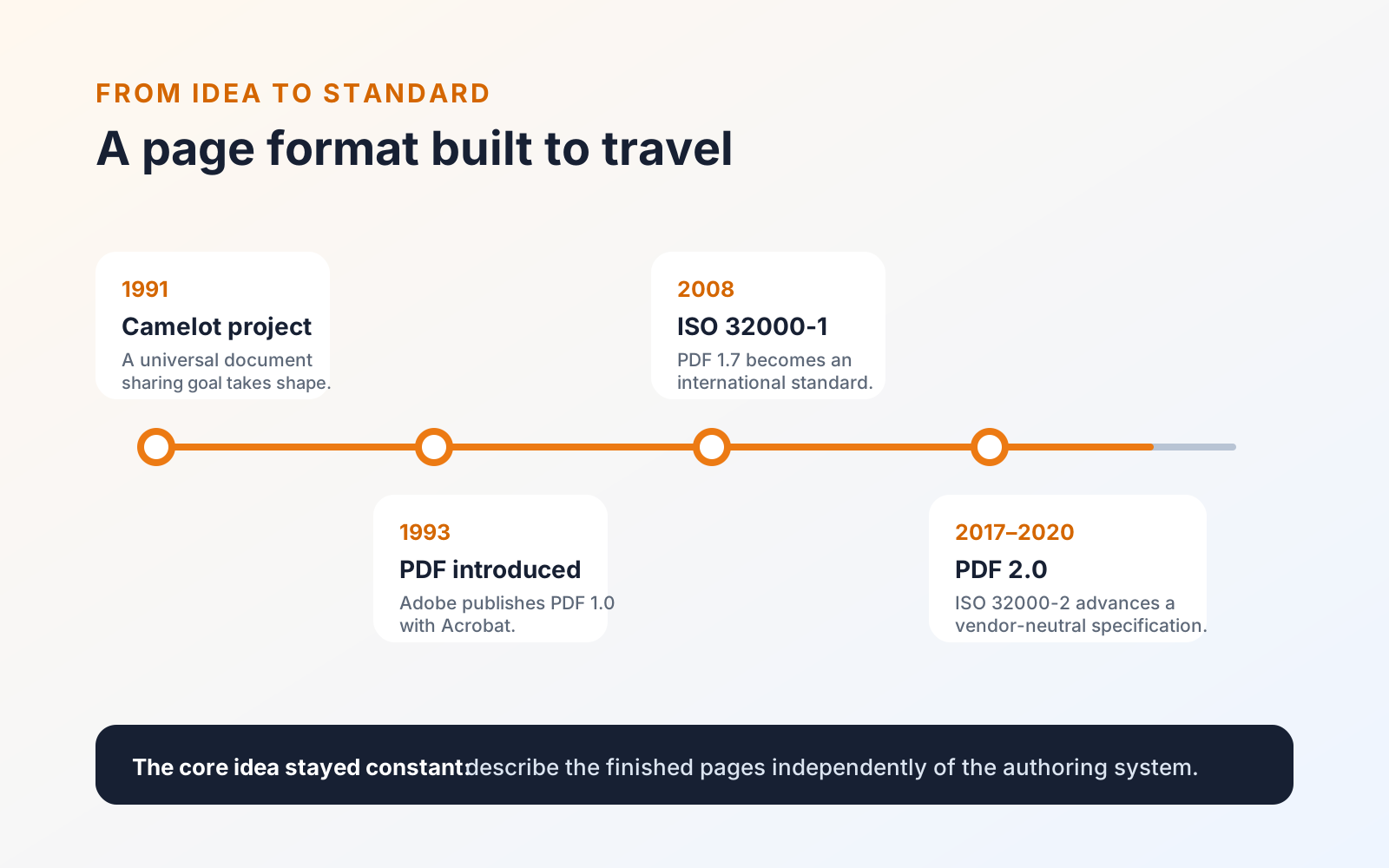
Learn what a PDF contains, why its pages travel reliably between devices, and how the format grew from a 1990s idea into an international standard.
Learn the difference between covering and removing sensitive PDF content, then apply and verify permanent redactions before sharing the file.
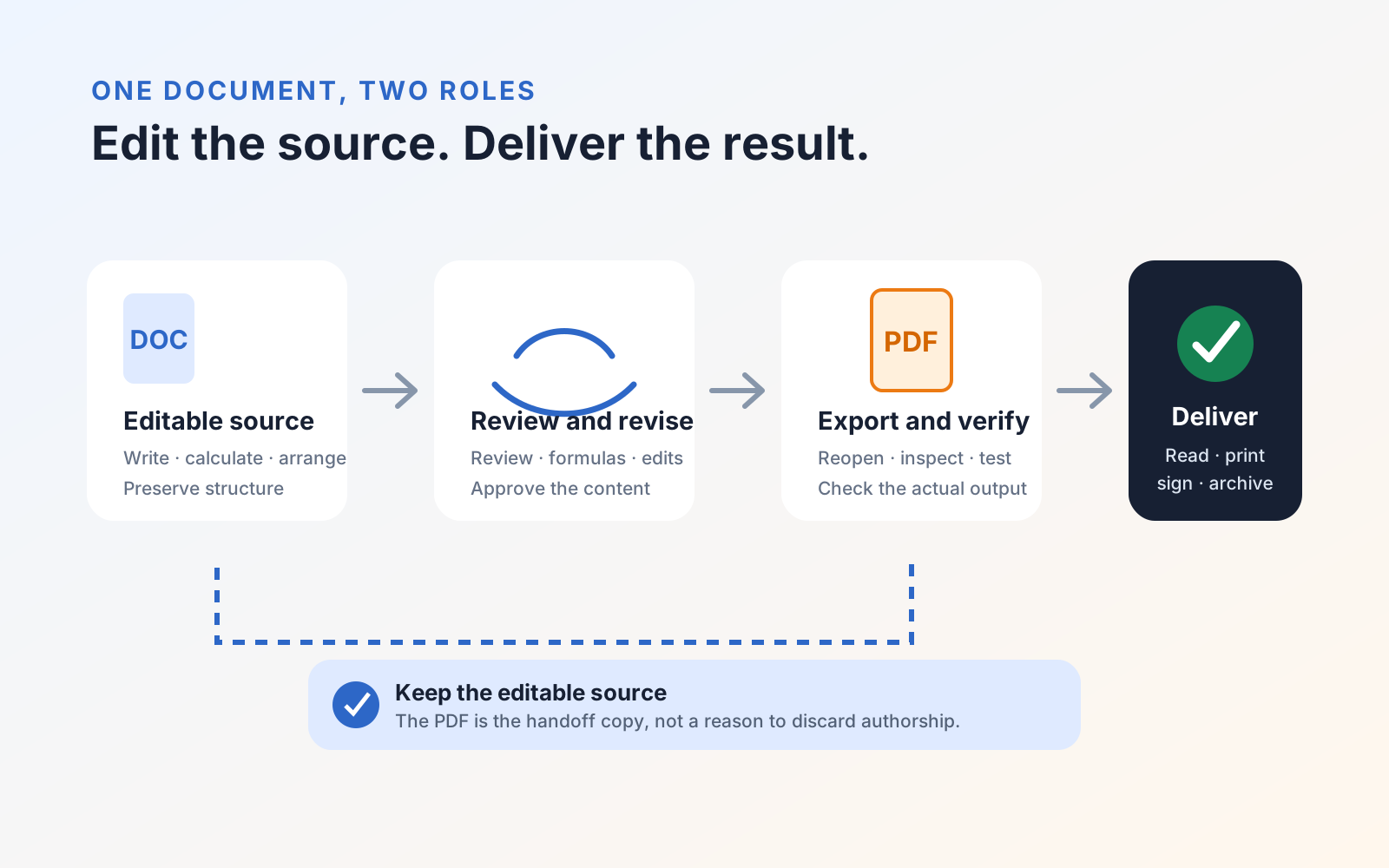
Compare PDF with Word, Excel, and PowerPoint files, then choose a working format and a delivery format without sacrificing editability or layout.
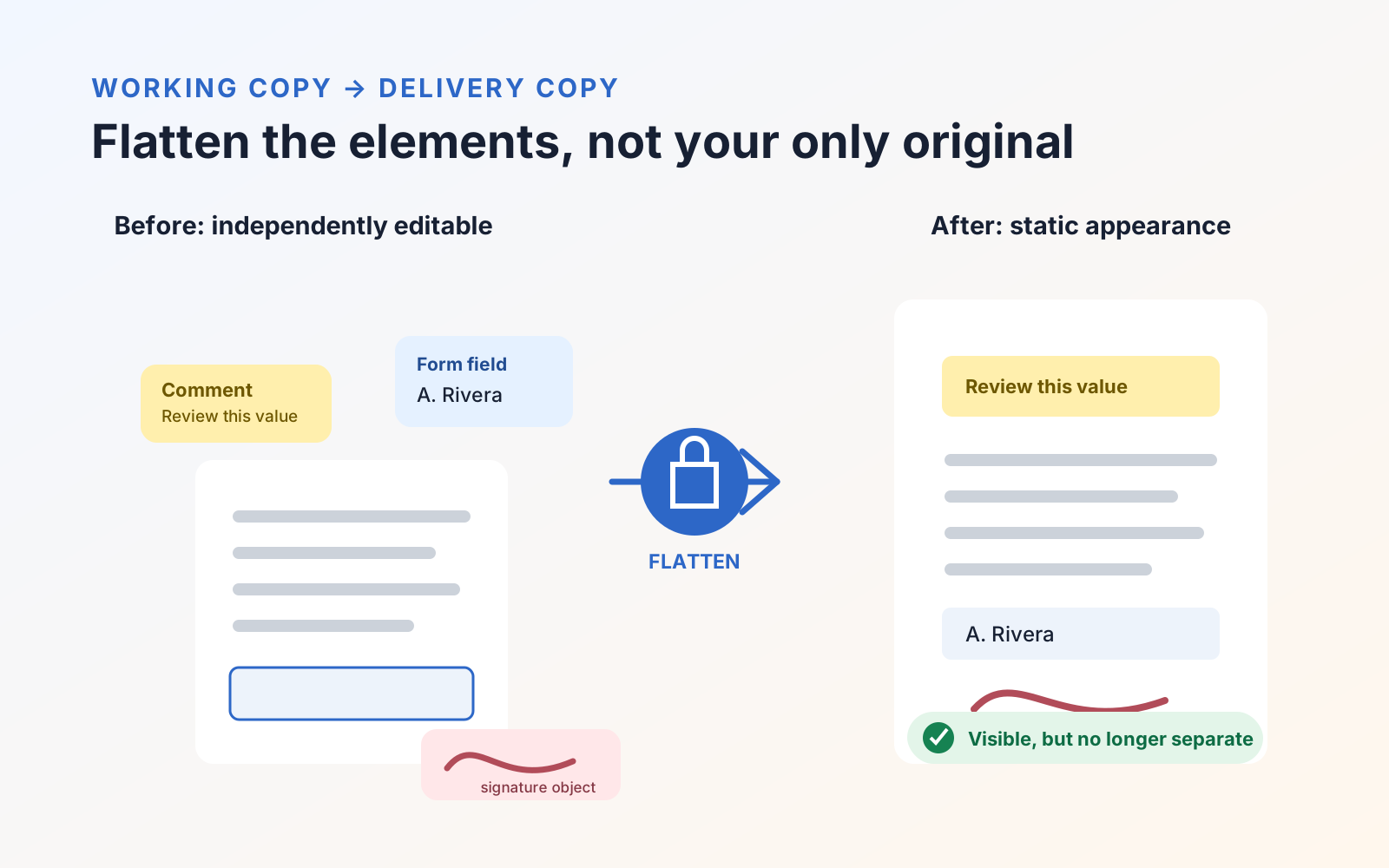
Flattening a PDF turns supported annotations and filled fields into page content. Learn when to use a flattened copy and what it preserves or removes.
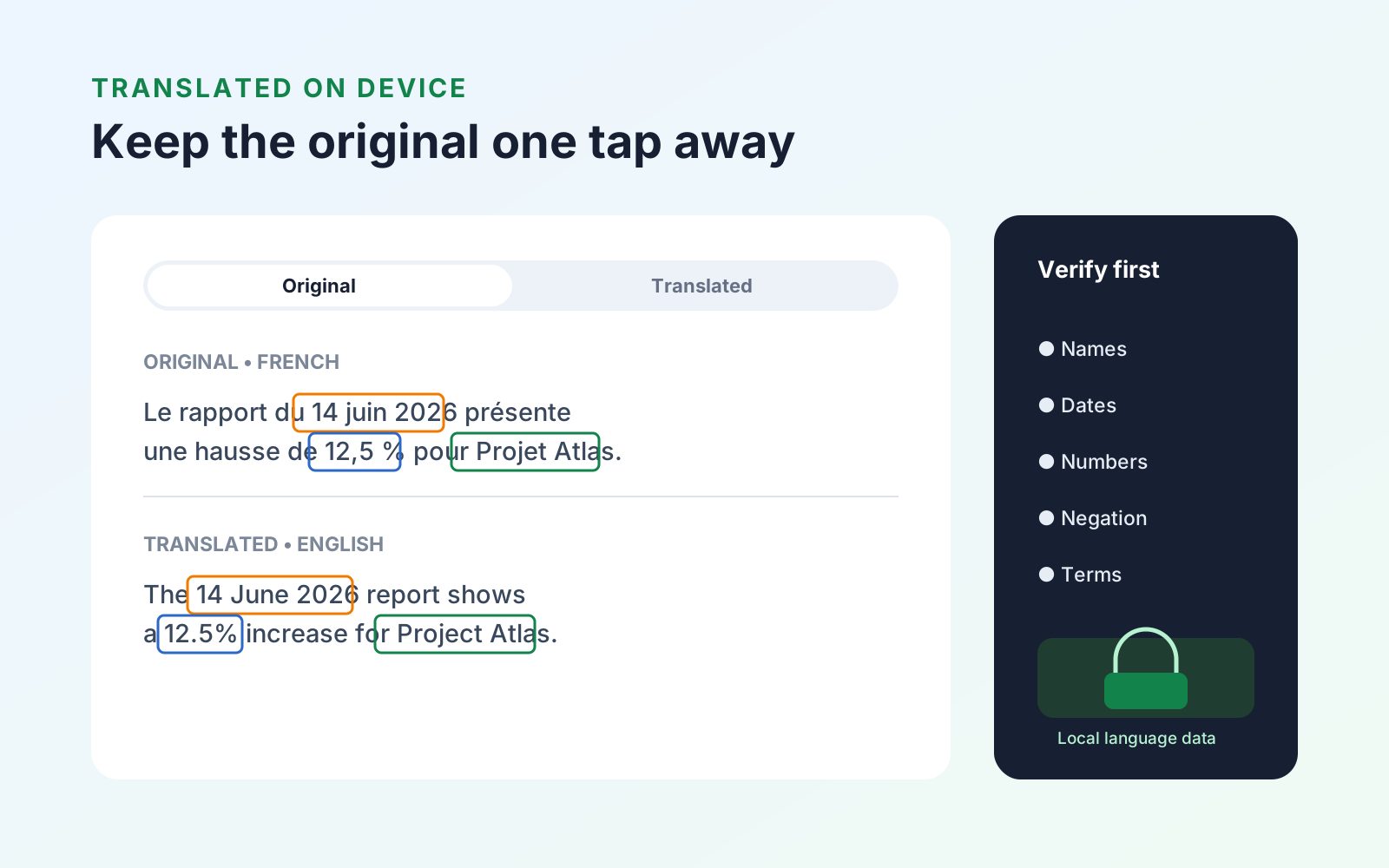
Translate a complete PDF on Mac, iPad, or iPhone with an on-device workflow, keep the original available, and handle scanned pages correctly.
Every published guide, newest first.
Product news
PDF organization
PDF organization
Product news
PDF review
PDF navigation
PDF review
PDF creation
PDF annotation
Study tools
PDF search
PDF annotation
PDF organization
PDF editing
PDF organization
PDF organization
PDF protection
PDF reading
PDF organization
Study tools
PDF protection
Study tools
Engineering
PDF forms
Study tools
Study tools
Study tools
Study tools
Study tools
Product news
Study tools
Study tools
Study tools
Buying guides
PDF delivery
PDF reading
PDF security
Student presentations
Study tools
Student research
Student research
Student workflows
PDF fundamentals
PDF fundamentals
PDF protection
PDF fundamentals
PDF protection
PDF translation
PDF forms
PDF OCR
PDF editing
Document review