PDF MaxPDF security
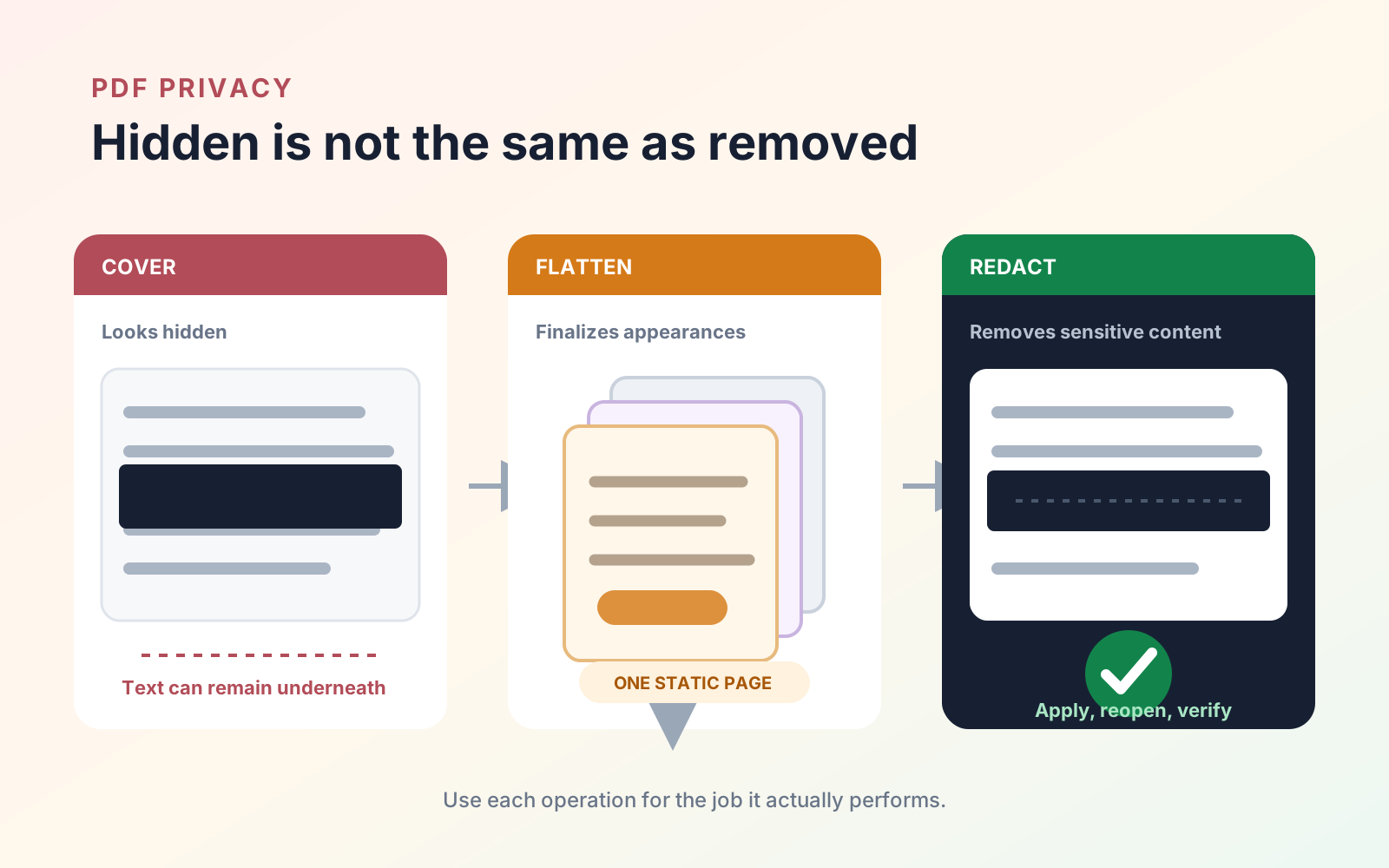
PDF redaction vs flattening vs covering: what actually removes content?
Understand the security difference between permanent PDF redaction, flattening annotations, and visually covering information before you share a file.
Read
Mobeera Blog
Clear, tested guides for reading, editing, signing, protecting, and finishing documents across Mac, iPad, and iPhone.
Browse product comparisonsShowing 37–42 of 52
Understand the security difference between permanent PDF redaction, flattening annotations, and visually covering information before you share a file.
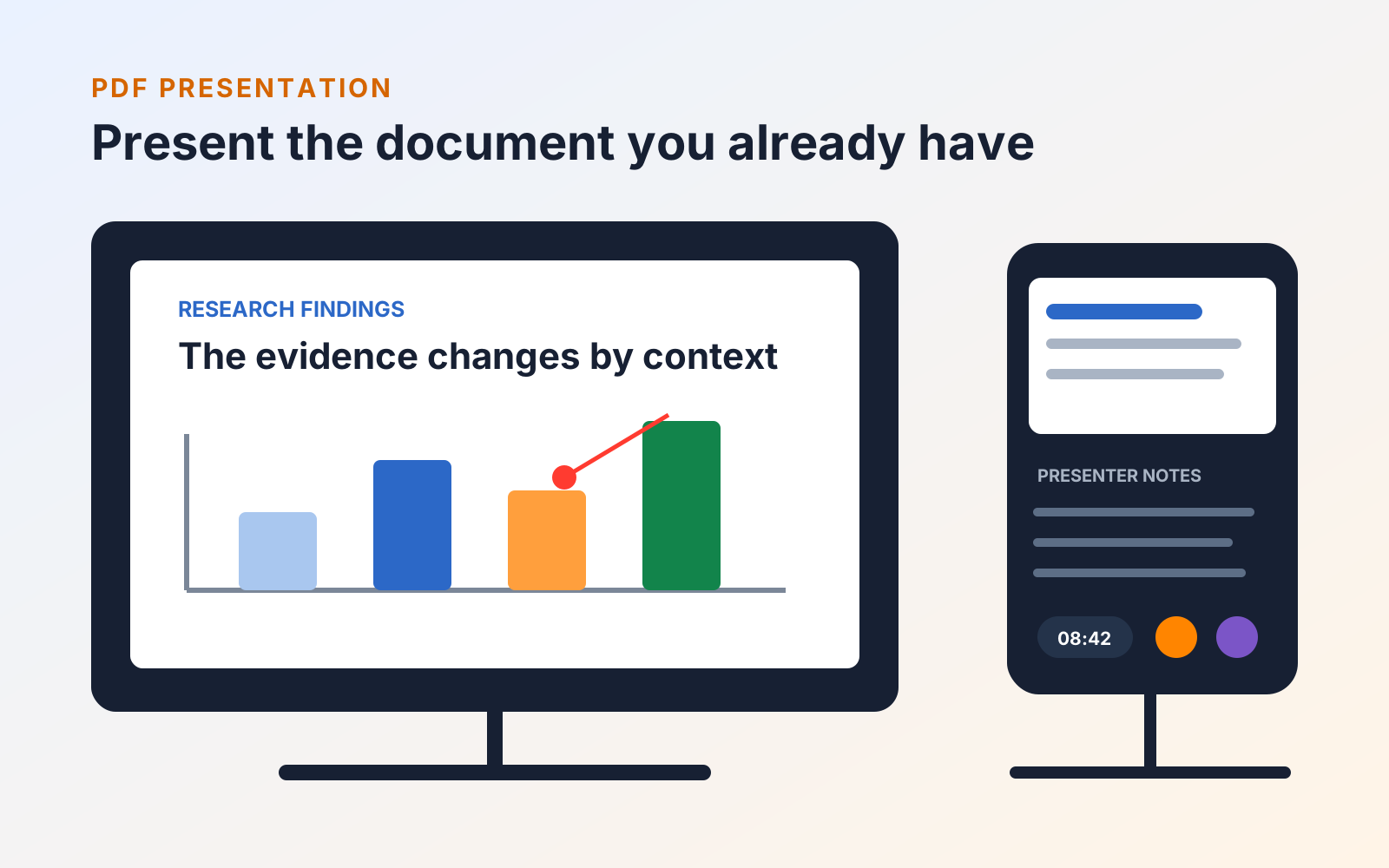
Present PDF pages or research Workspace frames directly, add presenter notes, skip material, and rehearse the exact deck your class will see.
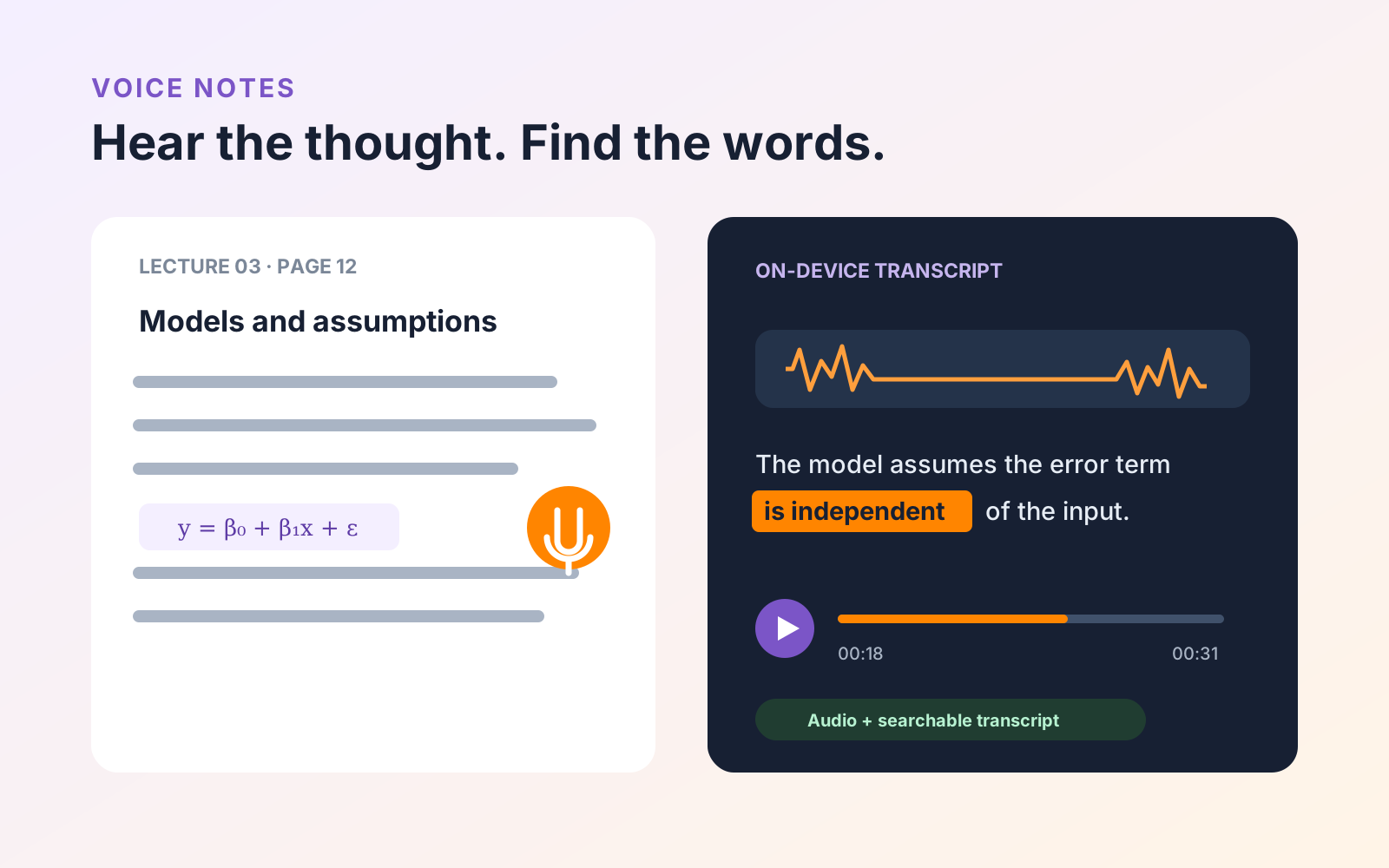
Attach recordings to exact PDF pages, transcribe them on device, follow words during playback, and verify study notes before relying on them.
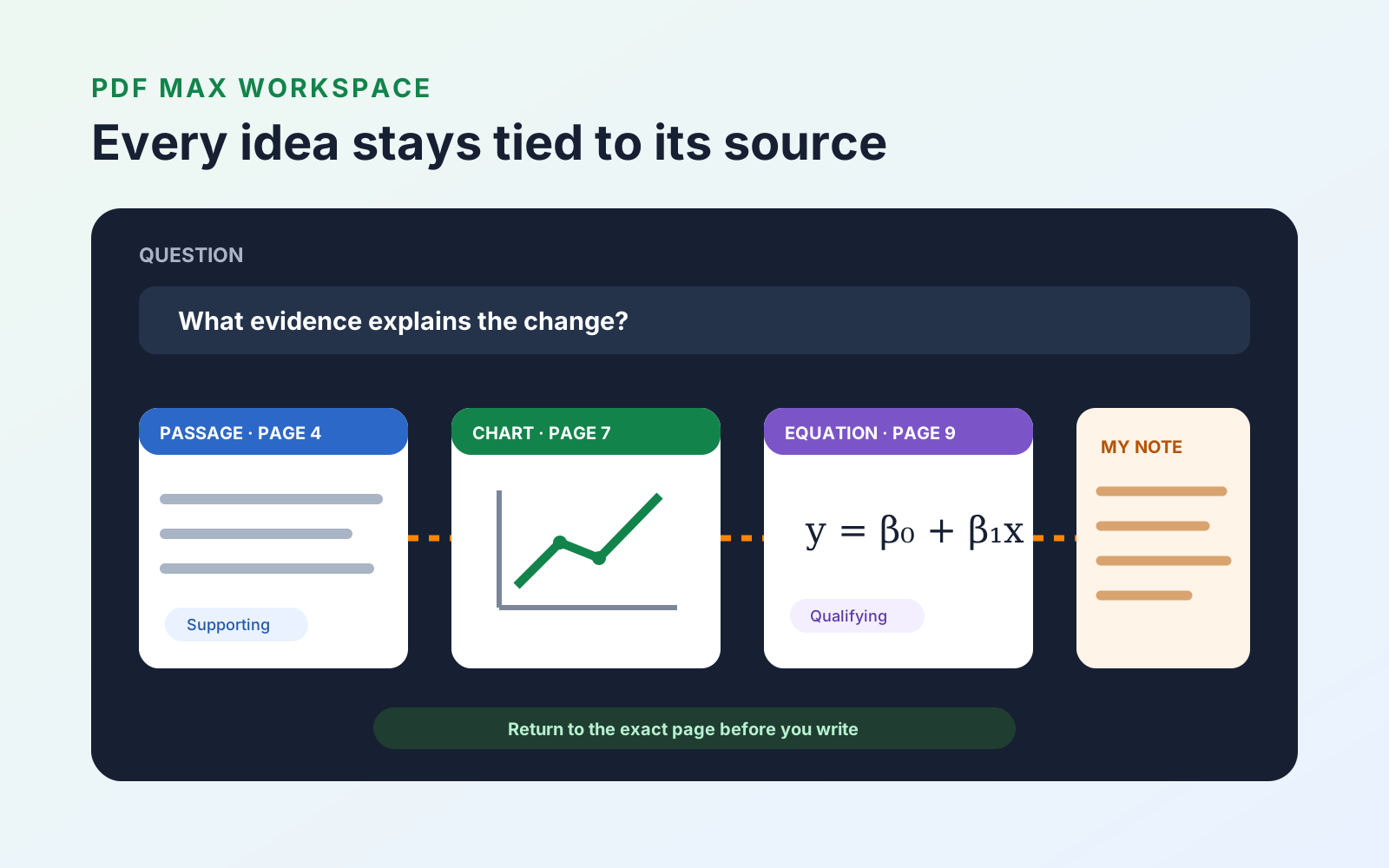
Capture evidence from PDFs into a source-linked Workspace, connect competing ideas, and export an organized research draft with the appropriate plan.
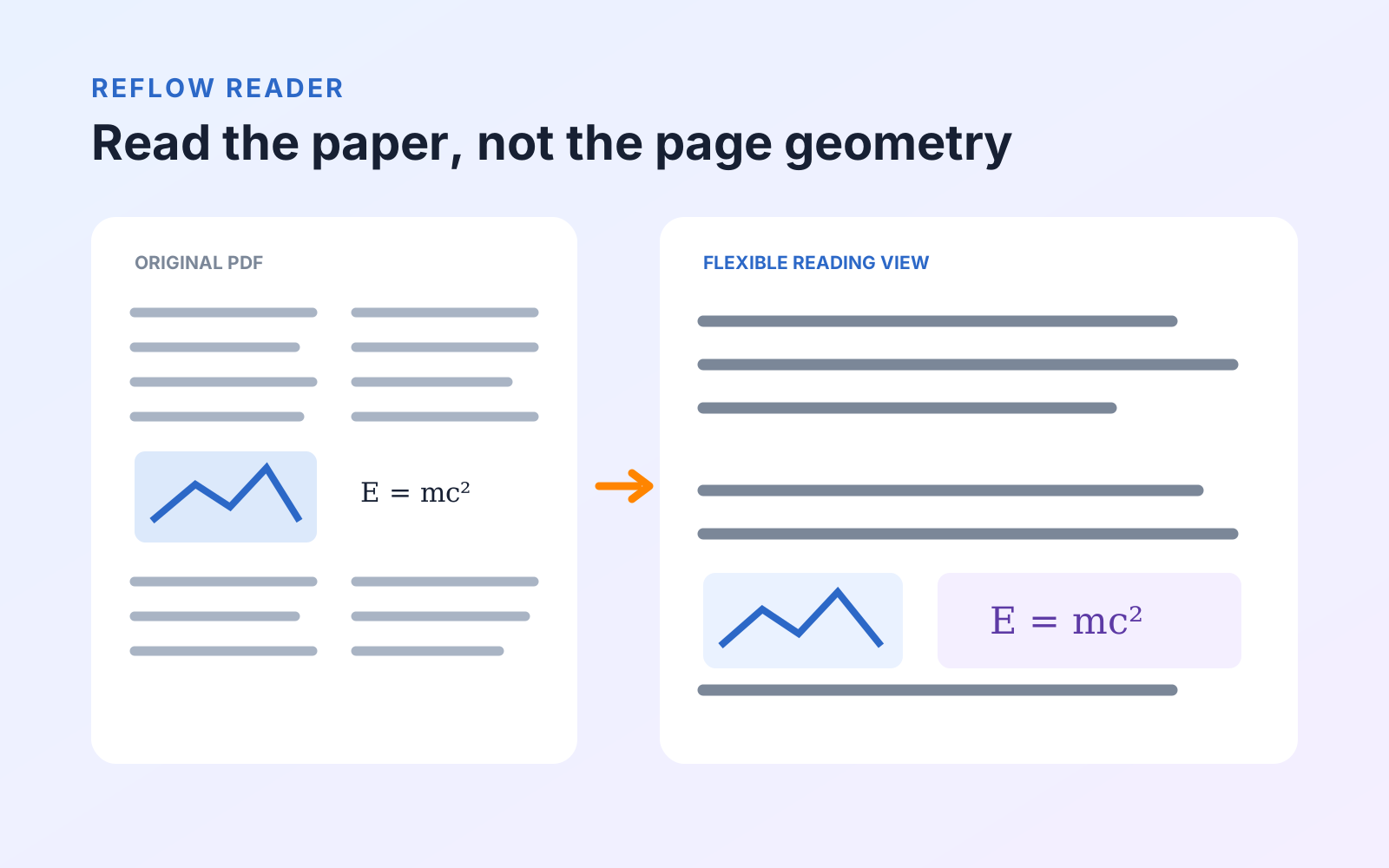
Reflow dense research PDFs with figures and recognized equations inline, then use read-aloud and translation without losing the original page.
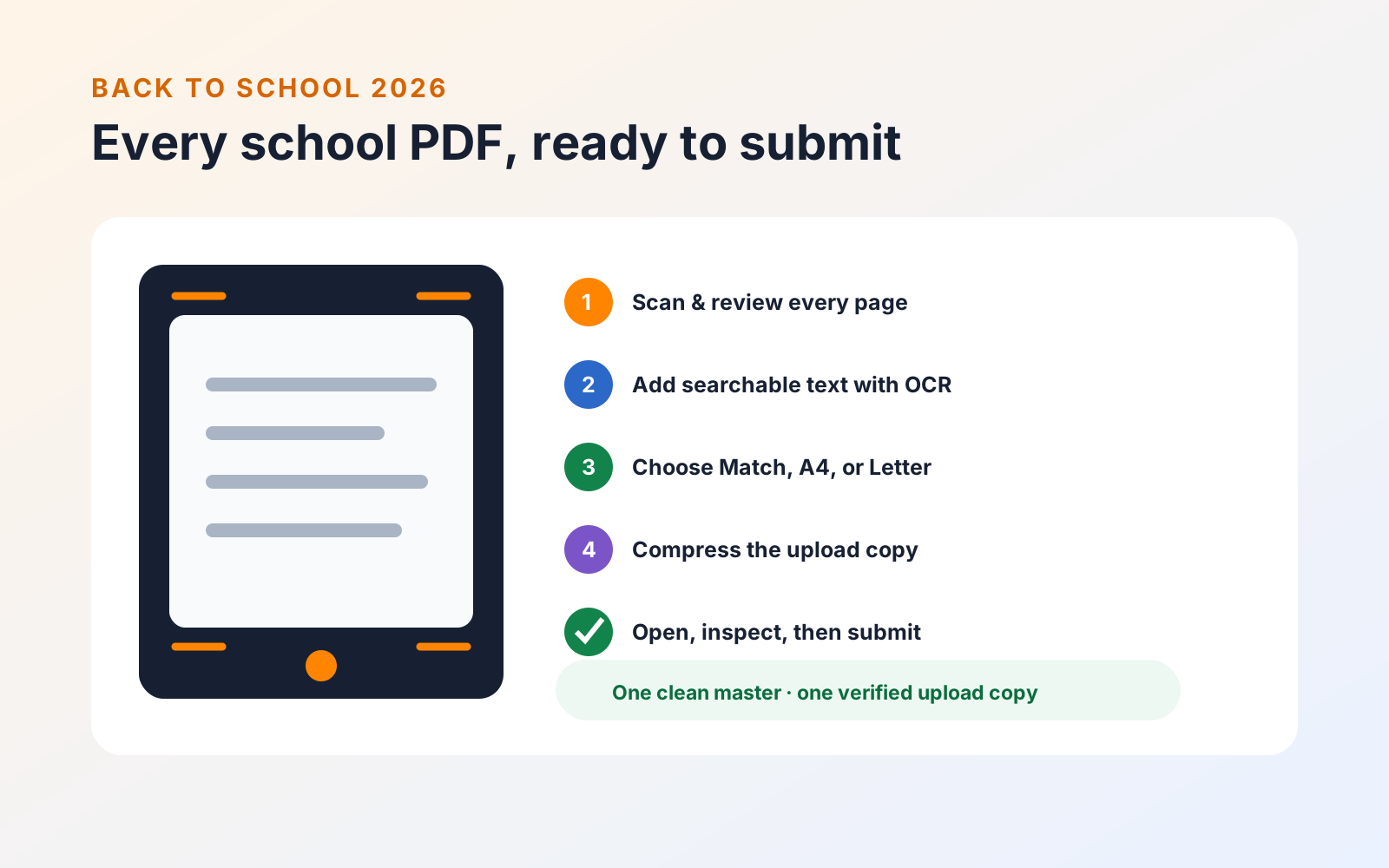
Scan forms, choose the right page size, add searchable text, compress large PDFs, and verify every school upload before the deadline.
Every published guide, newest first.
Product news
PDF organization
PDF organization
Product news
PDF review
PDF navigation
PDF review
PDF creation
PDF annotation
Study tools
PDF search
PDF annotation
PDF organization
PDF editing
PDF organization
PDF organization
PDF protection
PDF reading
PDF organization
Study tools
PDF protection
Study tools
Engineering
PDF forms
Study tools
Study tools
Study tools
Study tools
Study tools
Product news
Study tools
Study tools
Study tools
Buying guides
PDF delivery
PDF reading
PDF security
Student presentations
Study tools
Student research
Student research
Student workflows
PDF fundamentals
PDF fundamentals
PDF protection
PDF fundamentals
PDF protection
PDF translation
PDF forms
PDF OCR
PDF editing
Document review