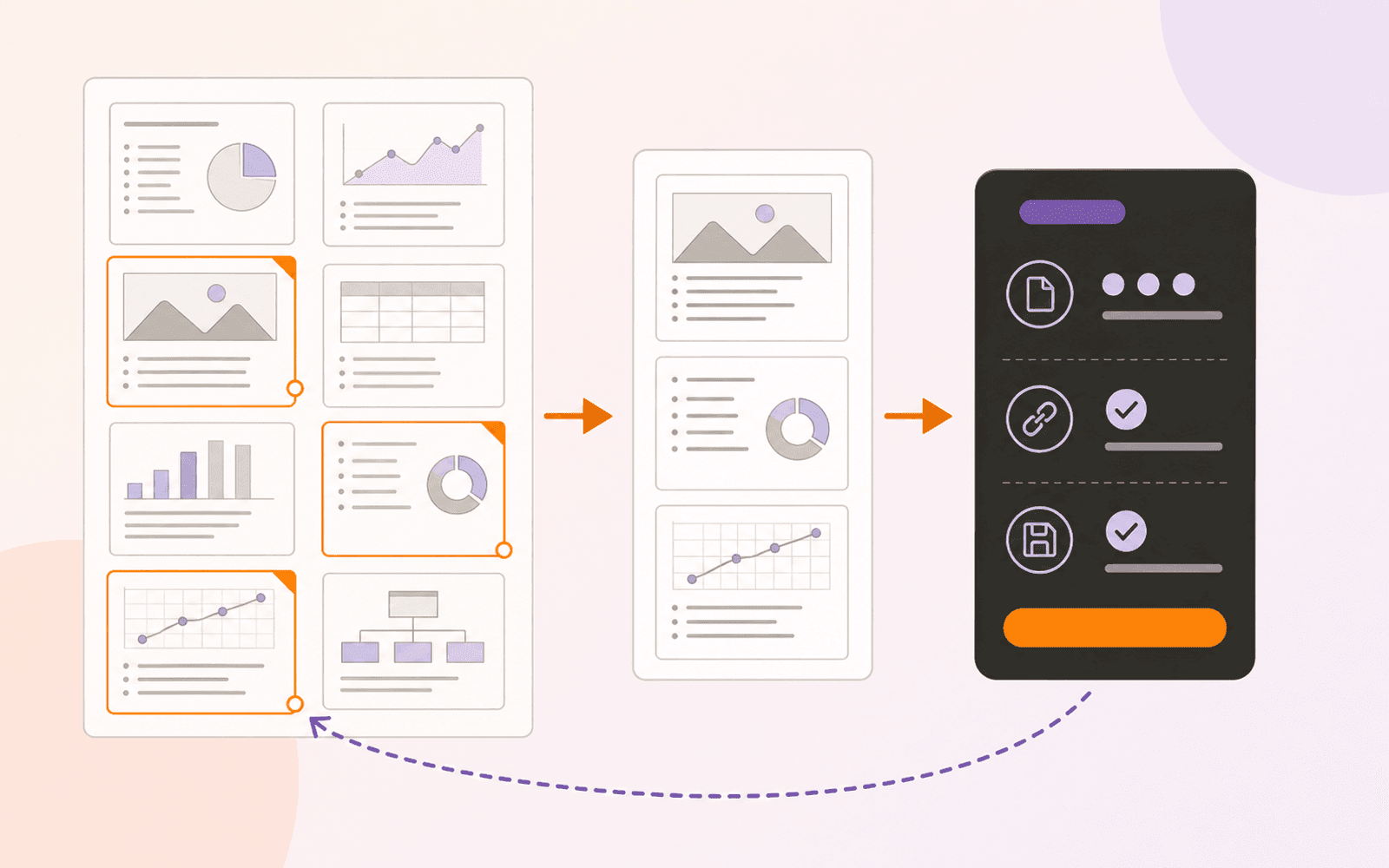
PDF MaxPDF organization
Extract PDF Pages on Mac, iPhone and iPad
Save selected PDF pages as a new file: drag thumbnails to the desktop in Mac Preview, or use Extract Page in PDF Max on iPhone and iPad. Keep the original.
Read
Mobeera Blog
What’s new in Mobeera Office, and practical guides for documents on Mac, iPhone and iPad.
Showing 79–84 of 118
Save selected PDF pages as a new file: drag thumbnails to the desktop in Mac Preview, or use Extract Page in PDF Max on iPhone and iPad. Keep the original.
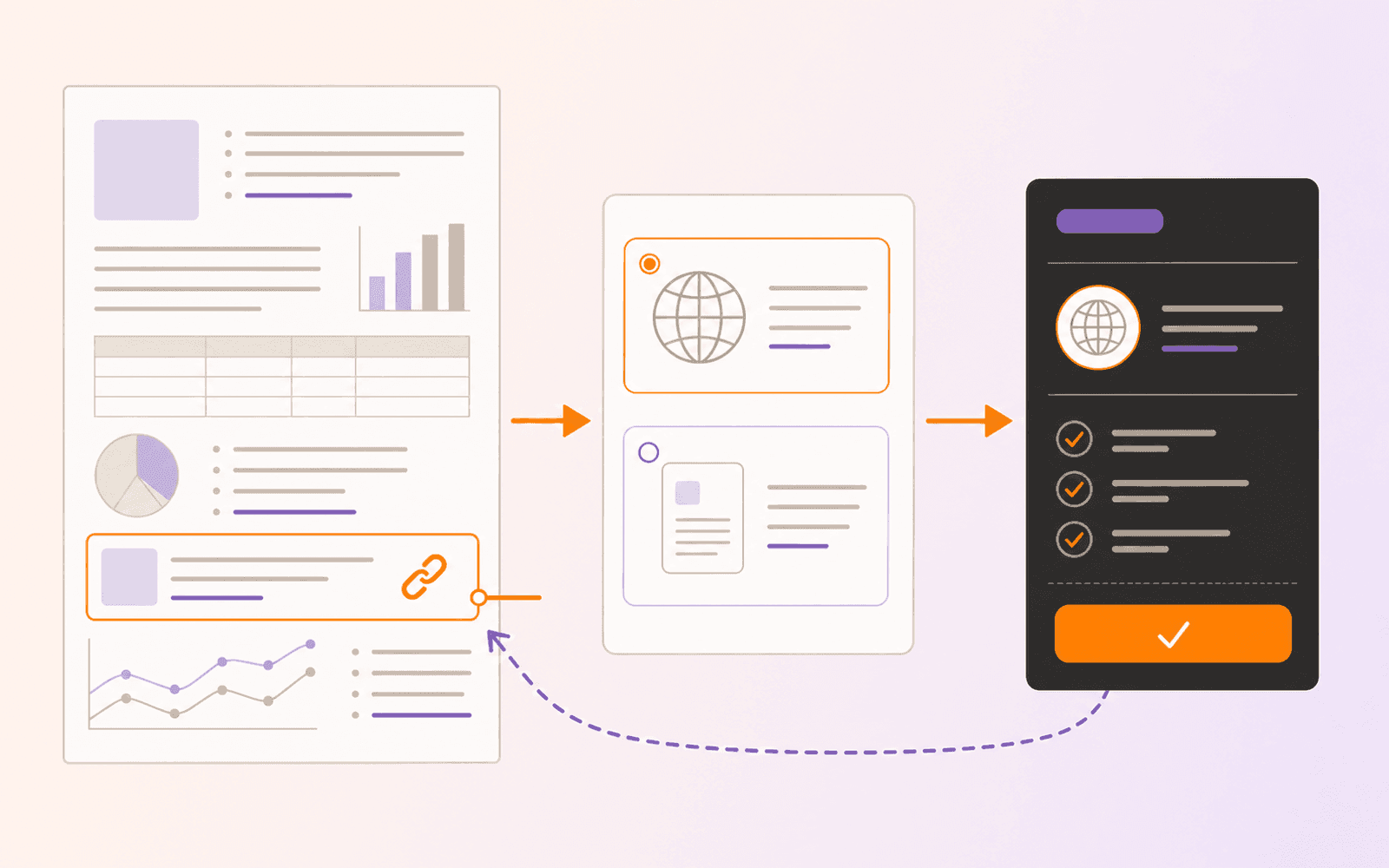
Add clickable web or page links to an existing PDF on Apple devices, edit or remove them locally, and verify every destination before sharing.
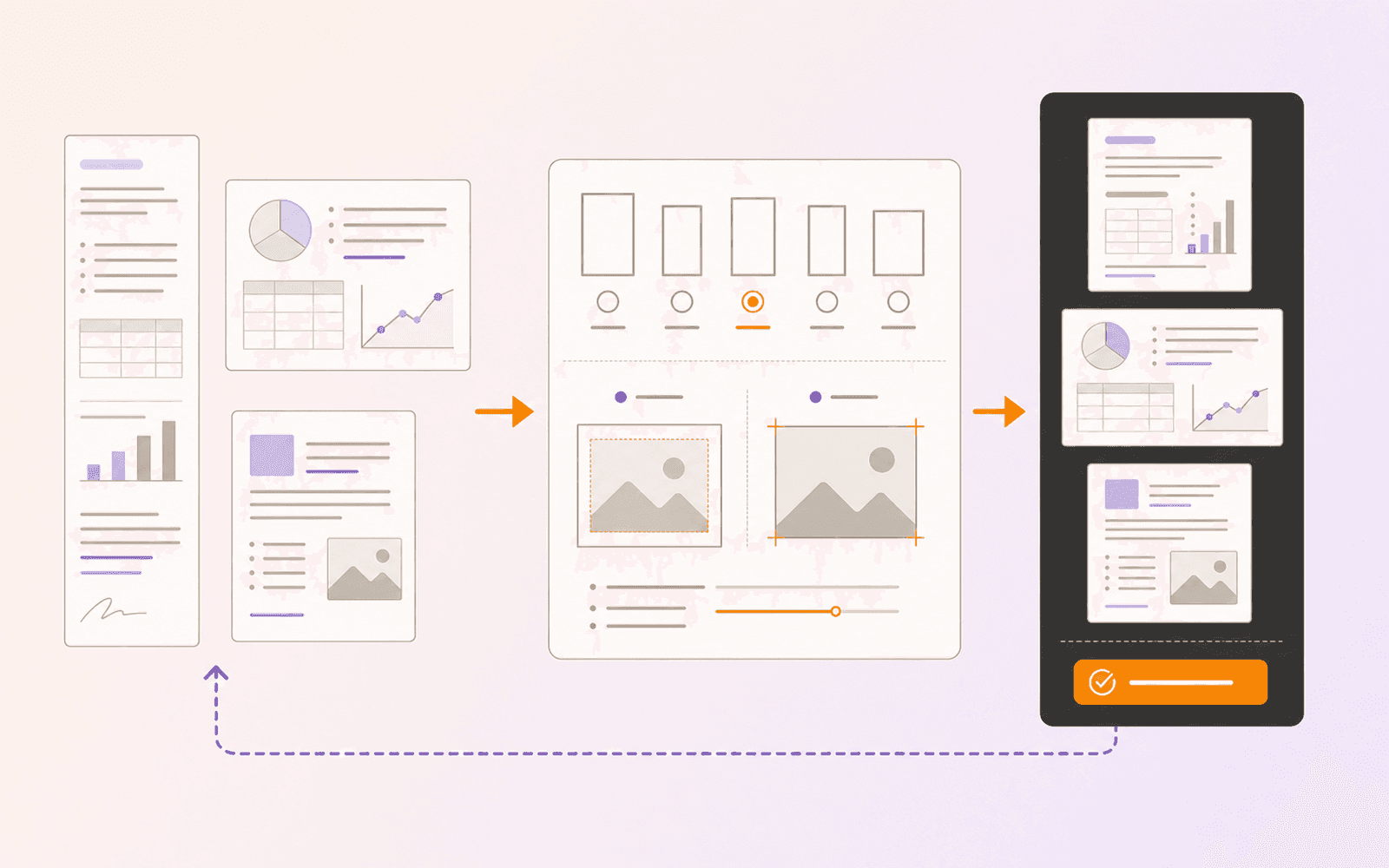
Normalize mixed PDF pages to A4, Letter, Legal, A3, or A5, choose Fit or Fill safely, and verify the resized copy before printing or sharing.
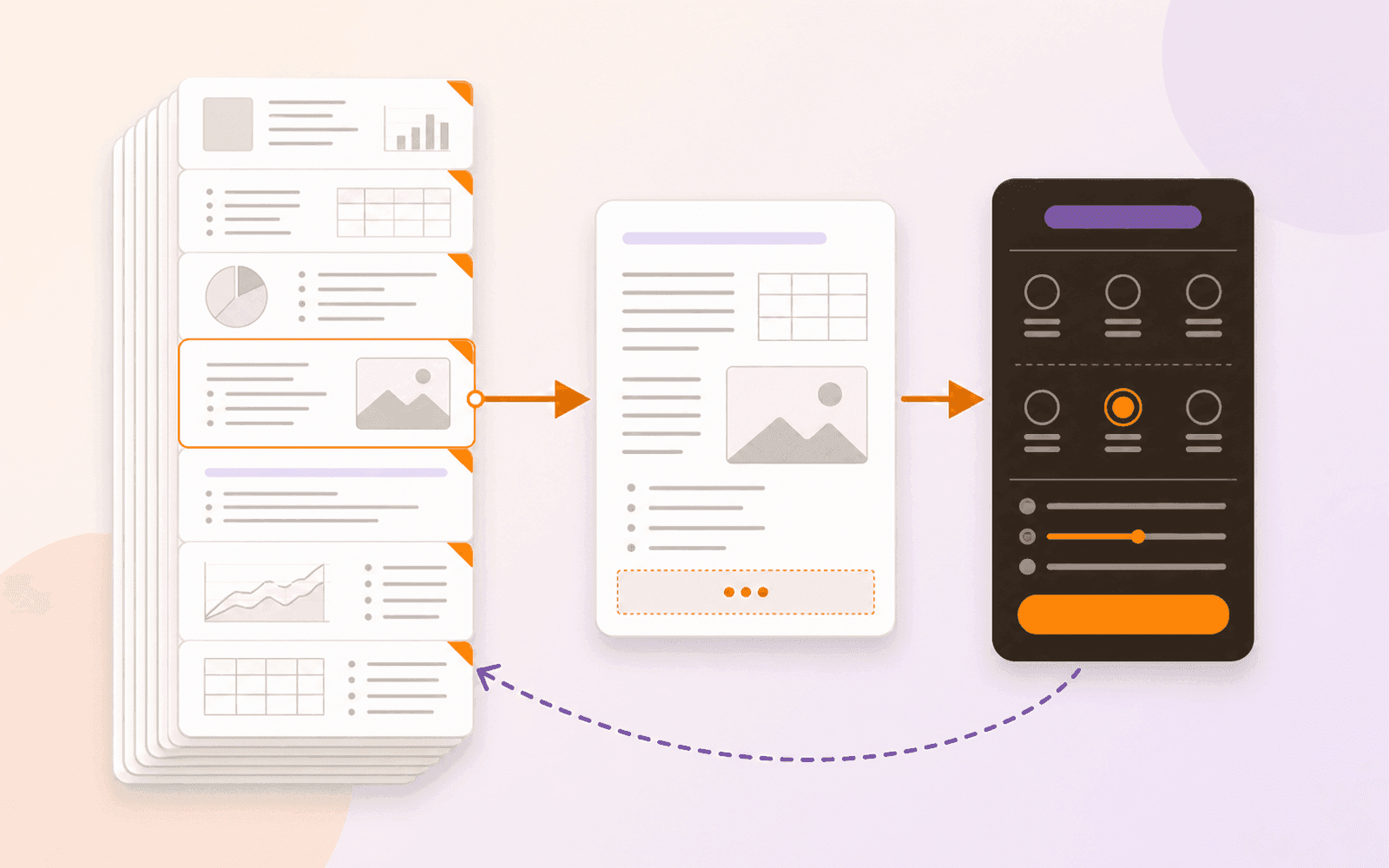
Add visible page or Bates numbers to an existing PDF on Apple devices, choose the right range and format, and verify every stamped page before delivery.
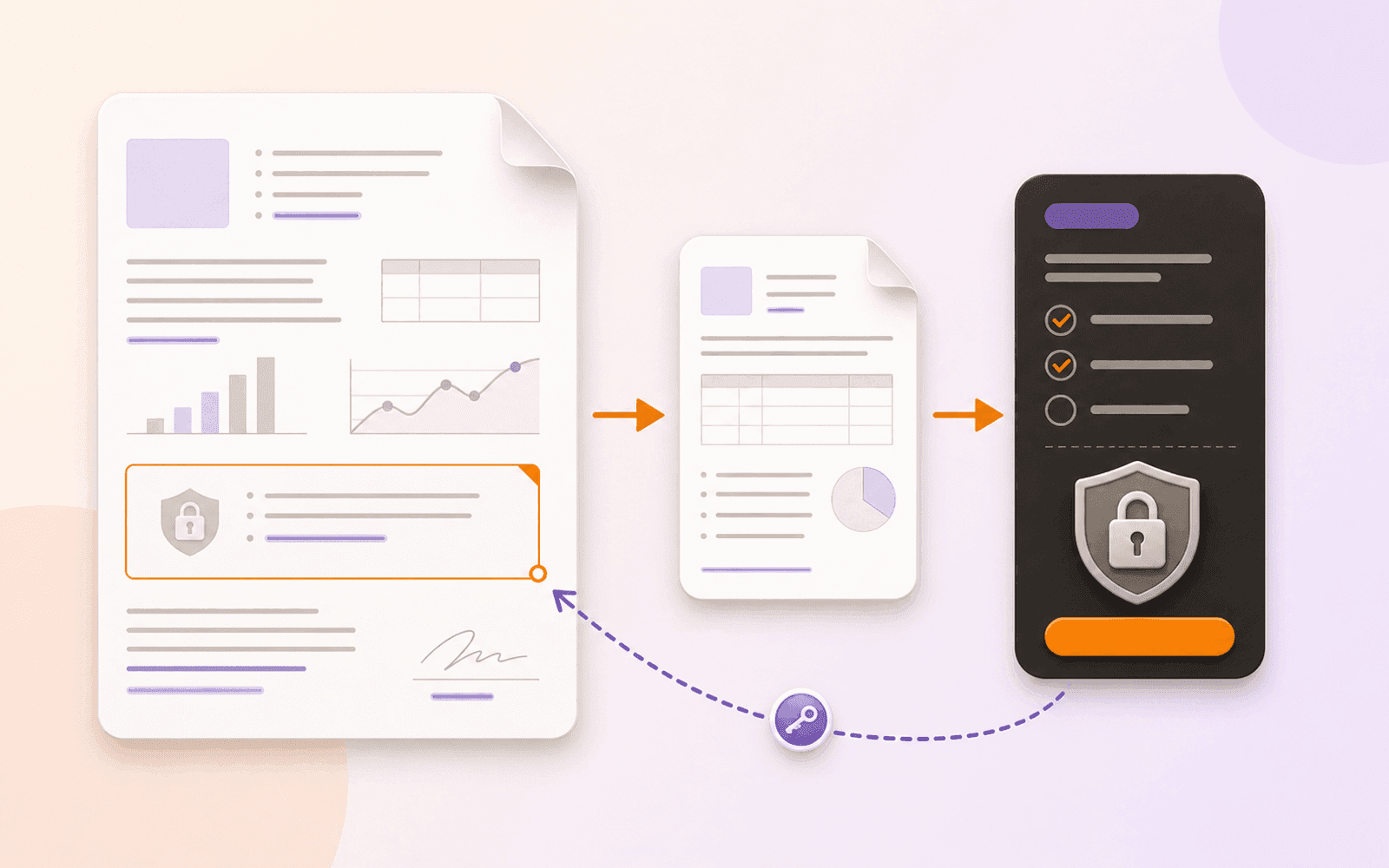
Add an open password to a PDF—or remove one you know—on Apple devices, keep the work local, and verify the protected or unlocked copy before sharing.

Make a PDF read aloud on Apple devices, choose a suitable voice, handle scanned pages, and verify tables, formulas, and reading order as you listen.
Everything we have published, newest first.
Spreadsheets
Presentations
Document editing
Spreadsheets
Spreadsheets
Presentations
Document editing
Document editing
PDF forms
PDF creation
PDF forms
PDF annotation
PDF pages
PDF protection
PDF creation
PDF forms
PDF annotation
Office suites
Document editing
Presentations
Publisher files
Spreadsheets
PDF troubleshooting
PDF troubleshooting
PDF troubleshooting
PDF protection
Spreadsheets
Spreadsheets
Spreadsheets
Presentations
Presentations
Presentations
Document editing
PDF organization
PDF annotation
PDF forms
PDF protection
PDF annotation
PDF forms
Publisher files
Publisher files
Publisher files
AI and MCP
AI and MCP
AI and MCP
AI and MCP
Publisher files
Publisher files
Publisher files
Document editing
Presentations
Publisher files
AI and MCP
Office suites
Publisher files
Publisher files
Publisher files
Publisher files
Publisher files
AI and MCP
Spreadsheets
Document editing
Publisher files
Document editing
Product news
Product news
Product news
PDF organization
PDF organization
Product news
PDF review
PDF navigation
PDF review
PDF creation
PDF annotation
Study tools
PDF search
PDF annotation
PDF organization
PDF editing
PDF organization
PDF organization
PDF protection
PDF reading
PDF organization
Study tools
PDF protection
Study tools
Engineering
PDF forms
Study tools
Study tools
Study tools
Study tools
Study tools
Product news
Study tools
Study tools
Study tools
Buying guides
PDF delivery
PDF reading
PDF security
Student presentations
Study tools
Student research
Student research
Student workflows
PDF fundamentals
PDF fundamentals
PDF protection
PDF fundamentals
PDF protection
PDF translation
PDF forms
PDF OCR
PDF editing
Document review