PDF MaxPDF forms
How to make a PDF fillable on Mac, iPad, and iPhone
Convert a flat PDF into a fillable form on Mac, iPad, or iPhone by detecting fields, adding missing controls, and testing the finished file.
Read
Mobeera Blog
What’s new in Mobeera Office, and practical guides for documents on Mac, iPhone and iPad.
Showing 115–118 of 118
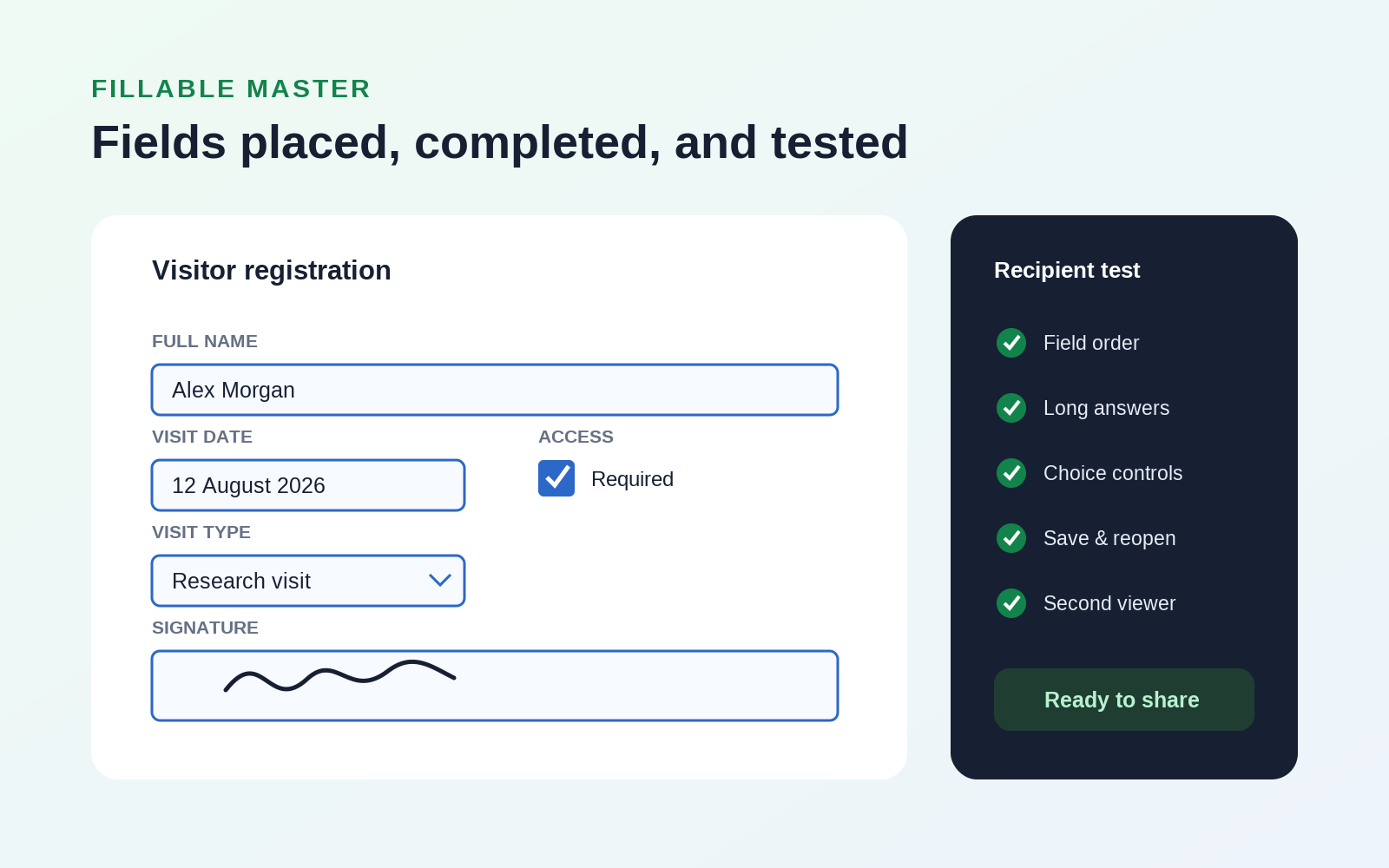
Convert a flat PDF into a fillable form on Mac, iPad, or iPhone by detecting fields, adding missing controls, and testing the finished file.
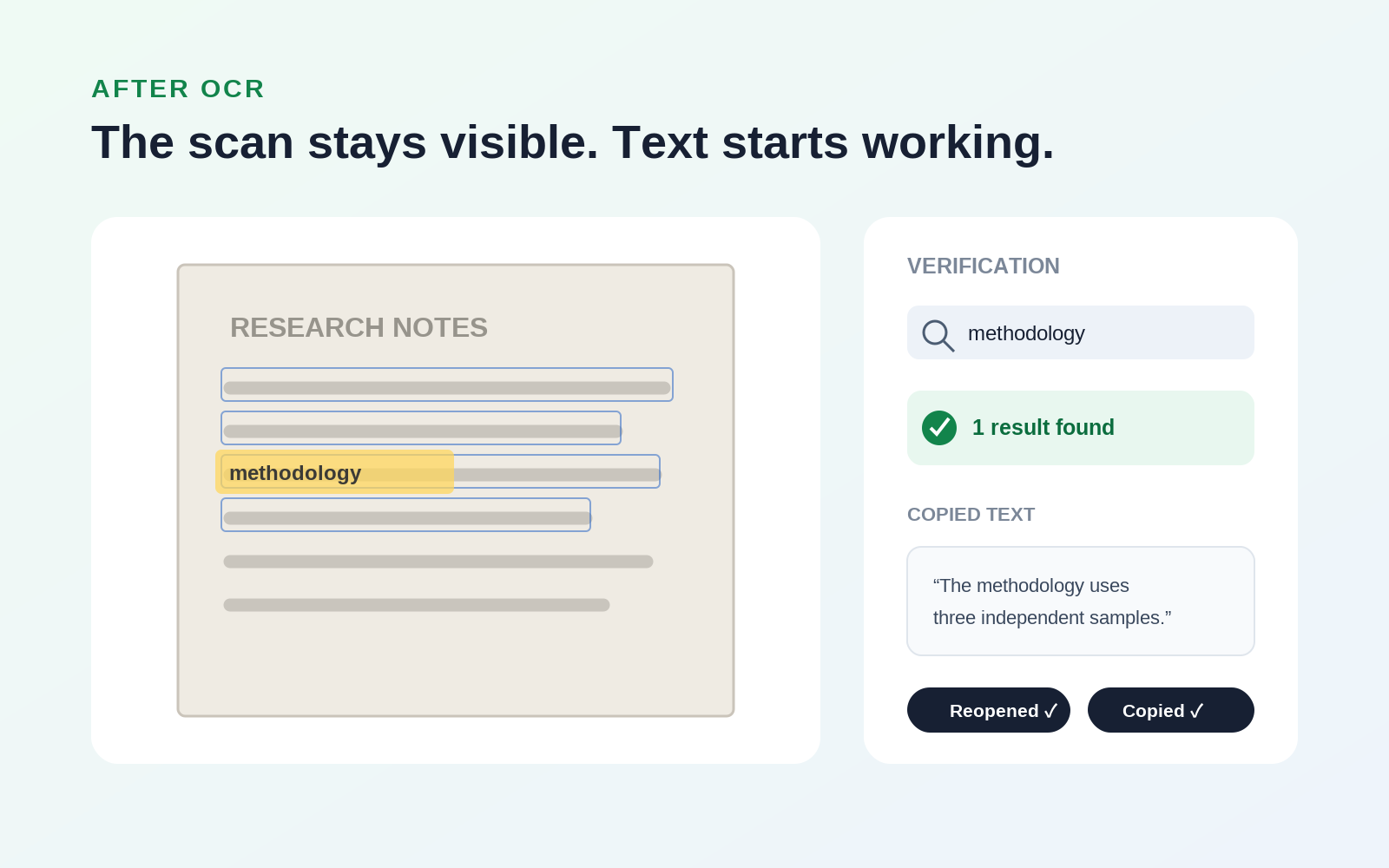
Turn an image-only scan into a searchable PDF with OCR on Mac, iPad, or iPhone, then test that its text can be found, selected, and copied.
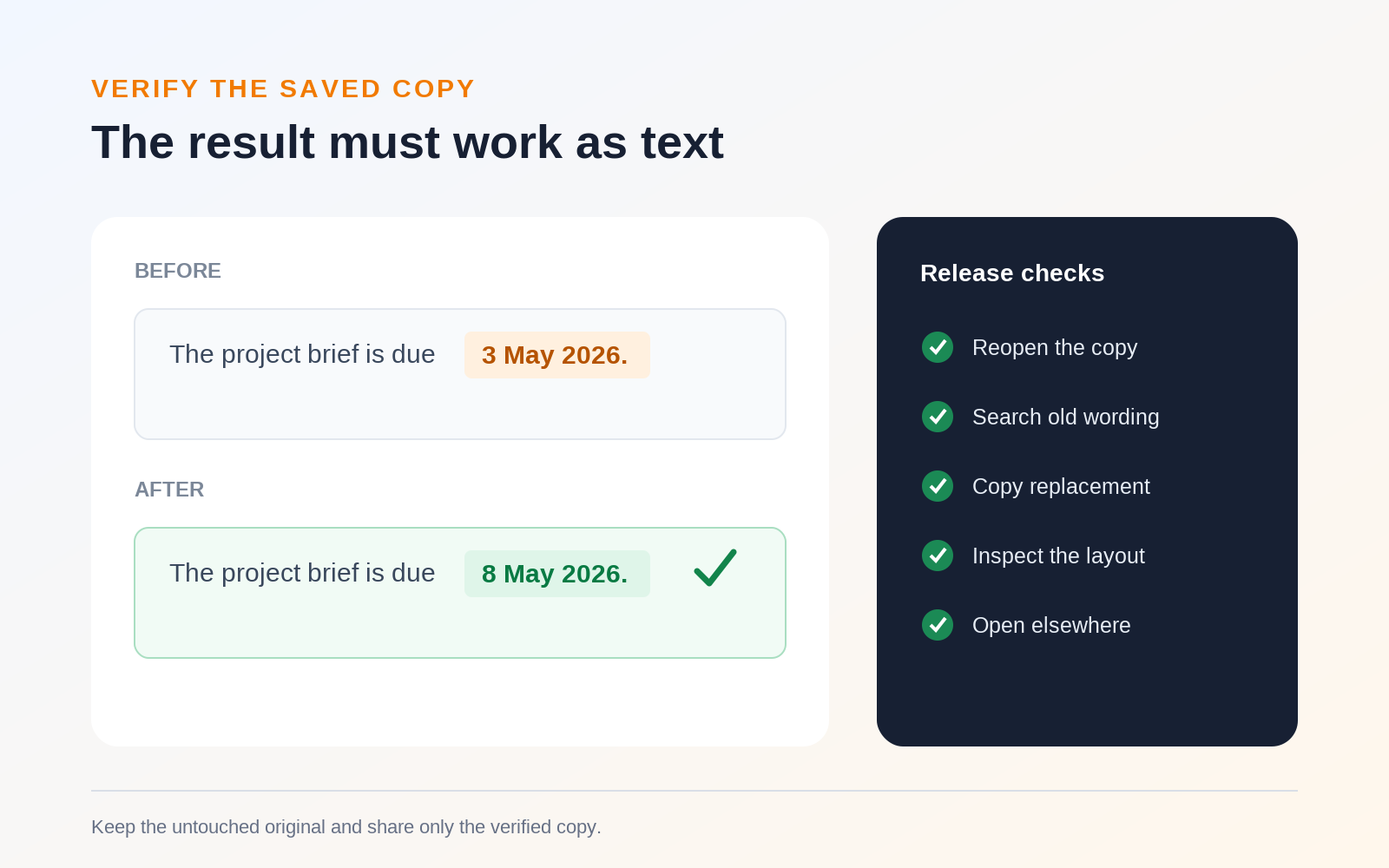
Learn how to change existing PDF text—not just add a text box—on Mac, iPad, and iPhone, and verify the edited file before sharing.
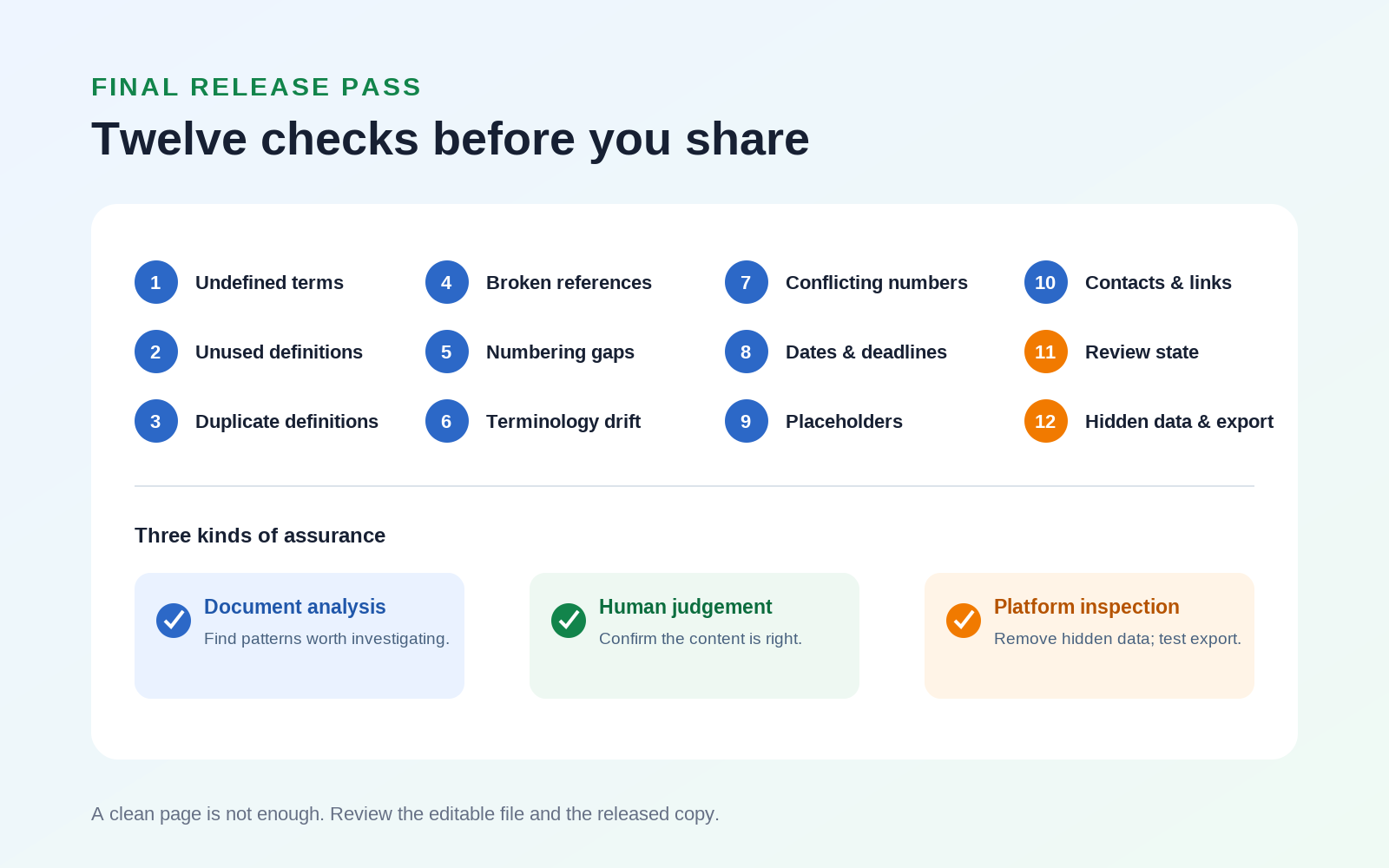
Use a repeatable final review to catch broken references, inconsistent terms, numbering errors, placeholders, unresolved changes, and hidden data.
Everything we have published, newest first.
Spreadsheets
Presentations
Document editing
Spreadsheets
Spreadsheets
Presentations
Document editing
Document editing
PDF forms
PDF creation
PDF forms
PDF annotation
PDF pages
PDF protection
PDF creation
PDF forms
PDF annotation
Office suites
Document editing
Presentations
Publisher files
Spreadsheets
PDF troubleshooting
PDF troubleshooting
PDF troubleshooting
PDF protection
Spreadsheets
Spreadsheets
Spreadsheets
Presentations
Presentations
Presentations
Document editing
PDF organization
PDF annotation
PDF forms
PDF protection
PDF annotation
PDF forms
Publisher files
Publisher files
Publisher files
AI and MCP
AI and MCP
AI and MCP
AI and MCP
Publisher files
Publisher files
Publisher files
Document editing
Presentations
Publisher files
AI and MCP
Office suites
Publisher files
Publisher files
Publisher files
Publisher files
Publisher files
AI and MCP
Spreadsheets
Document editing
Publisher files
Document editing
Product news
Product news
Product news
PDF organization
PDF organization
Product news
PDF review
PDF navigation
PDF review
PDF creation
PDF annotation
Study tools
PDF search
PDF annotation
PDF organization
PDF editing
PDF organization
PDF organization
PDF protection
PDF reading
PDF organization
Study tools
PDF protection
Study tools
Engineering
PDF forms
Study tools
Study tools
Study tools
Study tools
Study tools
Product news
Study tools
Study tools
Study tools
Buying guides
PDF delivery
PDF reading
PDF security
Student presentations
Study tools
Student research
Student research
Student workflows
PDF fundamentals
PDF fundamentals
PDF protection
PDF fundamentals
PDF protection
PDF translation
PDF forms
PDF OCR
PDF editing
Document review